Convert HEIC to JPG online, free
Upload the HEIC photo from your iPhone and download it as a JPG that any computer, website or form will open. The “HEIC → JPG” setting is already selected: quality 92, same pixel size, correct orientation and colour. Free, no account, no watermark.
Upload the HEIC photo from your iPhone and download it as a JPG that any computer, website or form will open.
How it works
Upload the HEIC photo
Drag it in or pick it from your phone or computer. .heic and .heif files from iPhone and iPad are accepted, one at a time, up to 32 megapixels.
Keep the “HEIC → JPG” setting
It saves a JPG at quality 92 without resizing. Need a lighter file? Lower the quality or type a target size in KB. “Strip metadata” is ticked by default and removes the date, camera and GPS location: untick it if you want to keep the photo’s date.
Download the JPG
Compare before and after, then download. To see what changes and what does not when you switch format, read How to Convert HEIC to JPG Without Losing Quality.
✓ Works best with
- Large photos saved as JPEG, WebP or AVIF
- Illustrations and transparent images saved as PNG
- Files that need to meet a size limit for a website or an email
✗ Can't recover
- Screenshots with fine text when the target size in KB is set very low
- Images that already arrive heavily compressed
- It reduces file size; it does not improve quality
We measured it
- A 1.2 MB JPEG photo went down to 208 KB (83% smaller) at quality 72, in 2 seconds. (19-09-2026)
- Across 296 Spanish online shops (9,620 homepage images), converting their JPEG and PNG files to AVIF would cut total image weight by 58%; to WebP, by 55%. (19-10-2026)
Measured on airpic.app with the GPU already running. If nobody has used it for a while, the first job takes 40 to 90 seconds longer to start.
Frequently asked questions
how do I convert heic to jpg without losing quality?
JPG always compresses a little, so the result cannot be bit-for-bit identical. At quality 92, the setting on this page, the difference is not visible at normal viewing size. The pixel dimensions stay the same and the colour profile is kept, which is what stops colours from shifting.
can I convert several heic photos at once?
Here they are converted one at a time. For a large batch it is easier to change the iPhone setting: in Settings, Photos, “Transfer to Mac or PC”, choose “Automatic” and photos come out as JPG when you copy them over a cable.
why does my iphone save photos as heic?
Because HEIC takes roughly half the space of a JPG of the same quality. The catch is that many websites, forms and programs cannot open it. If you would rather shoot in JPG, go to Settings, Camera, Formats and choose “Most Compatible”.
are the photos I convert stored?
No. The original is deleted when the conversion finishes and the JPG one hour after you download it (one day at most). No account is needed and photos are never used to train a model.
Articles about Image Compressor
Convert HEIC to JPG online, free
Upload the HEIC photo from your iPhone and download it as a JPG that any computer, website or form will open.
How to compress images for the web without losing quality
Which format to choose in 2026, which quality to use, how to set a target size in KB and how to reduce the longest side without Google penalising your page speed.
Convert HEIC to JPG
HEIC is half the size of a JPEG, until a form or a print lab refuses it. How to convert to JPG without a second round of damage, and when WebP or AVIF wins.
Prepare product photos for a catalogue, one batch at a time
Prepare product photos for a catalogue by batch, not photo by photo: one longest side, one format, one target weight, three sizes per product, one check.
PNG vs JPG: which is better, and when to use WebP
PNG vs JPG: which is better for photos, screenshots and logos, when to use WebP or AVIF, and which conversions lose quality. Pick a format by use, not habit.
More tools in the suite
 320×240 px×4 · 1280×960 pxPress and hold to see the before

 originalno background · 5 sPress and hold to see the before
 black & whiteAI color · 3 sPress and hold to see the before
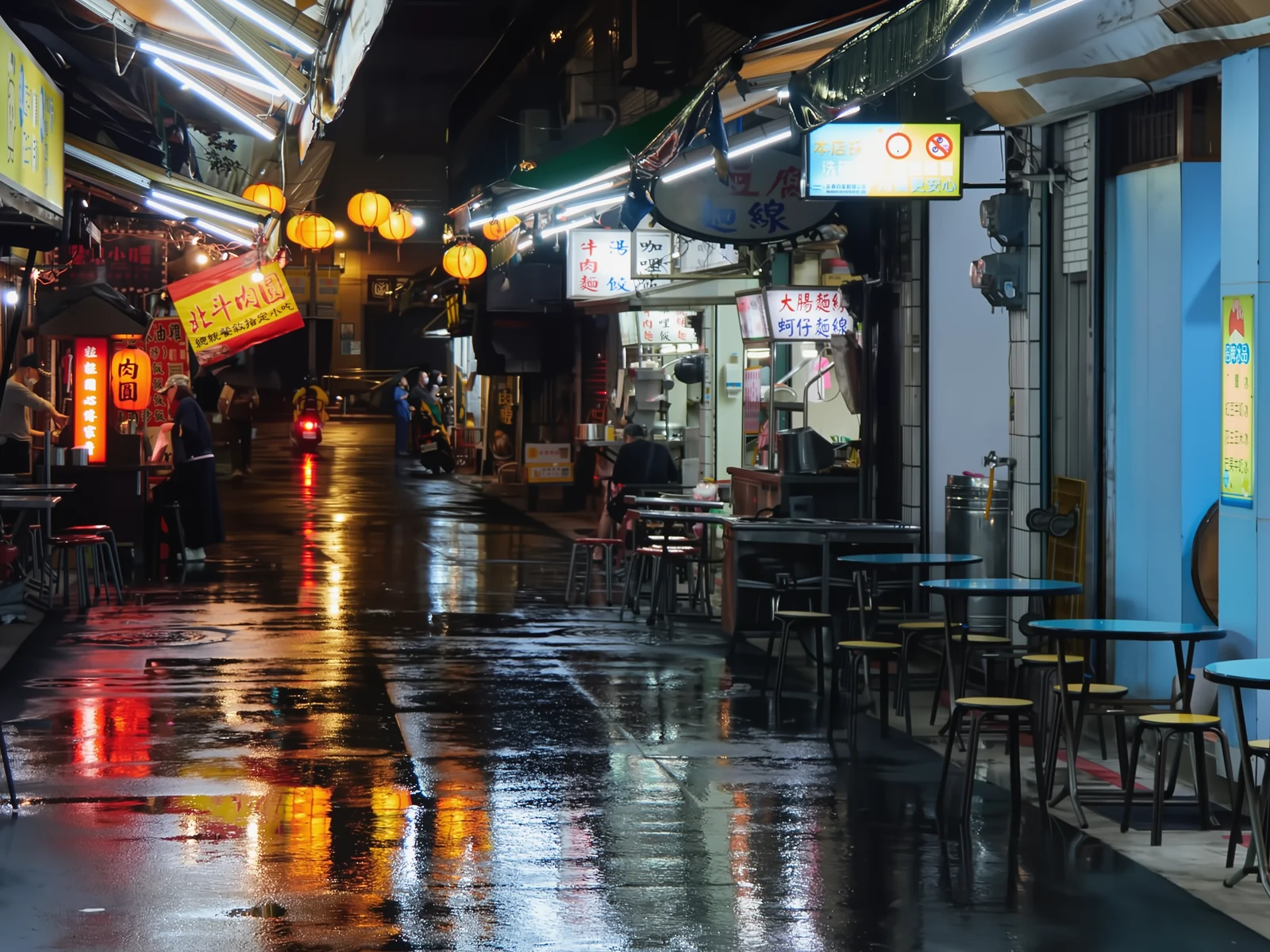 noisyclean · 5 sPress and hold to see the before
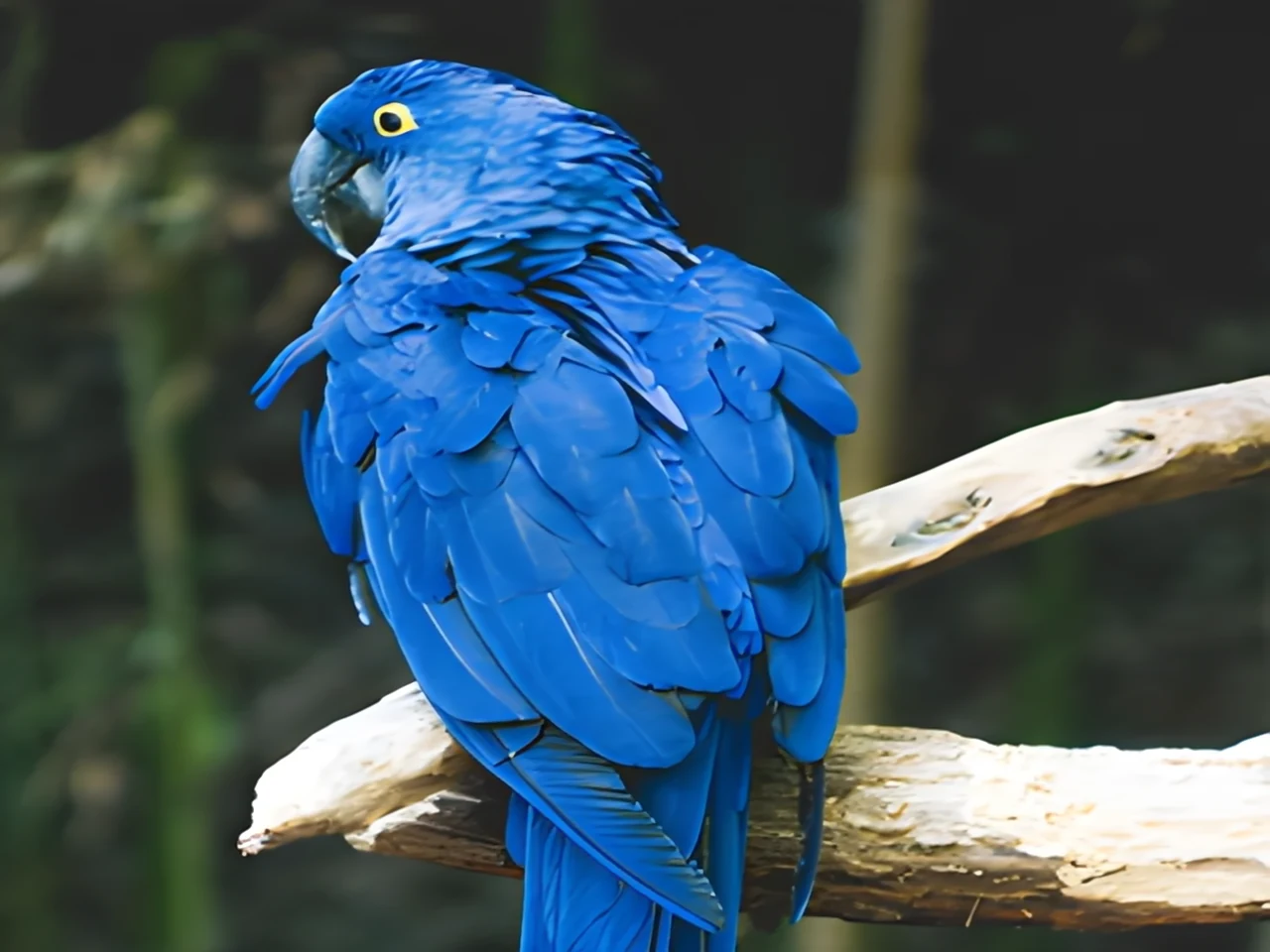 blurry · 29 pxsharp · 7 sPress and hold to see the before
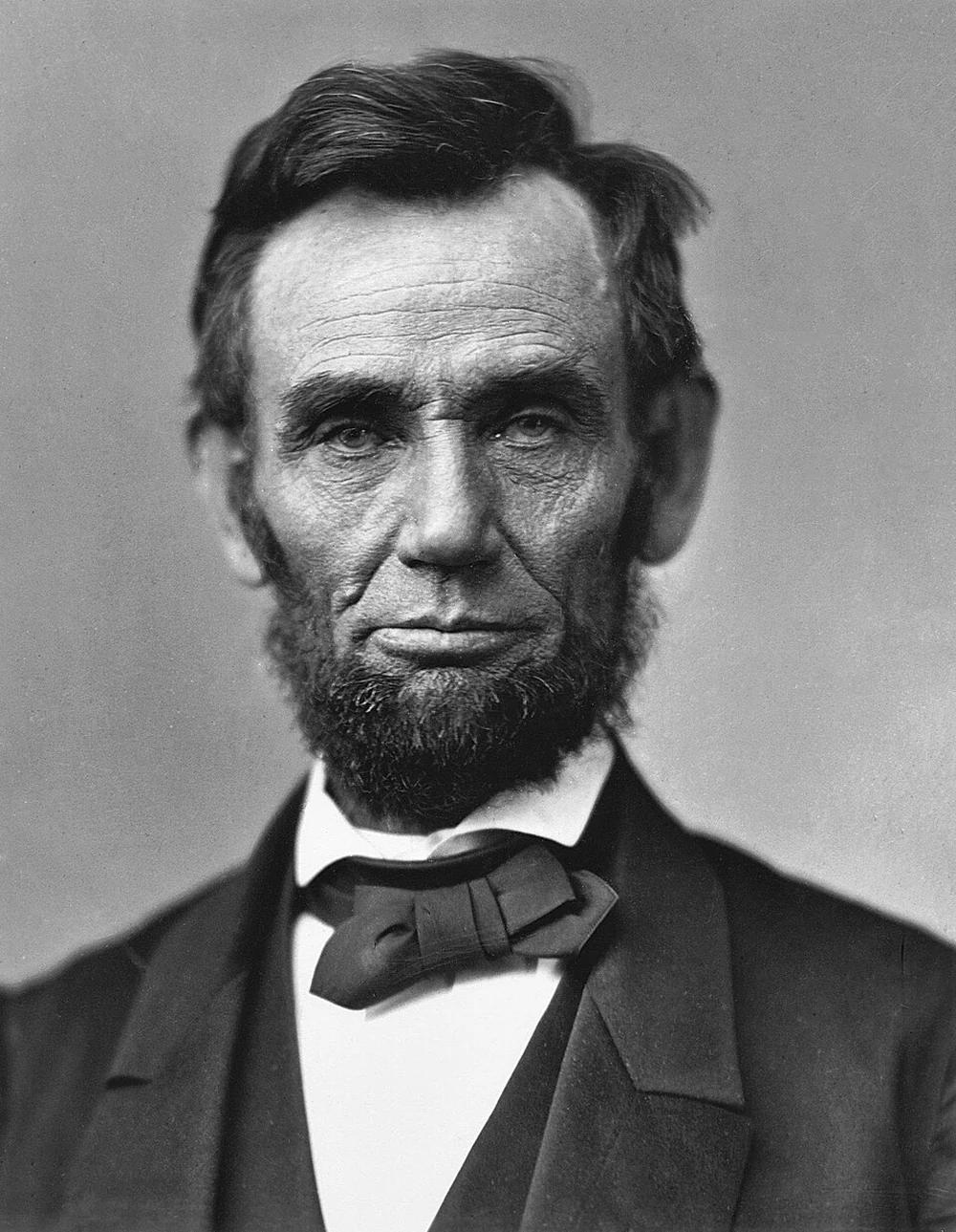
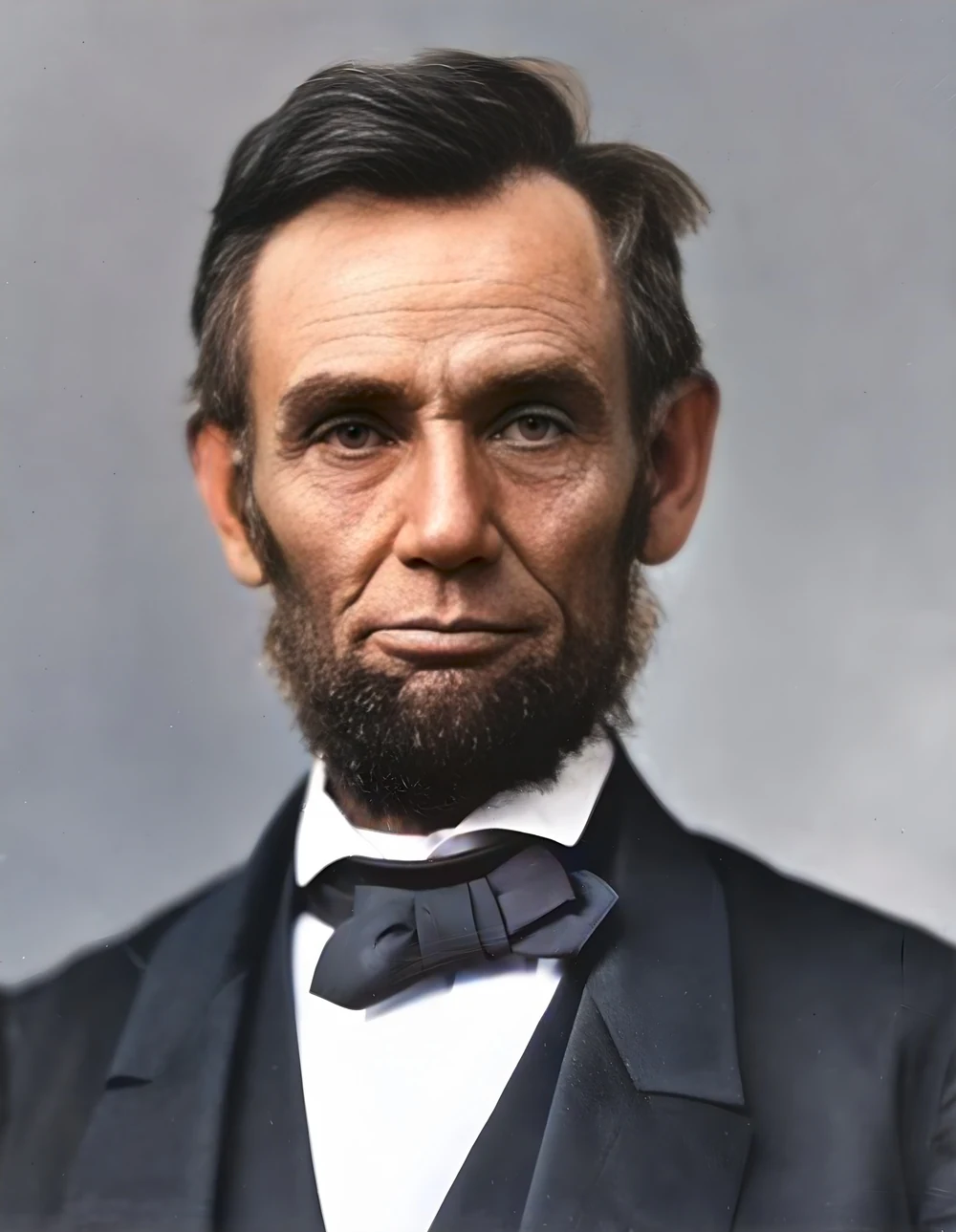 scan · 1863restored · 9 sPress and hold to see the before
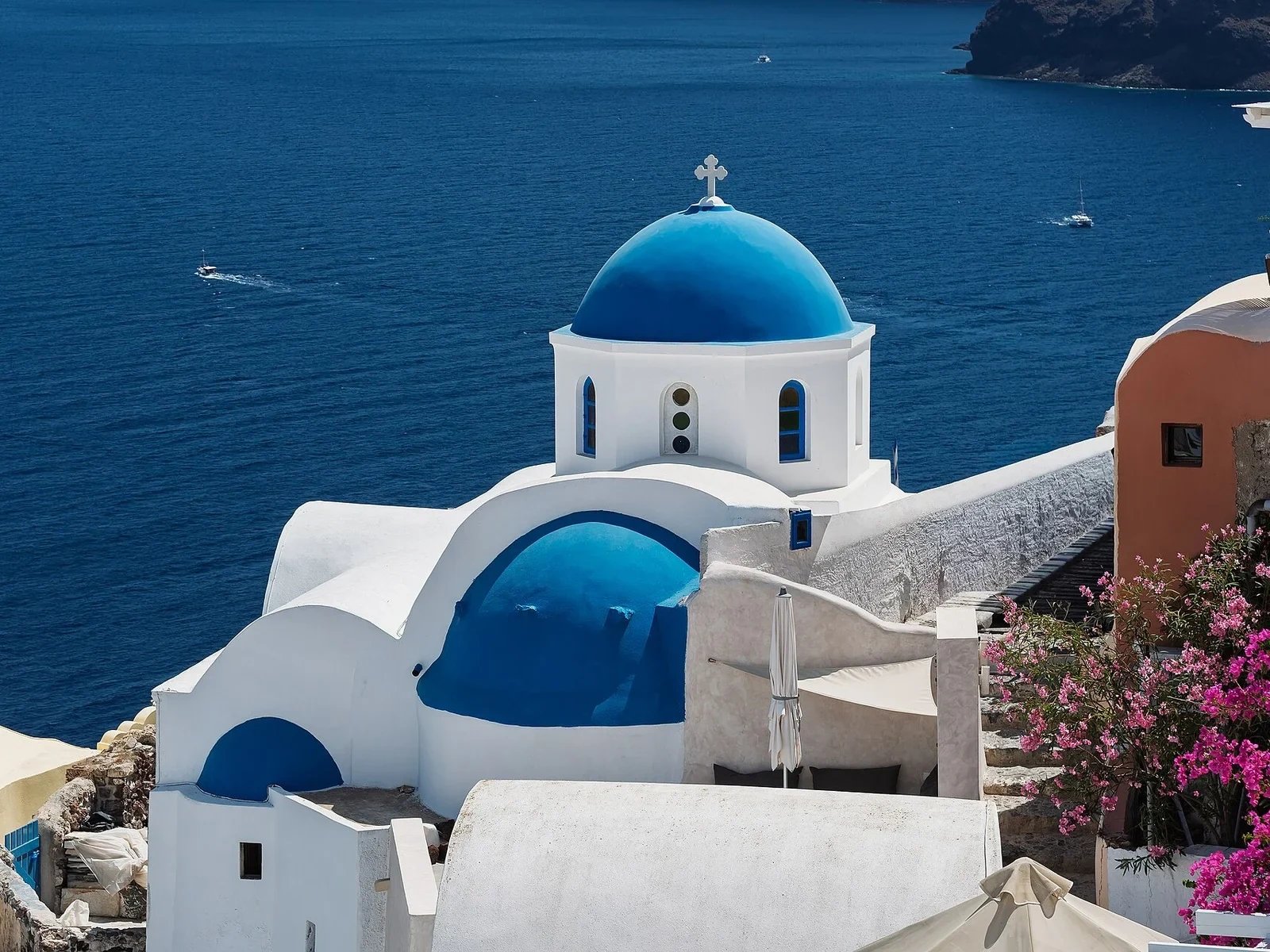
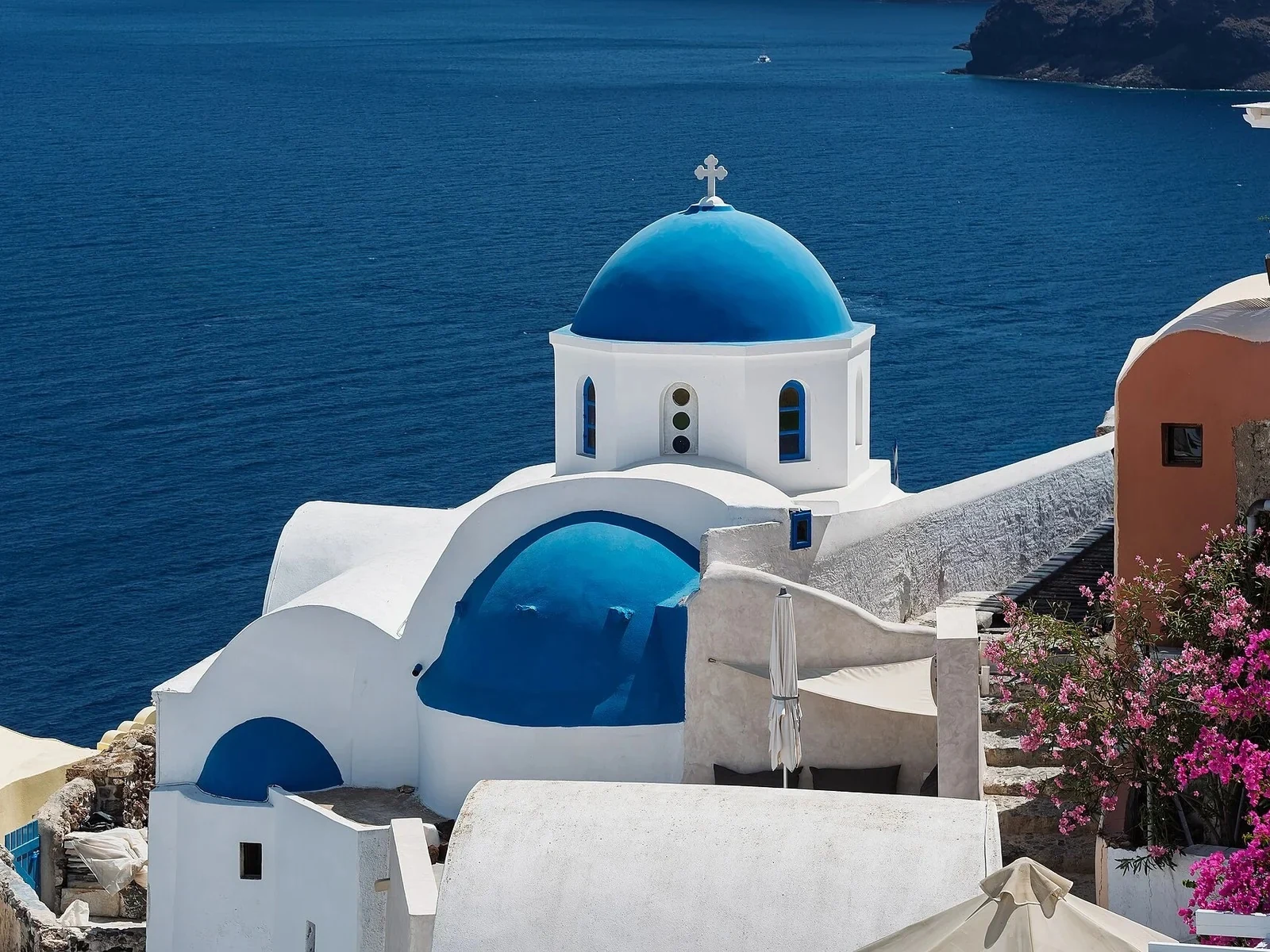 with objectclean · 3 sPress and hold to see the before
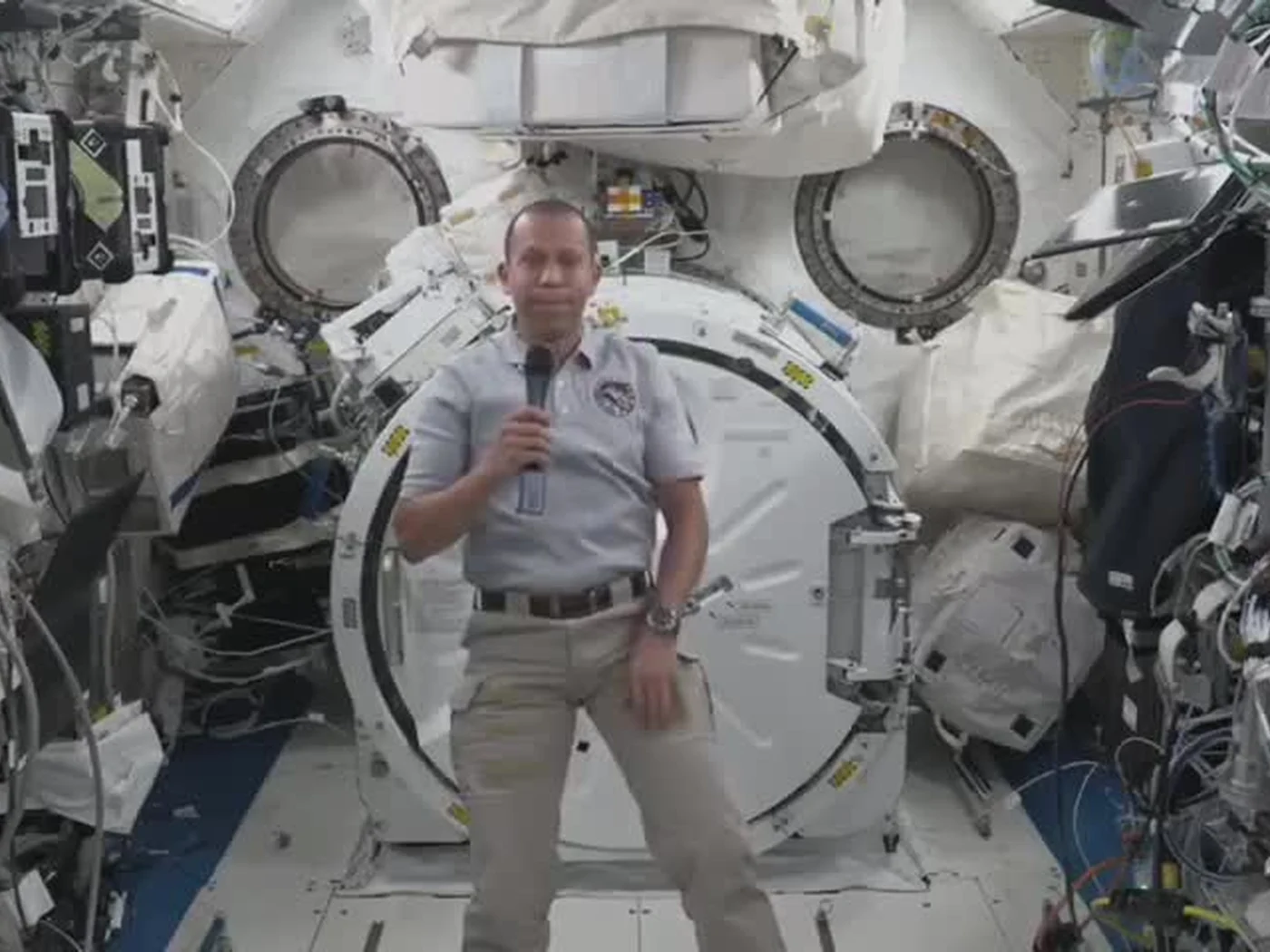
 video · 3:00text + SRT · 24 sPress and hold to see the before
 video · 6:38document · 169 sPress and hold to see the before
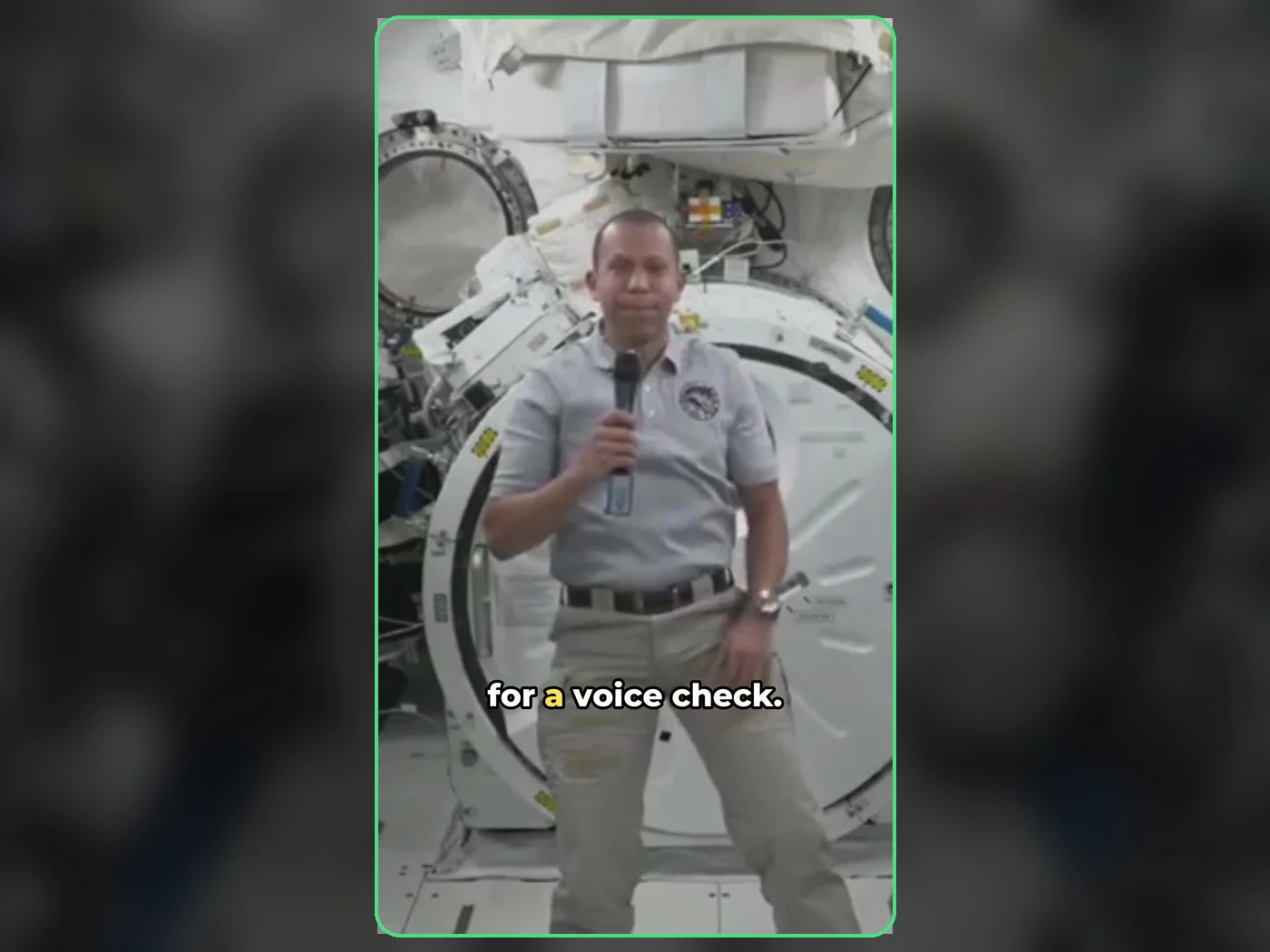 long video · 4:009:16 shorts · 2 × 31-33 sPress and hold to see the before
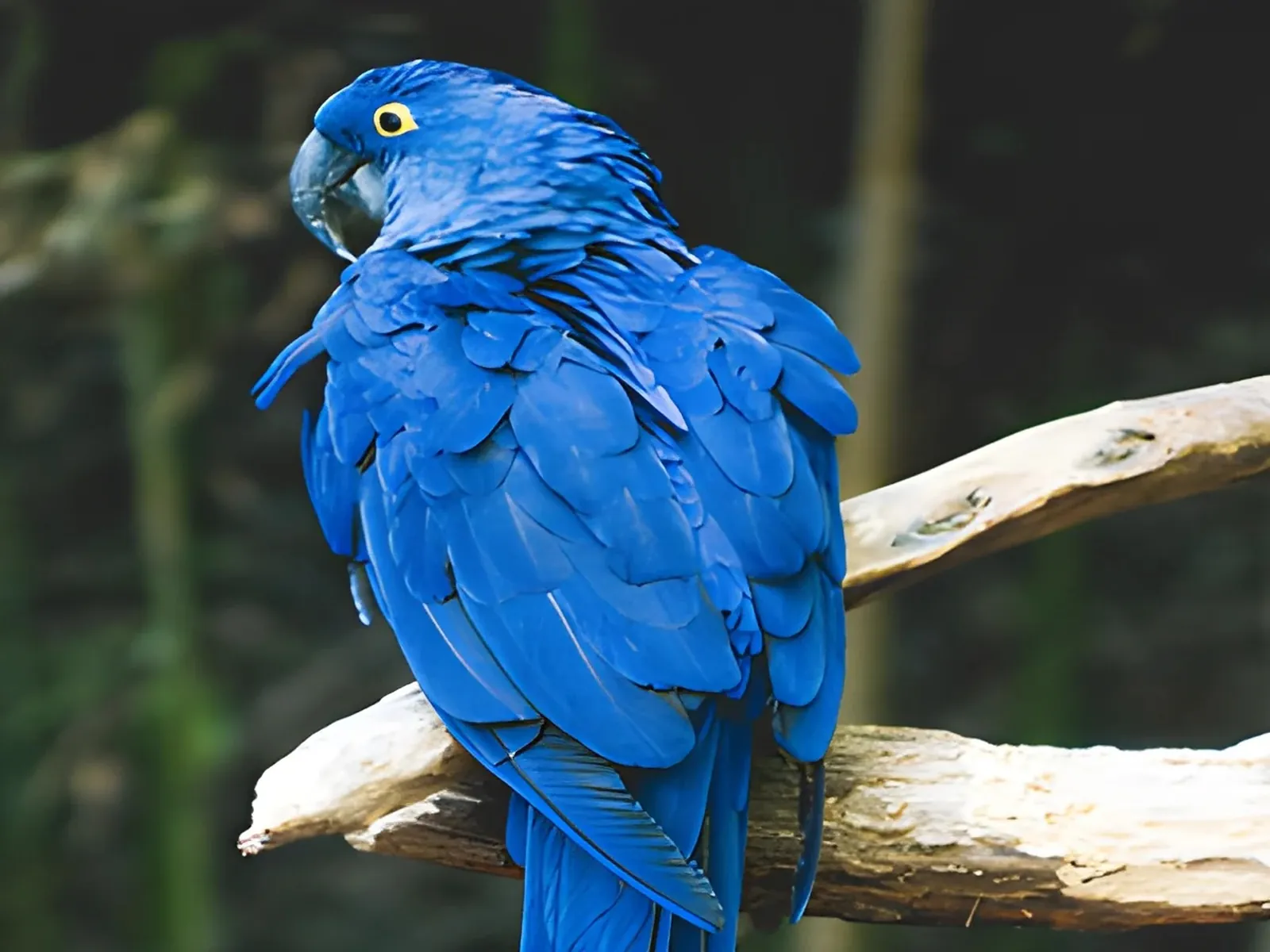
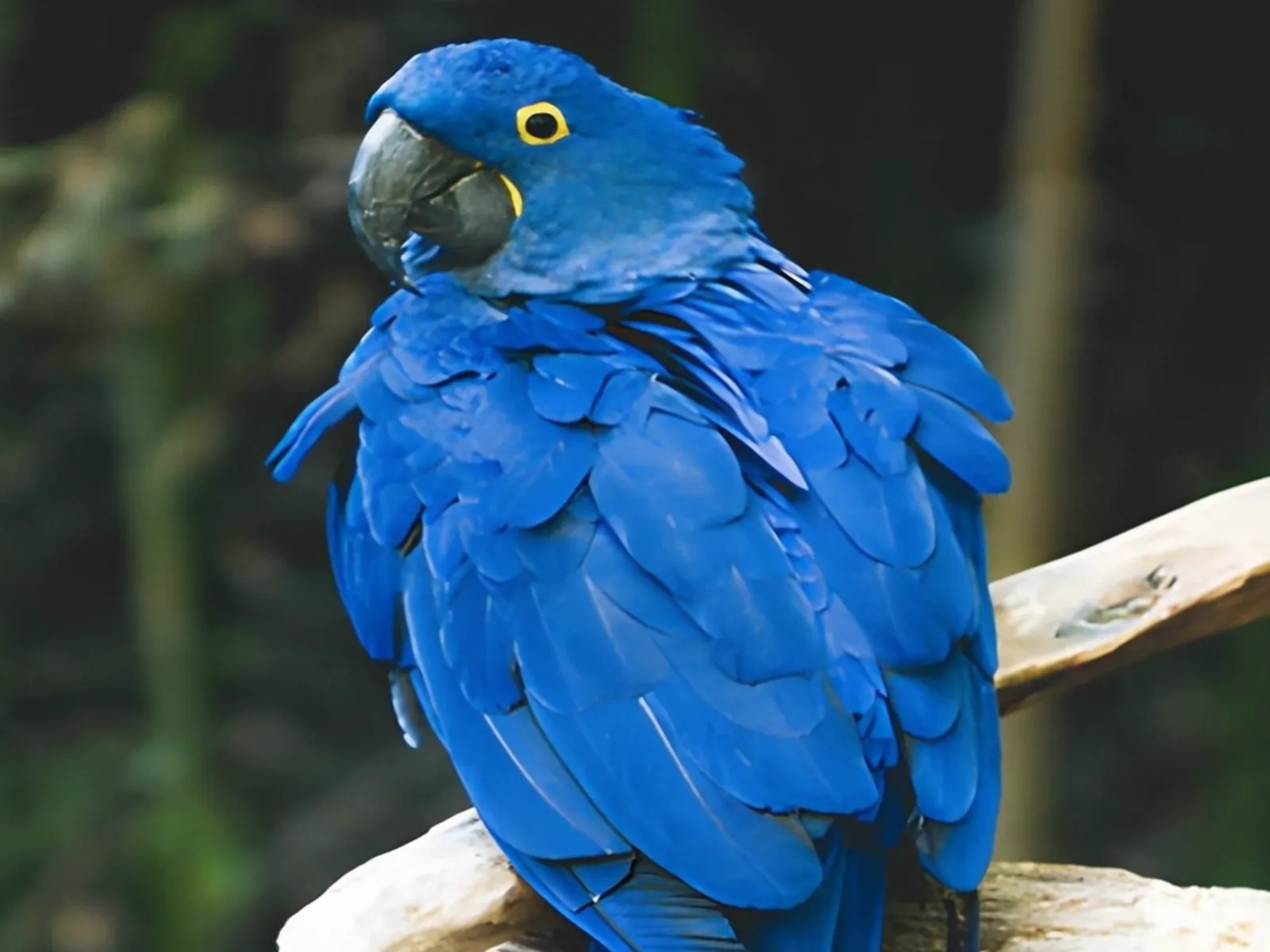 photo5 s videoPress and hold to see the before
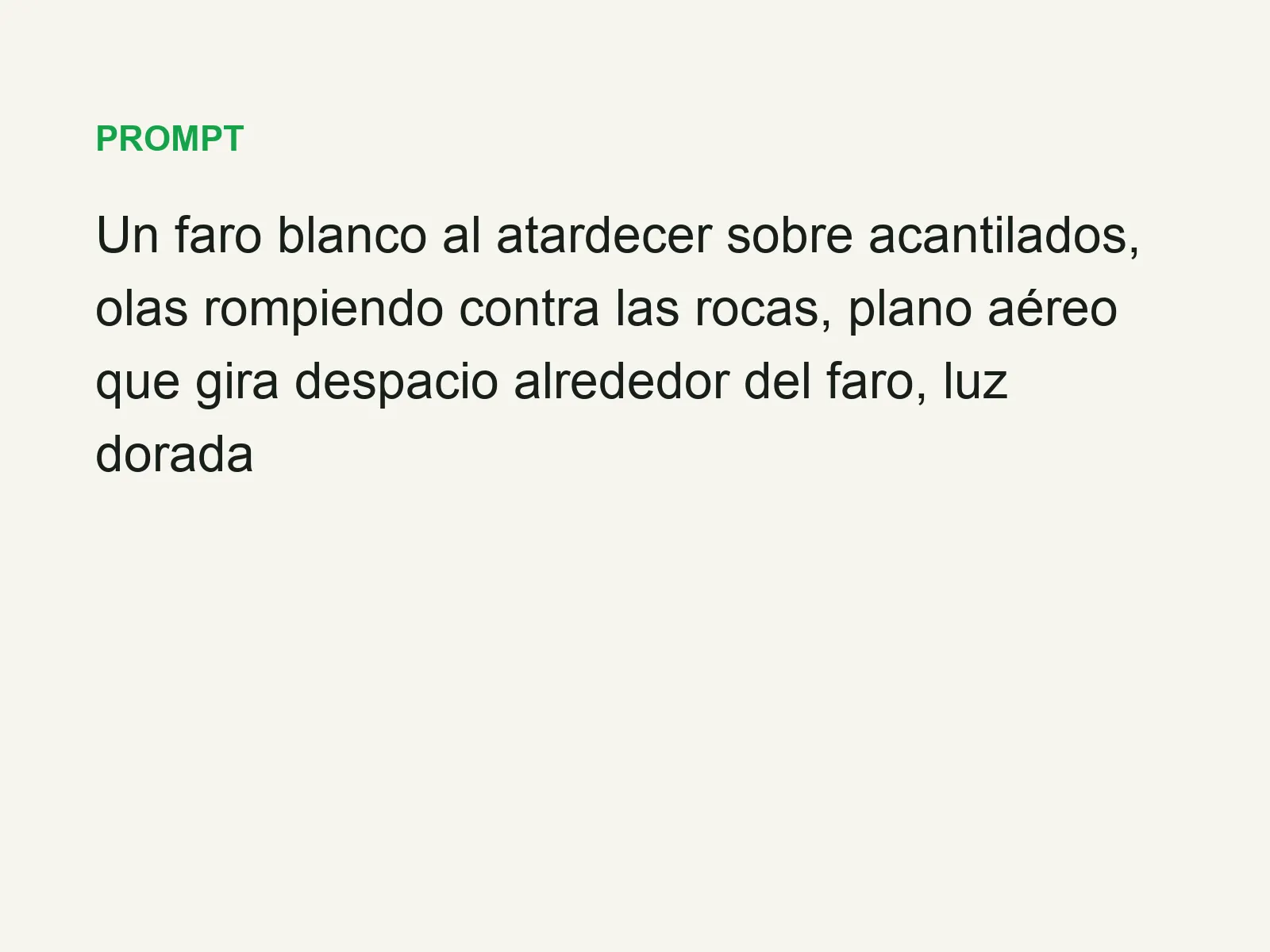
 text16:9 video · 5 sPress and hold to see the before
 480p clip4K · 2160pPress and hold to see the before
 5 clips9:16 reel · subtitlesPress and hold to see the before

 320×240 px×4 · 1280×960 pxPress and hold to see the before