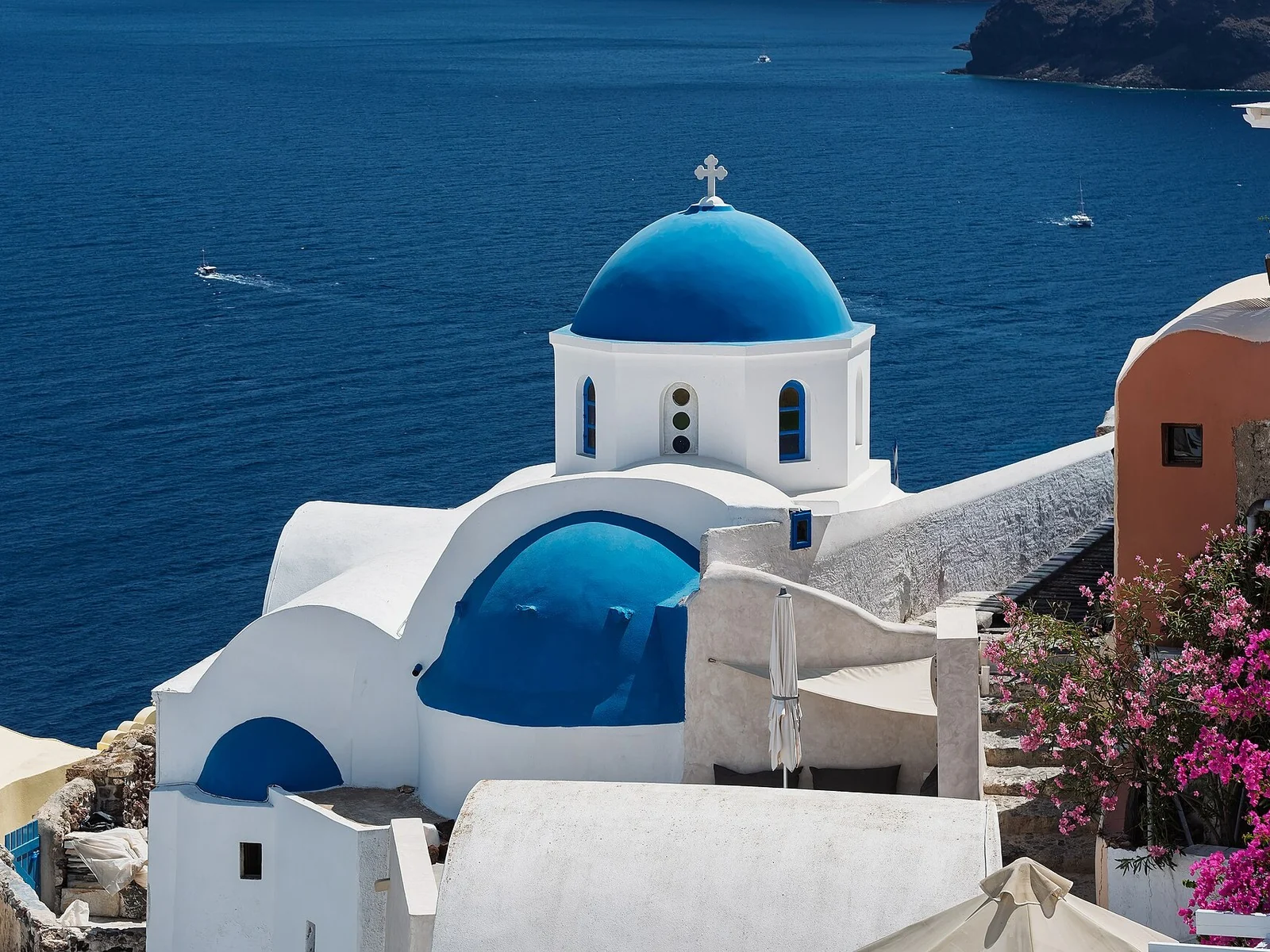
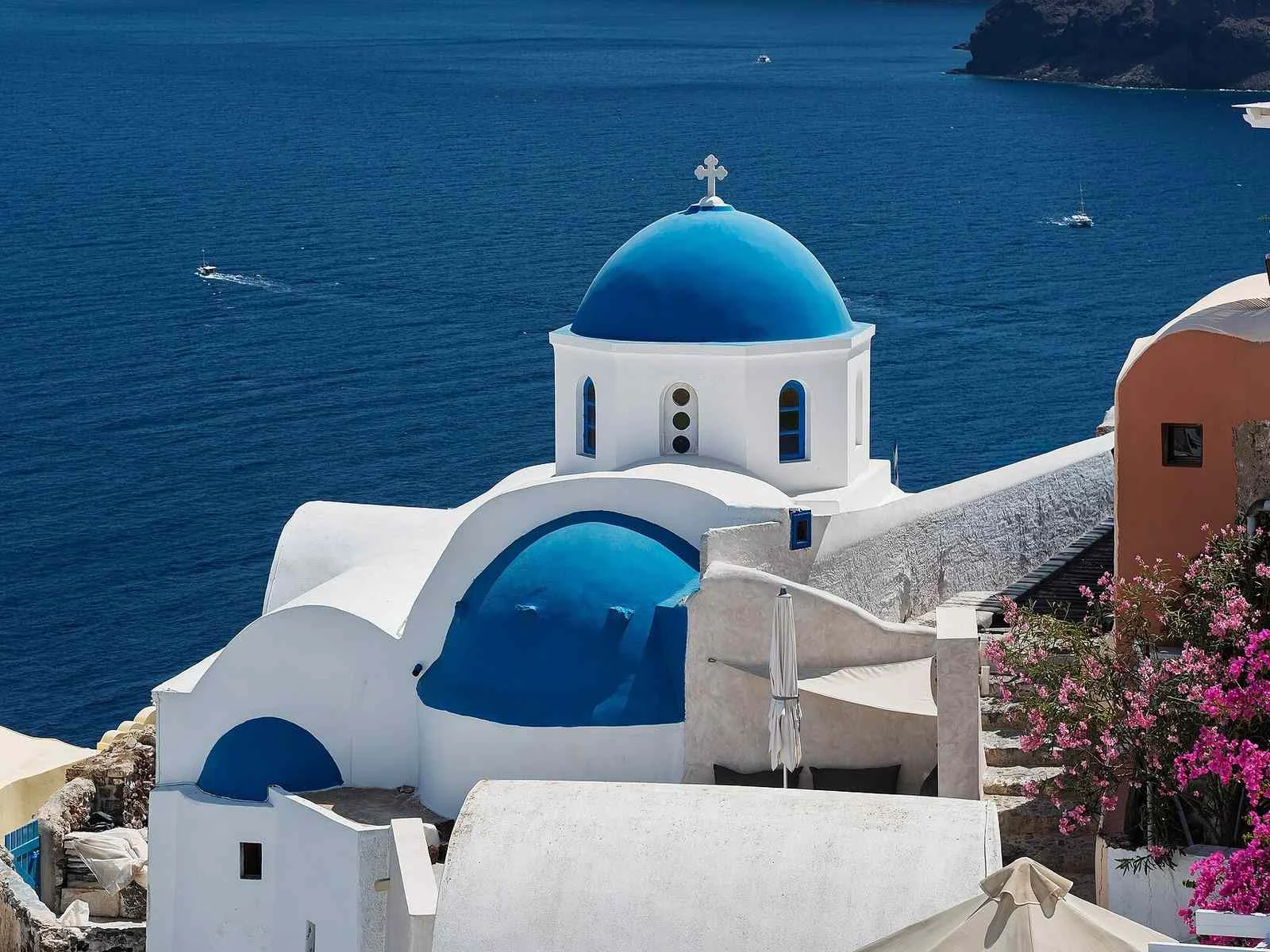
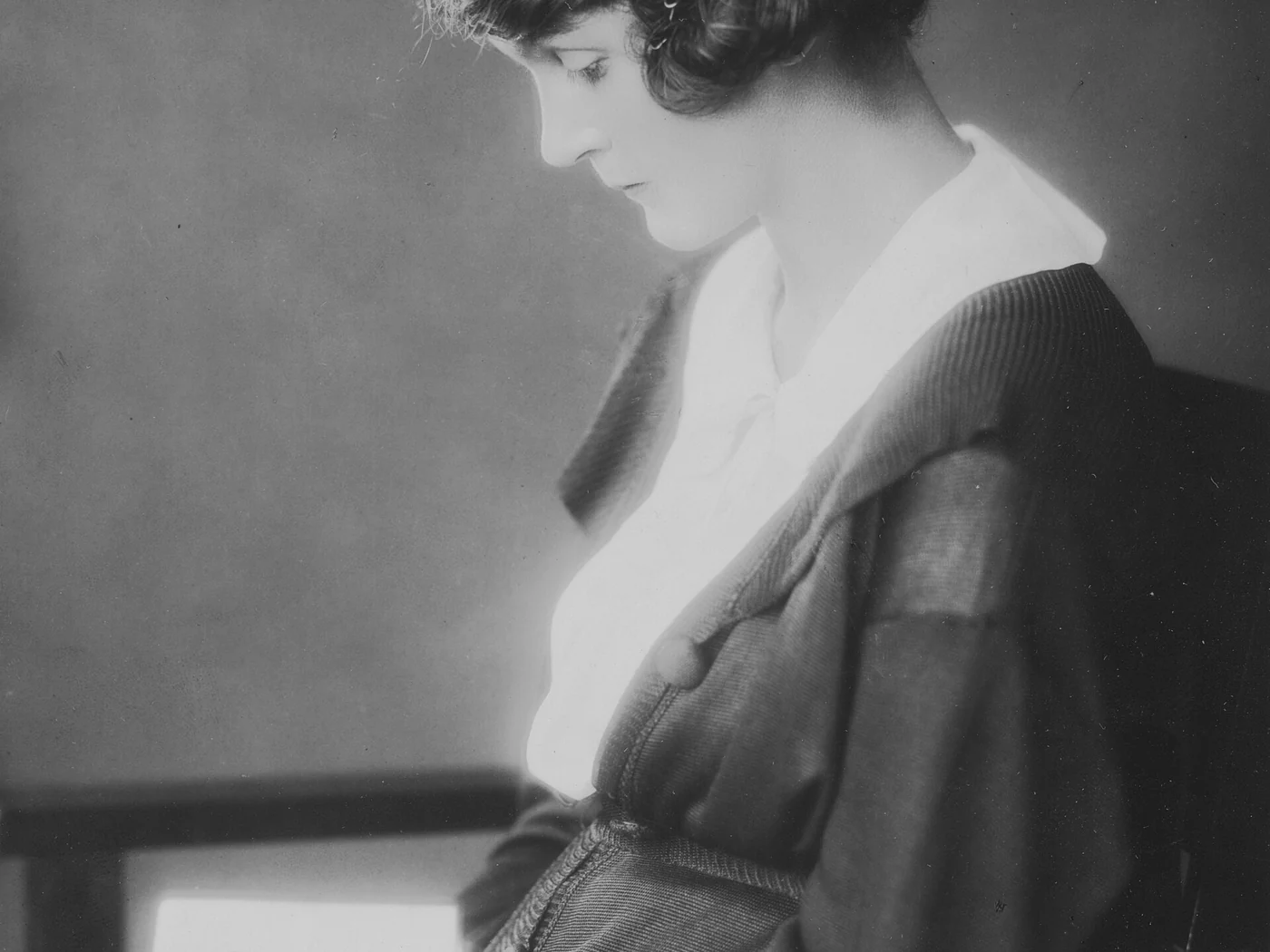
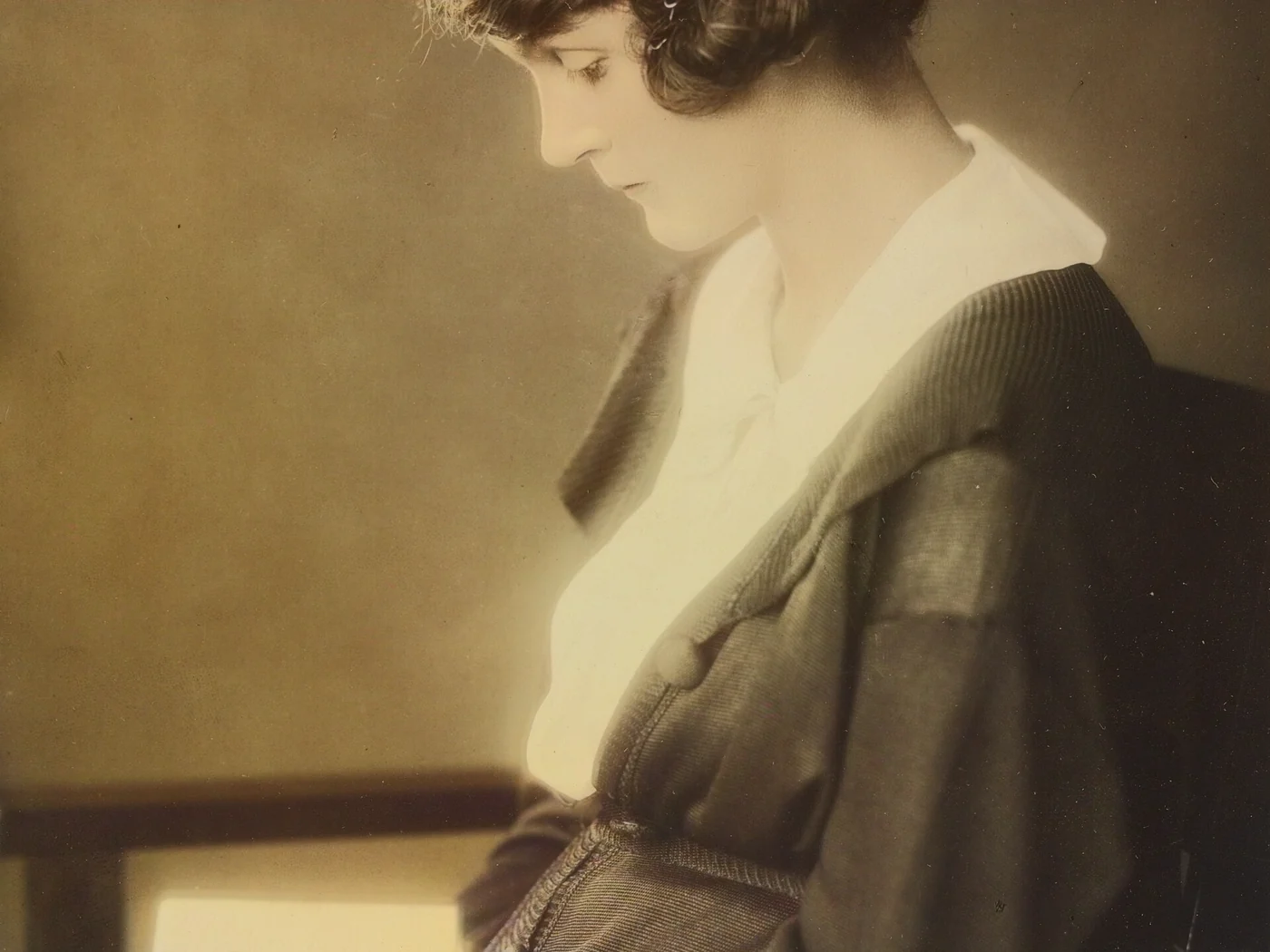
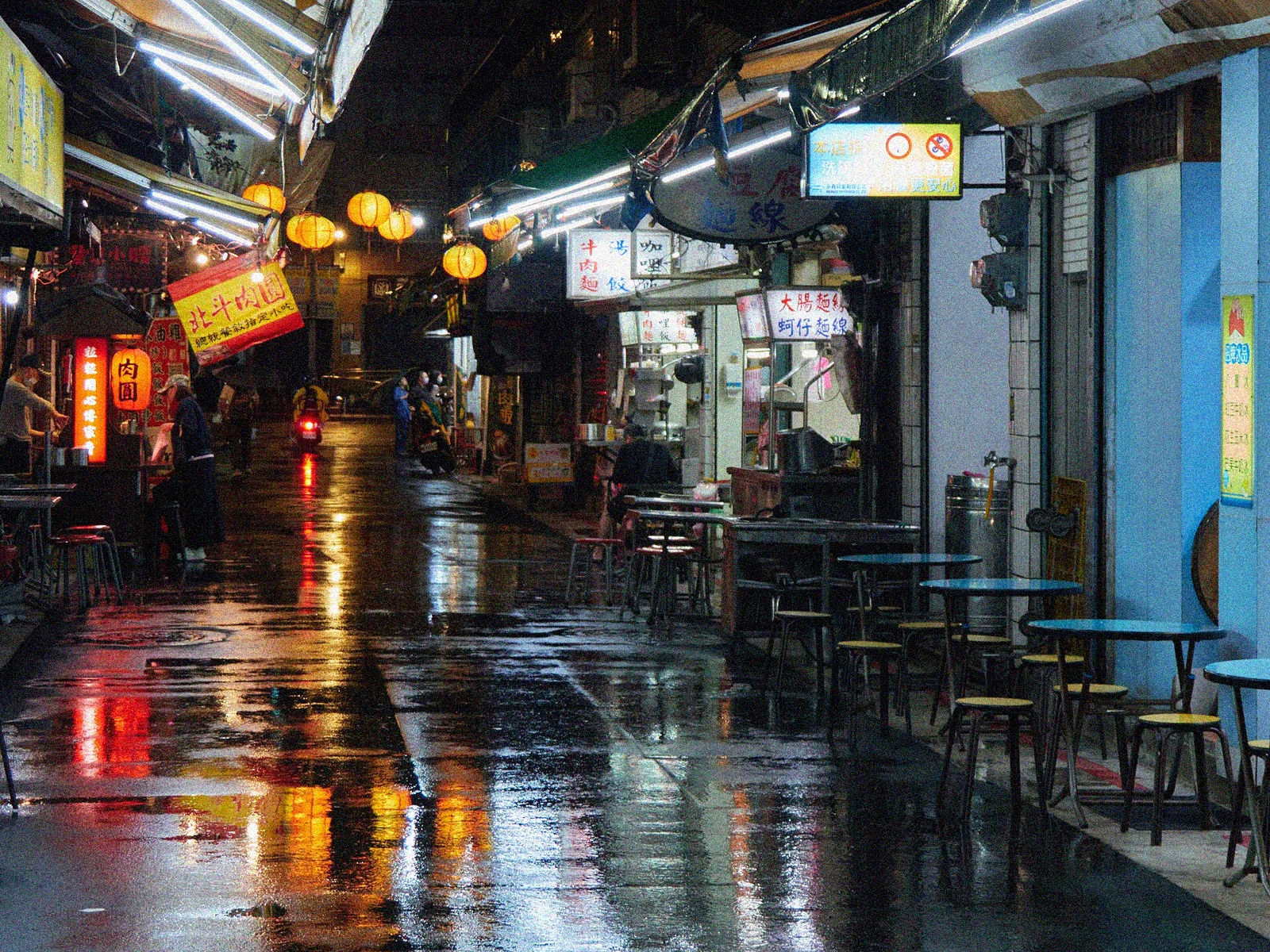
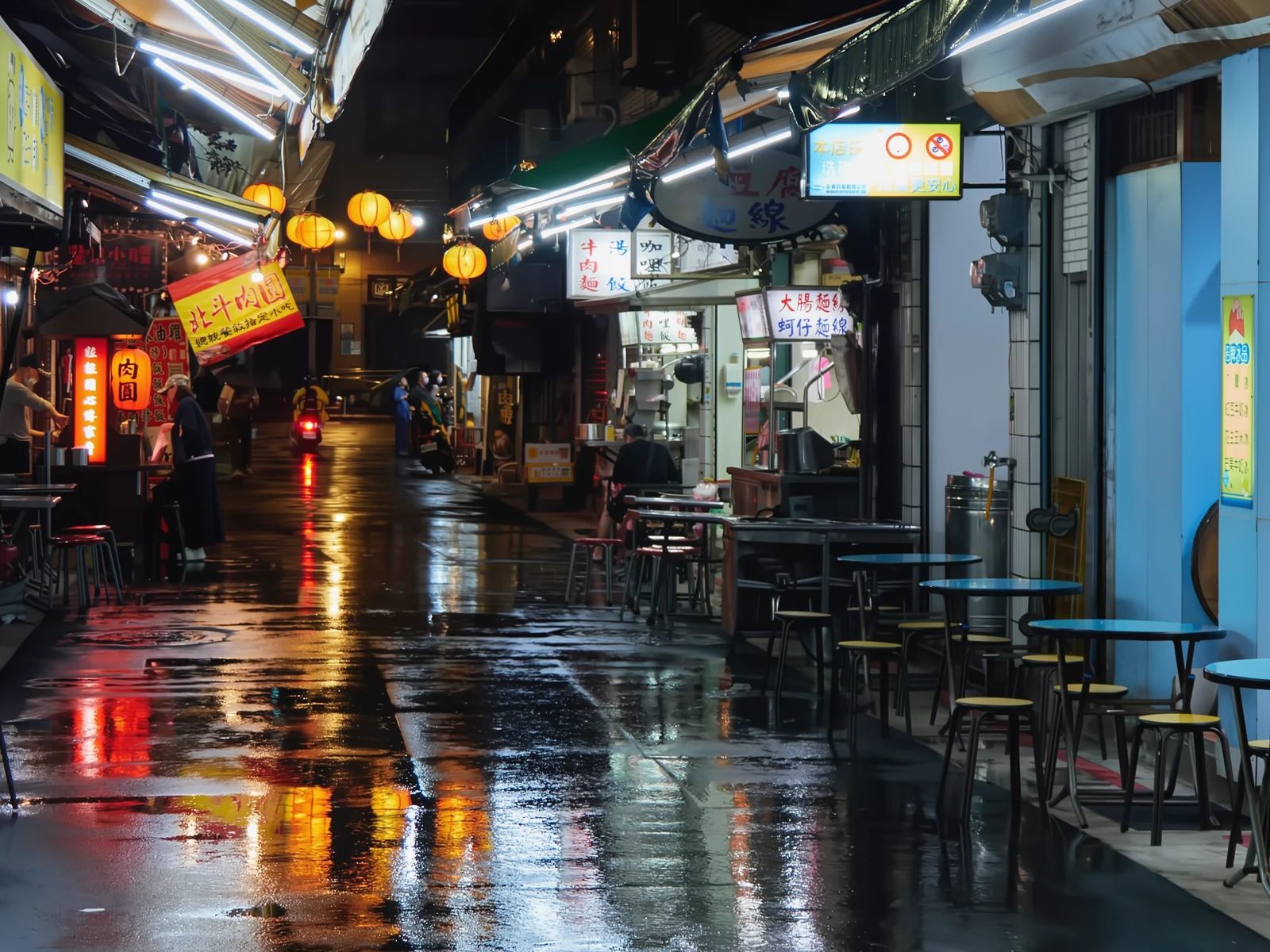
Mosaic 250: the giant image at maximum quality
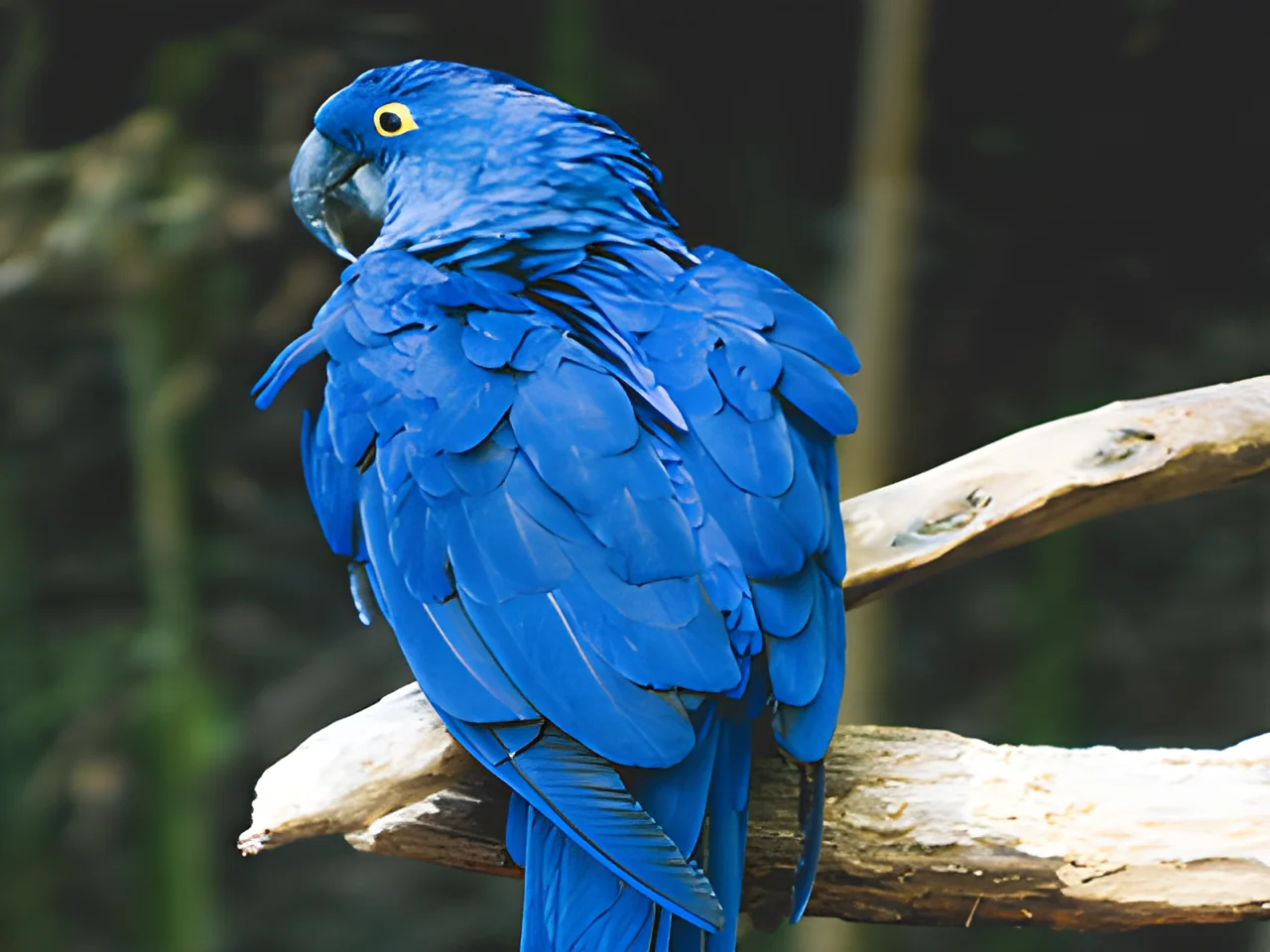
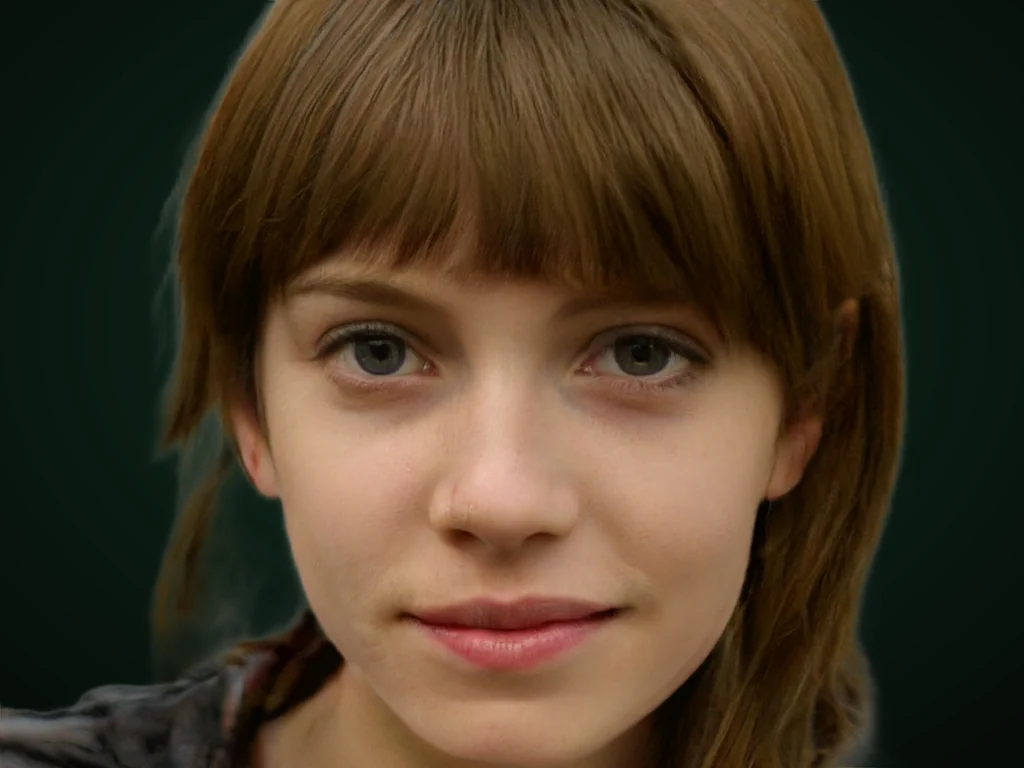
Splits your image into ~250 cells, enhances each one with AI and blends them seamlessly. Pick extreme macro-like sharpness or painterly fill, and the size: ×4, ×8, ×16 or the most your photo can give.
How it works
Upload and pick a size
×4, ×8, ×16 or Max 250: we show the output pixels before you start.
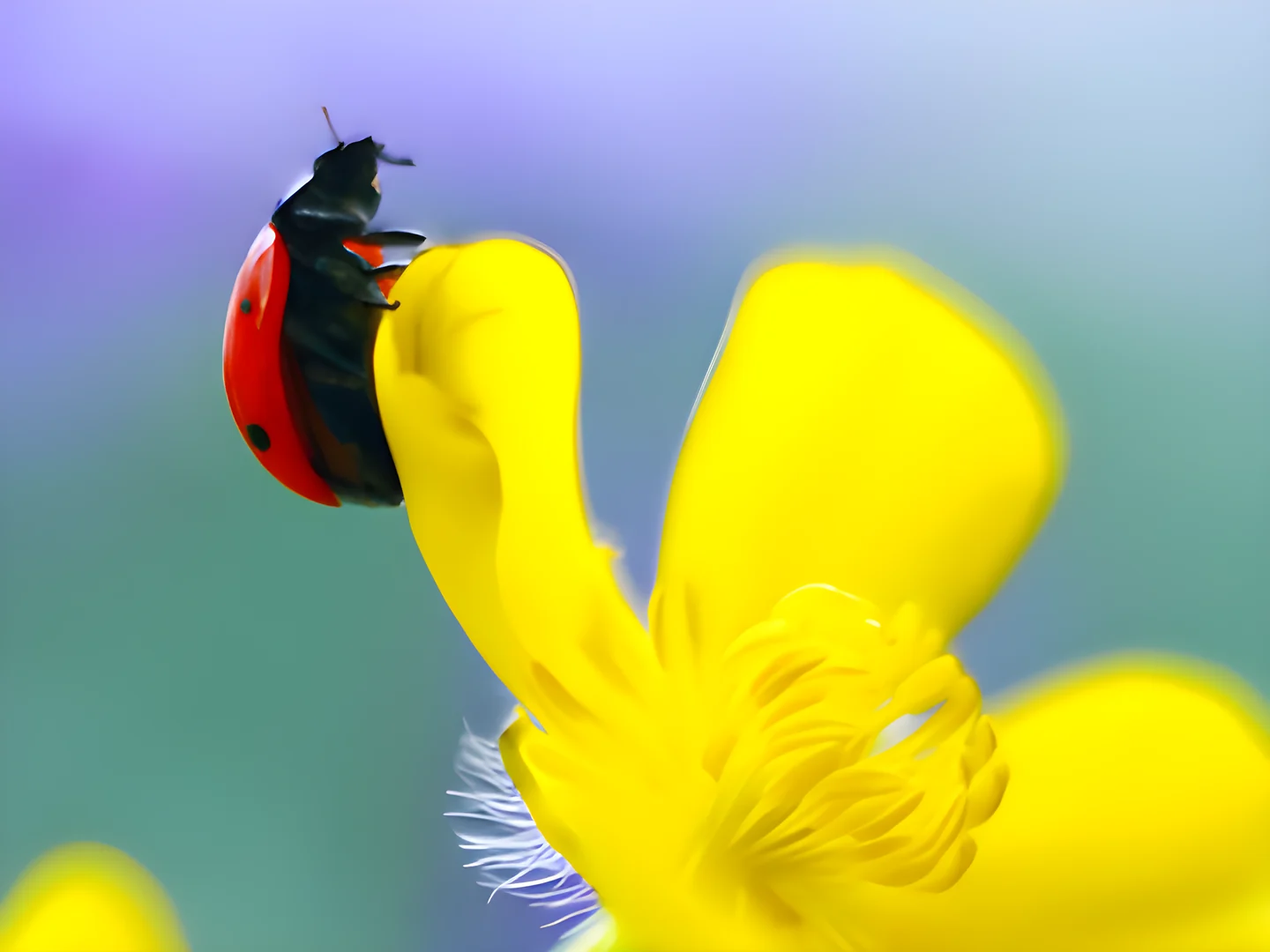
A ~250-cell mosaic
Each cell is enhanced separately and blended seamlessly: loupe-level detail across the image.
Download up to 600 MP
A file ready for large-format print. Deleted 1 hour later.
Frequently asked questions
What does Max 250 mean?
The automatic mode: we compute the largest possible size (up to 600 MP) using up to 2 AI passes over a ~250-cell mosaic.
Extreme sharpness or painterly fill?
Sharpness uses the photo model (macro-like detail). Painterly uses the illustration model: flat brush-like fill, great for posters and art.
How long does it take?
Depends on size: a big ×16 can take several minutes. The bar shows progress and an ETA.
What format is the output?
PNG up to 32 MP; above that, top-quality JPEG (92) so the file stays manageable.