Shrink your images without visible loss
Compress JPG, PNG and WebP with a chosen quality or straight to a target size: "make it under 200 KB".
Compress JPG, PNG and WebP with a chosen quality or straight to a target size: "make it under 200 KB".

How it works
Upload the image
JPG, PNG, WebP, TIFF, HEIC or AVIF, no account needed.
Pick quality or target KB
"Make it under 200 KB", and the compressor obeys.
Download with no visible loss
Less weight for your site, email or store.
✓ Works best with
- Large photos saved as JPEG, WebP or AVIF
- Illustrations and transparent images saved as PNG
- Files that need to meet a size limit for a website or an email
✗ Can't recover
- Screenshots with fine text when the target size in KB is set very low
- Images that already arrive heavily compressed
- It reduces file size; it does not improve quality
We measured it
- A 1.2 MB JPEG photo went down to 208 KB (83% smaller) at quality 72, in 2 seconds. (19-09-2026)
- Across 296 Spanish online shops (9,620 homepage images), converting their JPEG and PNG files to AVIF would cut total image weight by 58%; to WebP, by 55%. (19-10-2026)
Measured on airpic.app with the GPU already running. If nobody has used it for a while, the first job takes 40 to 90 seconds longer to start.
Frequently asked questions
How much does it shrink without visible loss?
Usually 60-90% depending on the image, with visually identical quality.
What is target-KB mode?
You set the final weight (e.g. 200 KB) and the compressor finds the best quality that fits.
Does it change the format?
Only if you want: force JPG, WebP, AVIF or PNG, or leave it on auto.
Can I remove GPS and camera data from a photo?
Yes: turn on the option to strip metadata and the date, camera and GPS location are removed. The ICC colour profile is kept so the colours don't shift.
Can I also reduce the size in pixels?
Yes: set a maximum side and the image is scaled down proportionally before compressing. The quick presets do it for you: fast web, email or WhatsApp.
Do you keep the images I compress?
No. They are processed and deleted: 1 hour after download, 1 day at most. They are never used to train any model.
Articles about Image Compressor
How to compress images for the web without losing quality
Which format to choose in 2026, which quality to use, how to set a target size in KB and how to reduce the longest side without Google penalising your page speed.
How to compress images for WordPress
Compress images for WordPress: resize, pick JPEG, WebP or AVIF, set quality and strip metadata so pages load fast and photos look the same.
Convert HEIC to JPG
HEIC is half the size of a JPEG, until a form or a print lab refuses it. How to convert to JPG without a second round of damage, and when WebP or AVIF wins.
More tools in the suite
 320×240 px×4 · 1280×960 pxPress and hold to see the before
 originalno background · 5 sPress and hold to see the before
 black & whiteAI color · 3 sPress and hold to see the before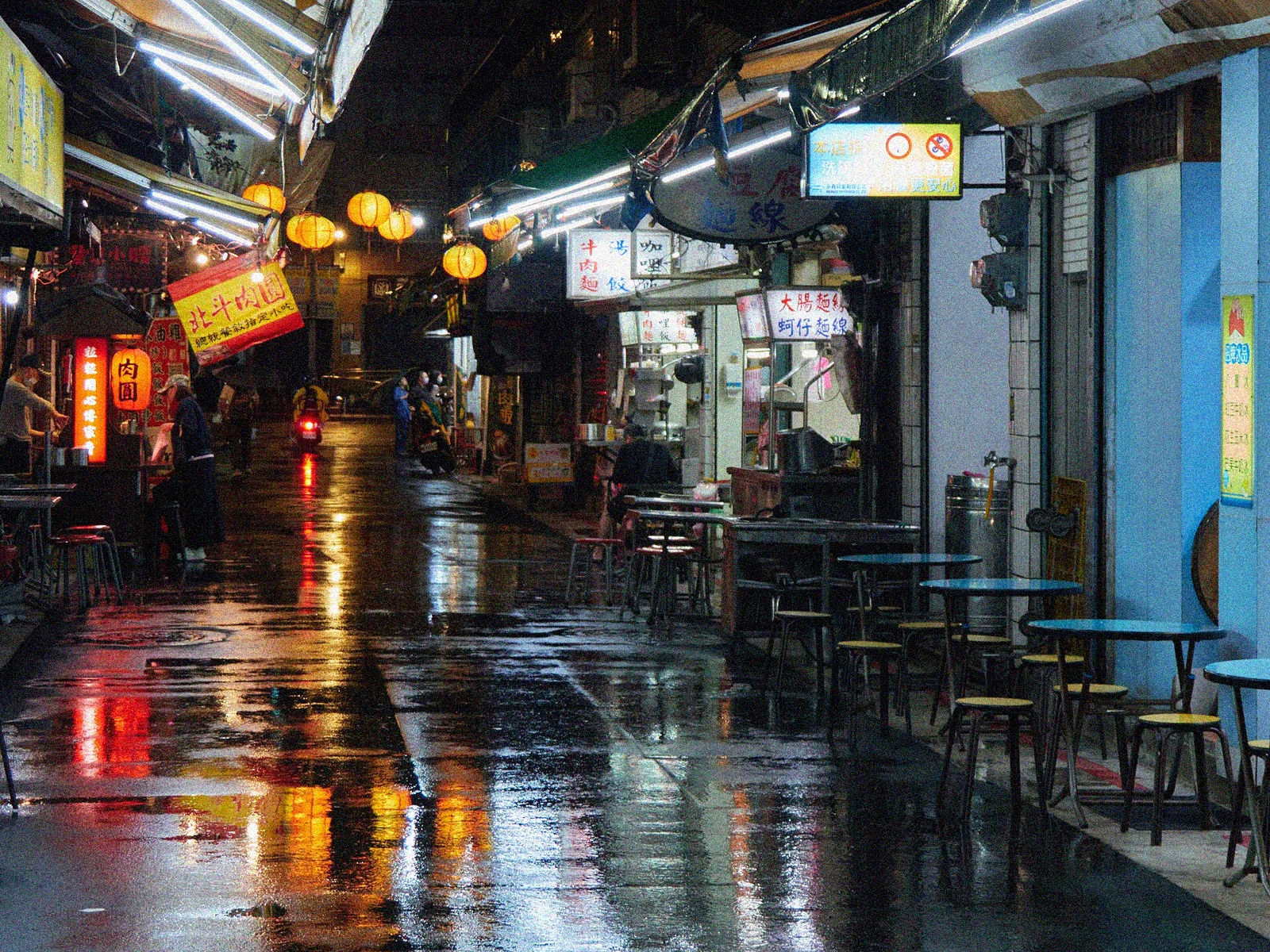
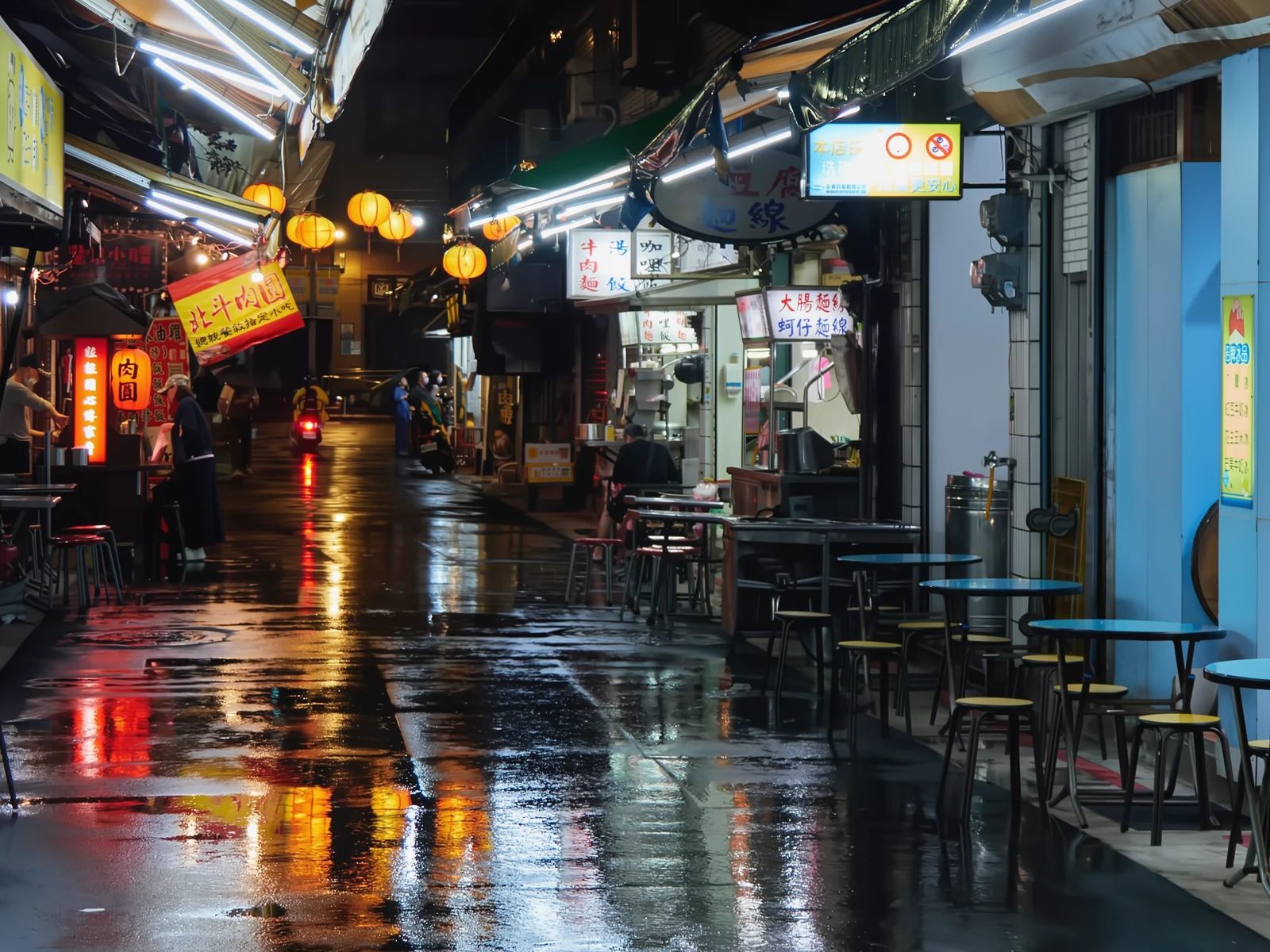 noisyclean · 5 sPress and hold to see the before
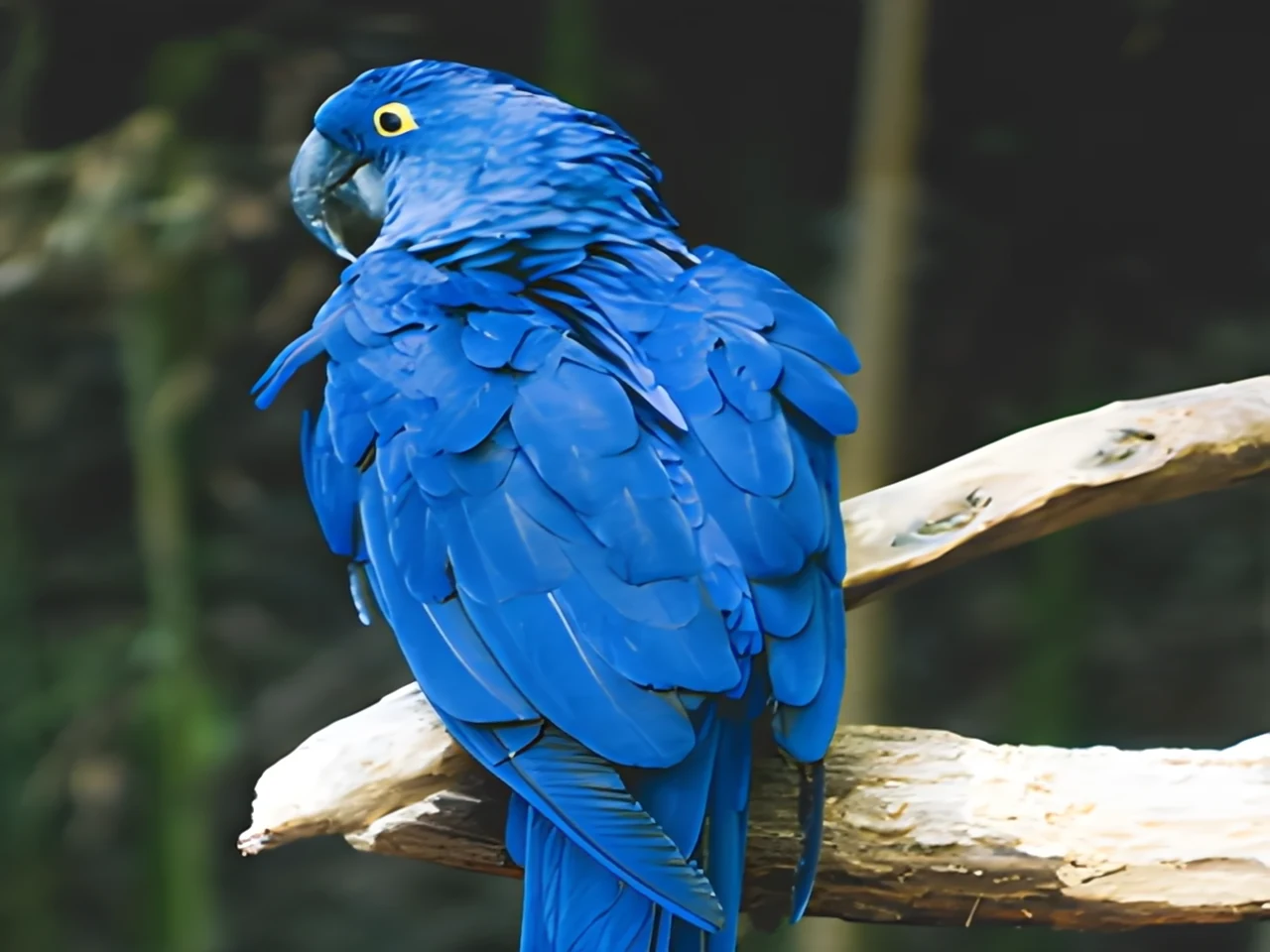 blurry · 29 pxsharp · 7 sPress and hold to see the before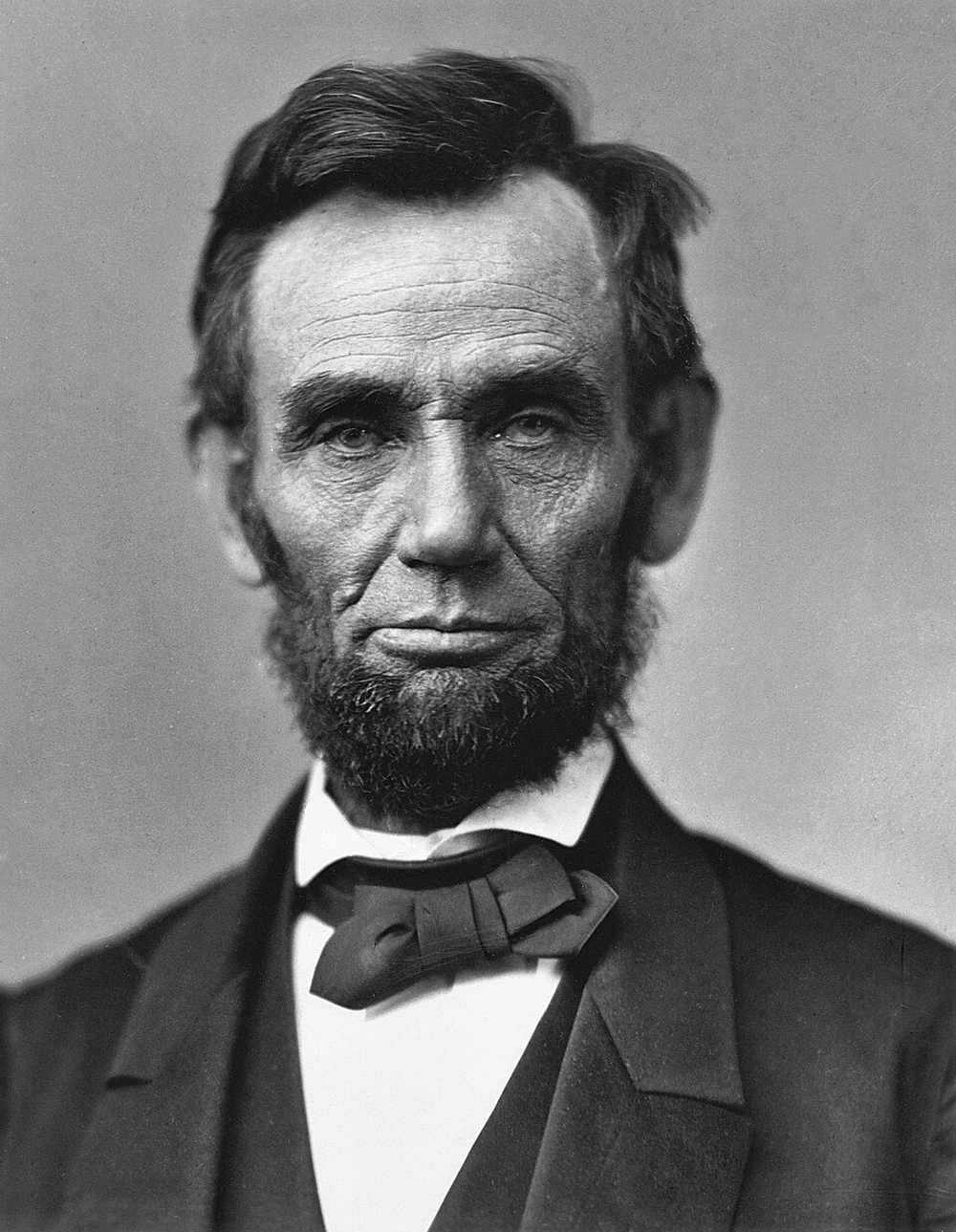
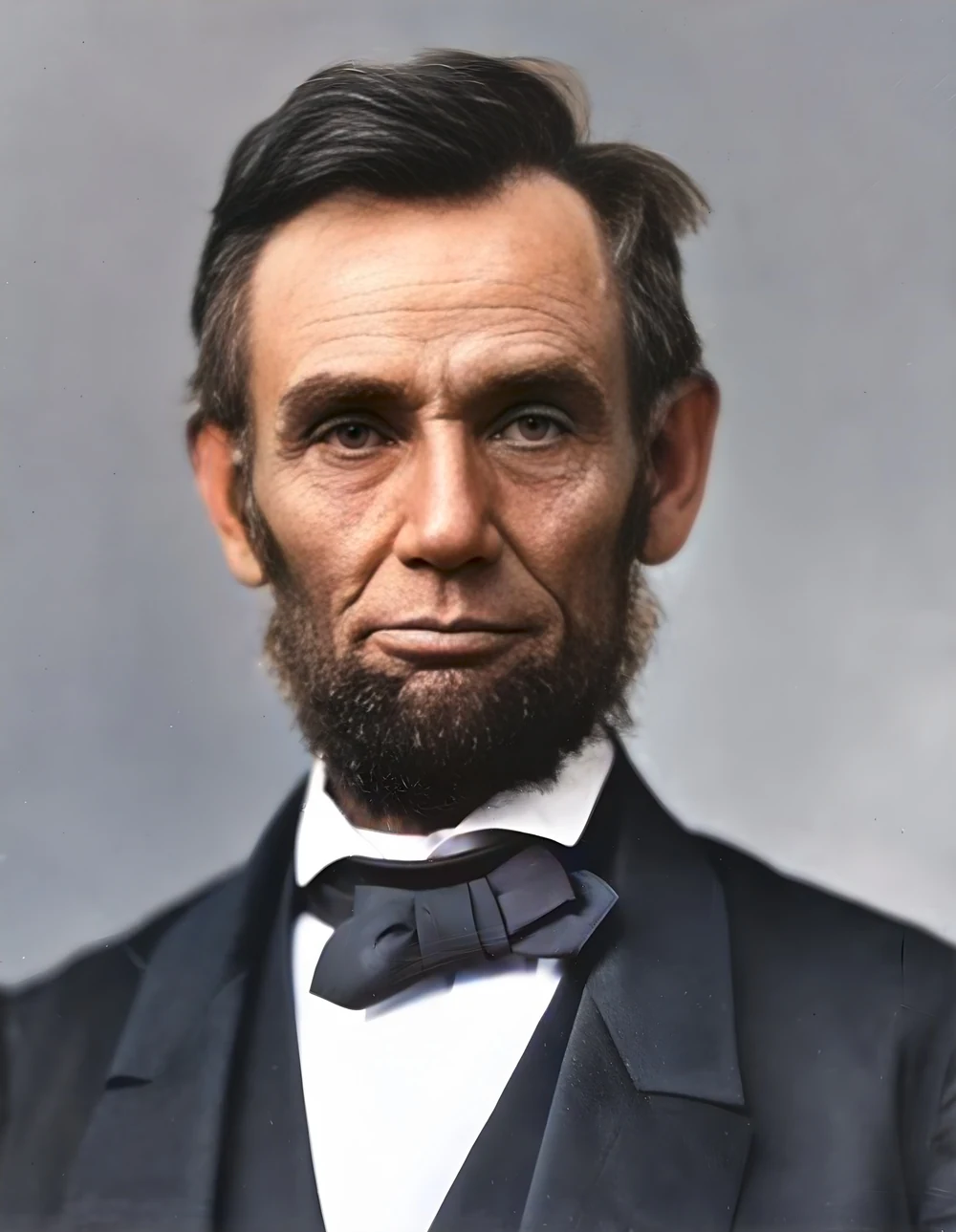 scan · 1863restored · 9 sPress and hold to see the before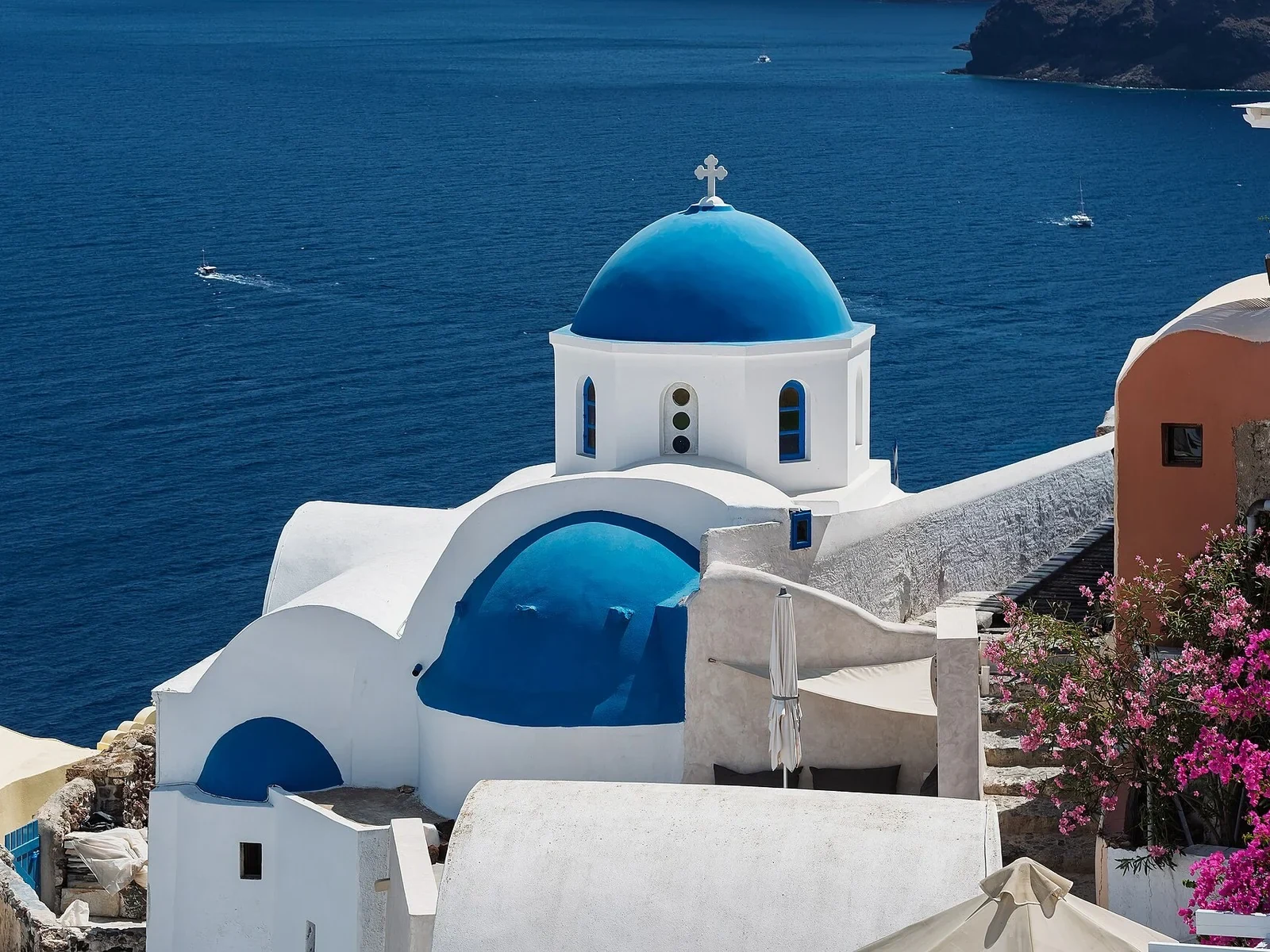
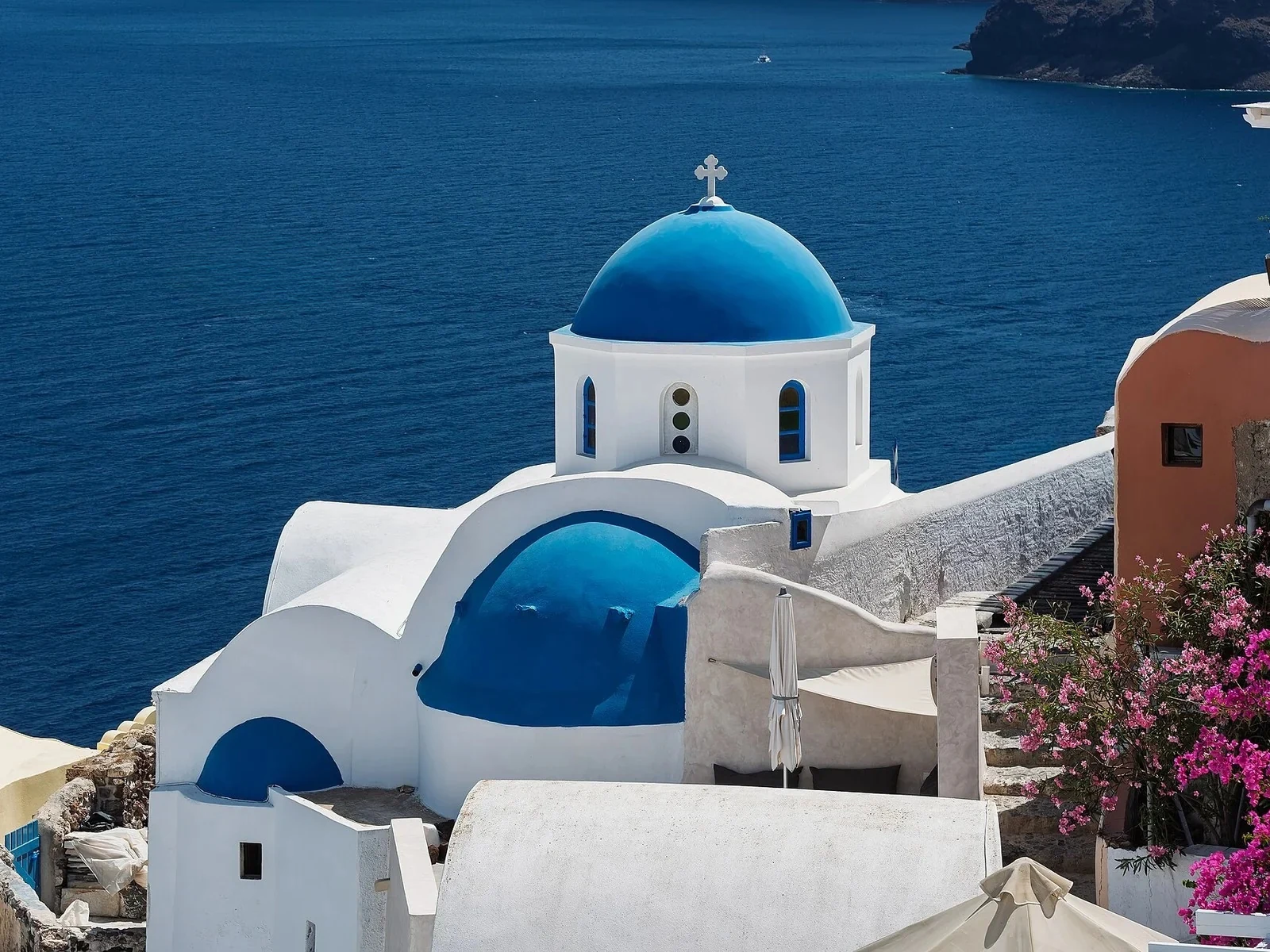 with objectclean · 3 sPress and hold to see the before
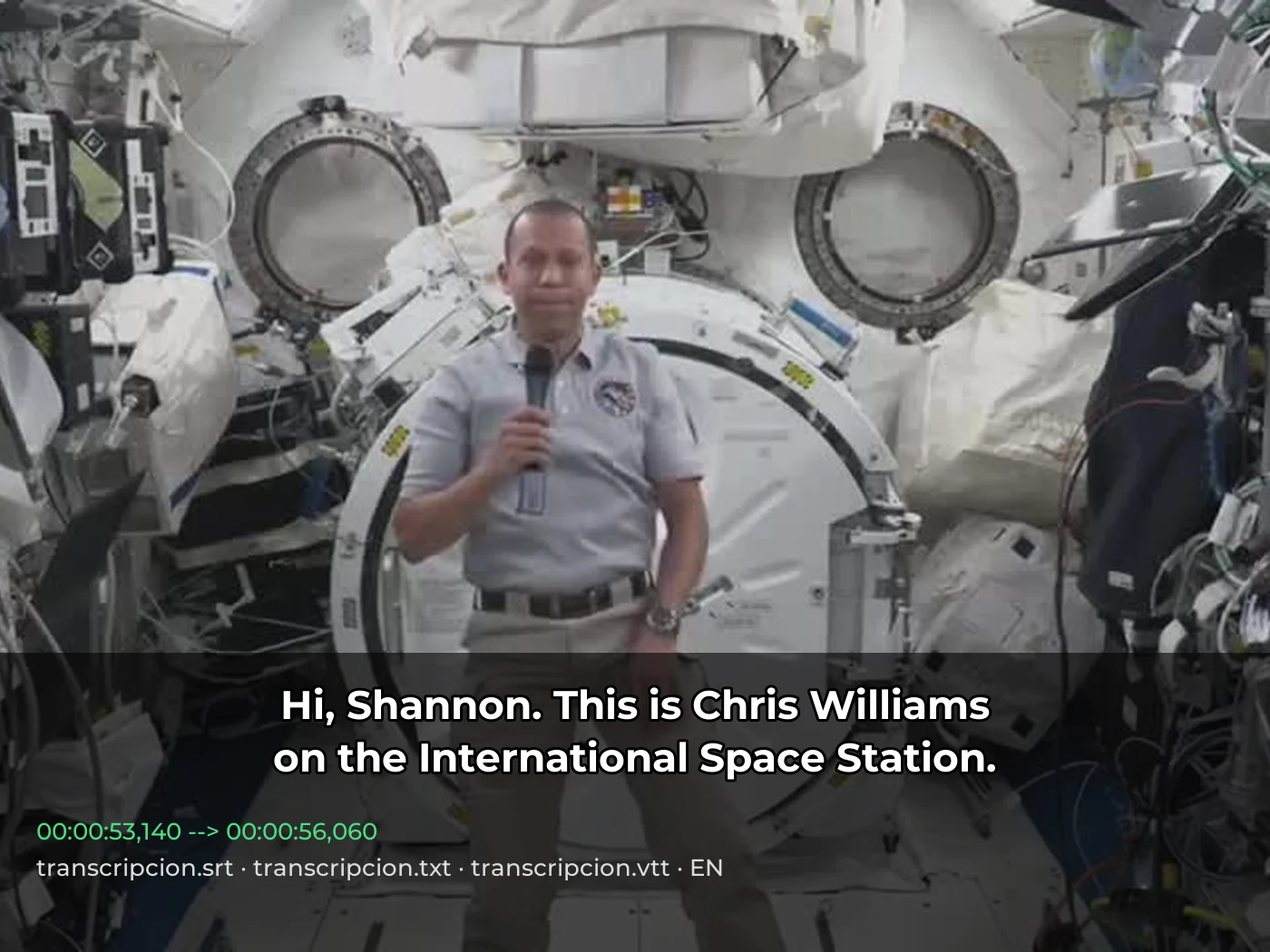 video · 3:00text + SRT · 24 sPress and hold to see the before
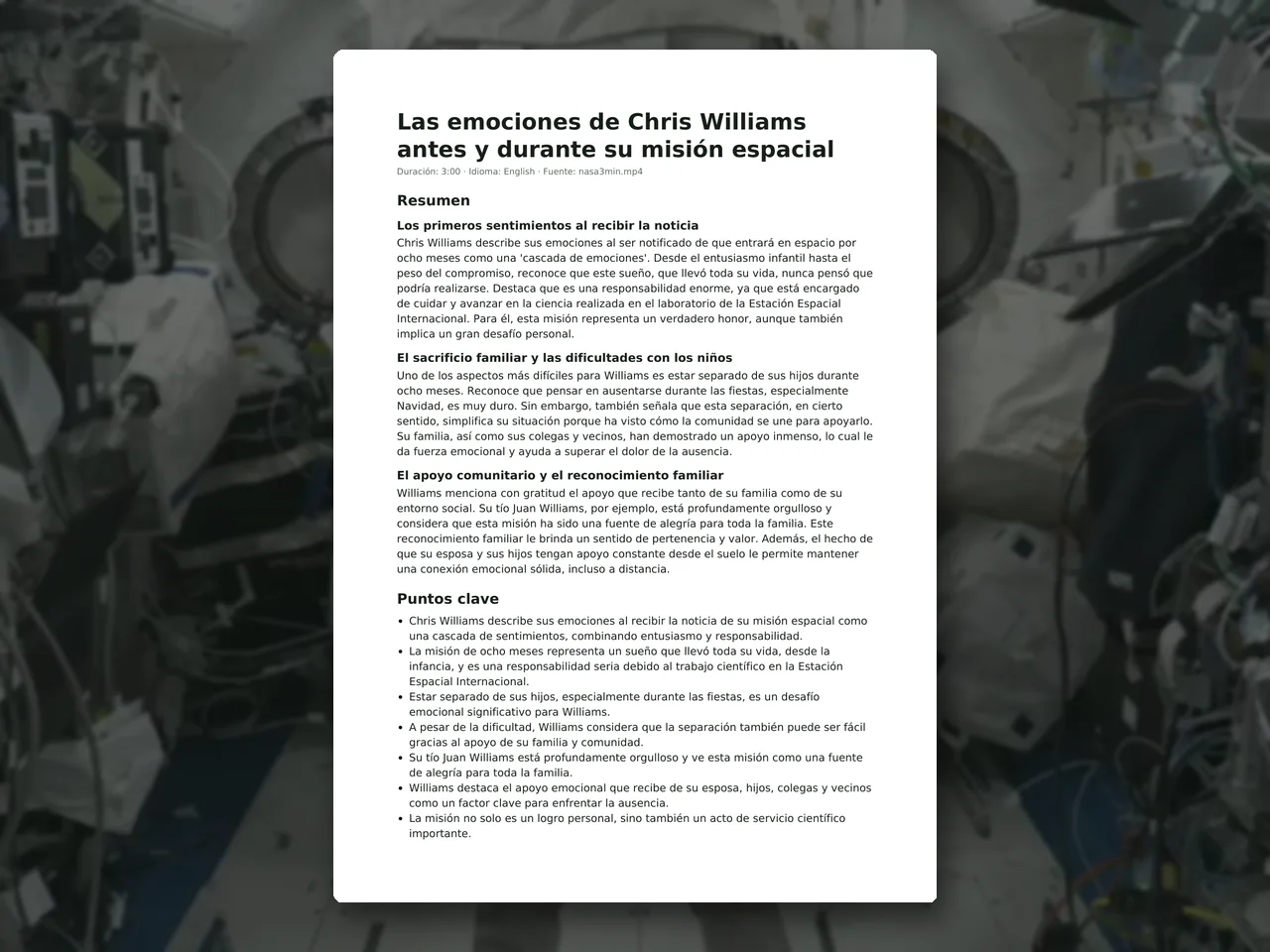 video · 6:38document · 169 sPress and hold to see the before
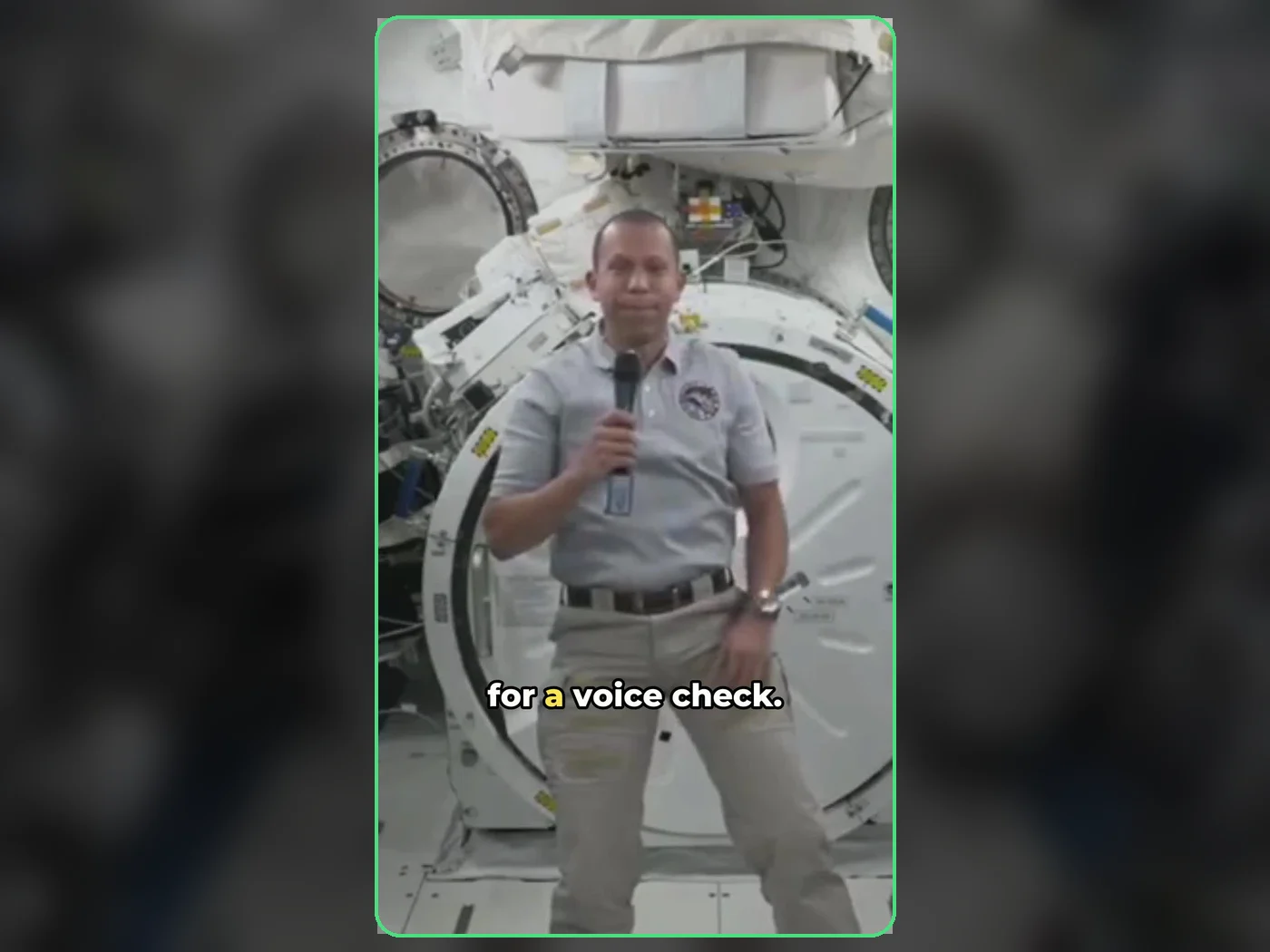 long video · 4:009:16 shorts · 2 × 31-33 sPress and hold to see the before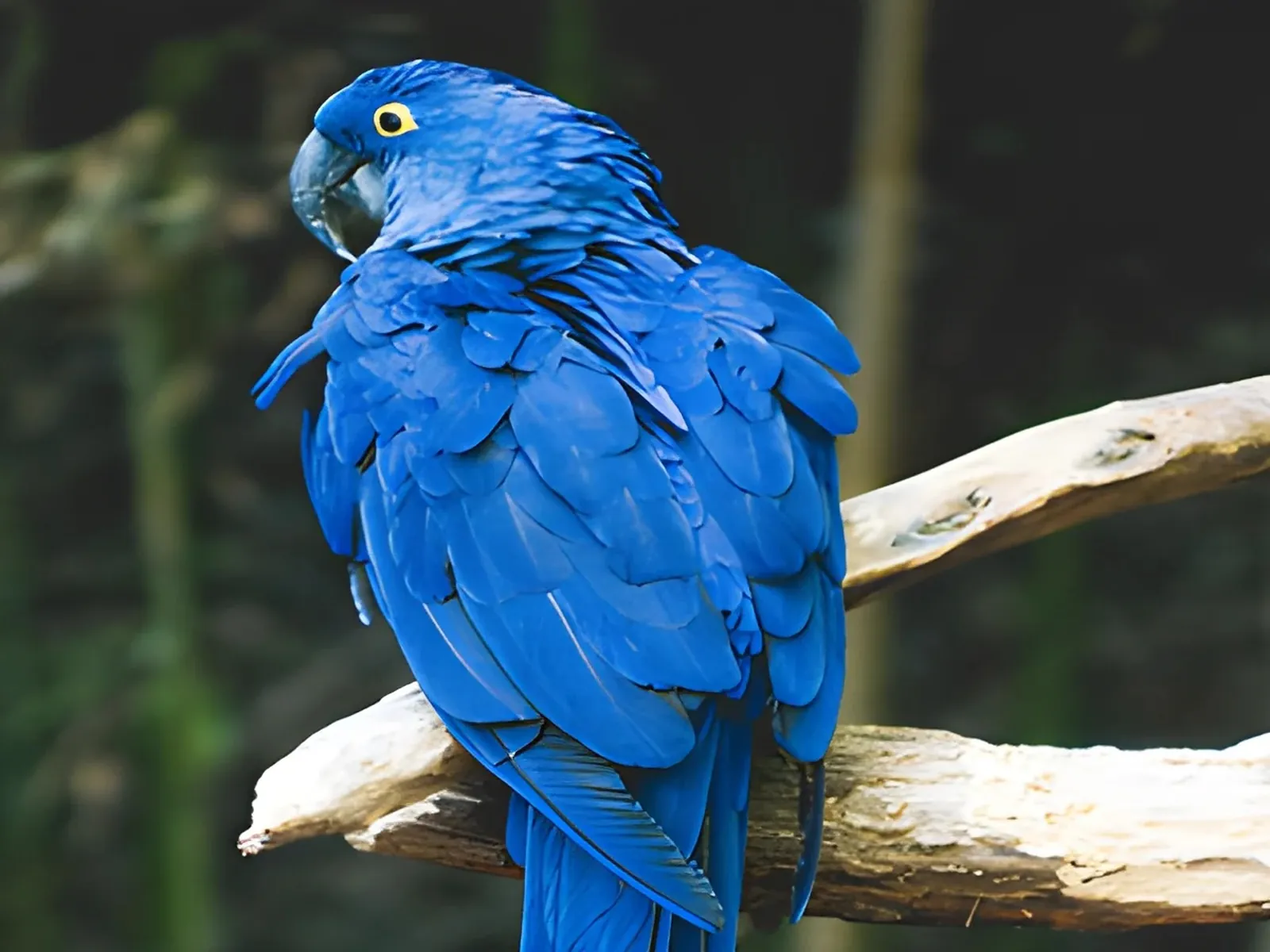
 photo5 s videoPress and hold to see the before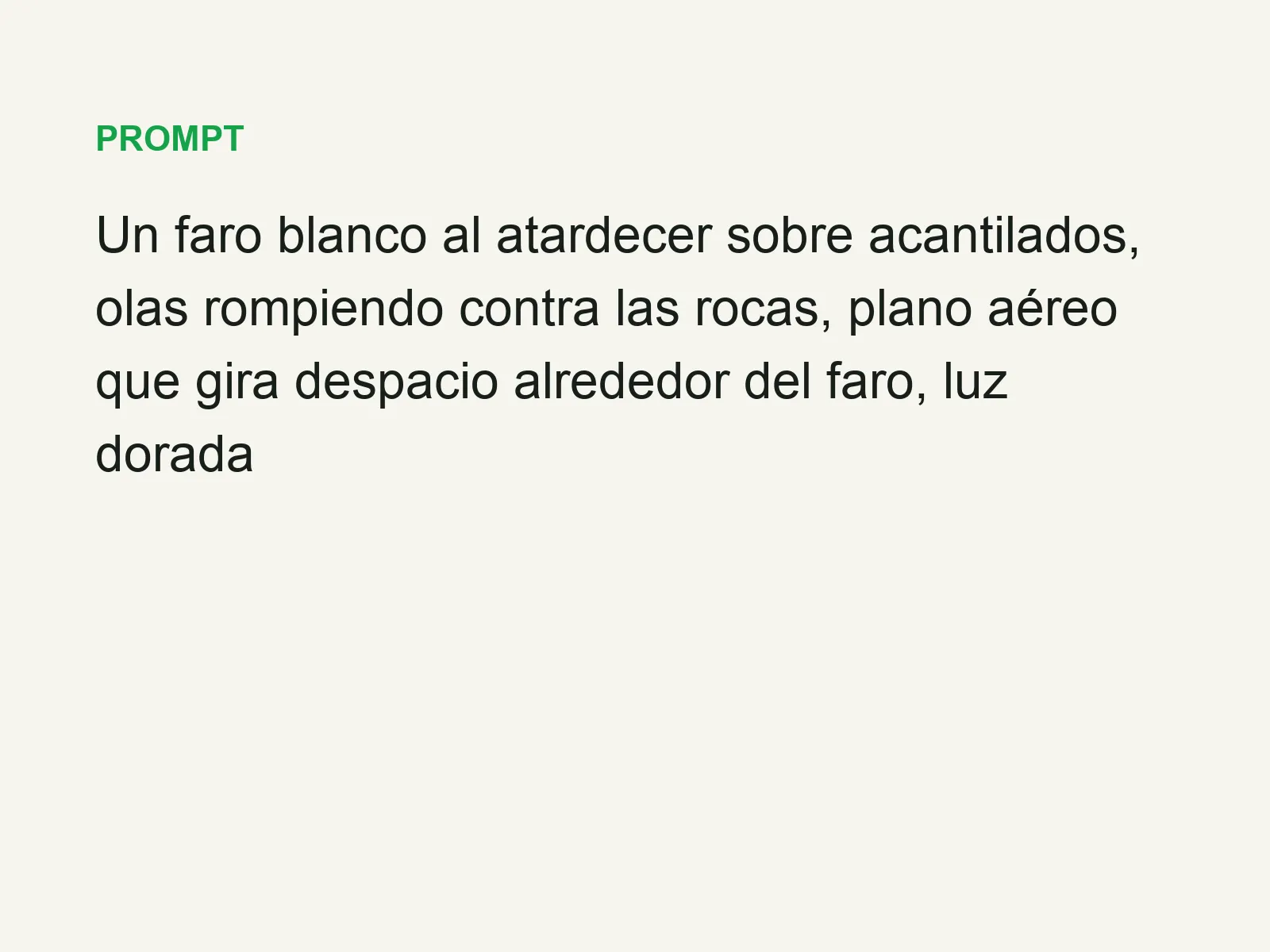
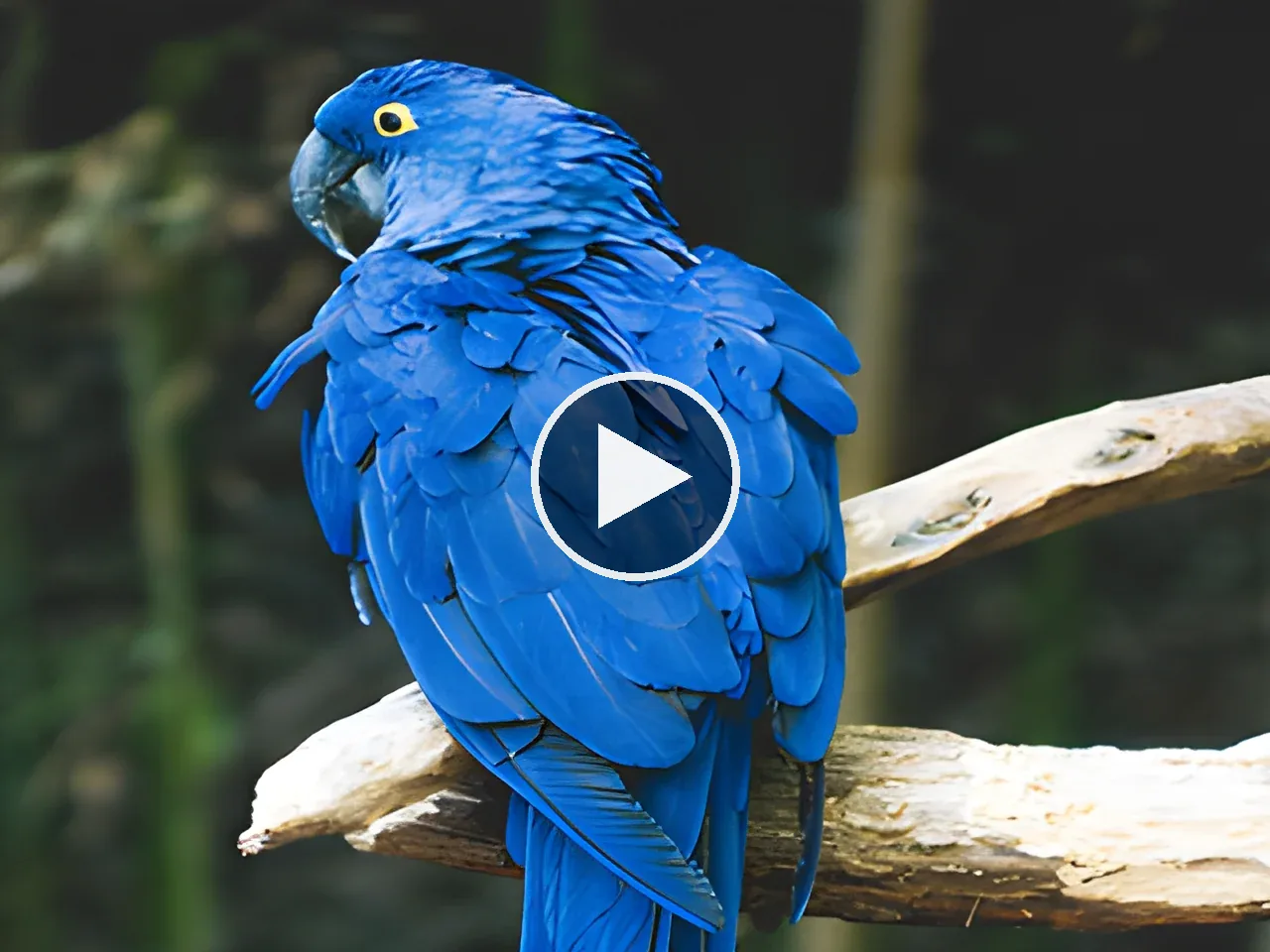 text16:9 video · 5 sPress and hold to see the before
 480p clip4K · 2160pPress and hold to see the before
 5 clips9:16 reel · subtitlesPress and hold to see the before
 320×240 px×4 · 1280×960 pxPress and hold to see the before