Upscale drawings and illustrations without losing the line
A model trained only on illustration: clean lines and flat colors at 4×, right where photo upscalers smudge.
A model trained only on illustration: clean lines and flat colors at 4×, right where photo upscalers smudge.

How it works
Upload your illustration
Drawings, anime, comics or digital art as JPG, PNG, WebP or TIFF.
×2 or ×4 with an anime-specific model
Clean lines and flat colours without photo-model artefacts.
Download your print
Print-grade resolution. The file is deleted in 1 hour.
✓ Works best with
- Clean PNGs with defined outlines and flat colour
- Little or no compression
- Transparent backgrounds, which are kept
✗ Can't recover
- Pixel art (it gets smoothed)
- Fine screentones and small text
- Illustrations with visible JPEG artefacts
We measured it
- A 320 × 240 px illustration upscaled ×4 to 1280 × 960 px in 5 seconds. (19-09-2026)
Measured on airpic.app with the GPU already running. If nobody has used it for a while, the first job takes 40 to 90 seconds longer to start.
Frequently asked questions
Does it work on photos?
No: this model is for drawings and illustration. For photos use Image Upscaler.
Does it keep line art clean?
Yes: x4plus-anime is trained on illustration and preserves clean lineart and flat colors.
Do you keep my files?
No. Everything is deleted: 1 hour after download, 24 h max.
Is AI anime upscaling free?
Processing and previewing the result is free, with no account. You get 1 free full-size download every month; after that you pay with credits that never expire, no subscription.
Can I upscale ×2 instead of ×4?
Yes: tick the ×2 option if the illustration only needs a little more resolution. The model is the same; ×4 is still the default.
Does it work with pixel art?
Not really: the model smooths the pixels and the style is lost. It works best on clean PNGs with defined outlines and flat colour, and it keeps the alpha channel if the image is transparent.
Articles about Anime Upscaler
How to upscale a pixelated logo
Upscale a pixelated logo to high resolution: what AI recovers, how to fix small text and transparency, and when a vector redraw is the only option for print.
More tools in the suite
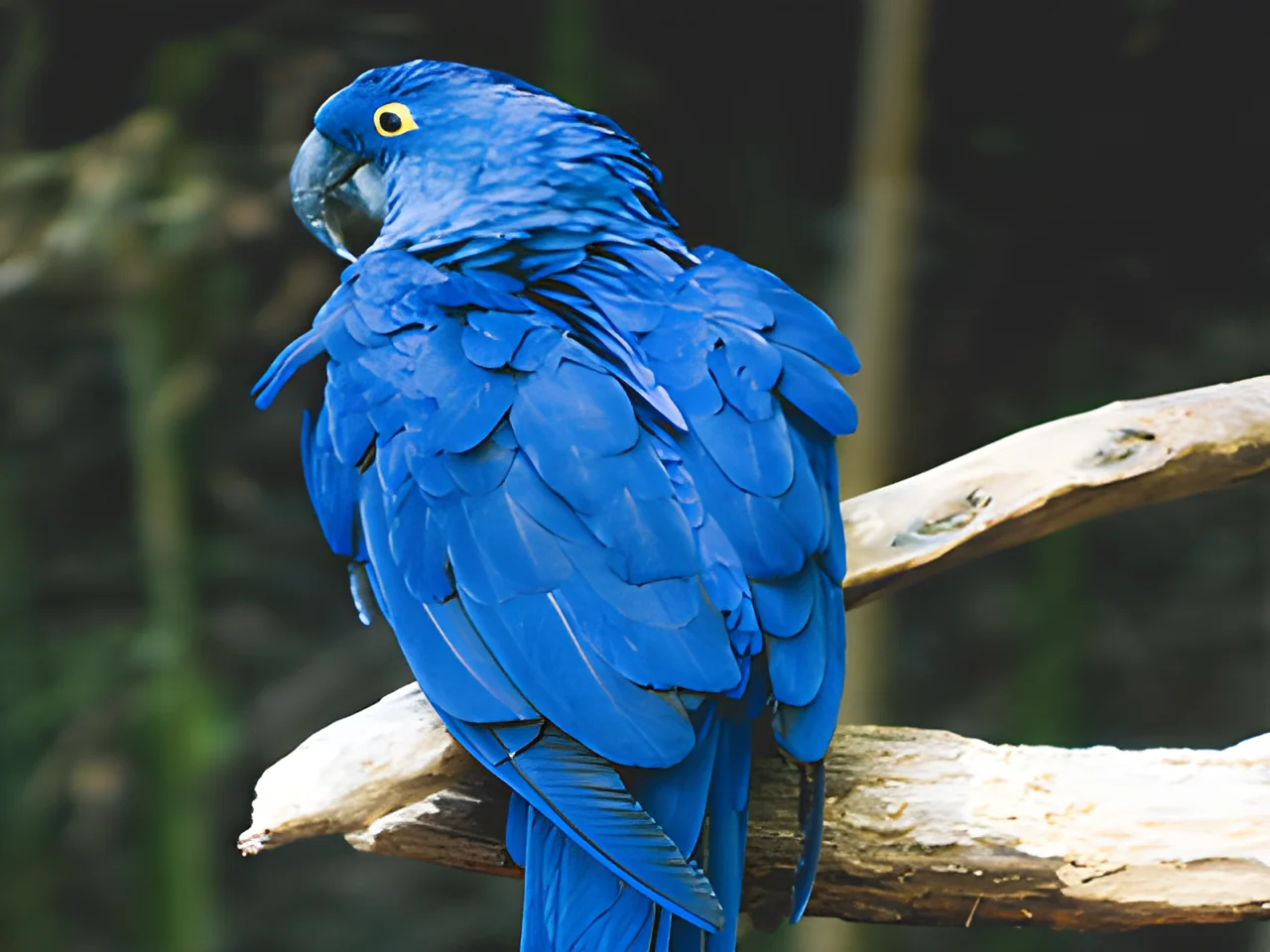 320×240 px×4 · 1280×960 pxPress and hold to see the before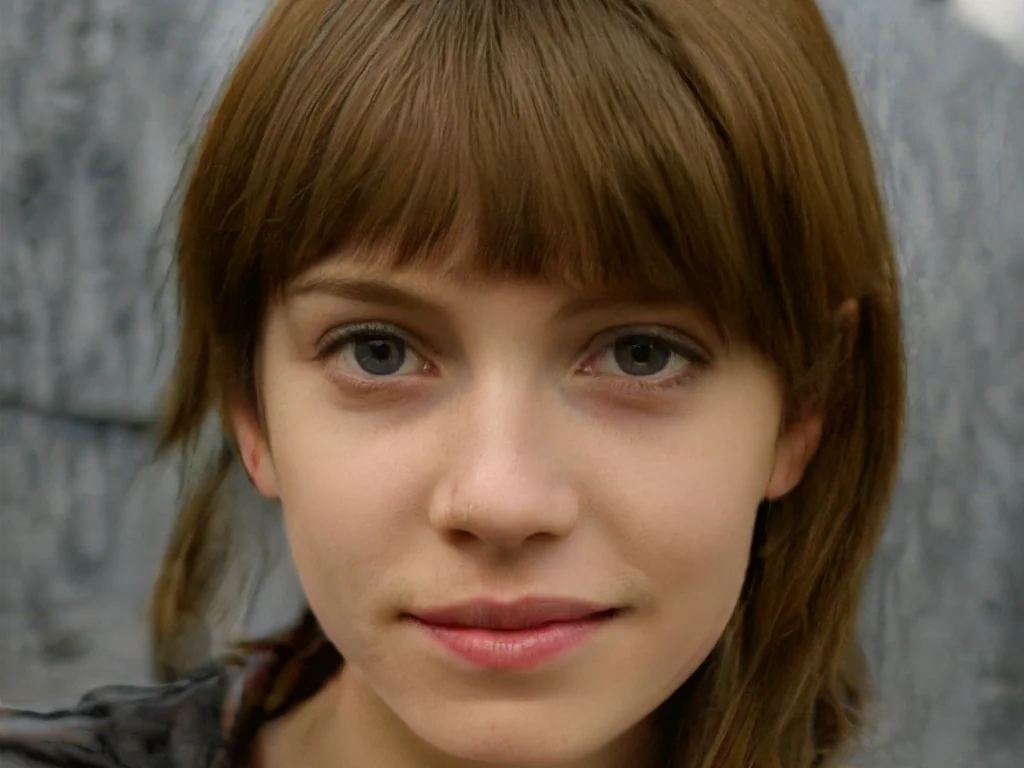
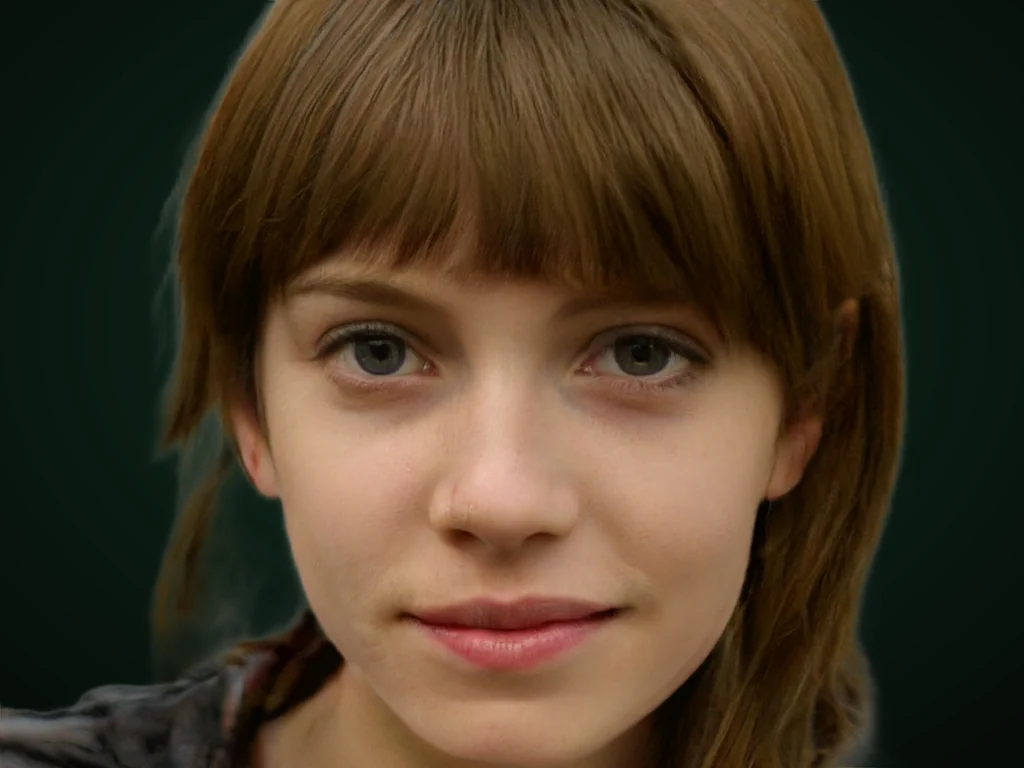 originalno background · 5 sPress and hold to see the before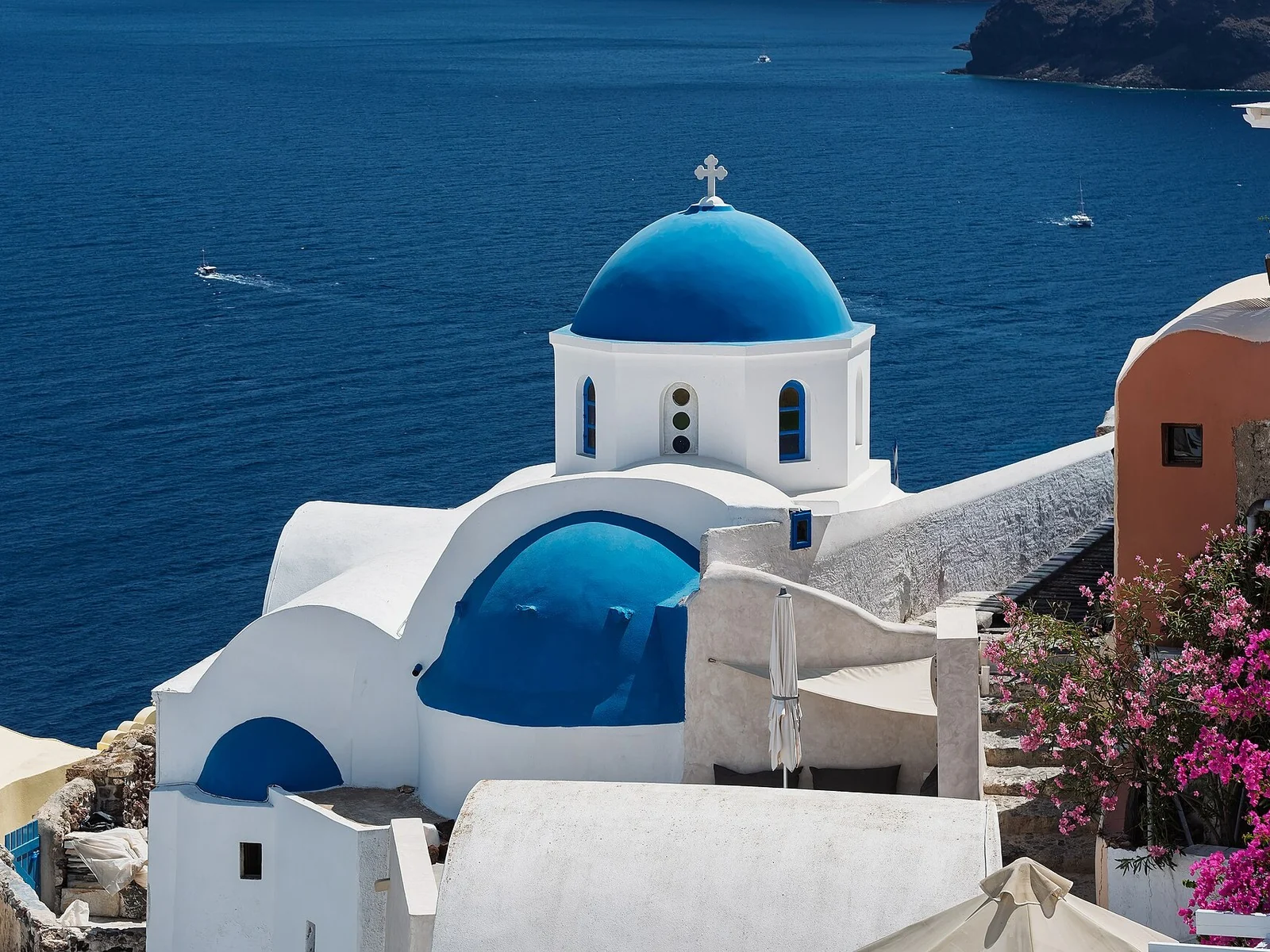
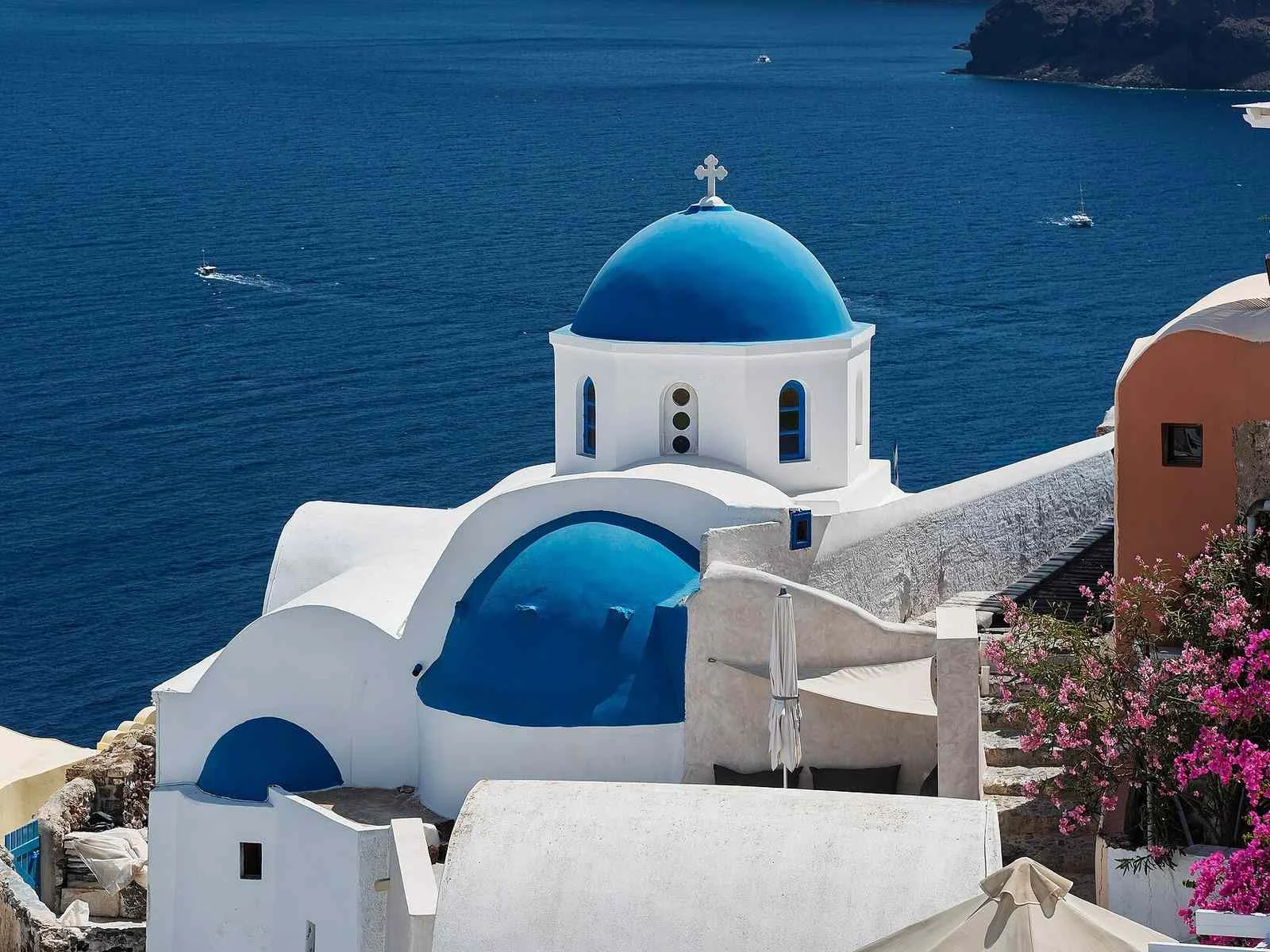 1.2 MB208 KB · −83 %Press and hold to see the before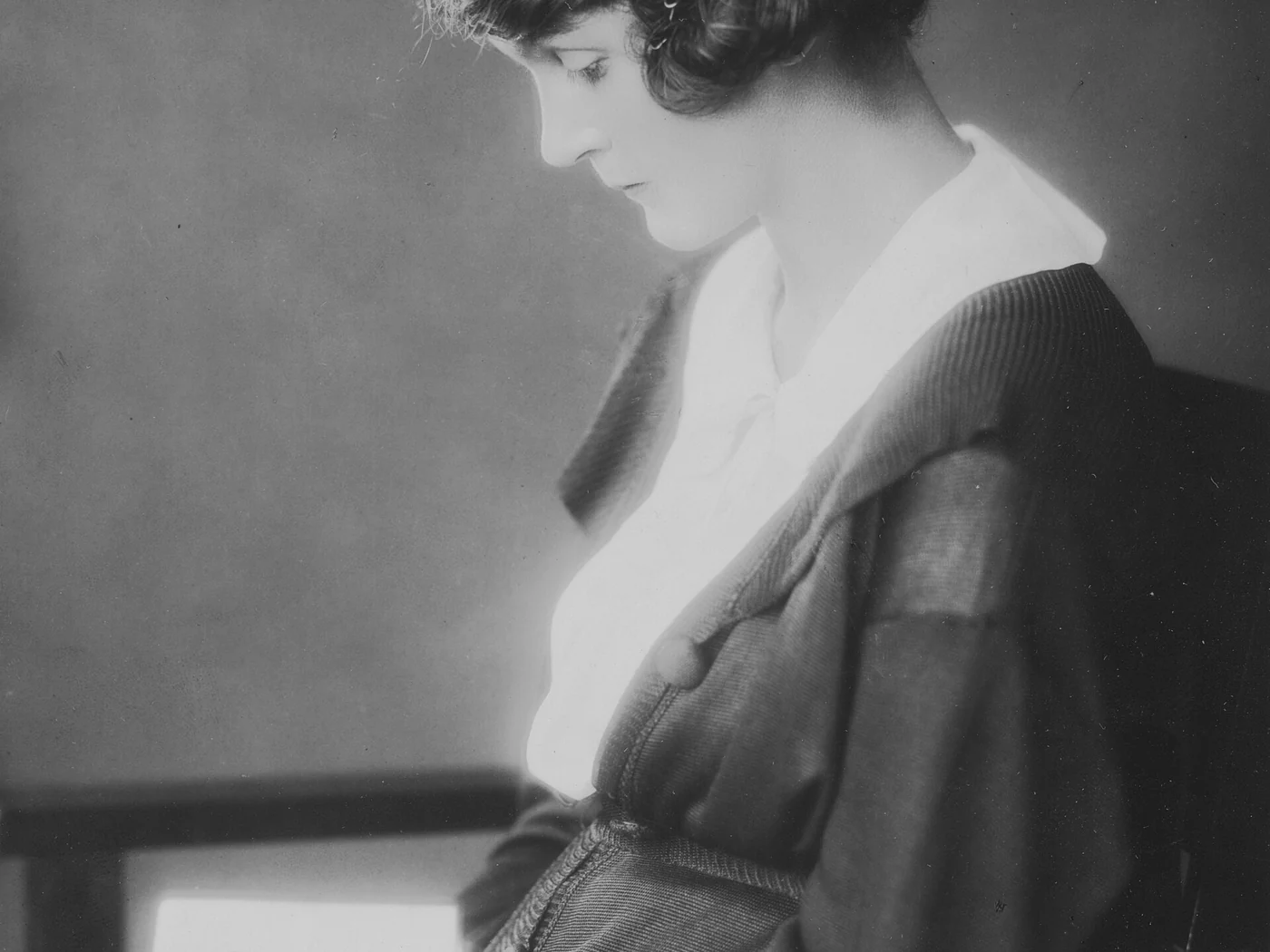
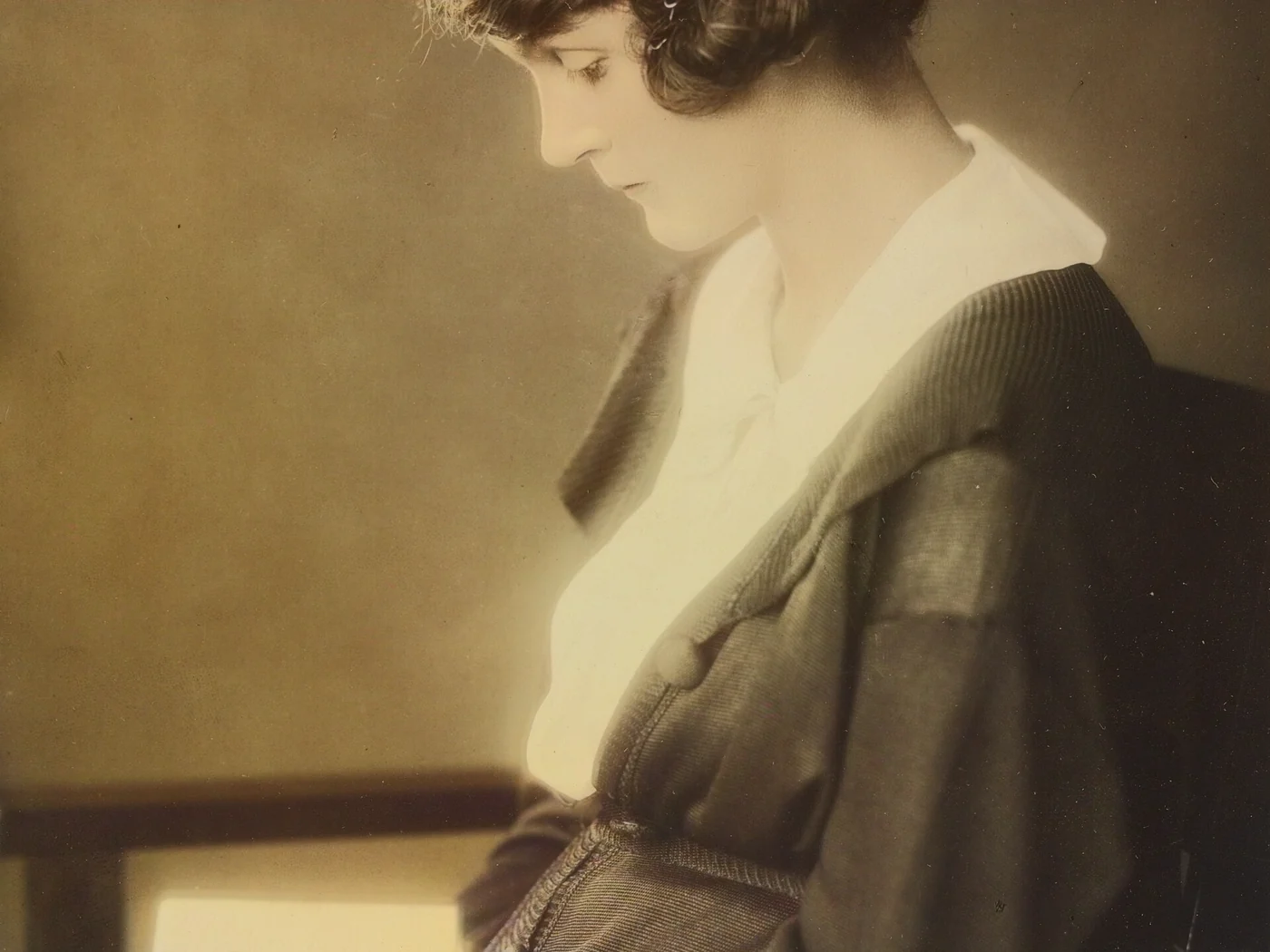 black & whiteAI color · 3 sPress and hold to see the before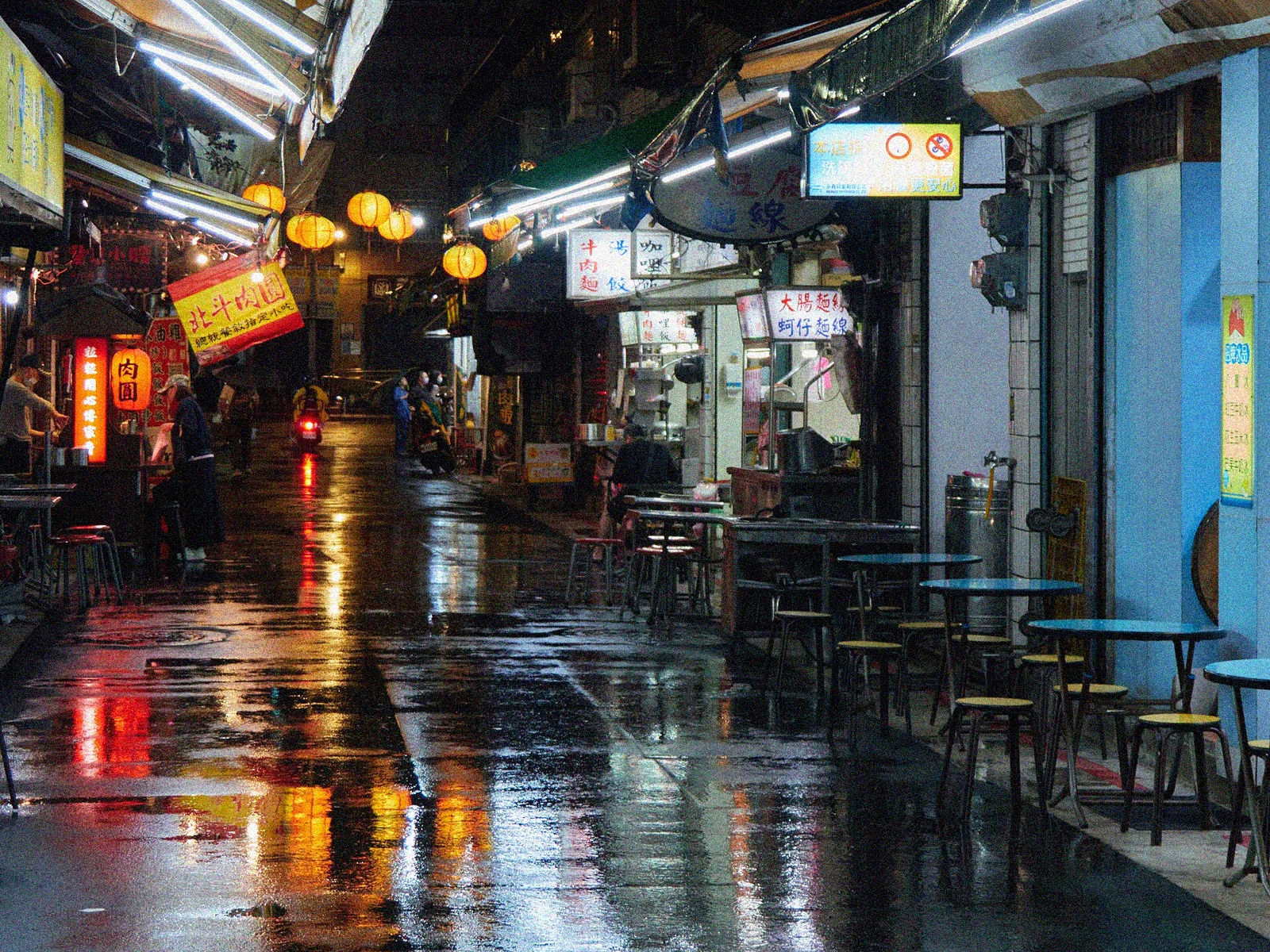
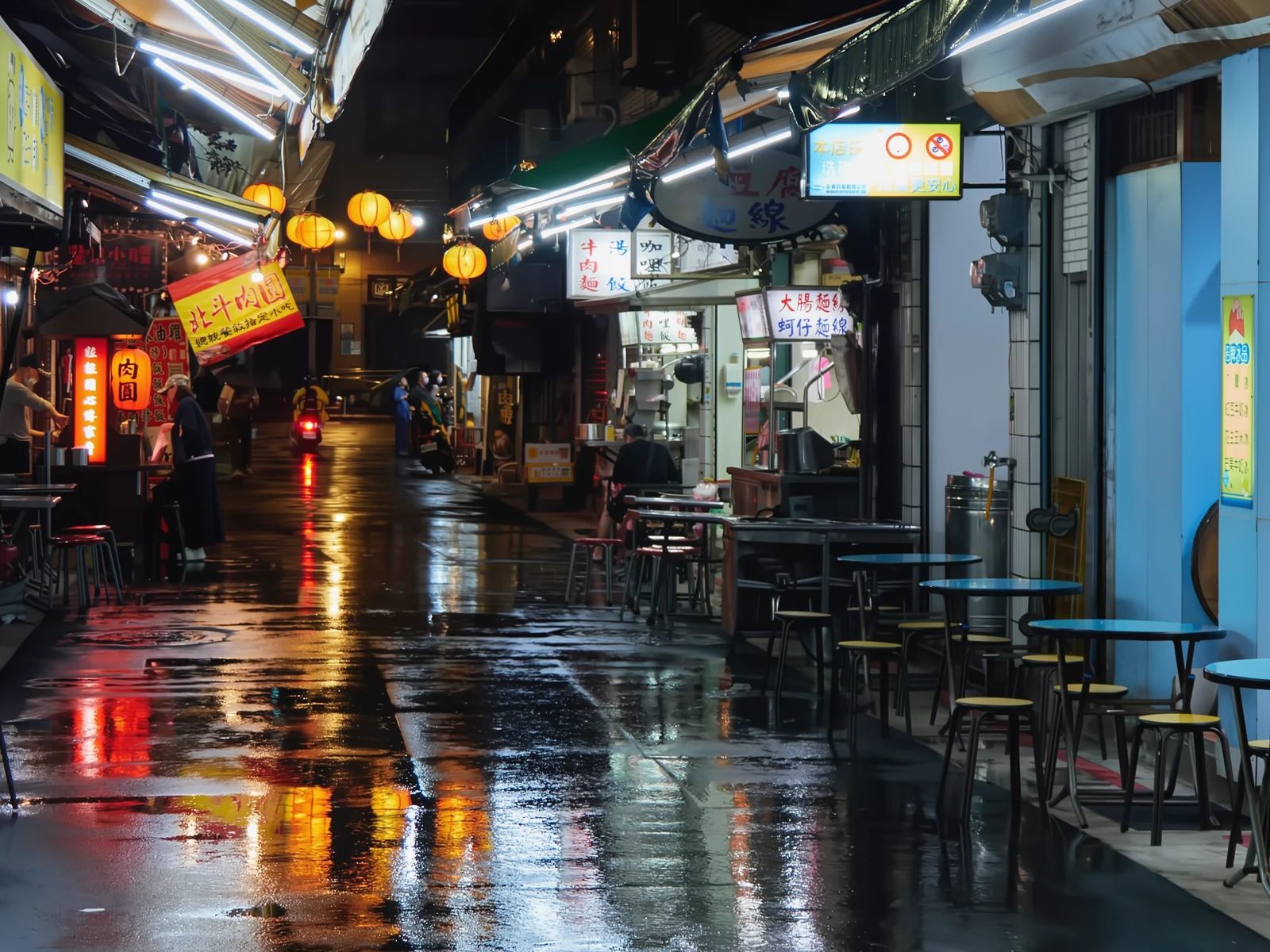 noisyclean · 5 sPress and hold to see the before
 blurry · 29 pxsharp · 7 sPress and hold to see the before
 scan · 1863restored · 9 sPress and hold to see the before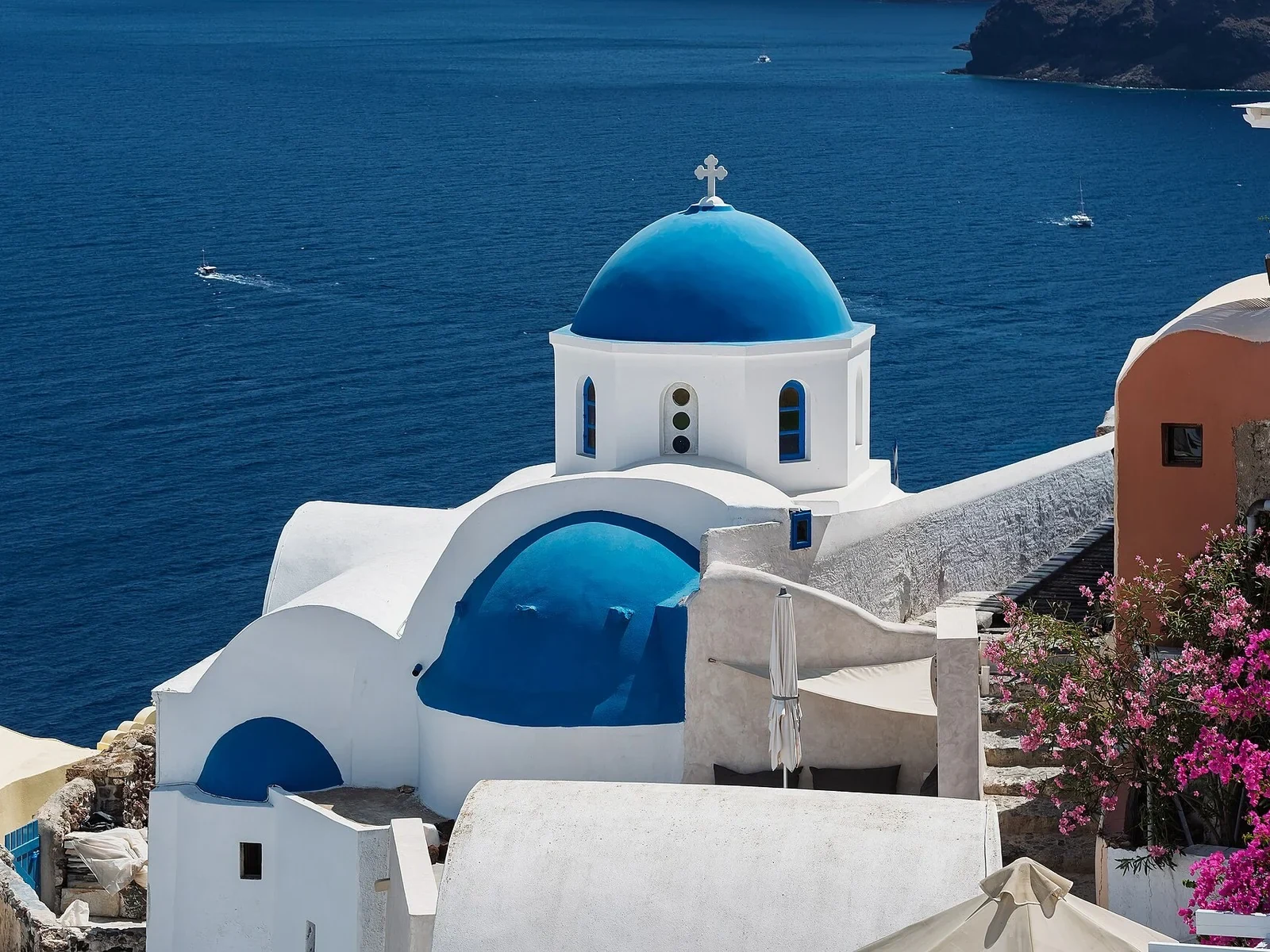
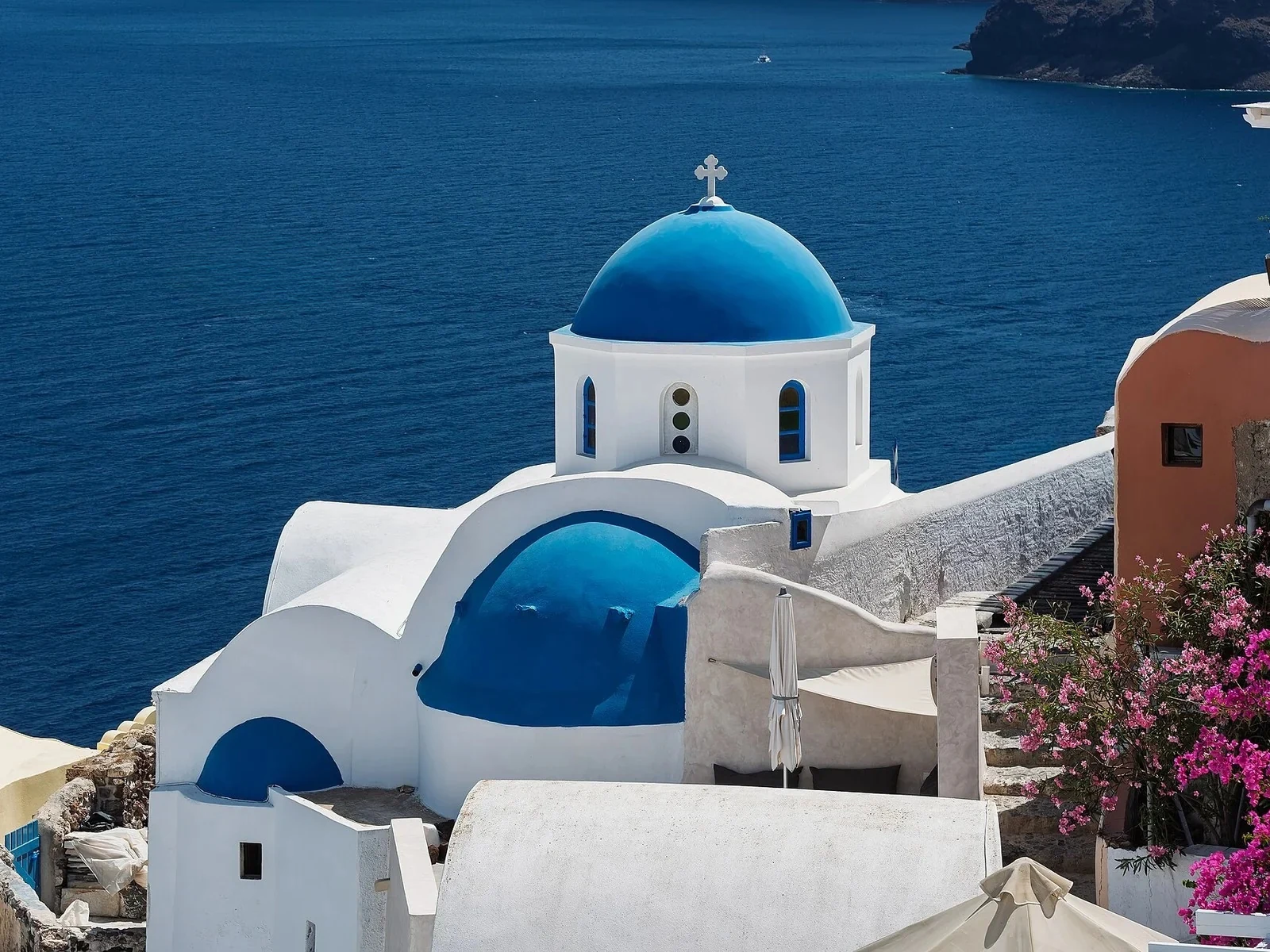 with objectclean · 3 sPress and hold to see the before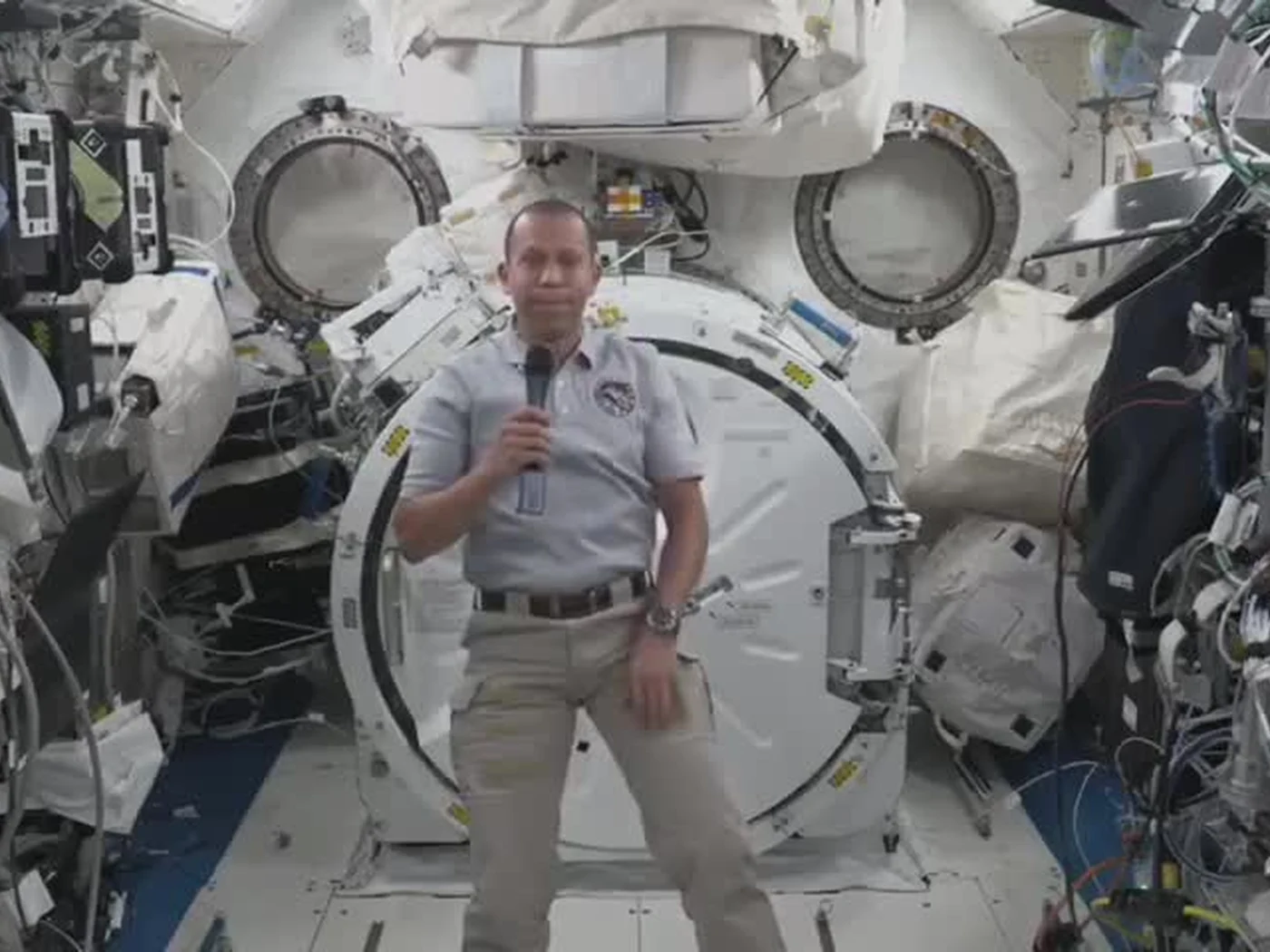
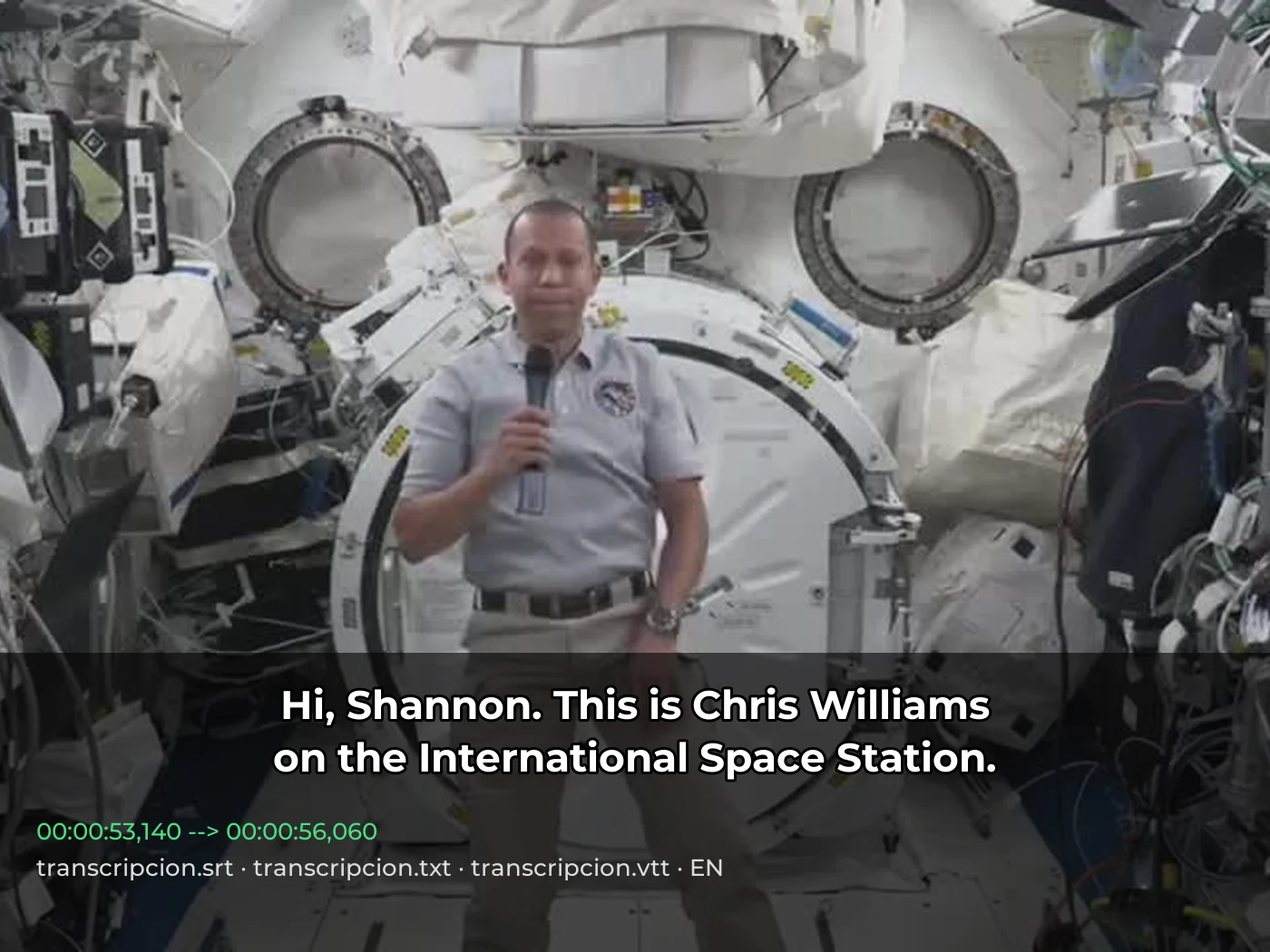 video · 3:00text + SRT · 24 sPress and hold to see the before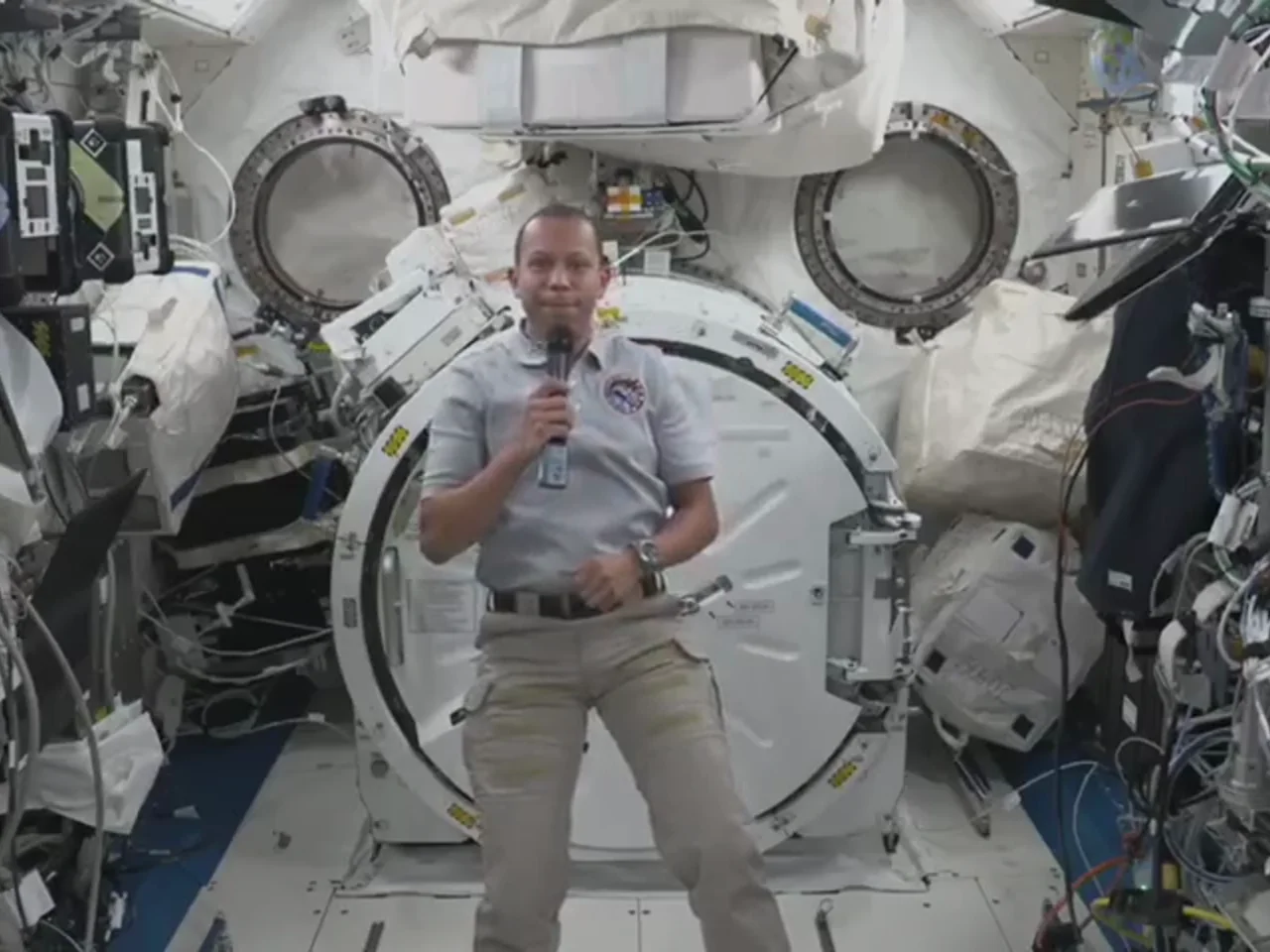
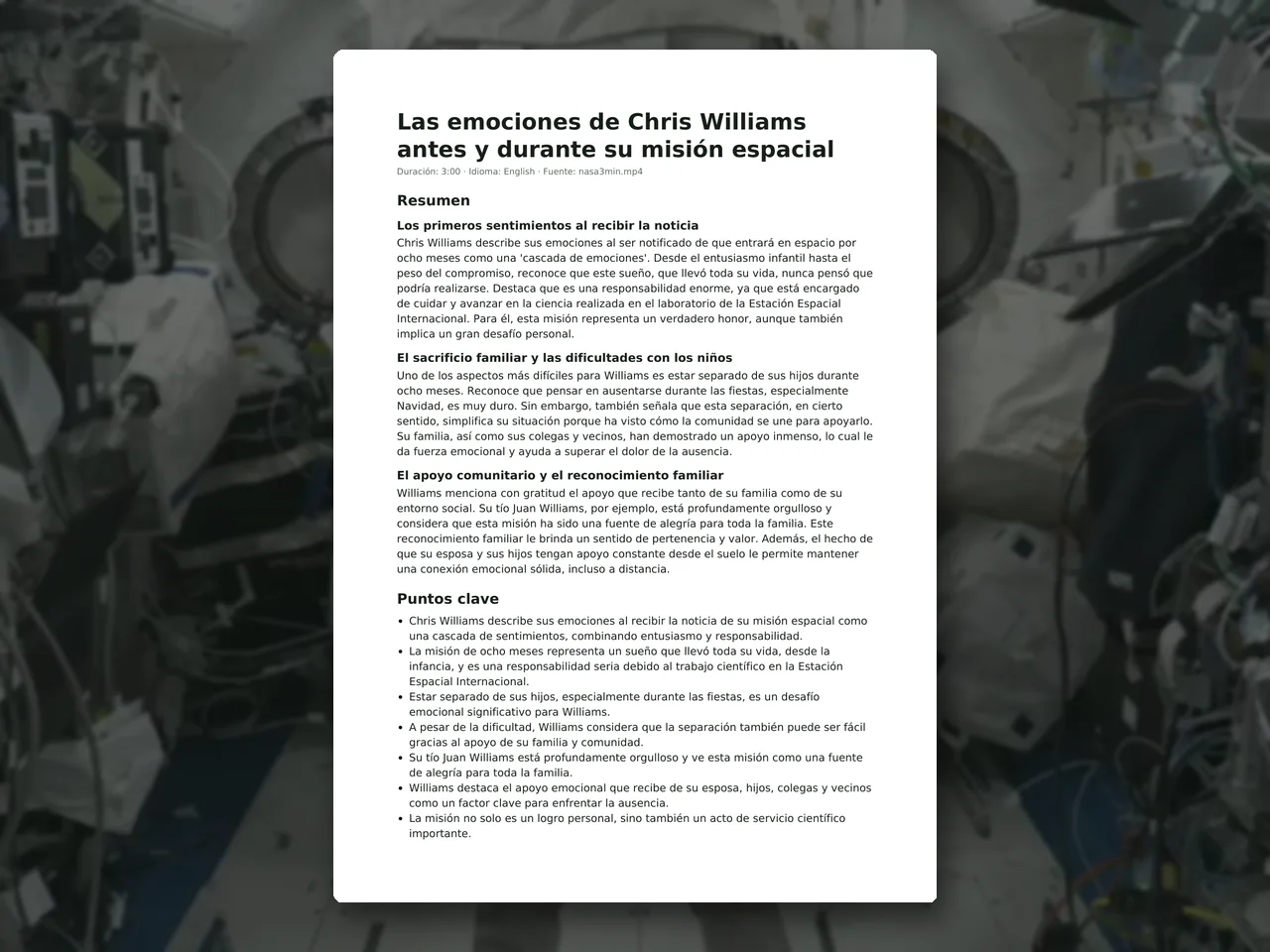 video · 6:38document · 169 sPress and hold to see the before
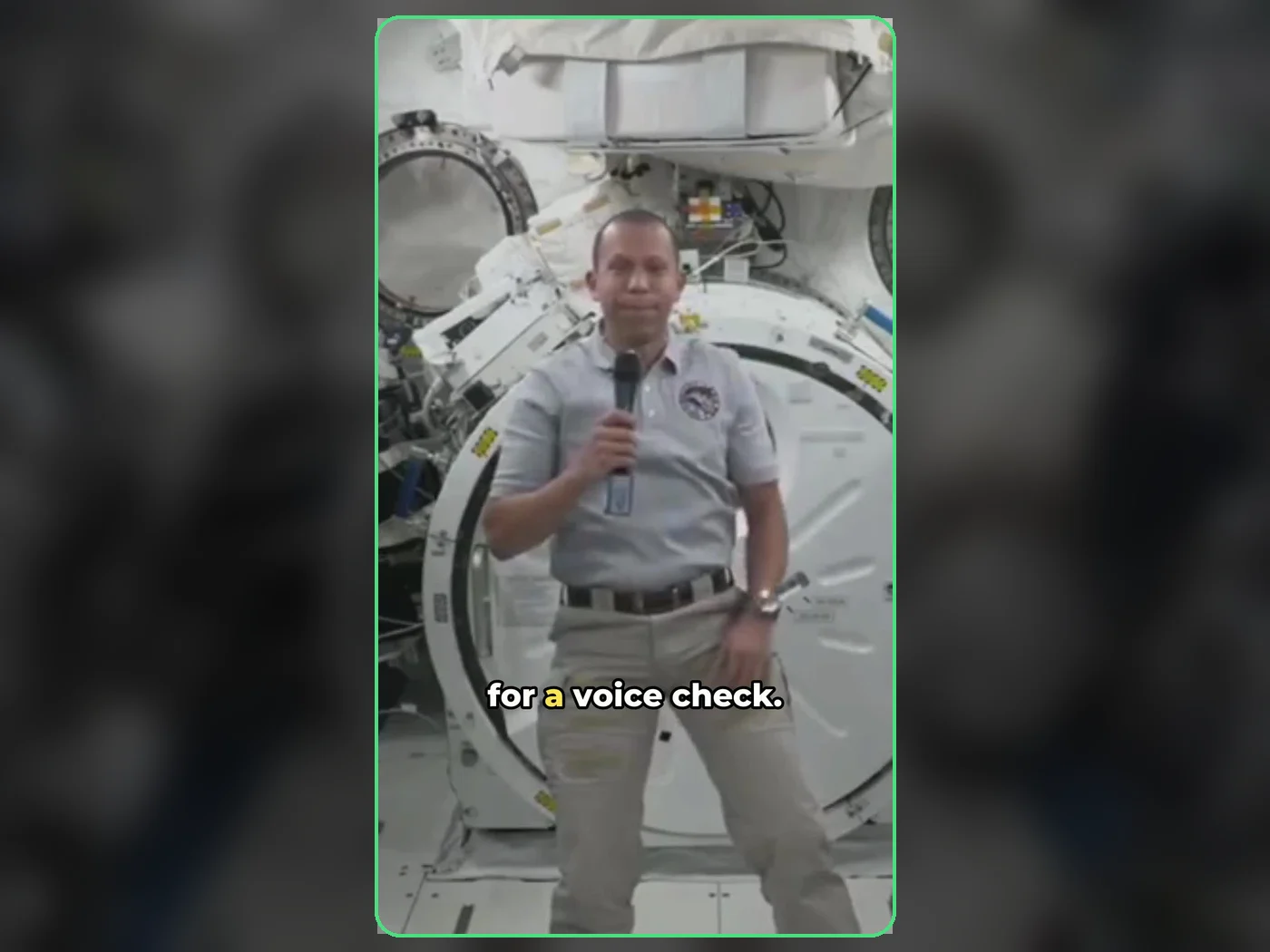 long video · 4:009:16 shorts · 2 × 31-33 sPress and hold to see the before
 photo5 s videoPress and hold to see the before
 text16:9 video · 5 sPress and hold to see the before
 480p clip4K · 2160pPress and hold to see the before
 5 clips9:16 reel · subtitlesPress and hold to see the before