Clean the grain from your low-light photos
Removes noise from night, indoor and high-ISO photos while keeping real detail.
Removes noise from night, indoor and high-ISO photos while keeping real detail.
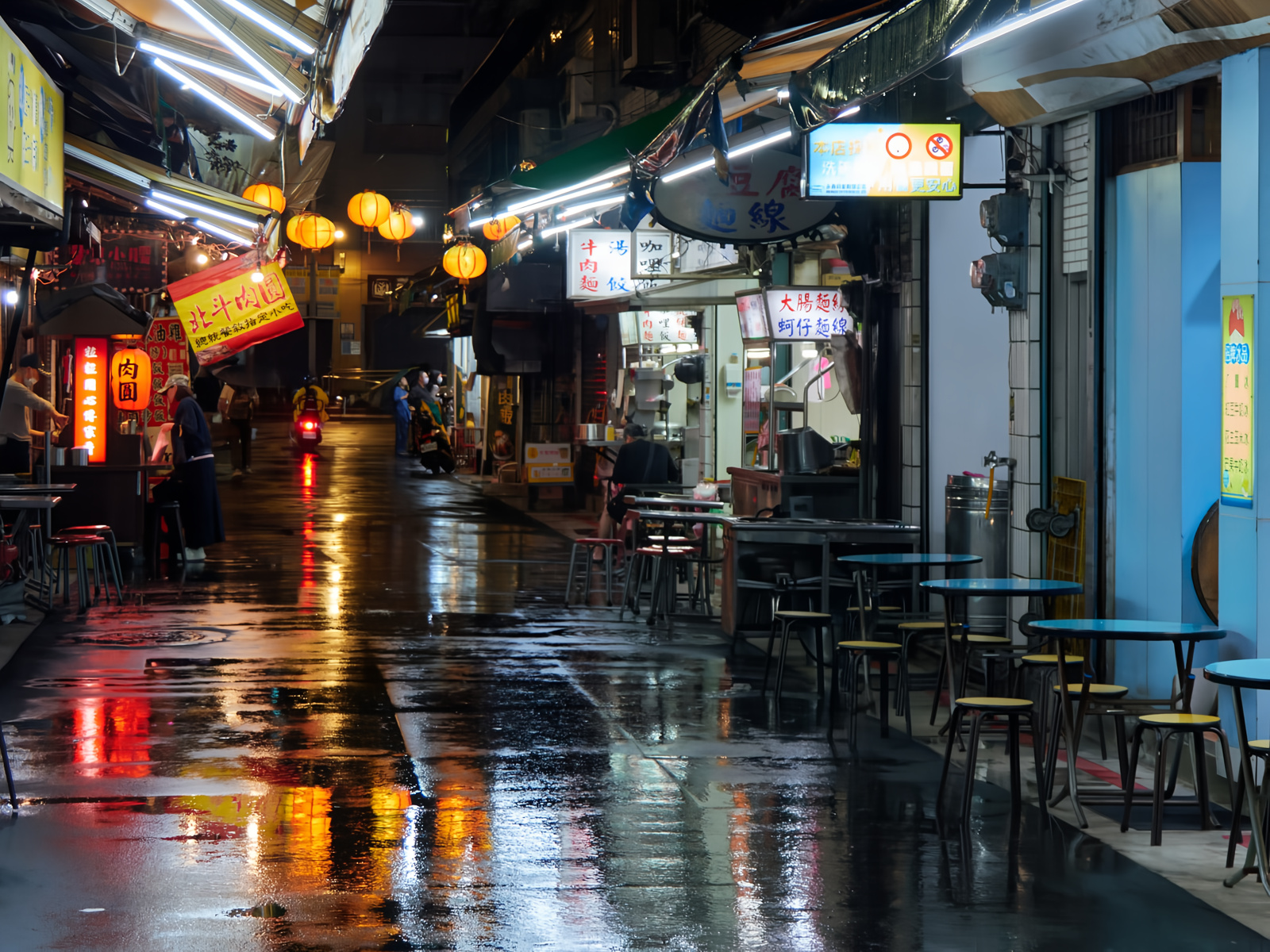
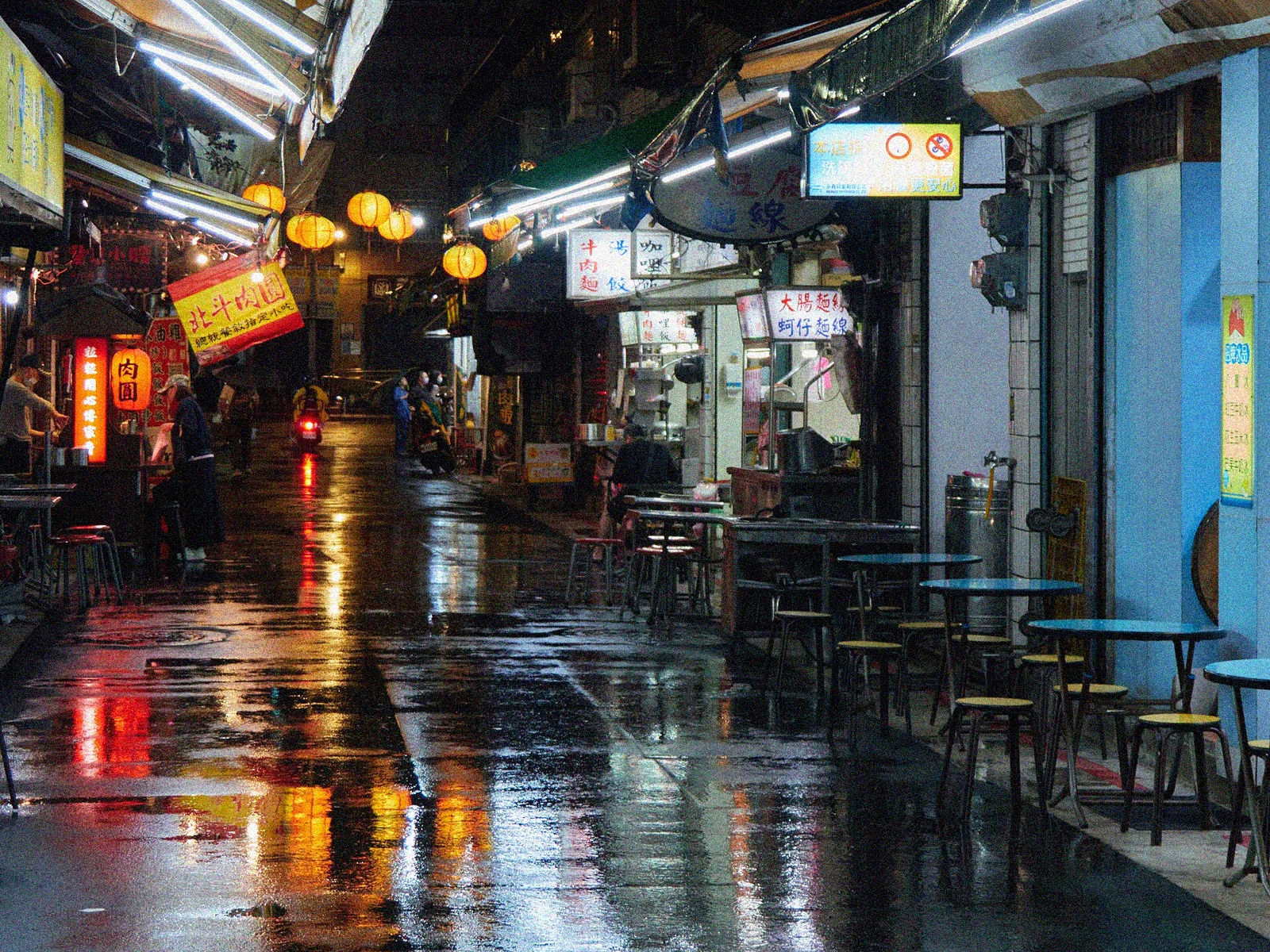
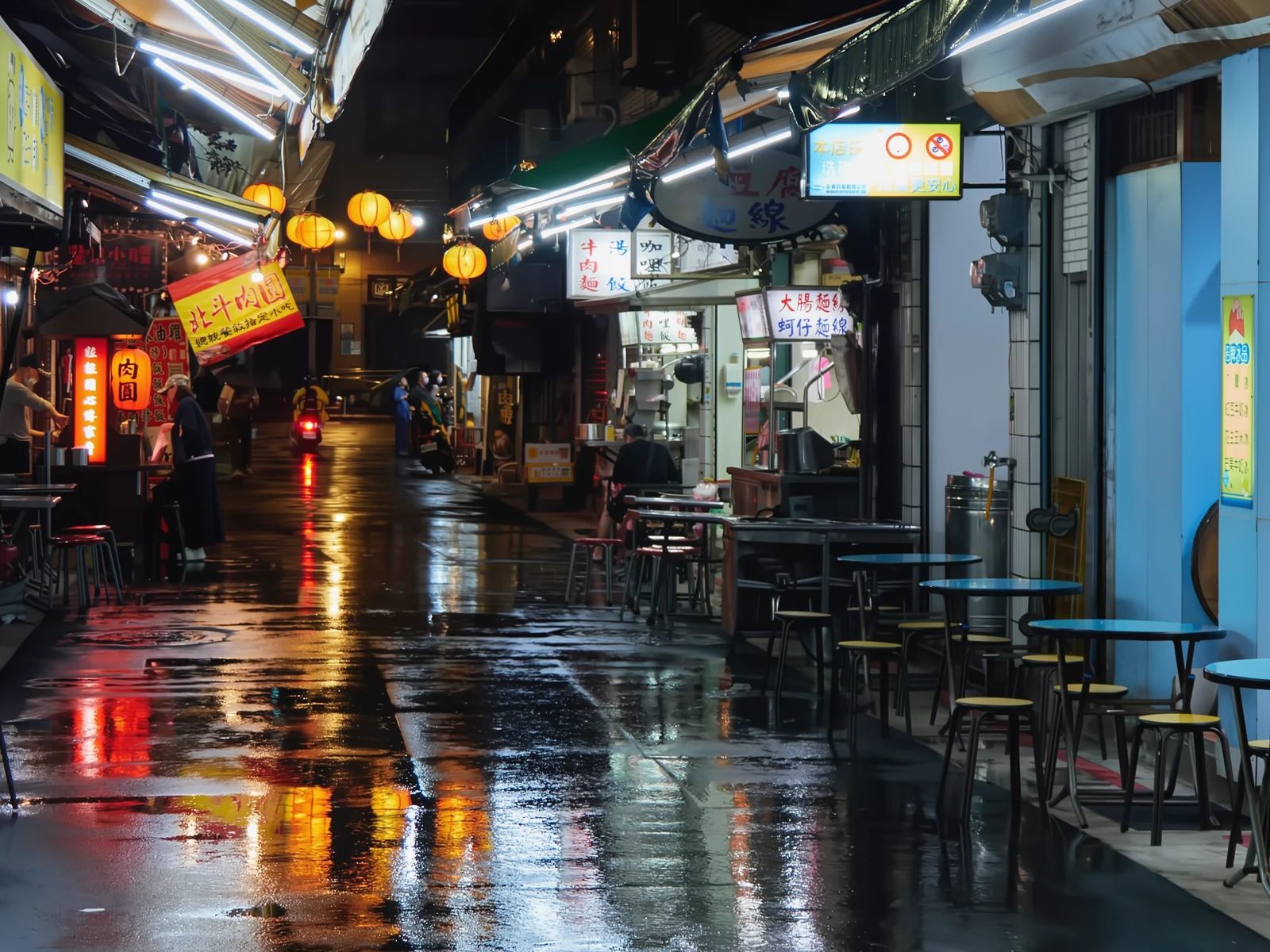
How it works
Upload the noisy photo
Night shots, low light, high ISO or scan grain.
SCUNet cleans the grain
Removes noise while keeping real edges and textures.
Download the clean photo
Ready to edit or print. Deleted in 1 hour.
✓ Works best with
- In-focus photos with low-light noise
- Night shots from a phone, high ISO, scans
- Fine grain over an otherwise sharp subject
✗ Can't recover
- Motion blur or missing focus
- JPEGs wrecked by compression
- At full strength it can smooth skin and textures
We measured it
- Noise removed from a 1600 × 1200 px photo in 5 seconds. (19-09-2026)
Measured on airpic.app with the GPU already running. If nobody has used it for a while, the first job takes 40 to 90 seconds longer to start.
Frequently asked questions
What kind of noise does it remove?
High-ISO grain, low-light noise and color noise. SCUNet model trained for photographic denoising.
Will I lose detail?
The model prioritizes real edges and textures; on very fine grain it may smooth. For maximum detail, combine with Upscaler.
Can I control how much noise is removed?
Yes, with the strength control: at 100 % the SCUNet model (trained on real camera noise) cleans fully; at 50 % it keeps some grain and texture. Ideal for high-ISO photos you don't want to look “plastic”.
Is anything stored?
Nothing: ephemeral processing, deleted 1 hour after download.
Is it free to remove noise from a photo?
Processing and previewing the result is free, with no account. You get 1 free full-size download every month; after that you pay with credits that never expire, no subscription.
Are there settings for different kinds of photo?
Yes: there are quick presets for night photos, high ISO, scans and keeping texture. They set the recommended strength, and you can then adjust it by hand.
Can I upload a RAW file?
No: it accepts JPG, PNG (16-bit too), WebP, TIFF, HEIC and AVIF. Export the RAW to 16-bit TIFF or PNG so you don't lose information before denoising.
Articles about Photo Denoiser
How to remove noise from a night photo
Remove noise from night photos: where low-light grain and colour blotches come from, how to avoid high ISO noise and how far to clean before detail goes.
More tools in the suite
 320×240 px×4 · 1280×960 pxPress and hold to see the before
 originalno background · 5 sPress and hold to see the before
 1.2 MB208 KB · −83 %Press and hold to see the before
 black & whiteAI color · 3 sPress and hold to see the before
 blurry · 29 pxsharp · 7 sPress and hold to see the before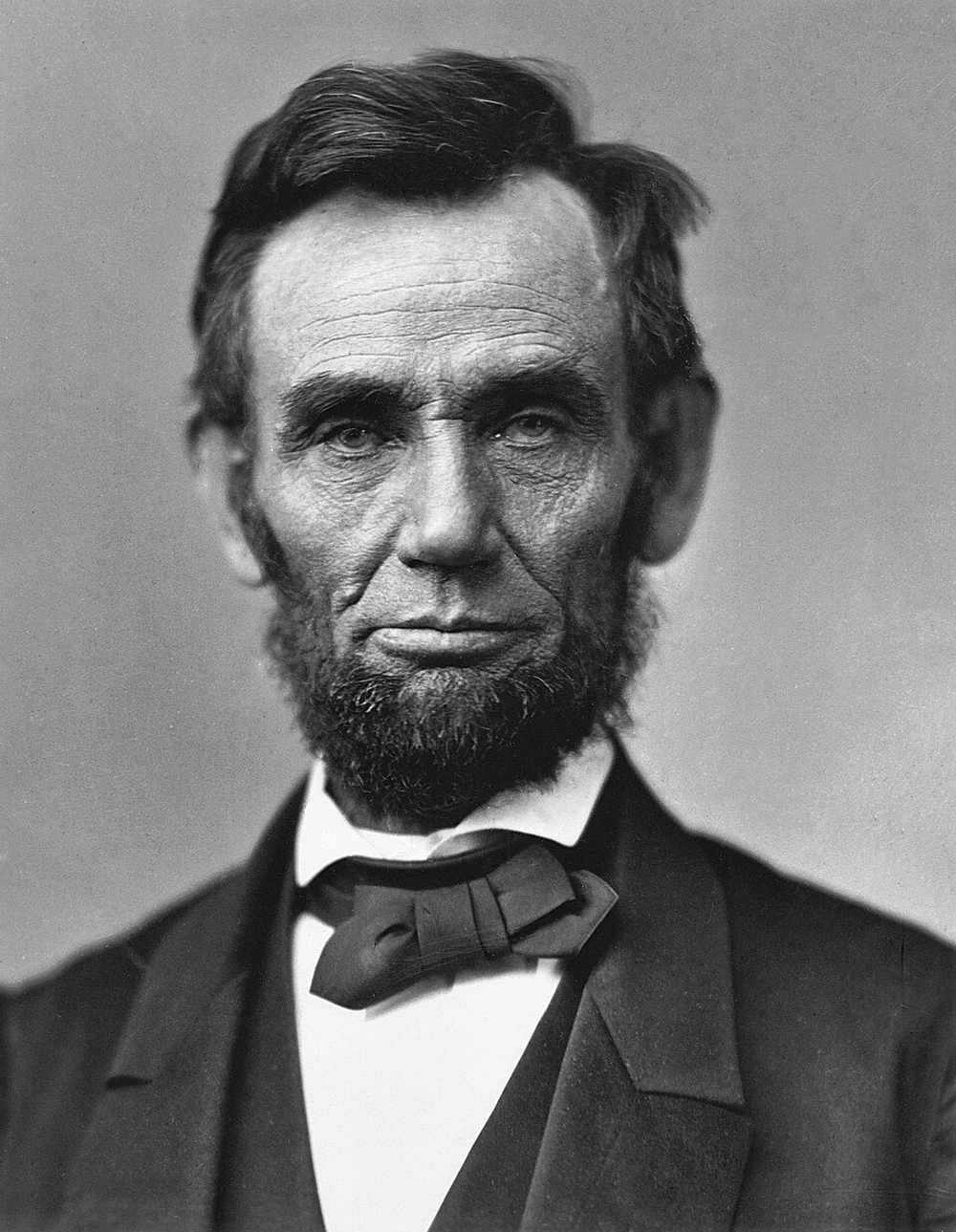
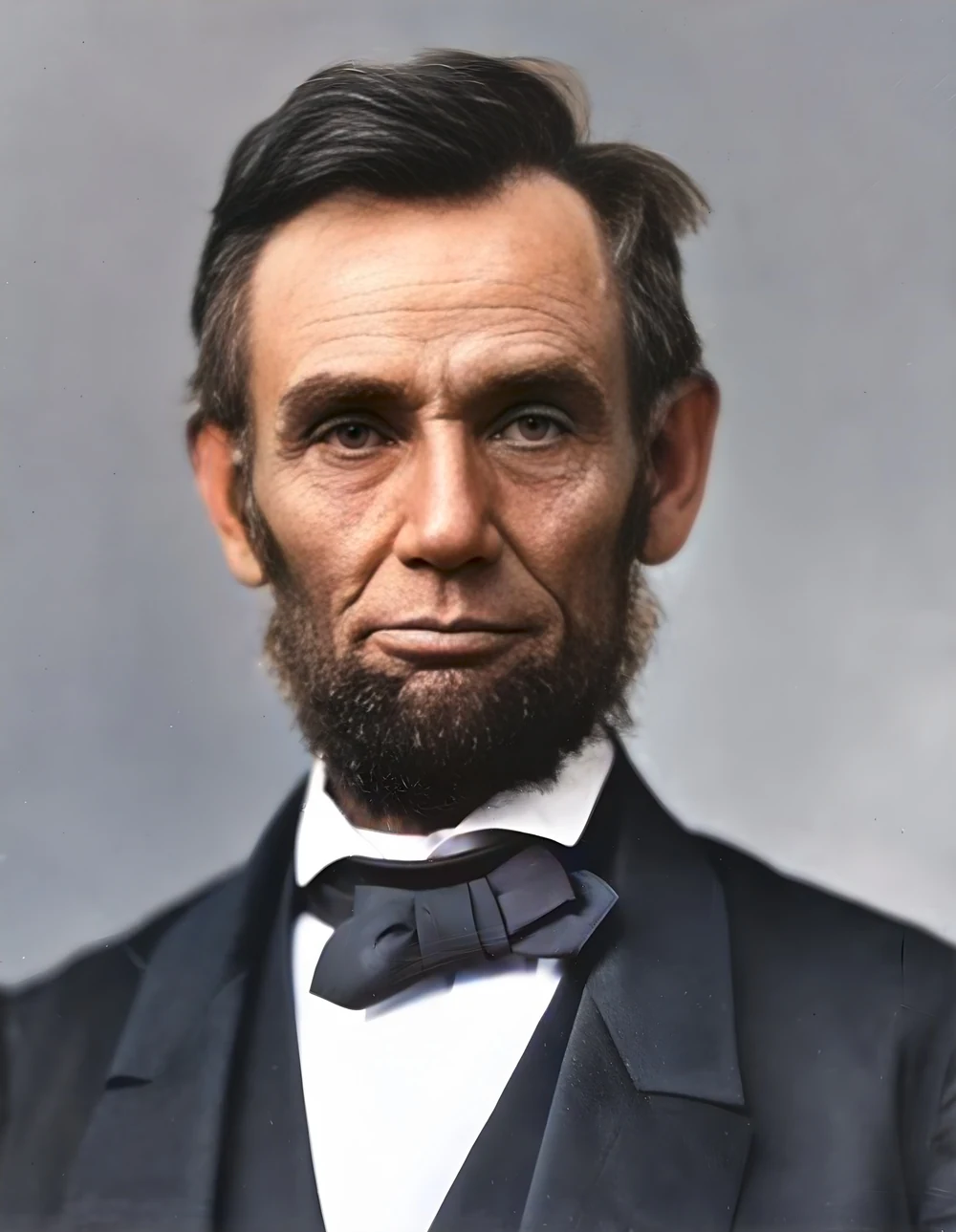 scan · 1863restored · 9 sPress and hold to see the before
 with objectclean · 3 sPress and hold to see the before
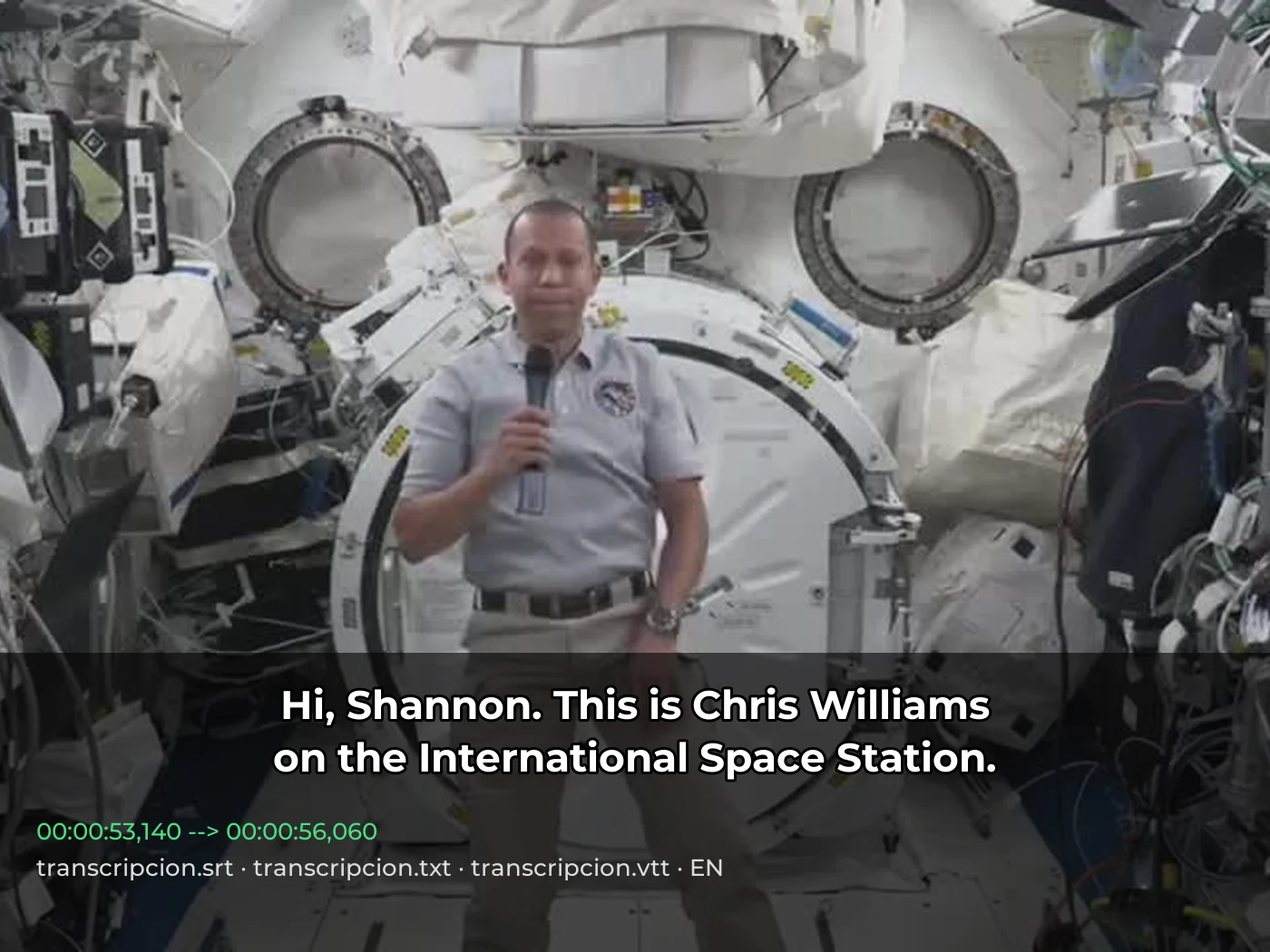 video · 3:00text + SRT · 24 sPress and hold to see the before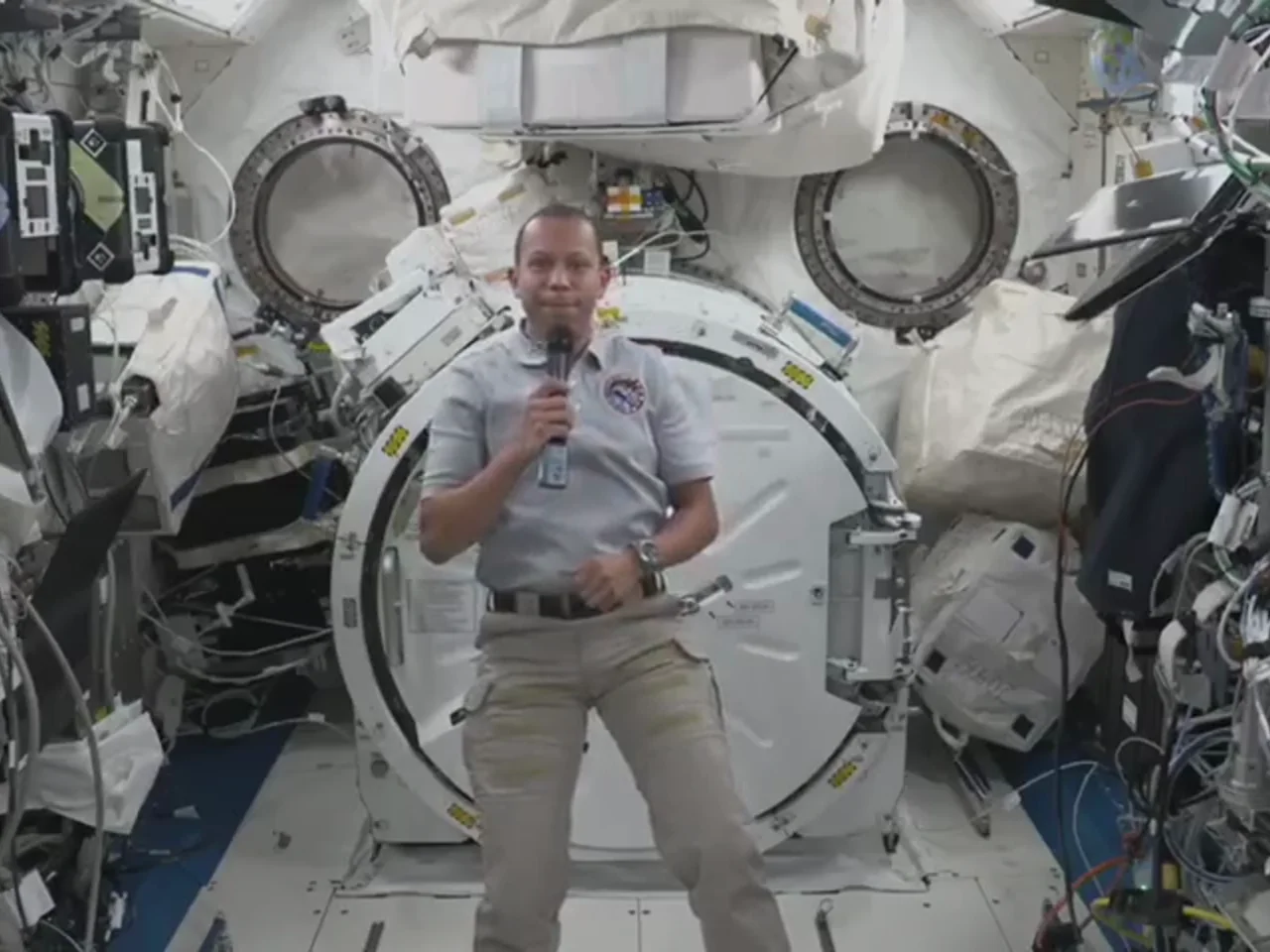
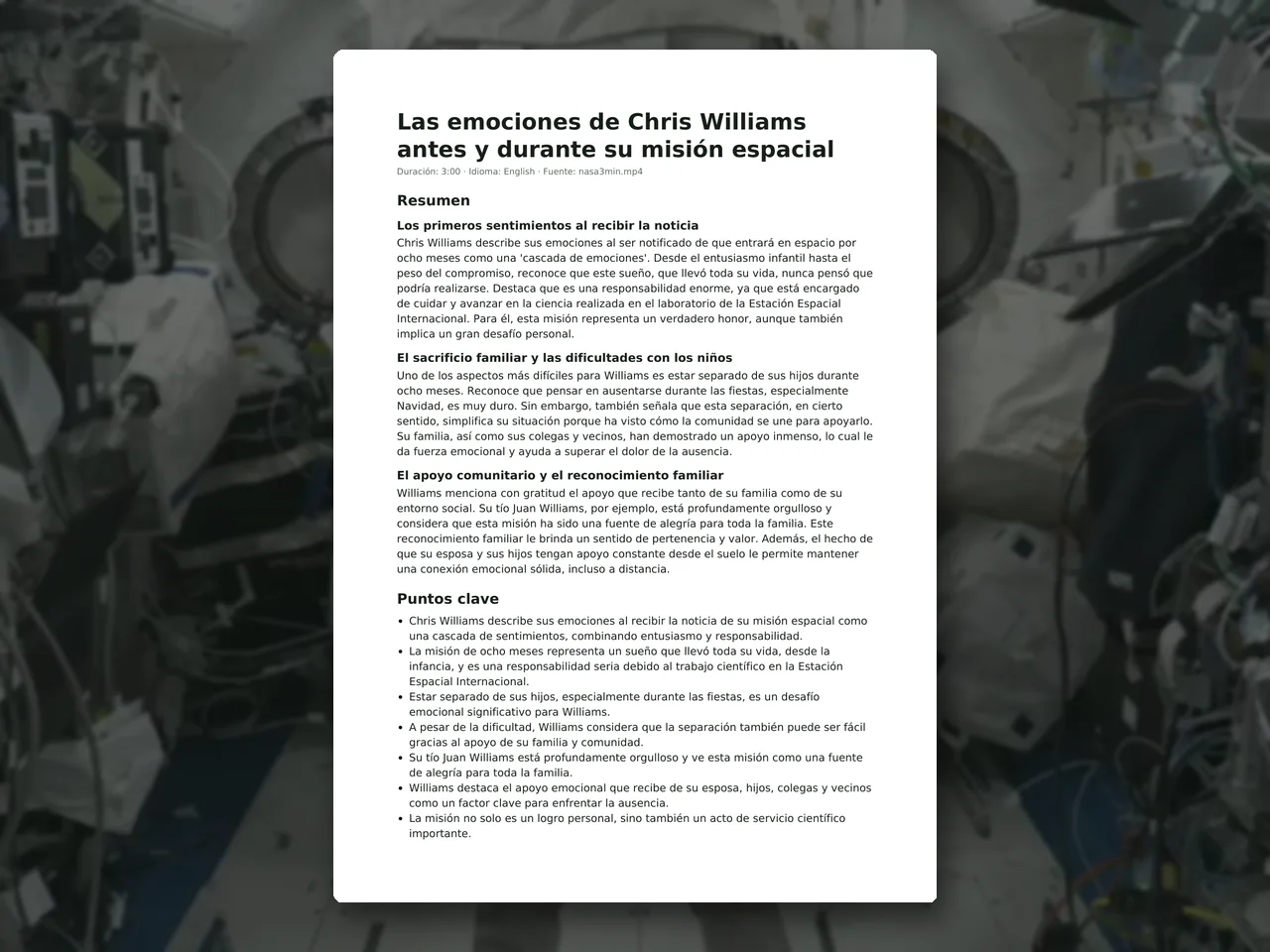 video · 6:38document · 169 sPress and hold to see the before
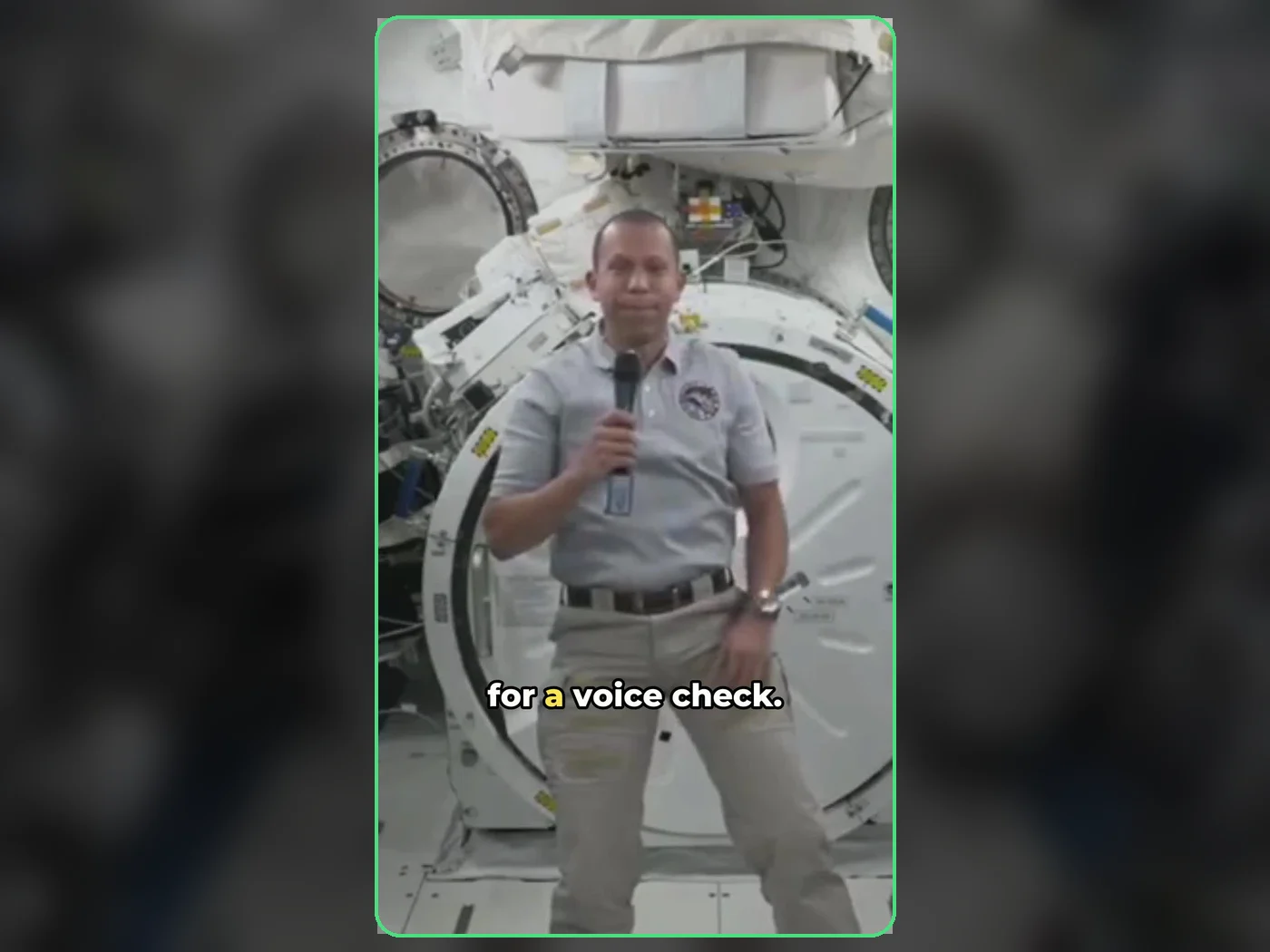 long video · 4:009:16 shorts · 2 × 31-33 sPress and hold to see the before
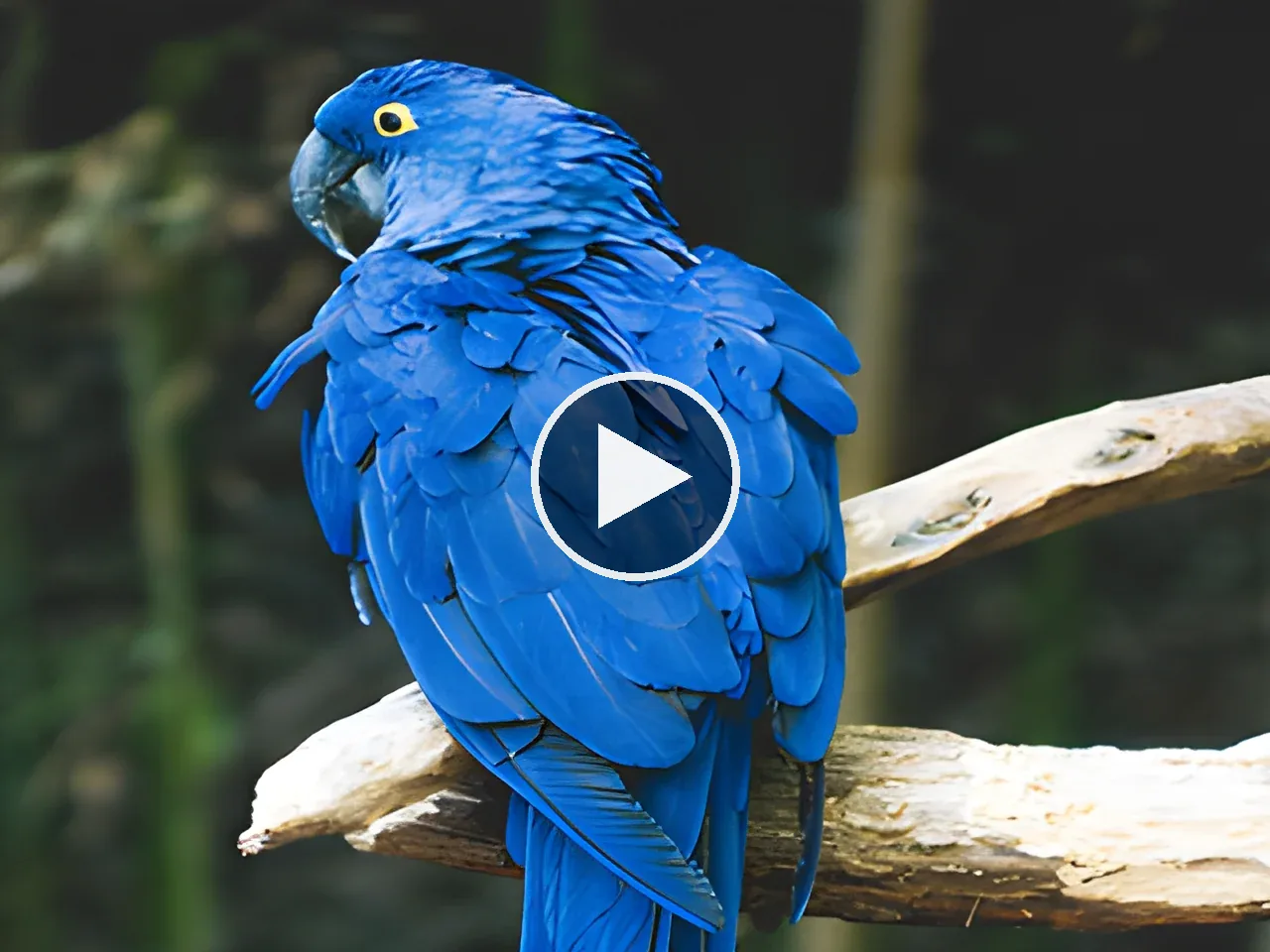
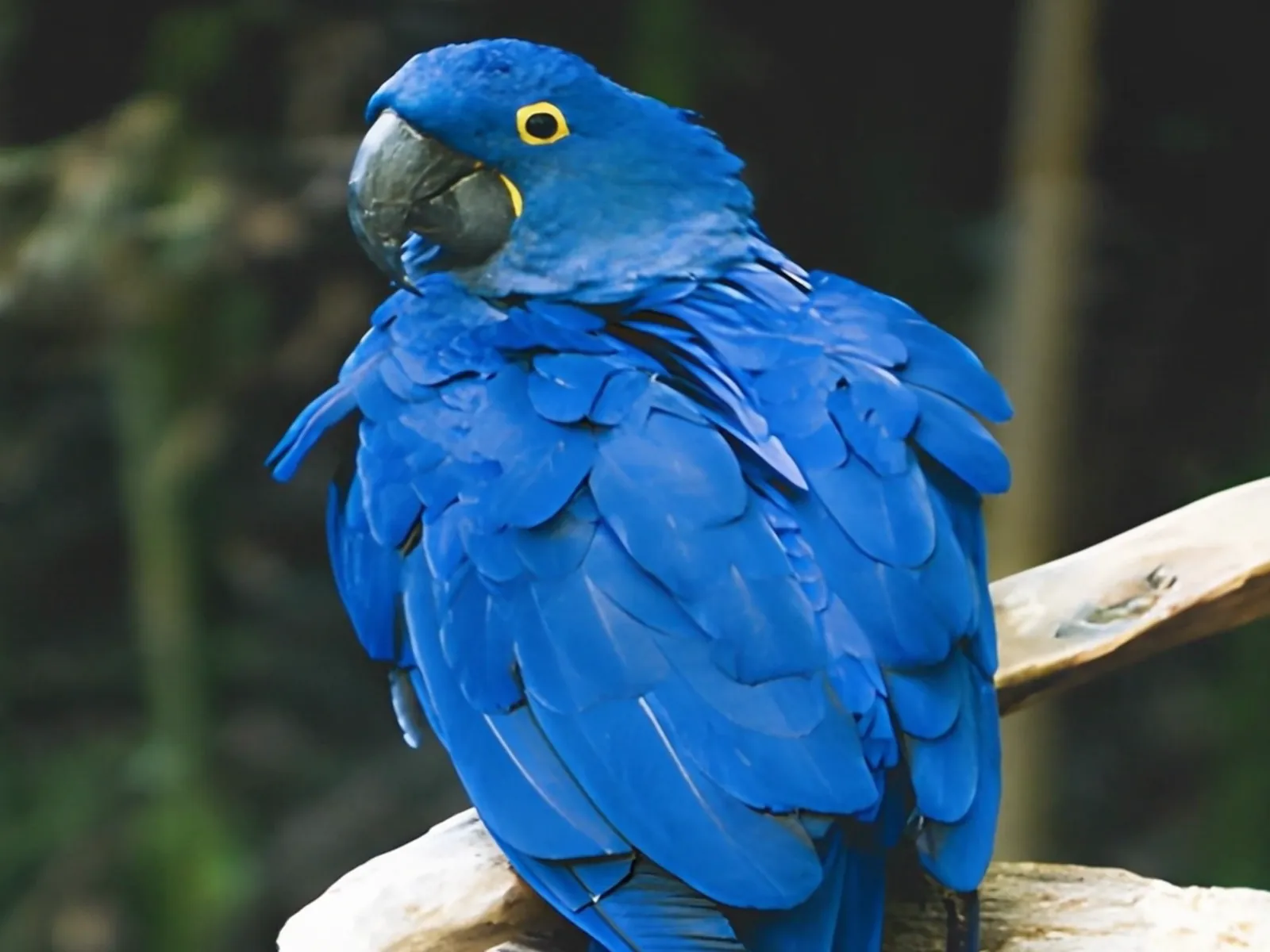 photo5 s videoPress and hold to see the before
 text16:9 video · 5 sPress and hold to see the before
 480p clip4K · 2160pPress and hold to see the before
 5 clips9:16 reel · subtitlesPress and hold to see the before
 320×240 px×4 · 1280×960 pxPress and hold to see the before