Bring your black & white photos back to color
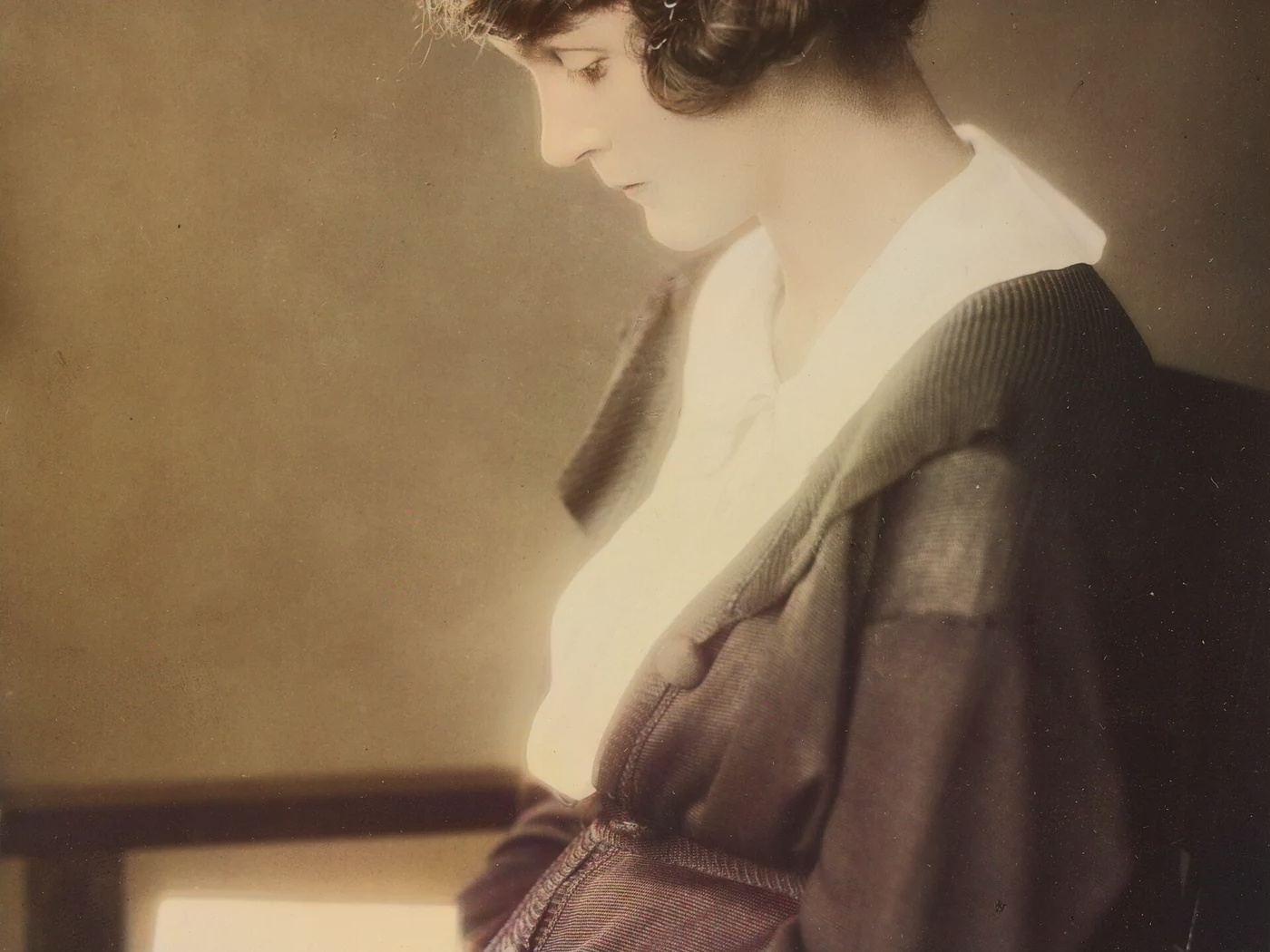
AI colorizes old photos with natural, consistent tones. Perfect for family memories and historical archives.
AI colorizes old photos with natural, consistent tones.
How it works
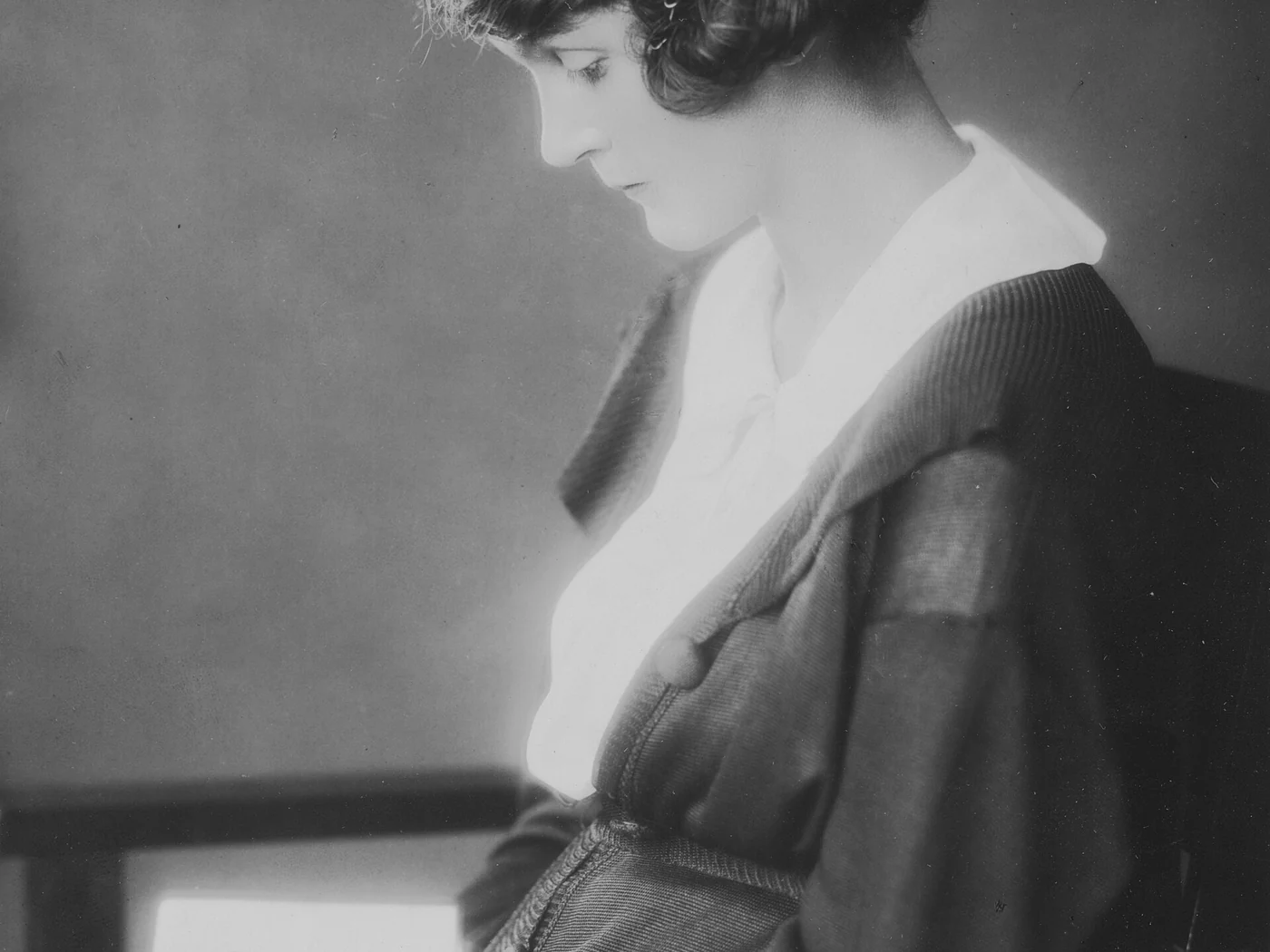
Upload your black-and-white photo
Portraits, family photos, historical archive.
DDColor brings the color back
Natural skin tones and coherent colors learned from millions of photos.
Download the memory in color
The original vanishes from our servers within 1 hour.
✓ Works best with
- Well-exposed black-and-white or sepia scans
- Medium or large faces
- Recognisable subjects: skin, sky, foliage, wood
✗ Can't recover
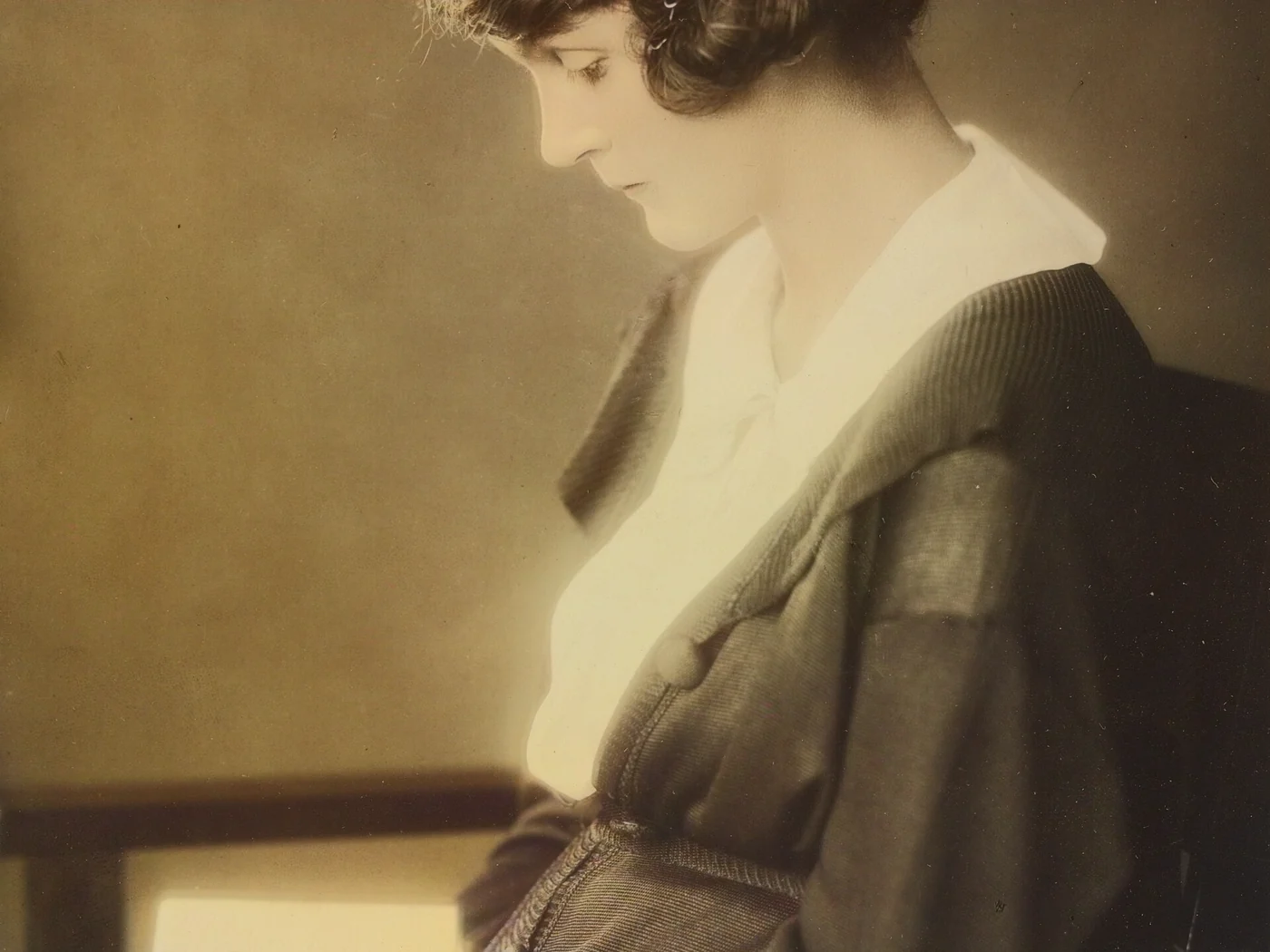
- Colour is estimated, not historical
- It cannot know what colour a dress or a uniform really was
- Damaged or heavily grained photos (clean them up first)
We measured it
- A 1400 × 1050 px black and white photo colourised in 3 seconds. (19-09-2026)
Measured on airpic.app with the GPU already running. If nobody has used it for a while, the first job takes 40 to 90 seconds longer to start.
Frequently asked questions
Are the colours real?
They are a plausible reconstruction learned by the AI (DDColor), not the historical colour. In portraits and everyday scenes, skin, sky and greenery usually come out natural; for clothes or objects with no clues it picks a believable shade.
Does it work on sepia or damaged photos?
Sepia yes (we convert it to neutral grey). If the photo is damaged or very grainy, use Restore Old Photos: it cleans up, rebuilds faces and can colourise in the same step.
Do you keep my family photos?
No. Deleted 1 hour after download, 24 h absolute maximum.
Is it free to colourise a black and white photo?
Processing and previewing the result is free, with no account. You get 1 free full-size download every month; after that you pay with credits that never expire, no subscription.
Can I control how much colour it adds?
Yes: choose natural or vivid and adjust the strength with the slider. A lower setting gives a soft colour blended with the original, useful when the AI doesn't get it quite right.
Should I restore the photo before colourising it?
If it has heavy grain or damage, yes: colour comes out better on a clean photo. Restore Old Photos cleans up, rebuilds faces and can colourise in the same job.
Articles about Photo Colorizer
Colourising black-and-white photos with AI
How AI colourises a black-and-white photo, which colours it gets right, which it invents, and how to get a natural or vivid result in seconds.
More tools in the suite
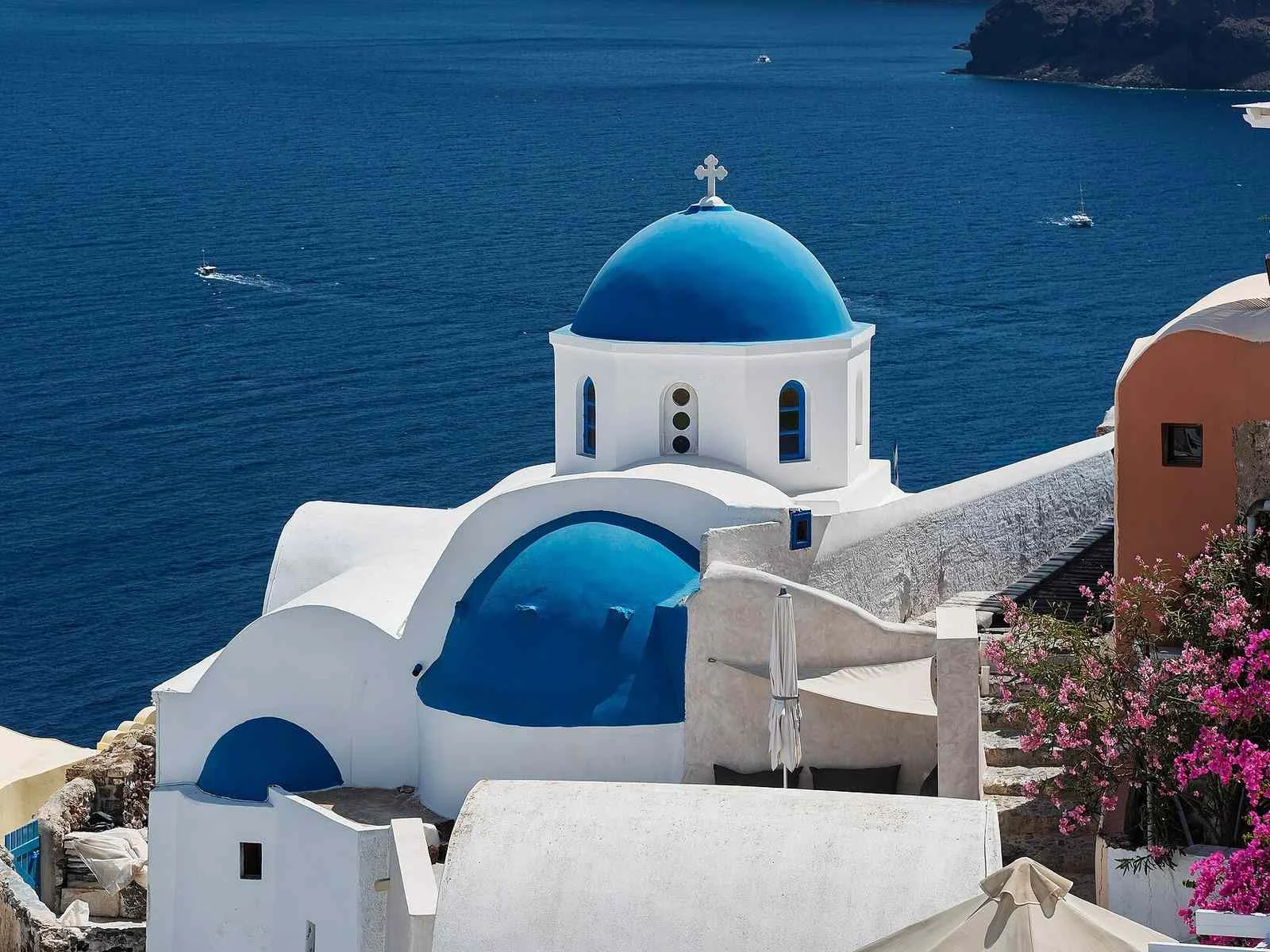
 320×240 px×4 · 1280×960 pxPress and hold to see the before
 originalno background · 5 sPress and hold to see the before
 1.2 MB208 KB · −83 %Press and hold to see the before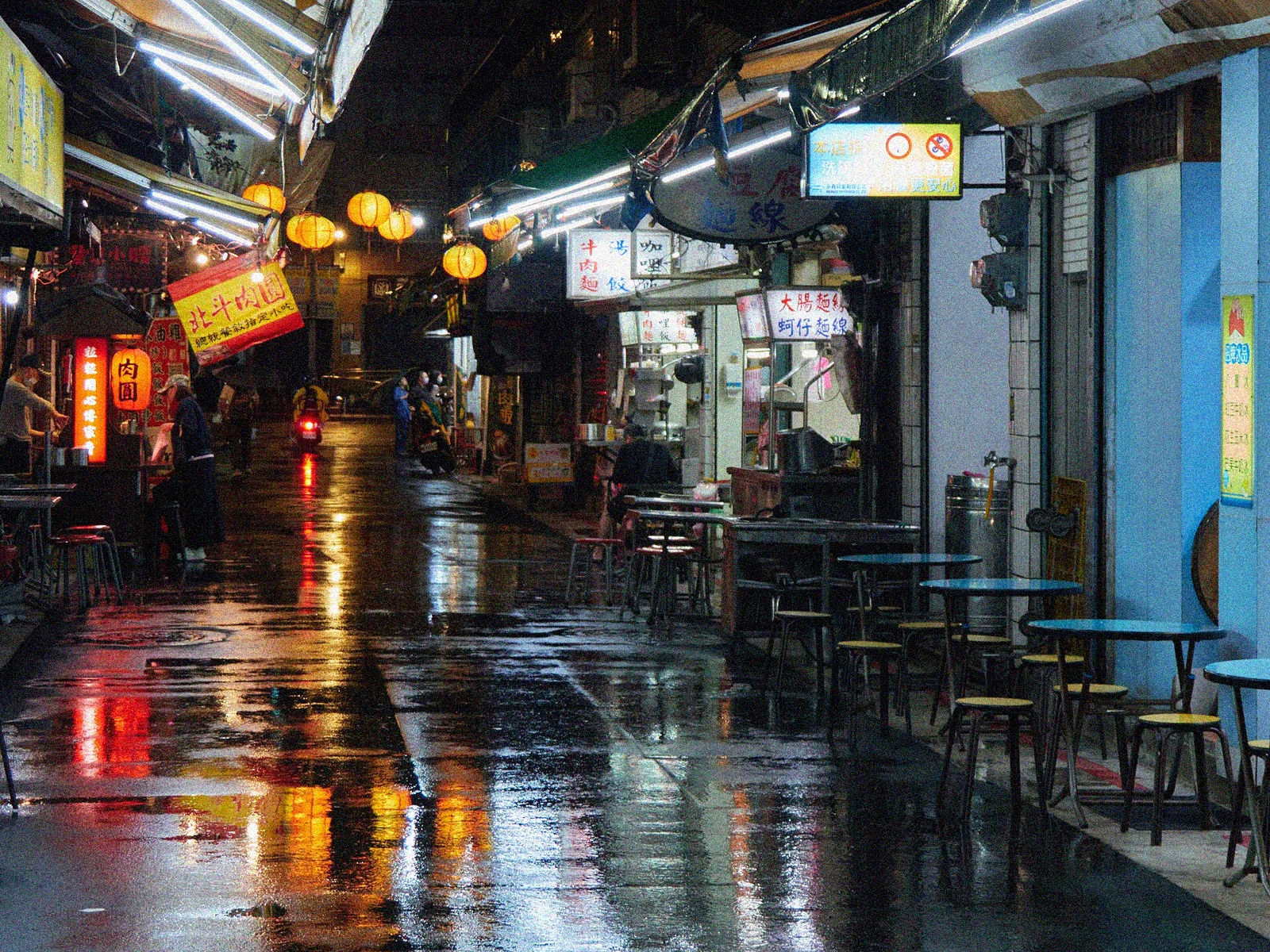
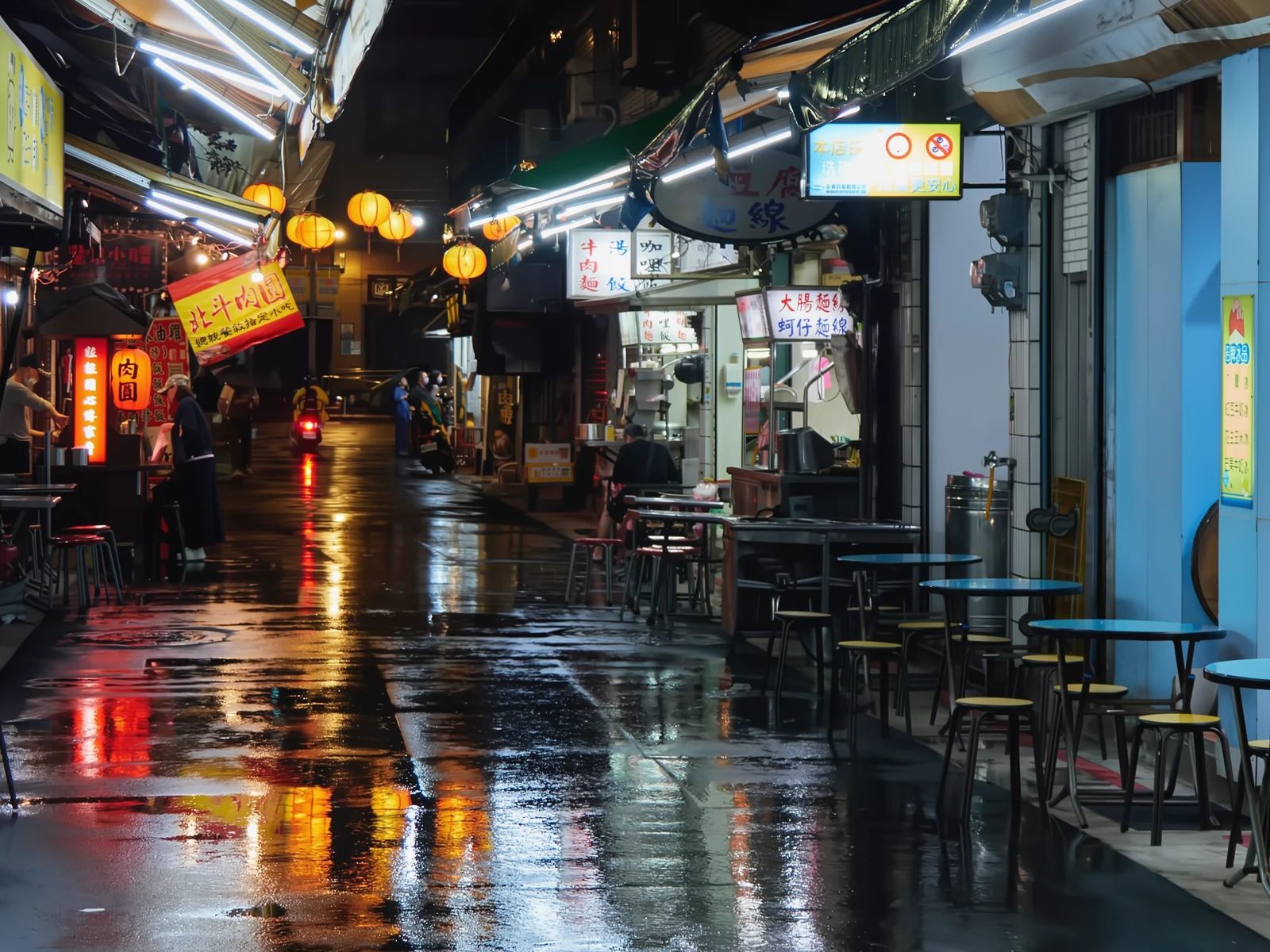 noisyclean · 5 sPress and hold to see the before
 blurry · 29 pxsharp · 7 sPress and hold to see the before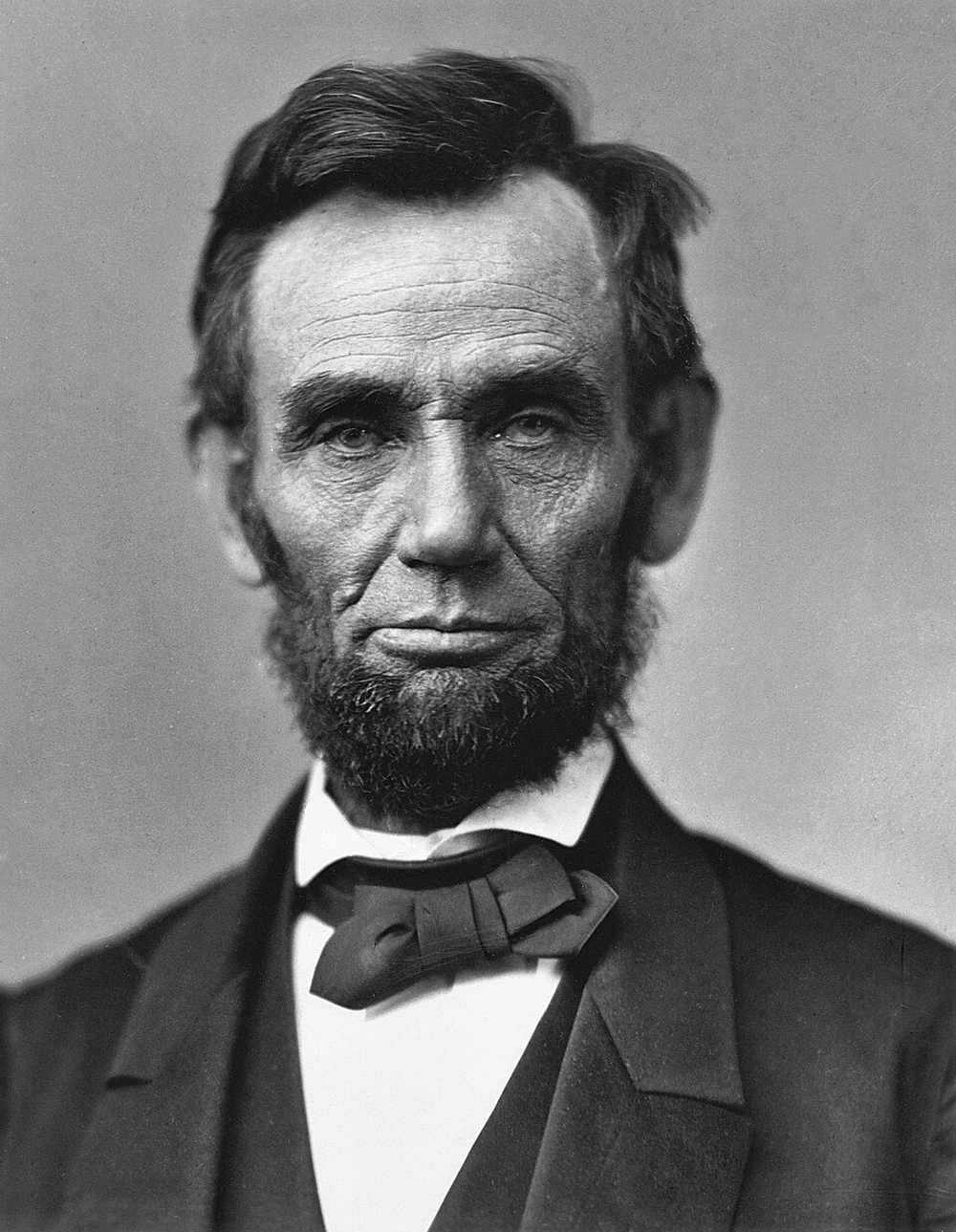
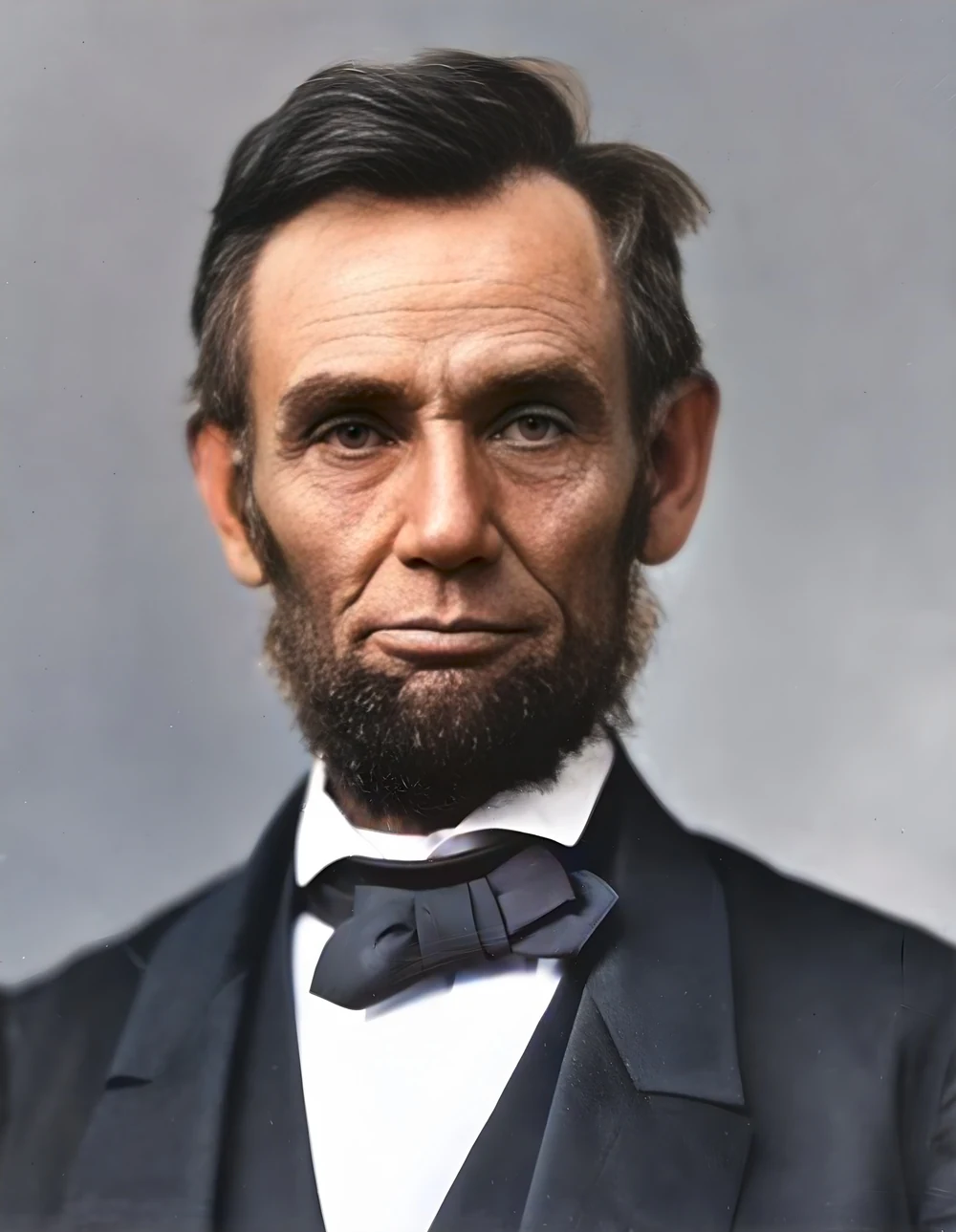 scan · 1863restored · 9 sPress and hold to see the before
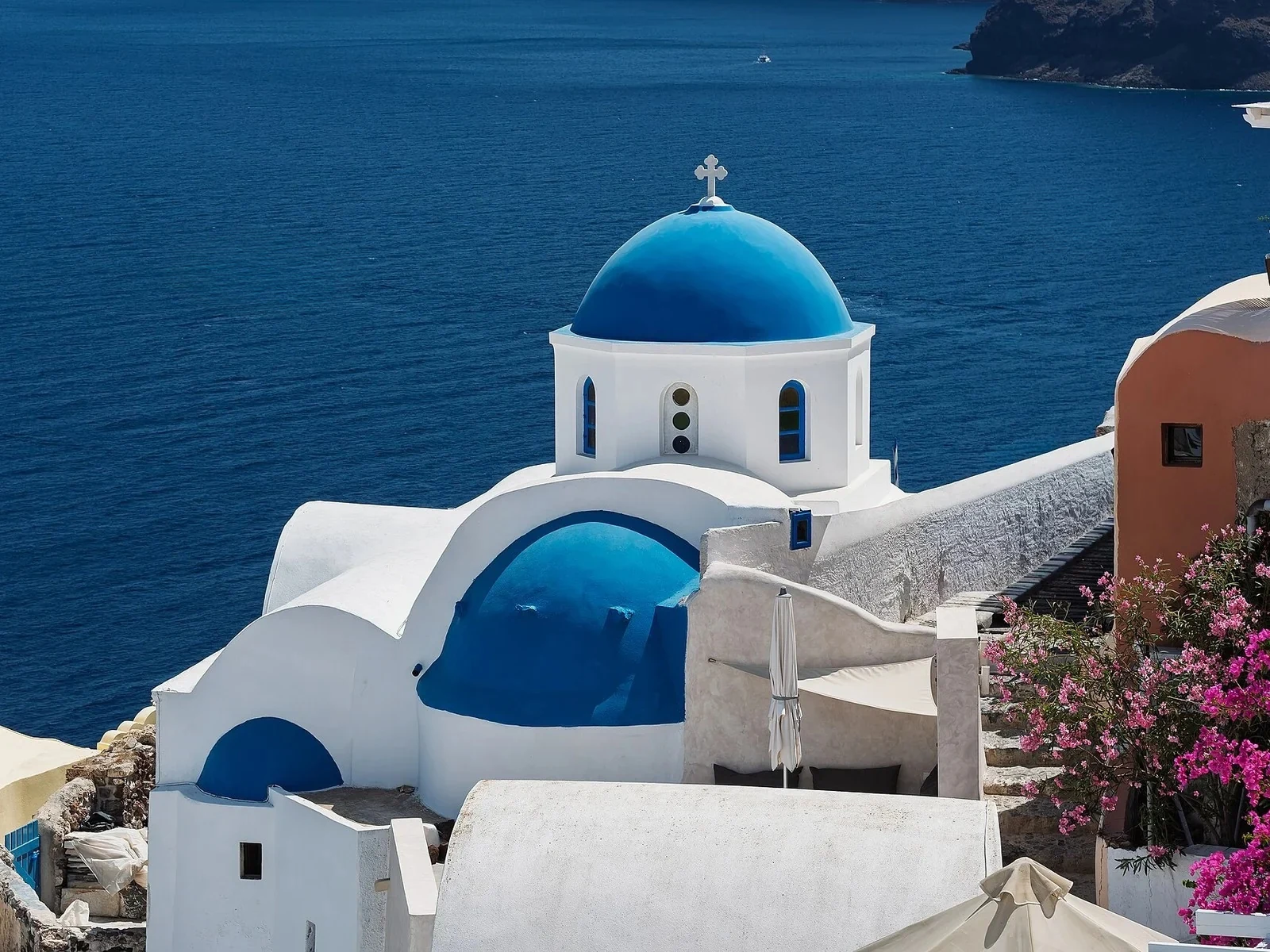 with objectclean · 3 sPress and hold to see the before
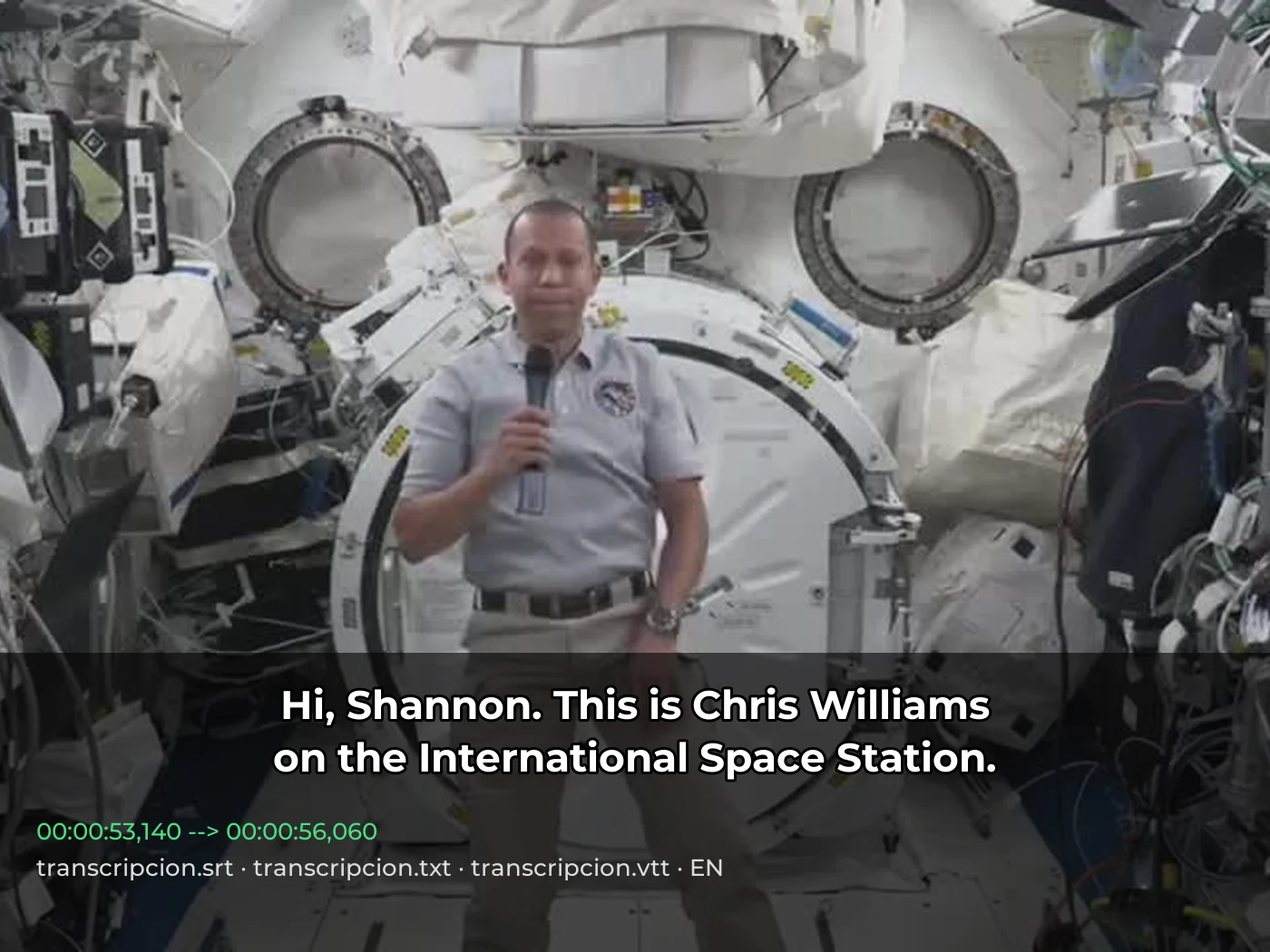 video · 3:00text + SRT · 24 sPress and hold to see the before
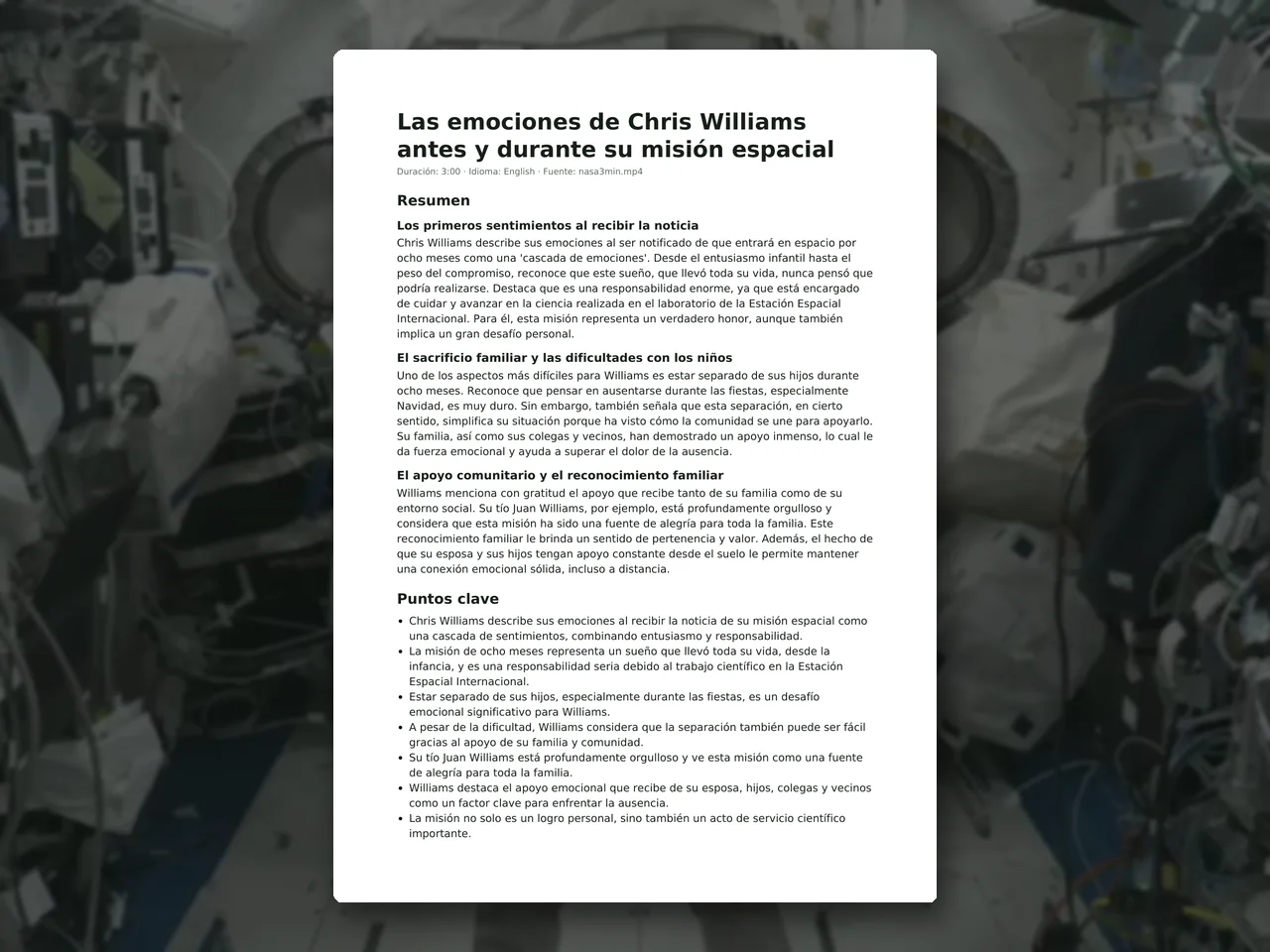 video · 6:38document · 169 sPress and hold to see the before
 long video · 4:009:16 shorts · 2 × 31-33 sPress and hold to see the before
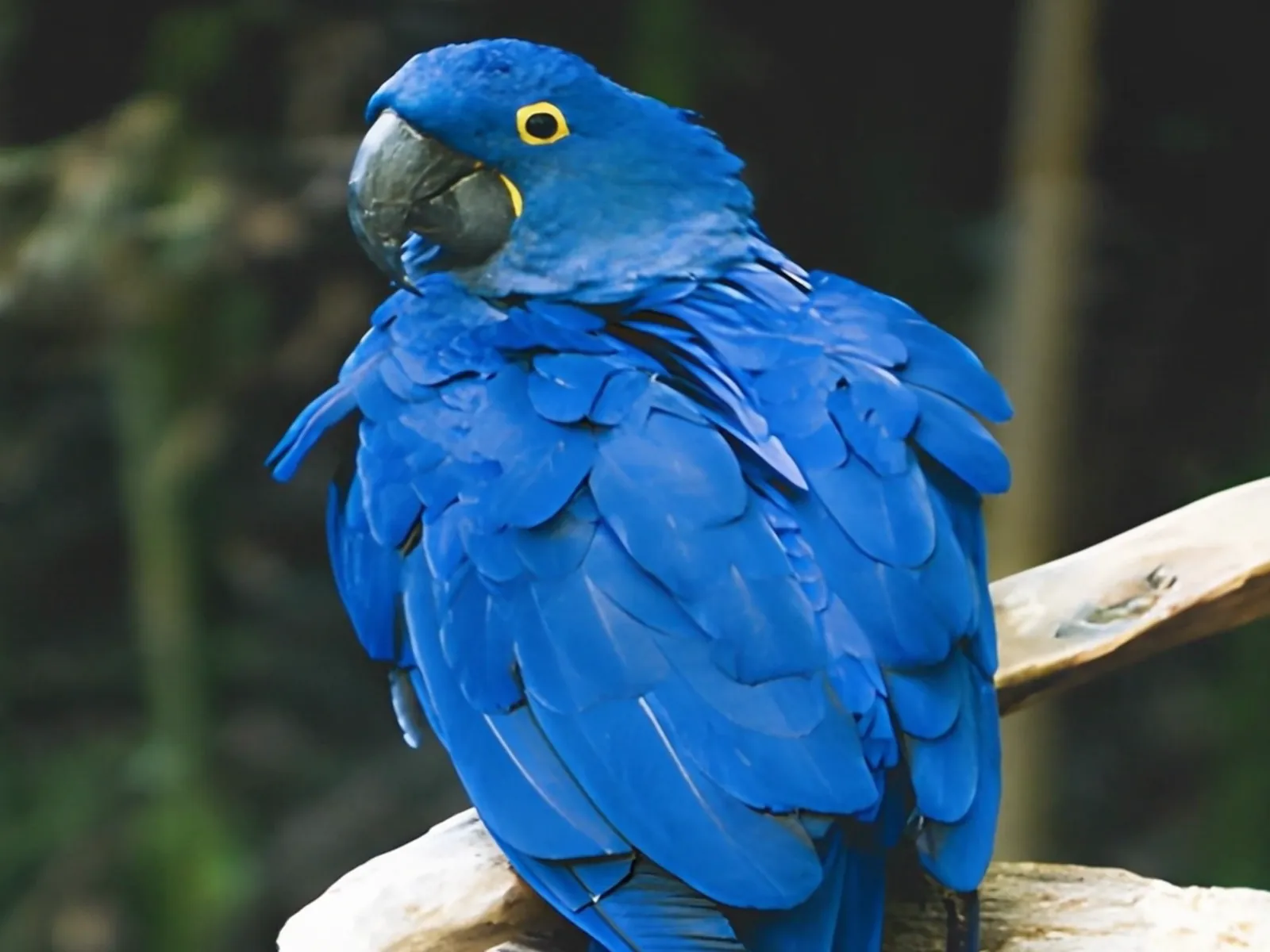 photo5 s videoPress and hold to see the before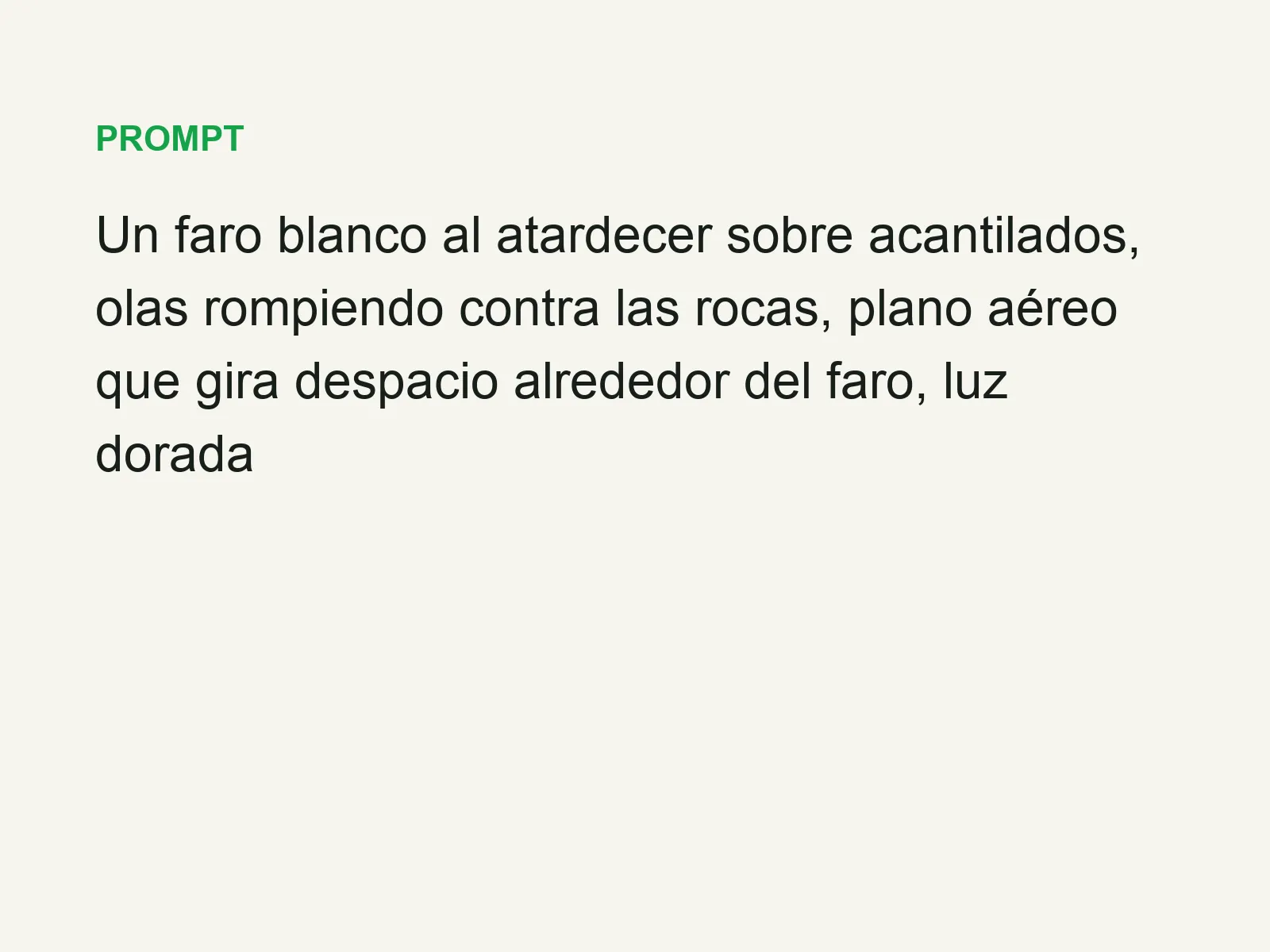
 text16:9 video · 5 sPress and hold to see the before
 480p clip4K · 2160pPress and hold to see the before
 5 clips9:16 reel · subtitlesPress and hold to see the before
 320×240 px×4 · 1280×960 pxPress and hold to see the before