Remove the background from any image in seconds
Transparent PNG ready for stores, catalogs and designs. Choose transparent, white or black background.
Transparent PNG ready for stores, catalogs and designs.
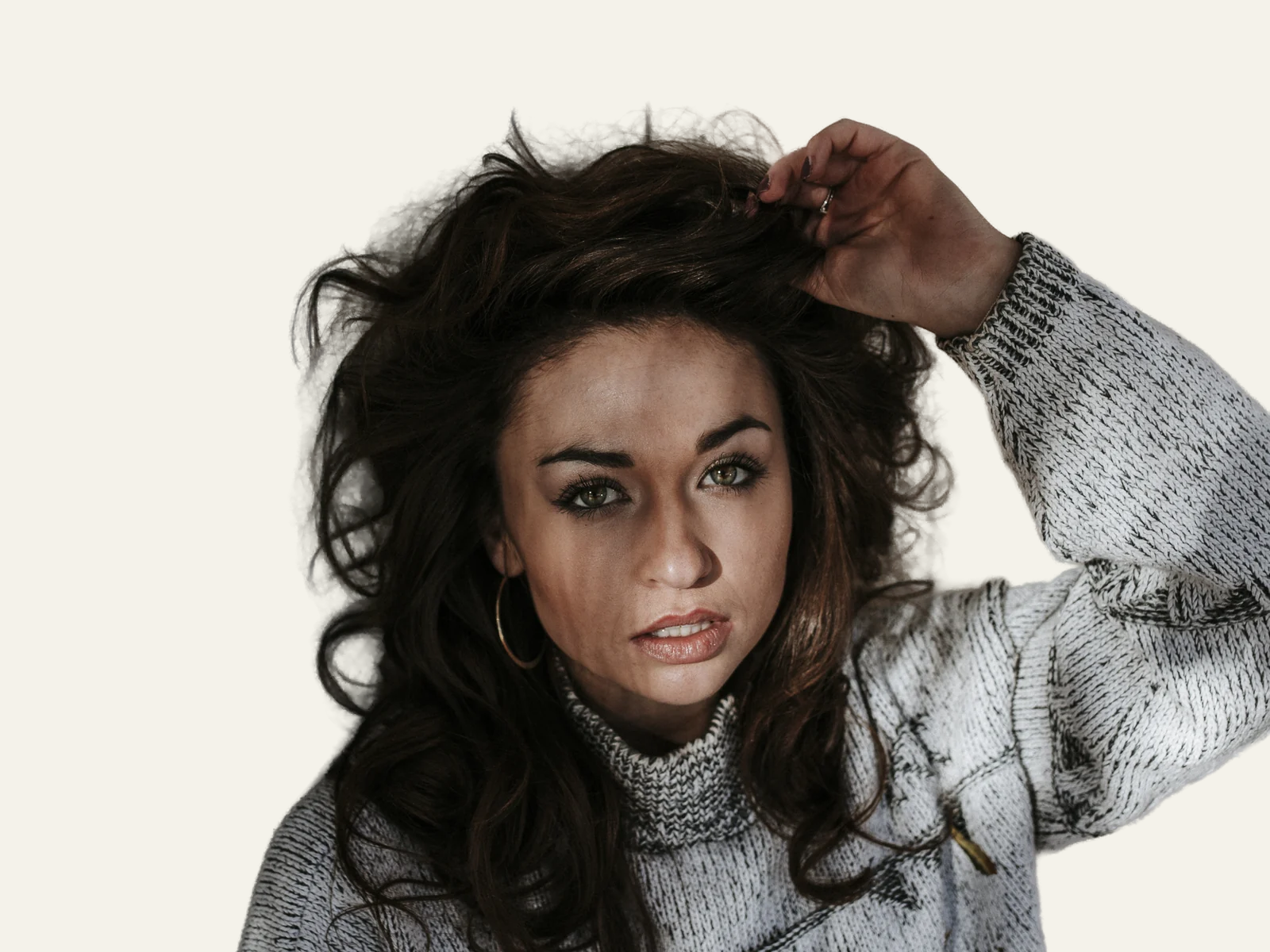


How it works
Upload the photo
People, products, pets: it handles hair and tricky edges.
AI cuts out the background
BiRefNet separates the subject and keeps loose hair and fine fabrics such as tulle. Glass and see-through objects are its limit: there the cutout may come out opaque.
Instant transparent PNG
Or on white/black. Deleted 1 hour after download.
✓ Works best with
- A single complete subject, well lit and standing out from the background
- Hair and fine edges, cut out at full resolution
- Product shots and portraits with clear contrast
✗ Can't recover
- Overlapping subjects
- Glass and transparent objects
- Windswept hair over a busy background, or a subject cropped by the frame
We measured it
- Background removed from a 1600 × 1200 px photo, hair included, in 5 seconds. (19-09-2026)
Measured on airpic.app with the GPU already running. If nobody has used it for a while, the first job takes 40 to 90 seconds longer to start.
Frequently asked questions
Does it handle hair and fine edges?
Yes: BiRefNet keeps loose strands and renders fabrics like tulle semi-transparent instead of hard-cut.
Can I choose the background?
Transparent (PNG), white or black. Transparent is ideal for stores and design.
Can I set a custom background colour?
Yes: besides transparent, white and black you can pick any colour. The cutout uses BiRefNet at high resolution (2048 px for large photos), refines the edge against the real image and estimates the foreground colour so hair doesn't carry halos from the original background.
What happens to my original?
It's deleted as soon as processing ends. The result and its preview are deleted 1 hour after you download them, and after 24 hours in any case.
Is it free to remove the background from a photo?
Processing and previewing the result is free, with no account. You get 1 free full-size download every month; after that you pay with credits that never expire, no subscription.
Can I fix a bad cutout by hand?
Yes: with a transparent background you get two brushes, Restore (brings back pixels from the original) and Erase (makes them transparent). You retouch on the preview and the strokes are applied at full resolution when you download, as PNG or WebP.
Are there presets for Amazon or passport photos?
Yes: pick a quick preset and the background and format are filled in for you. Marketplace and passport photo give a white background in JPG; web gives a transparent background in PNG.
Articles about Background Remover
Product photos ready to sell
Upload the product shot and get it on a pure white, transparent, black or custom-colour background with the edges cut…
How to remove the background from an image
When to use a transparent, white or coloured background, which format to export, how to get clean edges on hair and glass, and how to do it with AI in seconds.
Try a photo tool before you pay
Try an AI photo tool before you pay: Airpic processes your image for free, shows a before/after comparison at 100 % and charges only for the full download.
Product photos with a phone, a window and two sheets of card
Shoot product photos at home with a phone, a window and two sheets of card, then cut the background out on the original file. Settings, framing and formats.
Background removal without the subscription
Looking for a remove.bg alternative? Airpic cuts out hair at full resolution, returns your file at its original size and charges per image, with no account.
More tools in the suite
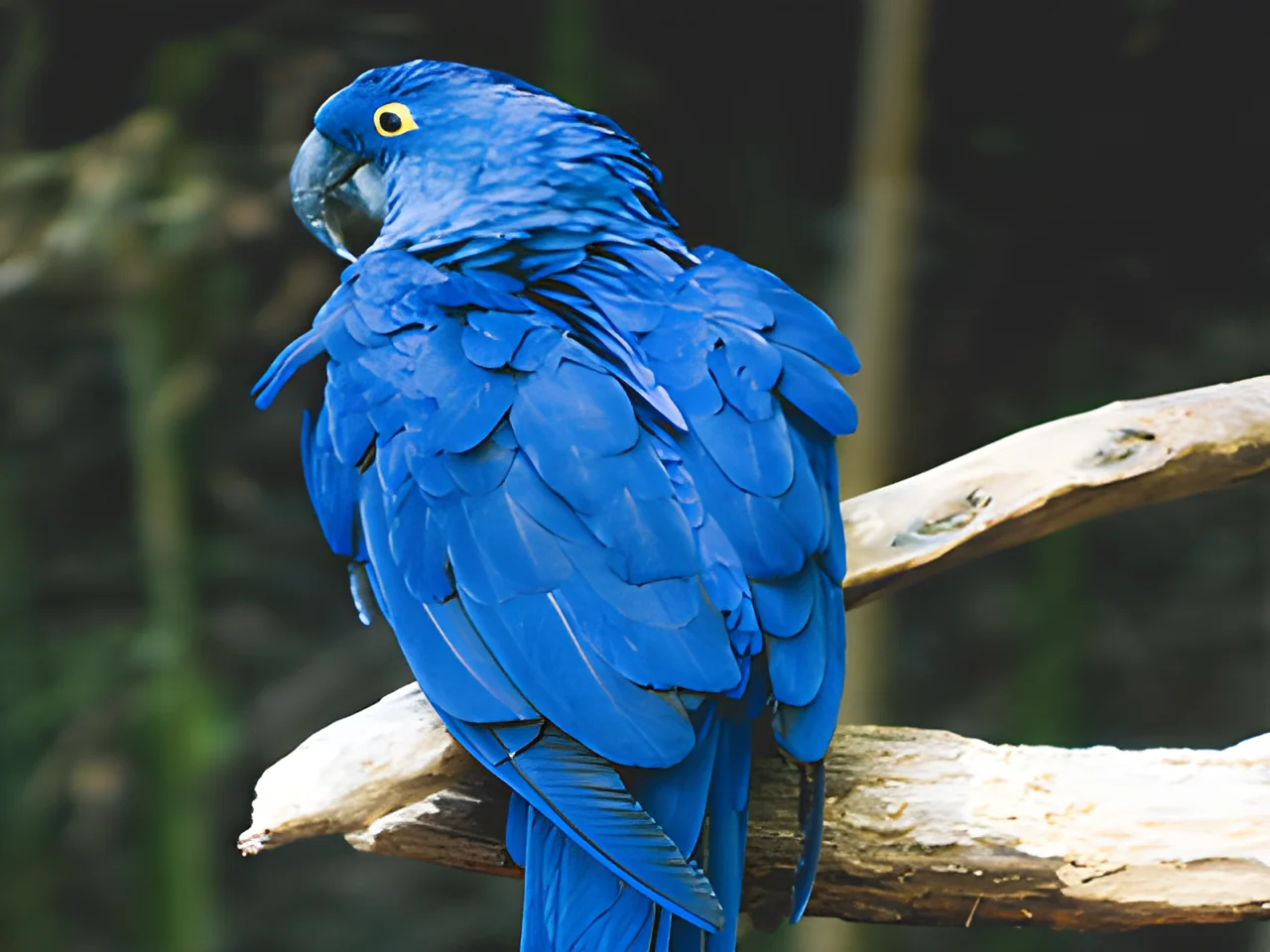 320×240 px×4 · 1280×960 pxPress and hold to see the before
 1.2 MB208 KB · −83 %Press and hold to see the before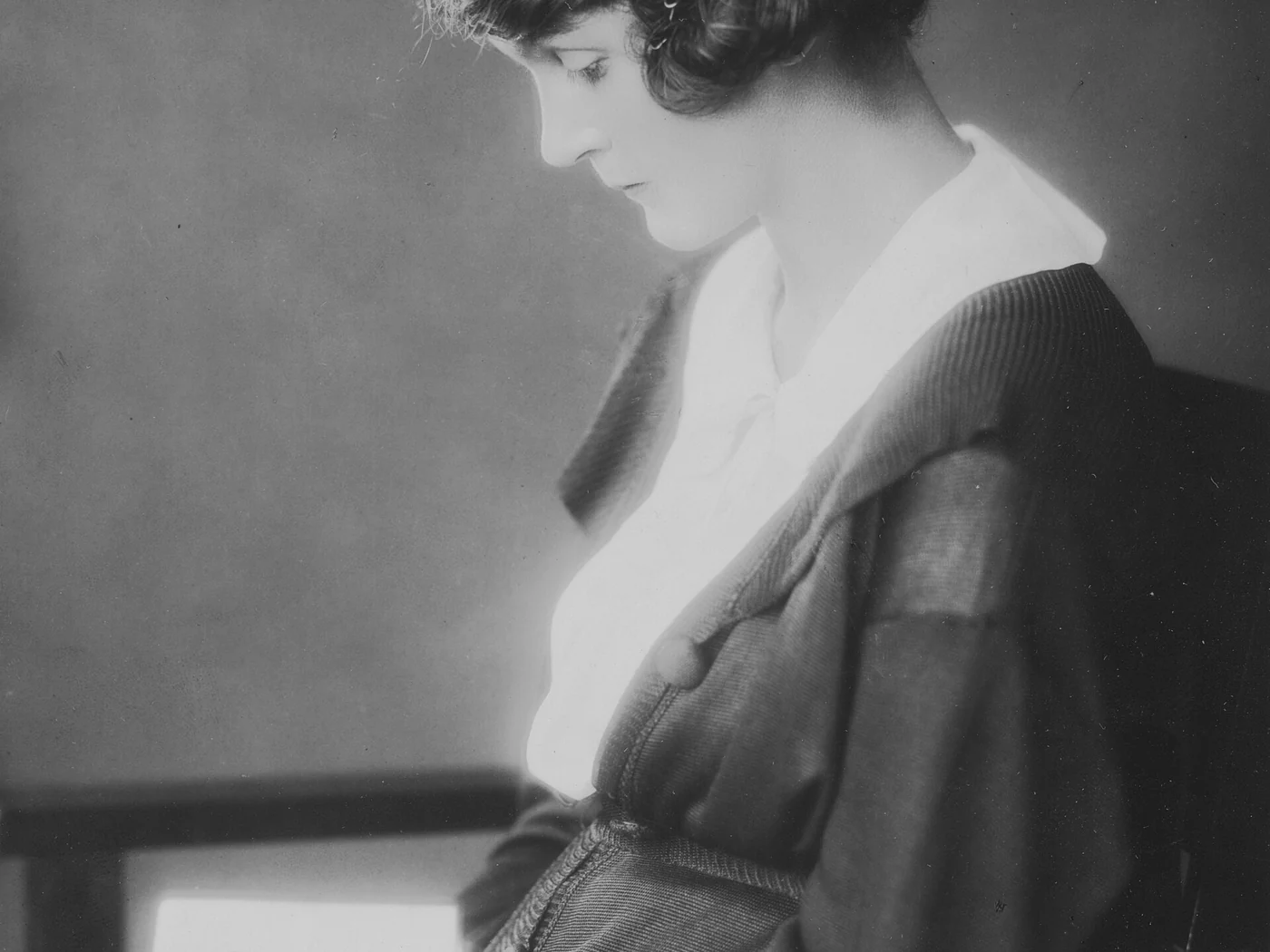
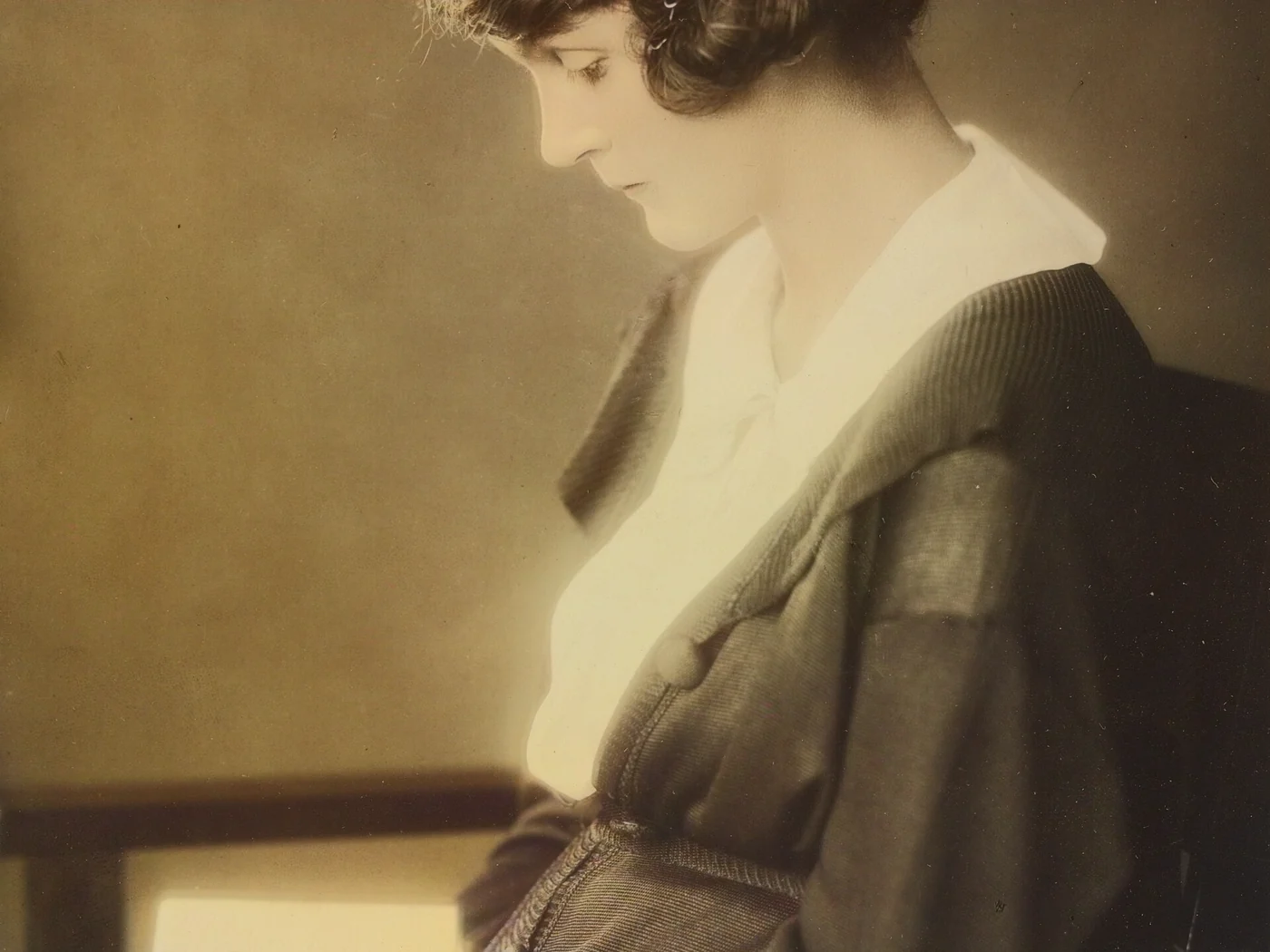 black & whiteAI color · 3 sPress and hold to see the before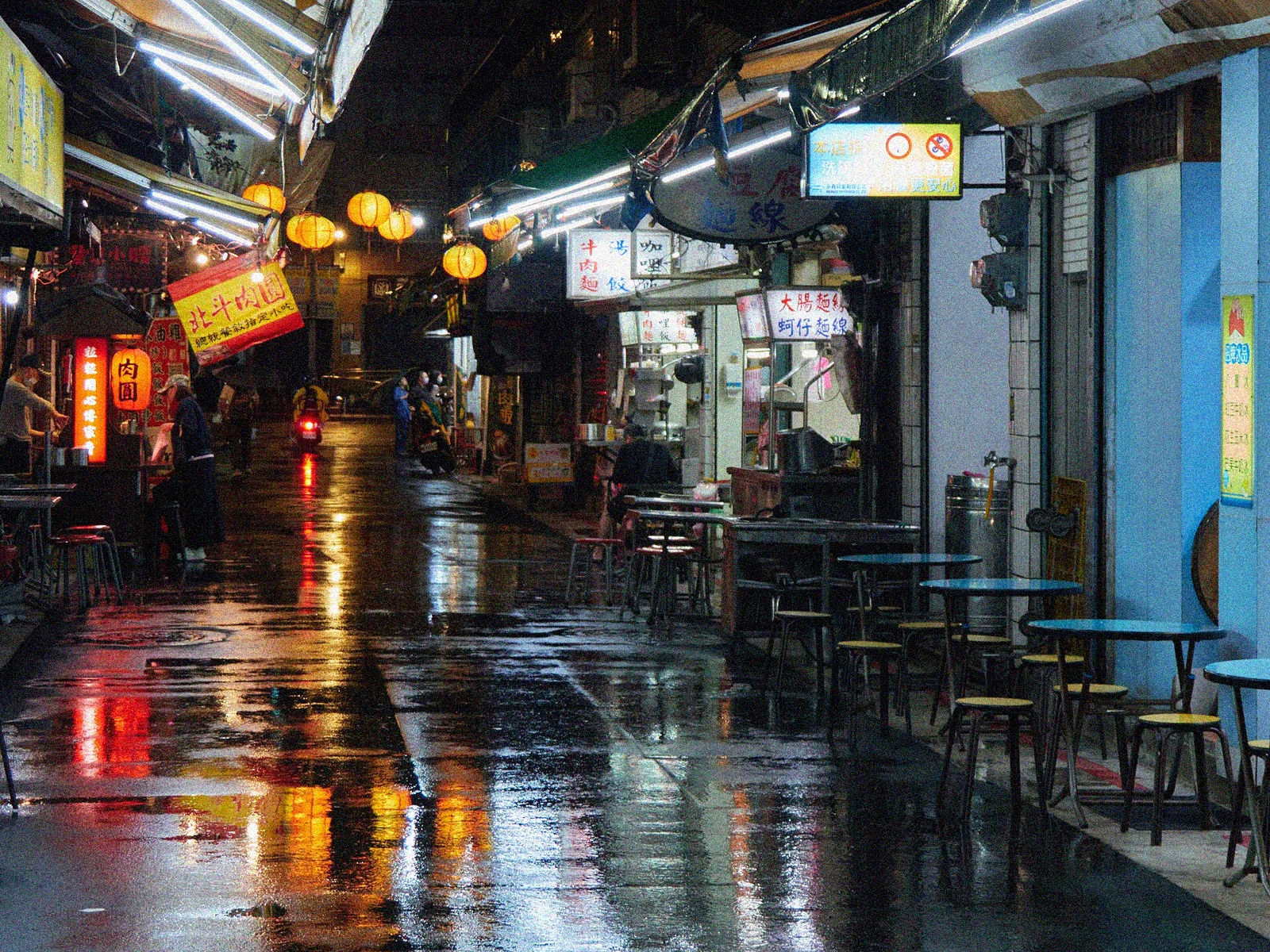
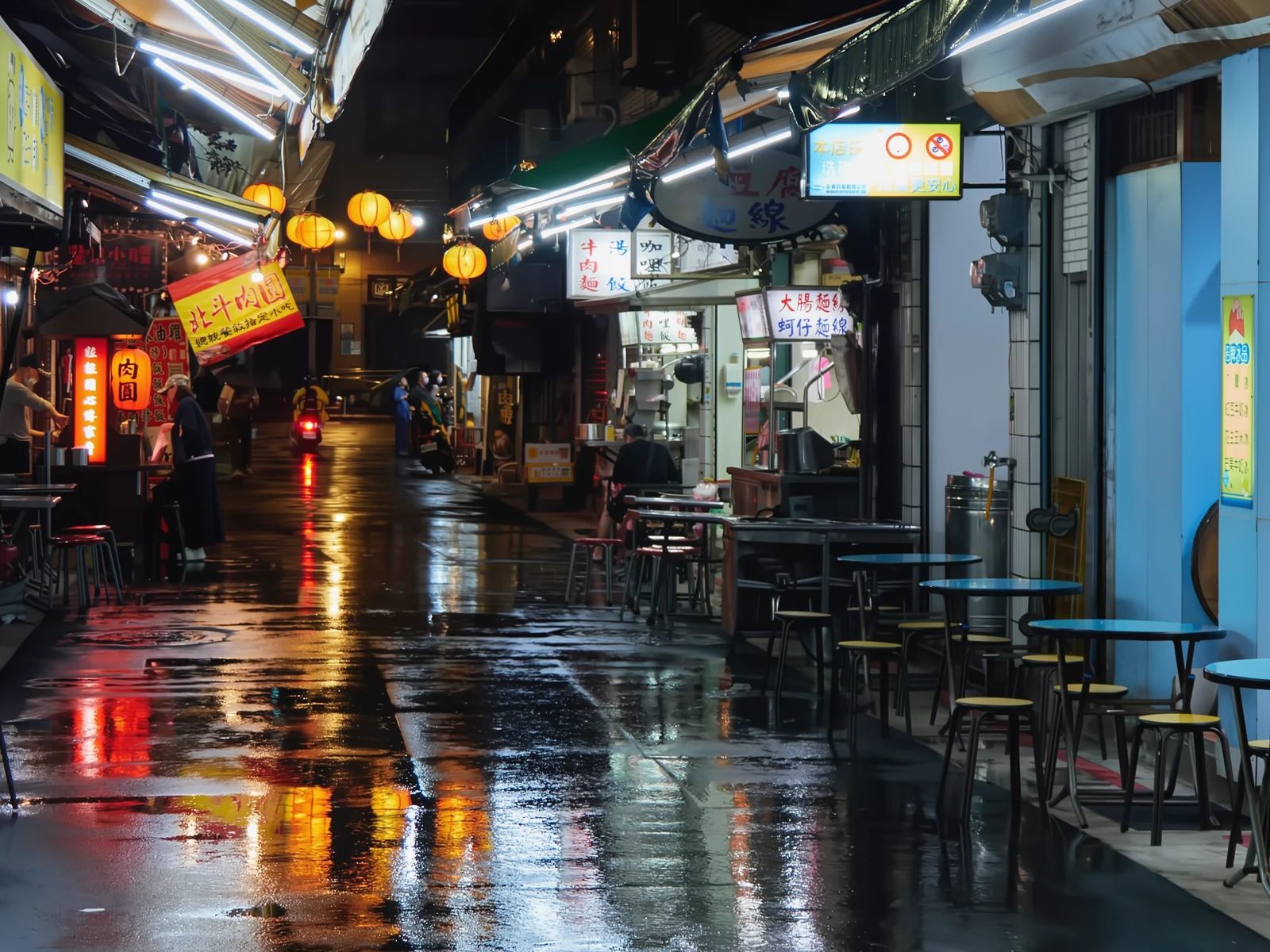 noisyclean · 5 sPress and hold to see the before
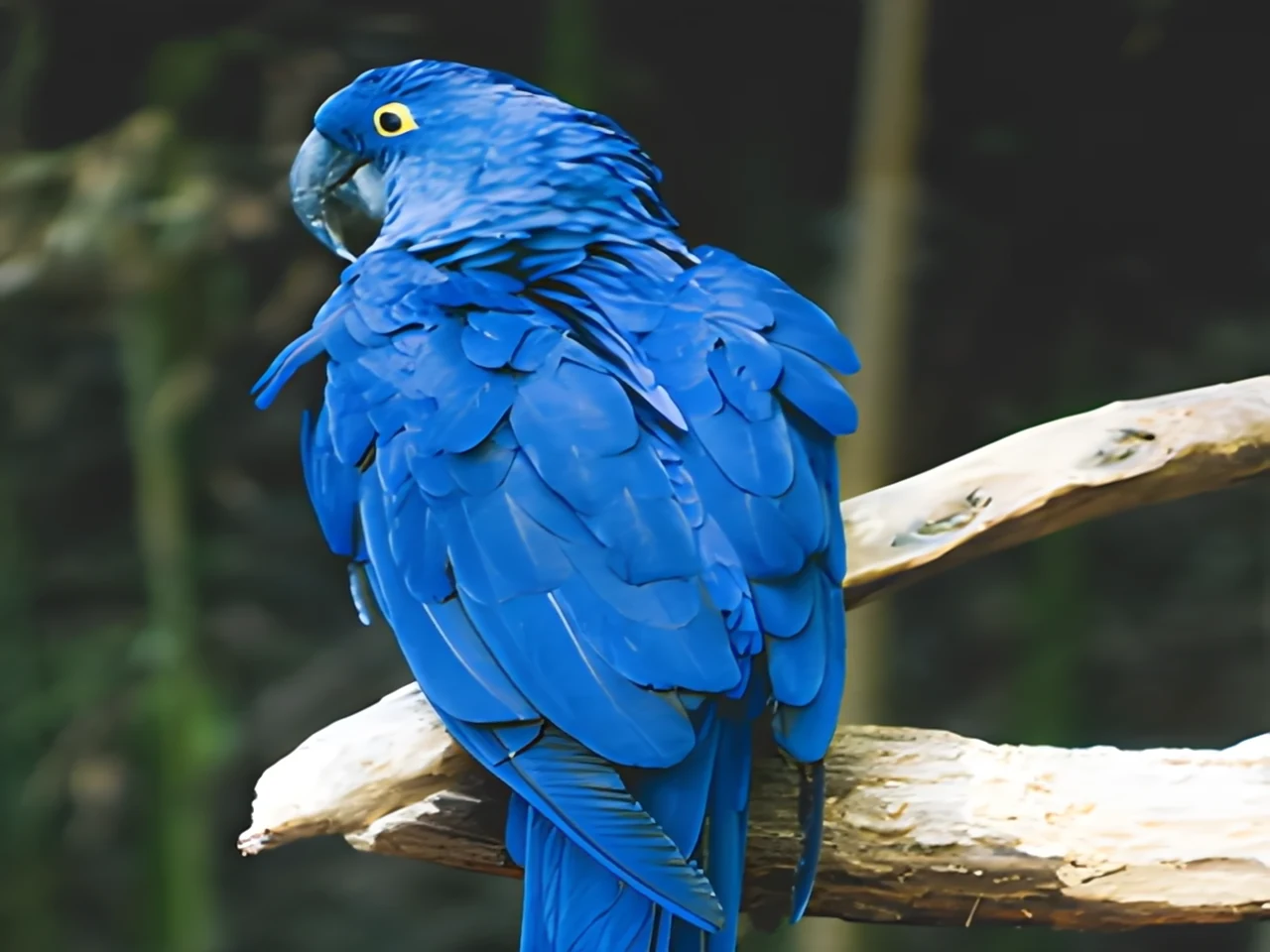 blurry · 29 pxsharp · 7 sPress and hold to see the before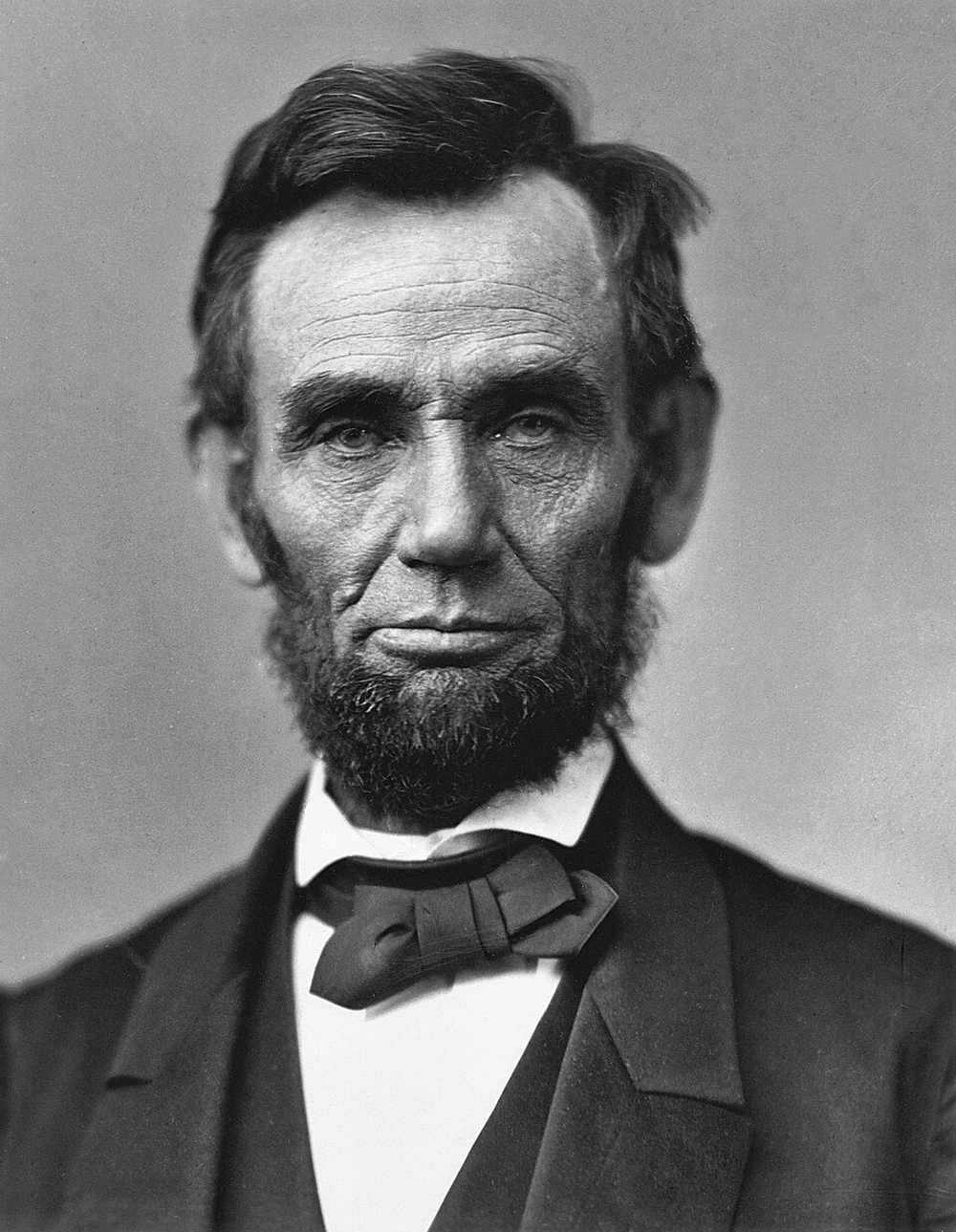
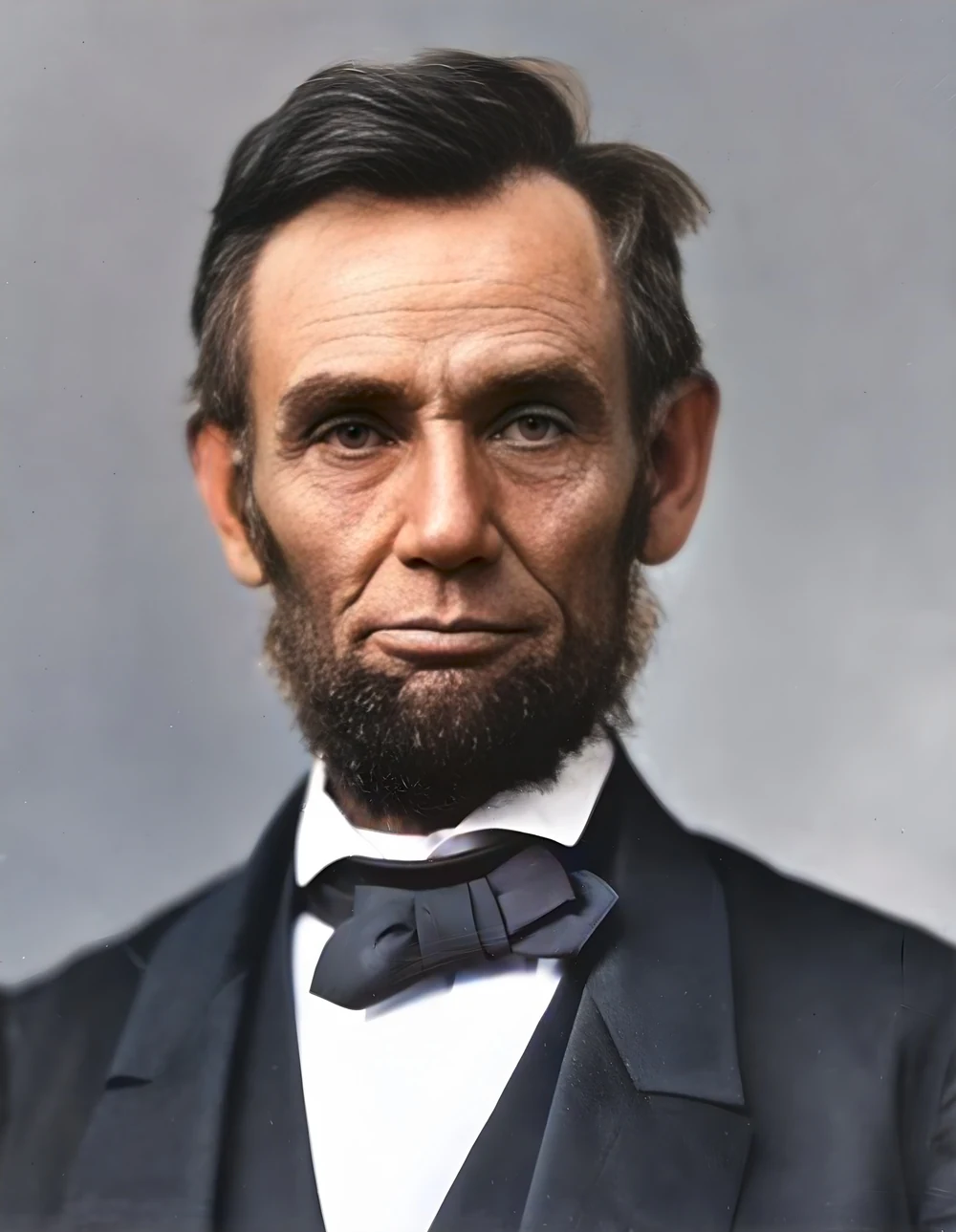 scan · 1863restored · 9 sPress and hold to see the before
 with objectclean · 3 sPress and hold to see the before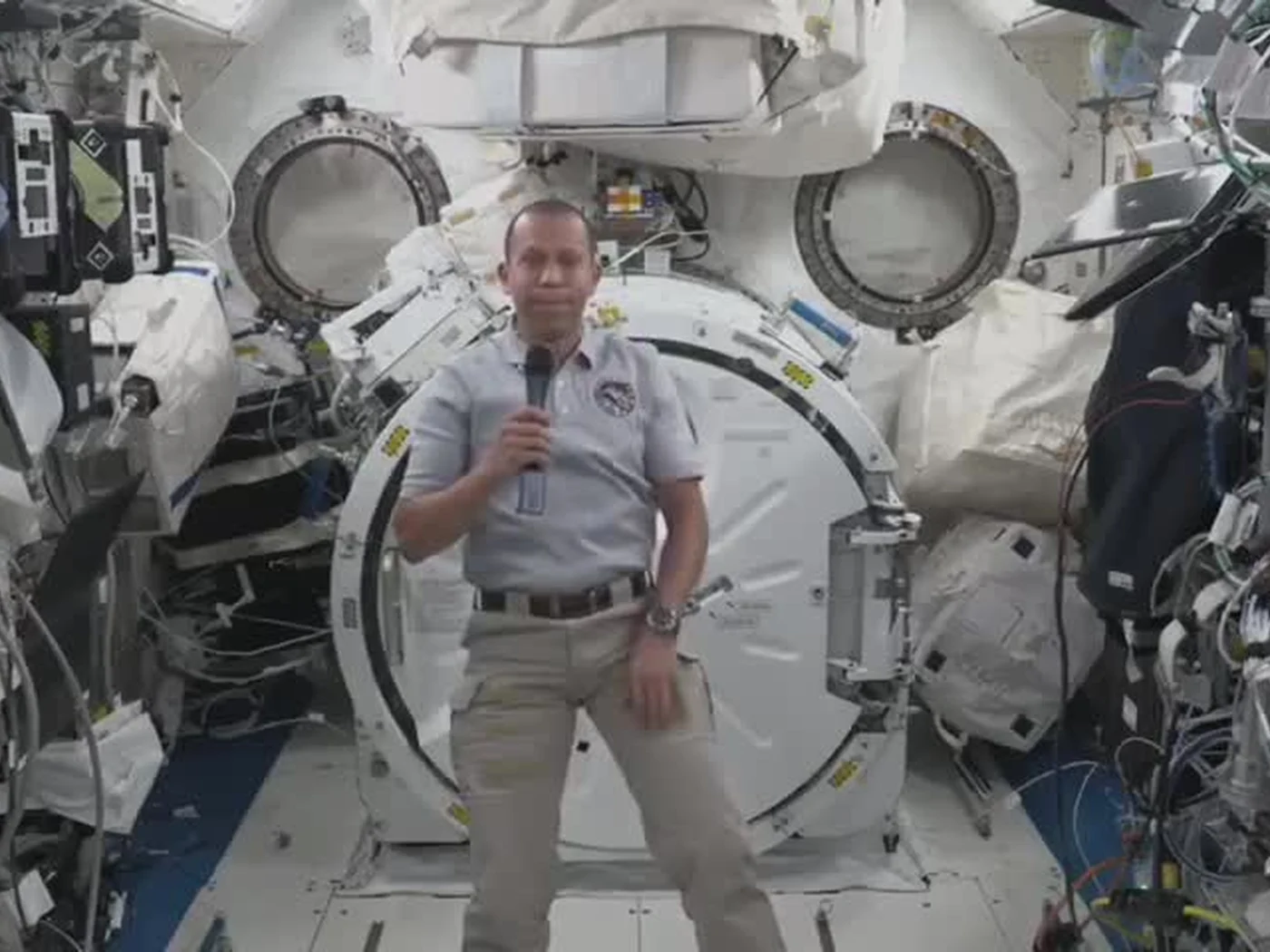
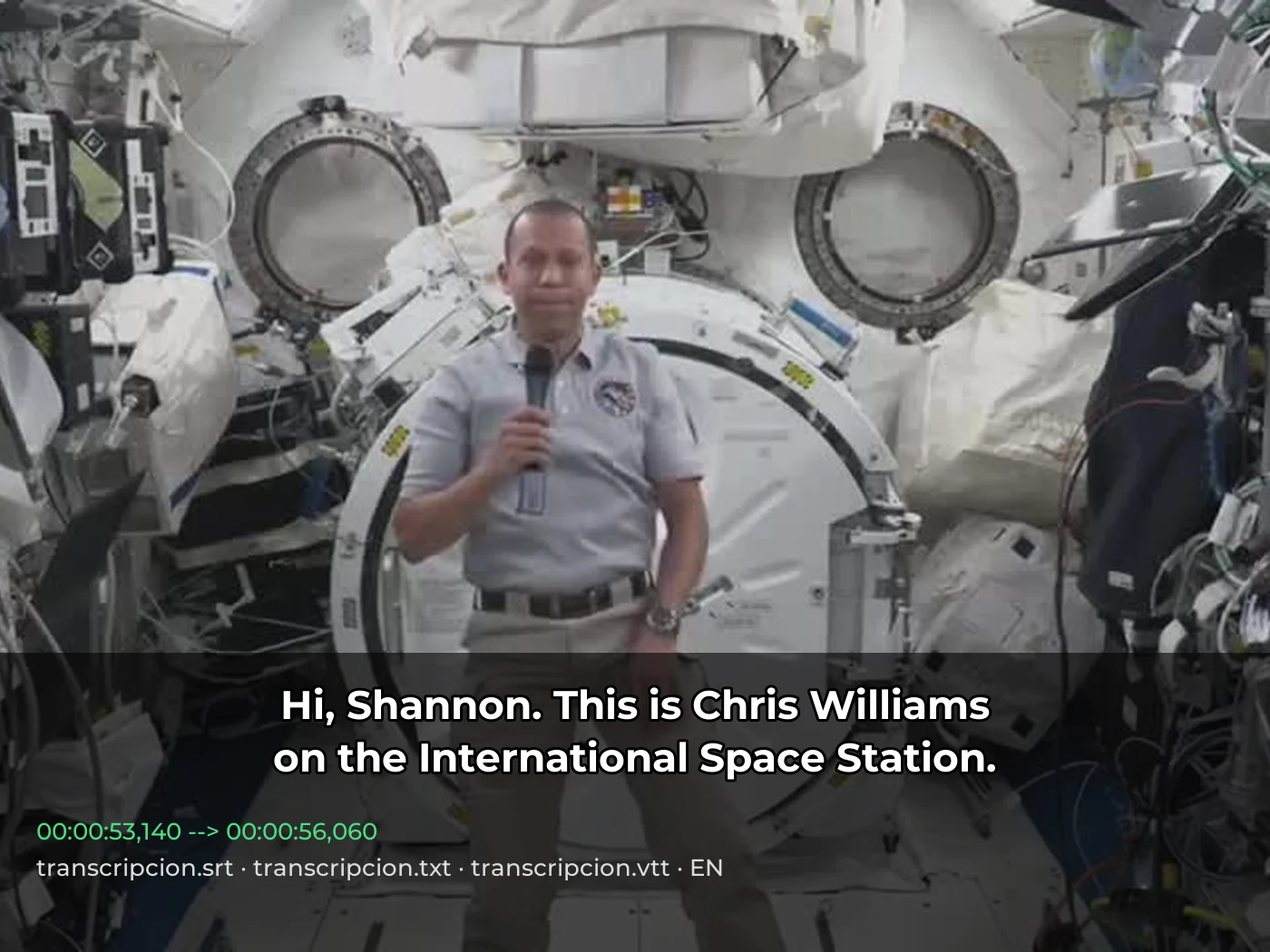 video · 3:00text + SRT · 24 sPress and hold to see the before
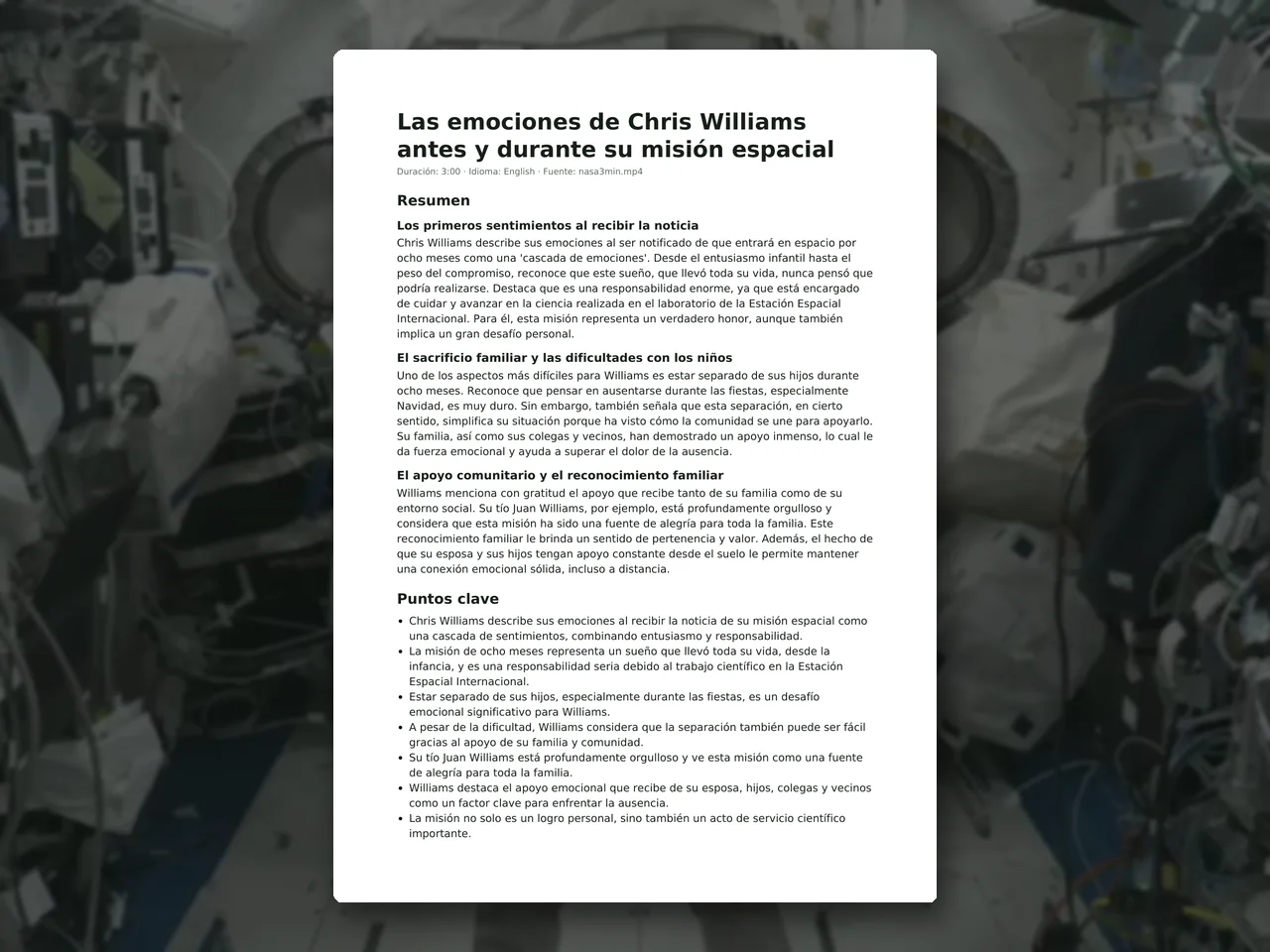 video · 6:38document · 169 sPress and hold to see the before
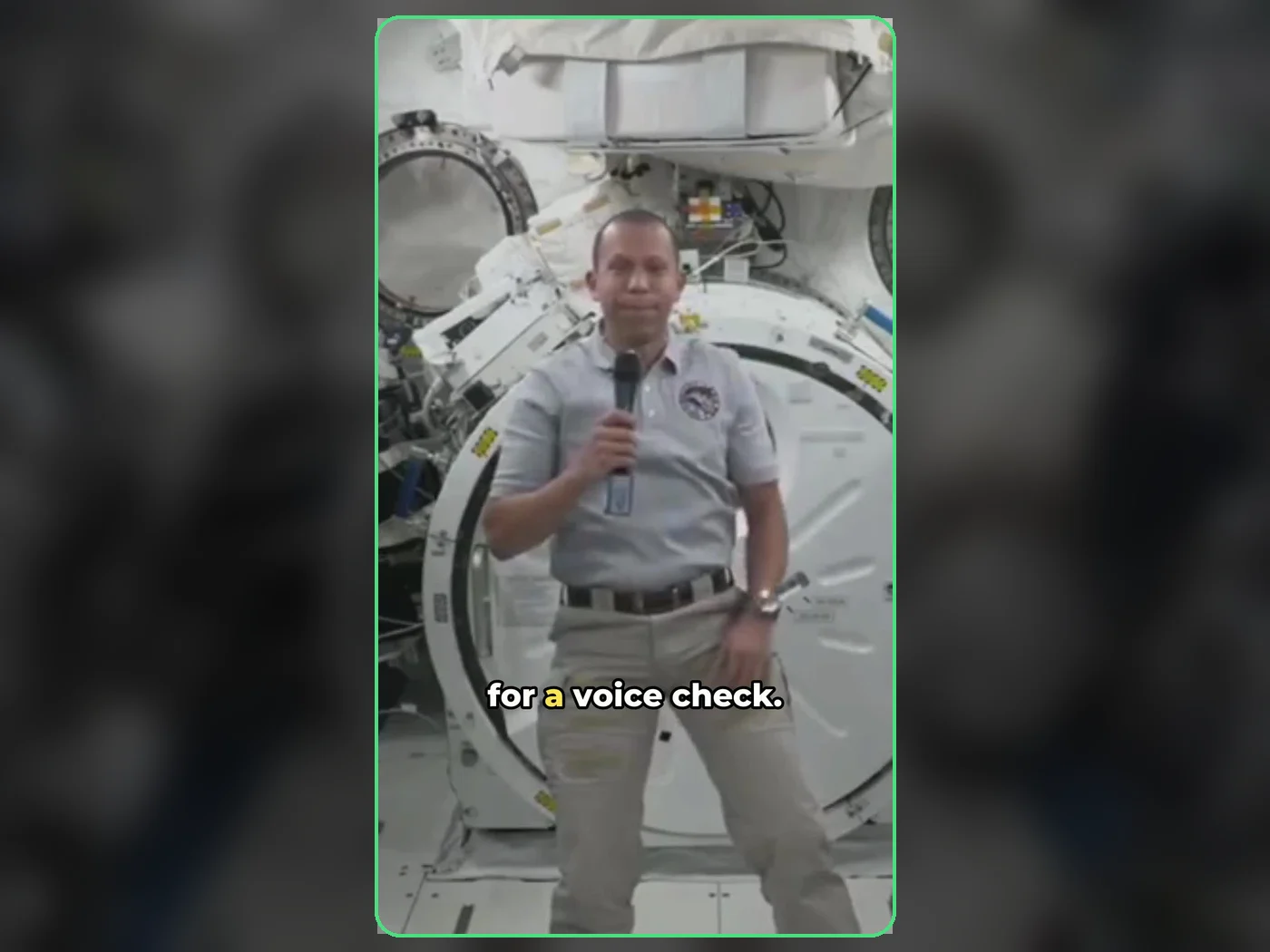 long video · 4:009:16 shorts · 2 × 31-33 sPress and hold to see the before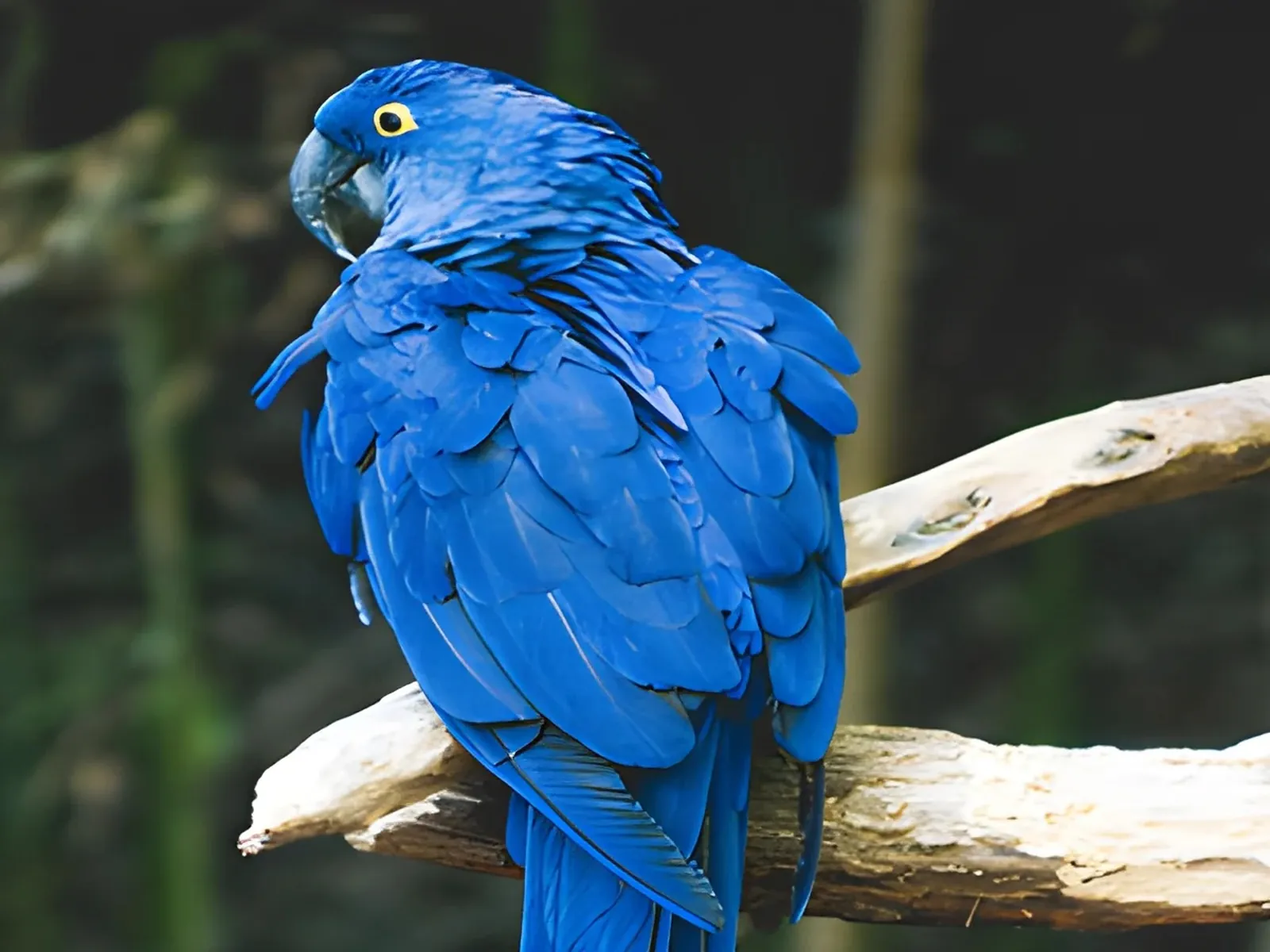
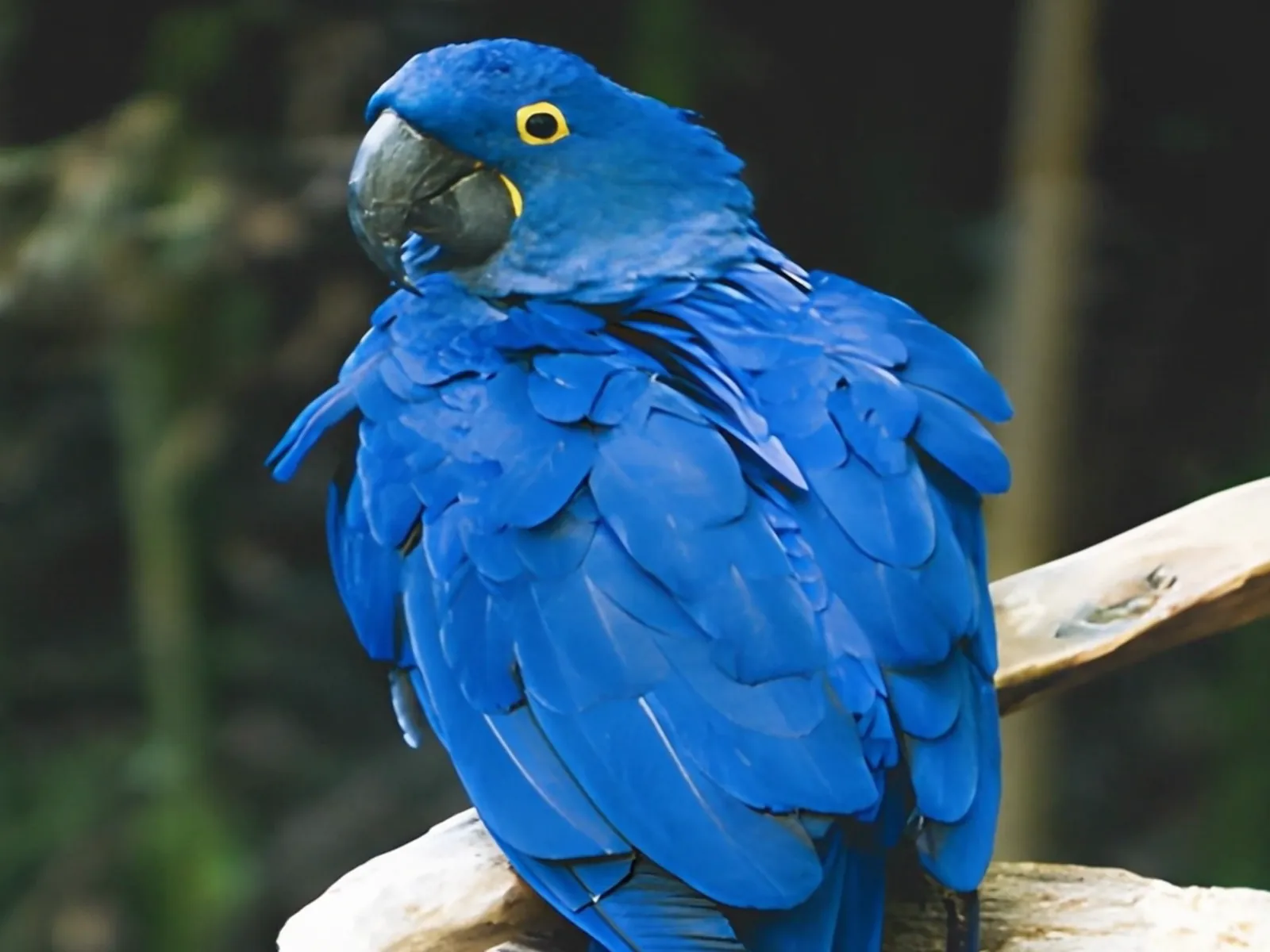 photo5 s videoPress and hold to see the before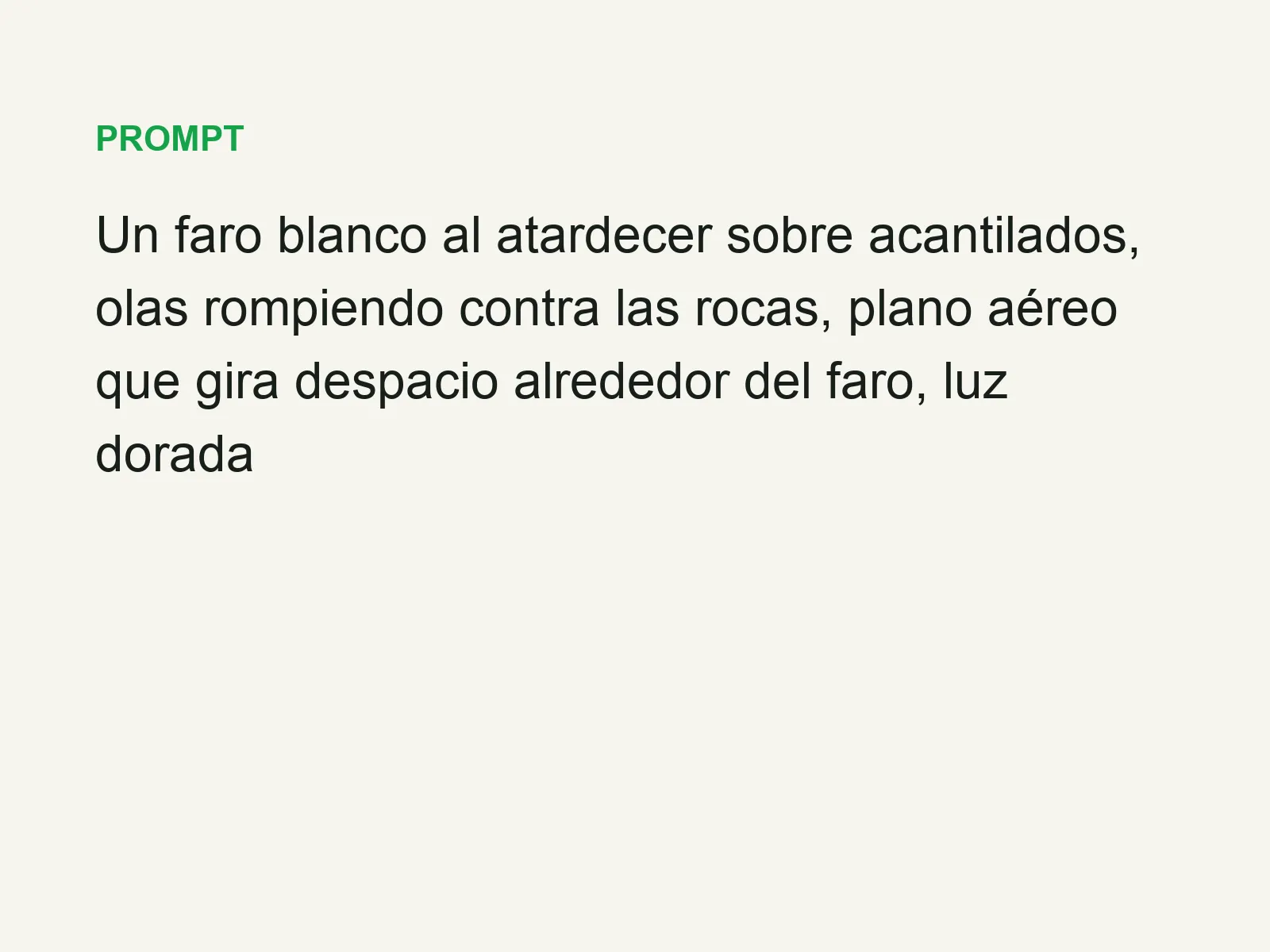
 text16:9 video · 5 sPress and hold to see the before
 480p clip4K · 2160pPress and hold to see the before
 5 clips9:16 reel · subtitlesPress and hold to see the before
 320×240 px×4 · 1280×960 pxPress and hold to see the before