AI video editor: turn your clips into a reel with subtitles
Upload your clips, photos and music, answer a few questions and our AI proposes the edit: order, cuts, transitions, text and word by word subtitles you can correct. Preview it free in your browser and pay €1 only when you export.
Upload your clips, photos and music, answer a few questions and our AI proposes the edit: order, cuts, transitions, text and word by word subtitles you can correct.
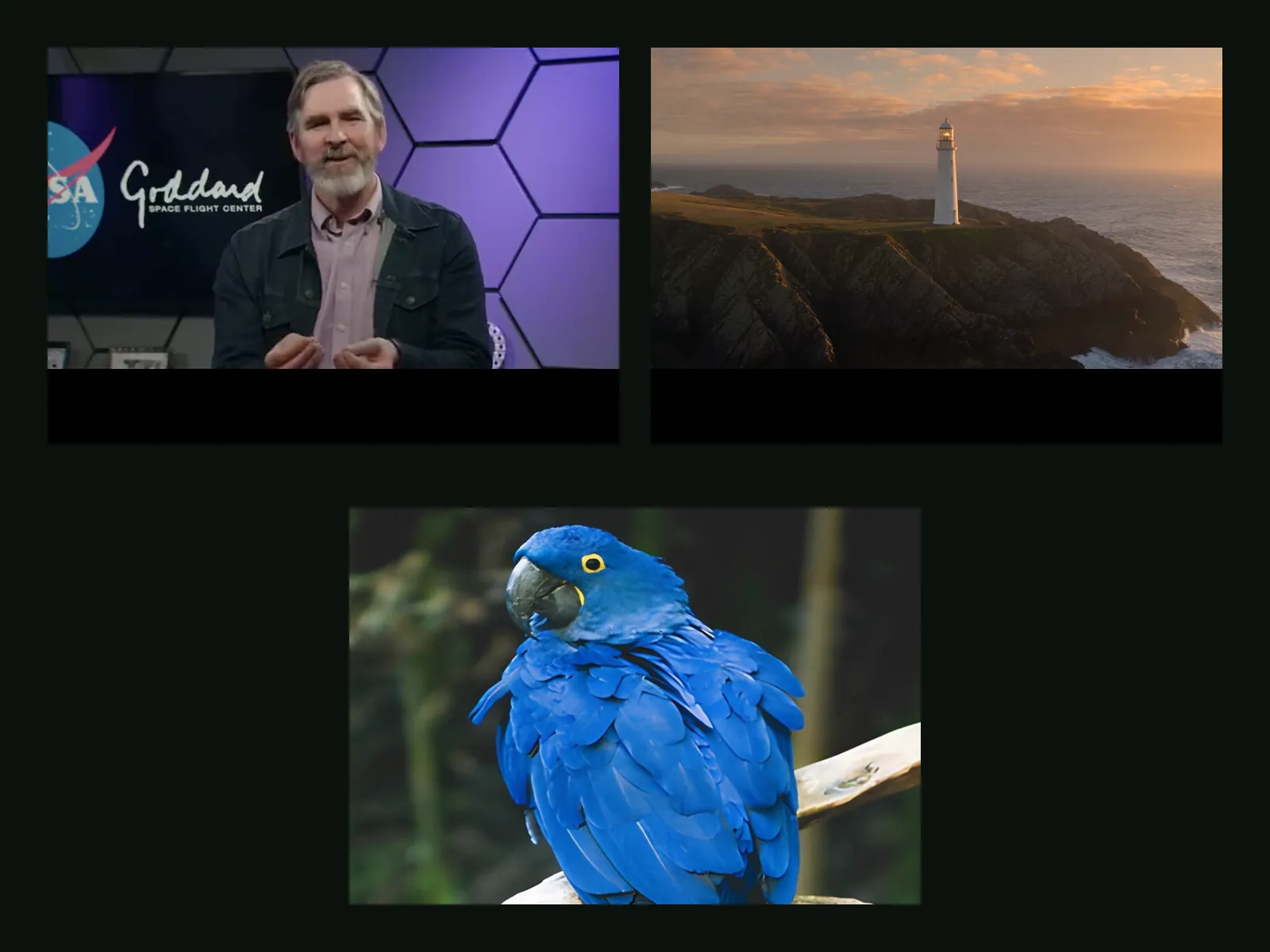
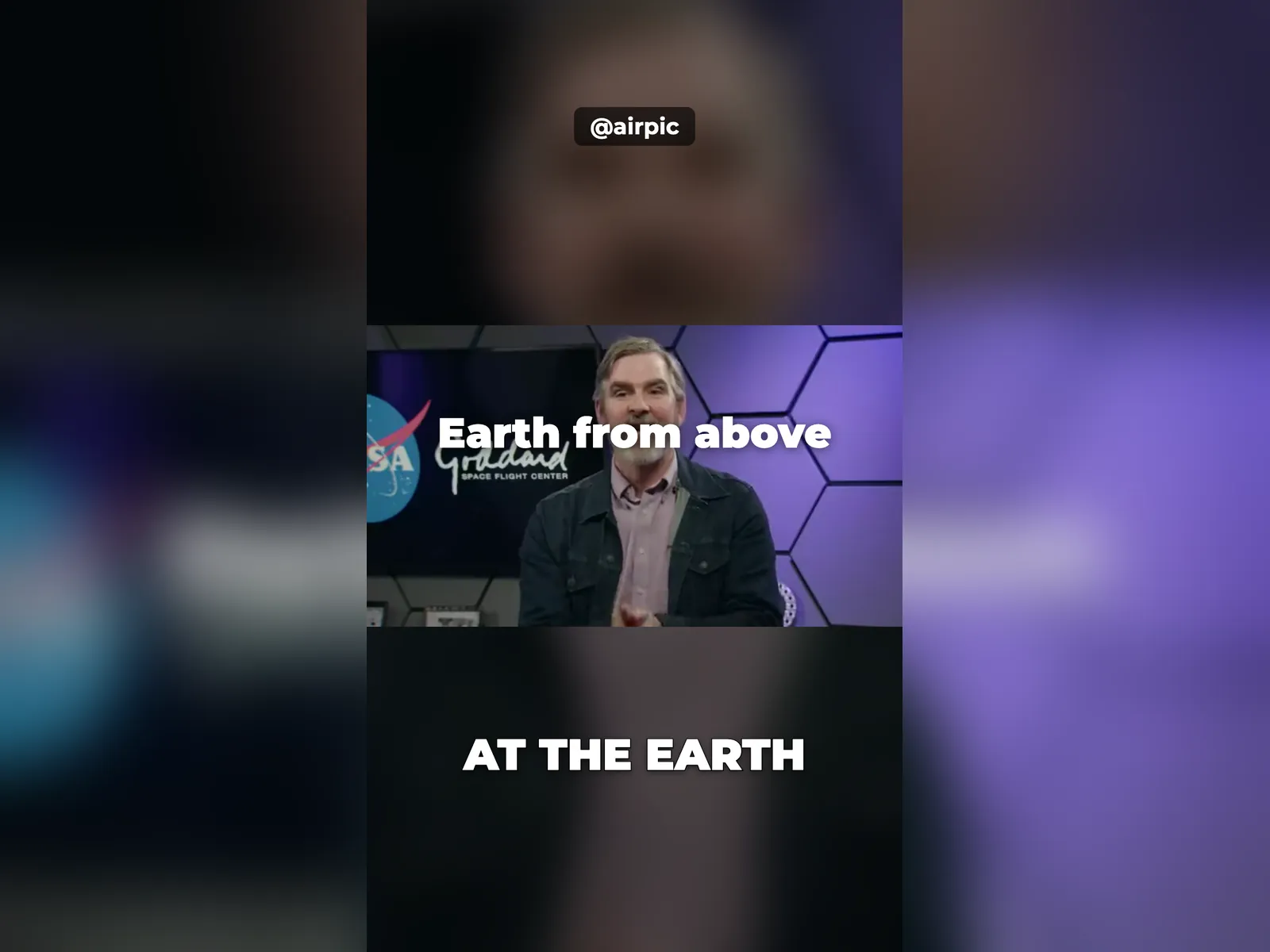
- 1Files
- 2Brief
- 3Edit
- 4Export
Upload your clips and photos
Up to 10 videos or photos. Then we ask how you want the video before editing anything.
Before editing, tell us how you want it
We suggest recommended values. Change anything and confirm: nothing is edited until then.
In the preview the colour is approximate; the export applies it for real.
Preview
Free, in your browser. Change it as many times as you like.
Loading the preview…
10 credits (€1) per export
Prepaid. If the export fails, the credits come back automatically.
Your video is ready
How it works
Upload clips, photos and music
Phone videos, pictures and, if you like, a song. Before editing anything, Airpic asks: format (9:16, 1:1 or 16:9), target length, pace, subtitles, color, stabilization, noise reduction, even volume, logo and @handle. Every option comes with a recommended value.
Review the edit and talk to it
Our AI (Claude, by Anthropic) proposes the cut and you adjust it in plain words: "remove the second clip", "bigger subtitles", "faster at the start". Auto subtitles appear word by word, karaoke style, and you can correct them before exporting.
Preview free, export when it is right
The preview plays instantly in your browser at no cost. When you are happy, export a 1080p MP4 for 10 AI credits (€1). Rendering takes about as long as the video lasts, or a little more.
✓ Works best with
- Reels and TikToks made from phone clips.
- Trip or party recaps with music and subtitles.
- Product videos and tutorials of up to 3 minutes.
✗ Can't recover
- Not a multitrack timeline editor for pro post-production.
- Can't save shaky or dark footage completely, only improve it.
- Not meant for long films: keep the final video under 3 minutes.
Frequently asked questions
How do I make a reel from my clips with AI?
Upload your clips and photos, choose 9:16 and a target length, and the AI orders them, cuts the dead moments, adds transitions, text and auto captions. You watch the preview, ask for changes in plain words and export when it looks right.
How much does the AI video editor cost?
Editing and previewing are free. You only pay when you export: 10 AI credits (€1) per 1080p MP4. 1 AI credit = €0.10; packs are €10 for 100 credits, €24 for 250 and €45 for 500, with no account or subscription. If the export fails, the credits come back on their own.
Can I add subtitles to my video automatically?
Yes. Speech is transcribed on GPUs in the EU and turned into word by word subtitles in karaoke style. You can fix any word before exporting, so names and figures come out right.
What can I change in the edit?
Format (9:16, 1:1, 16:9), length, pace (lively or calm), color look (natural, warm, cinema, vivid), stabilization, noise reduction, even volume, your logo and @handle, and background music with a fade. After that, anything you can say in a sentence: order, cuts, text size, speed.
Is it a full professional editor?
No. It is not a multitrack timeline editor: it is made for reels, TikToks, trip or party recaps, product videos and tutorials with subtitles. We recommend final videos of up to 3 minutes.
Where do my videos go?
Subtitles are transcribed on GPUs in the EU and the final render runs on EU servers (RunPod, Romania or Iceland). The analysis and your instructions go to Anthropic (Claude). Nothing is stored: files are deleted after the job and the result 1 hour after download, 24 h at most.
More tools in the suite

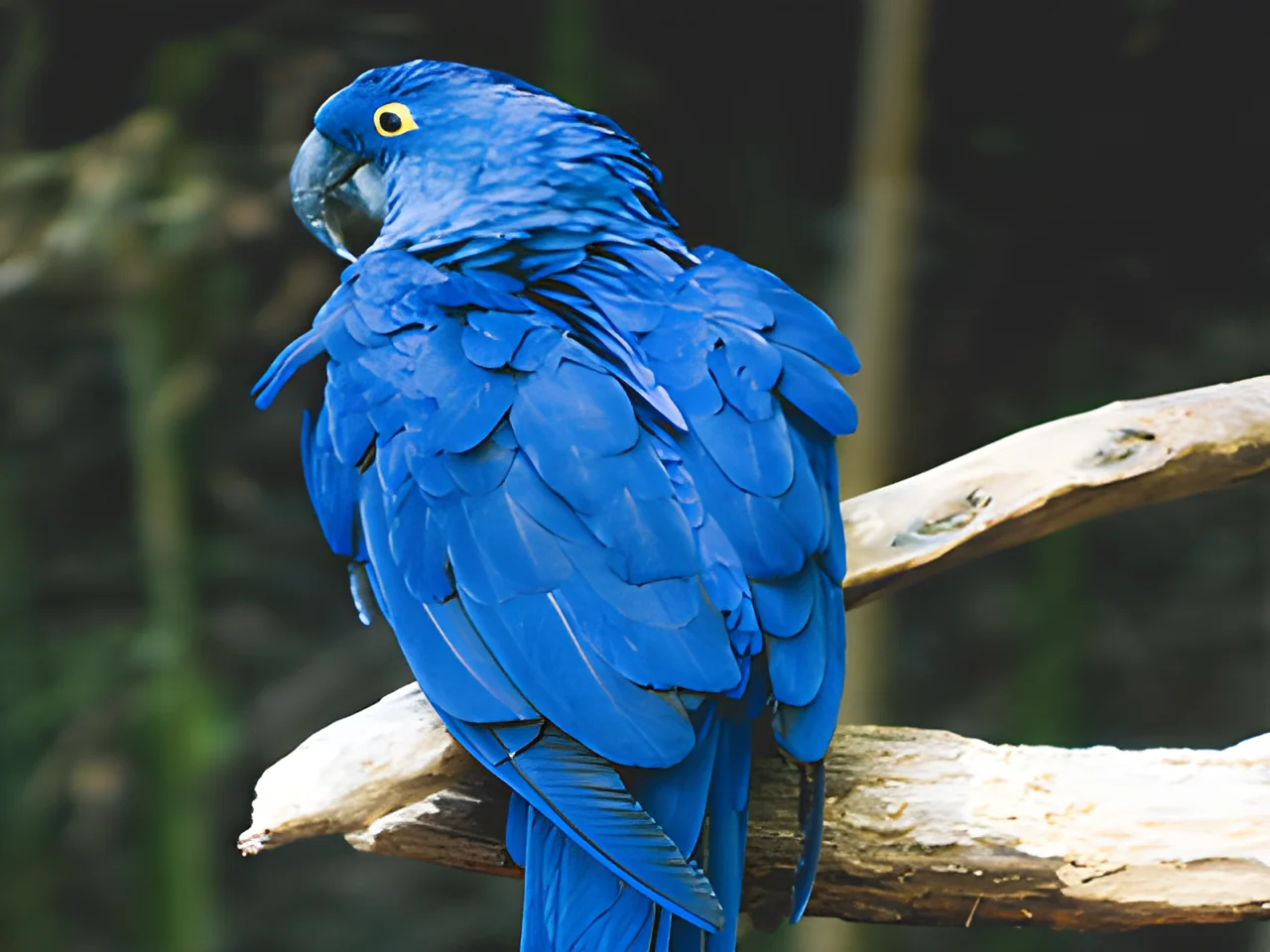 320×240 px×4 · 1280×960 pxPress and hold to see the before
 originalno background · 5 sPress and hold to see the before
 1.2 MB208 KB · −83 %Press and hold to see the before
 black & whiteAI color · 3 sPress and hold to see the before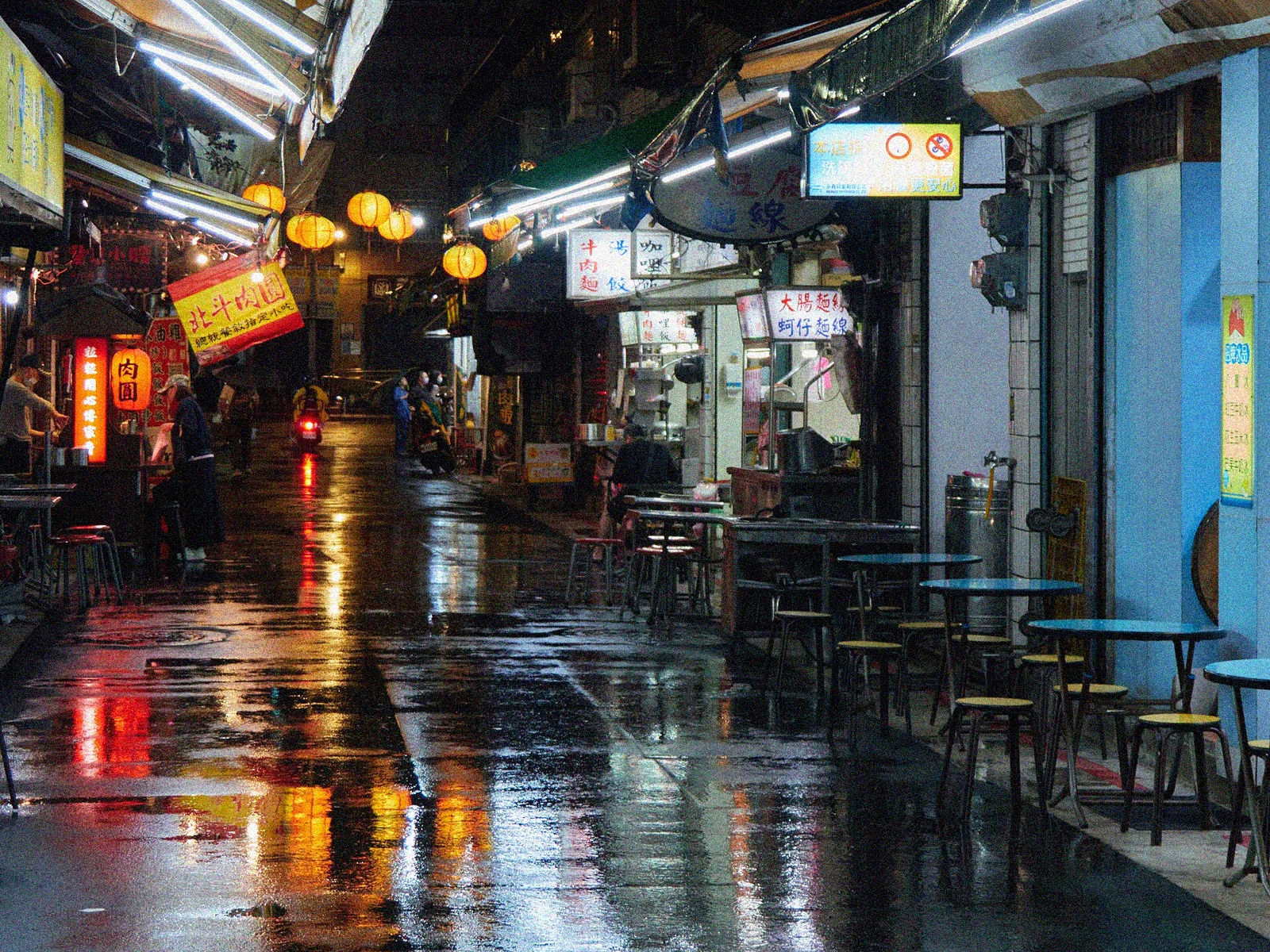
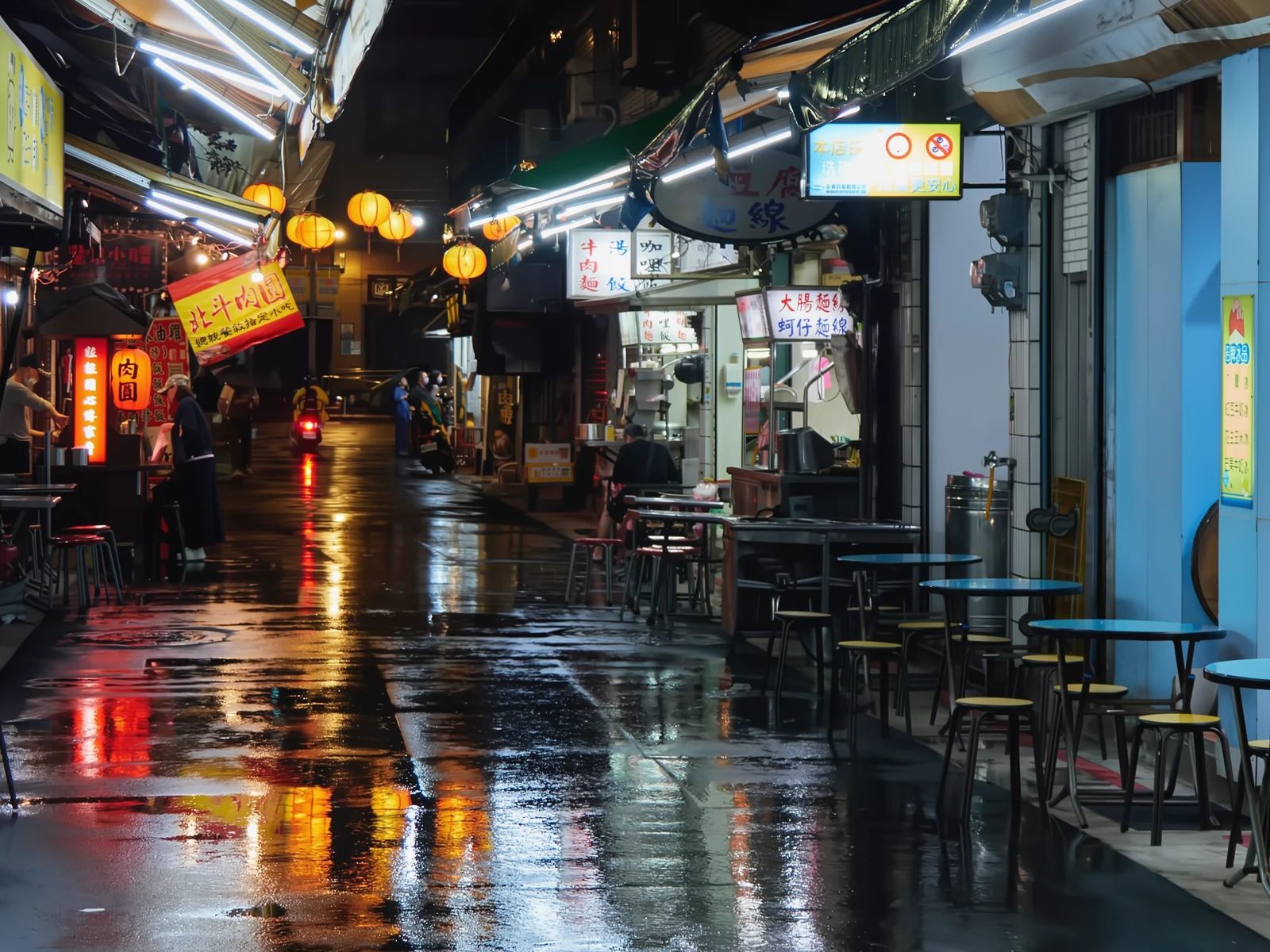 noisyclean · 5 sPress and hold to see the before
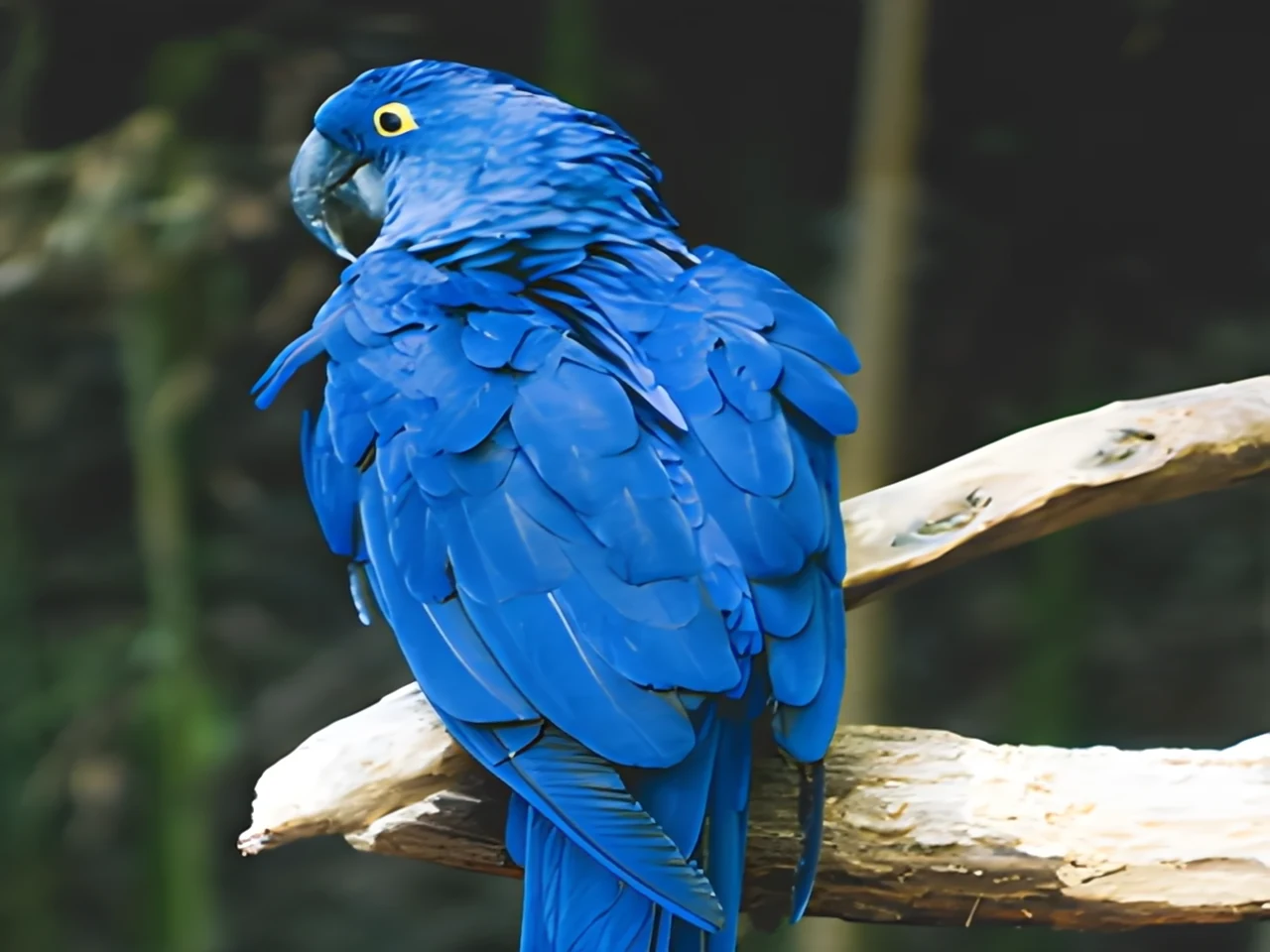 blurry · 29 pxsharp · 7 sPress and hold to see the before
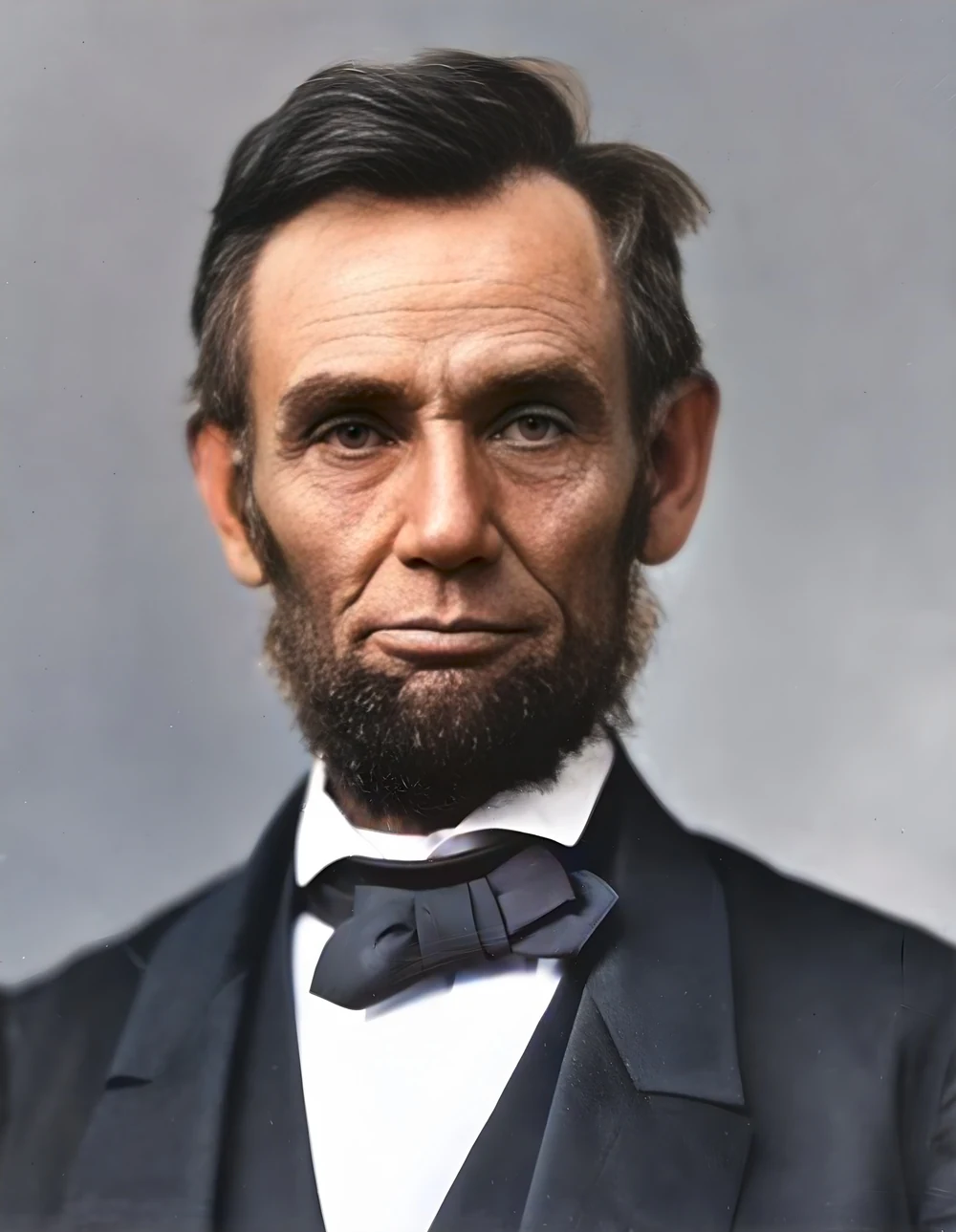 scan · 1863restored · 9 sPress and hold to see the before
 with objectclean · 3 sPress and hold to see the before
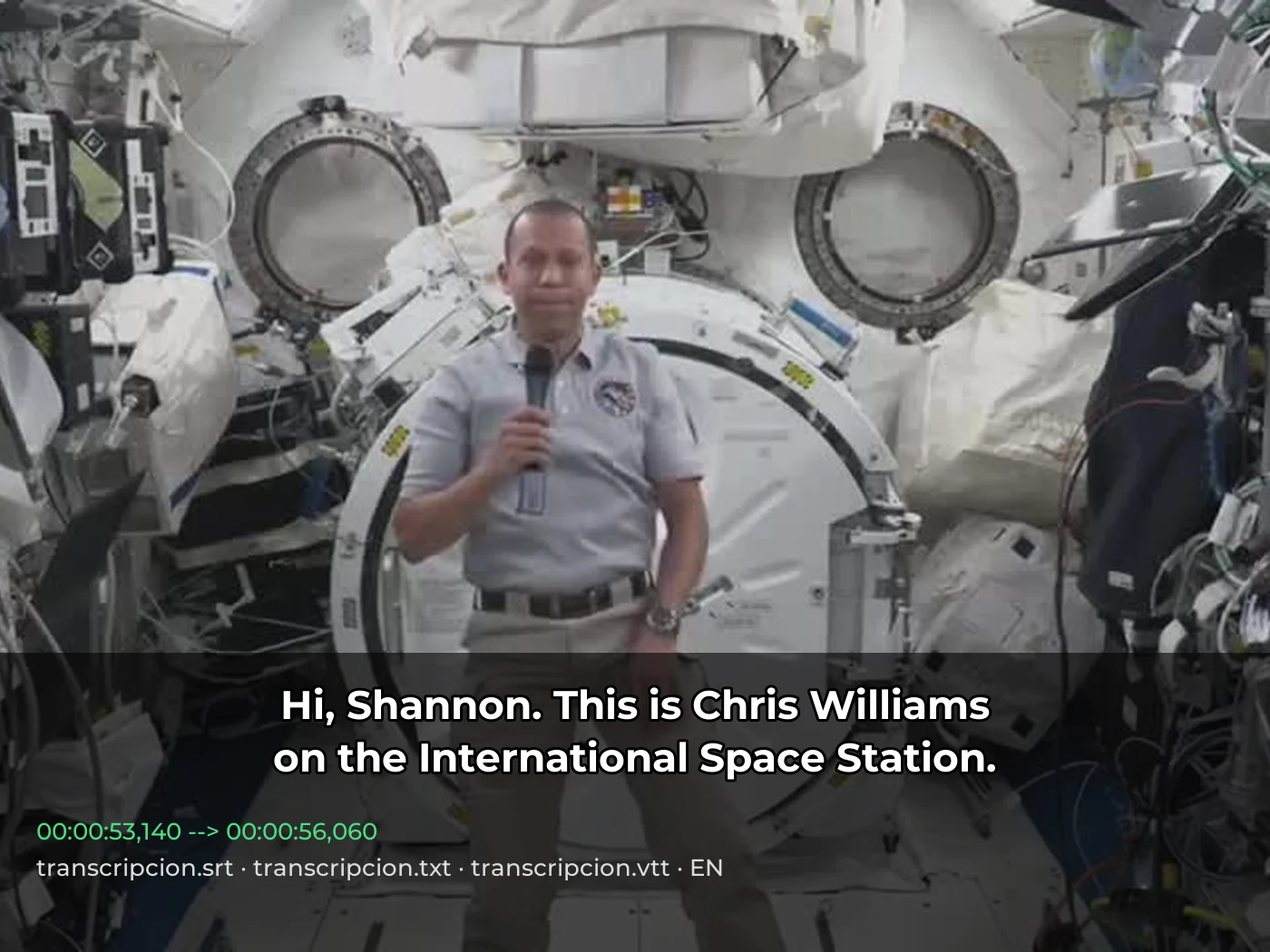 video · 3:00text + SRT · 24 sPress and hold to see the before
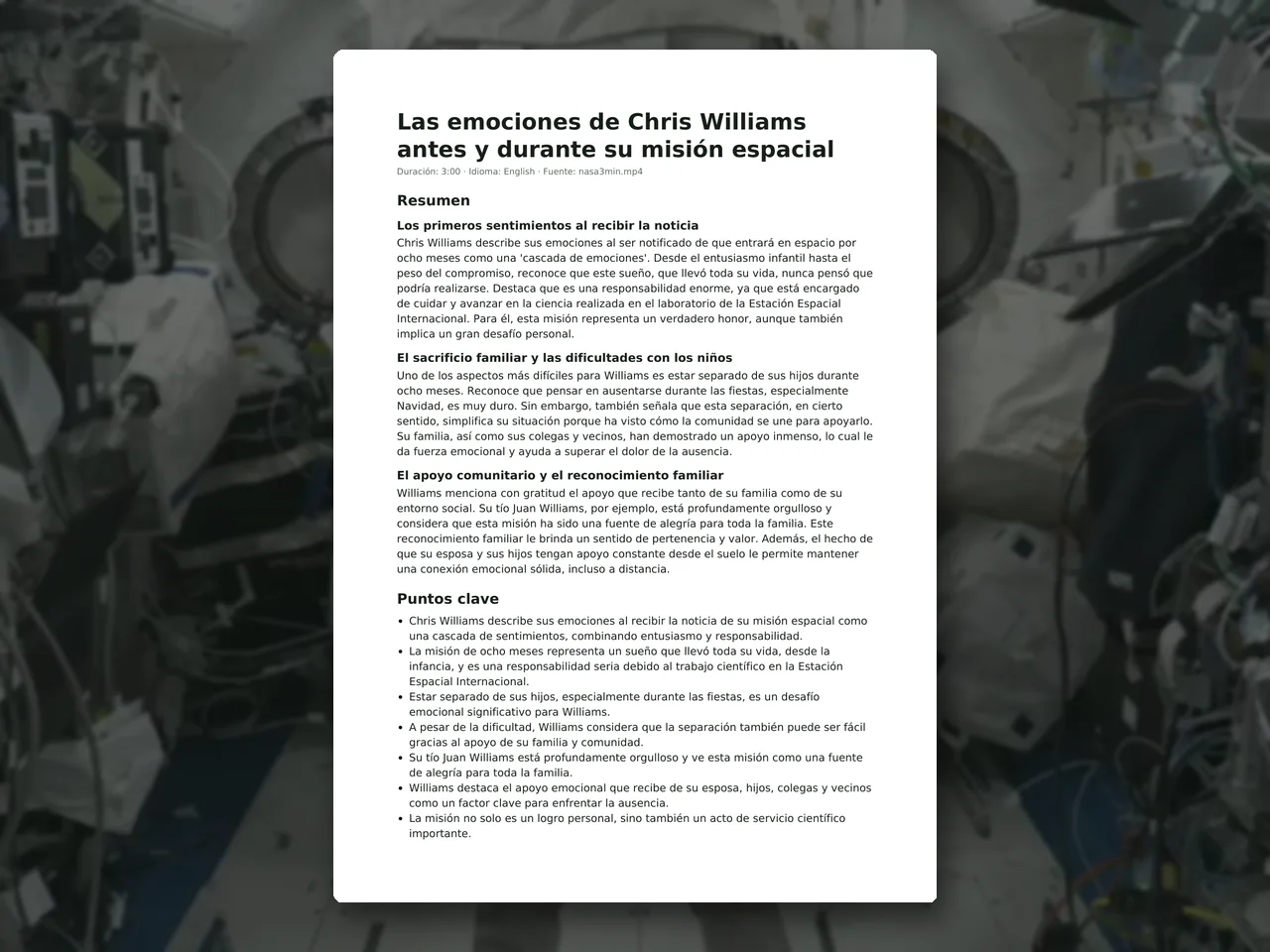 video · 6:38document · 169 sPress and hold to see the before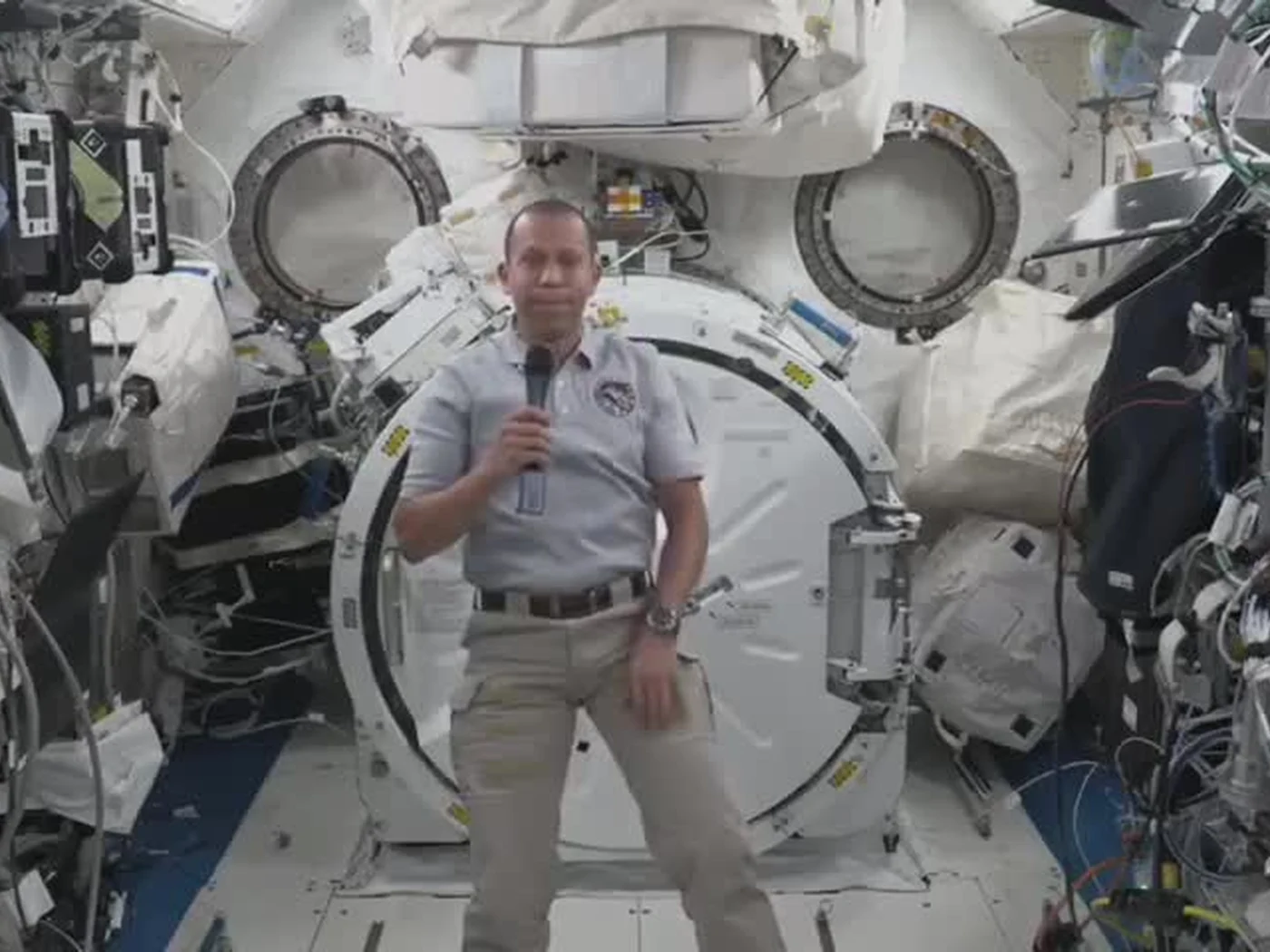
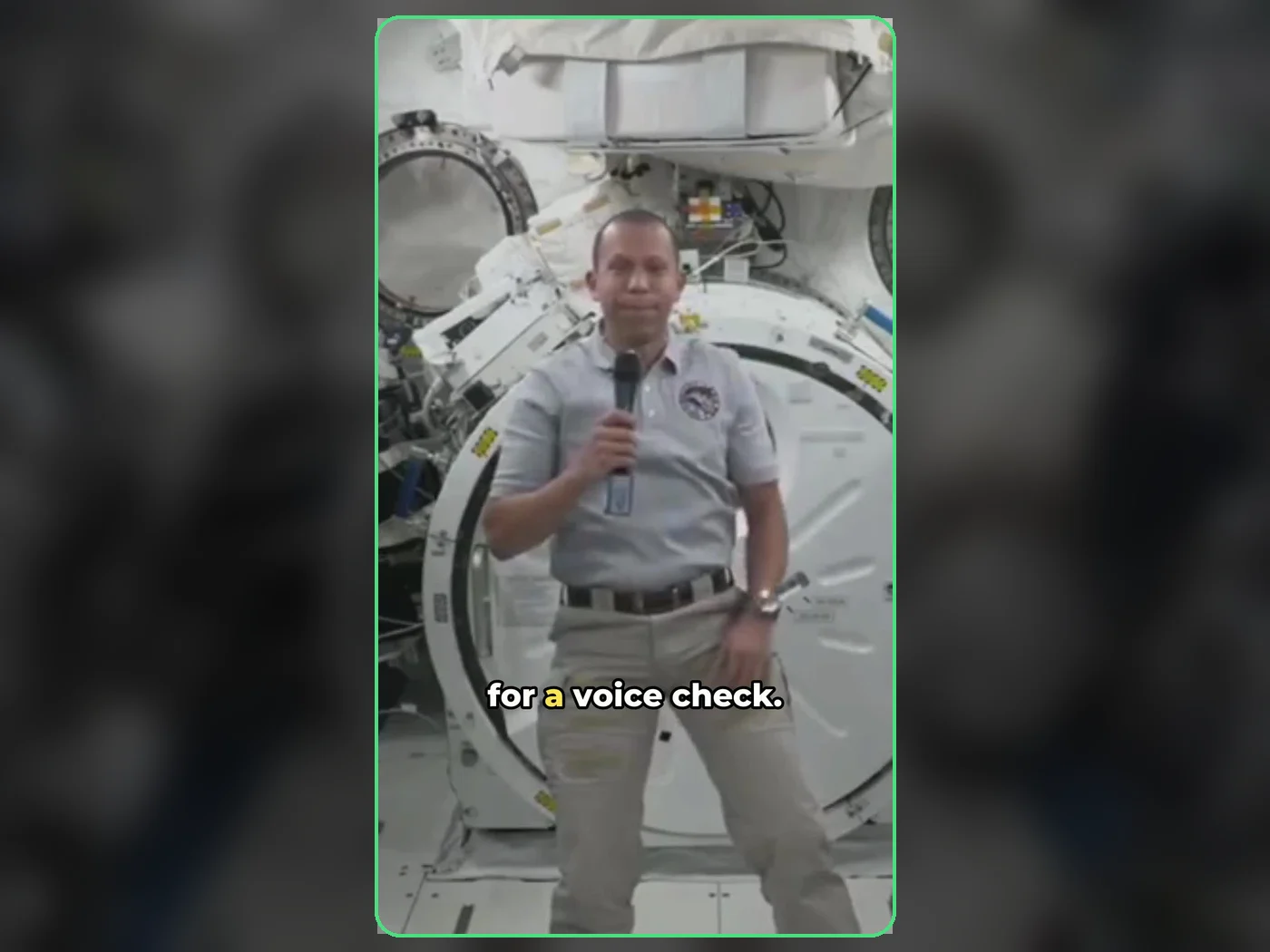 long video · 4:009:16 shorts · 2 × 31-33 sPress and hold to see the before
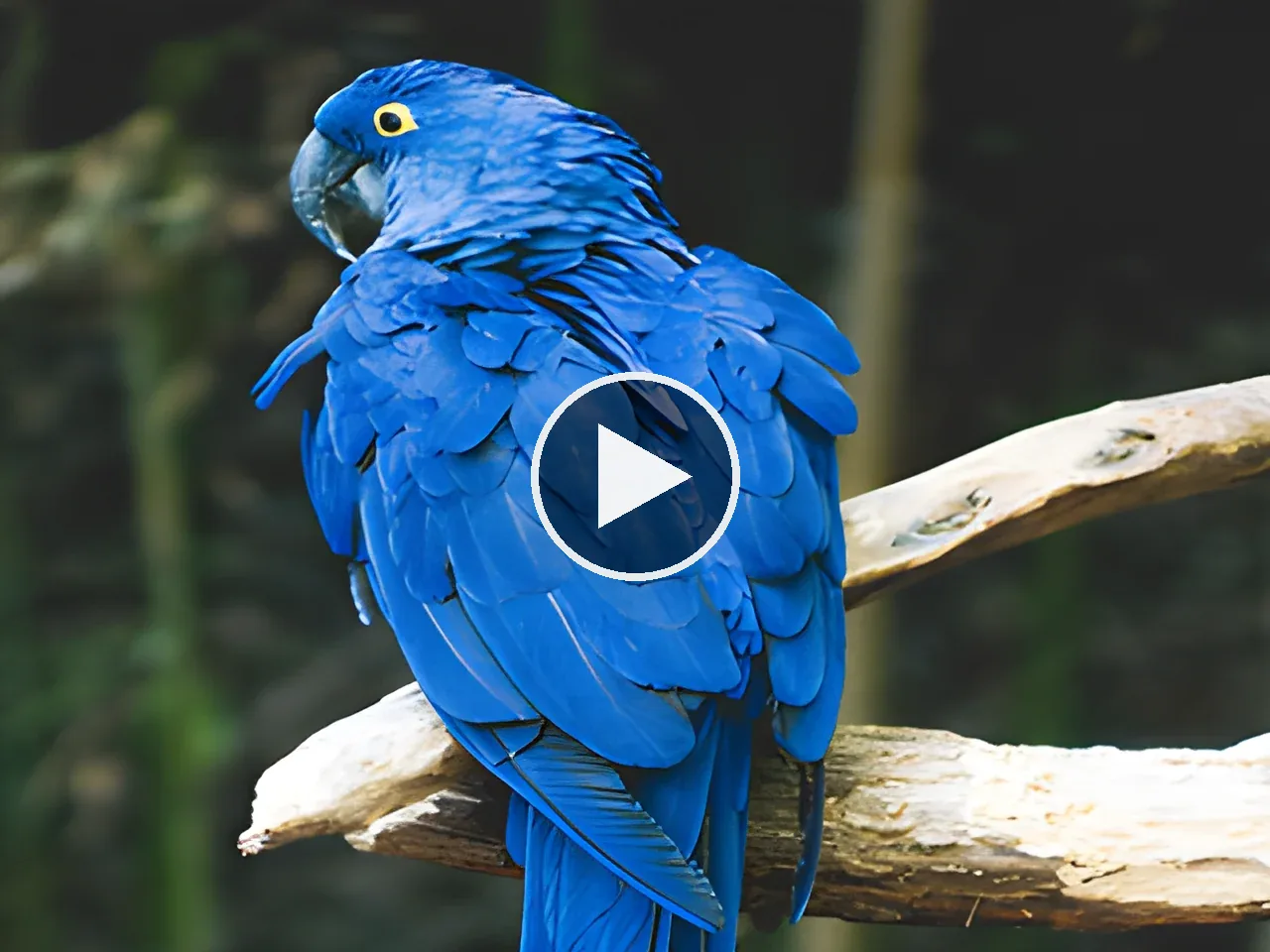
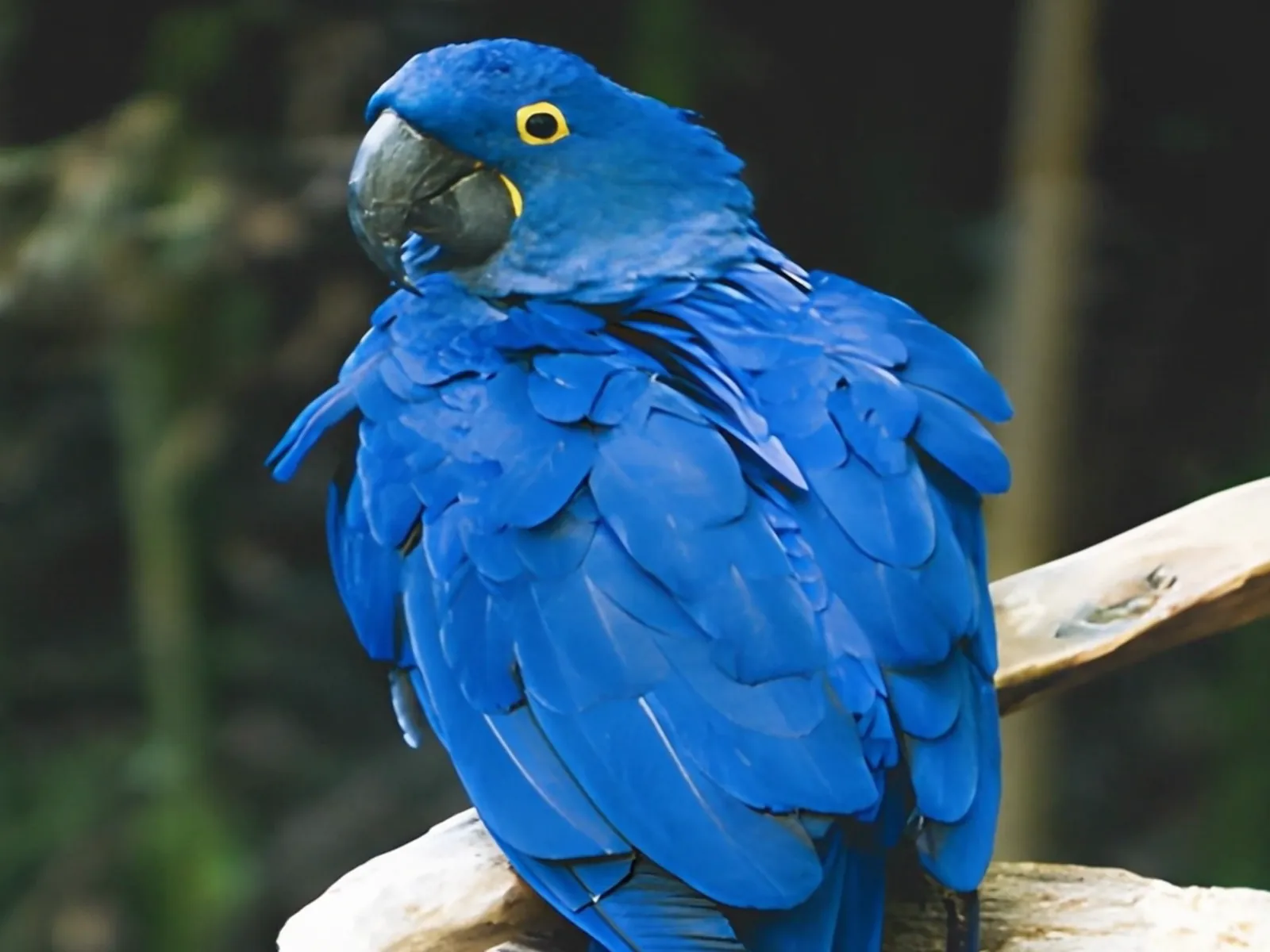 photo5 s videoPress and hold to see the before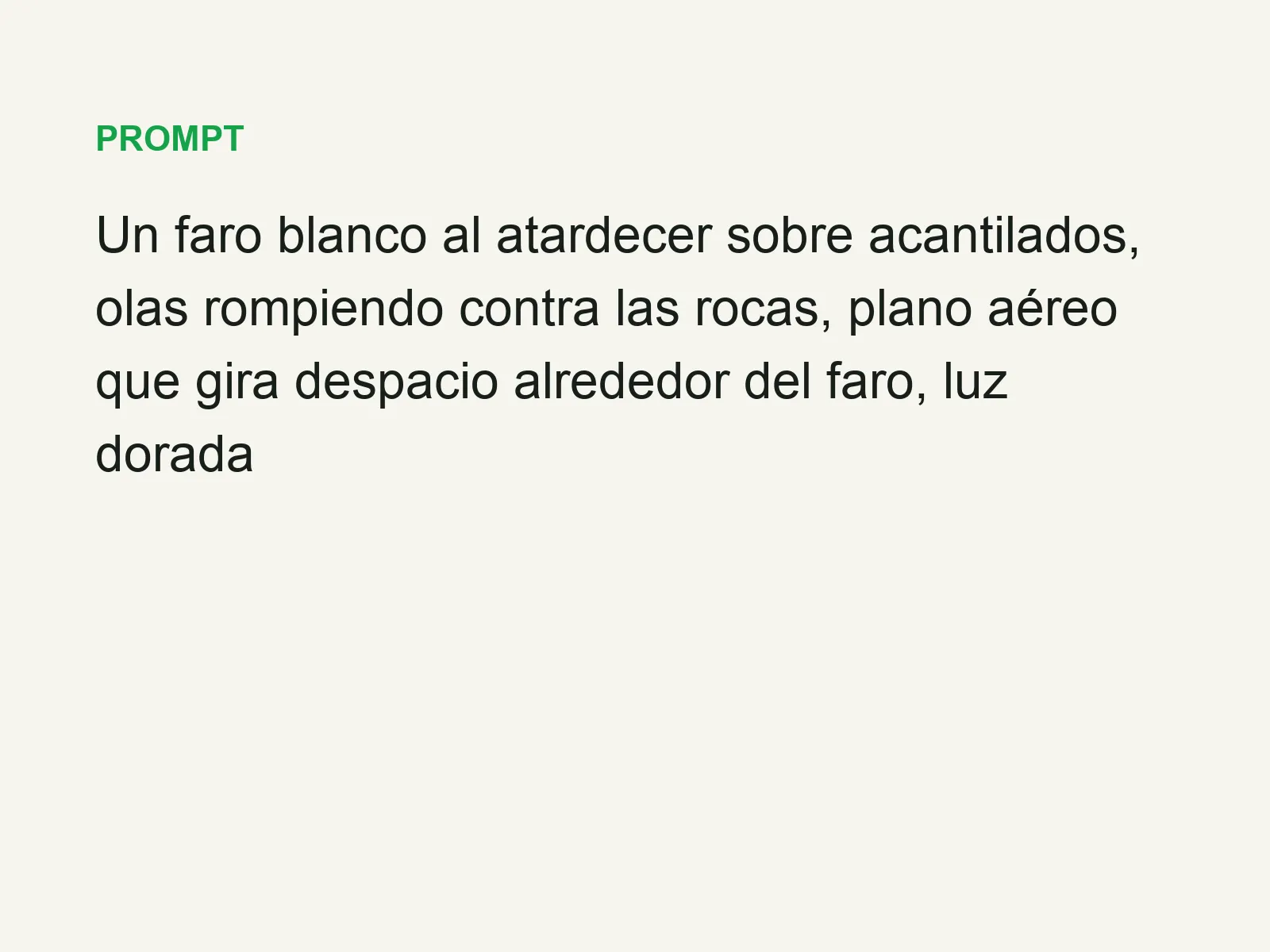
 text16:9 video · 5 sPress and hold to see the before
 480p clip4K · 2160pPress and hold to see the before
 320×240 px×4 · 1280×960 pxPress and hold to see the before