AI image tools
Nine tools to get a photo ready for whatever you need: a large print, a marketplace listing, an old portrait brought back, or a lighter file for the web. Processing and previewing are free; you only pay if you download the full file.
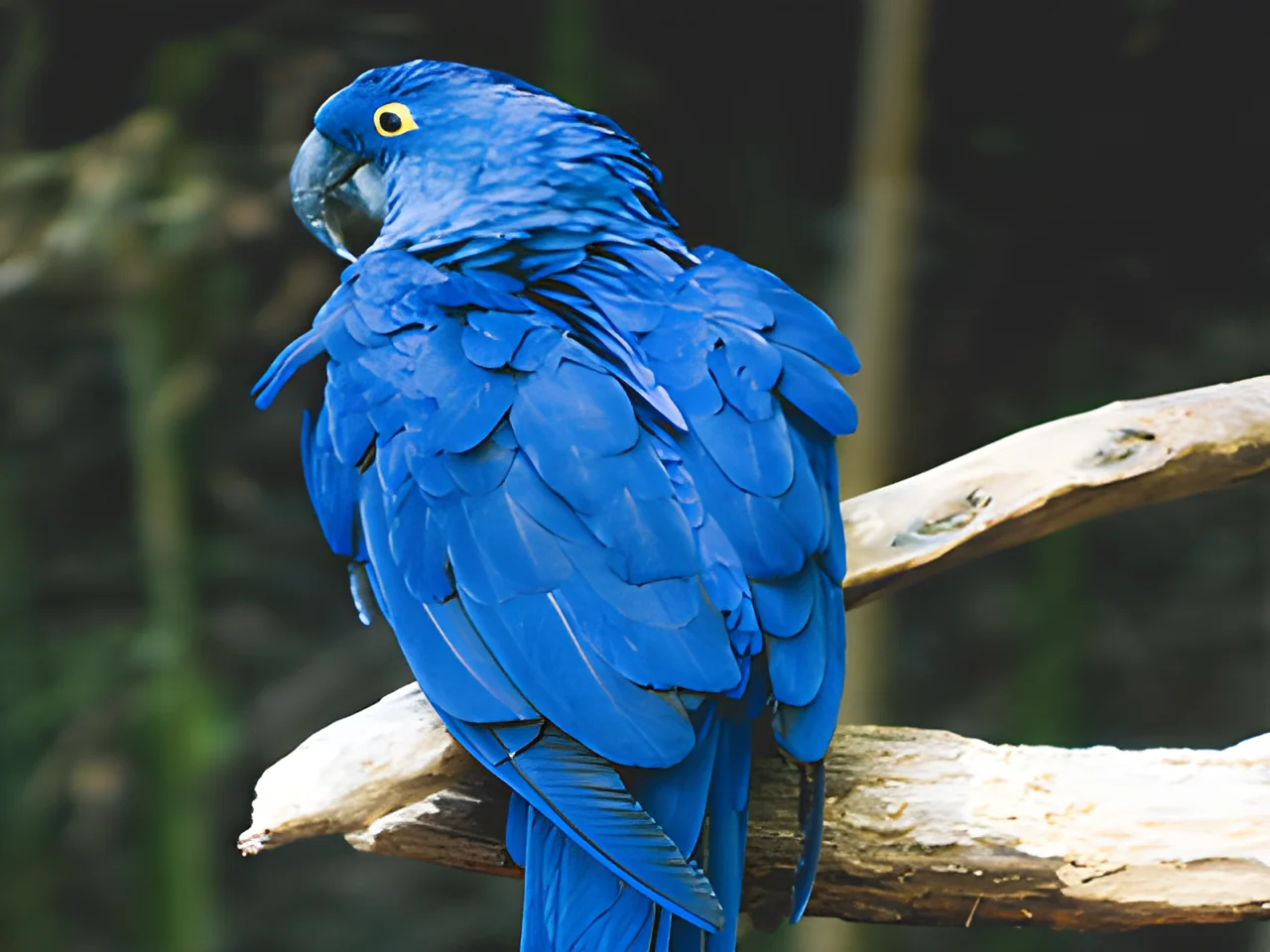 320×240 px×4 · 1280×960 pxPress and hold to see the before
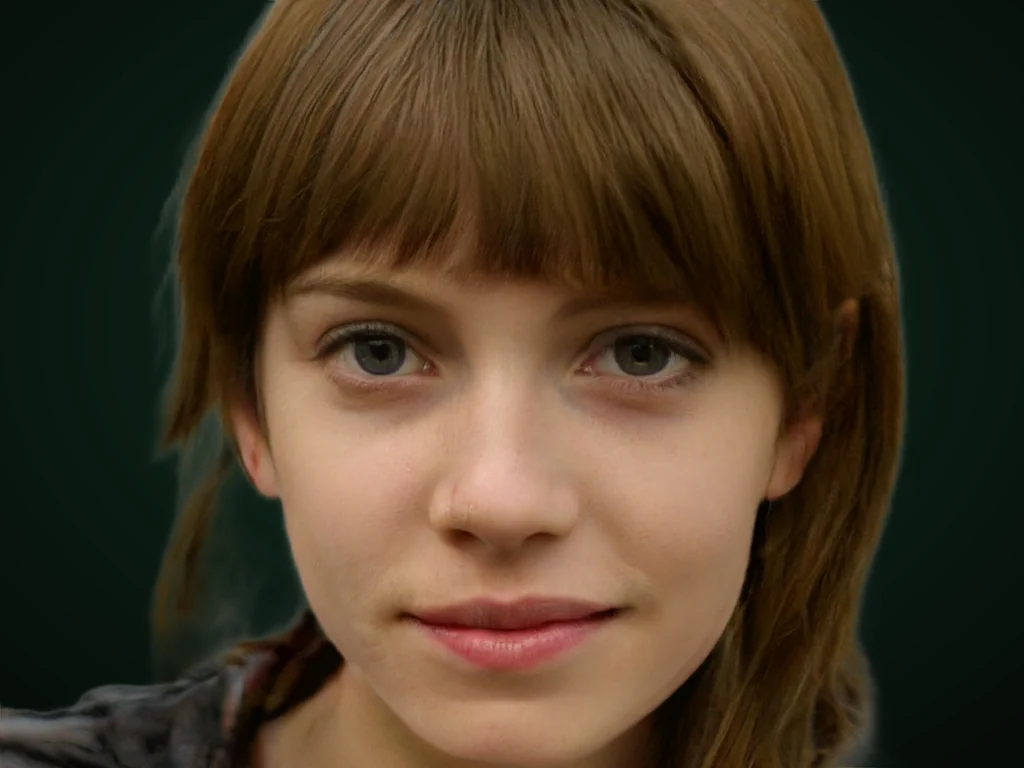 originalno background · 5 sPress and hold to see the before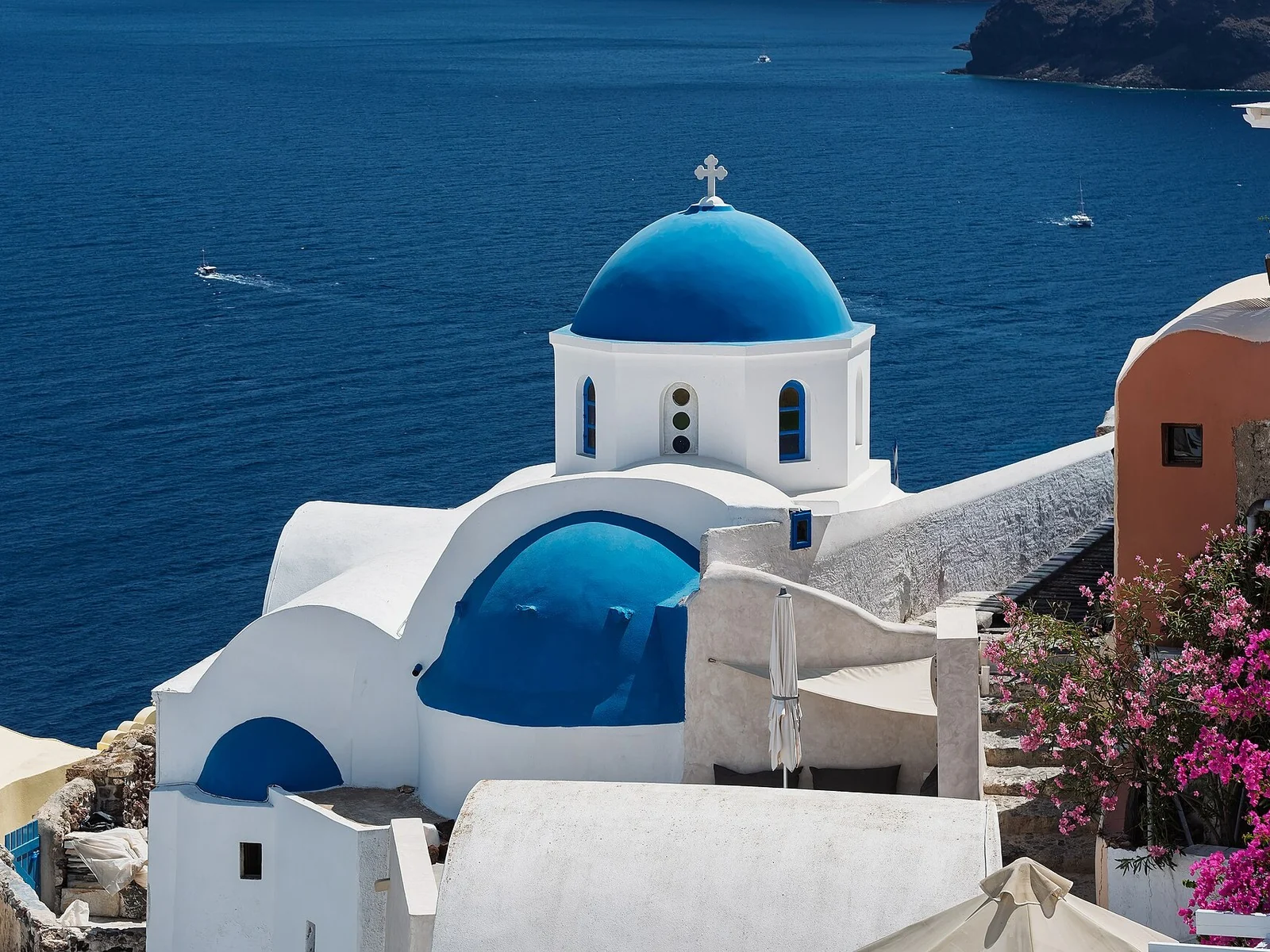
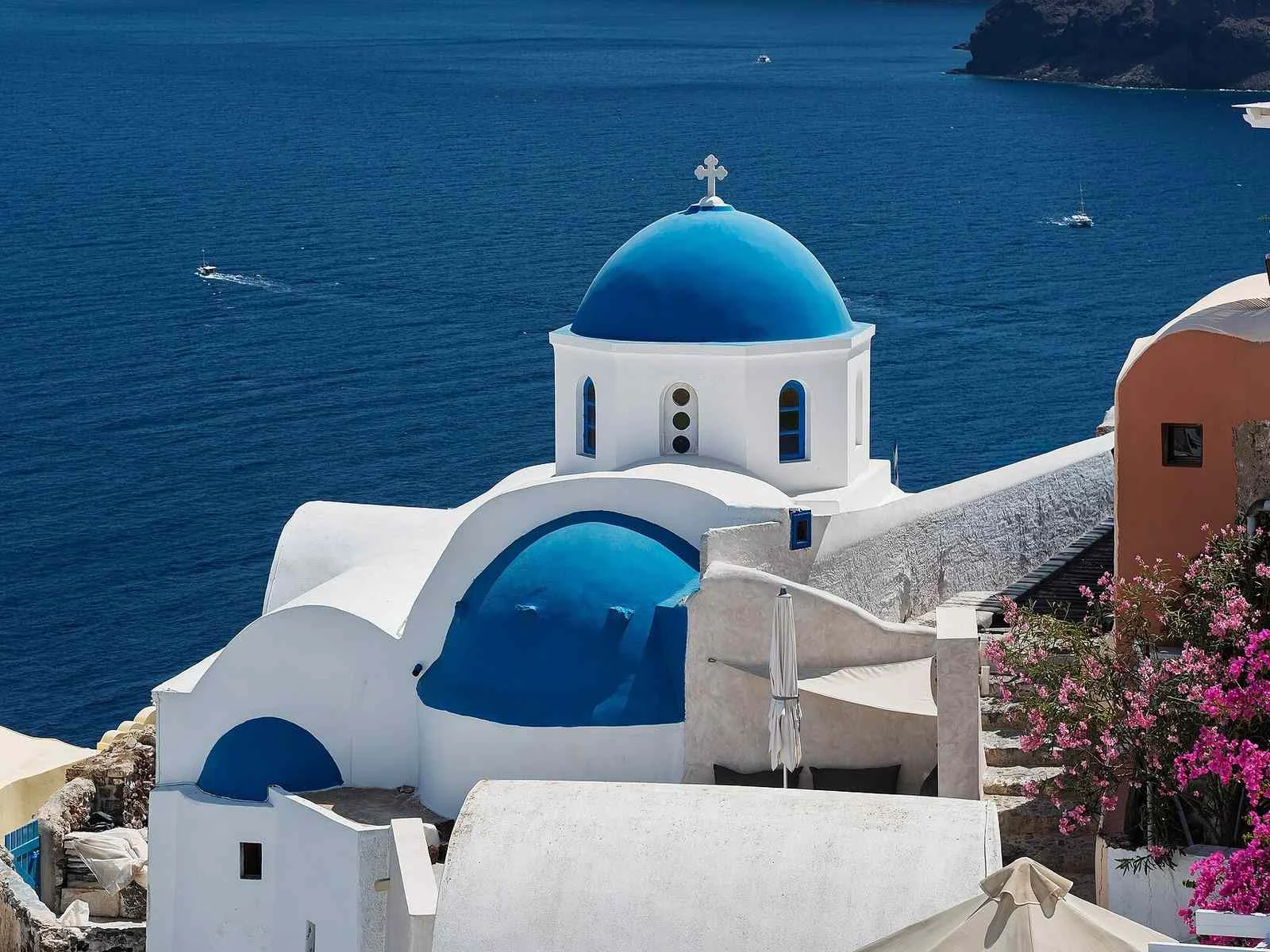 1.2 MB208 KB · −83 %Press and hold to see the before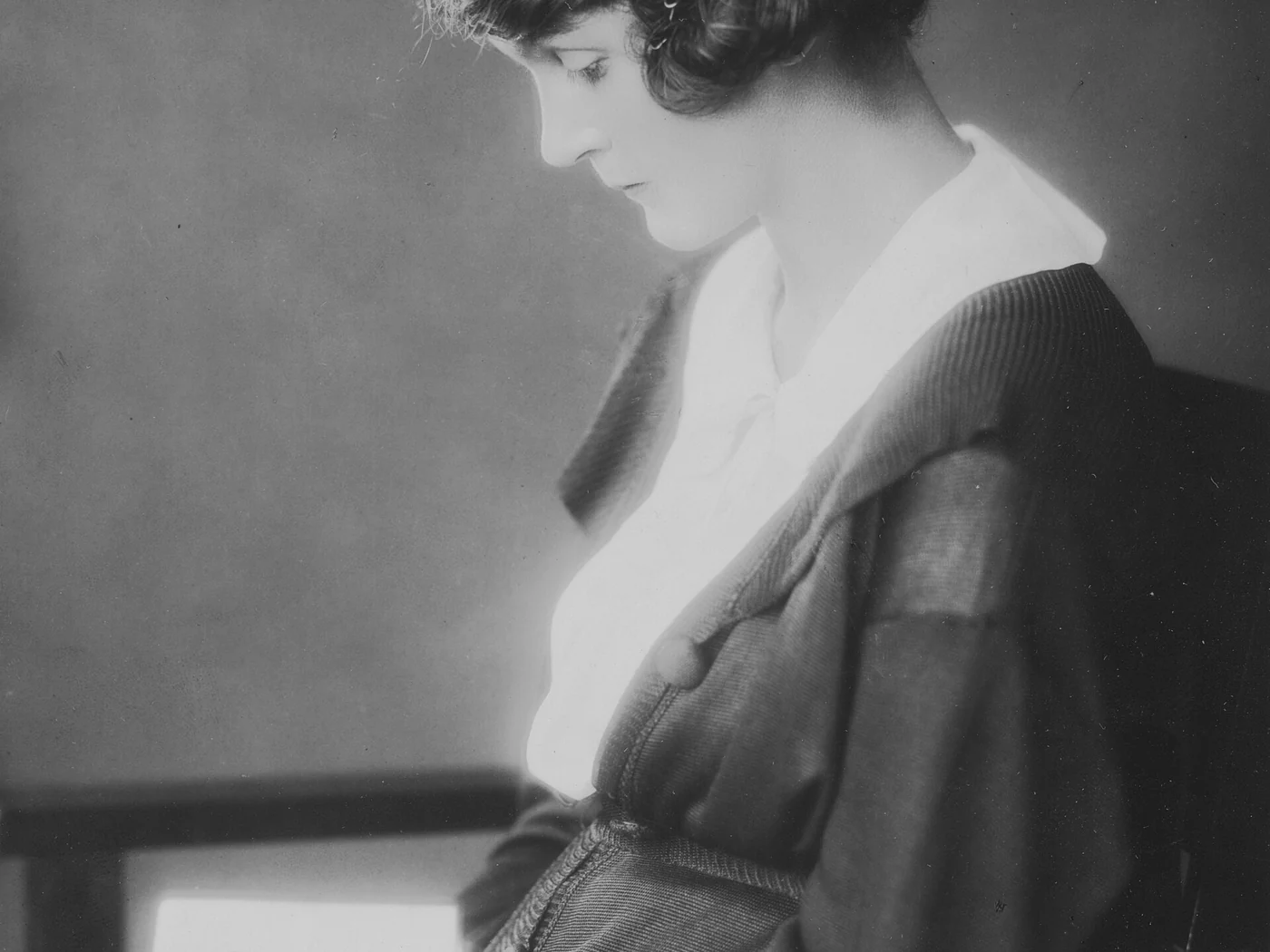
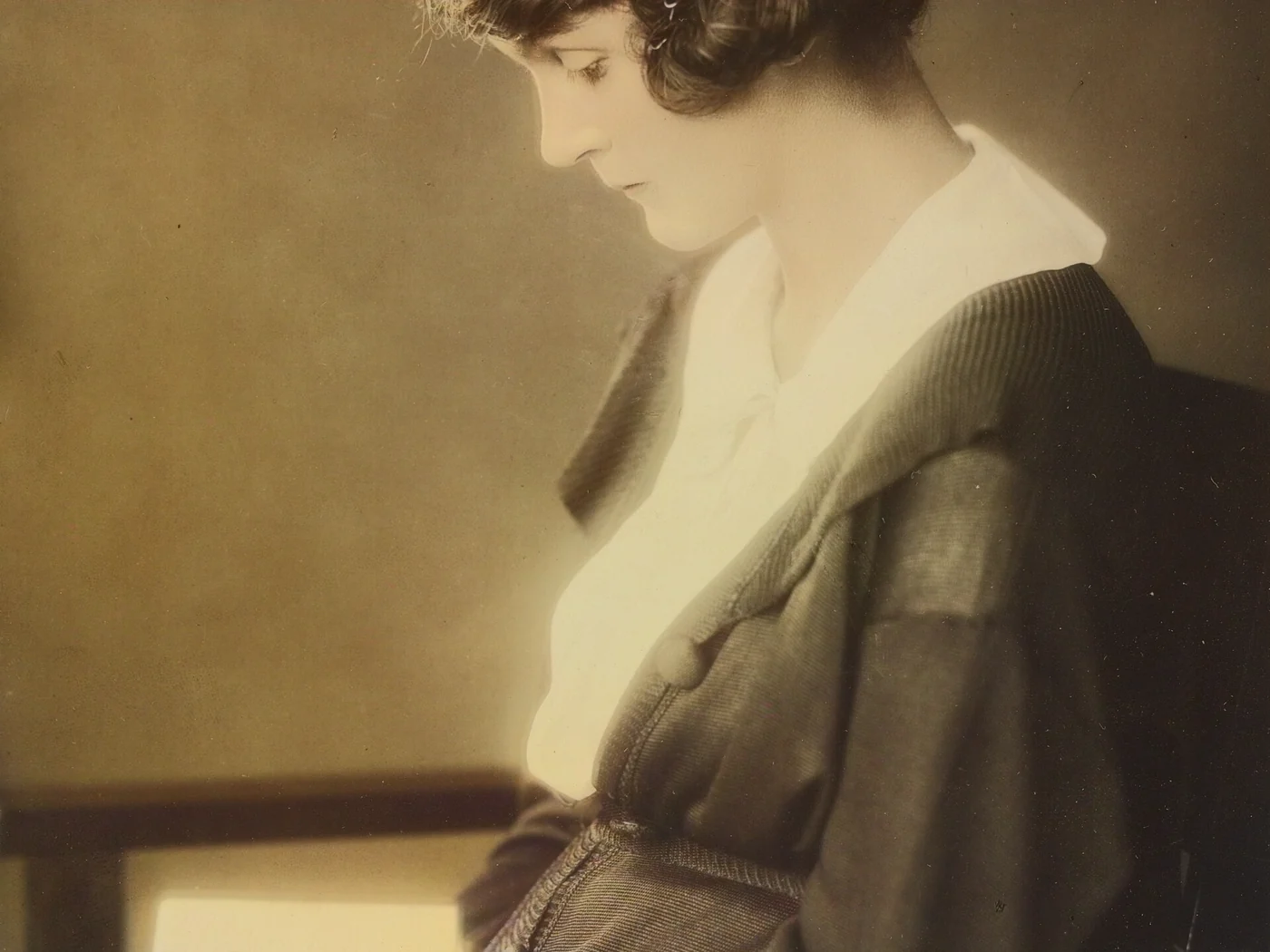 black & whiteAI color · 3 sPress and hold to see the before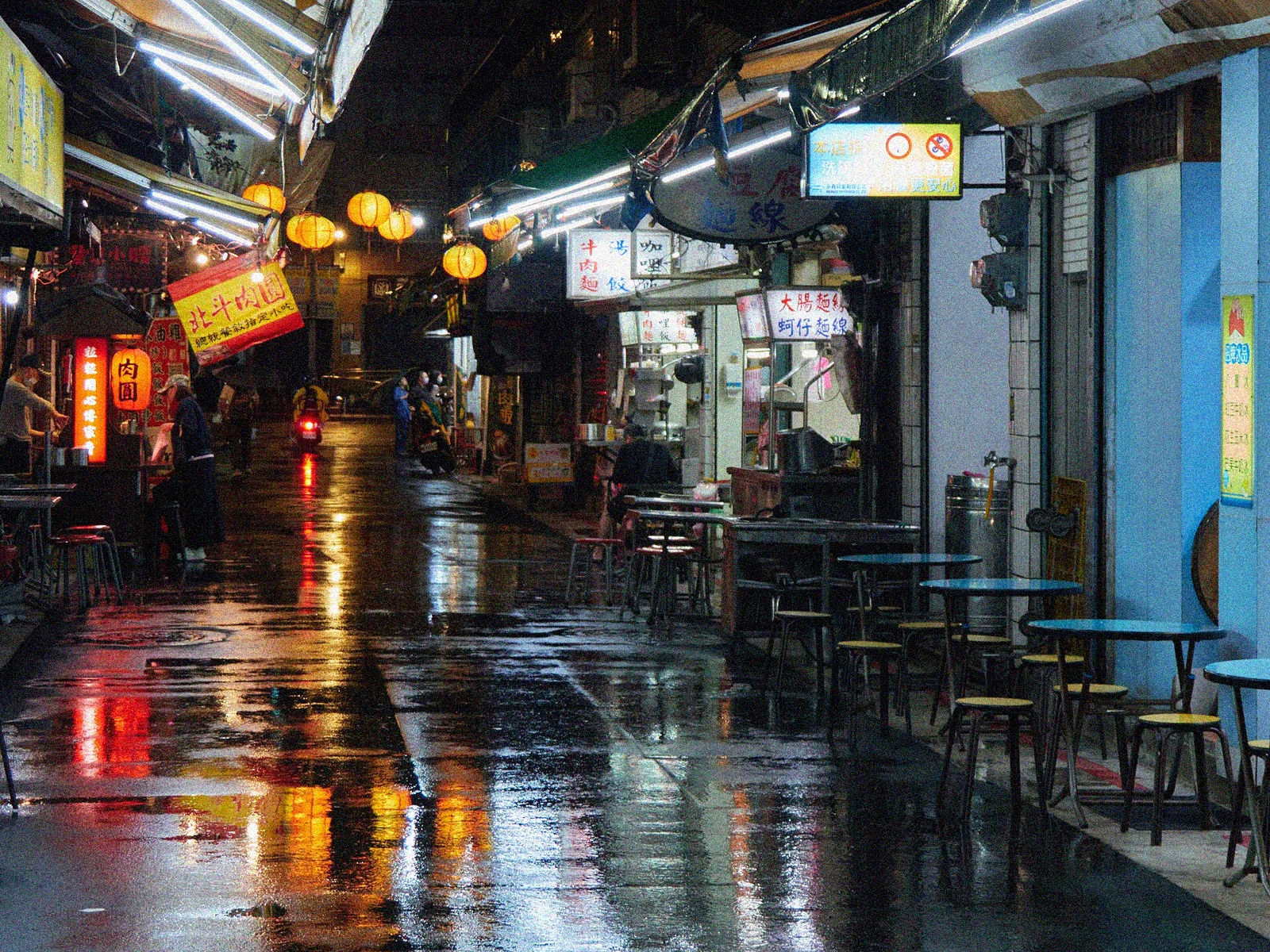
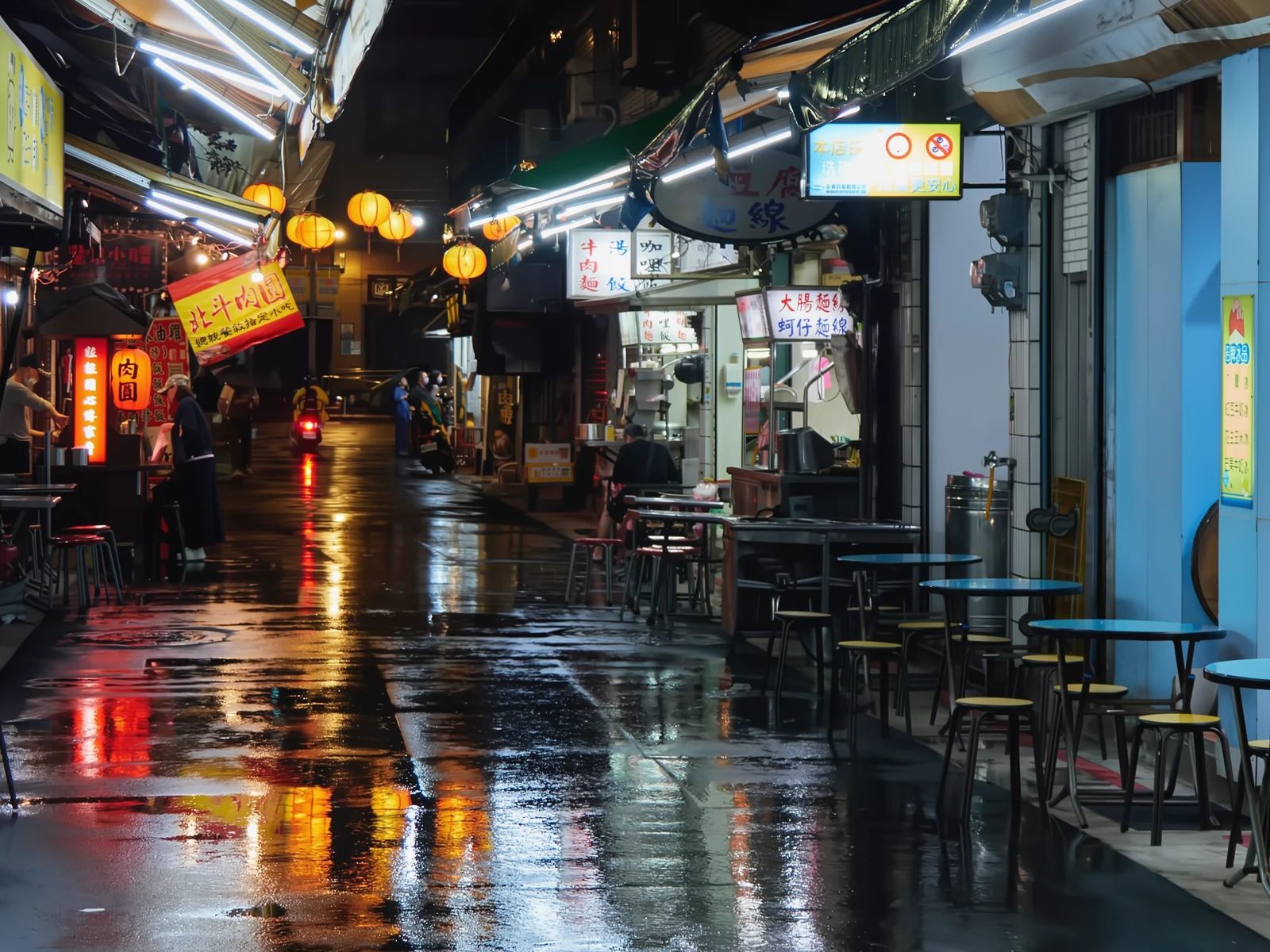 noisyclean · 5 sPress and hold to see the before
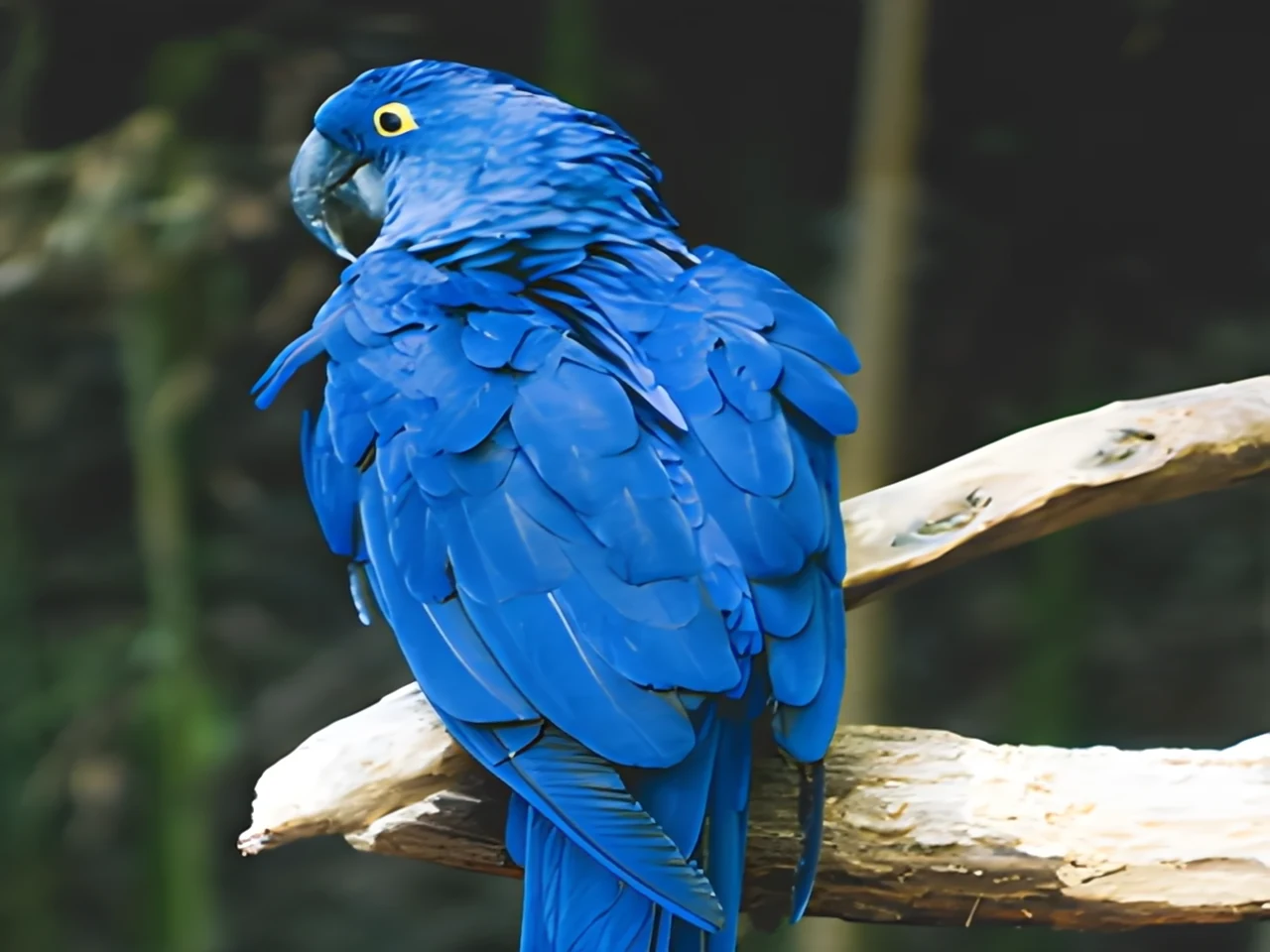 blurry · 29 pxsharp · 7 sPress and hold to see the before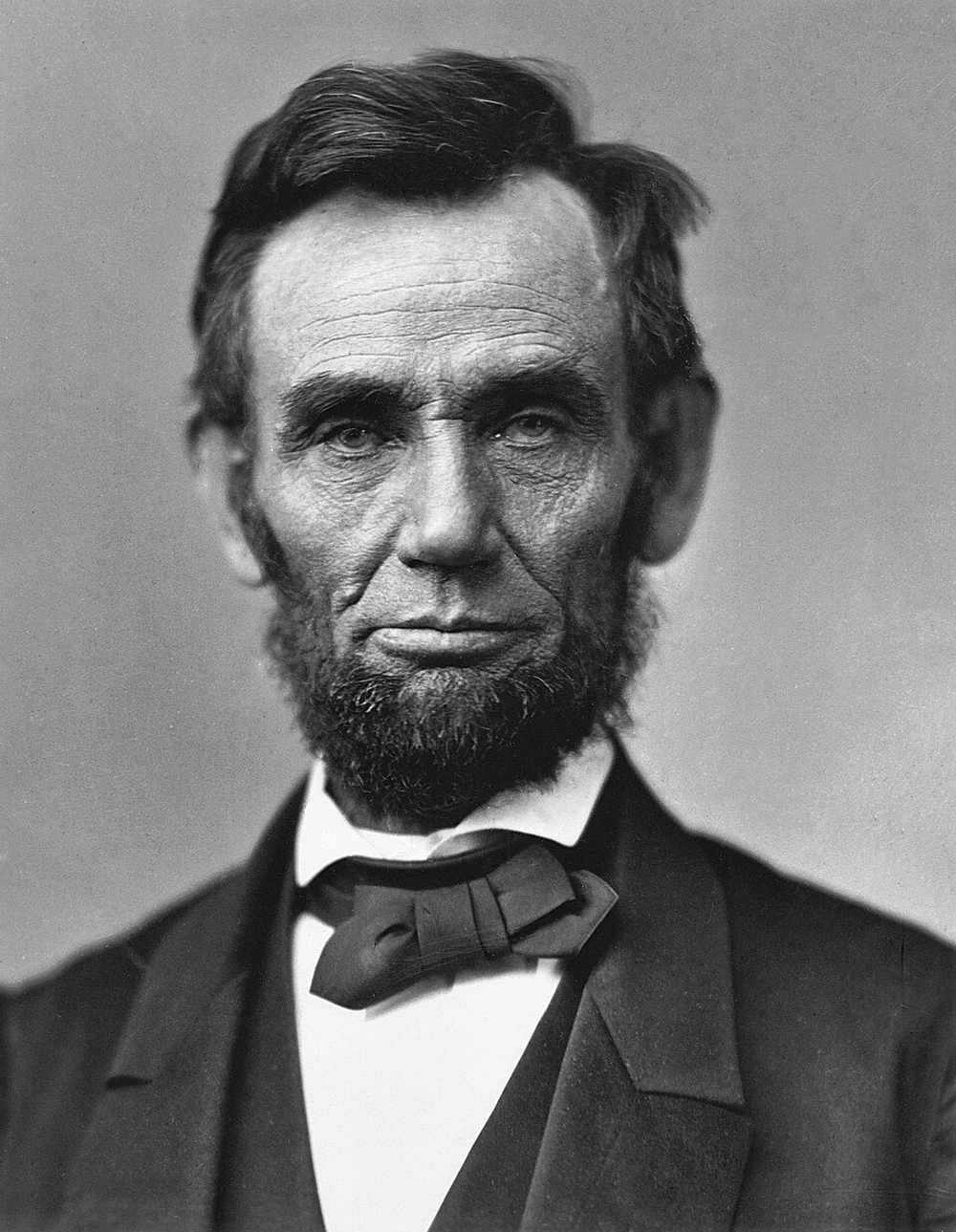
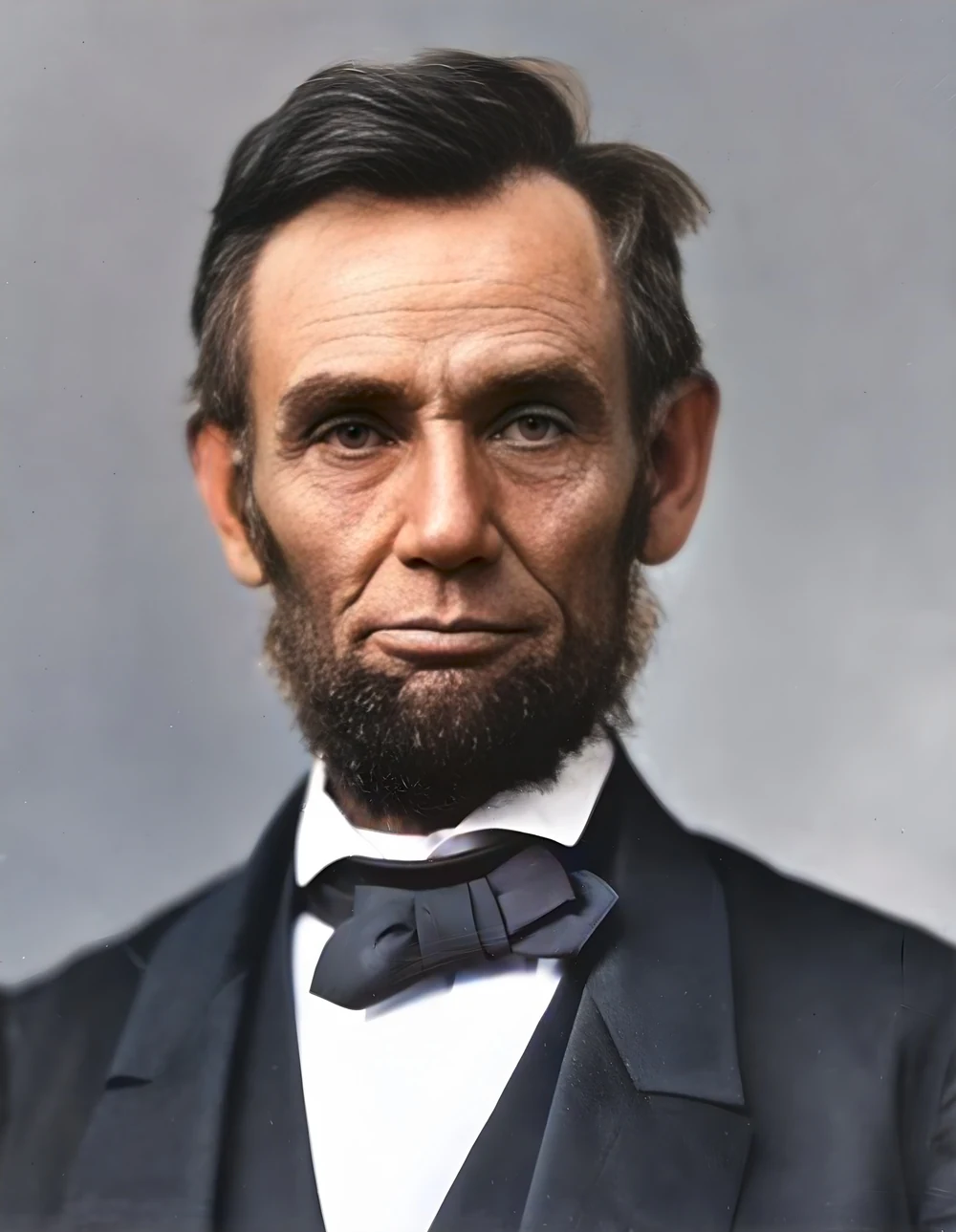 scan · 1863restored · 9 sPress and hold to see the before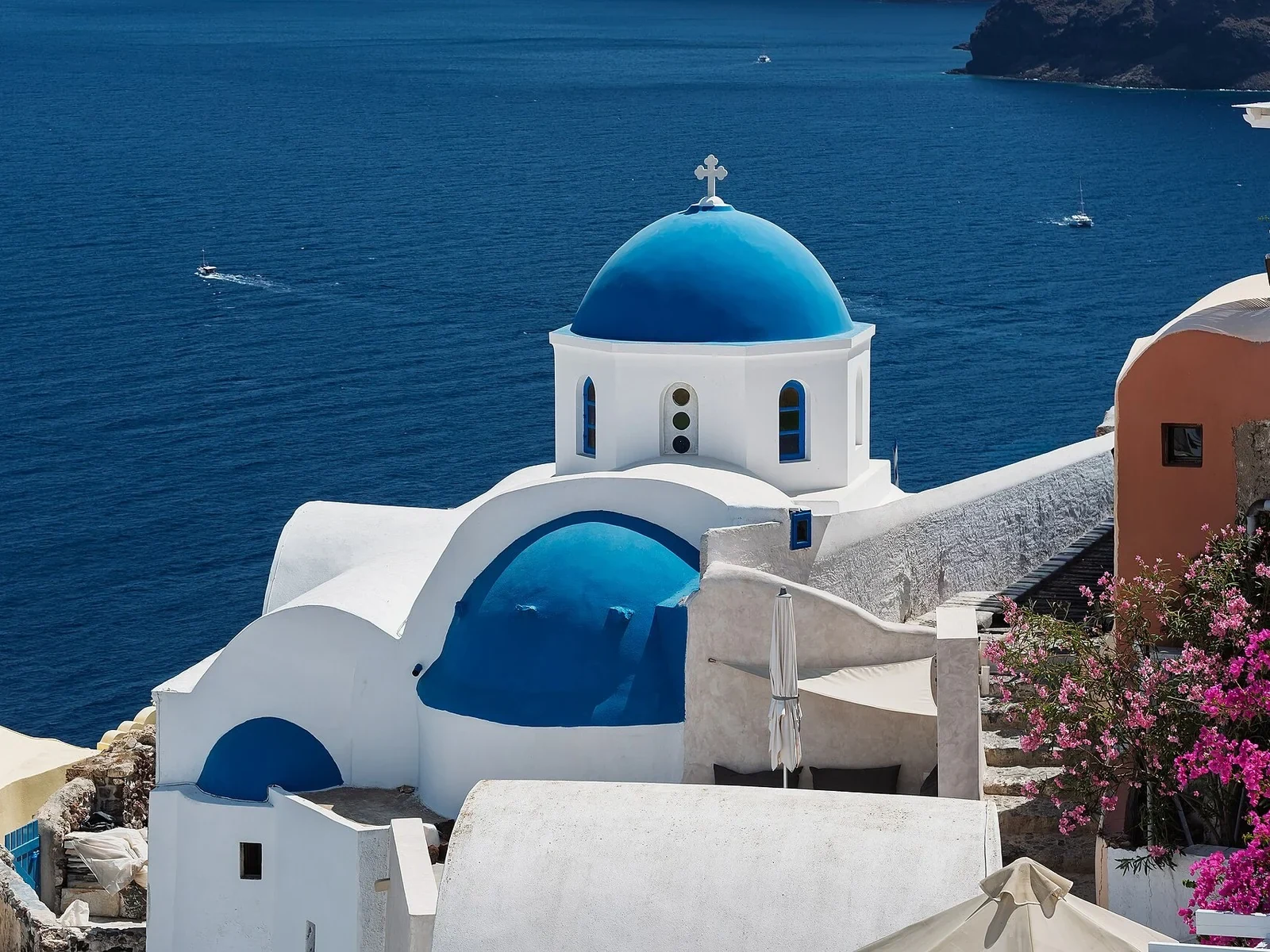
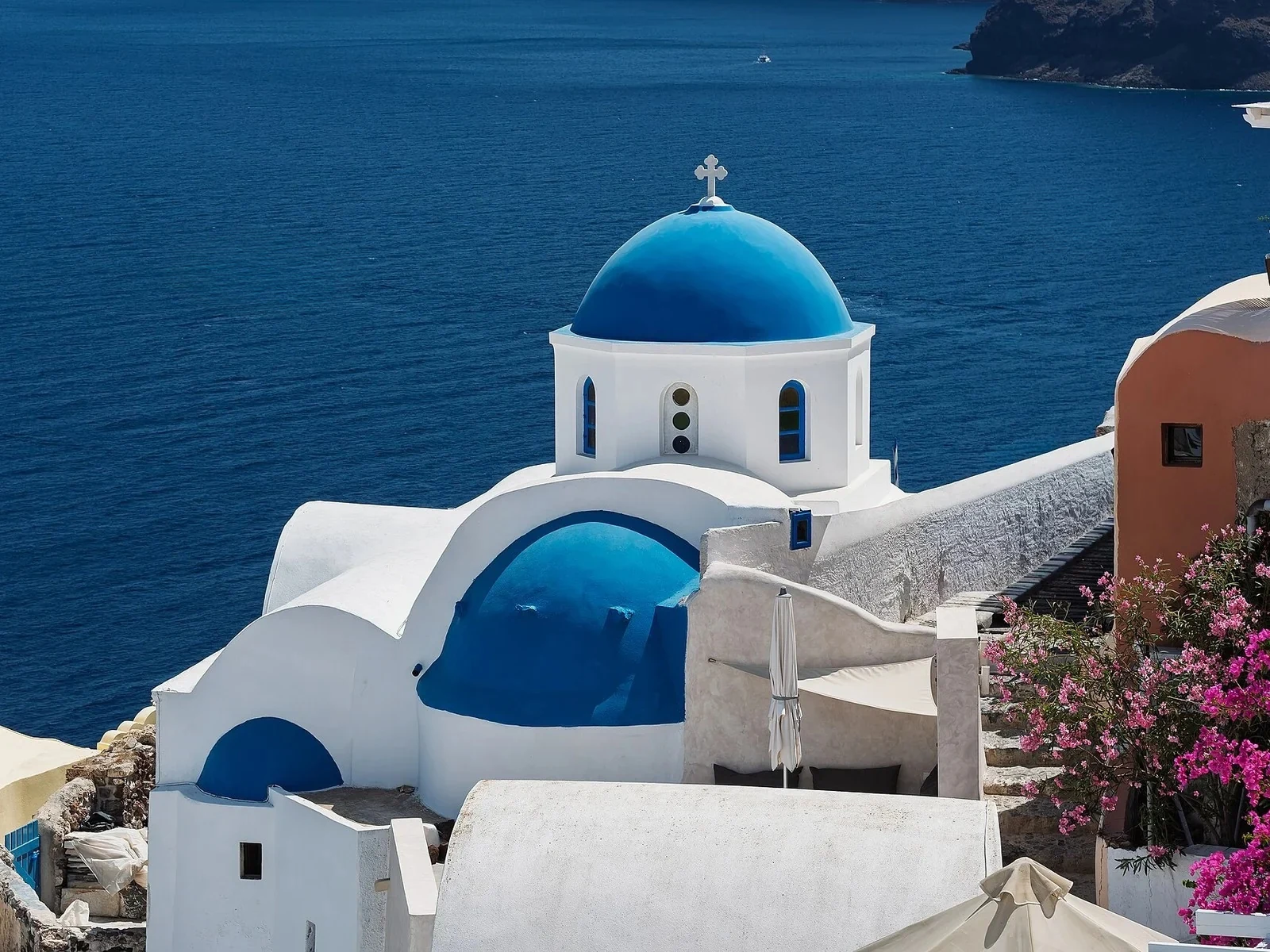 with objectclean · 3 sPress and hold to see the before
 320×240 px×4 · 1280×960 pxPress and hold to see the before
Guides
How to upscale an image for large-format printing
Pixels needed per print size, how many ppi are enough depending on viewing distance, and how to upscale with AI up to 600 MP for banners, canvases and vinyl.
How to restore old photos with AI
Practical guide to restoring old, blurry or damaged photos with AI: scanning, sharpness, faces, colour, reference photos and what to expect from each step.
How to remove the background from an image
When to use a transparent, white or coloured background, which format to export, how to get clean edges on hair and glass, and how to do it with AI in seconds.
Colourising black-and-white photos with AI
How AI colourises a black-and-white photo, which colours it gets right, which it invents, and how to get a natural or vivid result in seconds.
How to compress images for the web without losing quality
Which format to choose in 2026, which quality to use, how to set a target size in KB and how to reduce the longest side without Google penalising your page speed.
Blog
How to scan slides and negatives at home
How to scan slides at home and digitise negatives: flatbed, film scanner or phone on a light box, the right ppi, and how to fix dust, grain and faded colour.
Try a photo tool before you pay
Try an AI photo tool before you pay: Airpic processes your image for free, shows a before/after comparison at 100 % and charges only for the full download.
How to compress images for WordPress
Compress images for WordPress: resize, pick JPEG, WebP or AVIF, set quality and strip metadata so pages load fast and photos look the same.
Enhancing a photo with an AI chatbot: why it changes your picture
Asking an AI chatbot to enhance a photo returns a small, redrawn image with new faces and text. See how restoration differs and when to use each.
How to upscale a pixelated logo
Upscale a pixelated logo to high resolution: what AI recovers, how to fix small text and transparency, and when a vector redraw is the only option for print.
Upscale an image without Photoshop
Upscale an image without Photoshop, remove noise, erase objects or cut out the background in your browser. No account or install, and when an editor wins.