Upscale video to 4K or 1080p with AI
Upload a short clip and our AI video upscaler rebuilds real texture (hair, skin, fabric) while it raises the resolution to Full HD or 4K. It runs on GPUs in the EU, keeps your original audio and deletes everything afterwards.
Upload a short clip and our AI video upscaler rebuilds real texture (hair, skin, fabric) while it raises the resolution to Full HD or 4K.
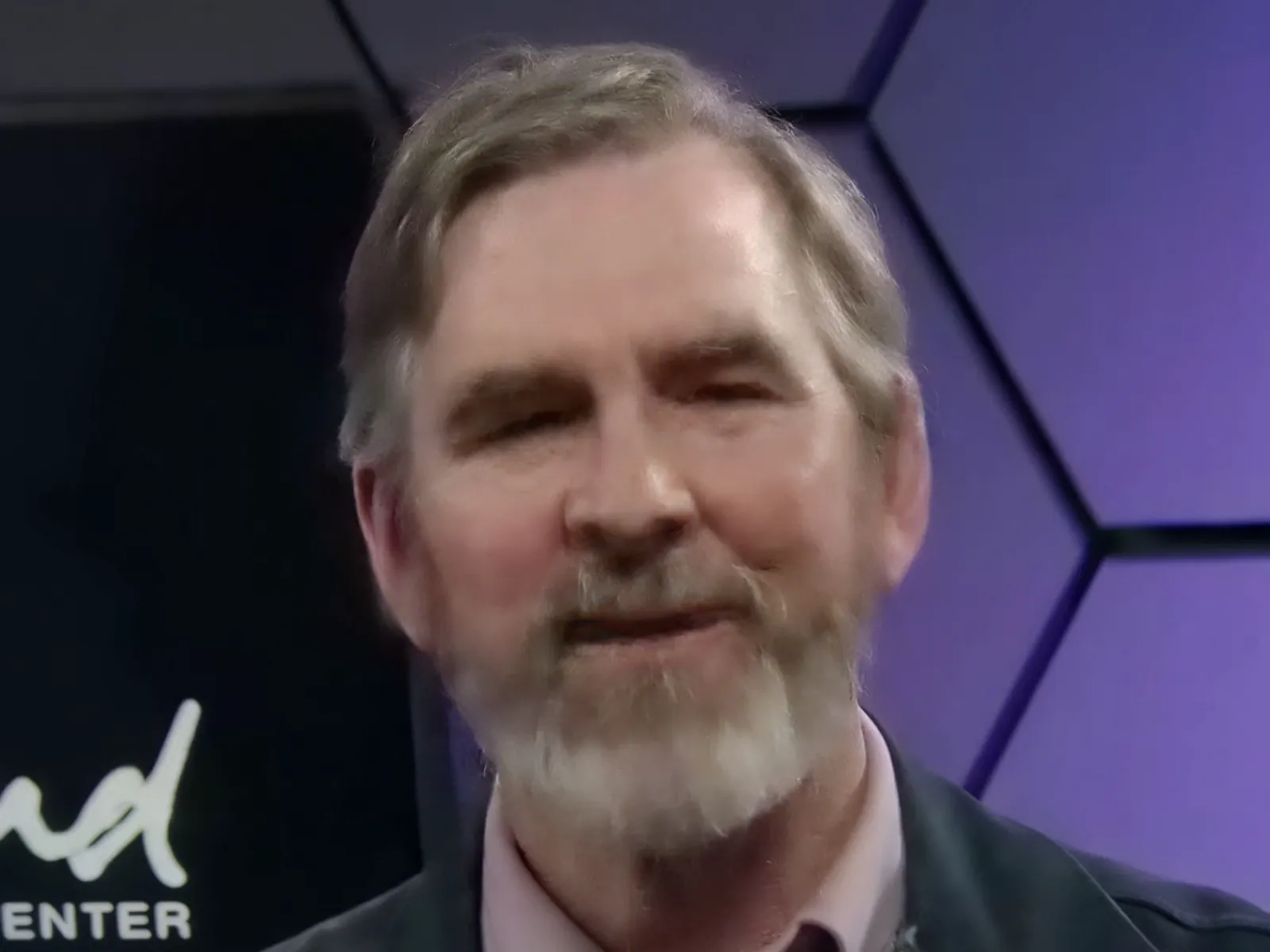
How it works
Upload a short clip
MP4, MOV or WebM up to 20 seconds at 25 fps (about 16-18 s at 30 fps). Longer videos: trim the part you need first. 360p, 480p and 720p footage gains the most.
Choose 1080p or 4K
Our generative video restoration model (SeedVR2, by ByteDance Seed, Apache-2.0) rebuilds detail at Full HD. For 4K, a final 2× step mixes AI and classic scaling so the result does not look painted.
Wait and download the MP4
Generative upscaling is slow: about 5-7 minutes per 5 seconds of video, so a 20 s clip in 4K takes around 25 minutes. Keep the tab open. You get an H.264 MP4 with your original audio.
✓ Works best with
- Old phone or camera clips in 360p, 480p or 720p.
- Wedding, family and archive footage you want to keep.
- Short shots for reels where texture matters: hair, skin, fabric.
✗ Can't recover
- Can't rebuild tiny or very blurry faces faithfully: they may change.
- Can't fix extreme motion blur or heavy camera shake.
- Can't process long videos at once: clips of up to 20 s.
Frequently asked questions
How do I upscale a video to 4K?
Upload a clip of up to 20 seconds, pick 4K and press Process. The AI first restores the video at 1080p, rebuilding texture frame by frame, and then doubles it to 2160p. You download an MP4 with the original sound.
How much does it cost to upscale a video?
You pay with prepaid AI credits (1 AI credit = €0.10): 13 credits (€1.30) for 1080p and 17 credits (€1.70) for 4K, per clip of up to 20 s, the same price if the clip is shorter. Credits are deducted when you start and refunded automatically if the result fails. Packs: €10 for 100 credits, €24 for 250, €45 for 500. This tool is not part of the free monthly download.
Can AI really enhance video quality, or does it just stretch pixels?
It does more than stretch: the model generates plausible texture where the source only has blur, which is why hair, beards and fabric look real. It cannot recover detail faithfully that was never recorded: very small or very blurry faces can change, and extreme motion blur stays.
How long does it take?
About 5-7 minutes per 5 seconds of video, because it is generative AI and not simple scaling. A 20 s clip in 4K takes around 25 minutes. Keep the tab open while it works.
What are the limits?
Clips of up to 20 s at 25 fps (about 16-18 s at 30 fps); frame rate is capped at 30 fps. If your video is already 1080p you can only choose 4K, and if it is already 4K there is nothing to upscale. Long videos have to be trimmed into clips first.
Where does my video go?
It is processed on GPUs in the EU (RunPod, Sweden, EU-SE-1). The input is deleted when the job ends and the result 1 hour after you download it, 24 h at most. We never use your videos for training.
More tools in the suite
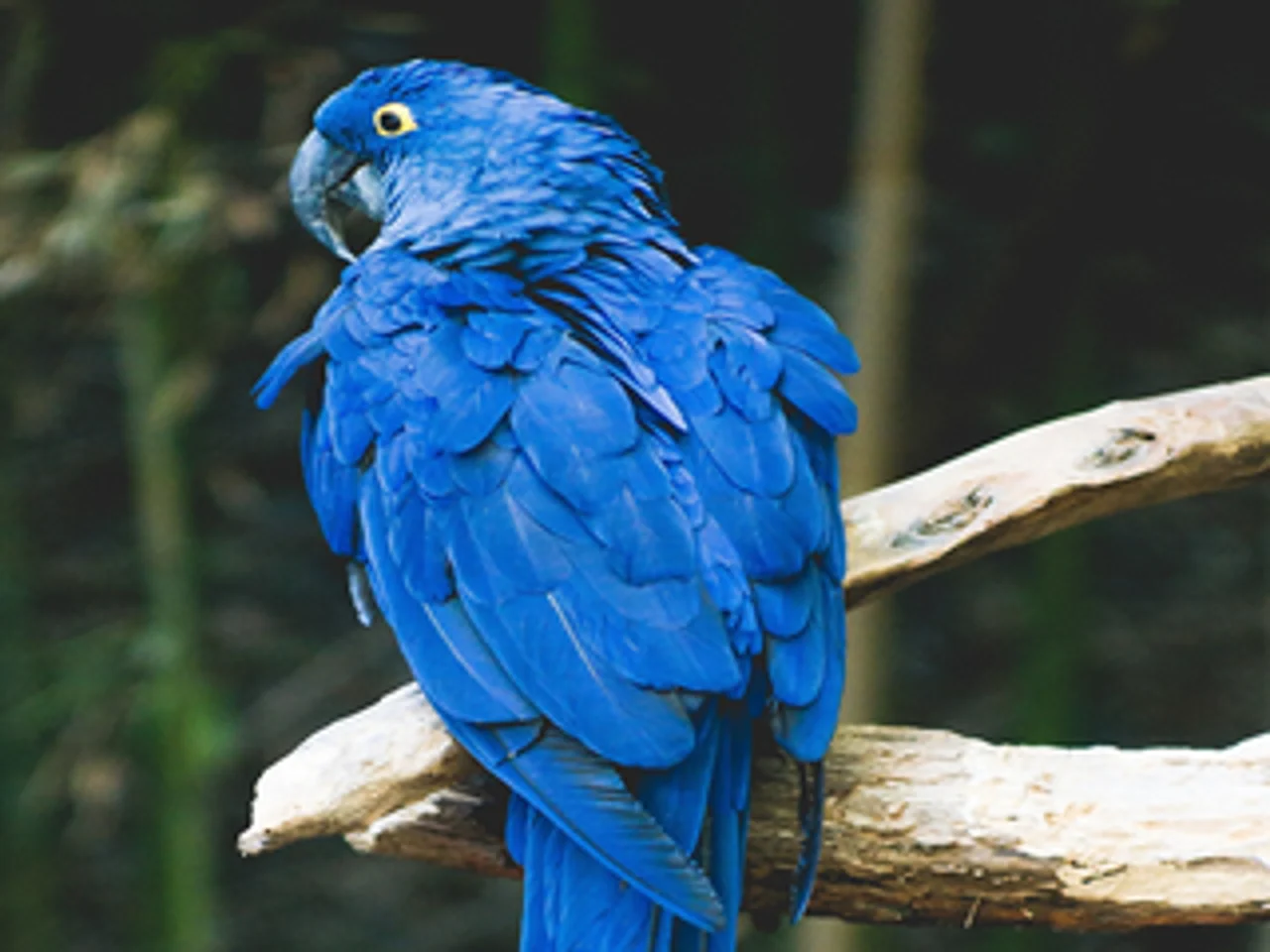
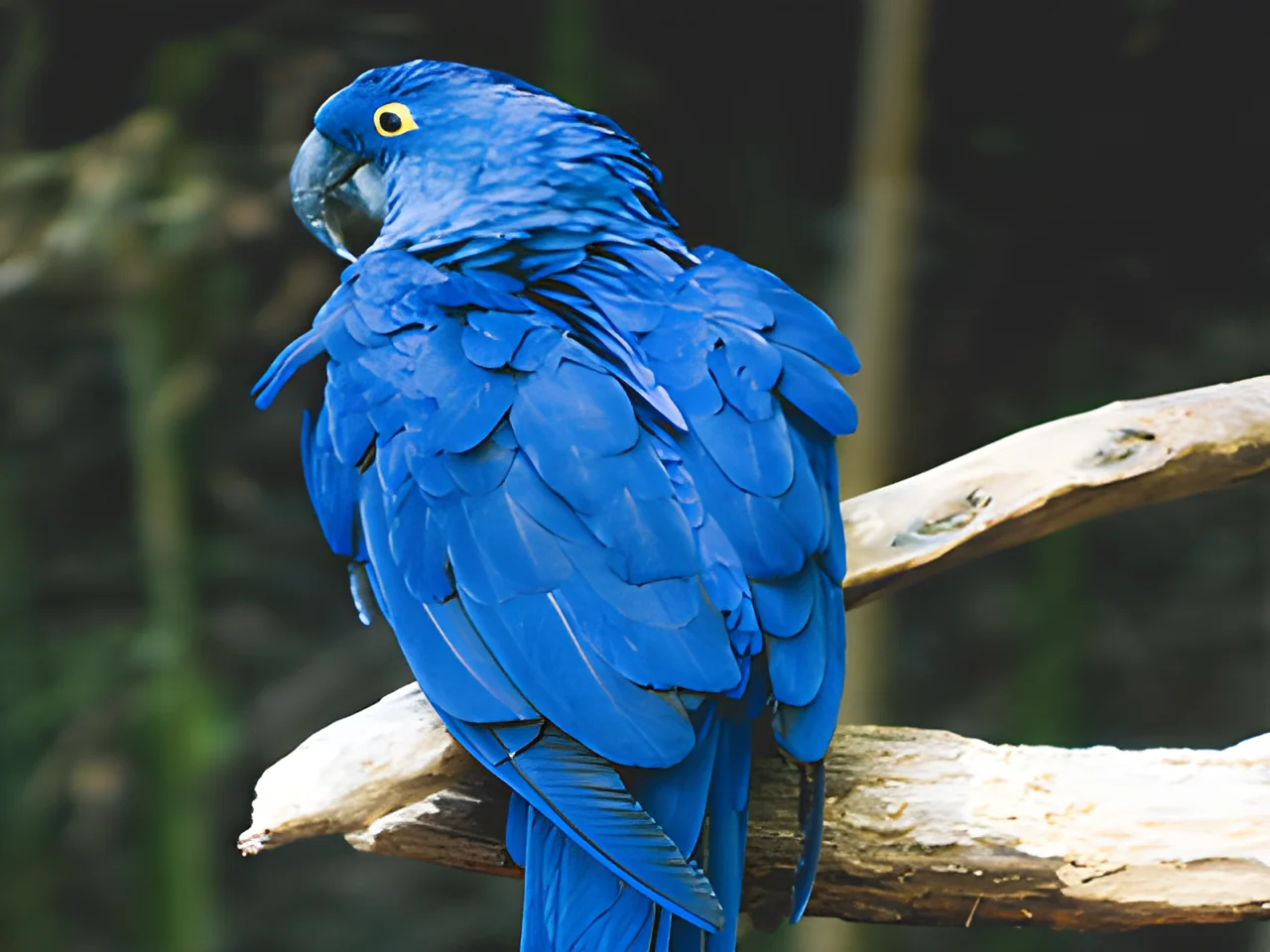 320×240 px×4 · 1280×960 pxPress and hold to see the before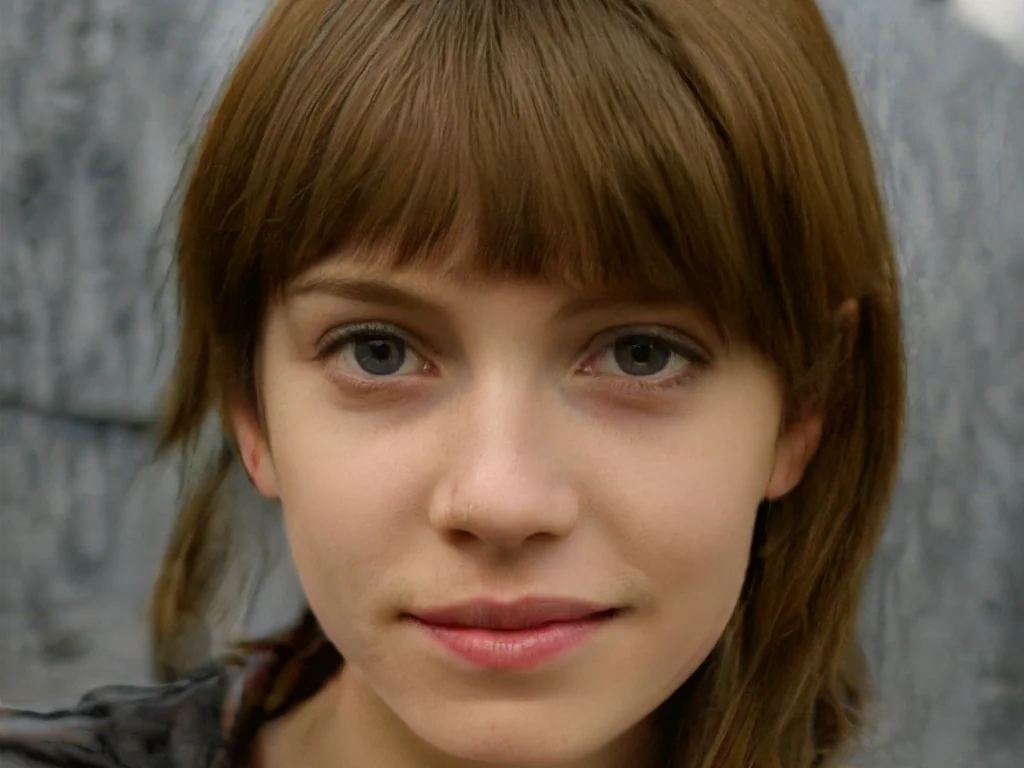
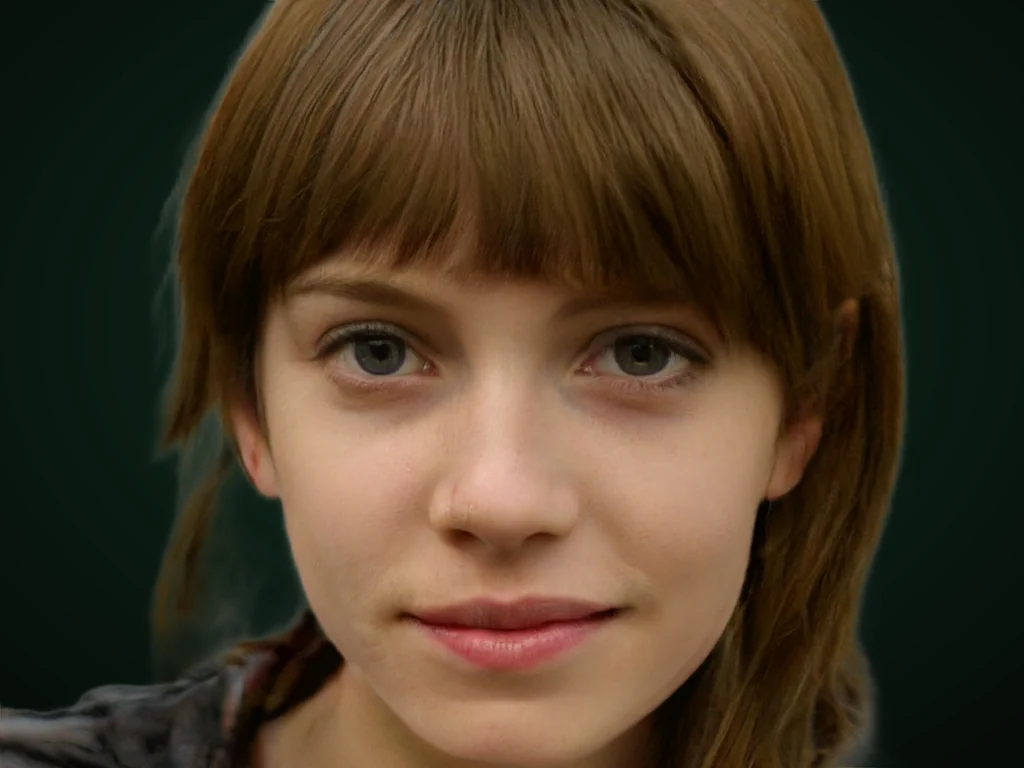 originalno background · 5 sPress and hold to see the before
 1.2 MB208 KB · −83 %Press and hold to see the before
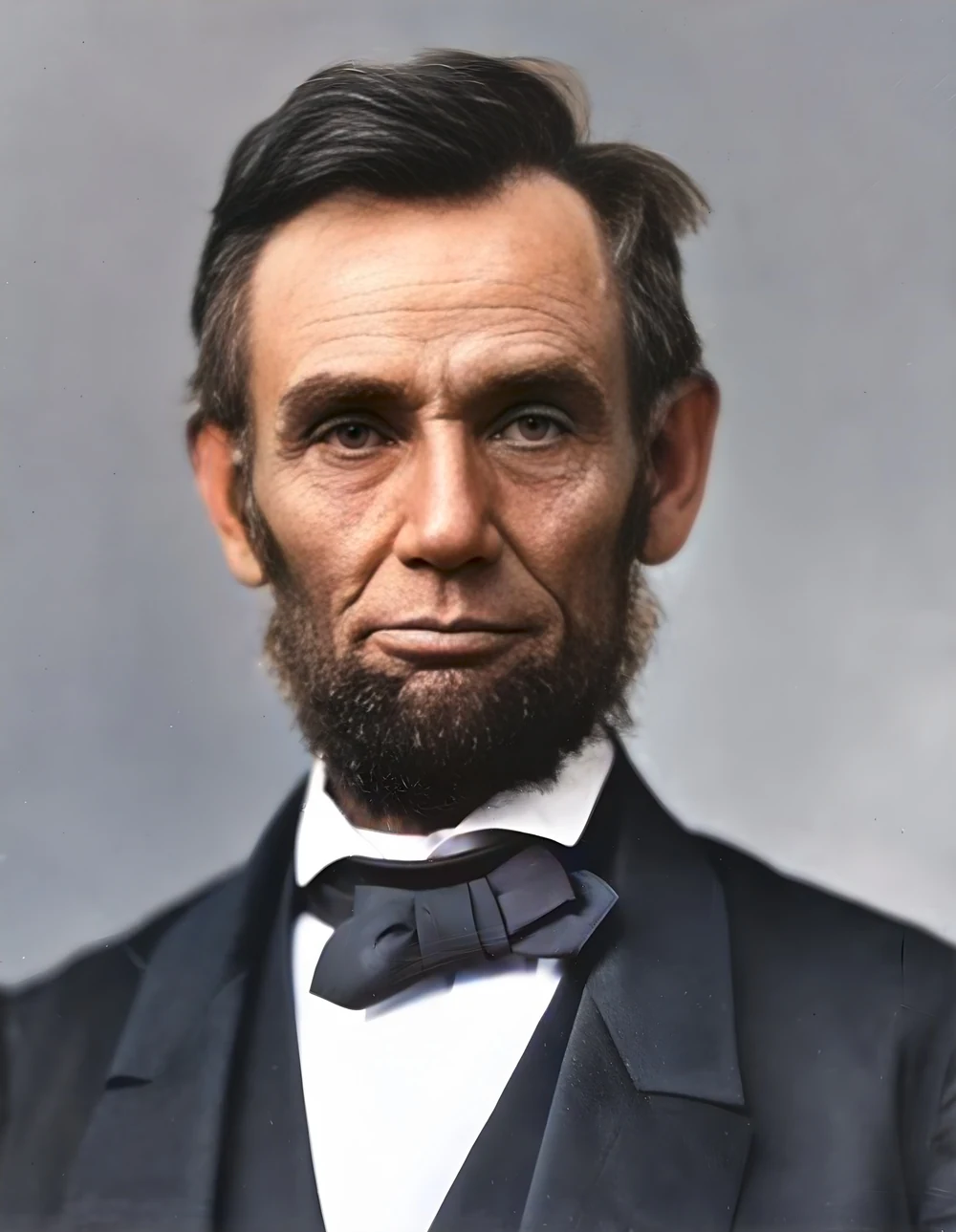
 black & whiteAI color · 3 sPress and hold to see the before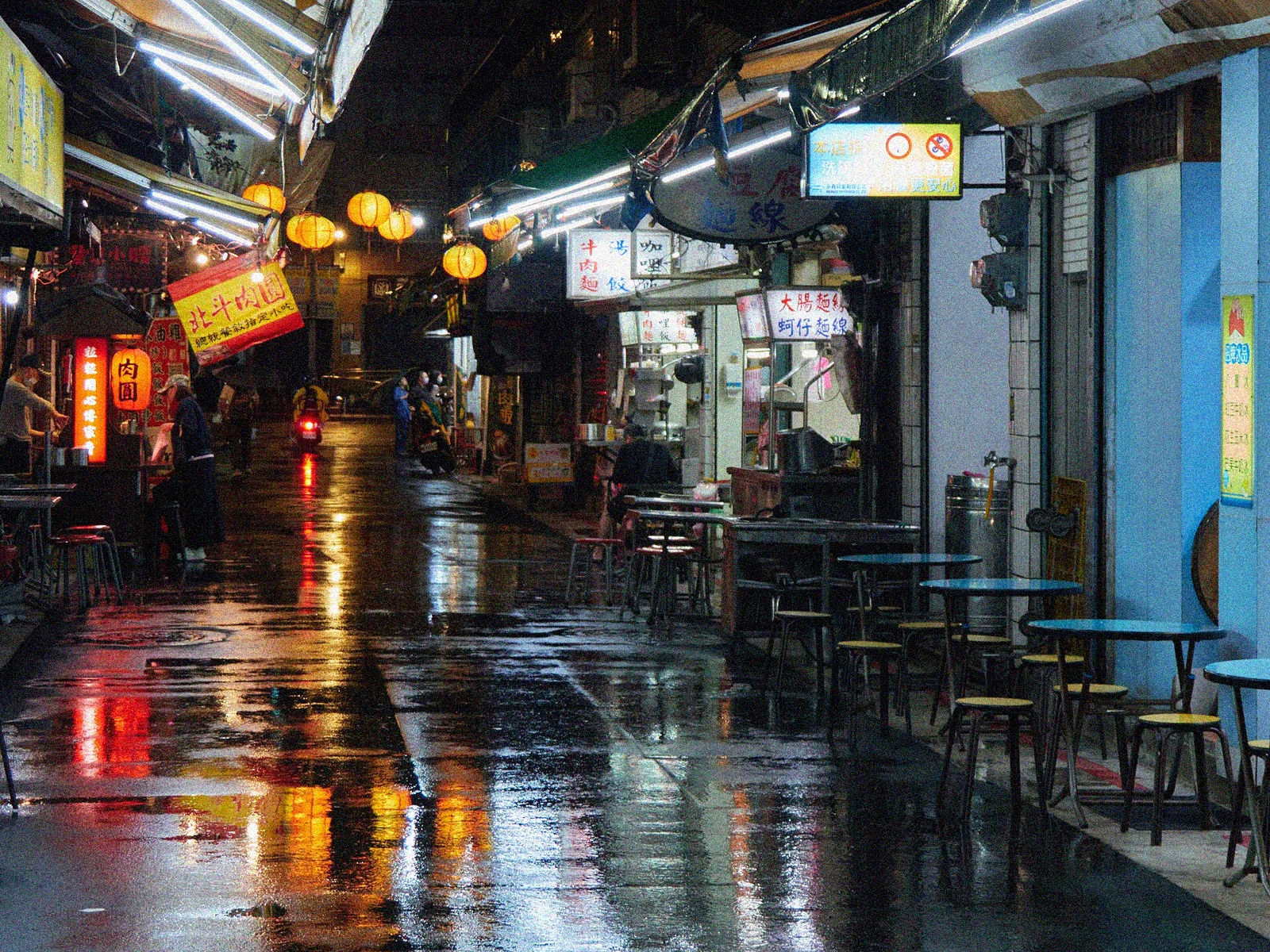
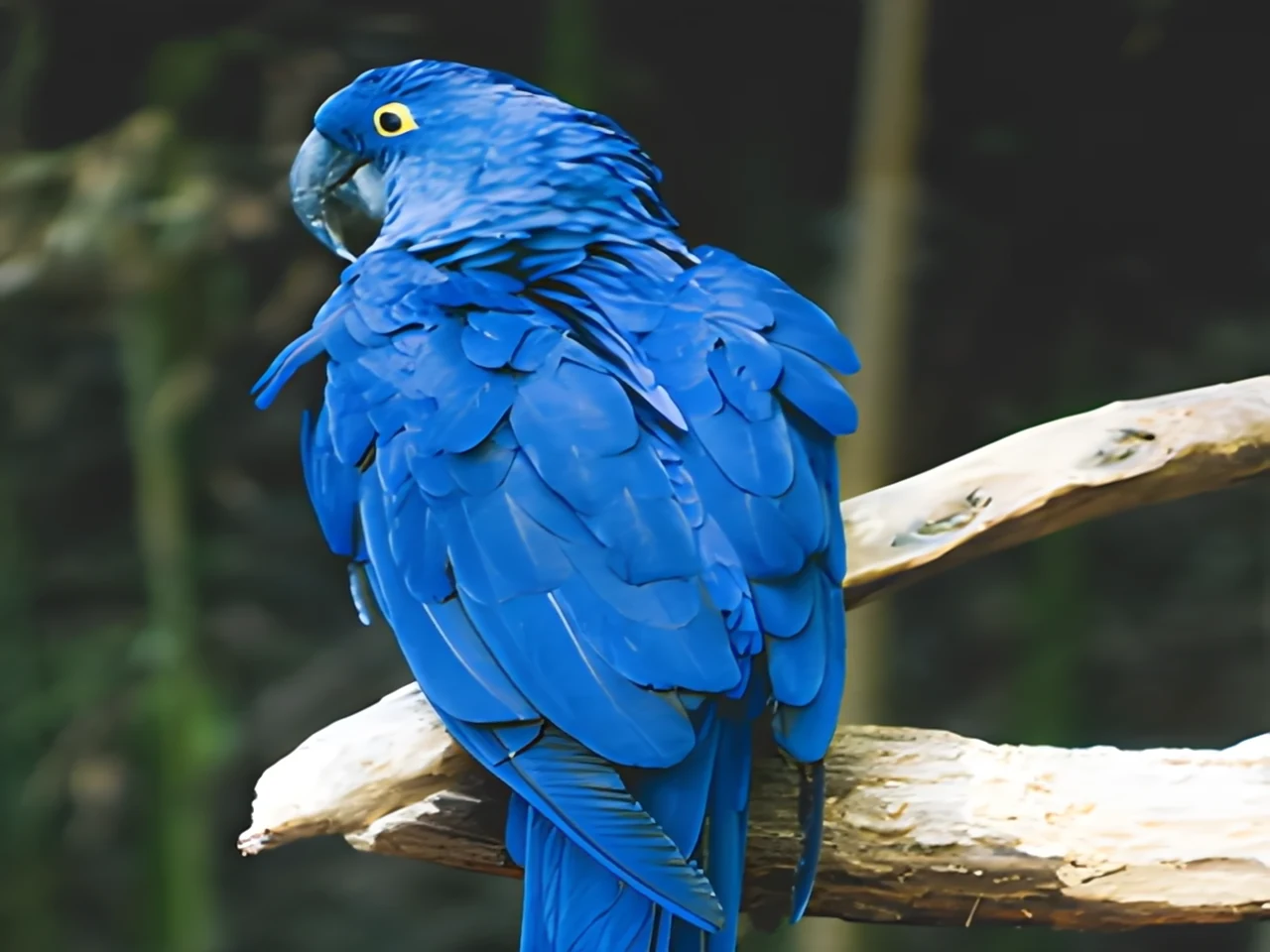
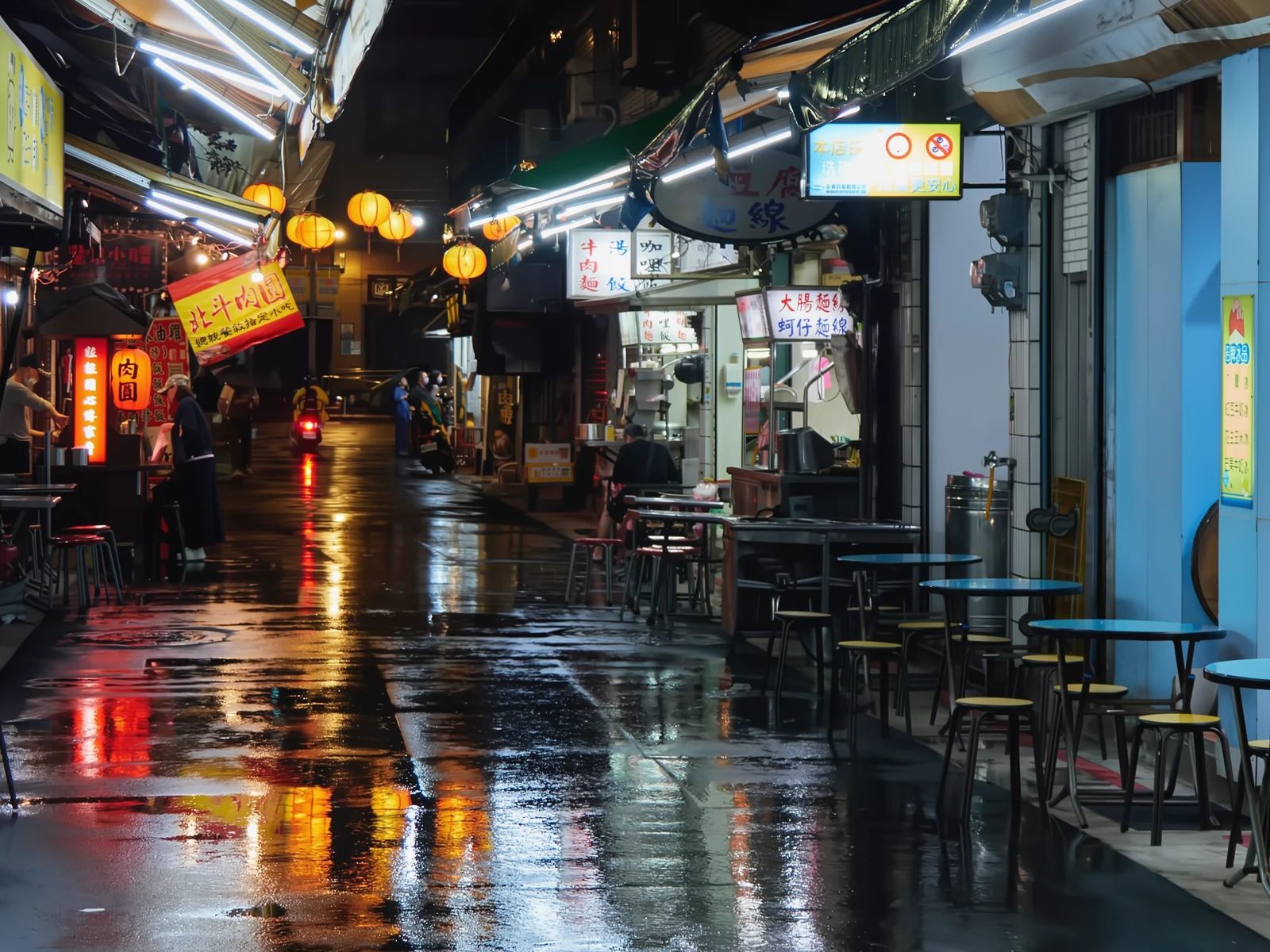 noisyclean · 5 sPress and hold to see the before
 blurry · 29 pxsharp · 7 sPress and hold to see the before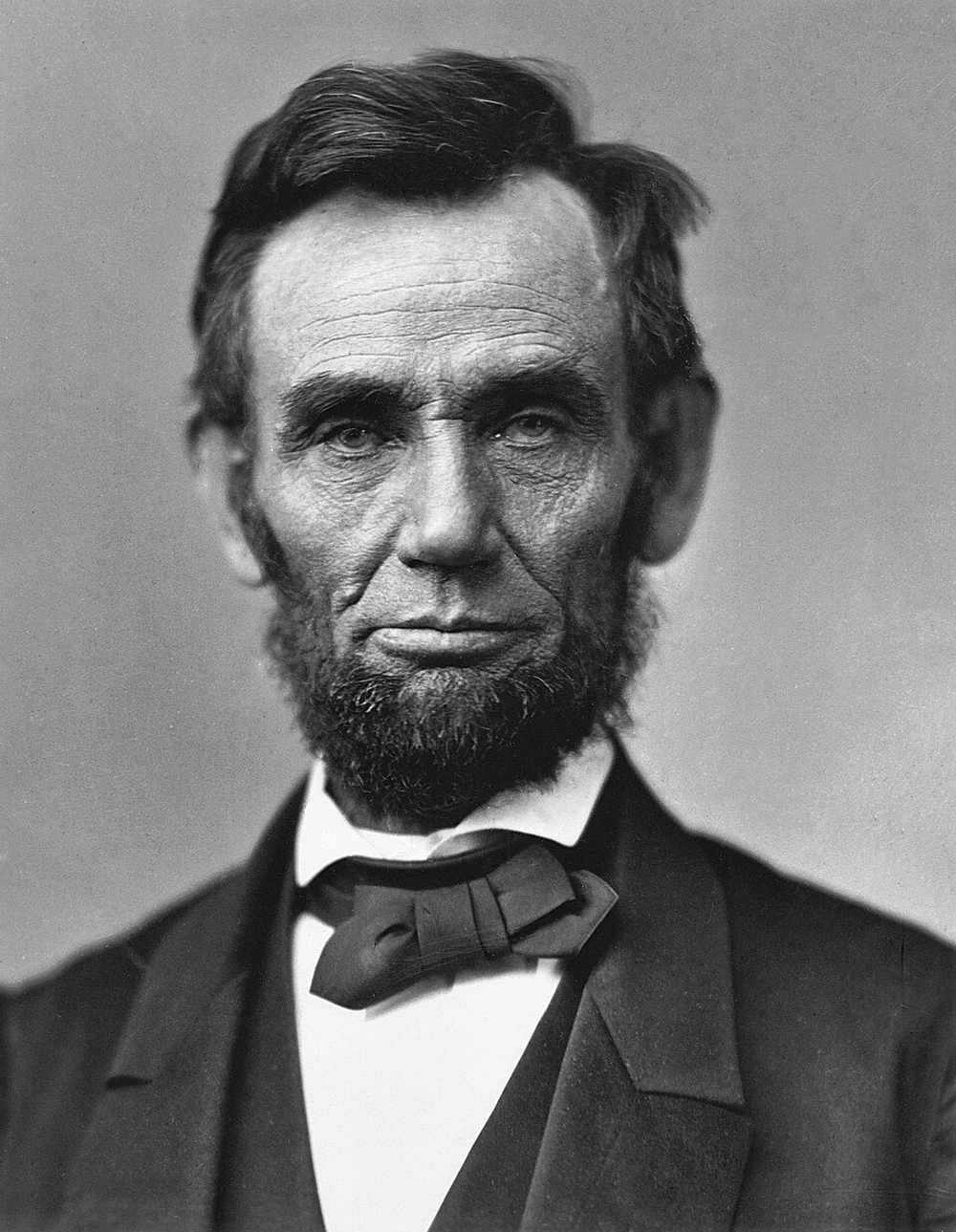
 scan · 1863restored · 9 sPress and hold to see the before
 with objectclean · 3 sPress and hold to see the before
 video · 3:00text + SRT · 24 sPress and hold to see the before
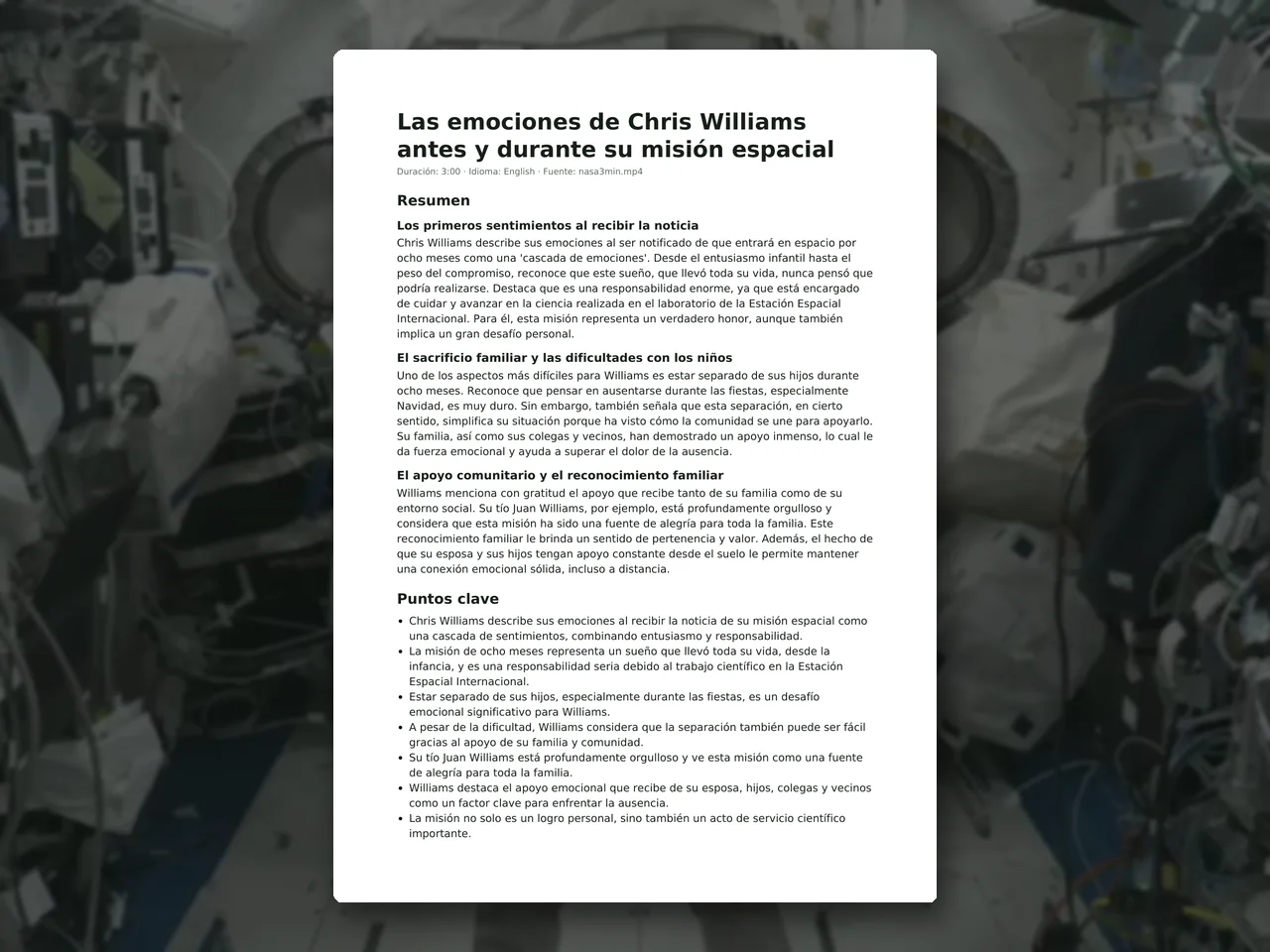 video · 6:38document · 169 sPress and hold to see the before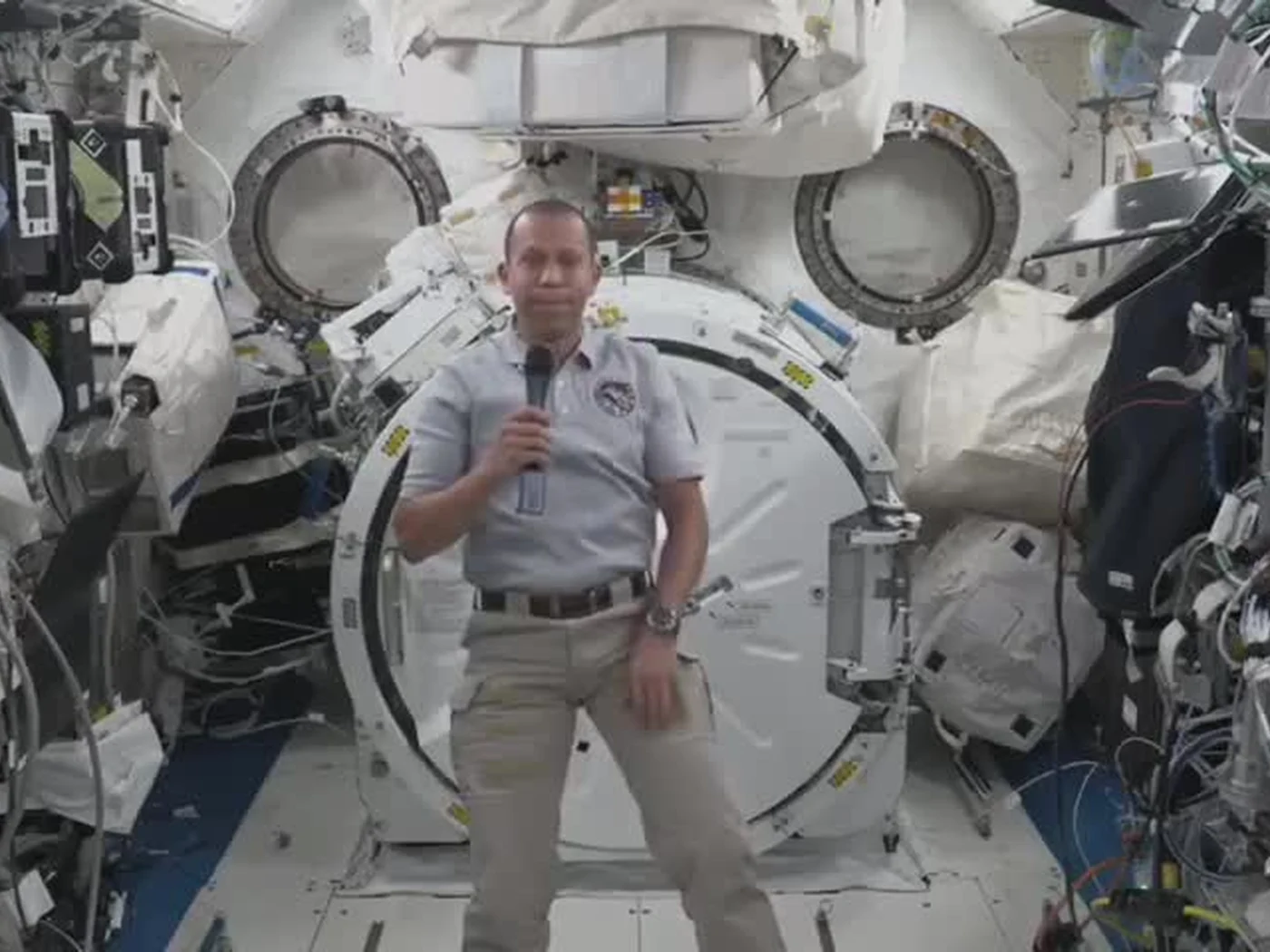
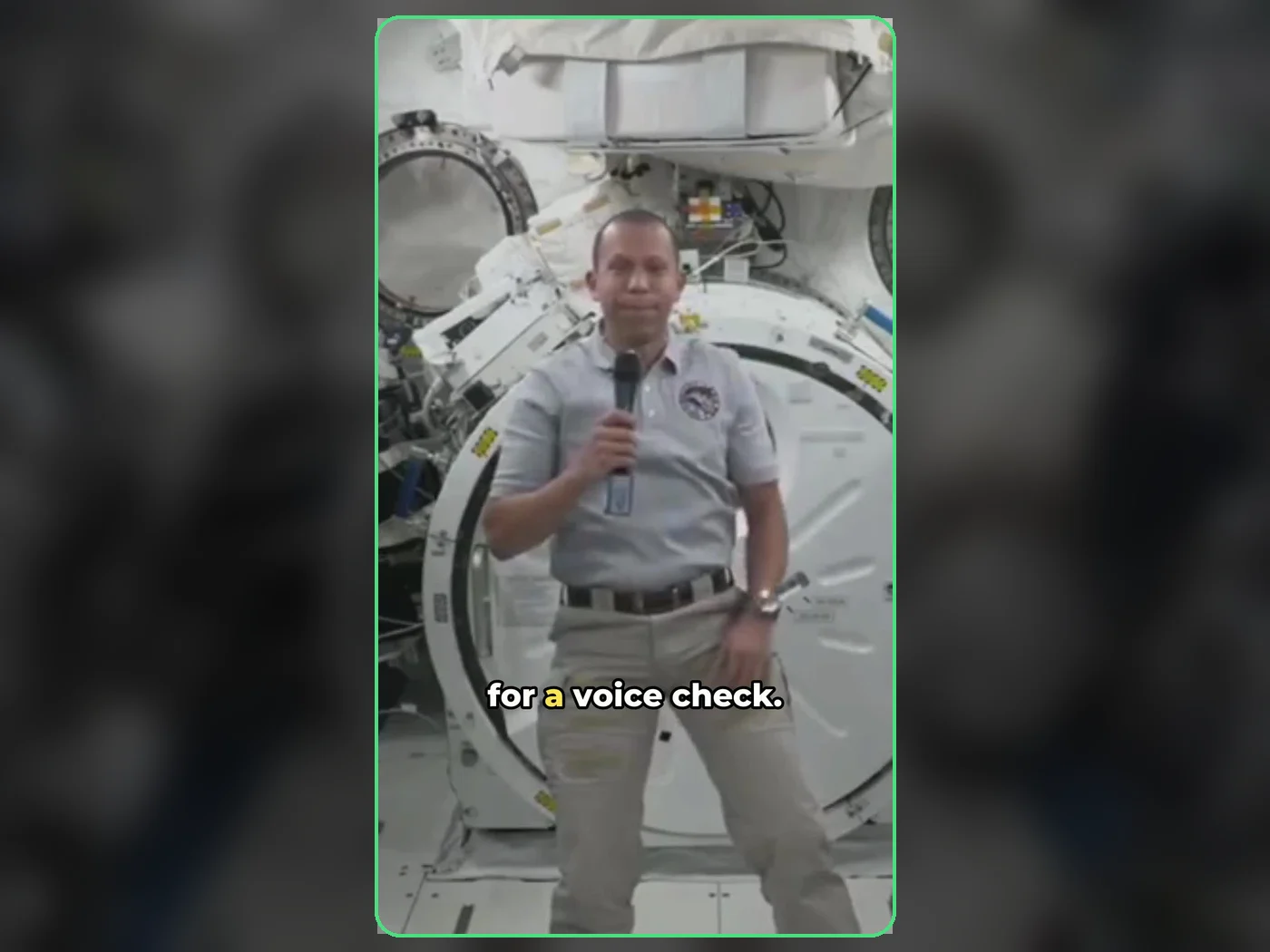 long video · 4:009:16 shorts · 2 × 31-33 sPress and hold to see the before
 photo5 s videoPress and hold to see the before
 text16:9 video · 5 sPress and hold to see the before
 5 clips9:16 reel · subtitlesPress and hold to see the before
 320×240 px×4 · 1280×960 pxPress and hold to see the before