Remove people and objects from a photo with AI
Paint over what shouldn't be there (tourists, wires, date stamps, stains) and LaMa fills the gap with a coherent background. No sign-up, deleted in 1 hour.
Paint over what shouldn't be there (tourists, wires, date stamps, stains) and LaMa fills the gap with a coherent background.



How it works
Upload the photo and paint
Mark what you want gone with the brush; adjust the size and undo if you overshoot.
The AI fills the gap
LaMa rebuilds the background from what surrounds the area: textures, lines, sky, walls.
Download the clean photo
Same size and format as the original. Deleted 1 hour after download.
✓ Works best with
- Small or medium objects surrounded by sky, wall, grass or water
- Backgrounds with a repeating texture
- Masks that include the object's shadow
✗ Can't recover
- Architecture with straight lines behind the object
- Hands and faces
- A large object covering the main subject
We measured it
- An object erased from a 1600 × 1200 px photo in 3 seconds. (19-09-2026)
Measured on airpic.app with the GPU already running. If nobody has used it for a while, the first job takes 40 to 90 seconds longer to start.
Frequently asked questions
What can I remove?
People, wires, lamp posts, date stamps, text, stains, scratches on a scan… It works best when the surrounding background is continuous (sky, wall, grass, water).
Tips for a good result?
Paint slightly larger than the object, shadow included. For big objects, remove in stages: each pass sees the previous result.
Is it slow?
About 5-15 s: the AI only works on the painted area and its surroundings, not the whole photo.
Is this the same as generative fill?
Similar idea, different in practice: LaMa rebuilds background and textures without inventing new objects, which is what you want when cleaning a photo.
Do you keep my photos?
No. They are processed and deleted: 1 hour after download, 24 h at most. No copies, no thumbnails.
Is it free to remove objects from a photo?
Processing and previewing the result is free, with no account. You get 1 free full-size download every month; after that you pay with credits that never expire, no subscription. Chained passes on the same photo are charged only once, when you download the final result.
Can I erase in several passes and undo?
Yes: each pass starts from the previous result, you can undo the last one and press “Try another variant”, which widens the mask edge a little. No need to upload the photo again.
Can it select what I want to remove automatically?
Yes: the “Select the main person or object” button detects it and marks it in red so you can adjust it with the brush before erasing. It takes a bit longer, because it does a cutout first.
Articles about Object Remover
How to remove people from a photo
Remove people from a photo, erase tourists, cars and power lines without a visible patch: how to paint the mask, avoid common mistakes and check the result.
More tools in the suite
 320×240 px×4 · 1280×960 pxPress and hold to see the before
 originalno background · 5 sPress and hold to see the before
 1.2 MB208 KB · −83 %Press and hold to see the before
 black & whiteAI color · 3 sPress and hold to see the before
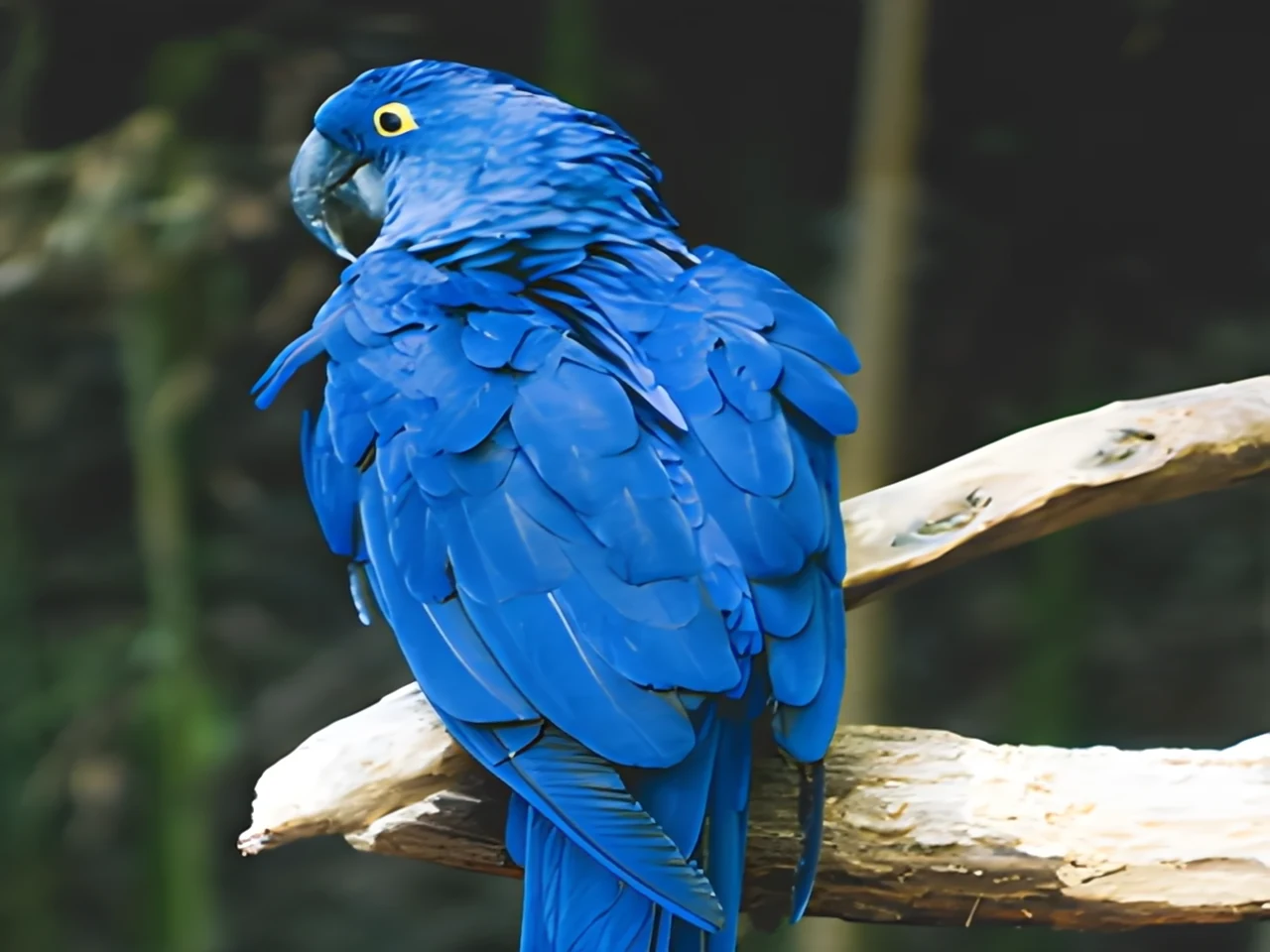
 noisyclean · 5 sPress and hold to see the before
 blurry · 29 pxsharp · 7 sPress and hold to see the before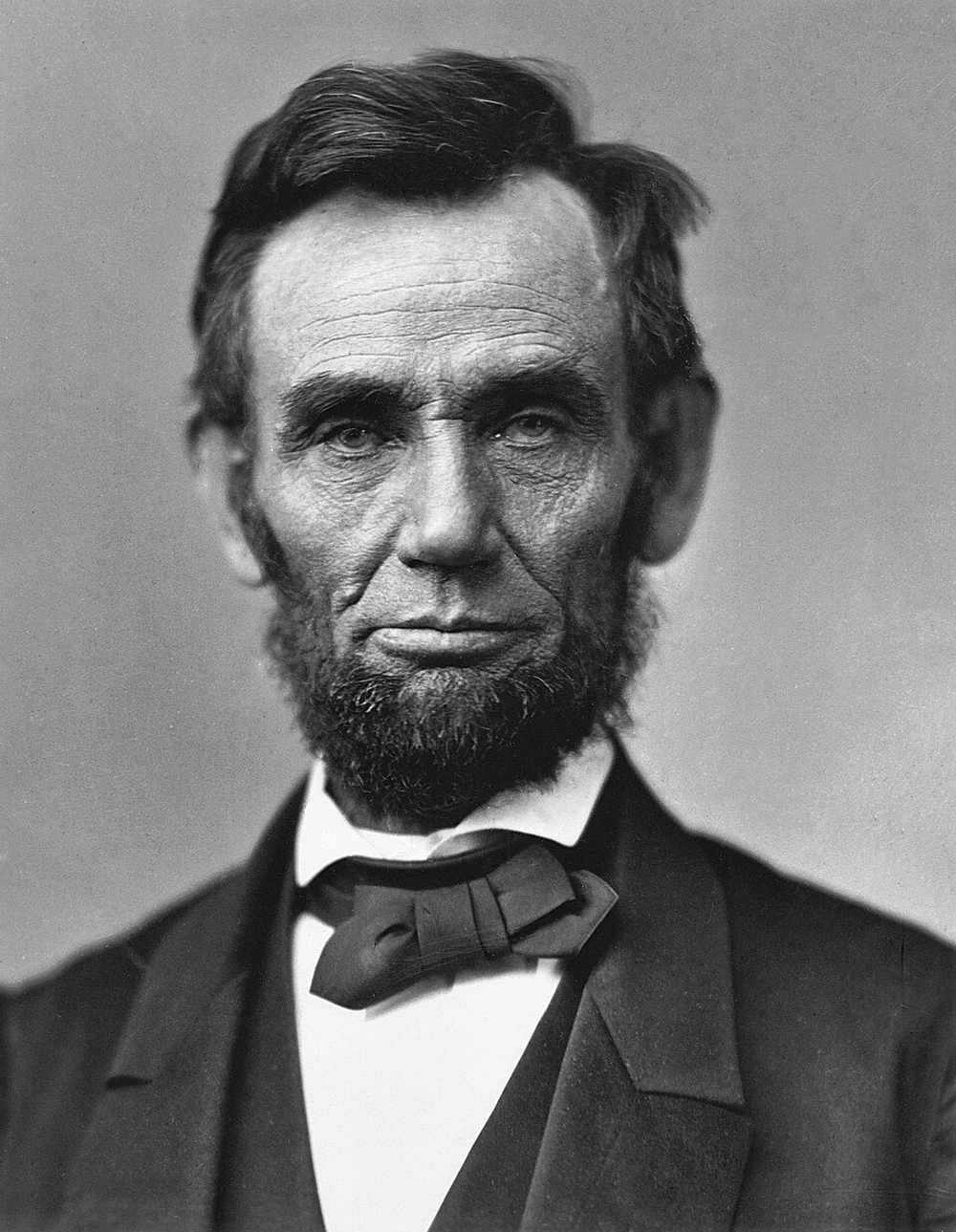
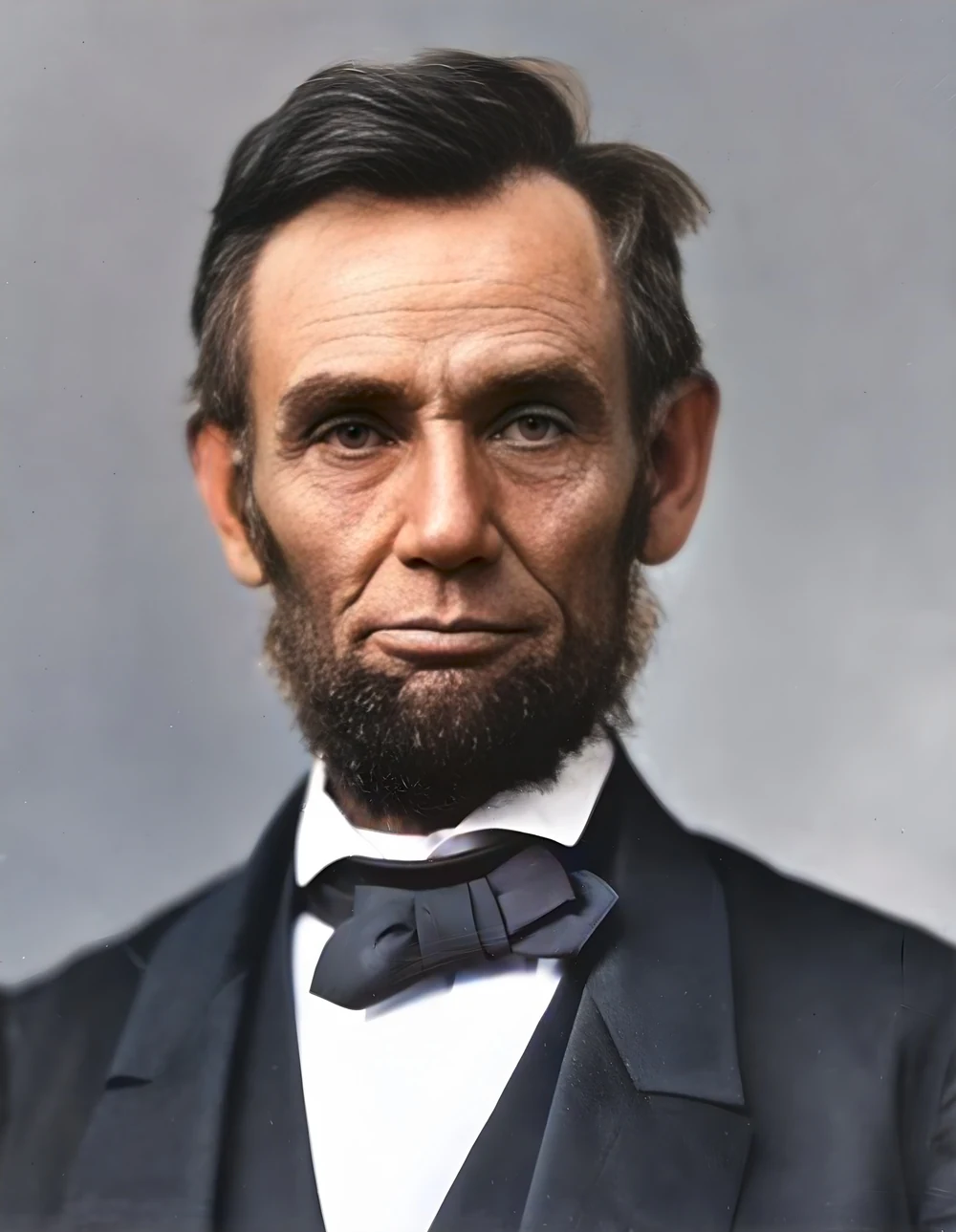 scan · 1863restored · 9 sPress and hold to see the before
 video · 3:00text + SRT · 24 sPress and hold to see the before
 video · 6:38document · 169 sPress and hold to see the before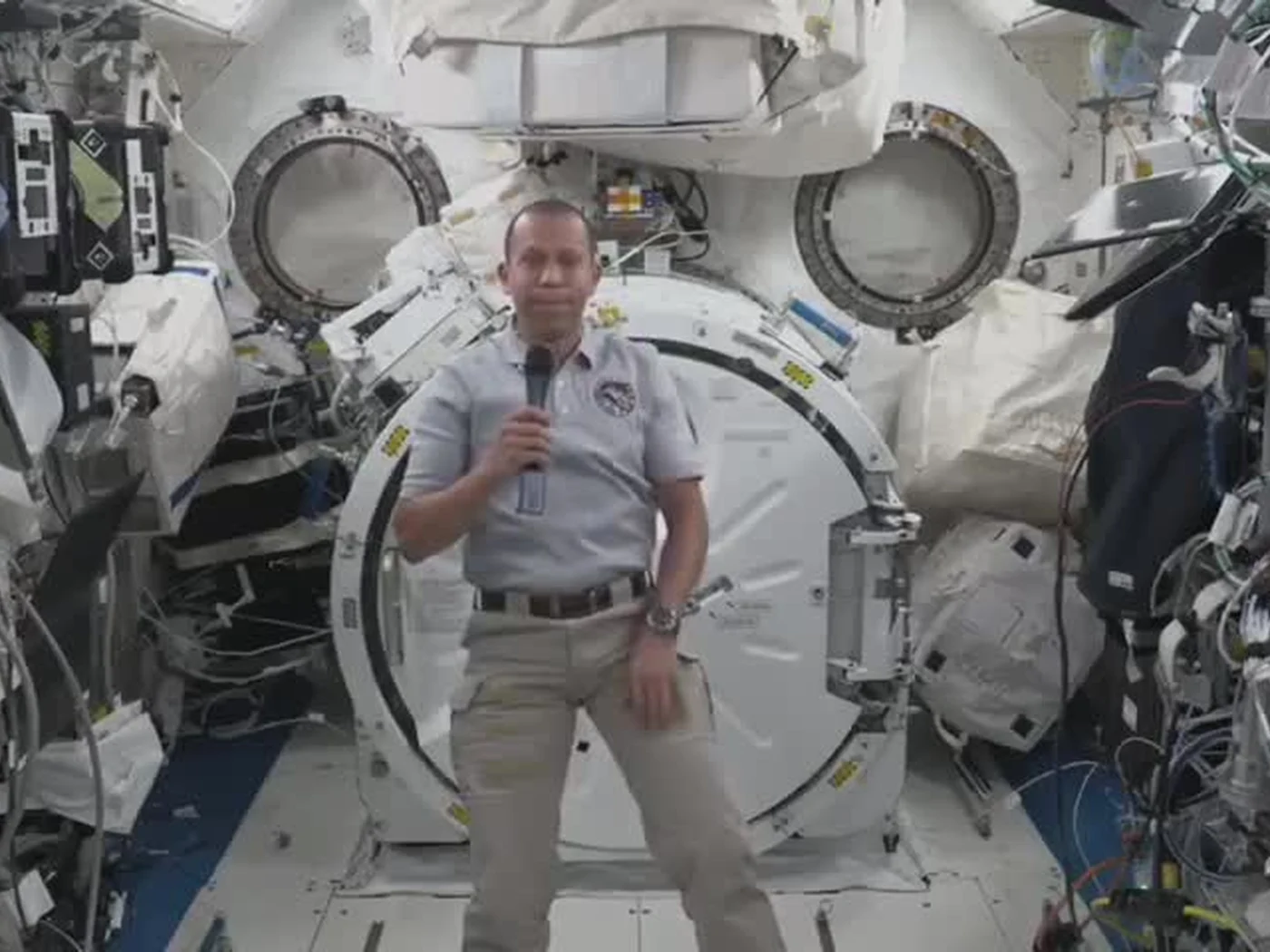
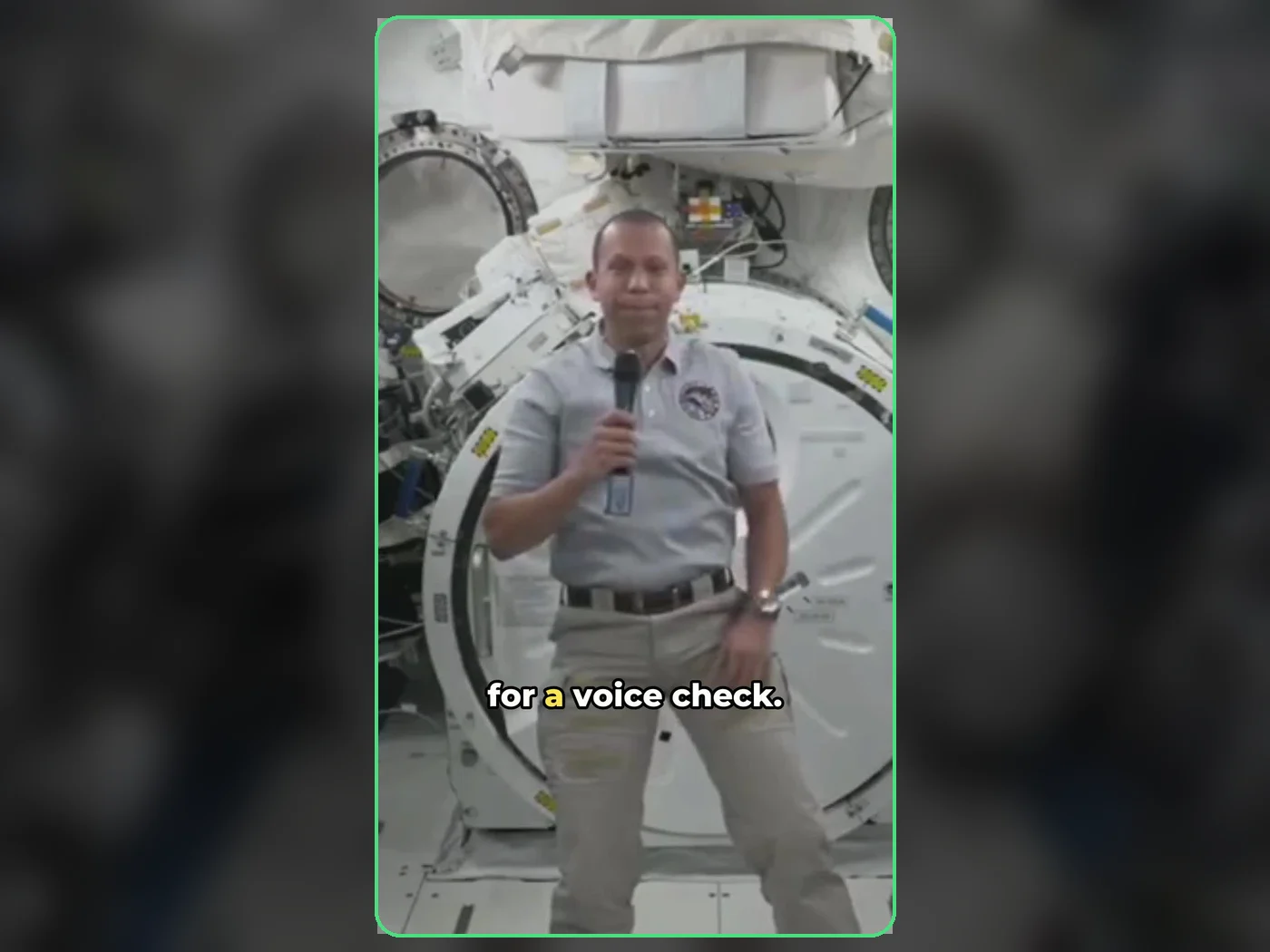 long video · 4:009:16 shorts · 2 × 31-33 sPress and hold to see the before
 photo5 s videoPress and hold to see the before
 text16:9 video · 5 sPress and hold to see the before
 480p clip4K · 2160pPress and hold to see the before
 5 clips9:16 reel · subtitlesPress and hold to see the before
 320×240 px×4 · 1280×960 pxPress and hold to see the before