Turn a video into a document: summary, key points and transcript
Upload a talk, a lecture, a meeting or a podcast and get a DOCX, PDF or Markdown with a title, a summary as long as you want, key points, chapters with timestamps and, if you like, the full transcript in paragraphs. In the language you choose, up to 3 hours.
Upload a talk, a lecture, a meeting or a podcast and get a DOCX, PDF or Markdown with a title, a summary as long as you want, key points, chapters with timestamps and, if you like, the full transcript in paragraphs.
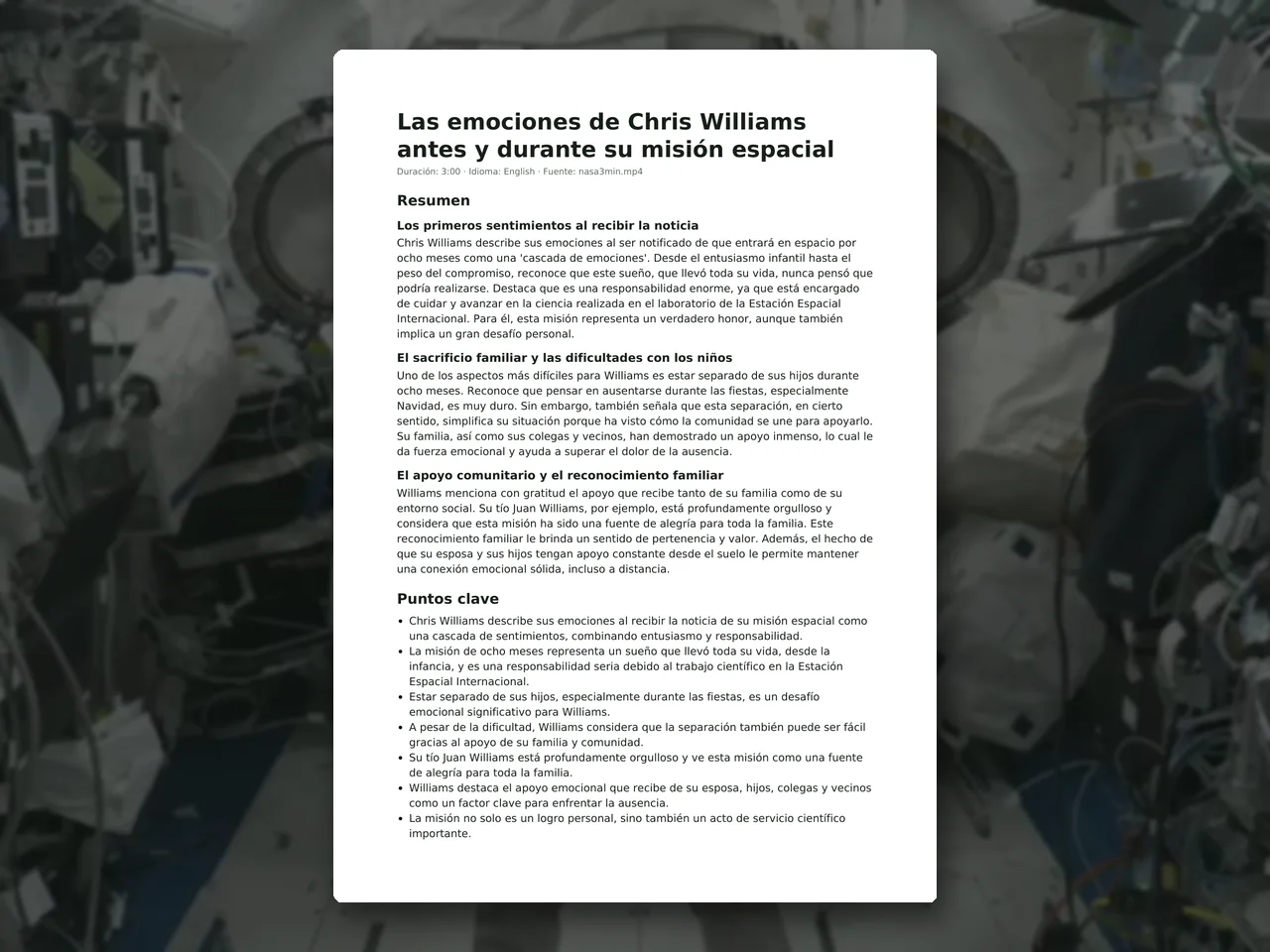 document · 169 s · Airpic
How it works
Upload the video or audio
MP4, MOV, WebM, MKV, MP3, WAV, M4A… up to 1 GB. Choose what you want (summary only, transcript only or both), the summary length and the document language.
AI transcribes and writes
Whisper large-v3 transcribes with timestamps and Qwen3 writes the title, summary, key points and chapters, faithful to what is said and adding nothing.
Download the document
DOCX to edit in Word or Google Docs, PDF to share, Markdown for Notion or Obsidian. Deleted after 1 hour.
✓ Works best with
- A structured talk with clear audio and one main topic
- Classes, meetings and interviews
- Content explained in speech rather than shown on screen
✗ Can't recover
- Fast-cut edits with music, or visuals nobody narrates
- Many overlapping voices
- The summary can misattribute a sentence: check names, figures and tasks
We measured it
- A 3-minute interview turned into a PDF with a detailed summary in 63 seconds; transcript only in Markdown, in 17 seconds. (04-09-2026)
Measured on airpic.app with the GPU already running. If nobody has used it for a while, the first job takes 40 to 90 seconds longer to start.
Frequently asked questions
What is in the document?
Title, a header (duration, language, file), a summary of the chosen length, key points, chapters with their minute and, if requested, the full transcript in timestamped paragraphs.
Can the summary be in another language?
Yes. Pick the document language and the summary, key points and chapters are written in it even if the audio is in another. The transcript stays in the original language.
How long are the summaries?
Short: one paragraph. Normal: two to four paragraphs. Detailed: 550-900 words organised in sections. Long videos are summarised in parts and then synthesised.
Does it make things up?
The model only works from the transcript and is instructed not to add facts or advice of its own. Still, check figures and proper names: transcription can get them wrong.
How long does it take?
About 1 minute per 20-30 minutes of audio, plus 1-2 minutes of writing and another 1-2 if the engine starts cold. The bar estimates the time.
Do you keep my video?
No. It is processed and deleted: 1 hour after download, 24 h at most. No copies.
Can I use it for lecture notes or meeting minutes?
Yes: choose the class, meeting or podcast template and the document adds a section suited to that kind of content, alongside the summary and the key points with their minute. Check names, figures and action items before sending it.
Can I give it proper names or technical terms?
Yes: type them in the vocabulary field and they are used as a hint during transcription; similar spellings are then corrected. Still review the result, especially with unusual names.
Is it free to turn a video into a document?
Processing is free, with no account. You get 1 free full-size download every month; after that you pay with credits that never expire, no subscription.
More tools in the suite

 320×240 px×4 · 1280×960 pxPress and hold to see the before
 originalno background · 5 sPress and hold to see the before
 1.2 MB208 KB · −83 %Press and hold to see the before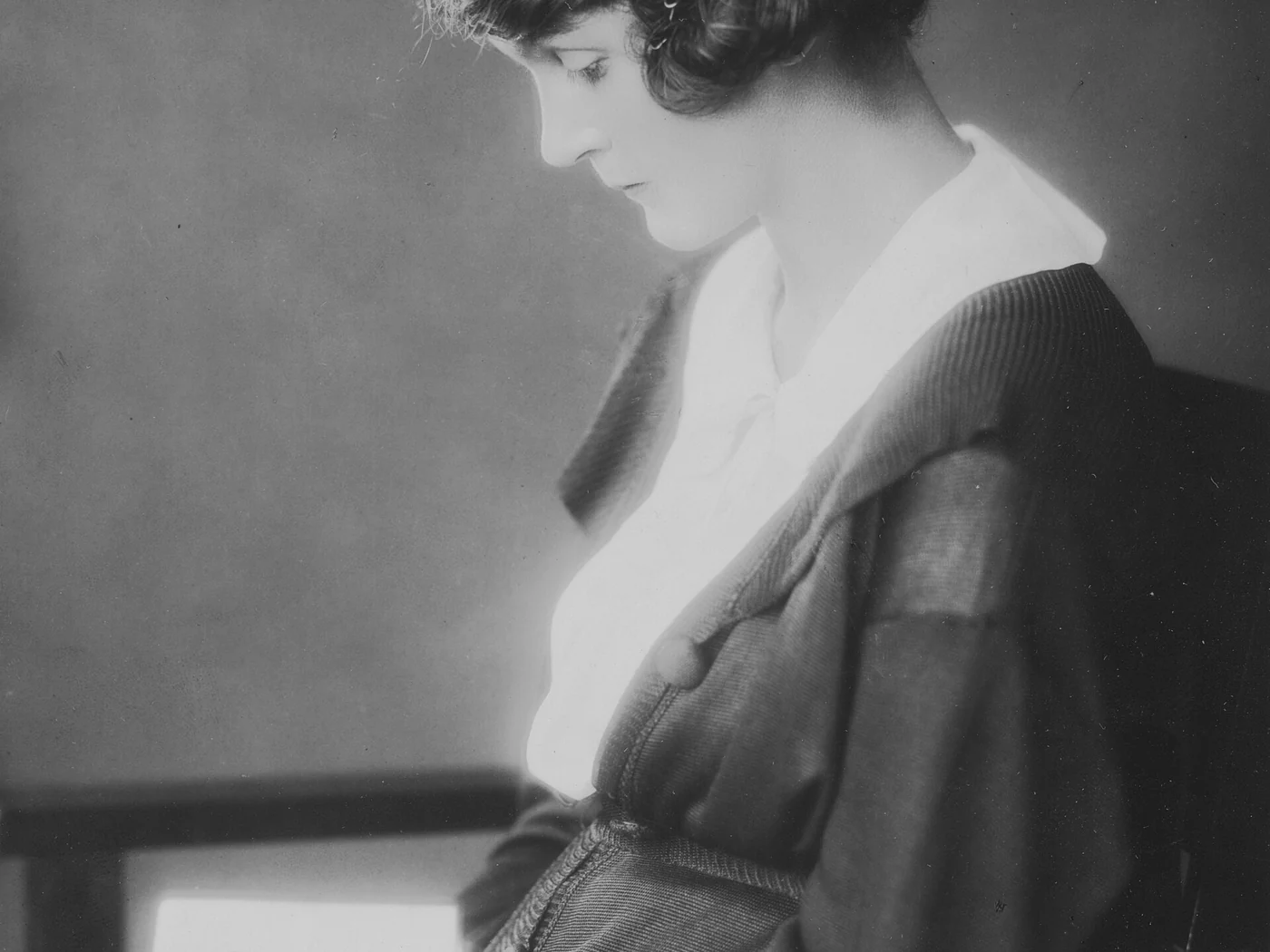
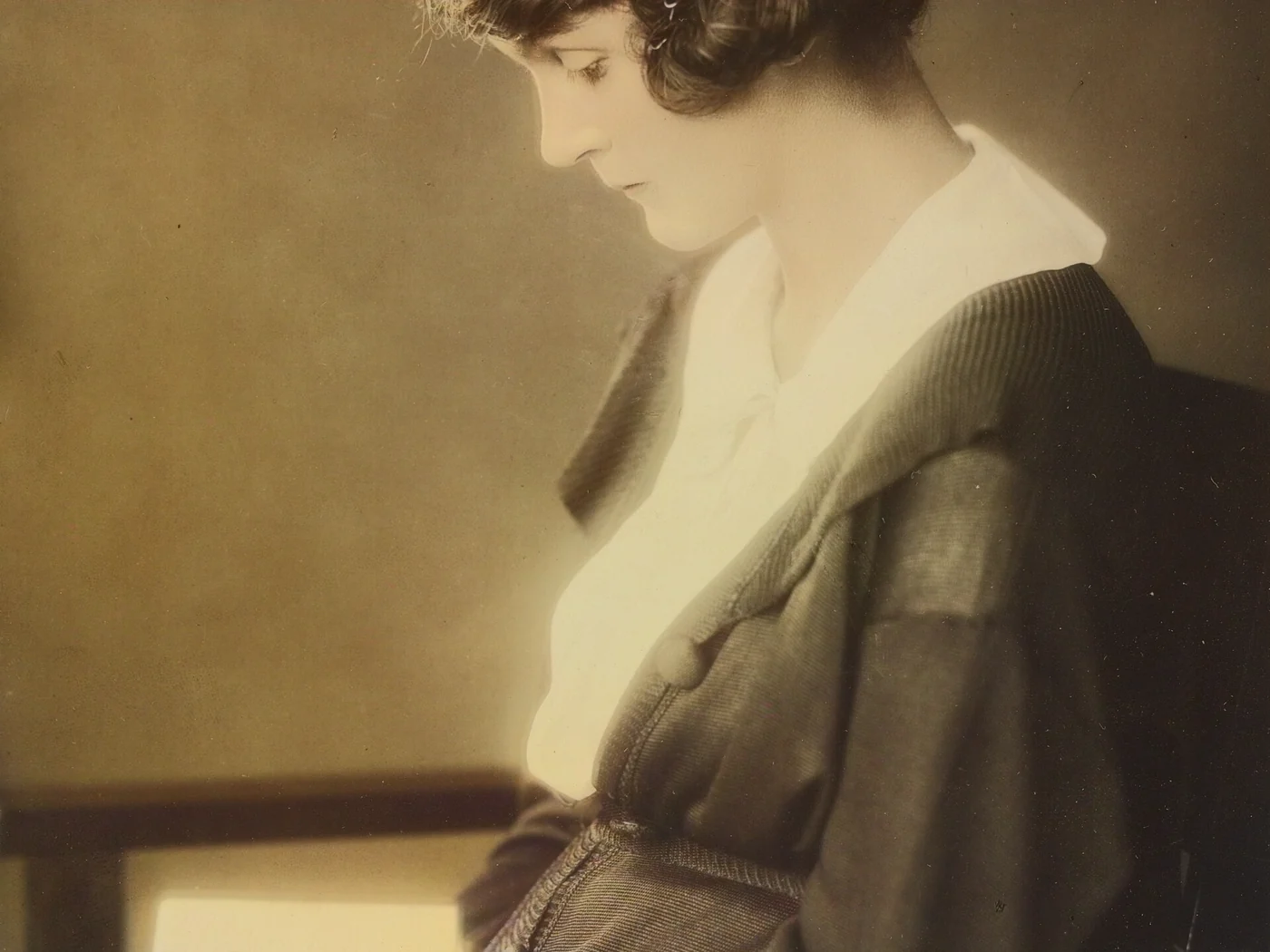 black & whiteAI color · 3 sPress and hold to see the before
 noisyclean · 5 sPress and hold to see the before
 blurry · 29 pxsharp · 7 sPress and hold to see the before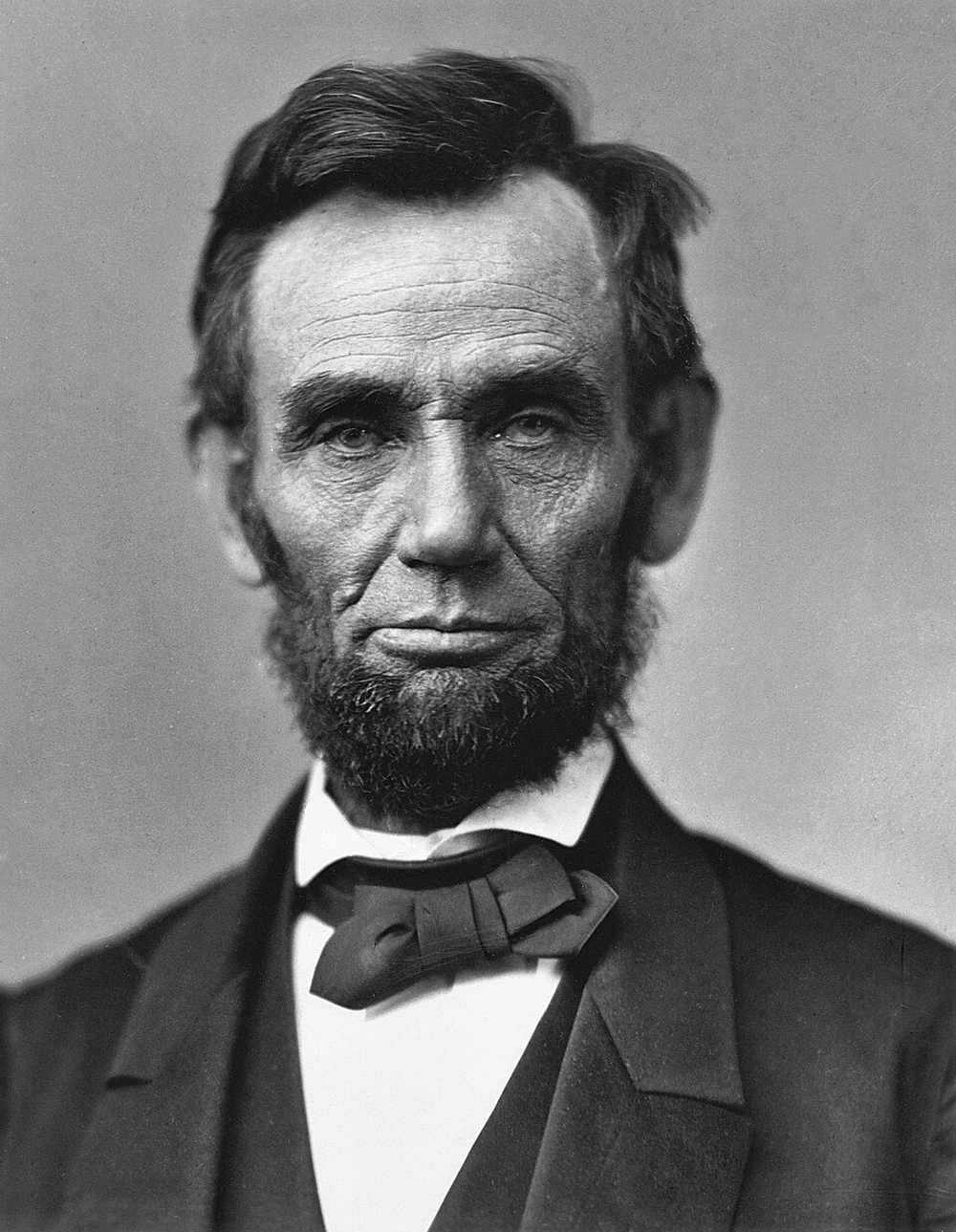
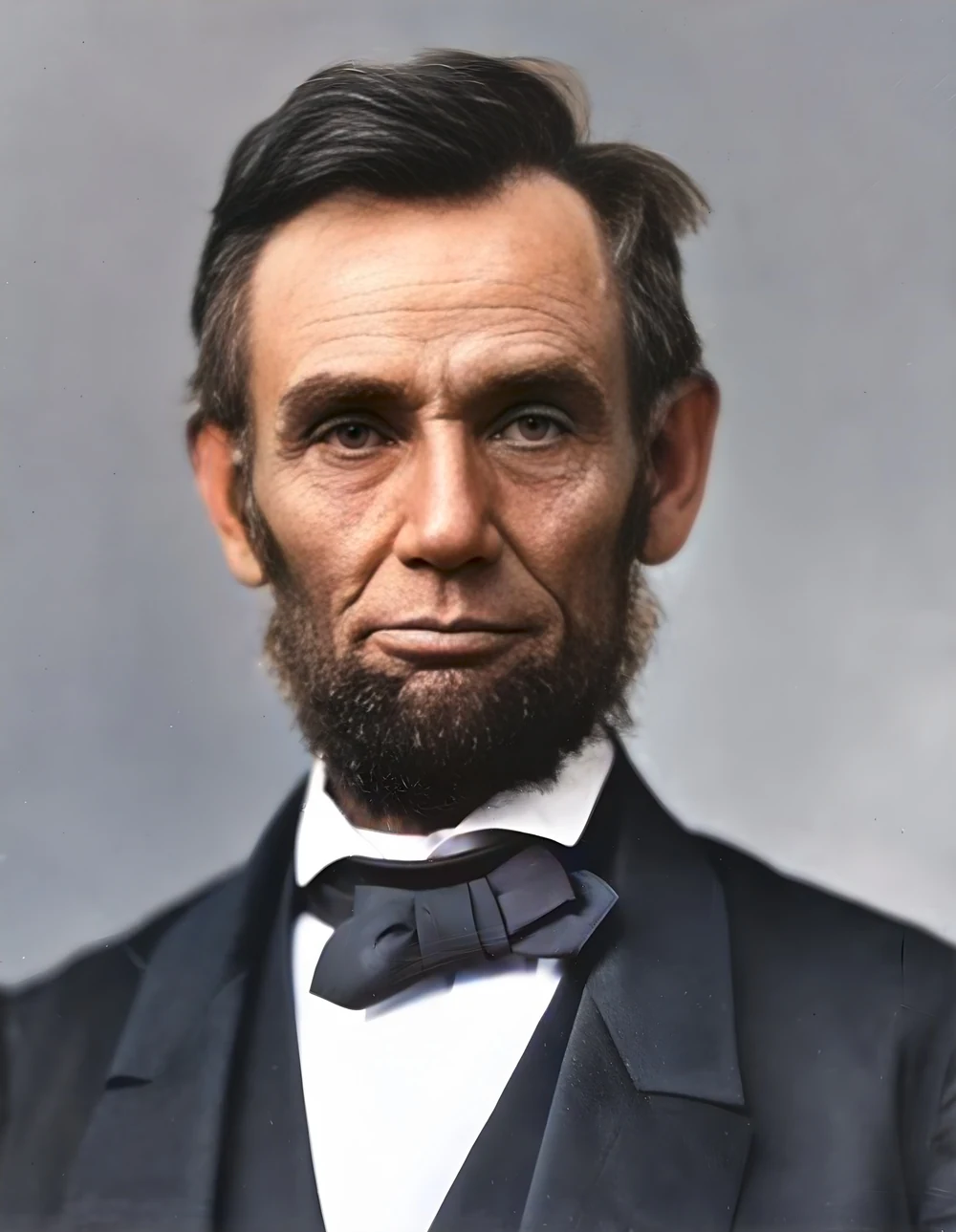 scan · 1863restored · 9 sPress and hold to see the before
 with objectclean · 3 sPress and hold to see the before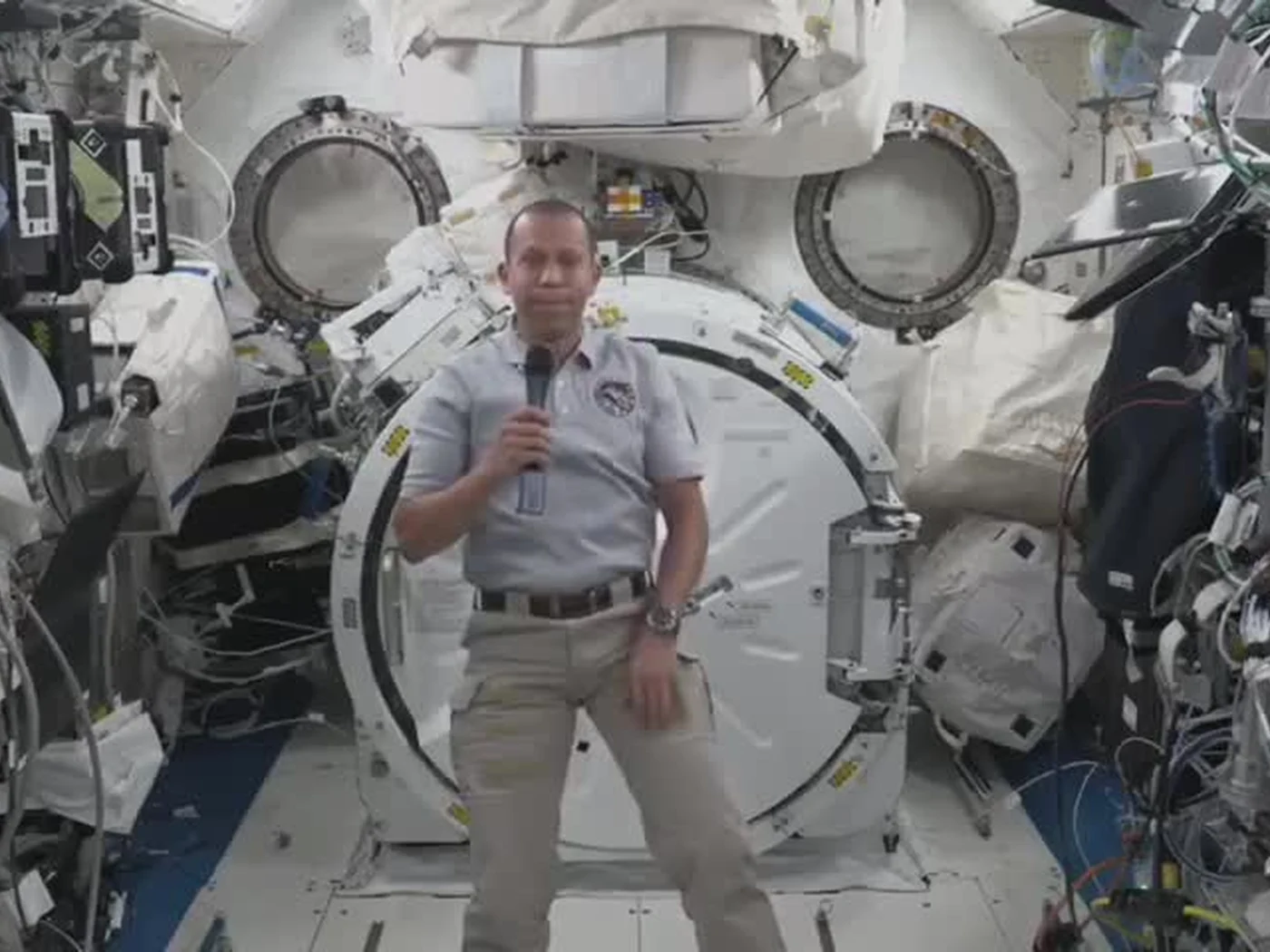
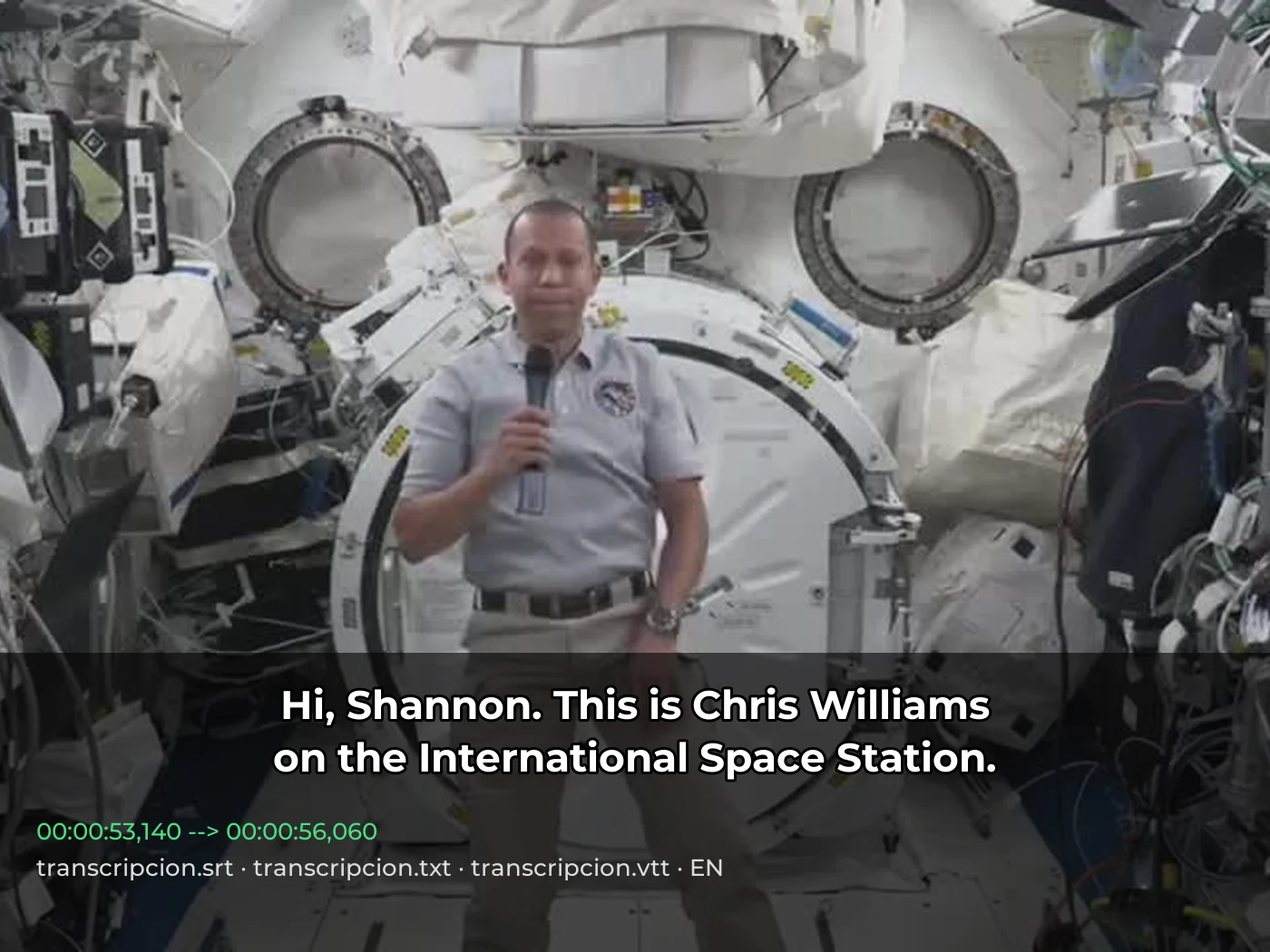 video · 3:00text + SRT · 24 sPress and hold to see the before
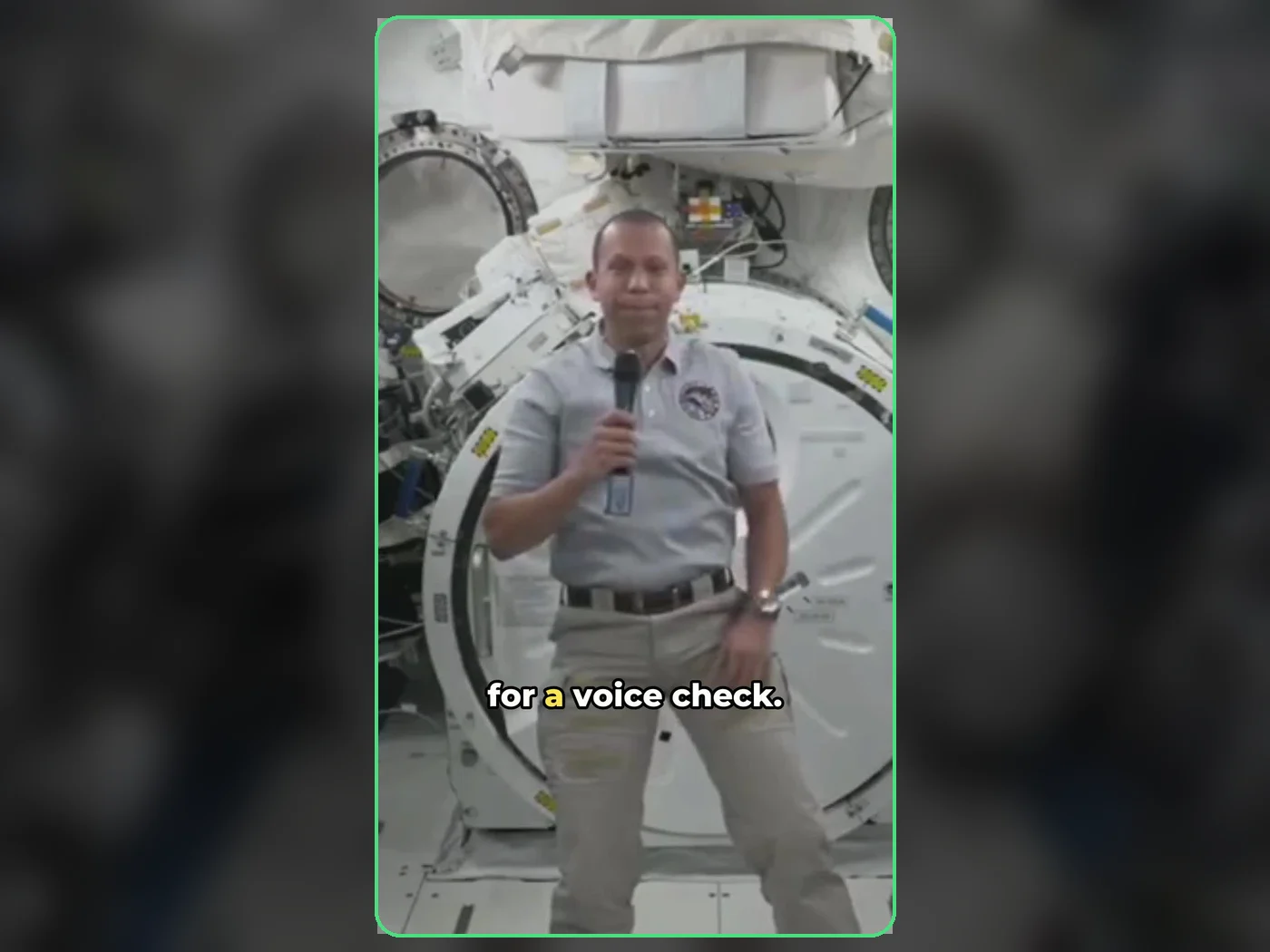 long video · 4:009:16 shorts · 2 × 31-33 sPress and hold to see the before
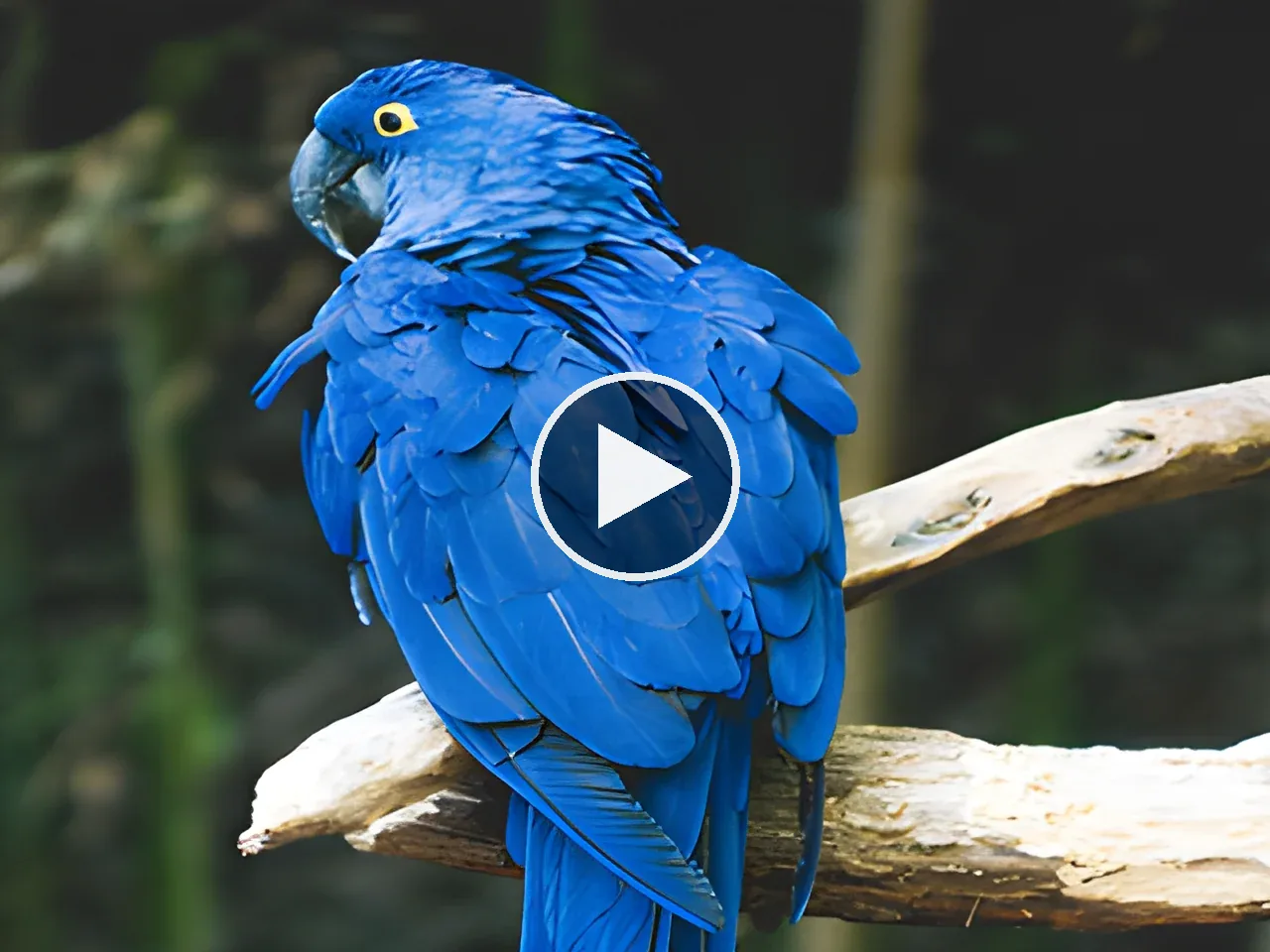
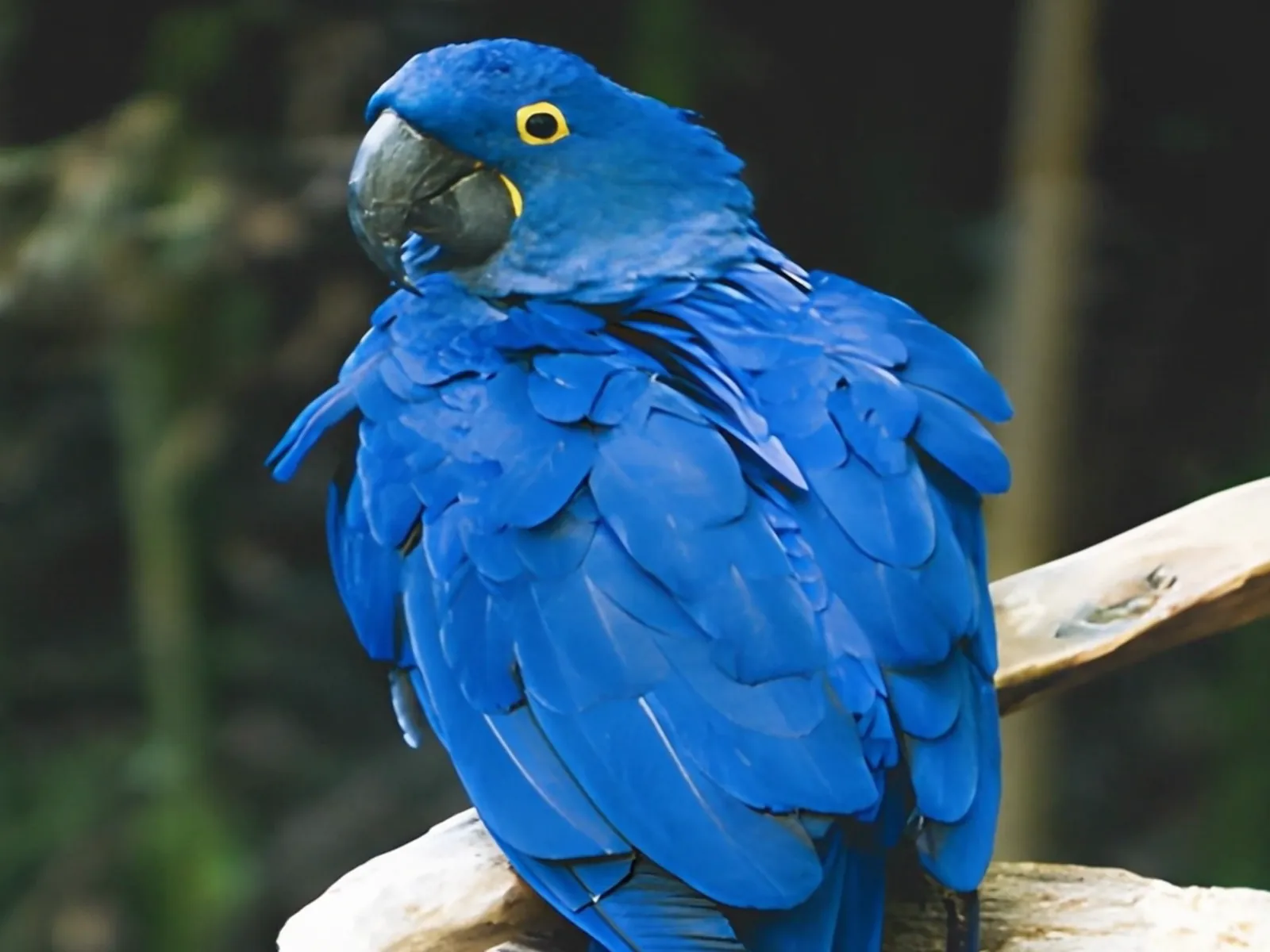 photo5 s videoPress and hold to see the before
 text16:9 video · 5 sPress and hold to see the before
 480p clip4K · 2160pPress and hold to see the before
 5 clips9:16 reel · subtitlesPress and hold to see the before
 320×240 px×4 · 1280×960 pxPress and hold to see the before