Transcribe video and audio to text in 99 languages
Whisper large-v3 with automatic language detection and word-level timestamps. You get paragraph text, properly split SRT and VTT subtitles and, if you want, an English translation. Up to 3 hours and 1 GB.
Whisper large-v3 with automatic language detection and word-level timestamps.
[0:27] Sure.
[0:27] We've learned so much.
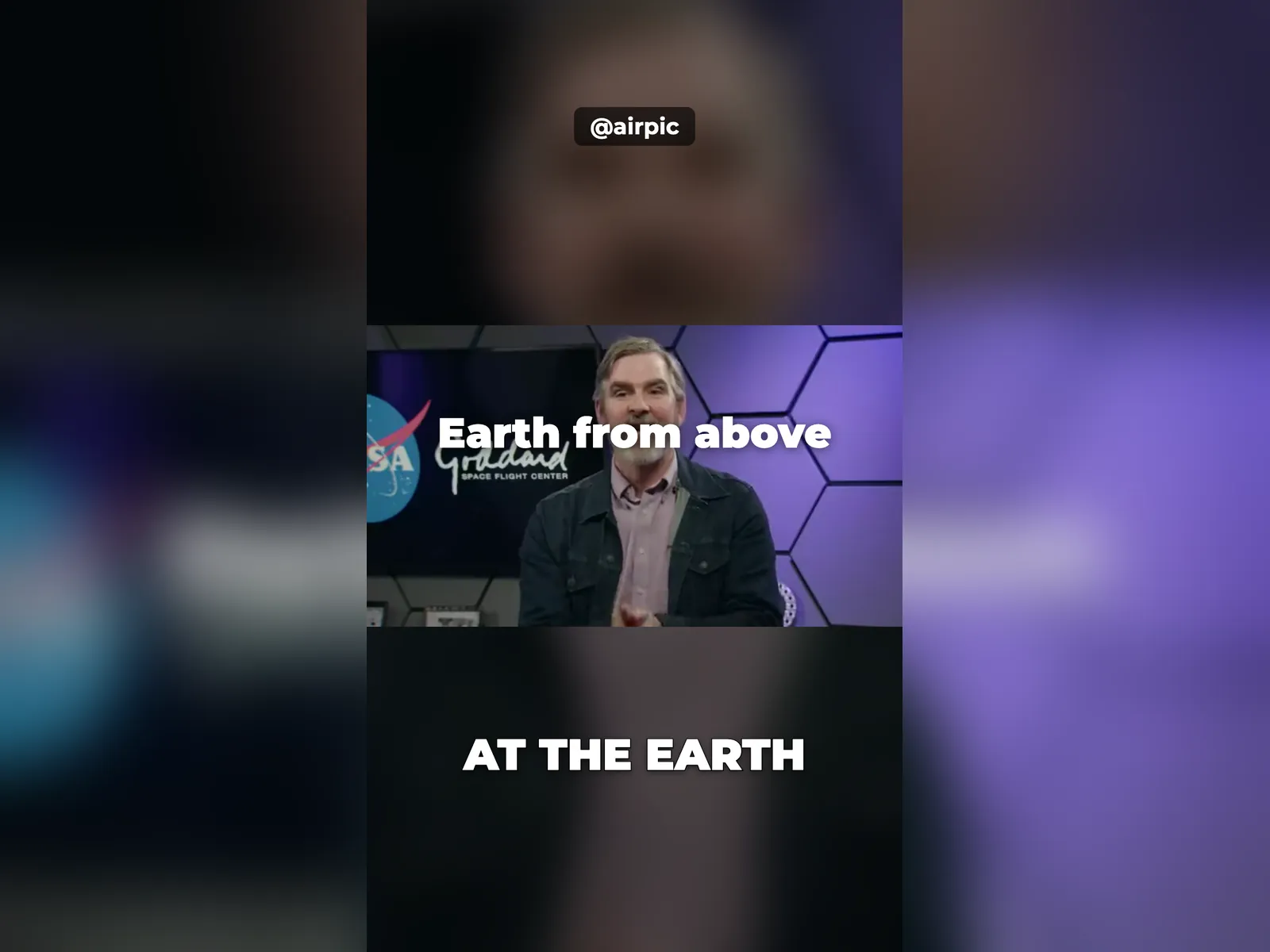
[0:29] It turns out one of the best places to study the Earth is not actually from the ground, but using the vantage point from space.
[0:38] And as you mentioned, NASA has 25 Earth-observing satellites.
[0:41] And we can look at and examine and study and better understand so many different things about the Earth's water, energy, and carbon cycles.
…
1
00:00:27,288 --> 00:00:29,076
Sure. We've learned so much.

2
00:00:29,076 --> 00:00:35,155
It turns out one of the best places to
study the Earth is not actually from the

3
00:00:35,155 --> 00:00:38,160
ground, but using the
vantage point from space.

4
00:00:38,160 --> 00:00:41,378
And as you mentioned, NASA has
25 Earth-observing satellites.

…
text + SRT · 24 s · Airpic
How it works
Upload the video or audio
MP4, MOV, WebM, MKV, MP3, WAV, M4A… up to 1 GB. Pick the language or leave it on auto.
Whisper transcribes with timestamps
The large-v3 model with voice detection: it skips silence and music and timestamps every word.
Download text and subtitles
TXT in paragraphs, SRT and VTT ready for YouTube or your editor, JSON with the words. Deleted in 1 hour.
✓ Works best with
- Voices close to the microphone
- Little echo and quiet or no music
- Clean audio, whether from a video or a sound file
✗ Can't recover
- Overlapping voices
- Wind noise and heavily compressed calls
- Jargon and proper names: always check them
We measured it
- 17 minutes of video transcribed in about 50 seconds, with timestamps per segment. (03-09-2026)
- A 3-minute interview with speaker separation on was transcribed and split by voice in 100 seconds. (19-09-2026)
Measured on airpic.app with the GPU already running. If nobody has used it for a while, the first job takes 40 to 90 seconds longer to start.
Frequently asked questions
Which languages are supported?
All 99 Whisper languages: Spanish, English, French, German, Portuguese, Italian, Japanese, Chinese, Arabic, Russian, Hindi… Detected automatically; you can pin it if the audio mixes languages.
How accurate is it?
We use Whisper's large model (large-v3) with a voice filter so no text is invented during silences. With clean audio, mistakes cluster around proper names, numbers and jargon: always check those.
How are the subtitles formatted?
The way the trade does it: at most 2 lines of 42 characters, up to 7 seconds per cue, cuts on pauses and punctuation. Drop them straight into YouTube, Premiere or DaVinci.
Can I translate it?
Yes: tick “add English translation” and you also get TXT, SRT and VTT in English (Whisper's own translation).
How long does it take?
About 1 minute per 20-30 minutes of audio when warm, plus 1-2 minutes if the engine starts cold. The bar shows an estimate.
Do you keep my videos?
No. The video is processed and deleted: 1 hour after download, 24 h at most. No copies.
Can it tell who is speaking?
Yes: tick “Identify speakers” and the text and subtitles are labelled “Speaker 1”, “Speaker 2” and so on when there is more than one voice. It works best with clear turns; if voices overlap a lot it may merge them.
Can I correct the transcript before downloading it?
Yes: the result opens in an editor next to the video; click a sentence to jump to that moment and fix the text. Then download the corrected SRT or TXT.
Is it free to transcribe a video?
Processing and previewing the transcript is free, with no account. You get 1 free full-size download every month; after that you pay with credits that never expire, no subscription.
Articles about Video to Text Transcriber
Check your subtitles before publishing
Paste or upload an SRT or VTT file and check long lines, too-short or too-long cues, overlaps, gaps and reading speed.
How to add subtitles to a video for social media
Add subtitles to a video for Instagram, TikTok and YouTube: SRT vs VTT vs burned-in captions, line length rules and a fast automatic workflow.
More tools in the suite
 320×240 px×4 · 1280×960 pxPress and hold to see the before
 originalno background · 5 sPress and hold to see the before
 1.2 MB208 KB · −83 %Press and hold to see the before
 black & whiteAI color · 3 sPress and hold to see the before
 noisyclean · 5 sPress and hold to see the before
 blurry · 29 pxsharp · 7 sPress and hold to see the before
 scan · 1863restored · 9 sPress and hold to see the before
 with objectclean · 3 sPress and hold to see the before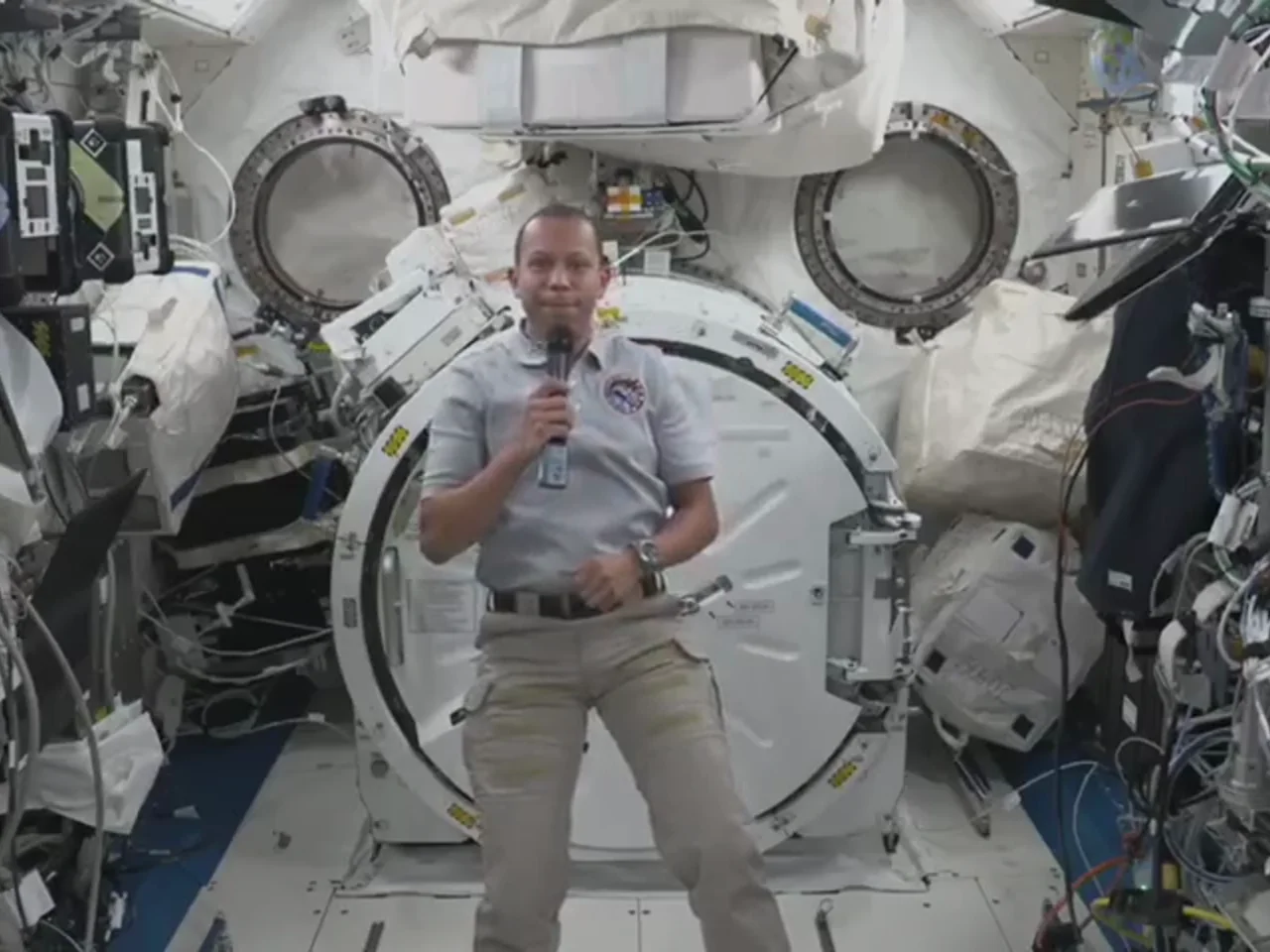
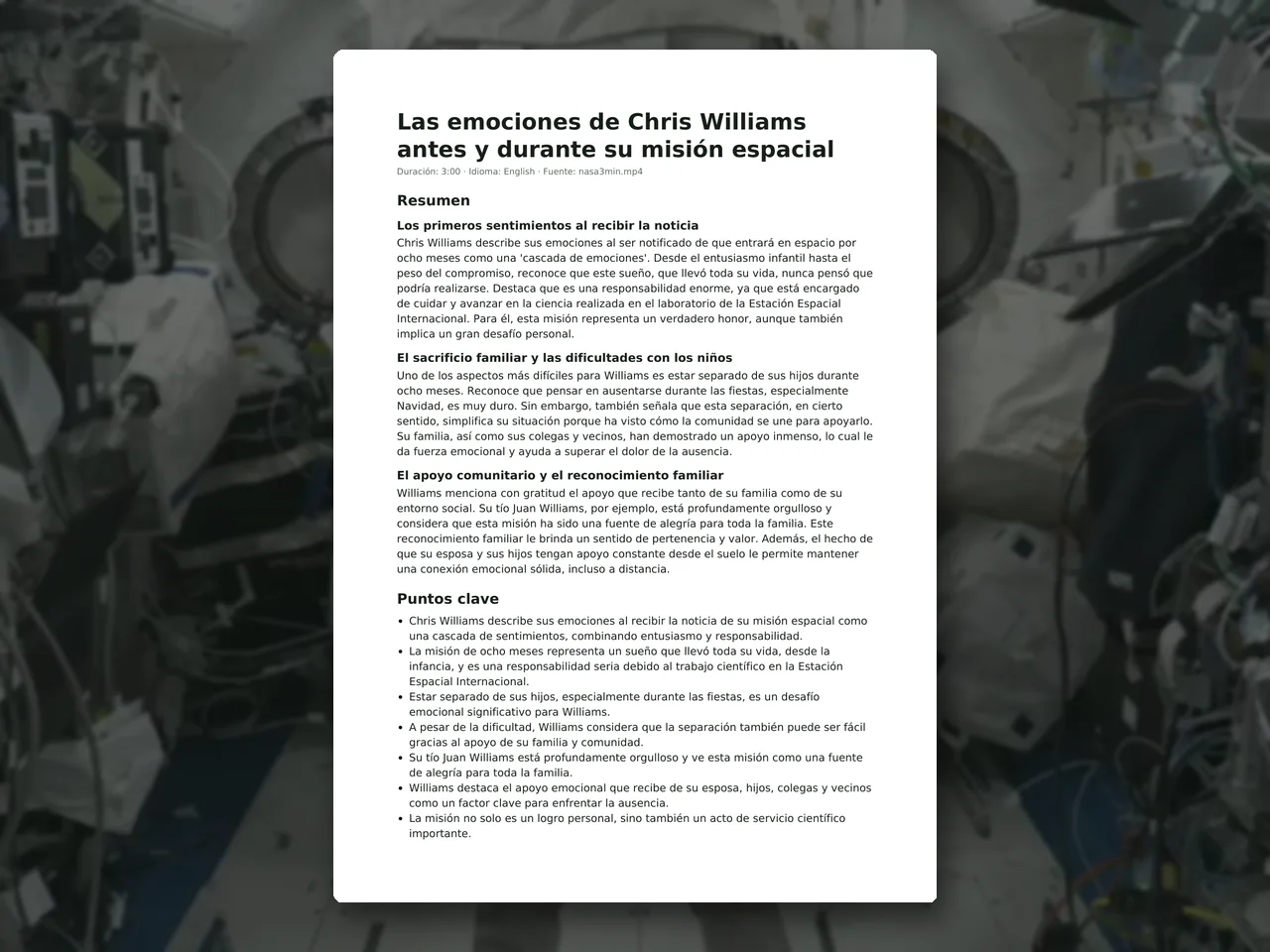 video · 6:38document · 169 sPress and hold to see the before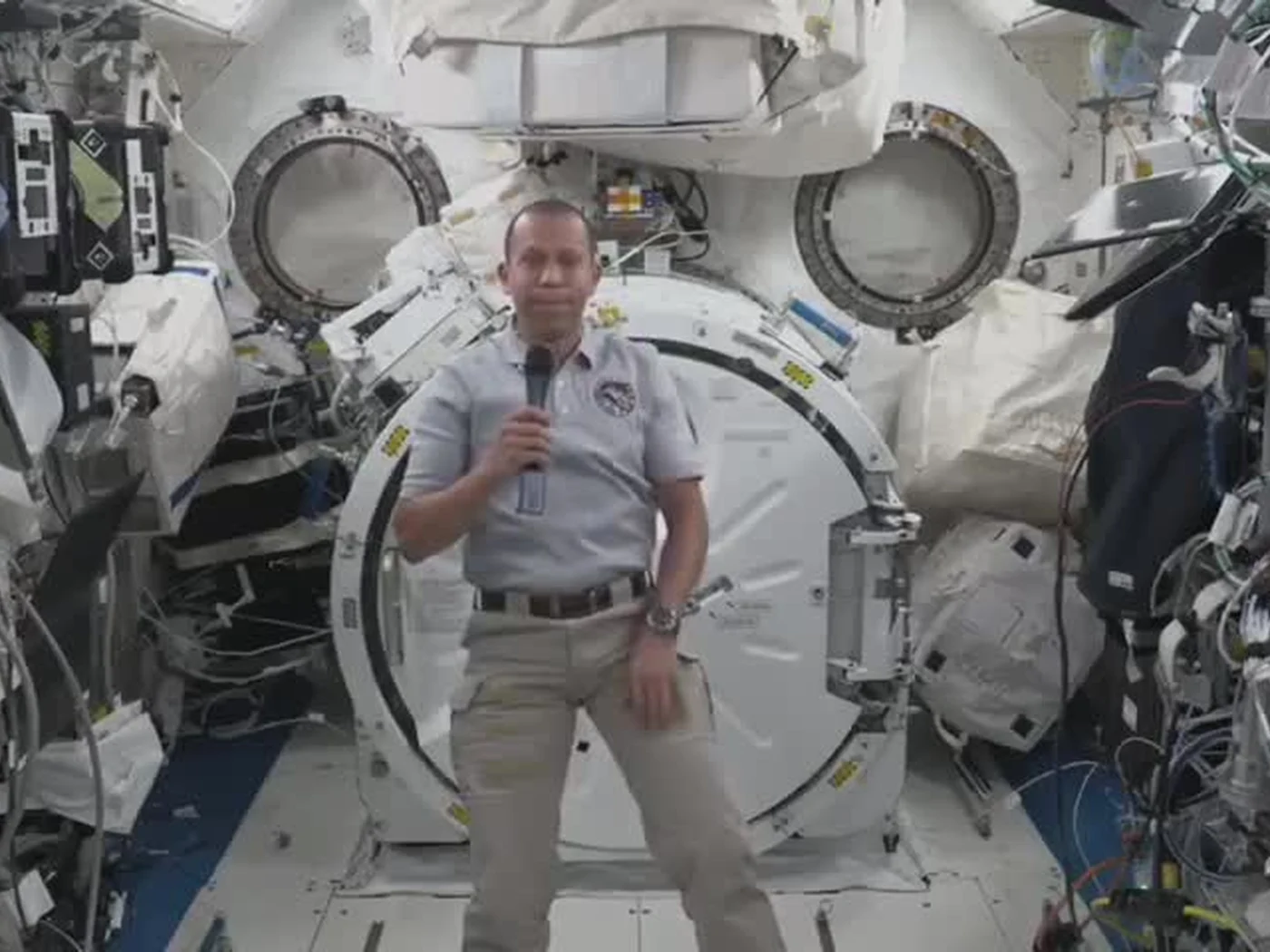
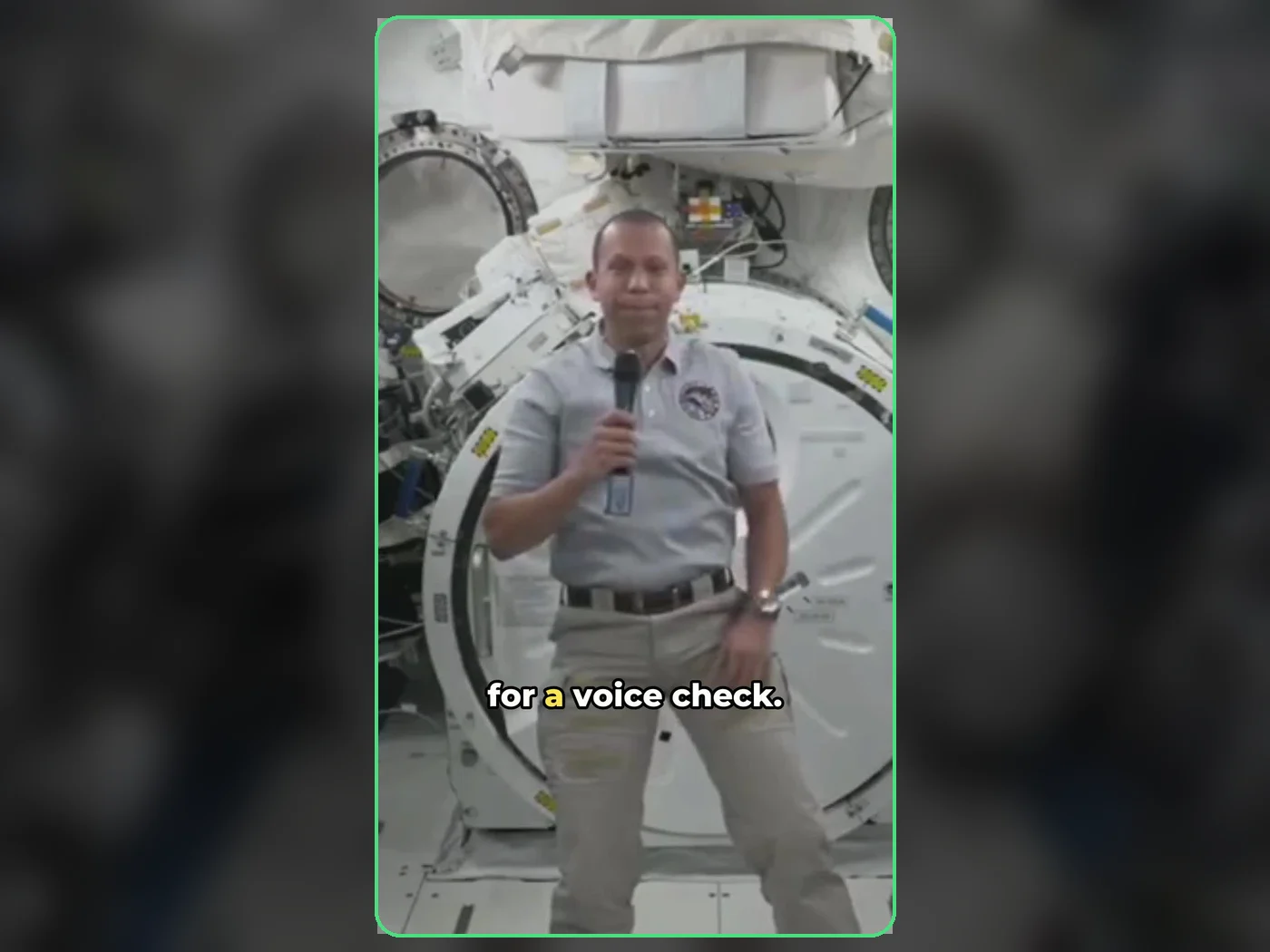 long video · 4:009:16 shorts · 2 × 31-33 sPress and hold to see the before
 photo5 s videoPress and hold to see the before
 text16:9 video · 5 sPress and hold to see the before
 480p clip4K · 2160pPress and hold to see the before
 5 clips9:16 reel · subtitlesPress and hold to see the before
 320×240 px×4 · 1280×960 pxPress and hold to see the before