Turn a long video into vertical shorts with AI
It transcribes, picks the moments with the strongest hook, reframes to 9:16 following the face and burns in word-by-word captions. Ready for TikTok, Reels and YouTube Shorts in one step.
It transcribes, picks the moments with the strongest hook, reframes to 9:16 following the face and burns in word-by-word captions.
Moments picked by the AI
- 1 · 0:26-0:58Rocket Autopilot? Not Really
You're not flying the rocket
- 2 · 1:45-2:16Space Crystals Change Medicine
Better drugs in microgravity
How it works
Upload the long video
Podcast, talk, interview, lesson… up to 2 hours and 1 GB. Choose how many clips and how long.
The AI proposes, you choose
Whisper transcribes and a language model proposes 6 to 10 moments with a score and a reason. You tick the ones you want, adjust the cut, title and hook, and the 9:16 crop follows the speaker's face.
Download the shorts
MP4 1080×1920 with burned-in captions and title, plus each clip's SRT. Deleted in 1 hour.
✓ Works best with
- Podcasts or one person talking to camera in landscape
- A visible face and a clear voice
- Self-contained moments of 20-60 seconds
✗ Can't recover
- Sports footage
- Screens and slides
- Two guests switching shots, or music edits with no speech
We measured it
- A 4-minute video produced 2 vertical 1080 × 1920 px clips with captions in 149 seconds. (19-09-2026)
Measured on airpic.app with the GPU already running. If nobody has used it for a while, the first job takes 40 to 90 seconds longer to start.
Frequently asked questions
How does it choose the moments?
Whisper transcribes the video and a language model (Qwen3, Apache-2.0) proposes 6 to 10 self-contained moments, each with a 1-10 score and the reason. You tick which ones to render, adjust start and end in 2-second or half-second steps, preview the cut before rendering and edit the title and hook.
What about framing?
We detect the speaker's face at each moment and the vertical crop follows it smoothly, without jerks. If there are no faces, it centres the picture.
Can I remove the captions or the title?
Yes, each has its own checkbox. Captions are in the video's language with the active word highlighted, and the SRT comes separately if you prefer the platform's own.
How long does it take?
About 2-4 minutes for a 30-minute video and 3 clips (transcription, selection and rendering), plus 1-2 minutes if the engine starts cold.
Which input formats?
MP4, MOV, WebM, MKV and AVI. Output is MP4 H.264 at 1080×1920 and 30 fps, accepted by every platform.
Do you keep my videos?
No. The video is processed and deleted: 1 hour after download, 24 h at most. No copies.
Can I add my logo and brand colours to the clips?
Yes: under Brand you choose the colour of the highlighted word, type your @handle and upload your logo as PNG, JPG or WebP. Your browser remembers them for next time.
How many clips can I make, and how long are they?
The AI proposes several moments and you render up to 5 at once. You adjust each one's start and end before rendering and can preview the cut on the page.
Is it free to make shorts?
Finding and choosing the best moments is free, with no account. To download the clips you get 1 free full-size download a month; after that you pay with credits that never expire, no subscription.
More tools in the suite
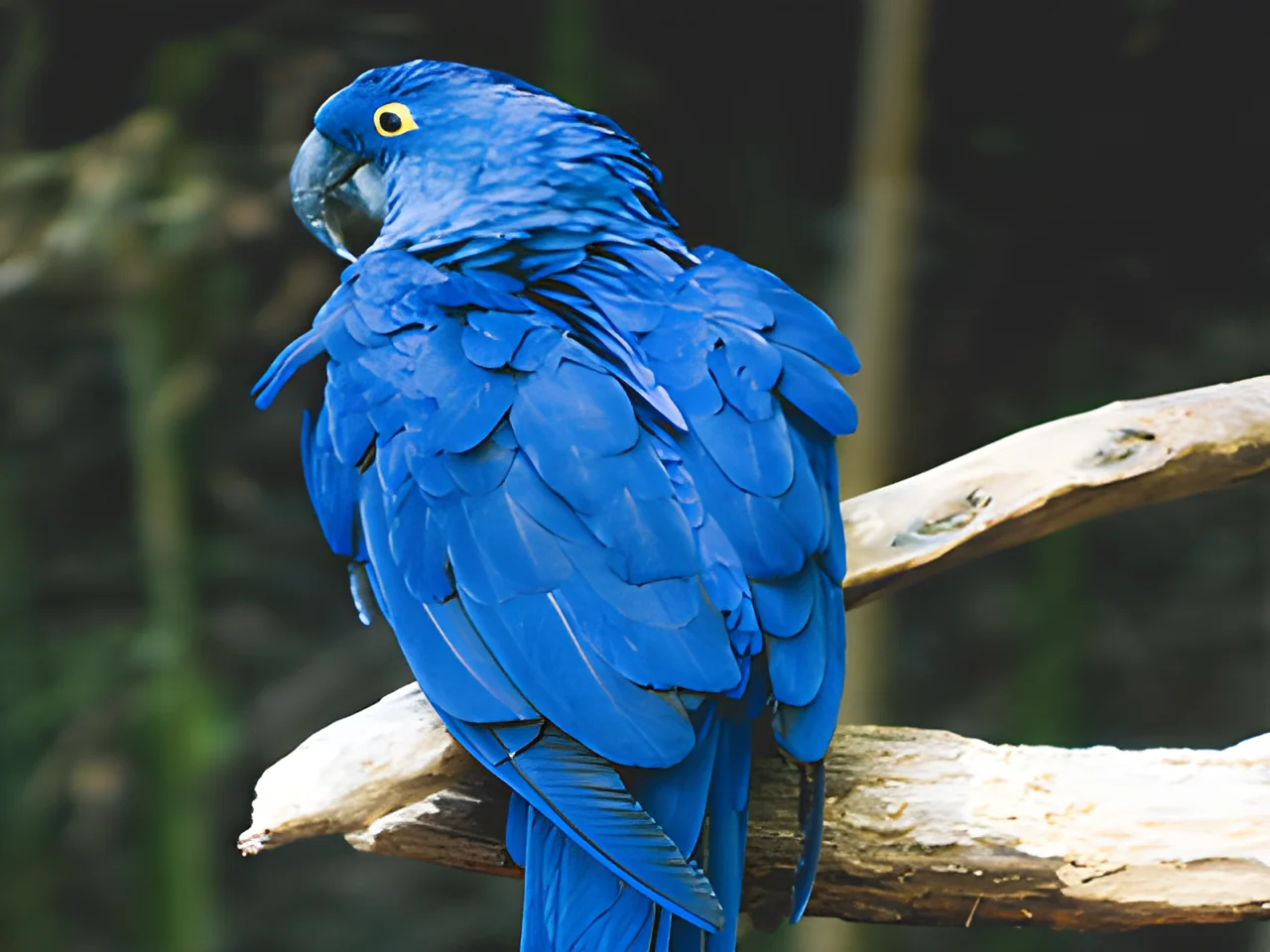 320×240 px×4 · 1280×960 pxPress and hold to see the before
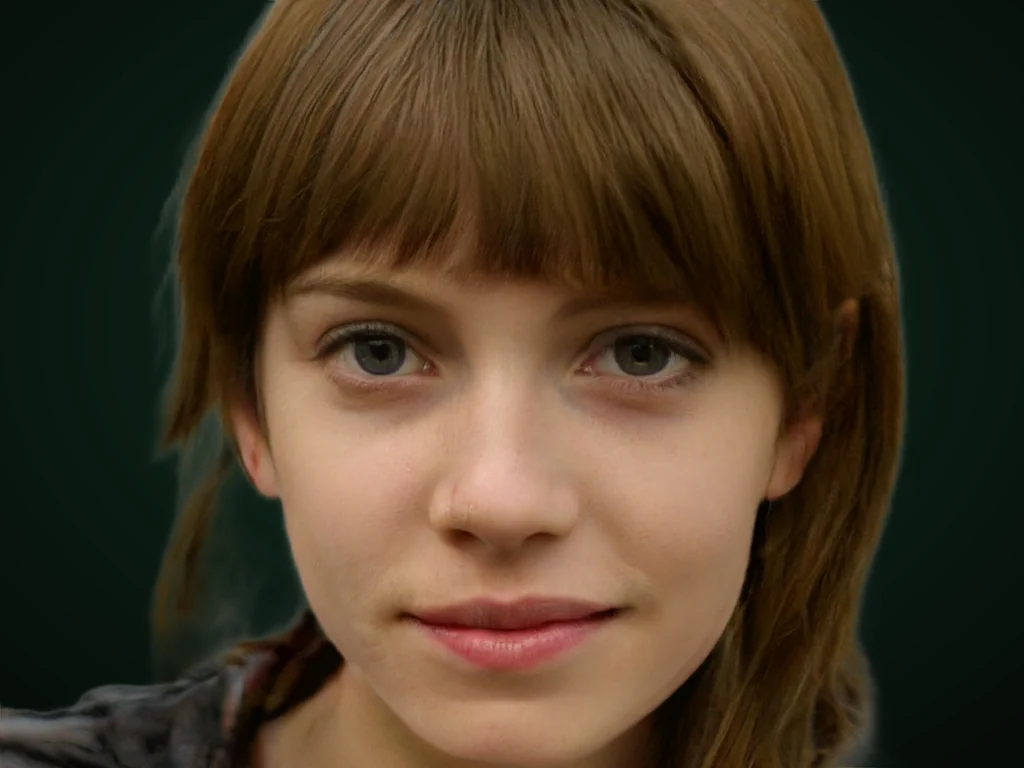 originalno background · 5 sPress and hold to see the before
 1.2 MB208 KB · −83 %Press and hold to see the before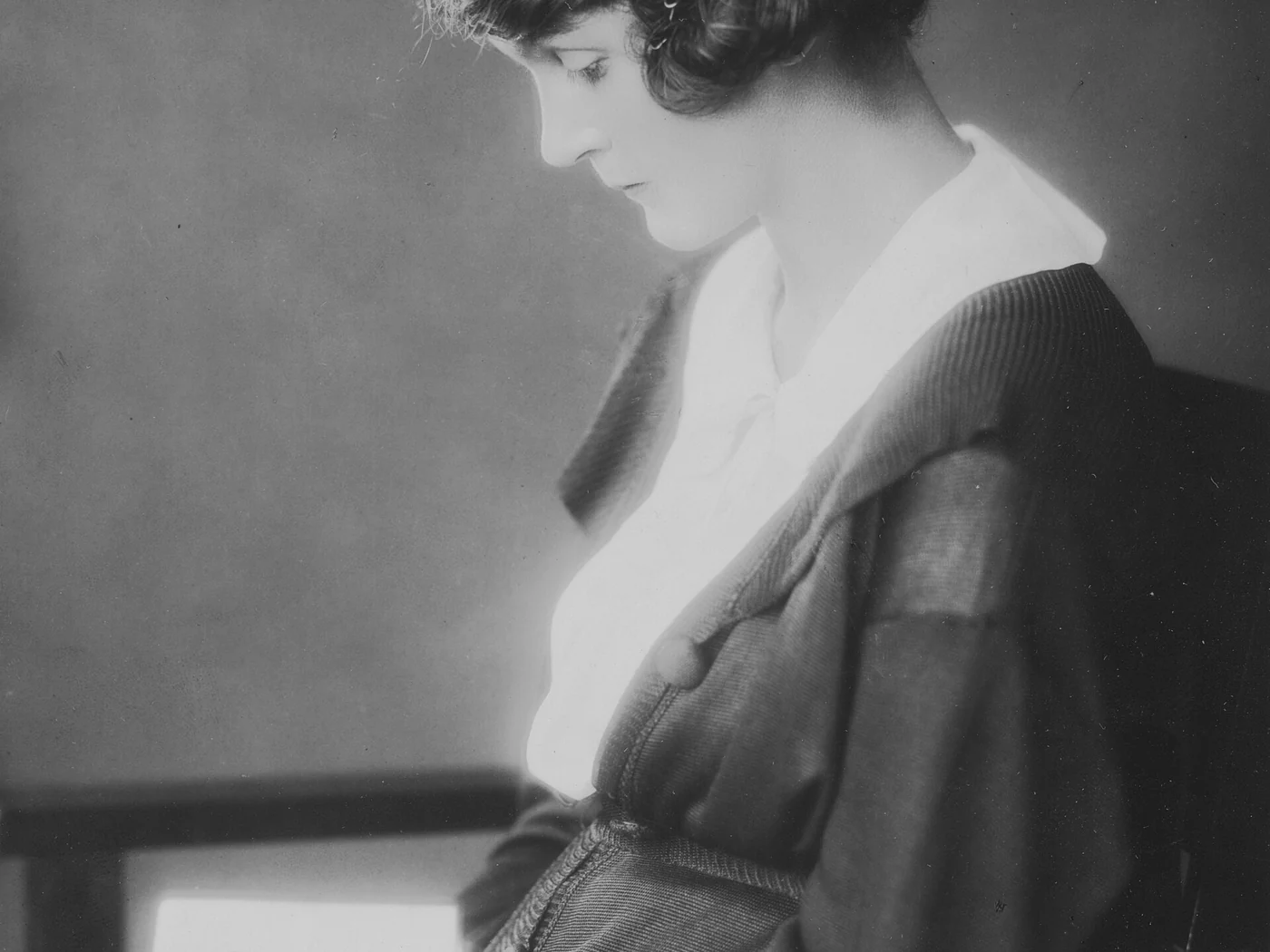
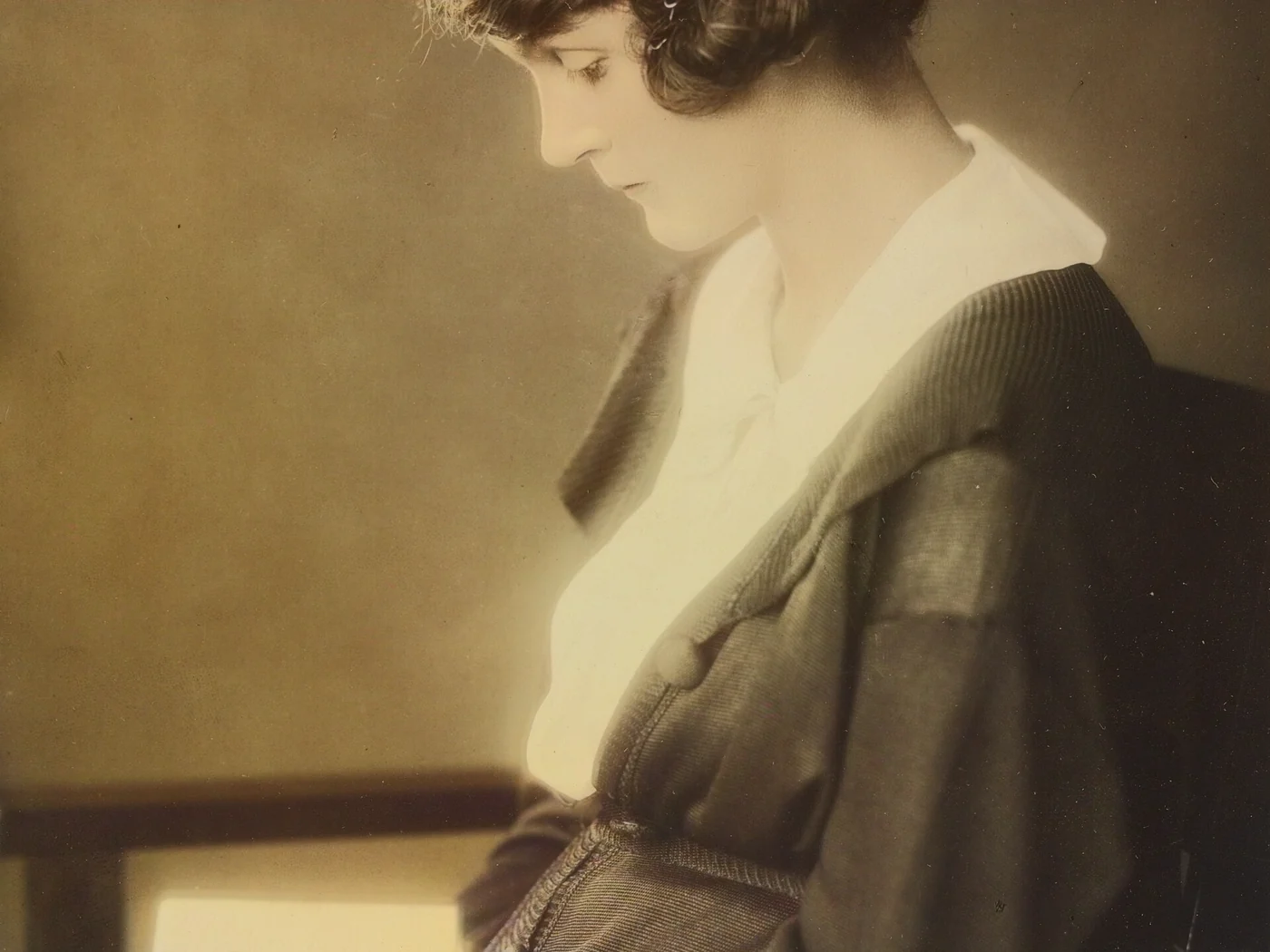 black & whiteAI color · 3 sPress and hold to see the before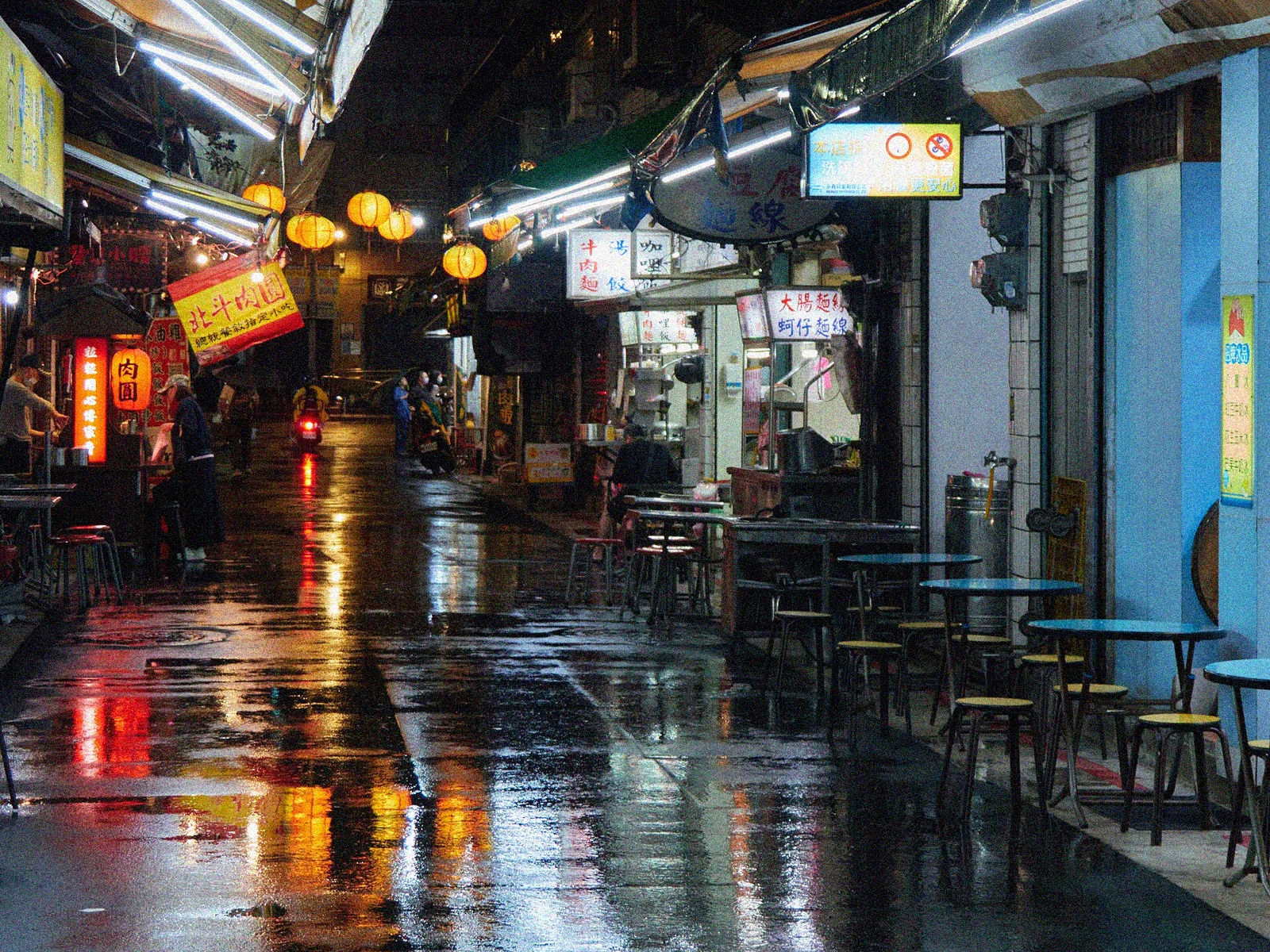
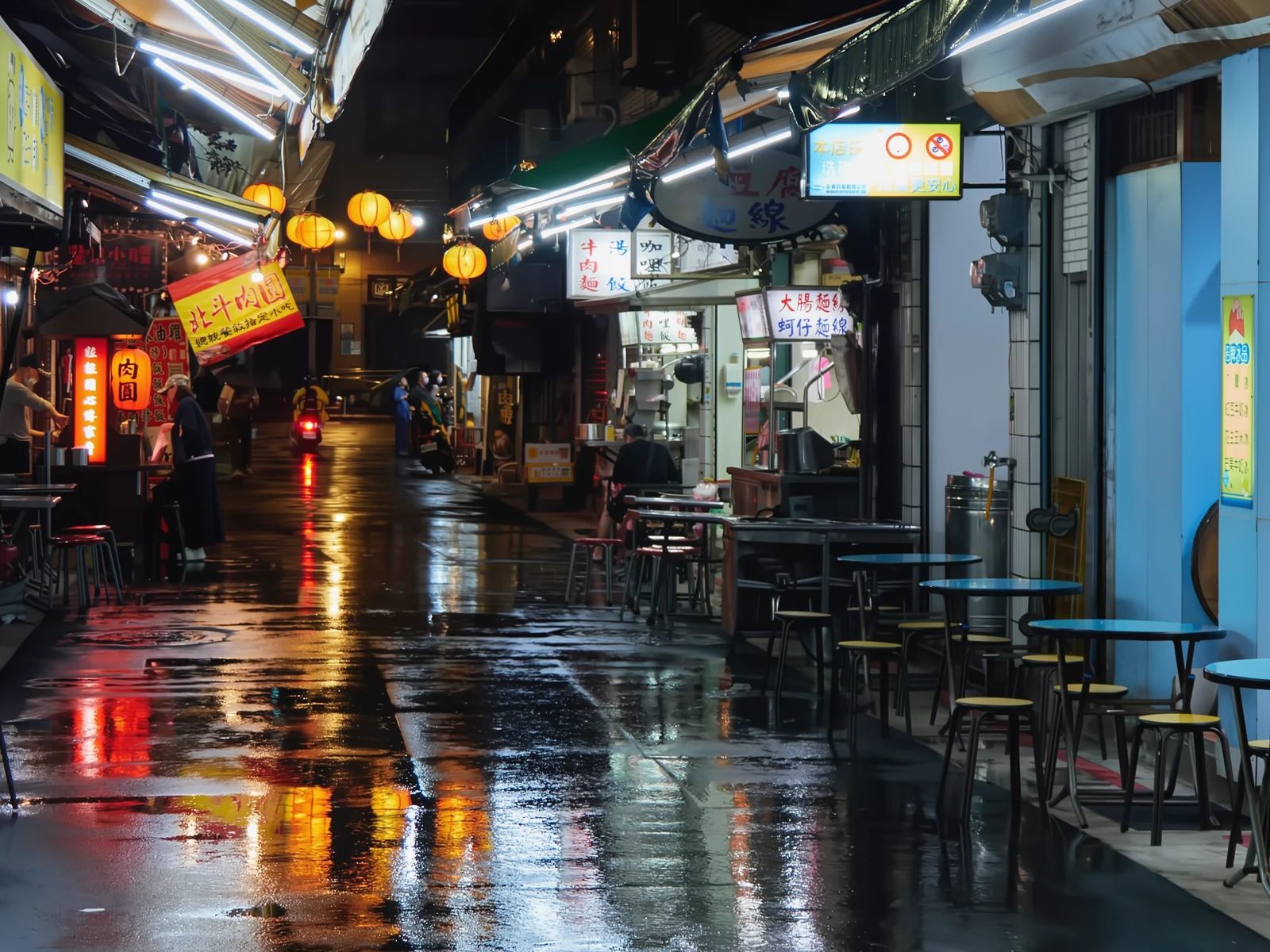 noisyclean · 5 sPress and hold to see the before
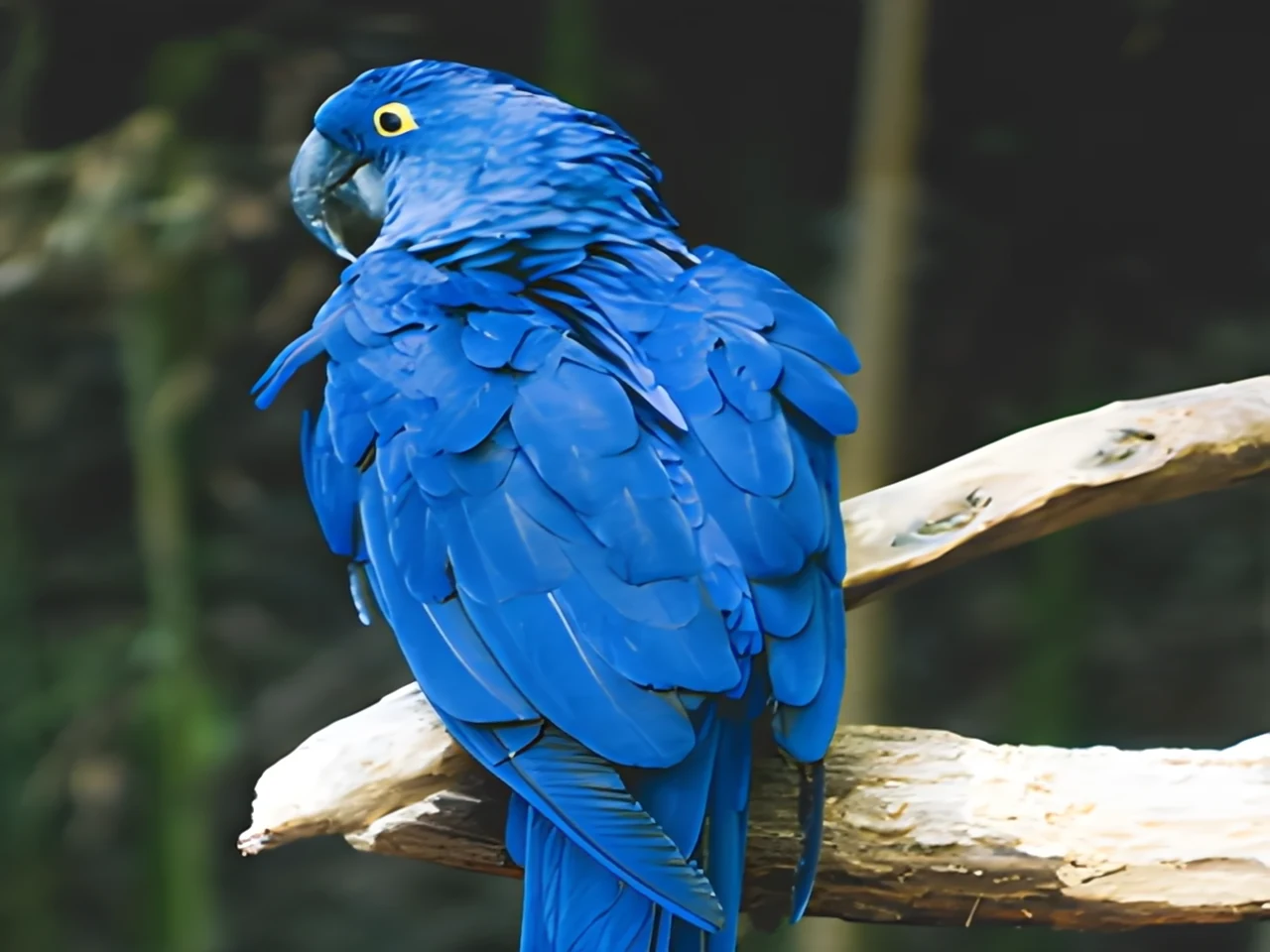 blurry · 29 pxsharp · 7 sPress and hold to see the before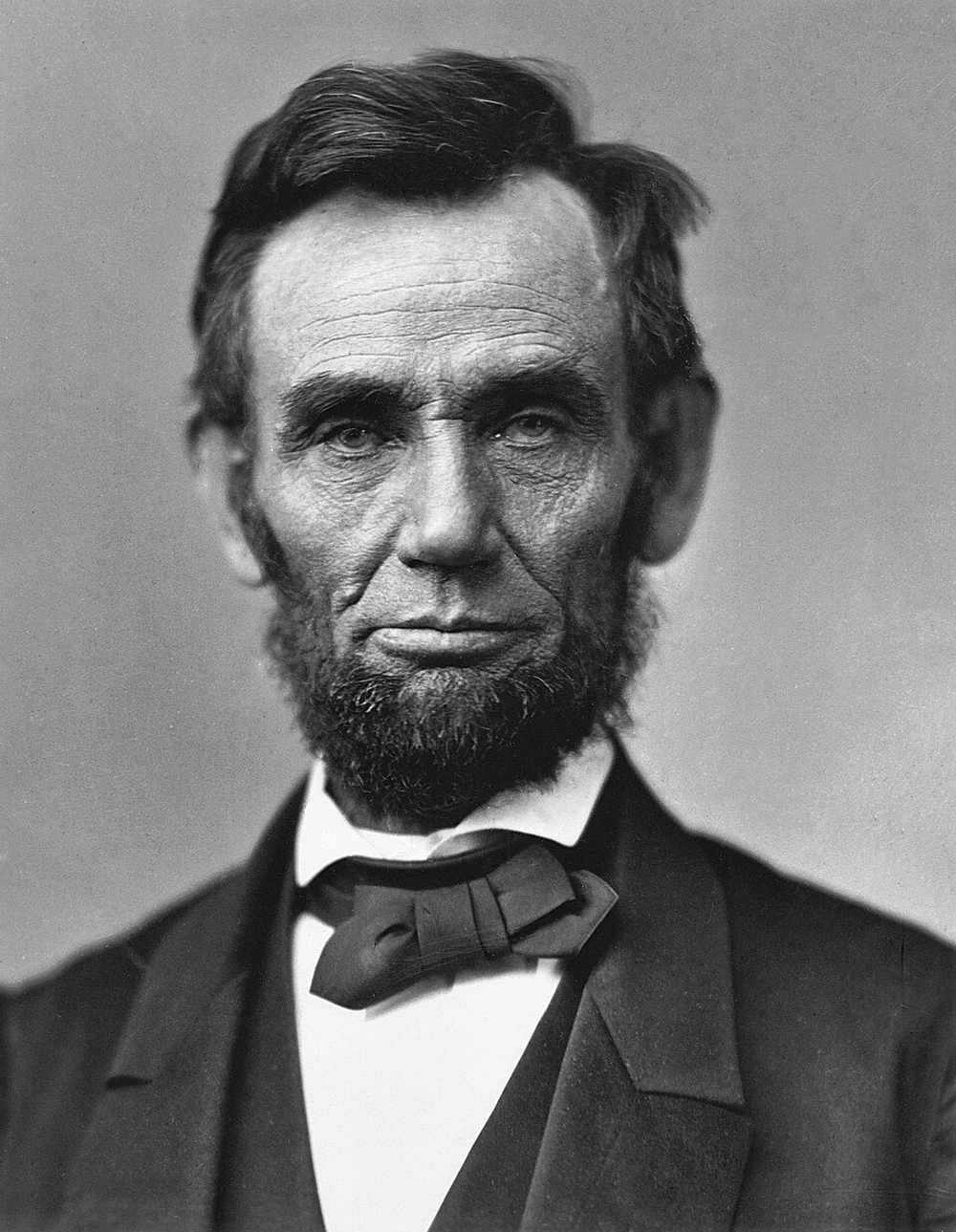
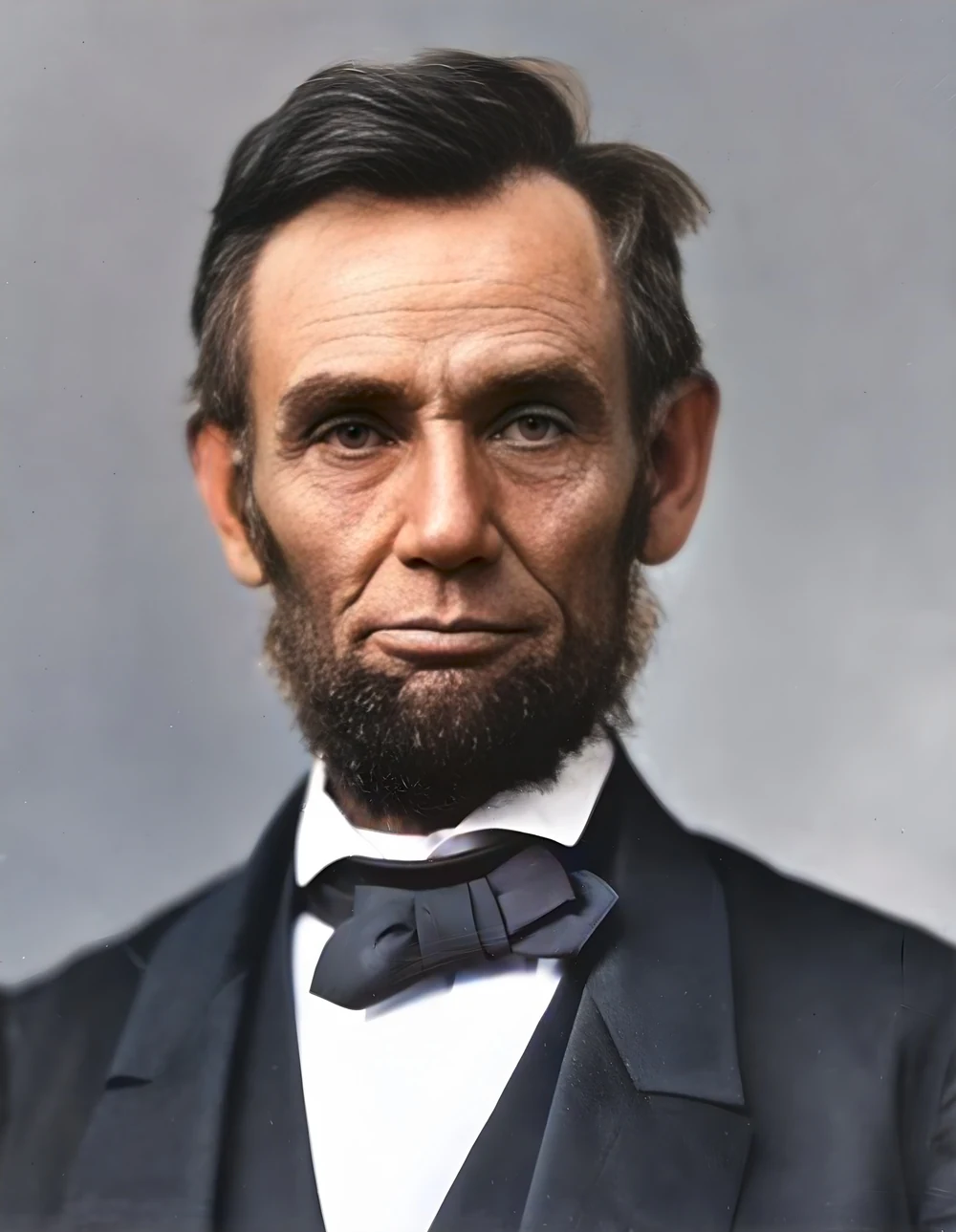 scan · 1863restored · 9 sPress and hold to see the before
 with objectclean · 3 sPress and hold to see the before
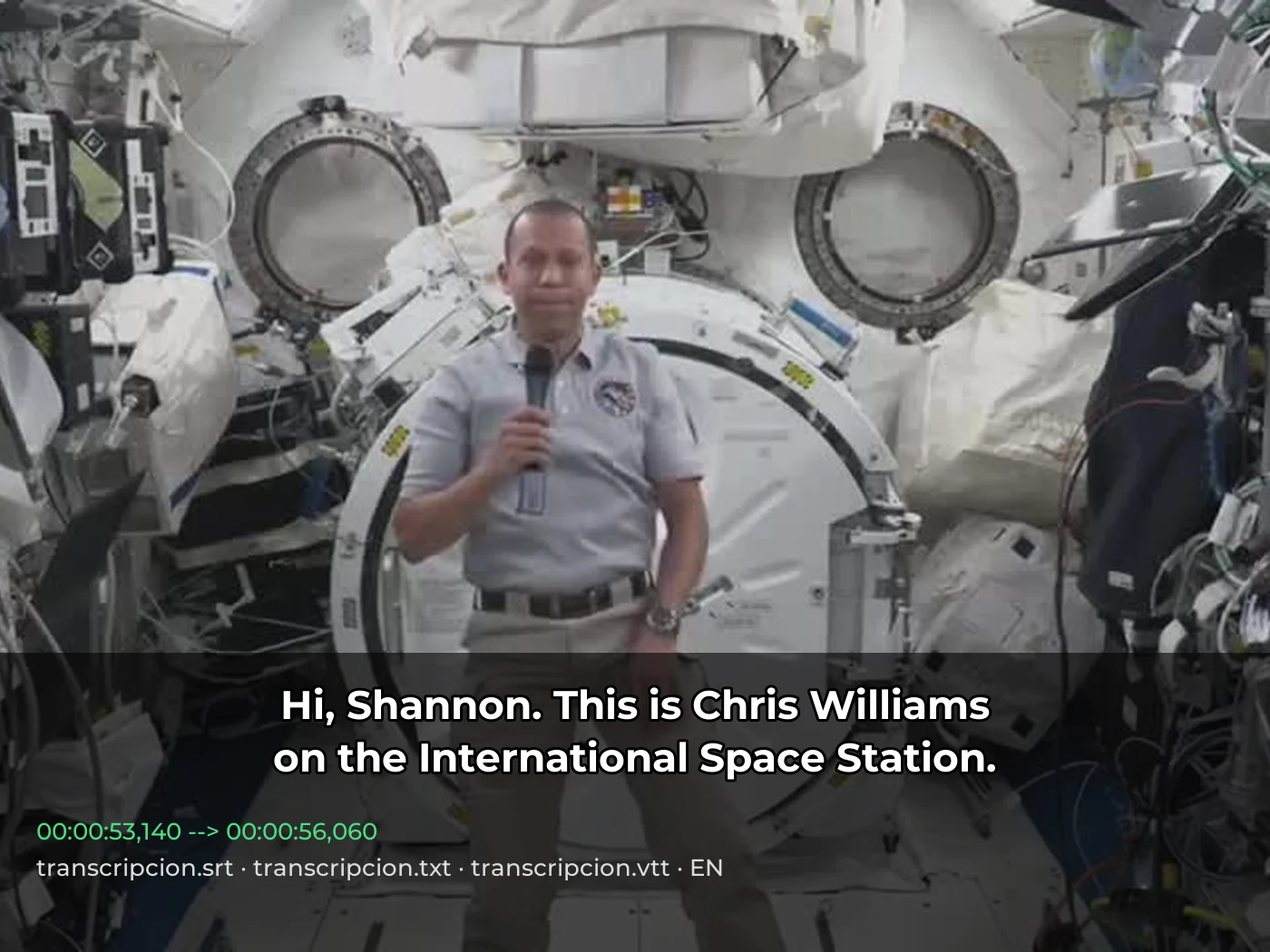 video · 3:00text + SRT · 24 sPress and hold to see the before
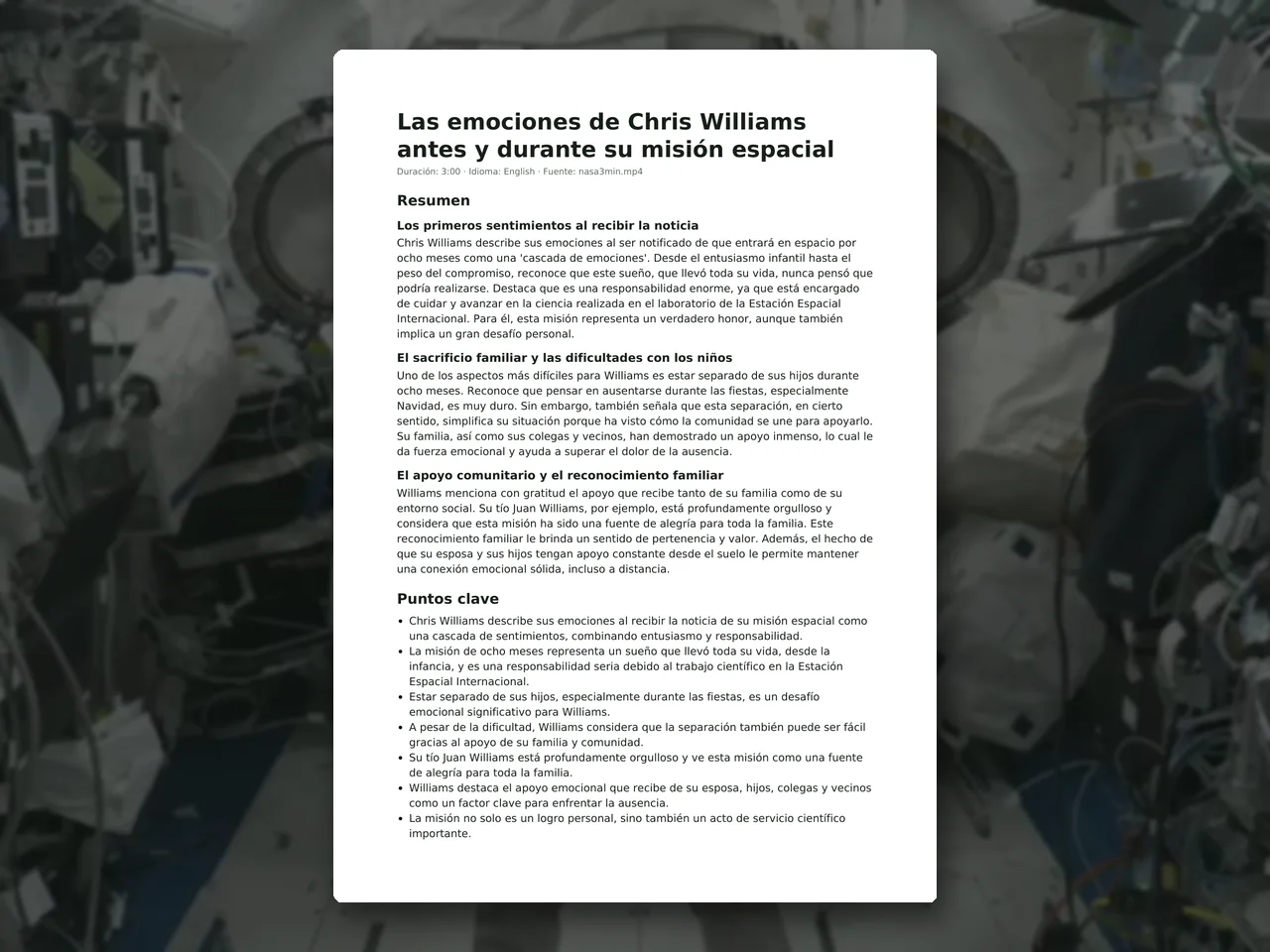 video · 6:38document · 169 sPress and hold to see the before
 photo5 s videoPress and hold to see the before
 text16:9 video · 5 sPress and hold to see the before
 480p clip4K · 2160pPress and hold to see the before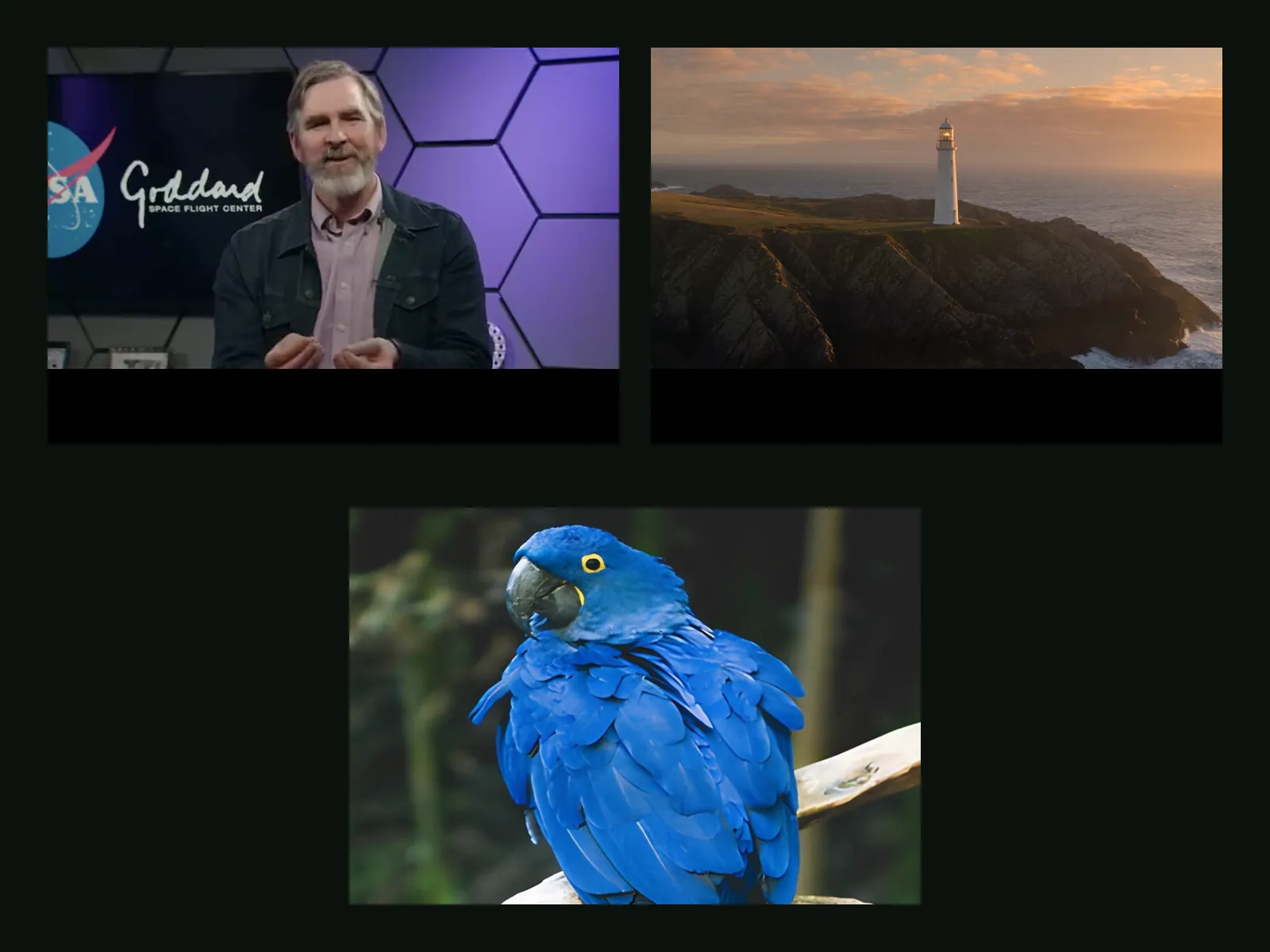
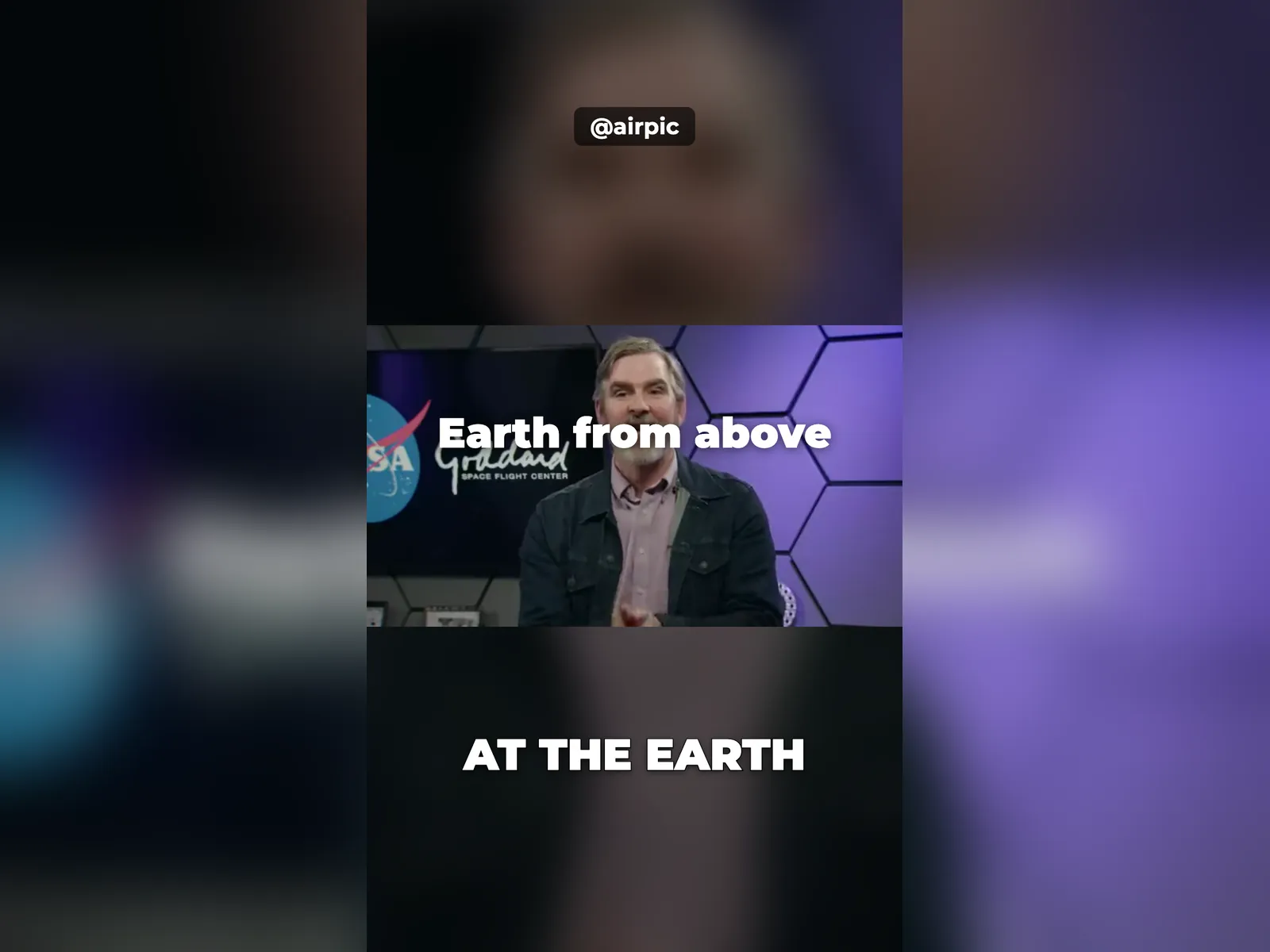 5 clips9:16 reel · subtitlesPress and hold to see the before
 320×240 px×4 · 1280×960 pxPress and hold to see the before