Animate a photo with AI: image to video in 5 or 10 s
Upload a photo and, if you like, describe how it should move in your own language. Our AI writes the camera and motion directions for the video model and you get a 5 or 10 second MP4, from €0.50 and with a refund if it fails.
Upload a photo and, if you like, describe how it should move in your own language.
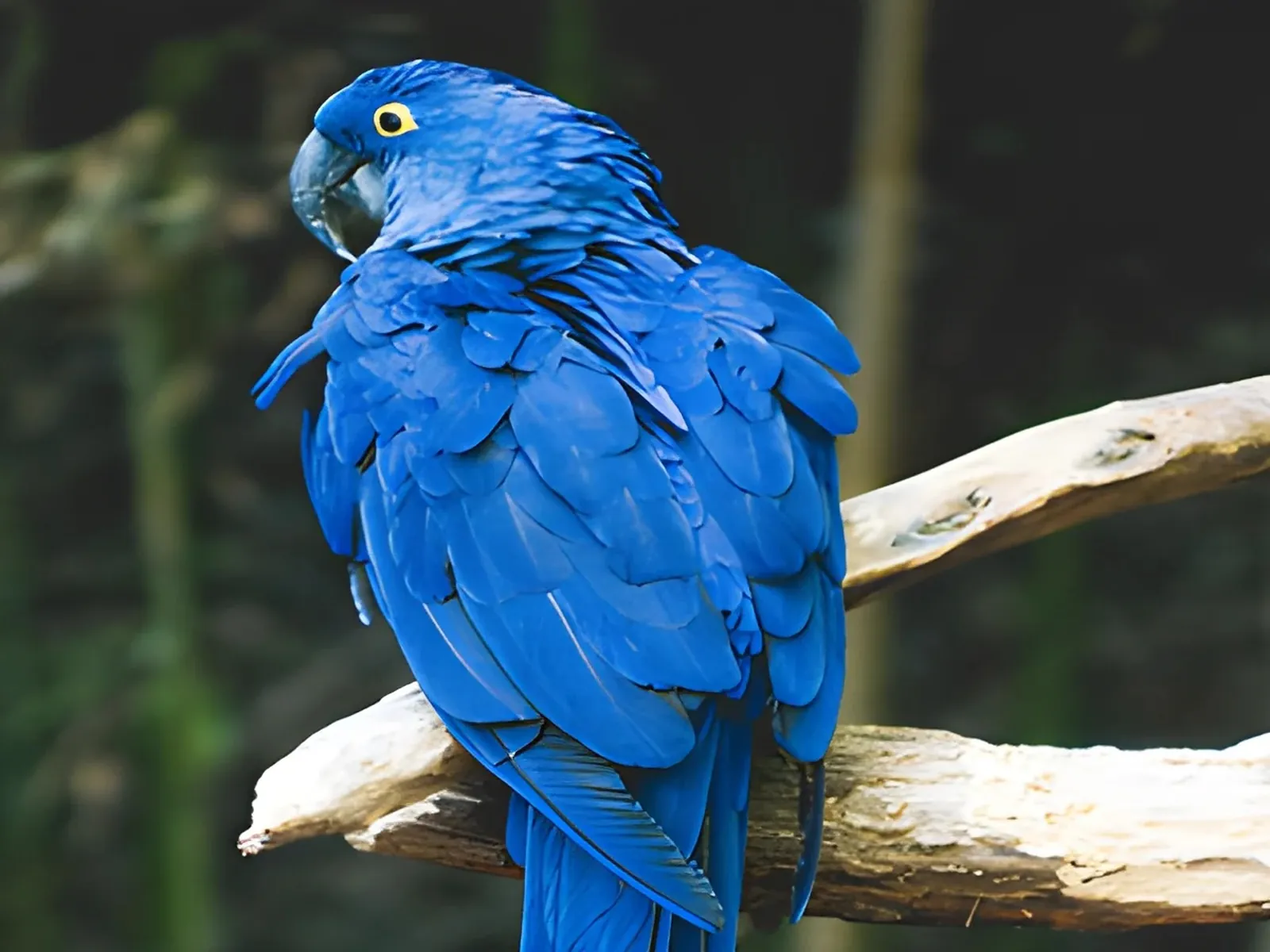 photo
photoHow it works
Upload the photo
JPG, PNG or WebP up to 10 MB. Landscapes, products, pets, illustrations or portraits: a clear subject and good light give the best motion.
Describe the motion (optional)
Write what should happen, for example "she smiles and her hair moves in the wind", or leave it empty. Our AI (Claude, by Anthropic) turns it into a cinematic English prompt and shows it to you exactly as the model receives it.
Generate and download
Pick Fast (768p) or Maximum quality (720p) and 5 or 10 seconds. Fast takes about 1-3 minutes; Maximum quality about 6-7 minutes. The MP4 download is already included.
✓ Works best with
- Landscapes, skies and water with gentle, natural motion.
- Product shots with a slow camera move.
- Portraits and family photos in Fast mode.
✗ Can't recover
- Can't use real people in Maximum quality: the provider rejects them.
- Can't keep tiny text or logos perfectly sharp while they move.
- Can't make clips longer than 10 seconds.
Frequently asked questions
How do I turn a photo into a video with AI?
Upload the image, describe the movement or let the AI suggest it, choose length and quality and press Generate video. The model keeps your photo as the first frame and adds camera and subject motion, and you download a 5 or 10 second MP4.
How much does it cost to animate a photo?
You pay with prepaid AI credits (1 AI credit = €0.10). Fast (MiniMax H3 Max, 768p): 5 credits (€0.50) for 5 s and 12 (€1.20) for 10 s. Maximum quality (Seedance 2.5, 720p): 18 credits (€1.80) for 5 s and 36 (€3.60) for 10 s. Credits are deducted when you generate and refunded automatically if the video fails. Packs: €10 for 100 credits, €24 for 250, €45 for 500.
How long does it take?
Fast mode takes about 1-3 minutes. Maximum quality takes about 6-7 minutes, in exchange for more detail and more natural motion.
Can I animate a portrait or an old family photo?
Yes, with Fast mode. Maximum quality (Seedance) does not accept photos of real people: the provider rejects them for privacy and your credits are refunded. Only upload photos of people who have given their consent.
Where does my photo go?
This tool does not run in the EU. Your photo and description go to the video model provider: MiniMax (Singapore, international API) or BytePlus ModelArk (Seedance, by ByteDance, Johor, Malaysia), and to Anthropic (Claude) to write the prompt. Airpic does not keep the video: it is deleted 1 hour after download, 24 h at most.
Can I use the video commercially?
Yes, within the video model provider's terms, as long as you have the rights to the source photo. Explicit content is not allowed and the provider may reject a request; if it does, your credits come back. We give no legal guarantees about the output: if the use is sensitive, check first.
More tools in the suite
 320×240 px×4 · 1280×960 pxPress and hold to see the before
 originalno background · 5 sPress and hold to see the before
 1.2 MB208 KB · −83 %Press and hold to see the before
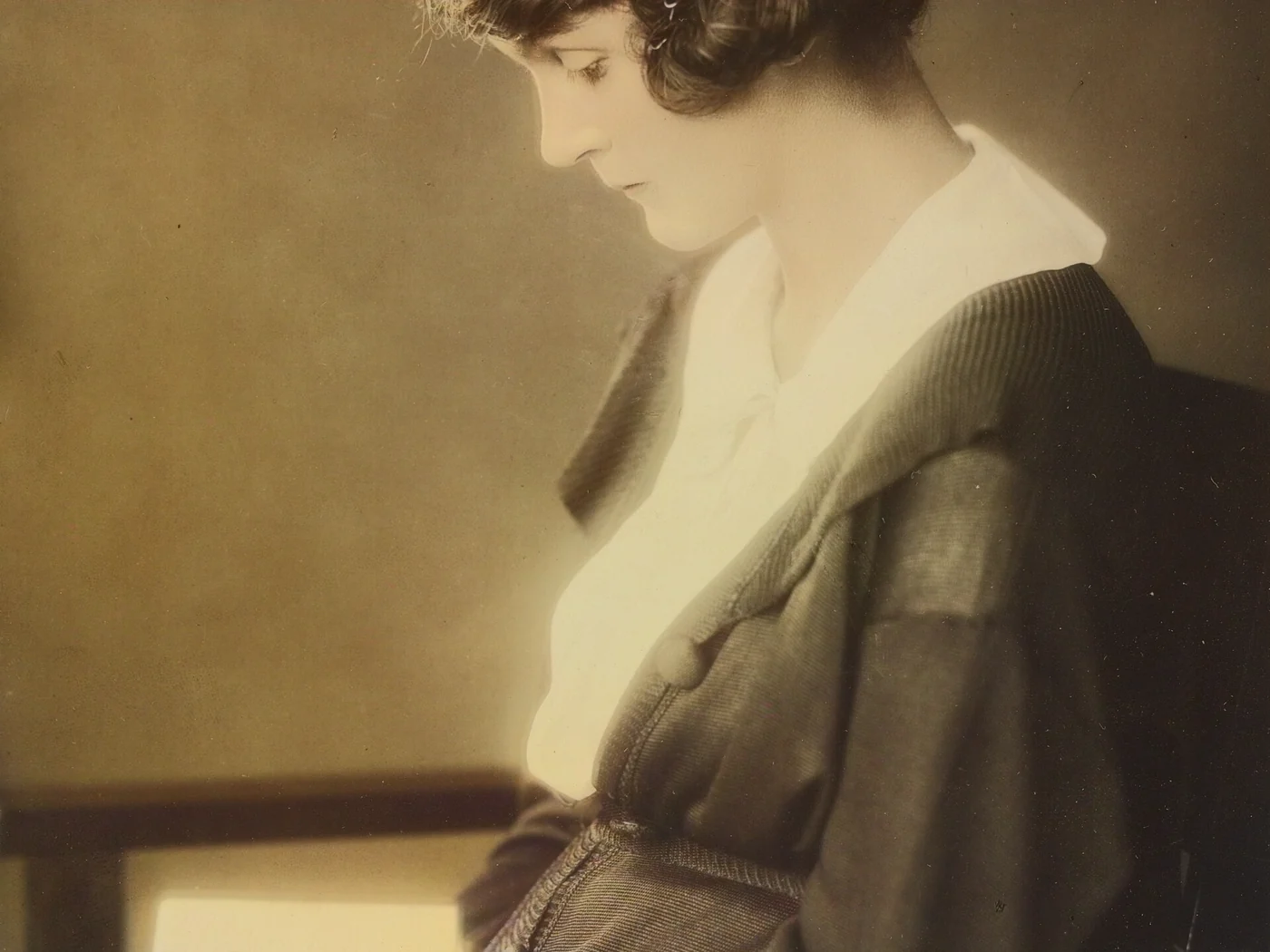 black & whiteAI color · 3 sPress and hold to see the before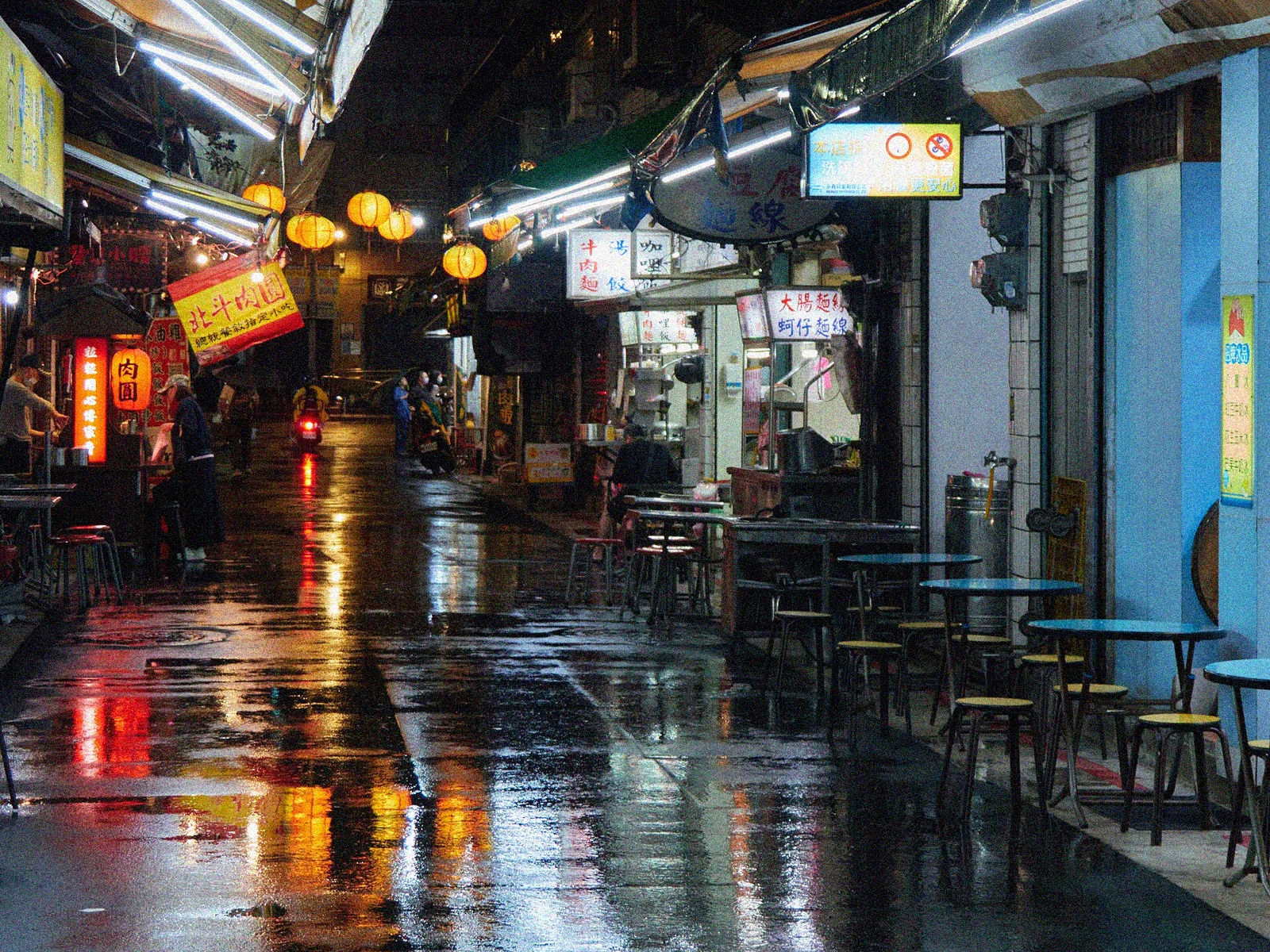
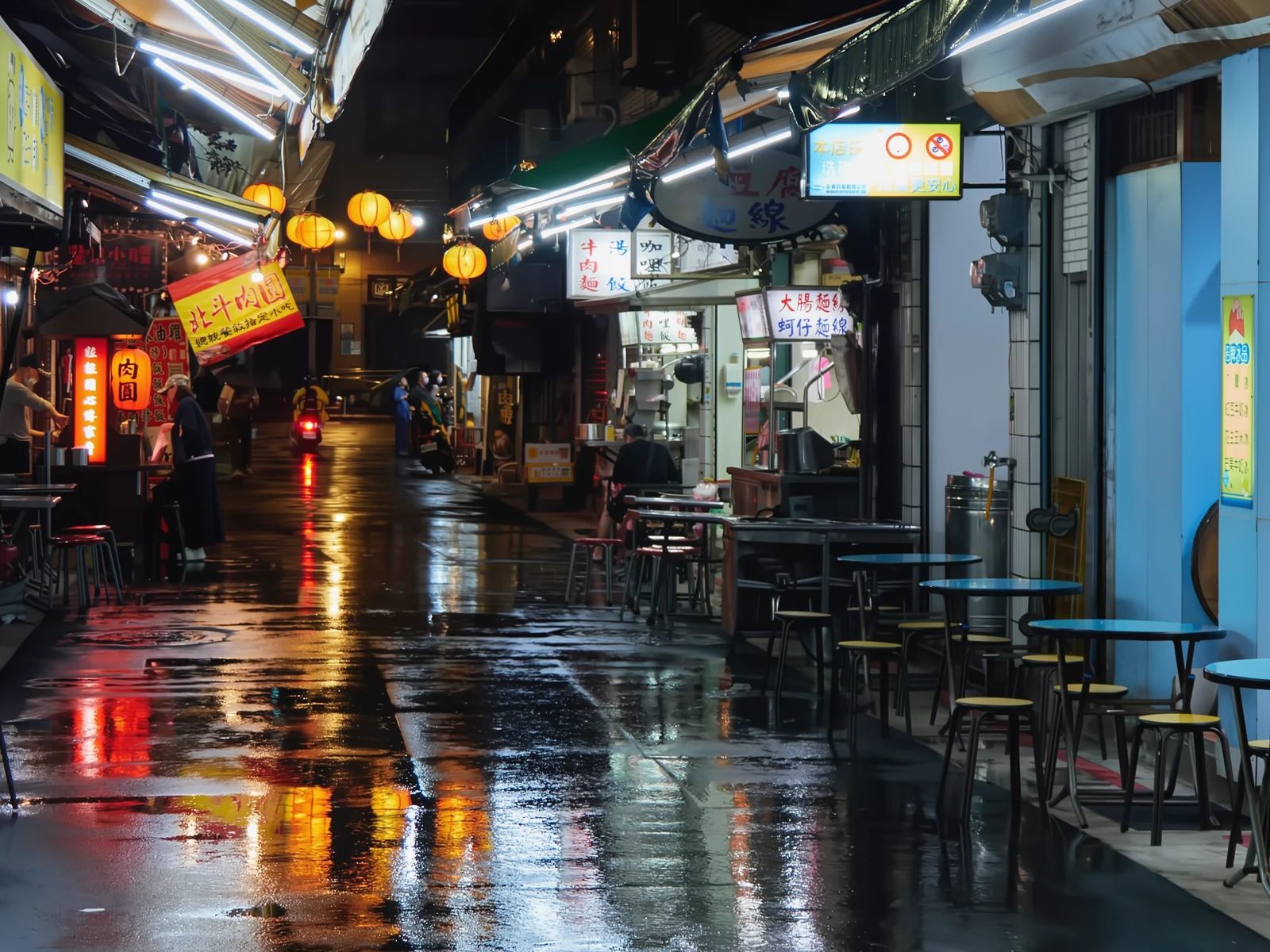 noisyclean · 5 sPress and hold to see the before
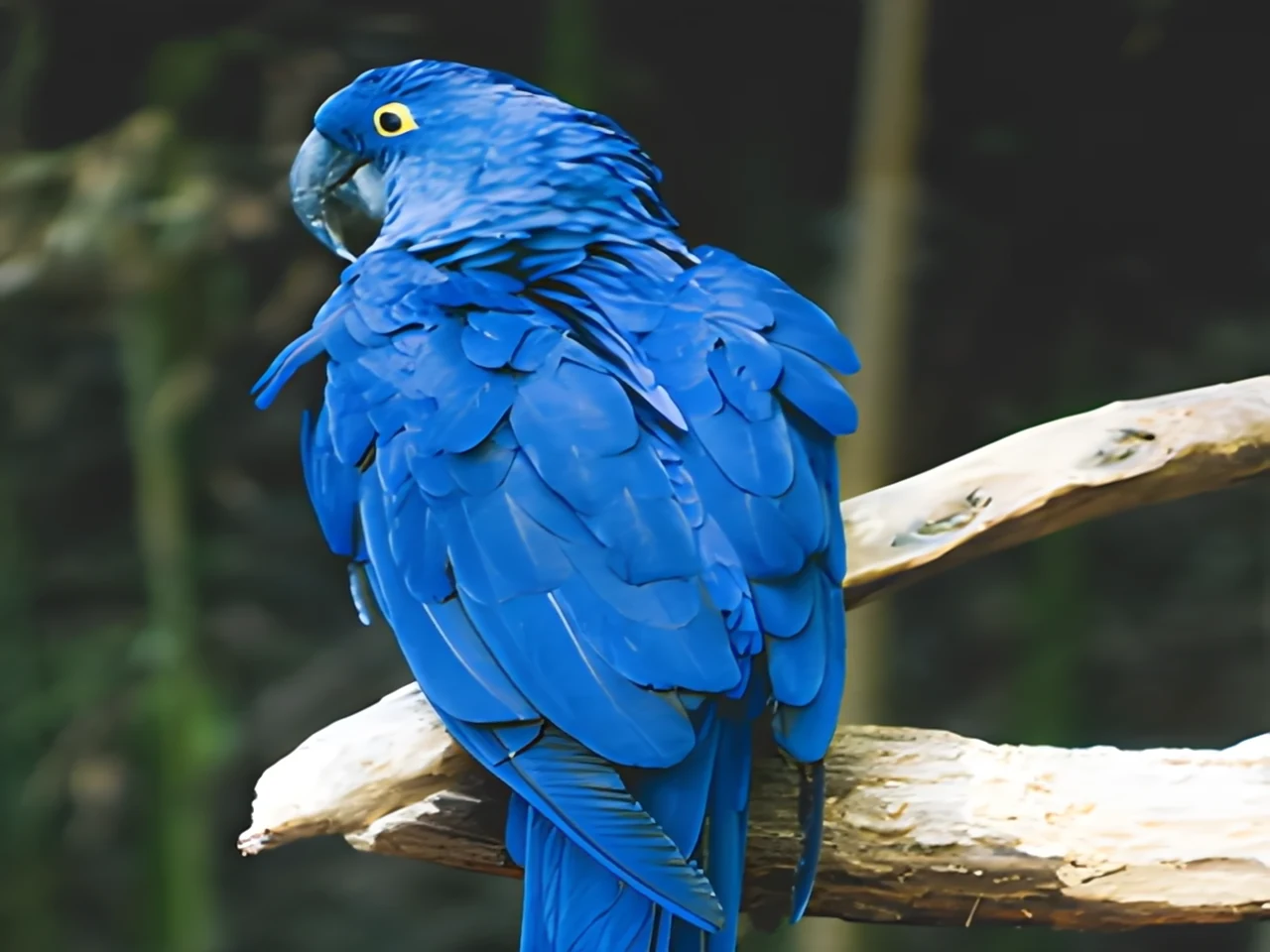 blurry · 29 pxsharp · 7 sPress and hold to see the before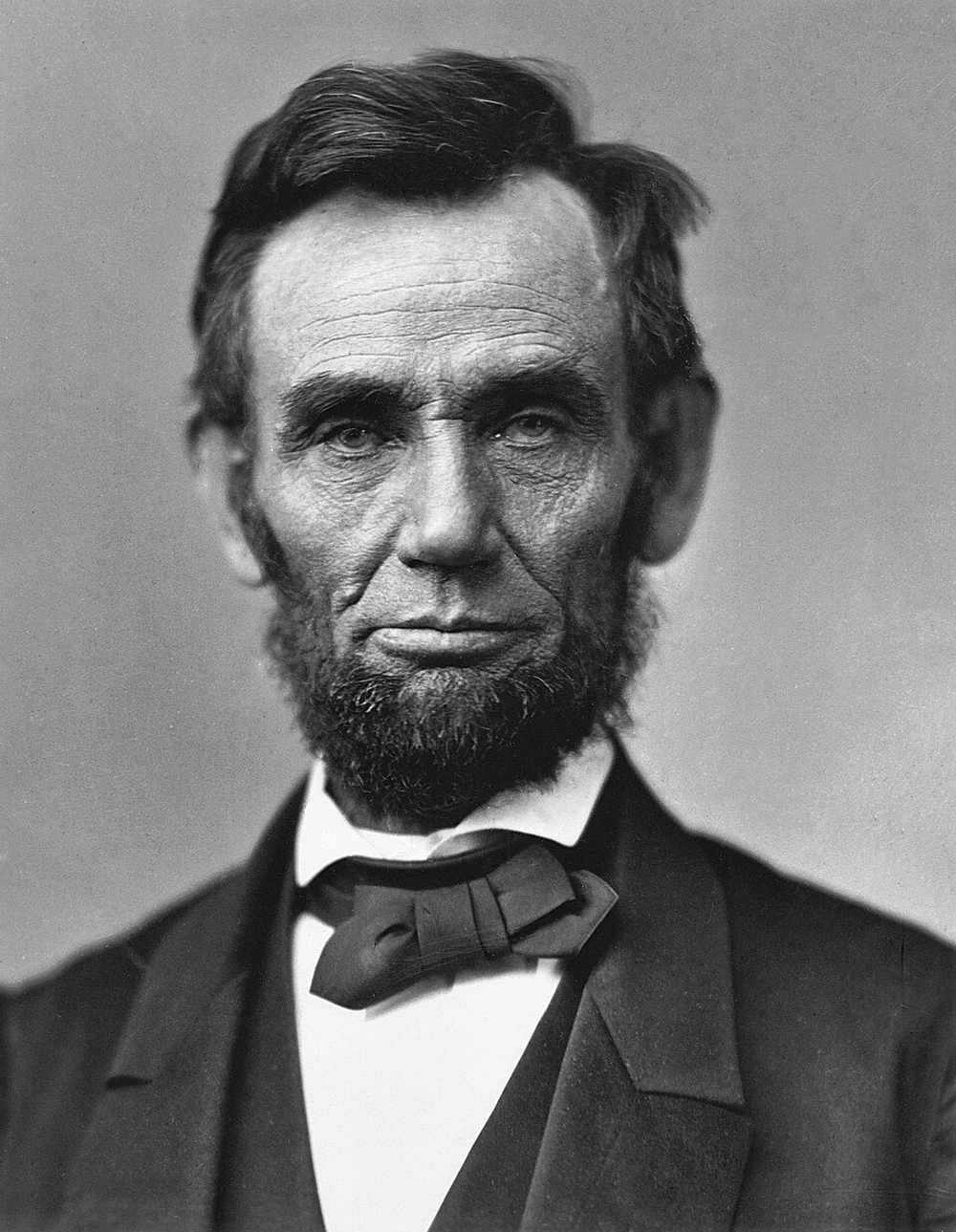
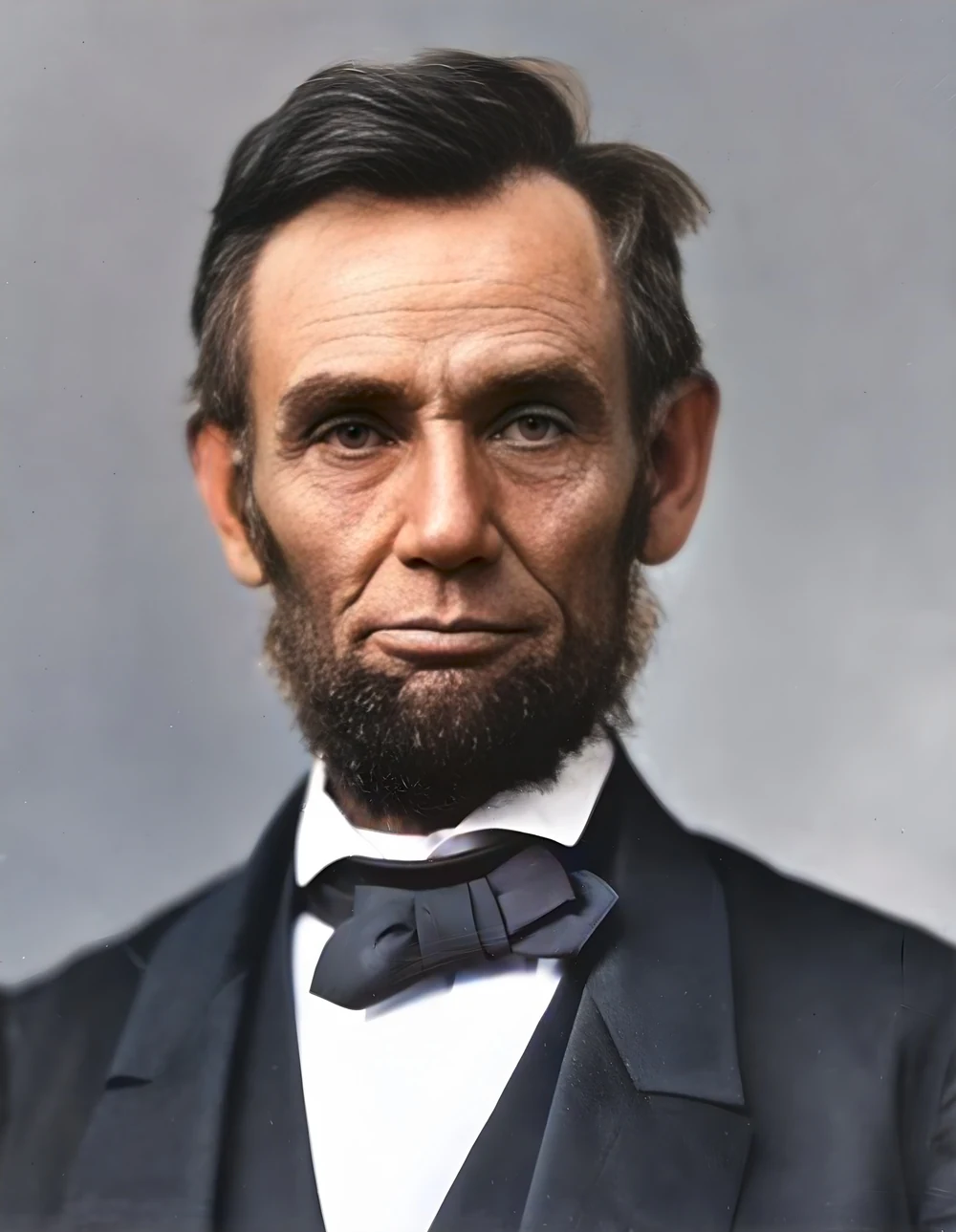 scan · 1863restored · 9 sPress and hold to see the before
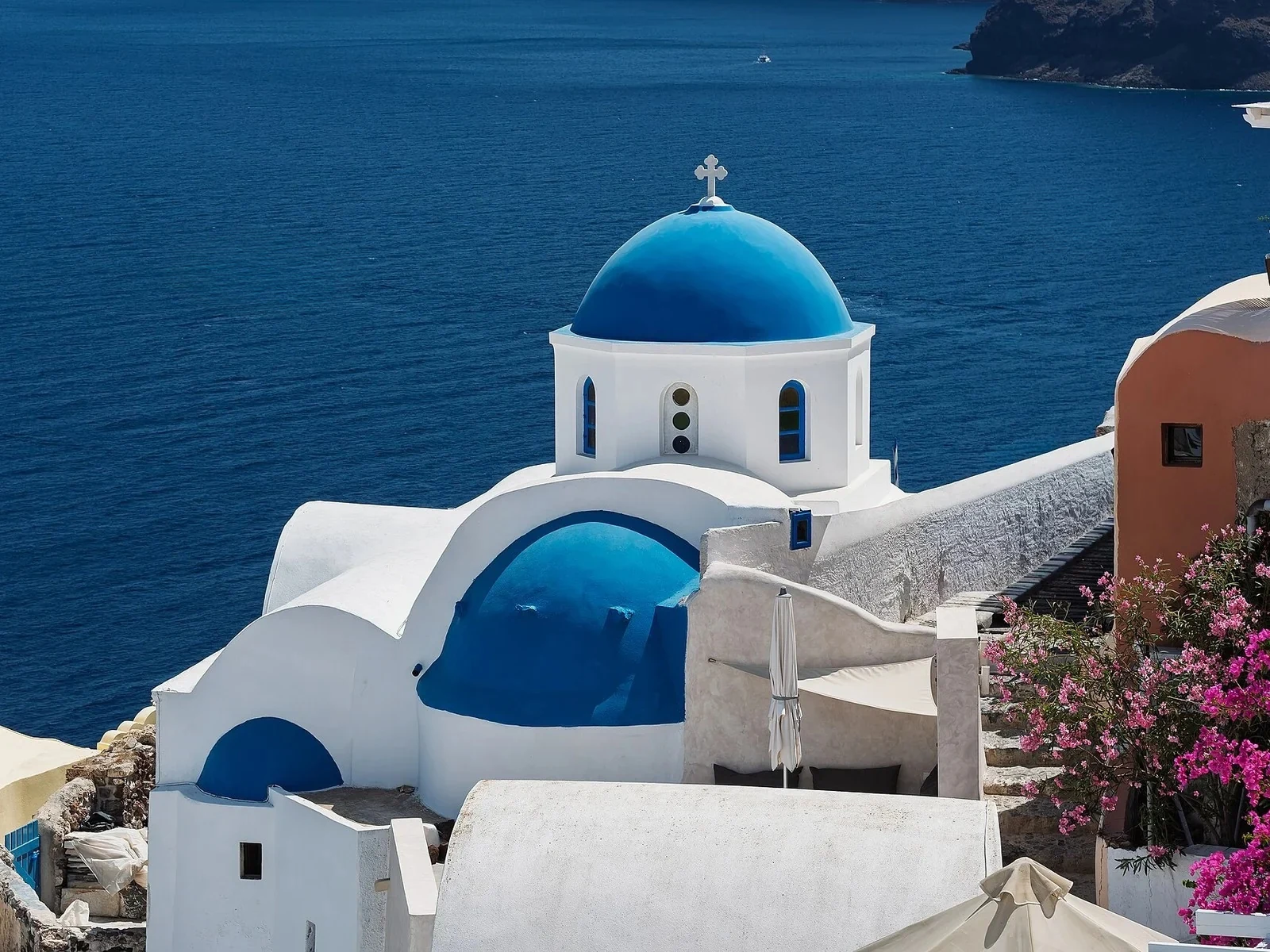 with objectclean · 3 sPress and hold to see the before
 video · 3:00text + SRT · 24 sPress and hold to see the before
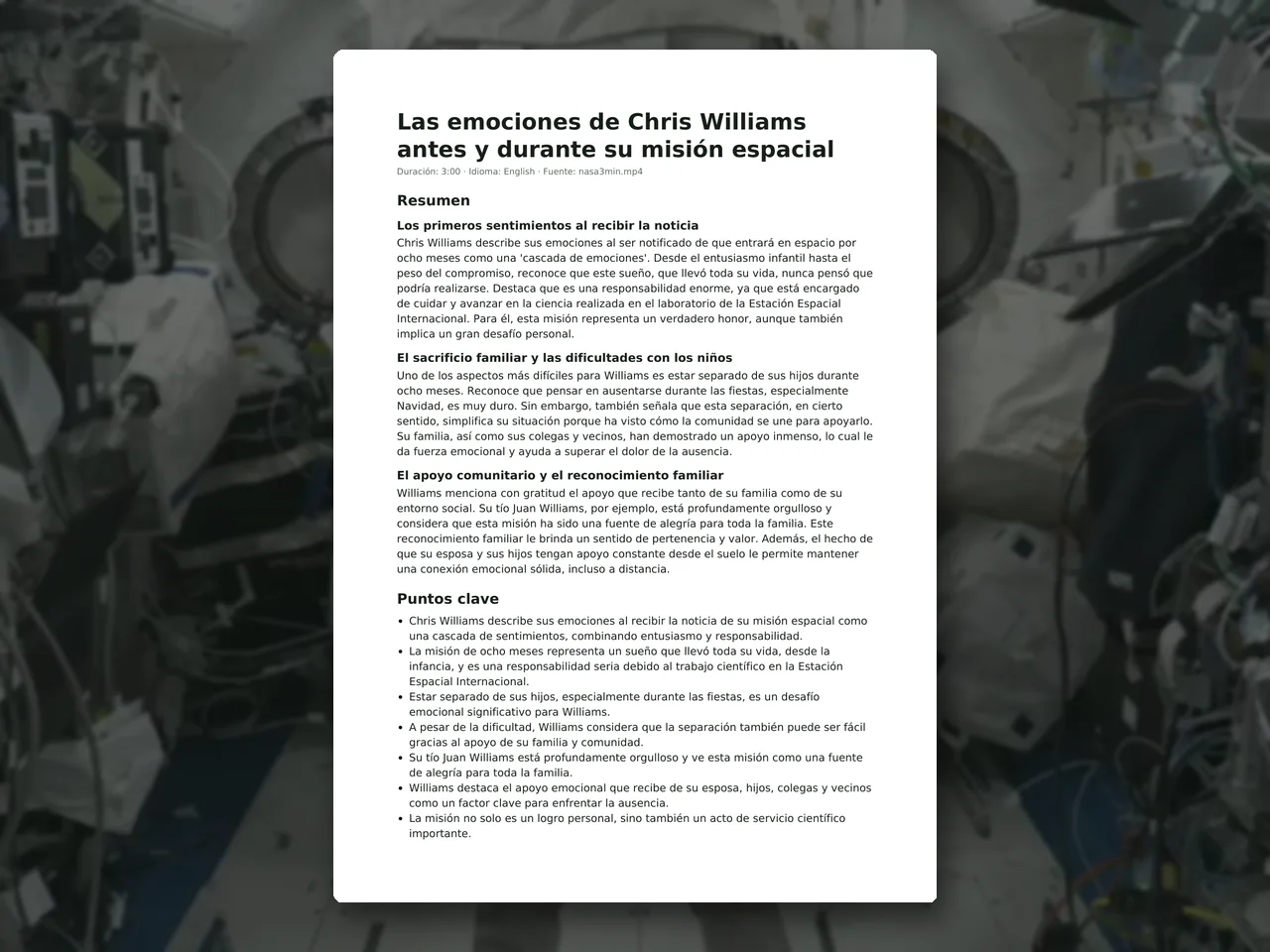 video · 6:38document · 169 sPress and hold to see the before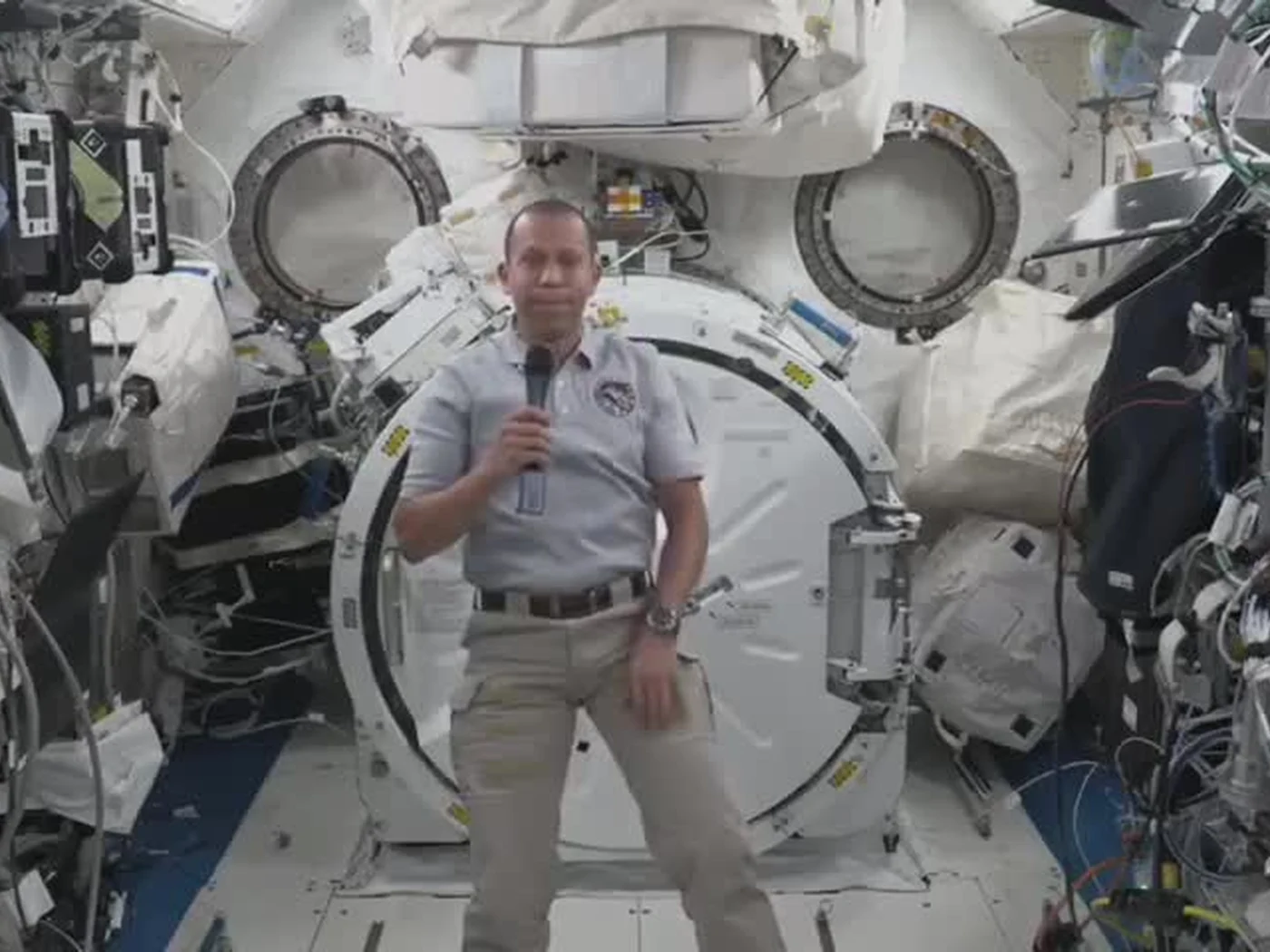
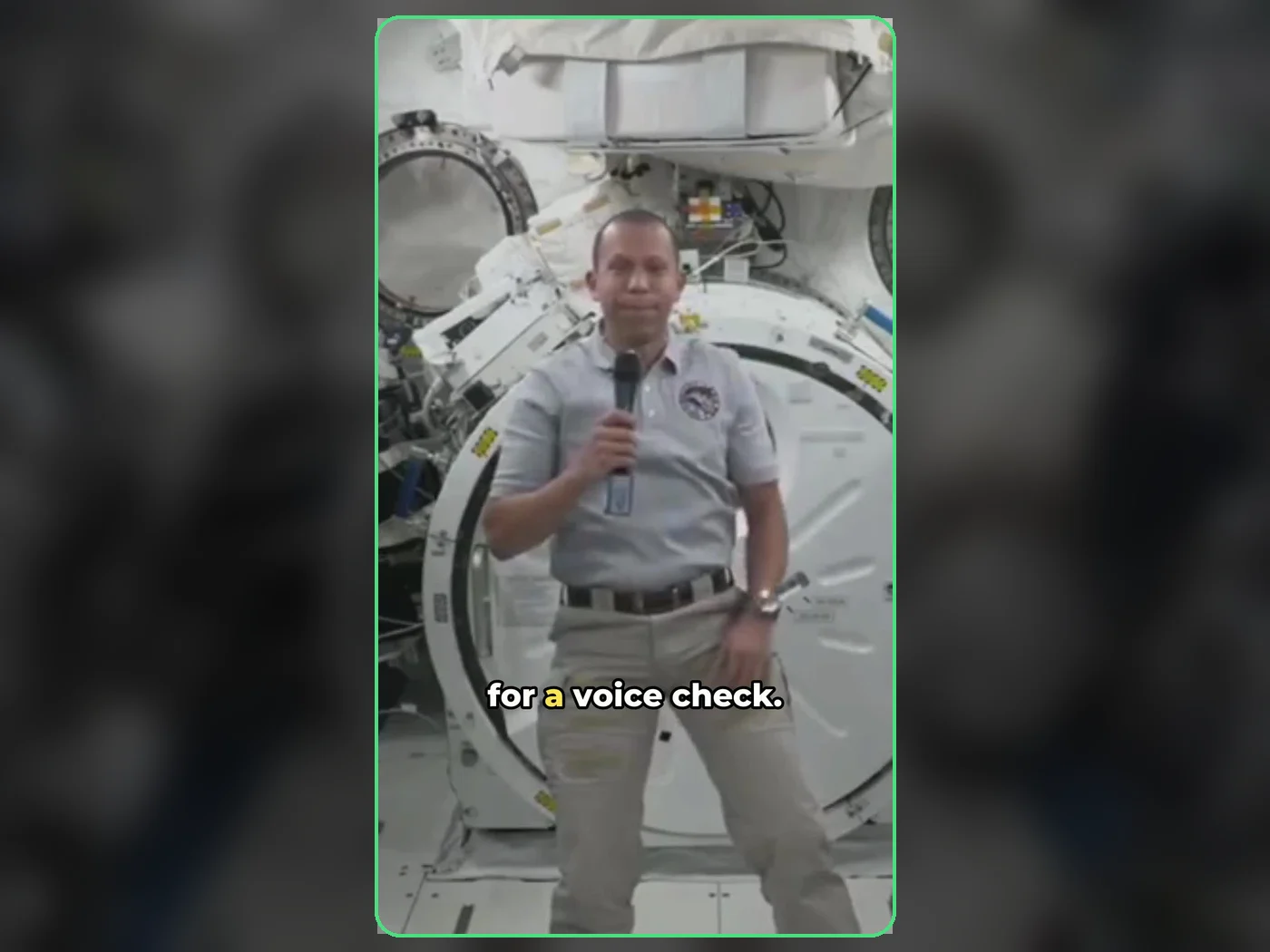 long video · 4:009:16 shorts · 2 × 31-33 sPress and hold to see the before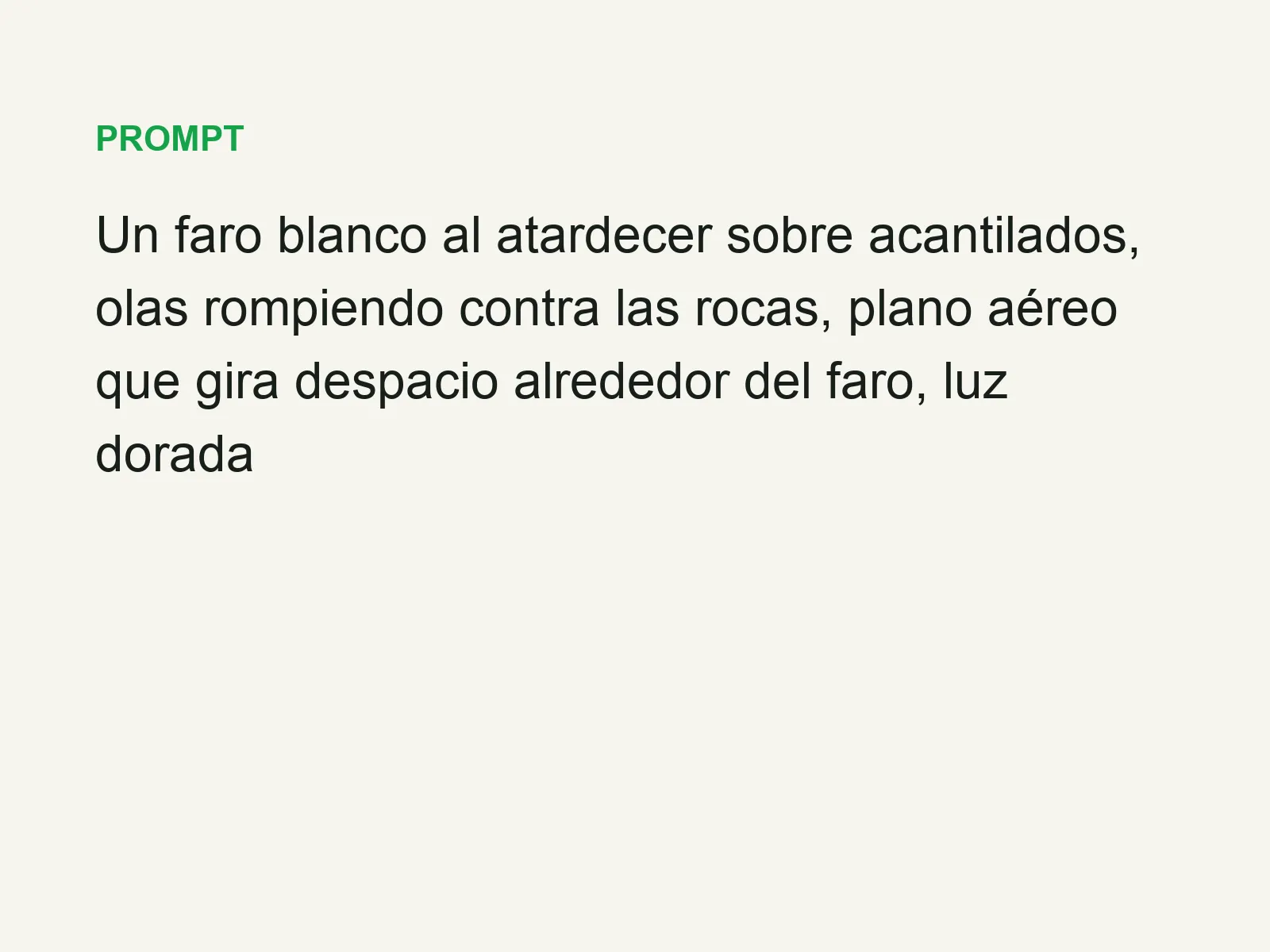
 text16:9 video · 5 sPress and hold to see the before
 480p clip4K · 2160pPress and hold to see the before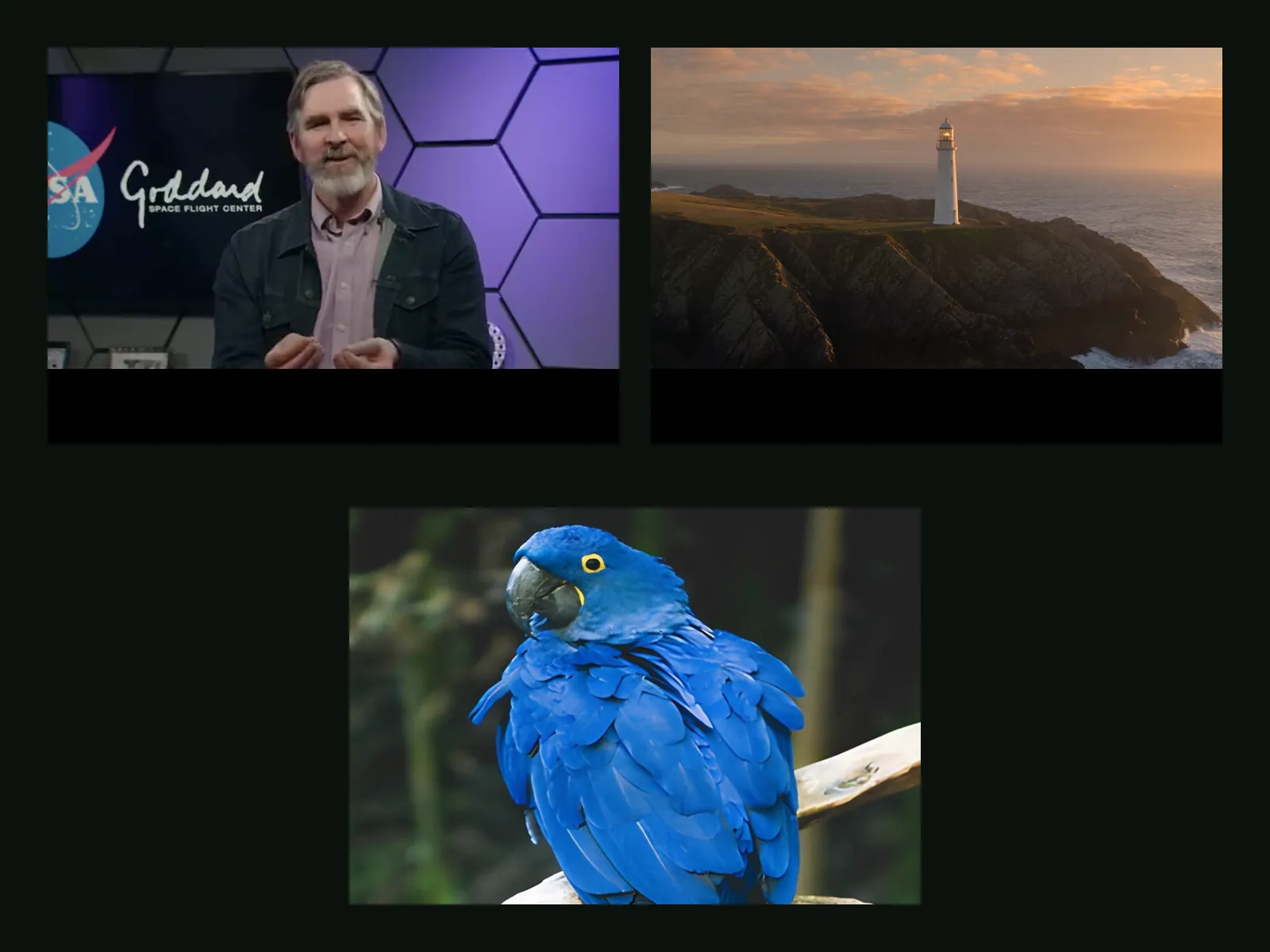
 5 clips9:16 reel · subtitlesPress and hold to see the before
 320×240 px×4 · 1280×960 pxPress and hold to see the before