Fix shaky and out-of-focus photos with AI
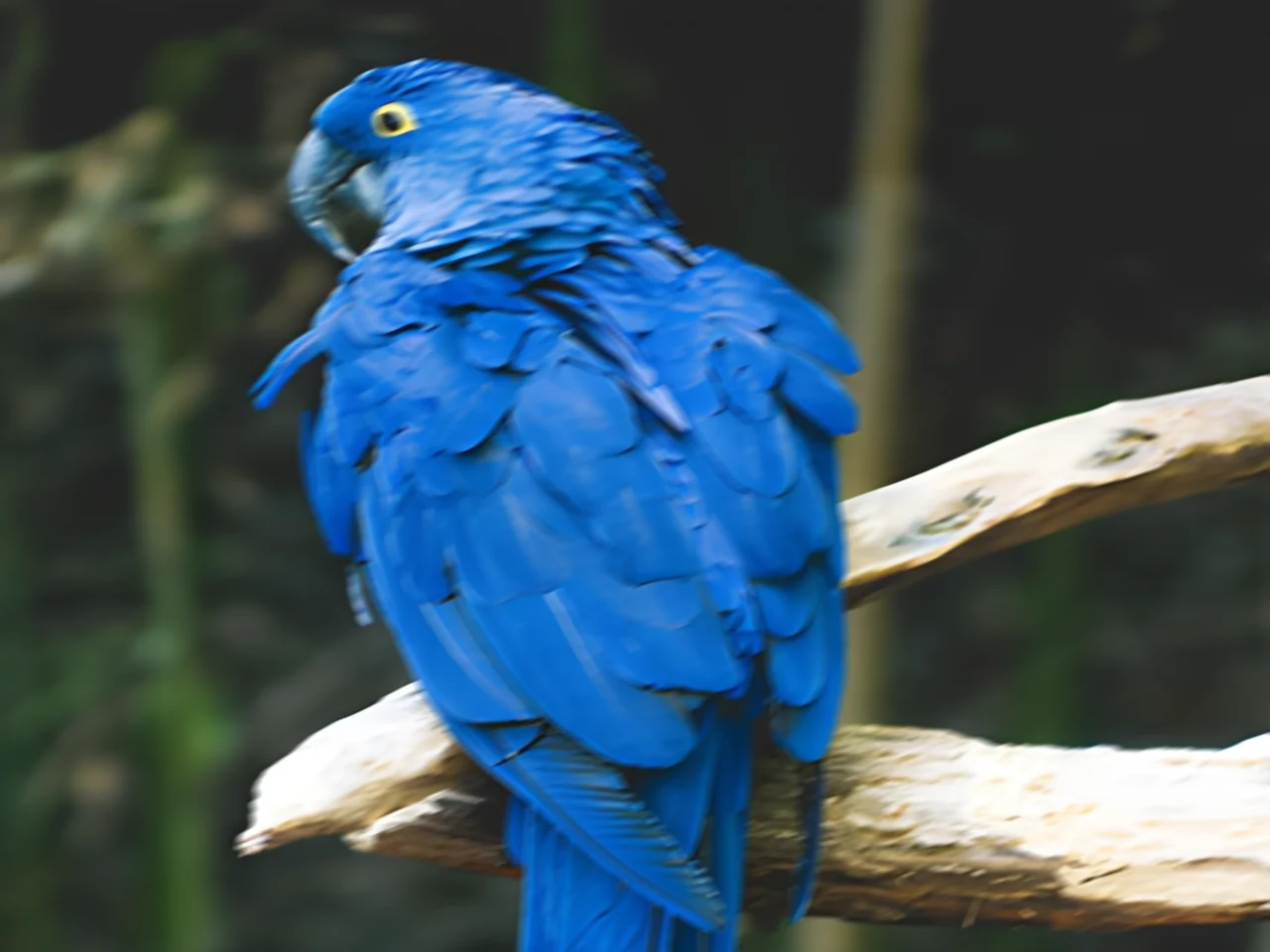
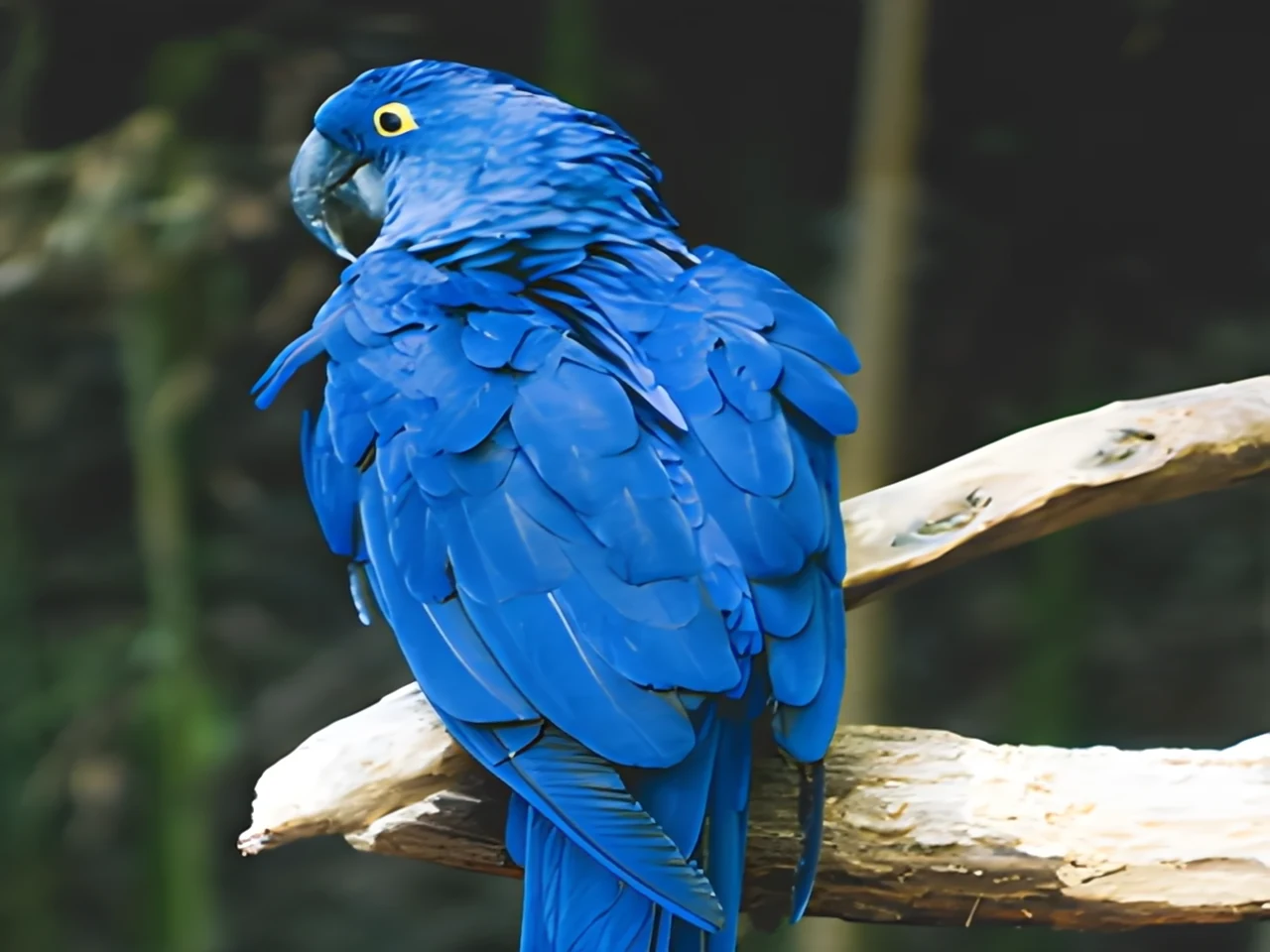
Recover the sharpness of blurred or out-of-focus shots. Restormer rebuilds real edges and textures; you choose the blur type and the strength.
Recover the sharpness of blurred or out-of-focus shots.

How it works
Upload the blurry photo
Camera shake, moving subject or missed focus. JPG, PNG, WebP, HEIC.
Pick the blur type and strength
“Motion blur” for shake and streaks; “Out of focus” for optical blur. Strength blends the result with the original.
Download the sharp photo
Same size, colour profile preserved. Deleted 1 hour after download.
✓ Works best with
- Light to moderate blur
- Motion blur in one clear direction
- A recognisable subject with visible shapes
✗ Can't recover
- Double images (ghosting)
- Very strong blur, such as bokeh
- Text with no legible strokes: it cannot rebuild what is not there
We measured it
- A 1600 × 1200 px photo with 29 pixels of motion blur, sharpened in 7 seconds. (19-09-2026)
Measured on airpic.app with the GPU already running. If nobody has used it for a while, the first job takes 40 to 90 seconds longer to start.
Frequently asked questions
Which kinds of blur does it fix?
The two most common: motion (camera or subject moving during the exposure) and defocus (focus landed on the wrong spot). Each has its own purpose-trained Restormer model.
Can it invent detail?
It rebuilds what the blur smeared; it does not invent faces or text. For extreme blur the result is cleaner but not perfect: lower the strength for a more natural look.
How long does it take?
A few seconds when the engine is warm, plus 1-2 minutes if it starts cold; it depends on the megapixels (up to 25 MP). The bar estimates the time left.
Can I combine it with other tools?
Yes: unblur first, then Upscale for more resolution or Denoise if the photo is grainy.
Do you keep my photos?
No. They are processed and deleted: 1 hour after download, 24 h at most. No copies, no thumbnails.
Is it free to sharpen a blurry photo?
Processing and previewing the result is free, with no account. You get 1 free full-size download every month; after that you pay with credits that never expire, no subscription.
How do I know if my photo has motion blur or is out of focus?
When you upload it, Airpic analyses the image and suggests the type: “Motion blur” if edges are dragged in one direction, “Out of focus” if everything is evenly soft. You can switch and compare.
More tools in the suite
 320×240 px×4 · 1280×960 pxPress and hold to see the before
 originalno background · 5 sPress and hold to see the before
 1.2 MB208 KB · −83 %Press and hold to see the before
 black & whiteAI color · 3 sPress and hold to see the before
 noisyclean · 5 sPress and hold to see the before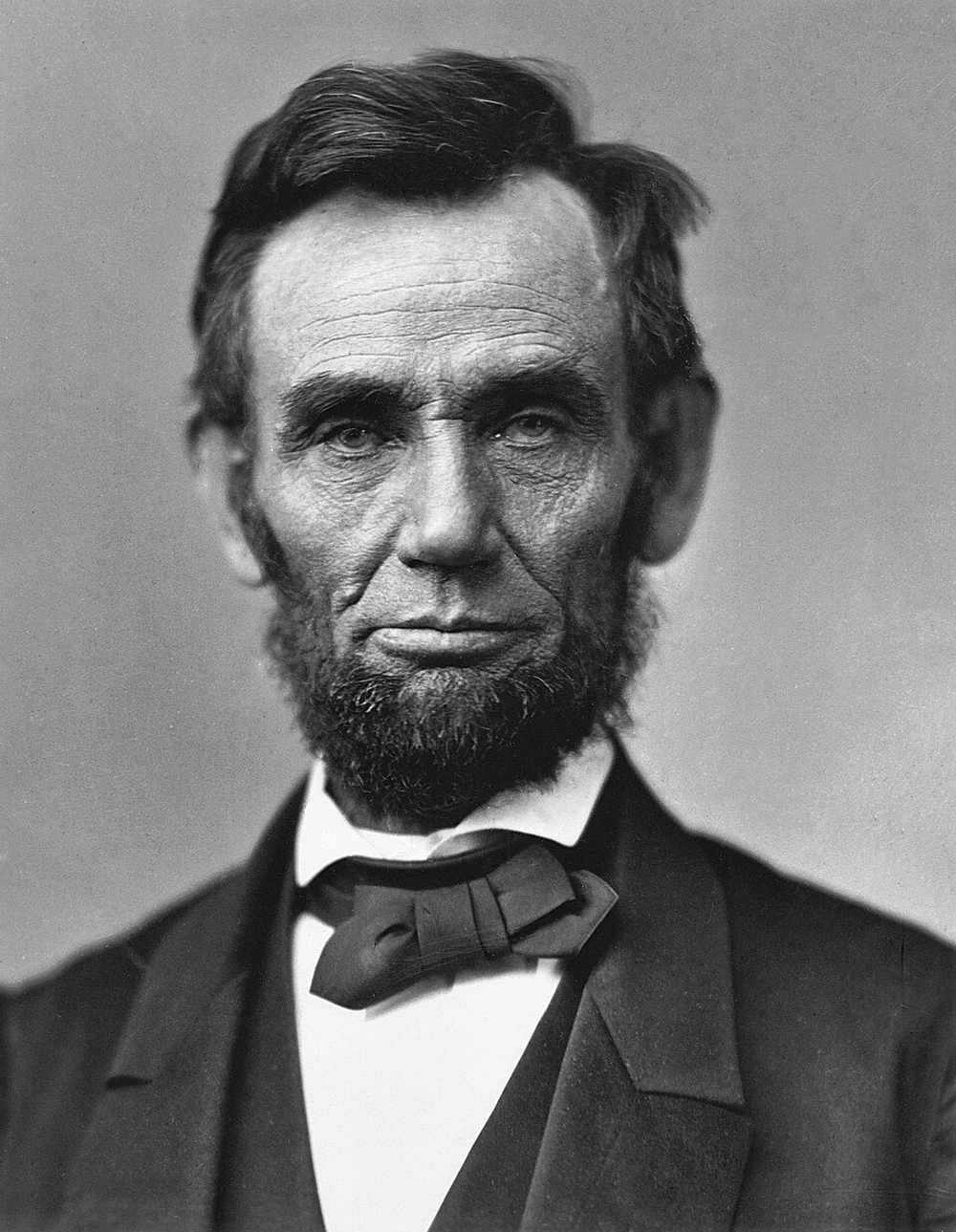
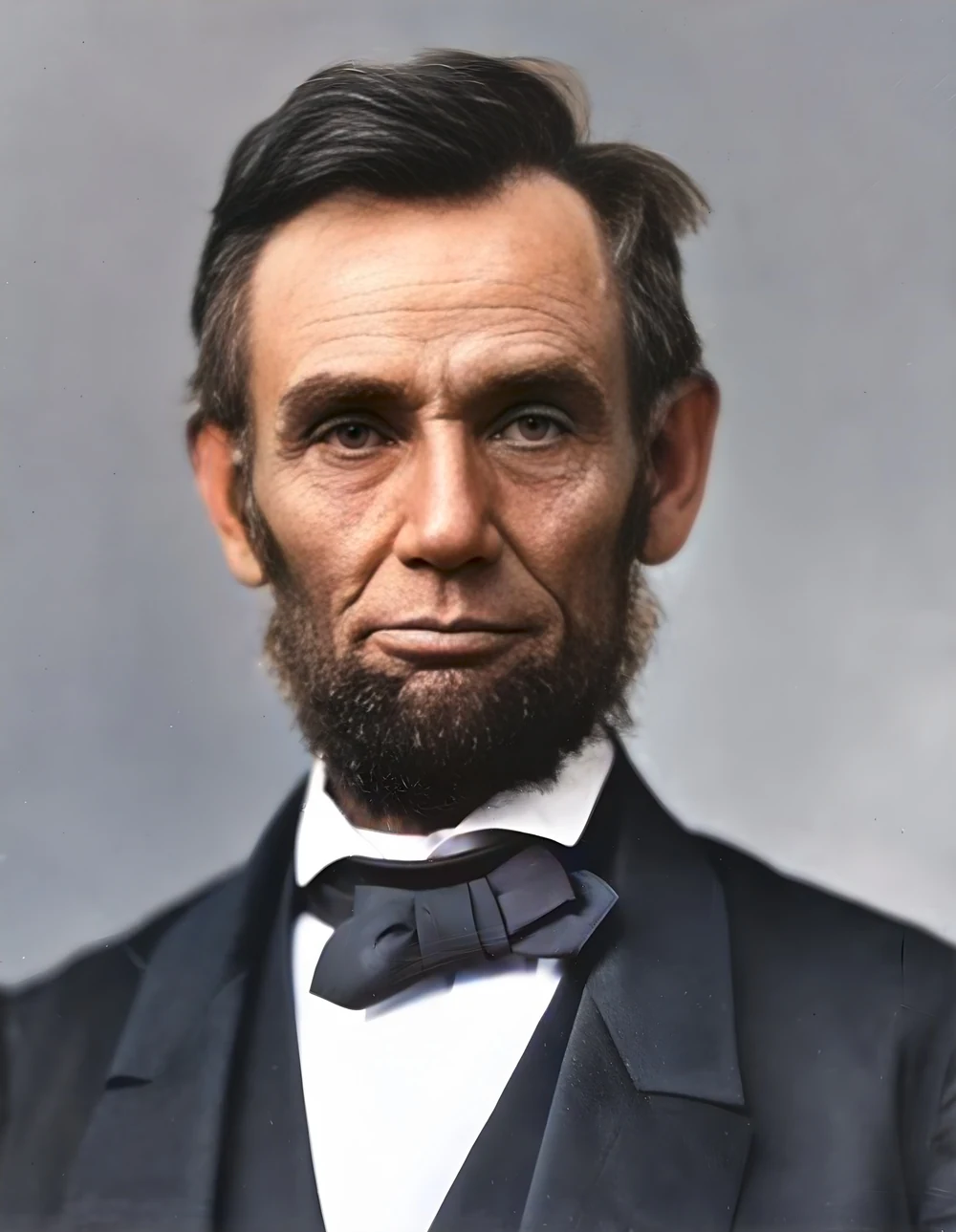 scan · 1863restored · 9 sPress and hold to see the before
 with objectclean · 3 sPress and hold to see the before
 video · 3:00text + SRT · 24 sPress and hold to see the before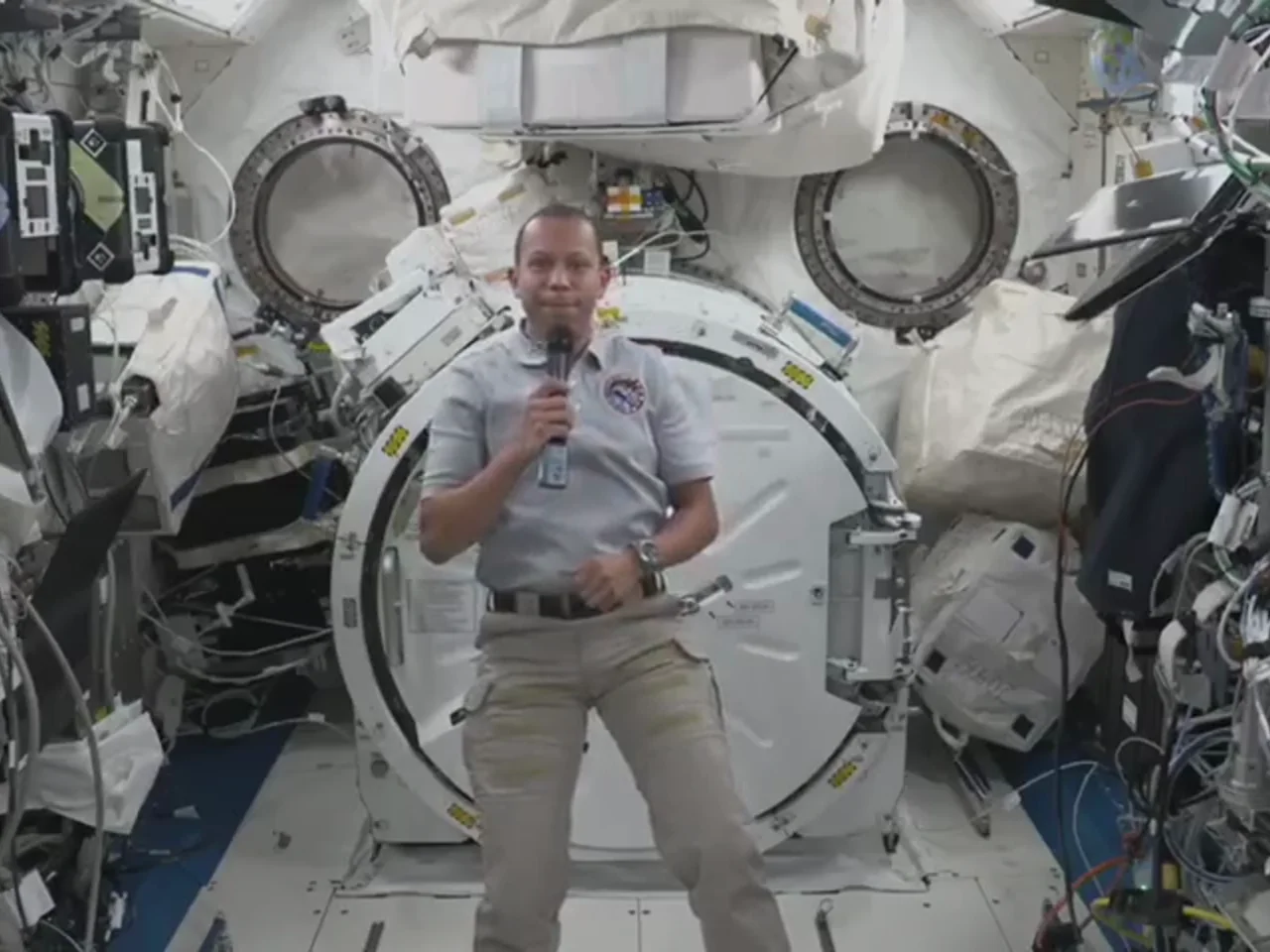
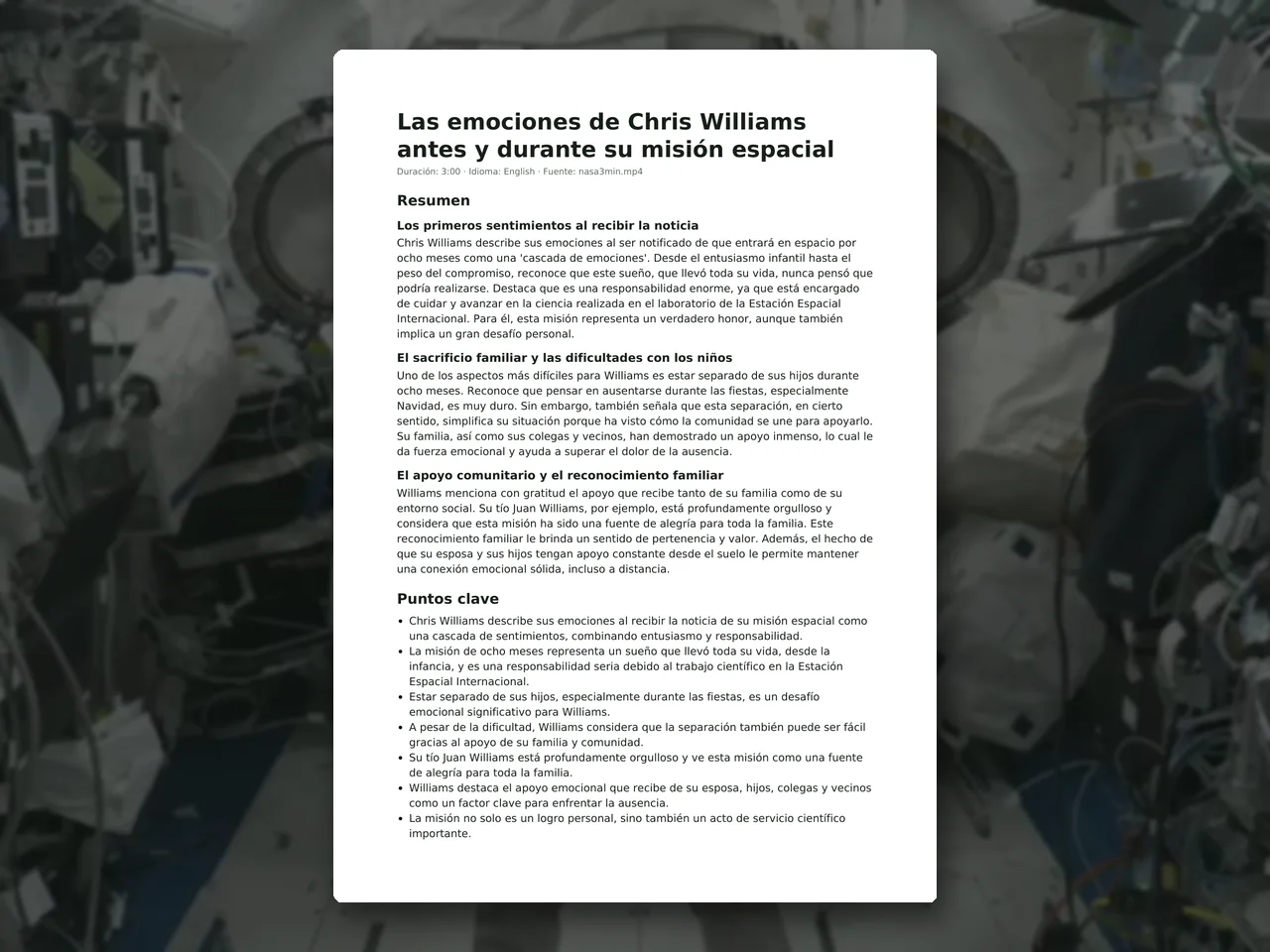 video · 6:38document · 169 sPress and hold to see the before
 long video · 4:009:16 shorts · 2 × 31-33 sPress and hold to see the before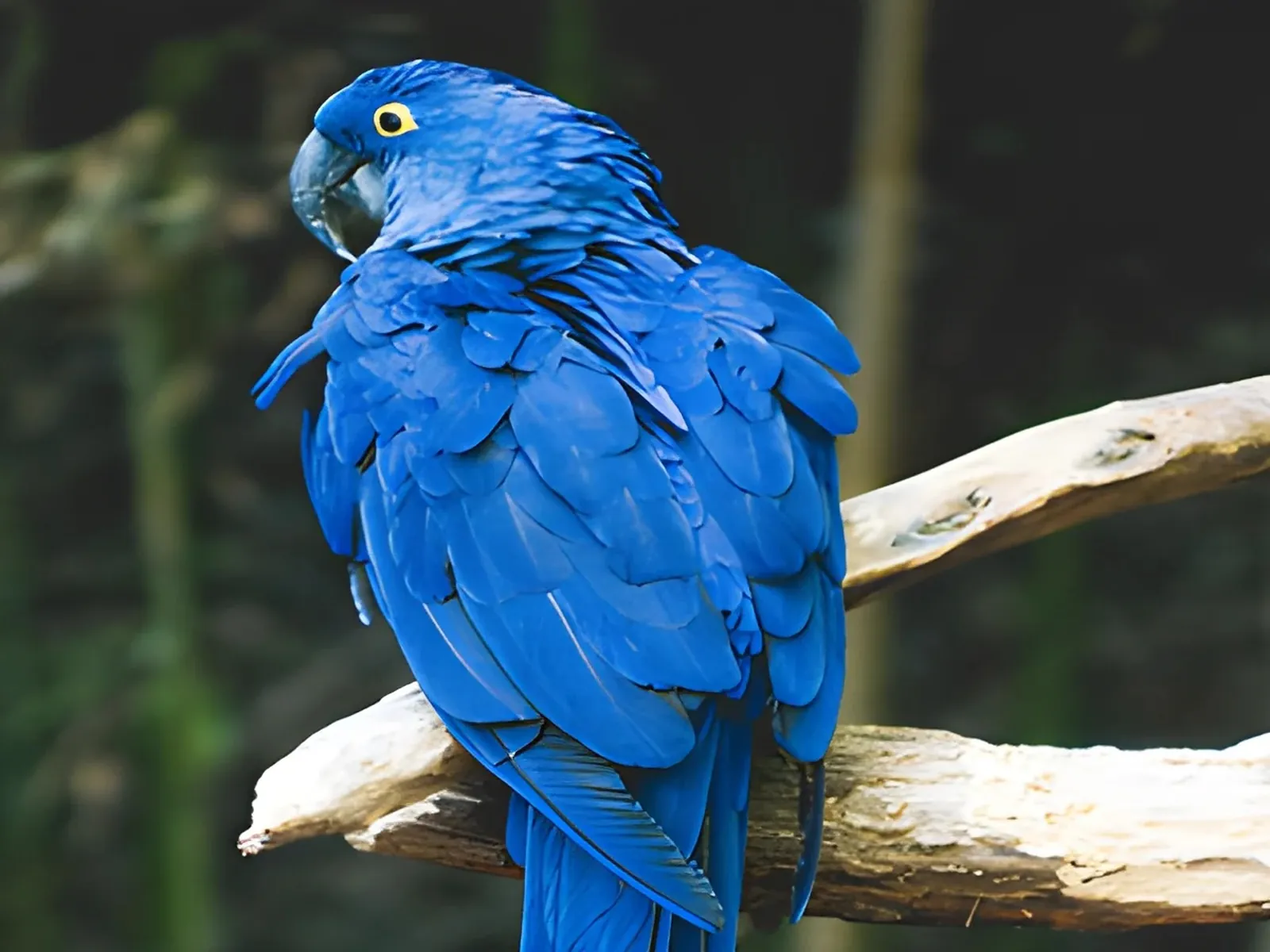
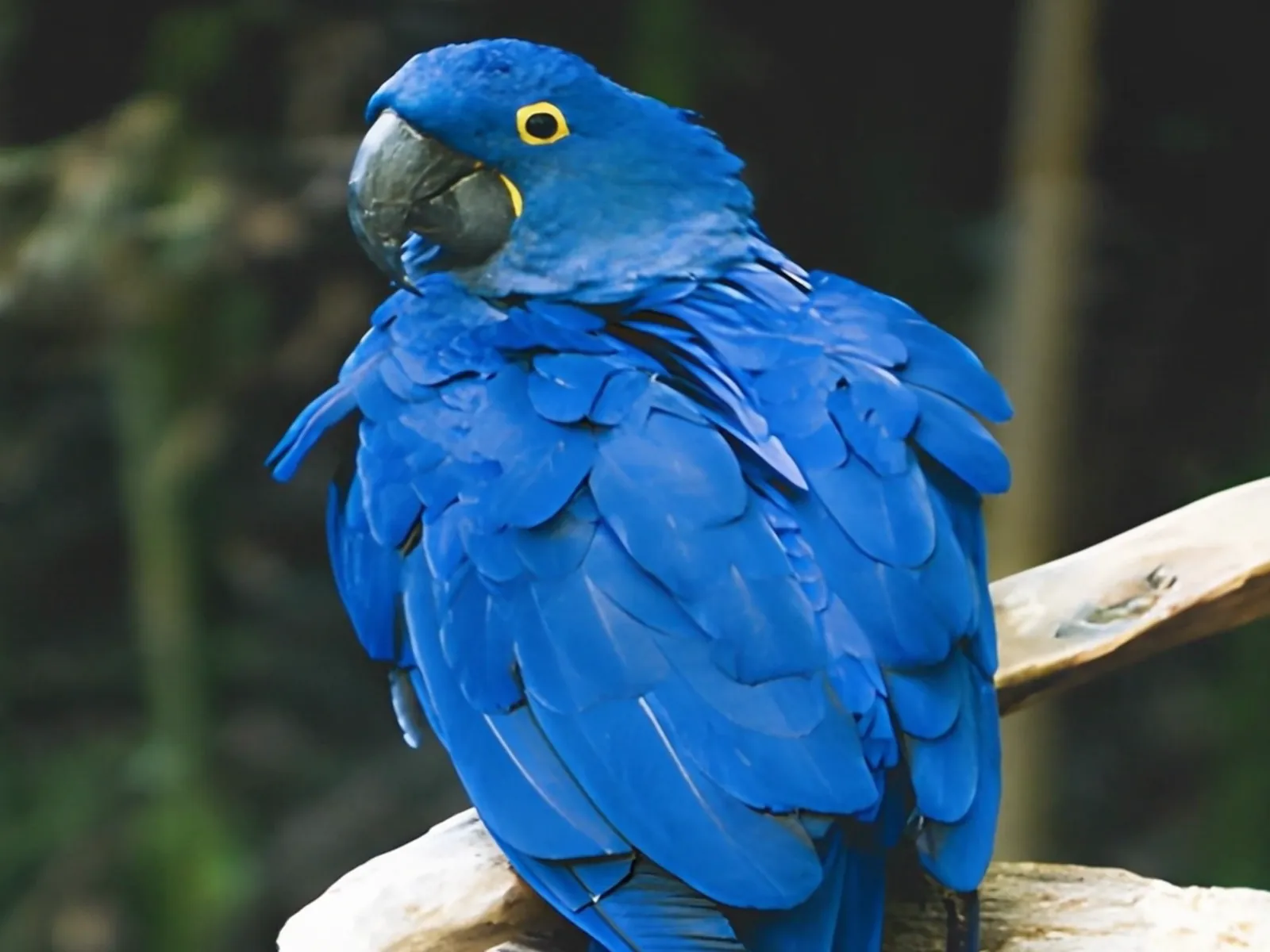 photo5 s videoPress and hold to see the before
 text16:9 video · 5 sPress and hold to see the before
 480p clip4K · 2160pPress and hold to see the before
 5 clips9:16 reel · subtitlesPress and hold to see the before
 320×240 px×4 · 1280×960 pxPress and hold to see the before