Restore old photos: sharp faces and colour with AI
Bring scanned portraits and family photos back: faces rebuilt with GFPGAN, background cleaned and upscaled ×2 with Real-ESRGAN and, if you want, natural colour with DDColor.
Bring scanned portraits and family photos back: faces rebuilt with GFPGAN, background cleaned and upscaled ×2 with Real-ESRGAN and, if you want, natural colour with DDColor.
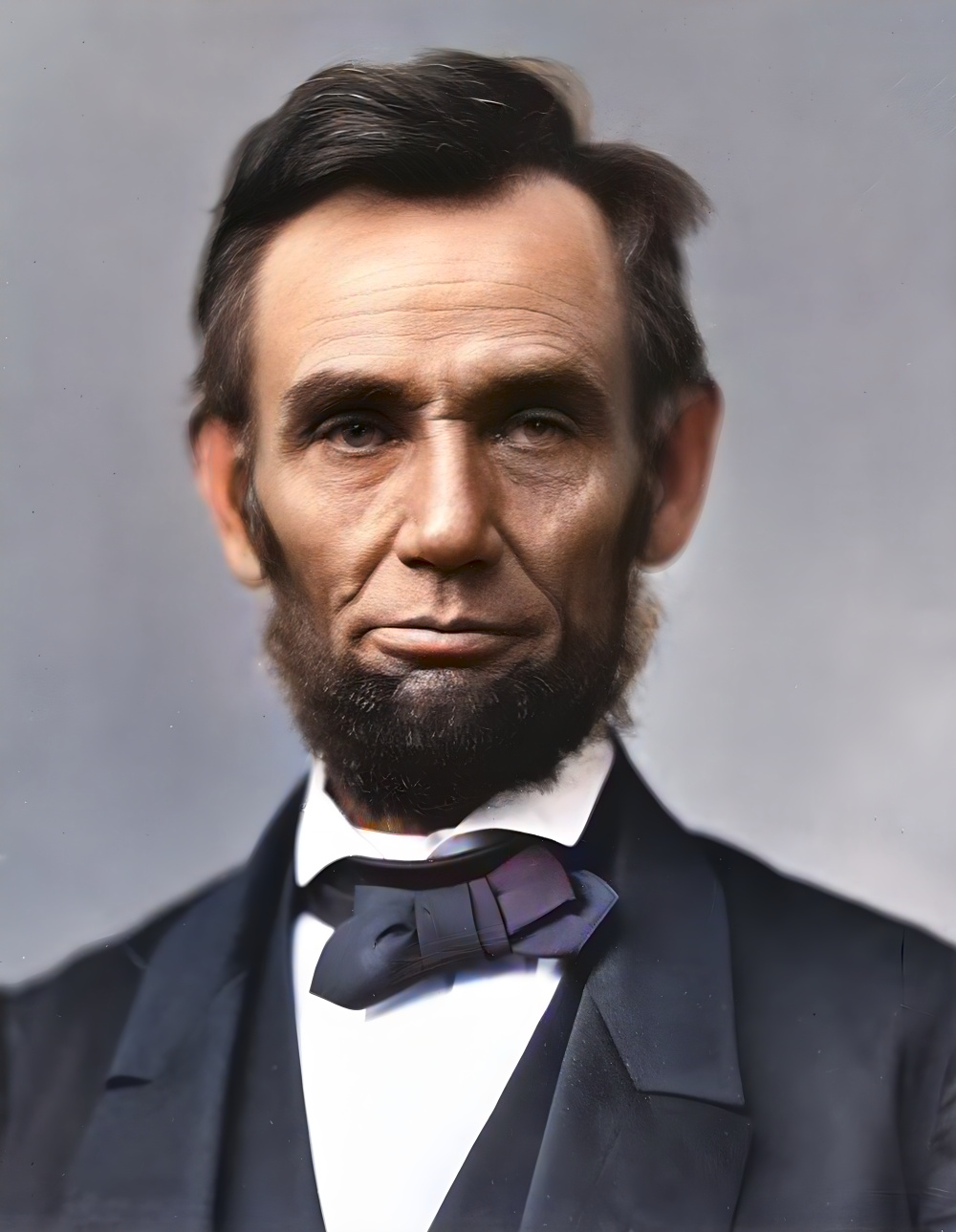
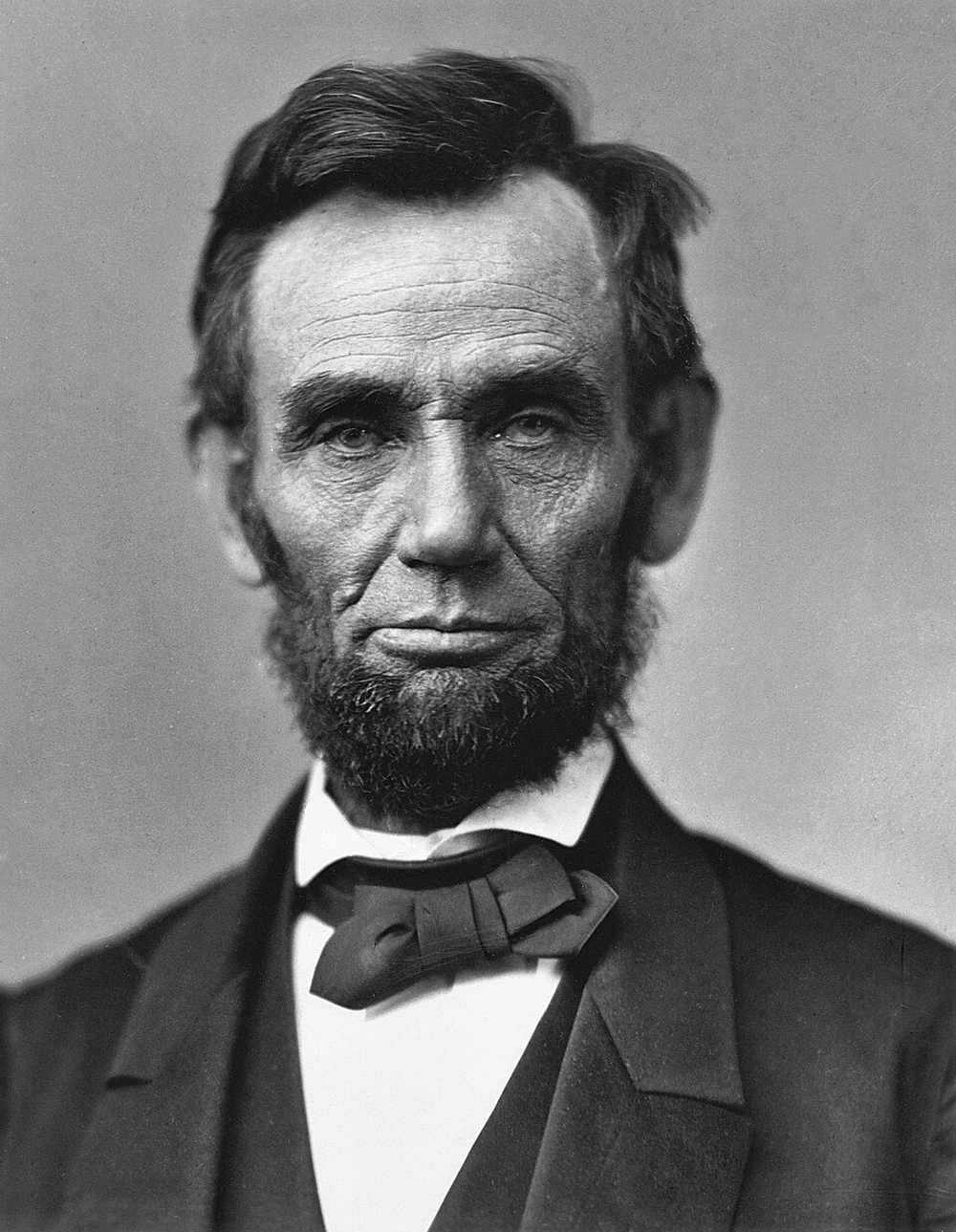
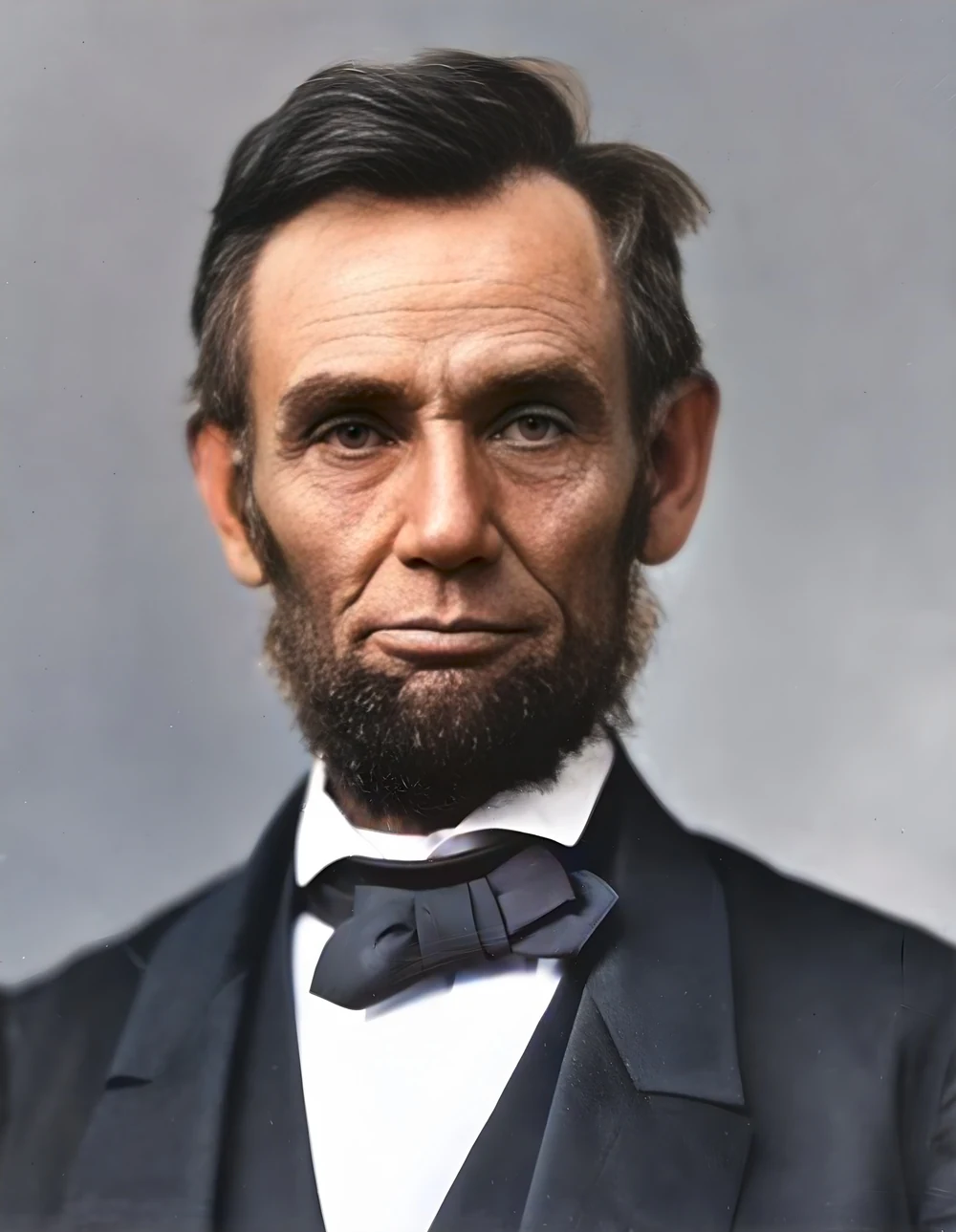
How it works
Upload the scan
Old photo, faded portrait or scanned print. JPG, PNG, WebP, HEIC up to 20 MP.
Choose what to restore
Faces (on), upscale ×2 and colorize if the photo is black and white.
Download the restored photo
Ready to print or share. Deleted 1 hour after download.
✓ Works best with
- Flat scans at 600 dpi with no reflections
- A frontal face of at least 100-150 px
- Moderate damage such as fading or light scratches
✗ Can't recover
- Album pages photographed at an angle
- Tiny faces and large scratches
- Torn or burnt areas are filled with something plausible, not the truth
We measured it
- A 1000 × 1289 px old photo restored in 9 seconds, in three stages: clean-up, faces and colour. (19-09-2026)
- A scan tilted by 2.5 degrees was straightened automatically (2.48 degree correction). (19-09-2026)
Measured on airpic.app with the GPU already running. If nobody has used it for a while, the first job takes 40 to 90 seconds longer to start.
Frequently asked questions
What exactly does it do?
Three steps: Real-ESRGAN cleans grain and scan artefacts and upscales ×2; GFPGAN detects every face and rebuilds eyes, skin and hair; DDColor adds natural colour if you ask for it.
Do the faces stay the same person?
GFPGAN starts from the real face and refines it; on very small or badly damaged faces it may idealise features. Compare with the original in the viewer before downloading.
Does it fix scratches and tears?
Yes: tick “Repair scratches and stains” and paint over the scratches, stains or tears; the AI fills them in before cleaning the photo. Large torn or burnt areas are filled with something plausible, not with what was there.
Does it work with colour photos?
Yes. Leave “colorize” off to keep the original colours; the rest of the restoration applies the same.
Do you keep my photos?
No. They are processed and deleted: 1 hour after download, 24 h at most. No copies, no thumbnails.
What are the reference photos for?
When the photo is badly degraded, the normal restorer invents a generic face. If you add a sharp photo of the same person (one is enough; up to 3), the face is rebuilt guided by their identity and we show you up to 4 candidates with their measured likeness so you can choose. It takes a few minutes and the references are deleted just like the photo.
Is it free to restore an old photo?
Processing and previewing the result is free, with no account. You get 1 free full-size download every month; after that you pay with credits that never expire, no subscription.
How should I digitise the photo for the best result?
A flatbed scanner at 600 dpi with no glare beats photographing the album with your phone. Each face should be at least 100-150 px in the image: below that there are no features left to restore.
Can it straighten a crooked scan?
Yes: tick “Straighten automatically” and the tilt is corrected by detecting the lines in the photo. If it can't find a clear tilt, it leaves the photo as it is and tells you.
Articles about Old Photo Restorer
Restore a family photo archive
Scan the print, upload it and the tool rebuilds the faces, cleans and upscales the background ×2 and, if you ask, adds…
How to restore old photos with AI
Practical guide to restoring old, blurry or damaged photos with AI: scanning, sharpness, faces, colour, reference photos and what to expect from each step.
How to scan slides and negatives at home
How to scan slides at home and digitise negatives: flatbed, film scanner or phone on a light box, the right ppi, and how to fix dust, grain and faded colour.
Restore a scanned photo
Scan at the right dpi, denoise first, rebuild faces, colour last. What AI restoration can really recover from an old print, and when to add reference photos.
More tools in the suite
 320×240 px×4 · 1280×960 pxPress and hold to see the before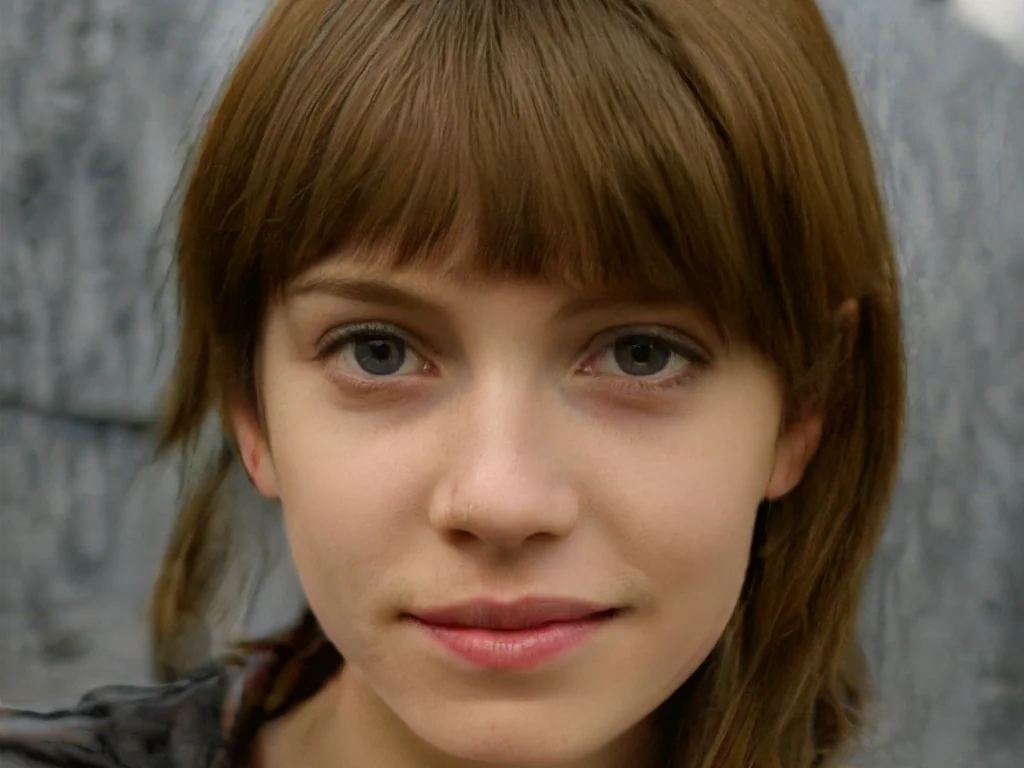
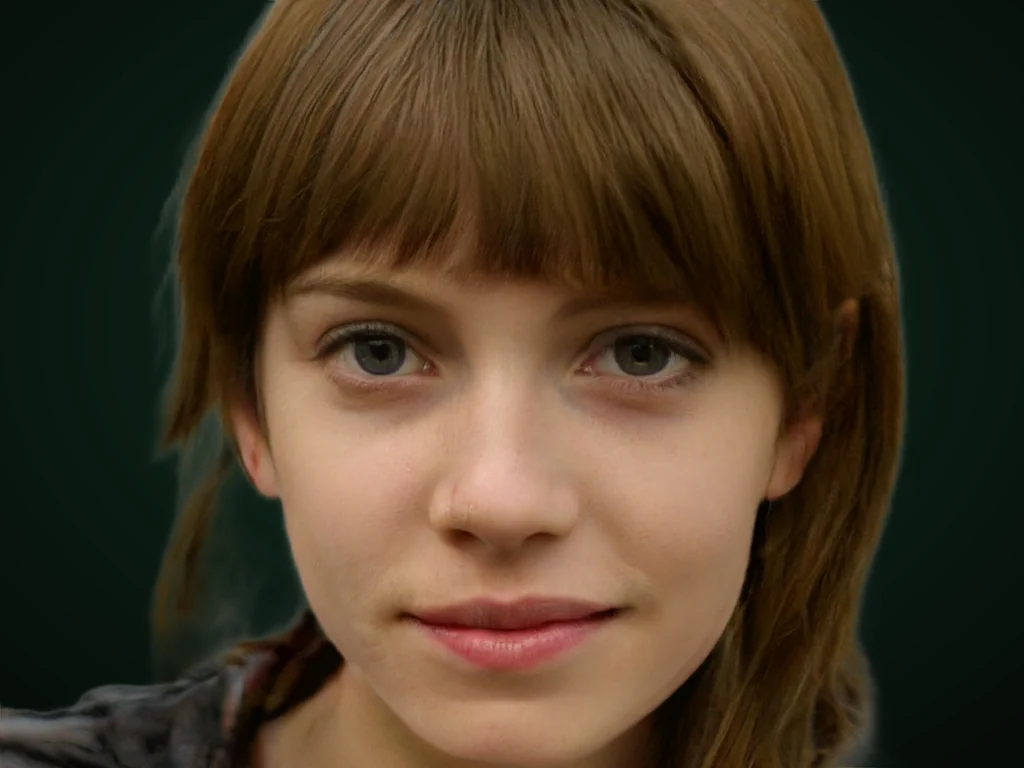 originalno background · 5 sPress and hold to see the before
 1.2 MB208 KB · −83 %Press and hold to see the before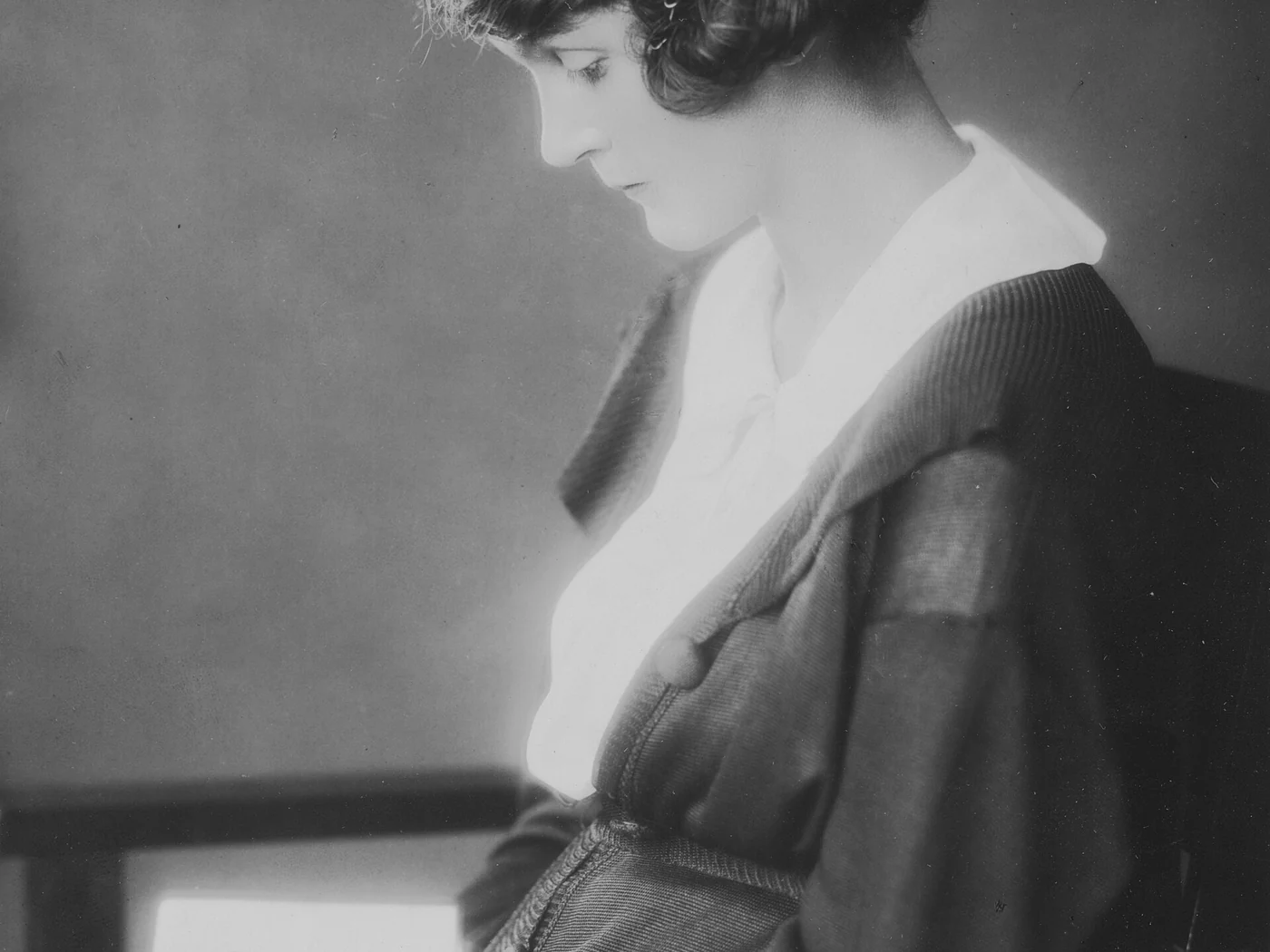
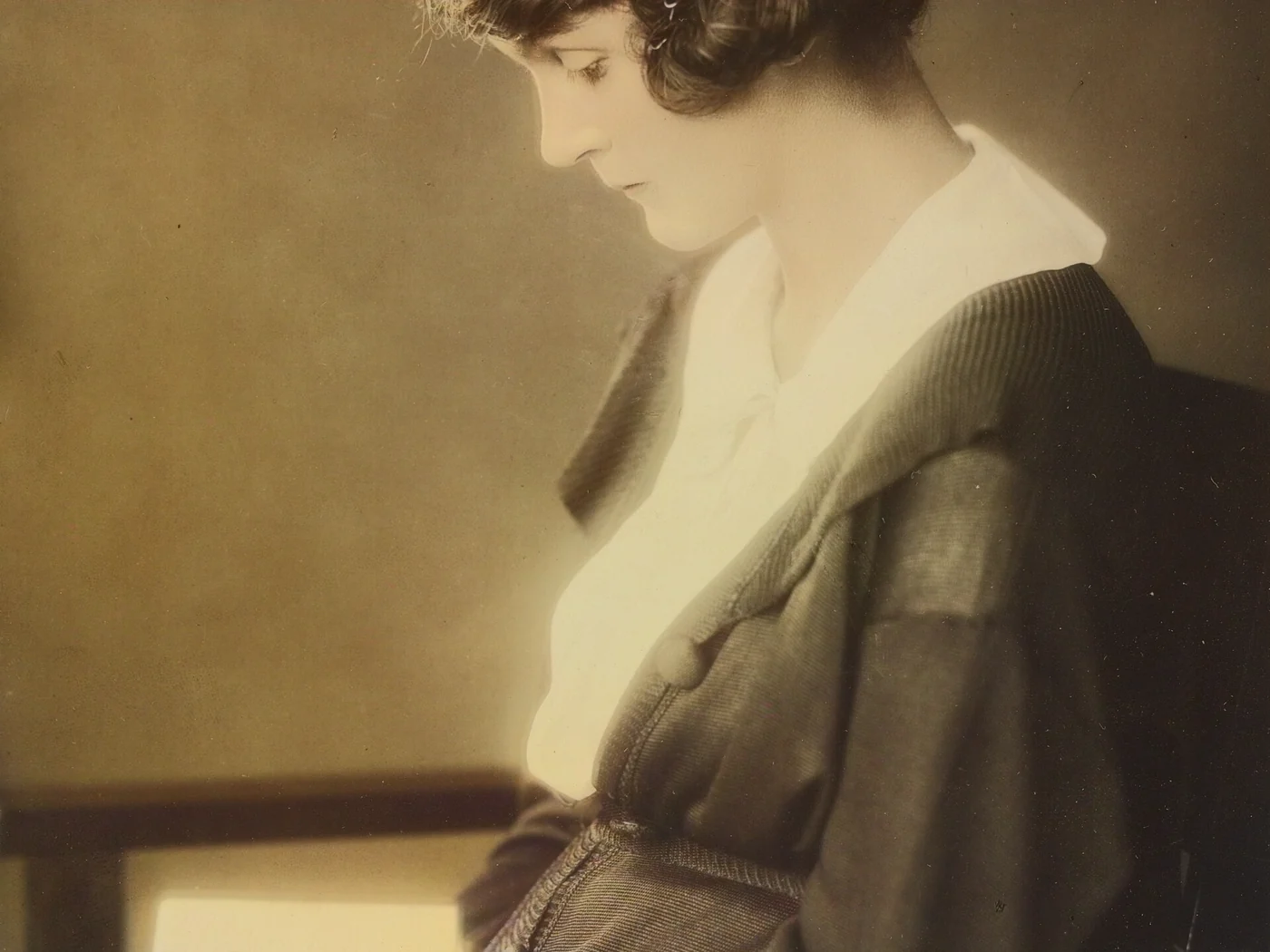 black & whiteAI color · 3 sPress and hold to see the before
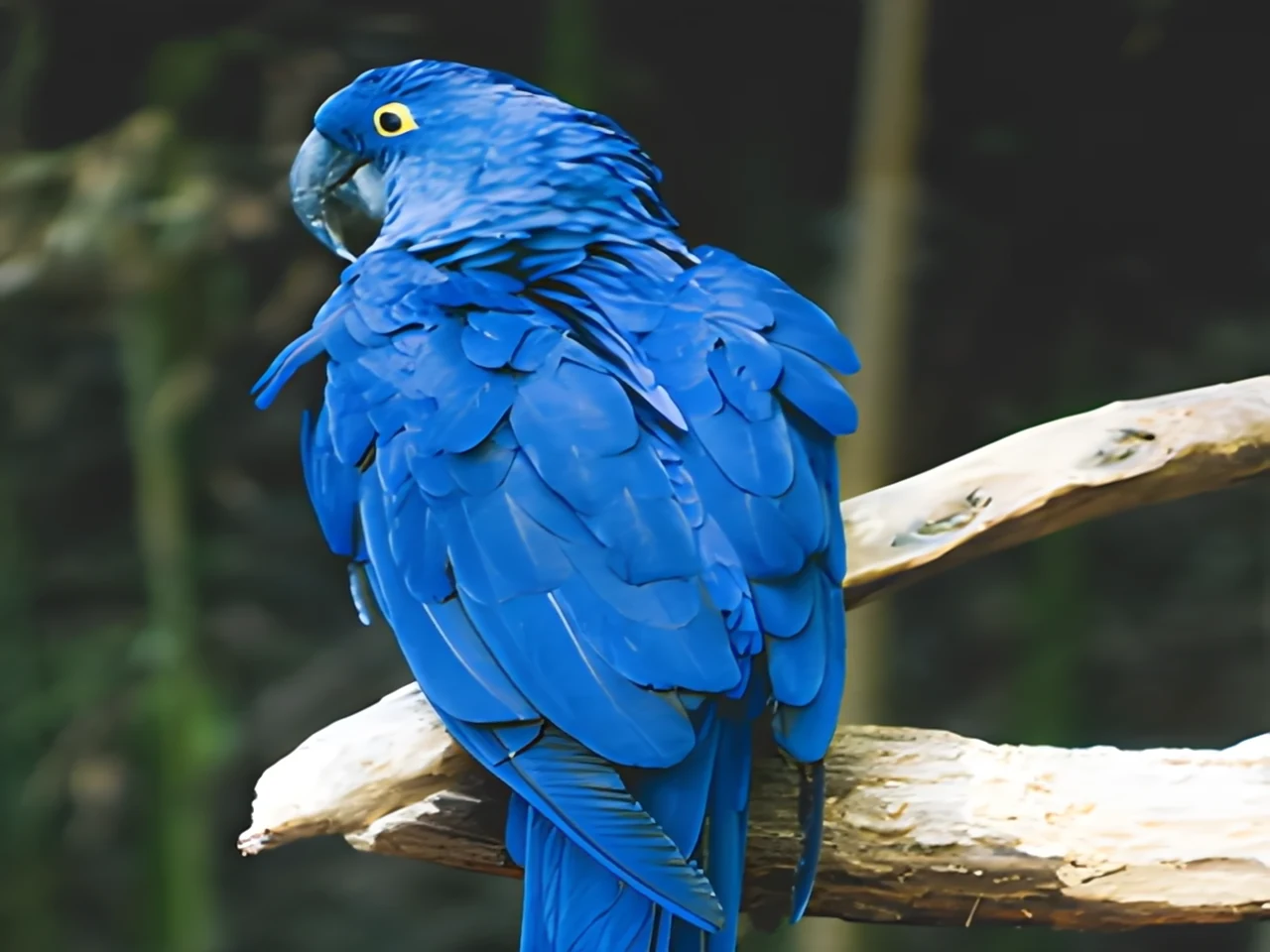
 noisyclean · 5 sPress and hold to see the before
 blurry · 29 pxsharp · 7 sPress and hold to see the before
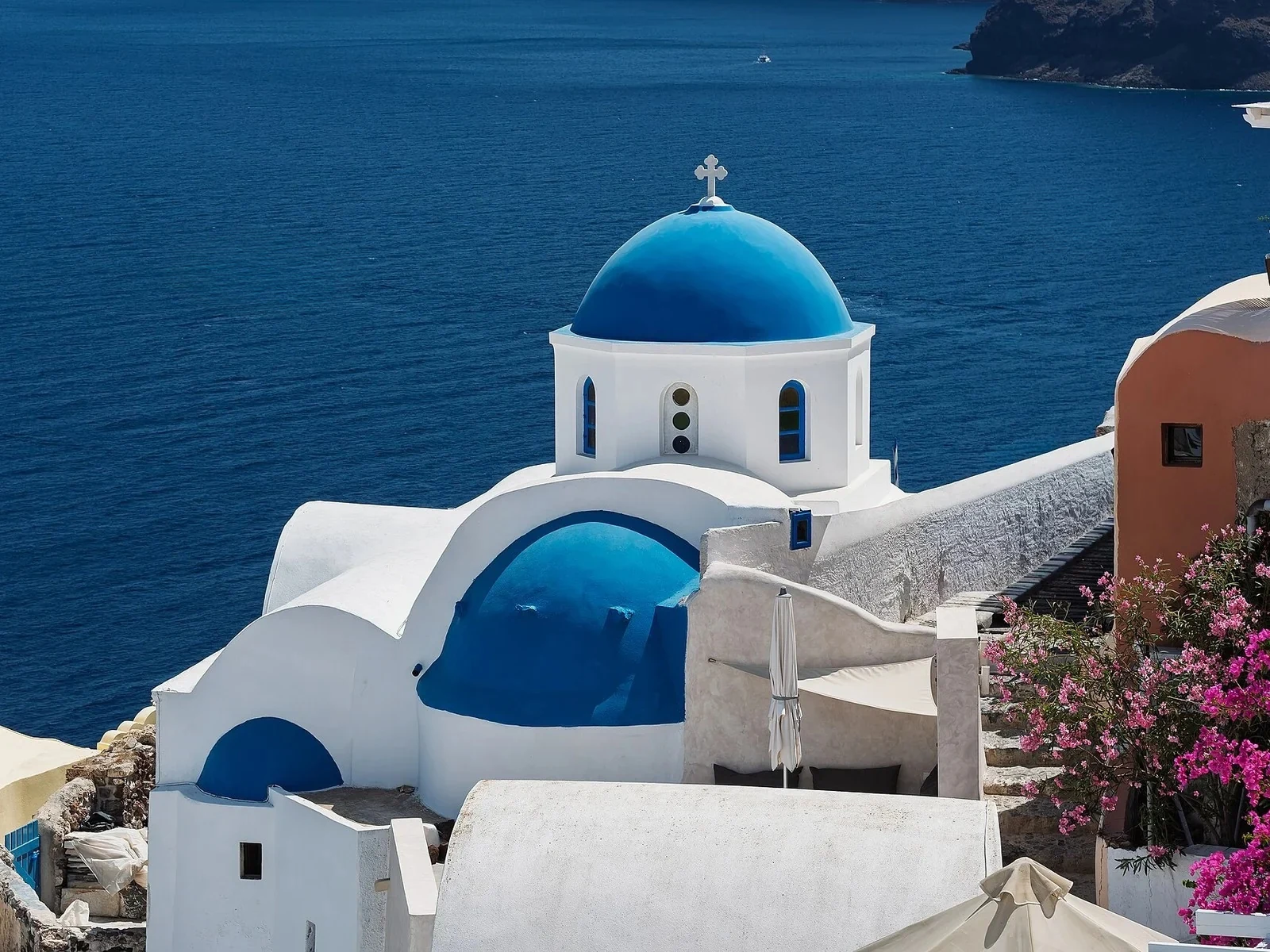 with objectclean · 3 sPress and hold to see the before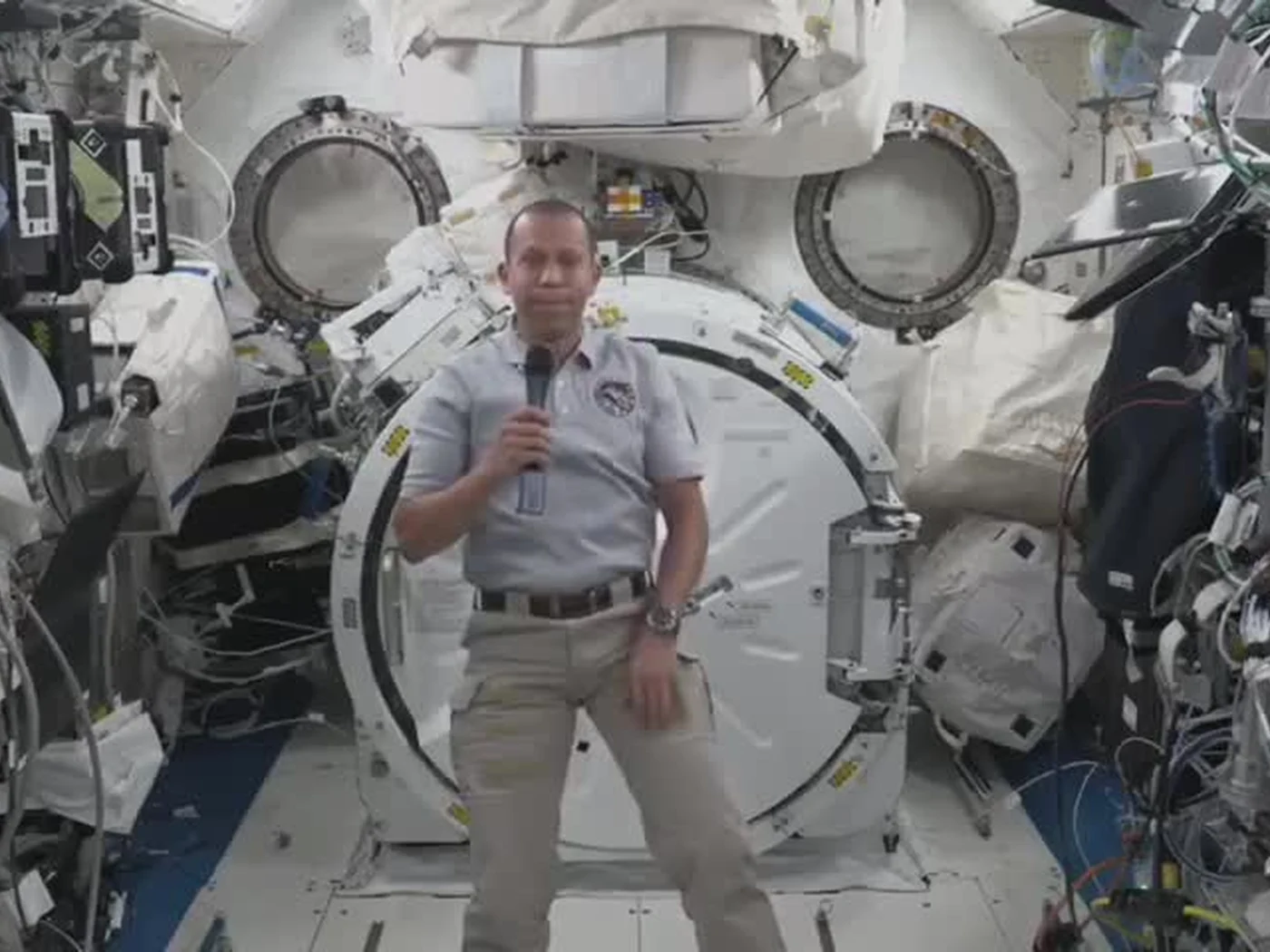
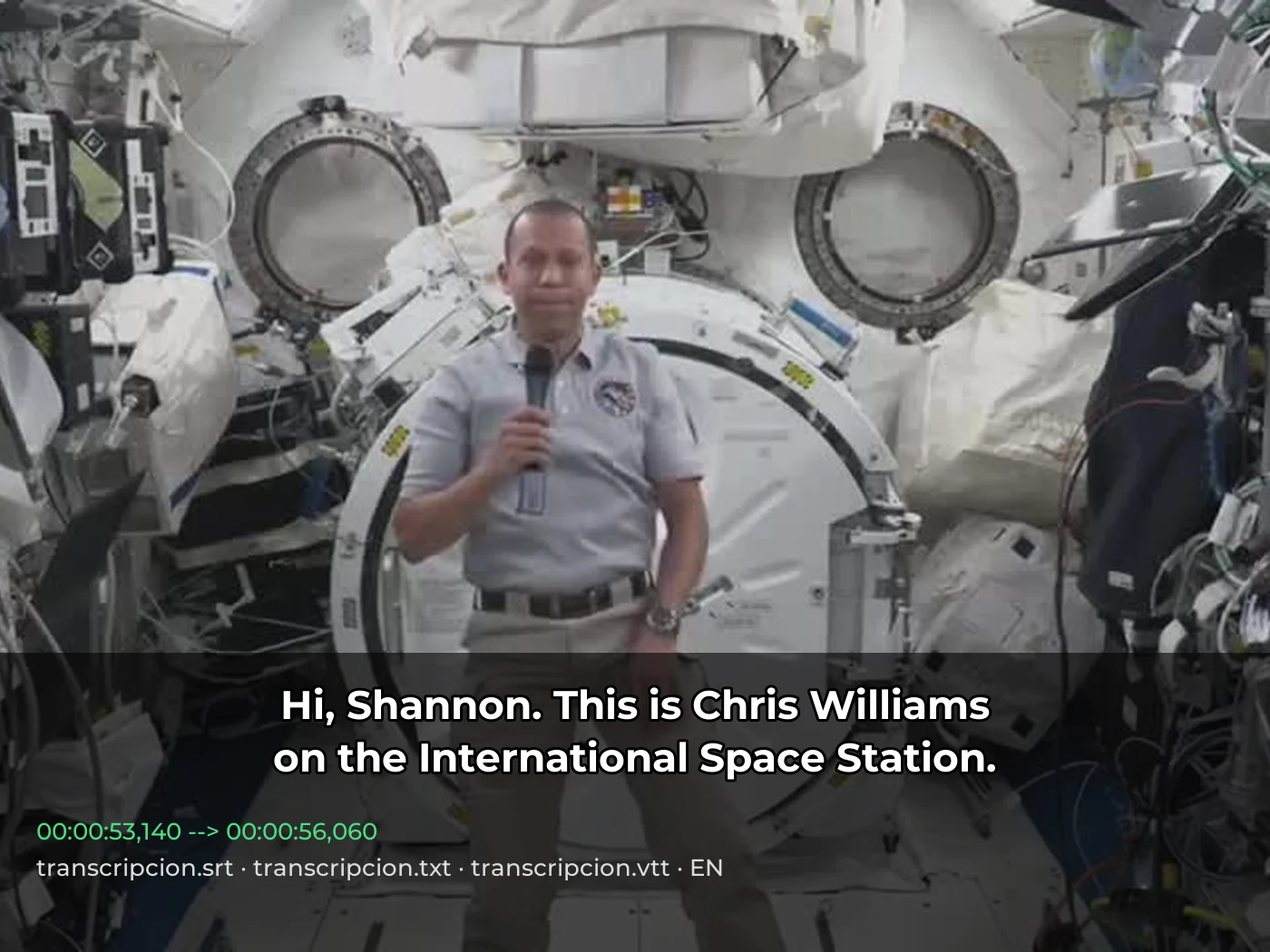 video · 3:00text + SRT · 24 sPress and hold to see the before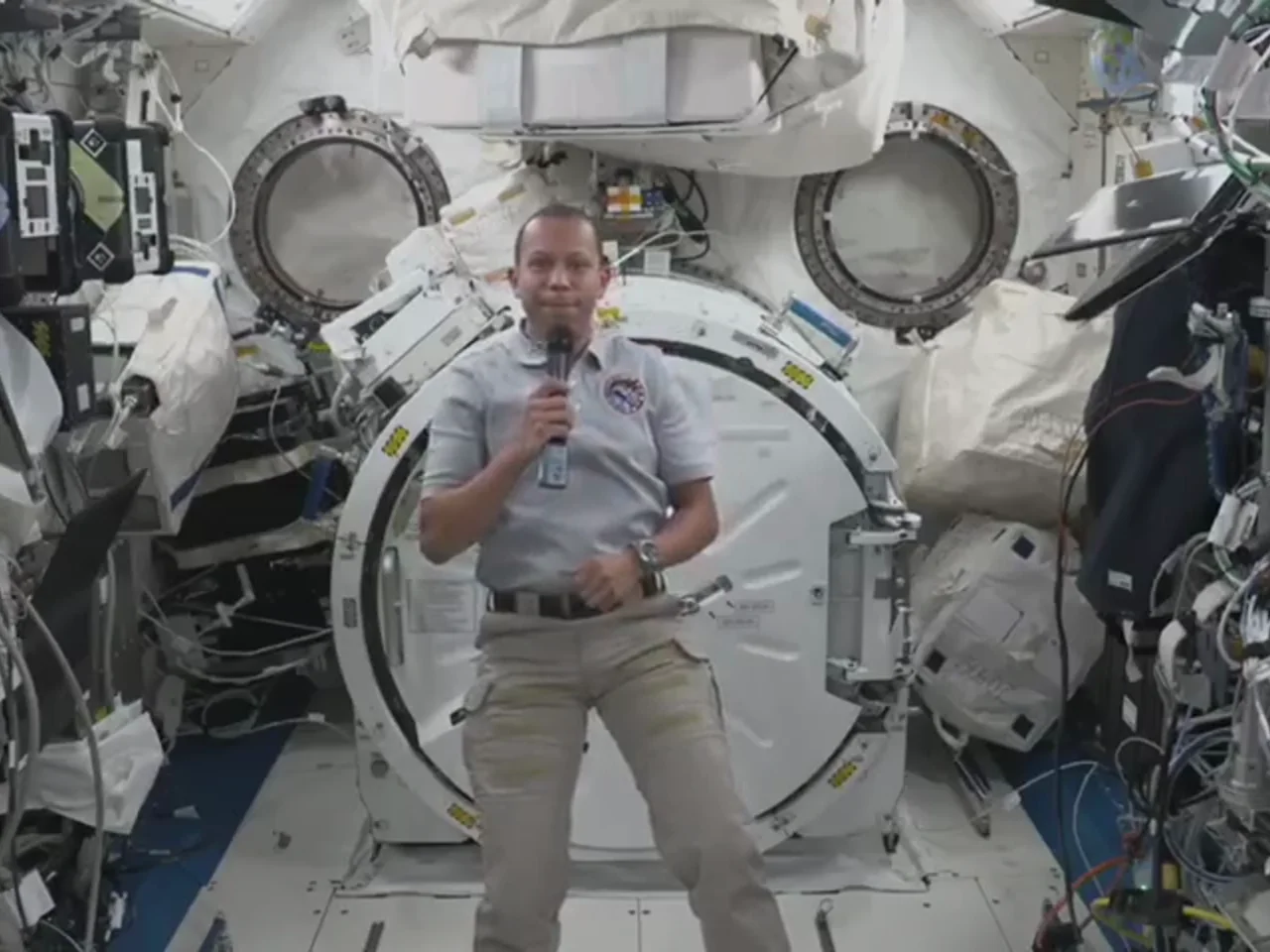
 video · 6:38document · 169 sPress and hold to see the before
 long video · 4:009:16 shorts · 2 × 31-33 sPress and hold to see the before
 photo5 s videoPress and hold to see the before
 text16:9 video · 5 sPress and hold to see the before
 480p clip4K · 2160pPress and hold to see the before
 5 clips9:16 reel · subtitlesPress and hold to see the before
 320×240 px×4 · 1280×960 pxPress and hold to see the before