Product photos ready to sell
Upload the product shot and get it on a pure white, transparent, black or custom-colour background with the edges cut at full resolution. The Amazon / marketplace preset gives you a white JPG; the web preset a transparent PNG. Hair, fabric and thin edges come out without halos.
Upload the product shot and get it on a pure white, transparent, black or custom-colour background with the edges cut at full resolution.
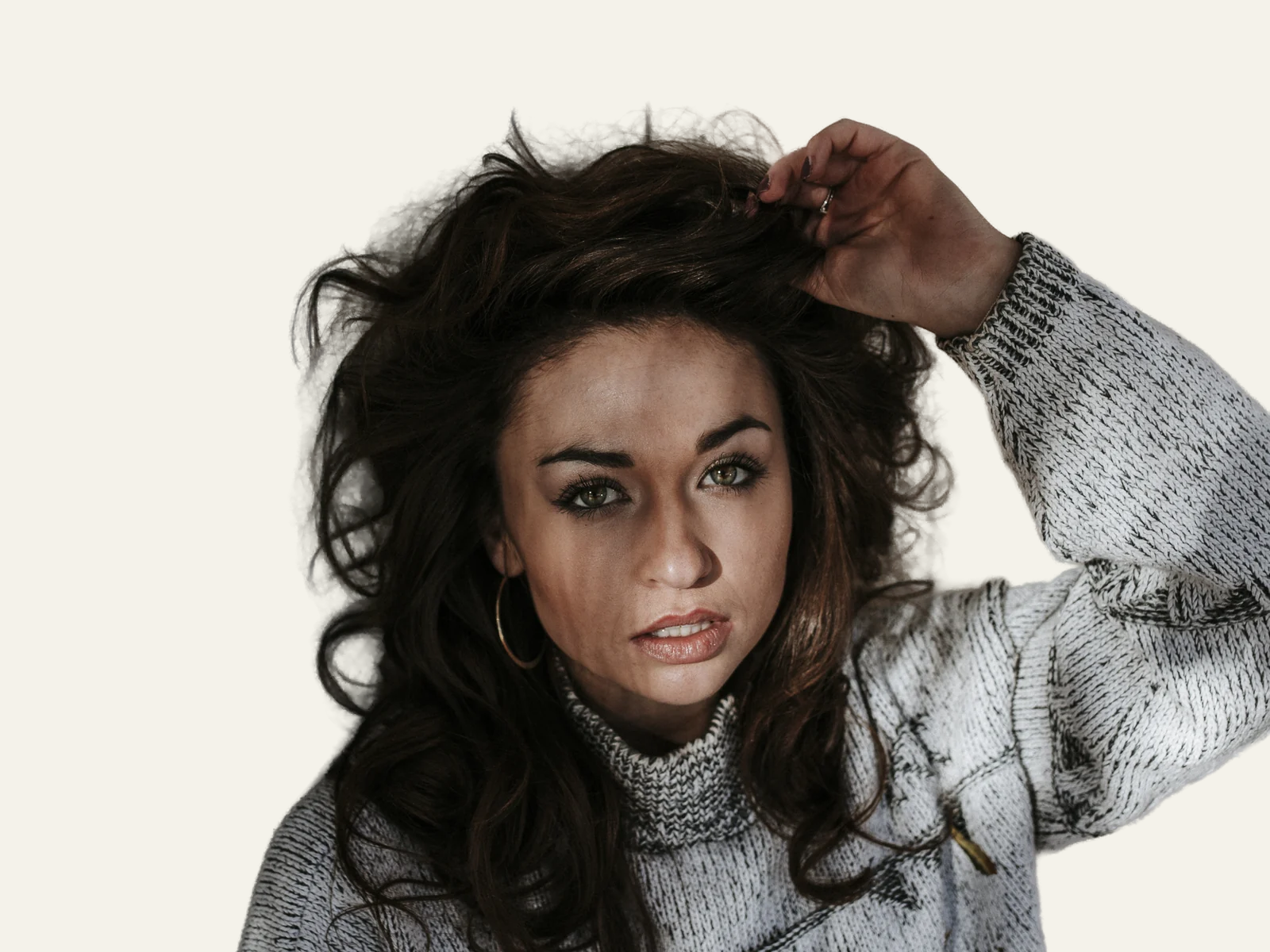


How it works
Shoot one product, well lit
One subject per photo, evenly lit and clearly separated from the backdrop. Glass, overlapping items or a product cut off at the edge are where any cut-out struggles, so reshoot those rather than fixing them afterwards.
Pick the preset for your channel
Amazon / marketplace gives a pure white background and a JPG. Web (transparent) gives a PNG with alpha for your own store or designs. Or type a hex code to match your brand colour.
Check the edges and download
Zoom in on hair, fabric and thin parts before downloading. Each marketplace publishes its own image rules (white background, product filling most of the frame, no text), so check them: the white background article explains what to look for.
✓ Works best with
- A single complete subject, well lit and standing out from the background
- Hair and fine edges, cut out at full resolution
- Product shots and portraits with clear contrast
✗ Can't recover
- Overlapping subjects
- Glass and transparent objects
- Windswept hair over a busy background, or a subject cropped by the frame
Frequently asked questions
does Amazon require a pure white background?
For main images, Amazon and most marketplaces ask for a pure white background, the product filling most of the frame and no added text or logos. The Amazon / marketplace preset gives you the white JPG; the framing and final dimensions are set by each platform's own guidelines, so check them before uploading.
will the cut-out work on hair, fur or fabric?
Yes, that is what the model is built for: the mask is computed at full resolution, so fine edges keep their detail without a halo of the old background. Results are best with a single, well-lit, contrasted subject. Glass and transparent objects, overlapping items or a product cut off at the edge are the hard cases.
can I get a transparent PNG instead of white?
Yes. Choose Web (transparent) and you get a PNG with an alpha channel for your own shop, banners or catalogue pages. You can also pick black or type any hex colour. The output keeps the original resolution and colour profile.
is the tool free and do you store my product photos?
Processing and previewing are free and there is no account. You pay only when you download the full file, with one free download a month. Photos are processed on GPUs in the European Union, deleted one hour after download (one day at most) and never used to train anything.
Articles about Background Remover
Product photos ready to sell
Upload the product shot and get it on a pure white, transparent, black or custom-colour background with the edges cut…
How to remove the background from an image
When to use a transparent, white or coloured background, which format to export, how to get clean edges on hair and glass, and how to do it with AI in seconds.
Try a photo tool before you pay
Try an AI photo tool before you pay: Airpic processes your image for free, shows a before/after comparison at 100 % and charges only for the full download.
Product photos with a phone, a window and two sheets of card
Shoot product photos at home with a phone, a window and two sheets of card, then cut the background out on the original file. Settings, framing and formats.
Background removal without the subscription
Looking for a remove.bg alternative? Airpic cuts out hair at full resolution, returns your file at its original size and charges per image, with no account.
More tools in the suite
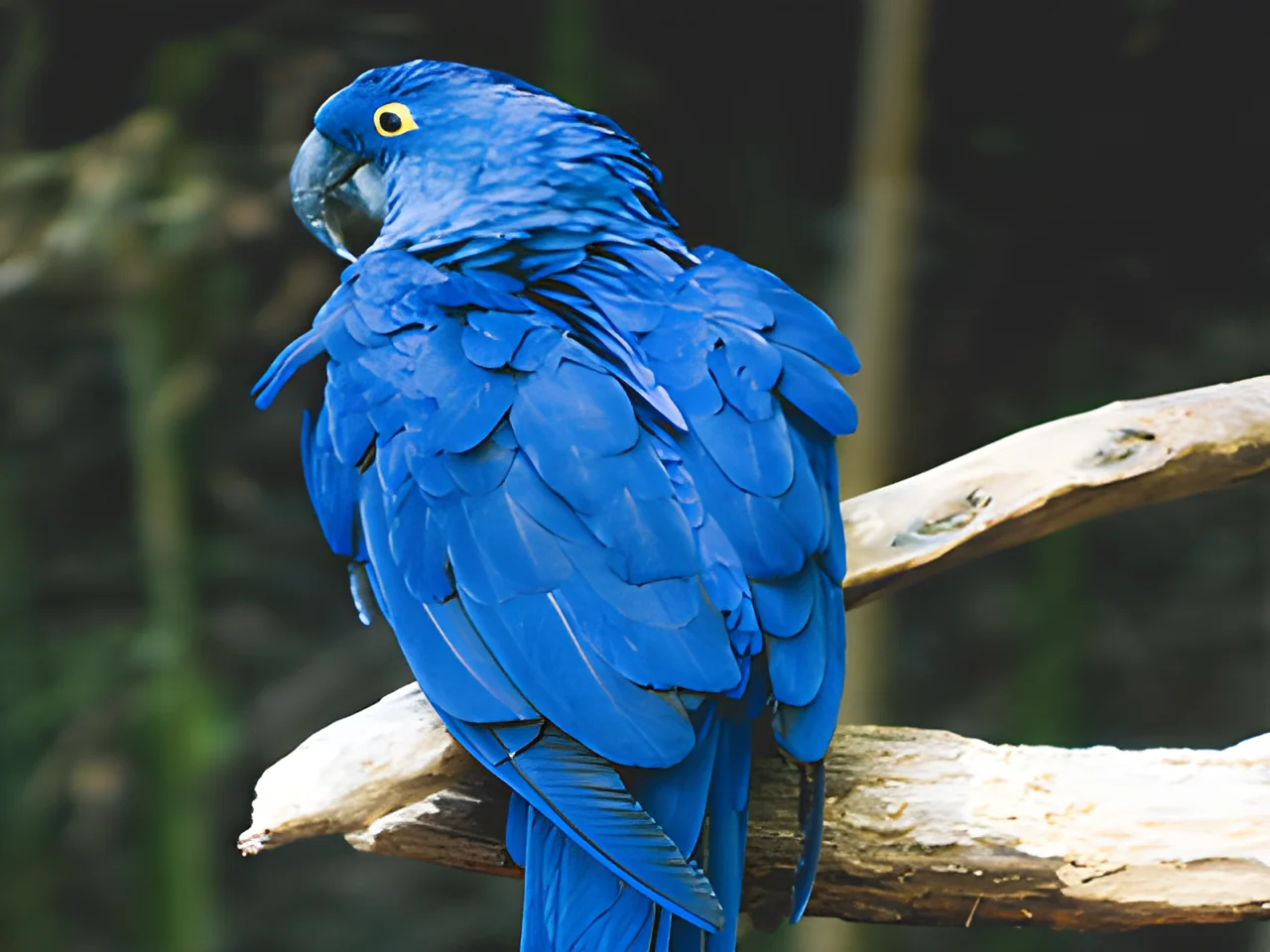 320×240 px×4 · 1280×960 pxPress and hold to see the before
 1.2 MB208 KB · −83 %Press and hold to see the before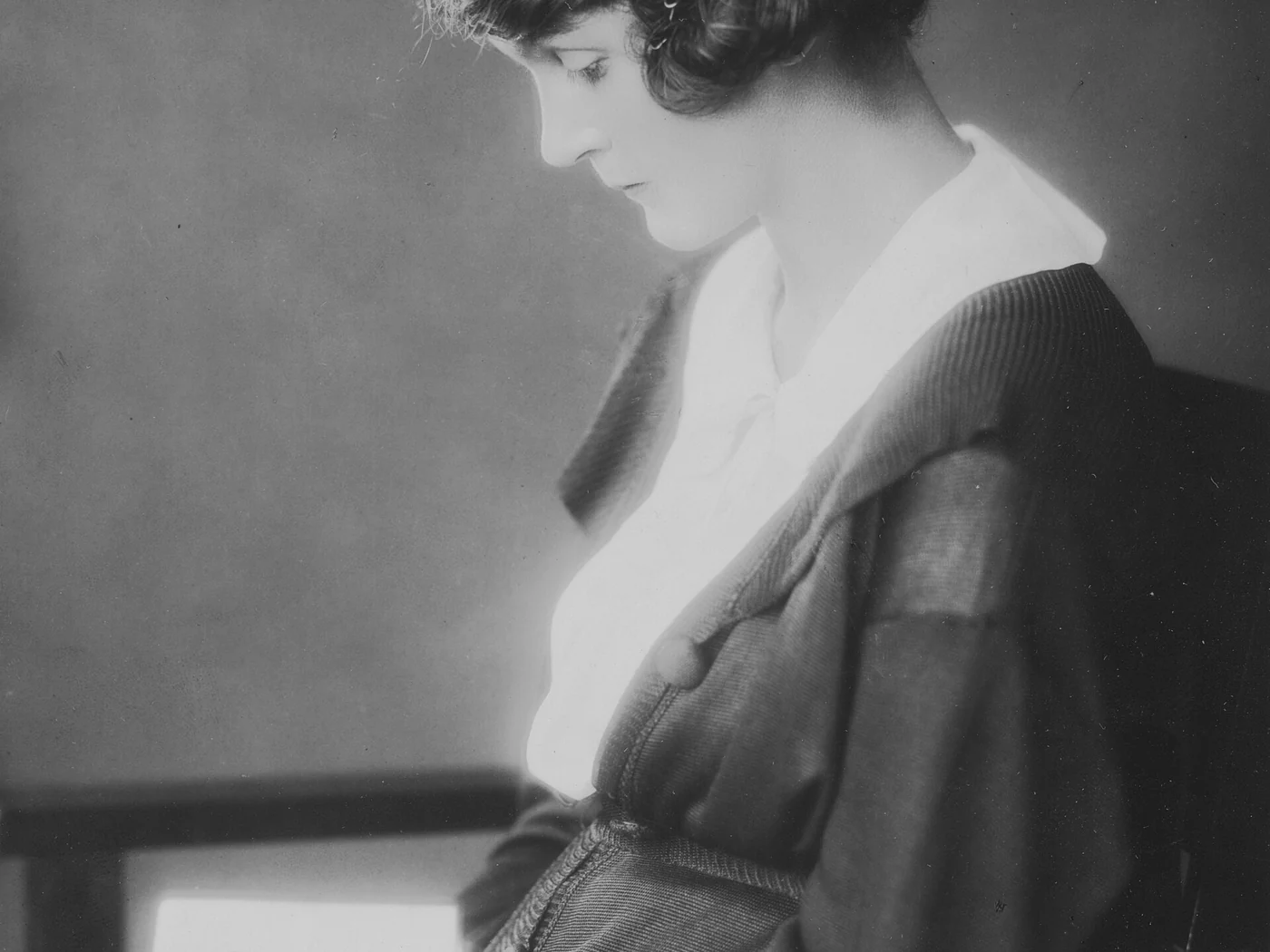
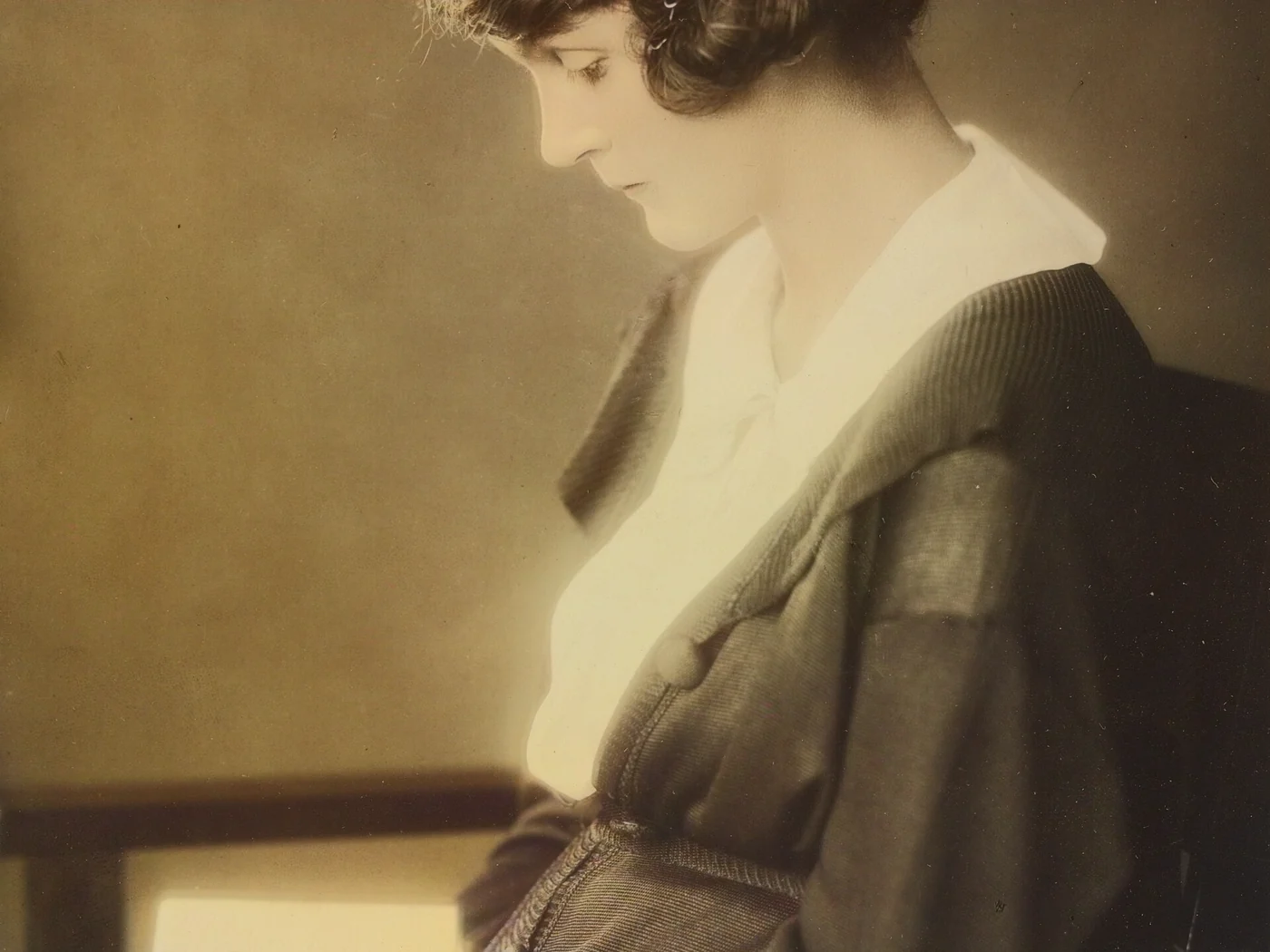 black & whiteAI color · 3 sPress and hold to see the before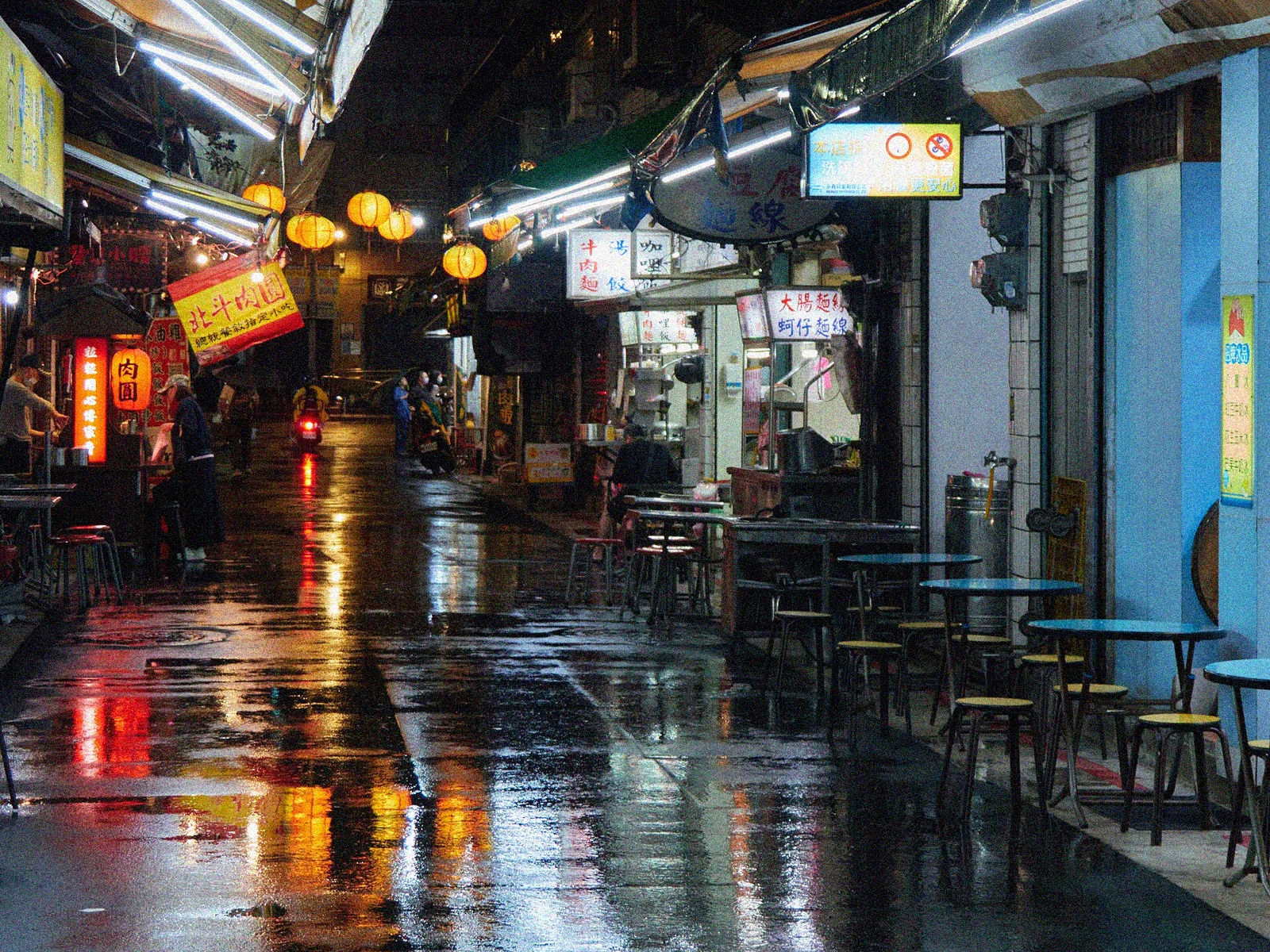
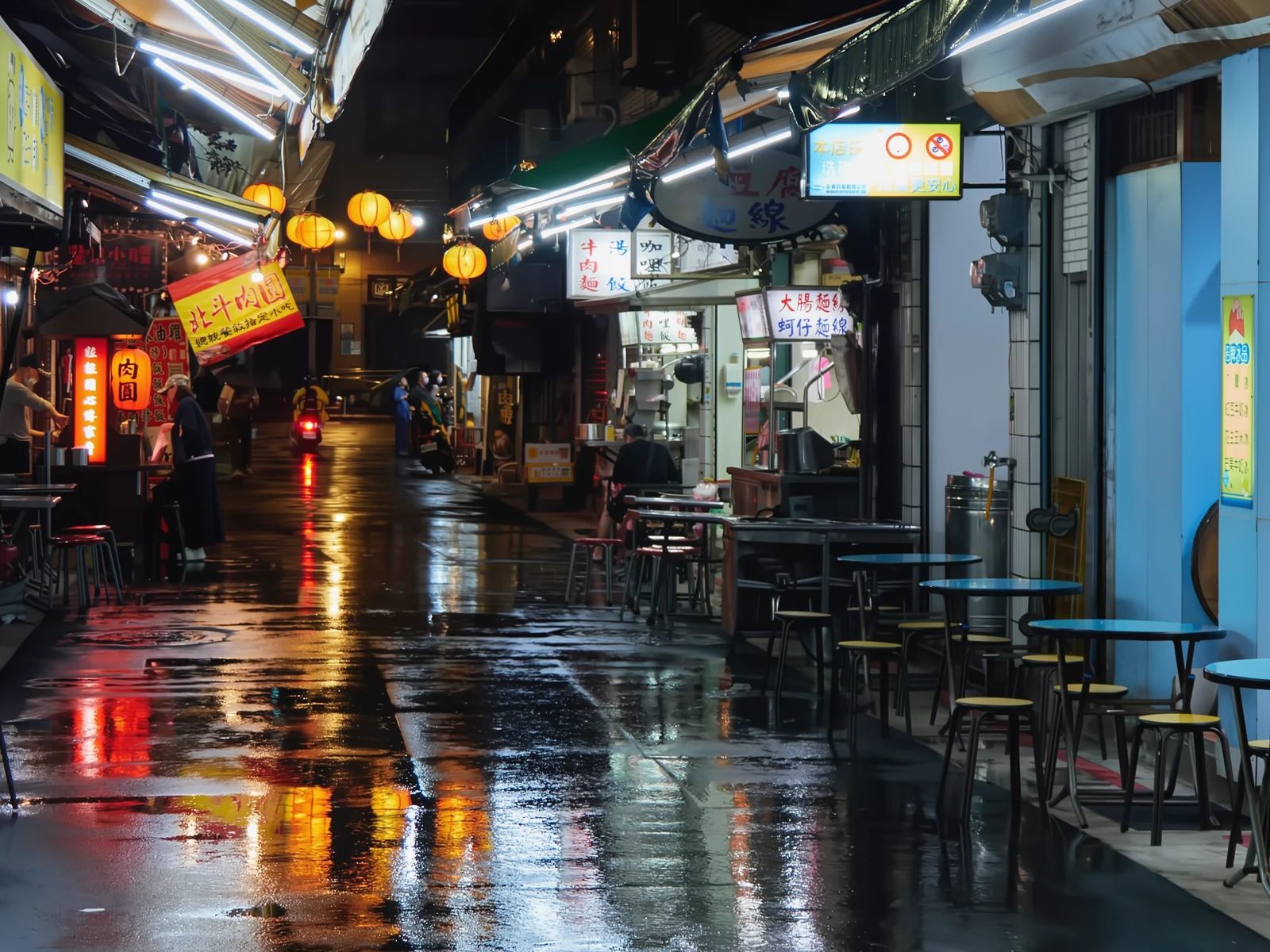 noisyclean · 5 sPress and hold to see the before
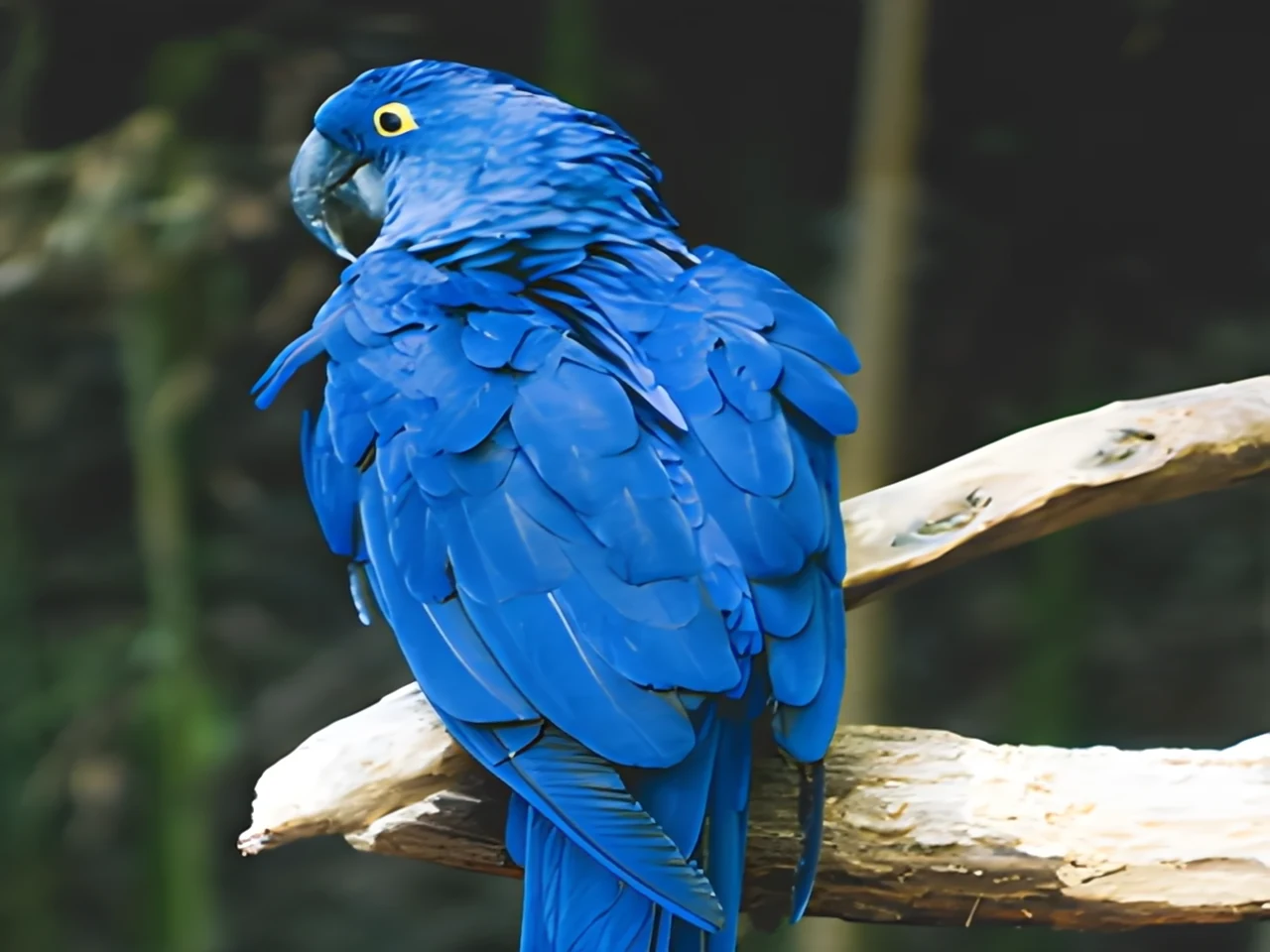 blurry · 29 pxsharp · 7 sPress and hold to see the before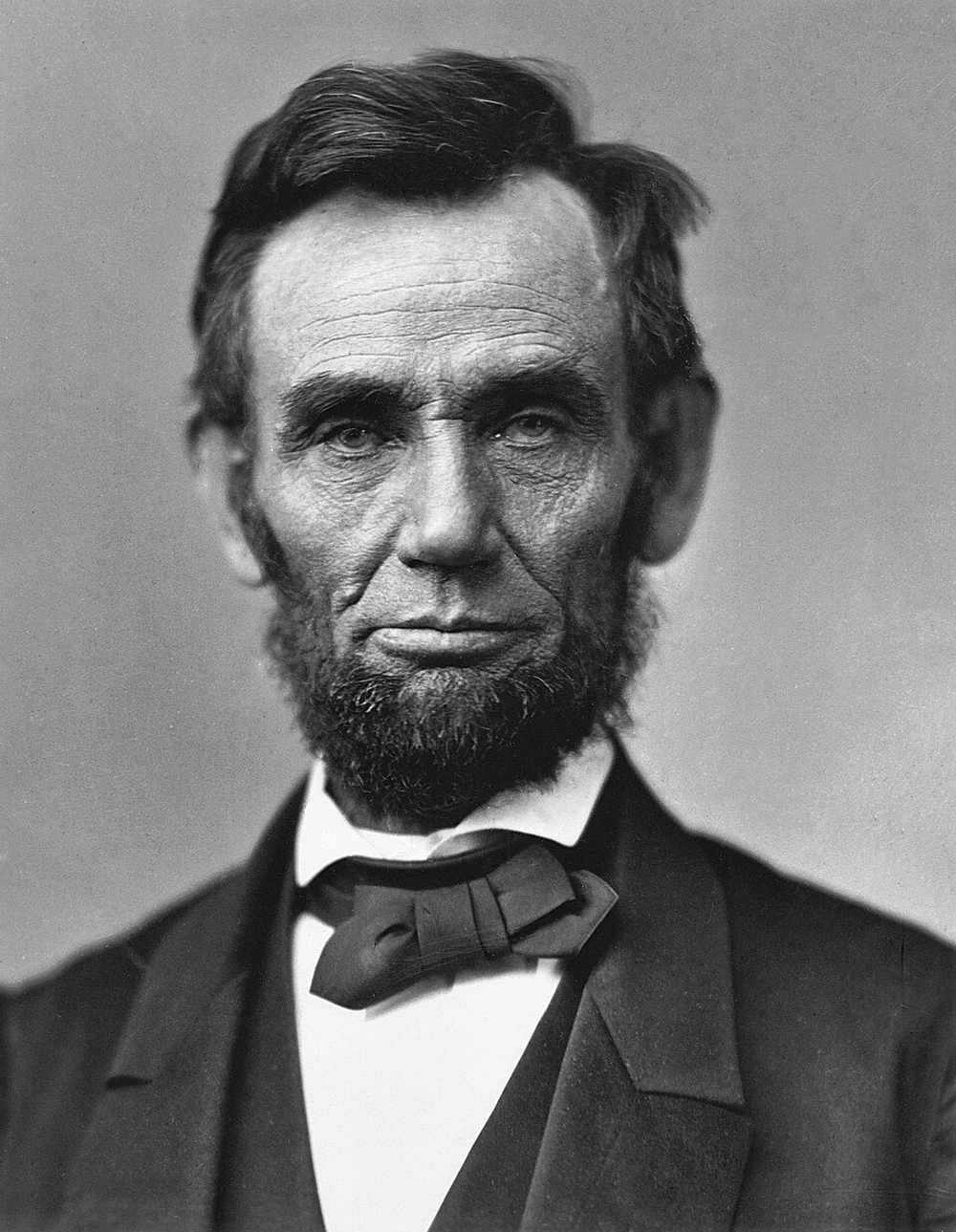
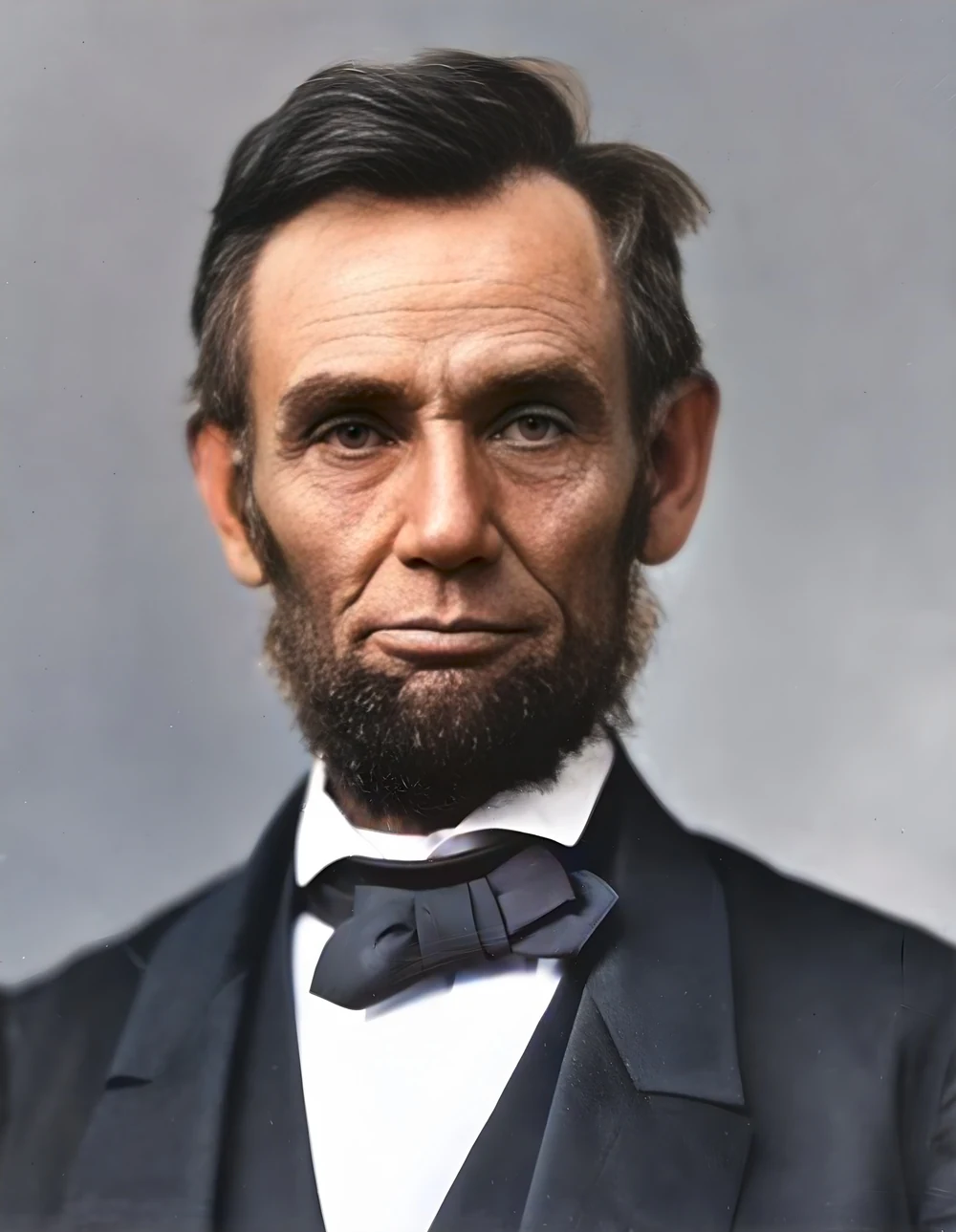 scan · 1863restored · 9 sPress and hold to see the before
 with objectclean · 3 sPress and hold to see the before
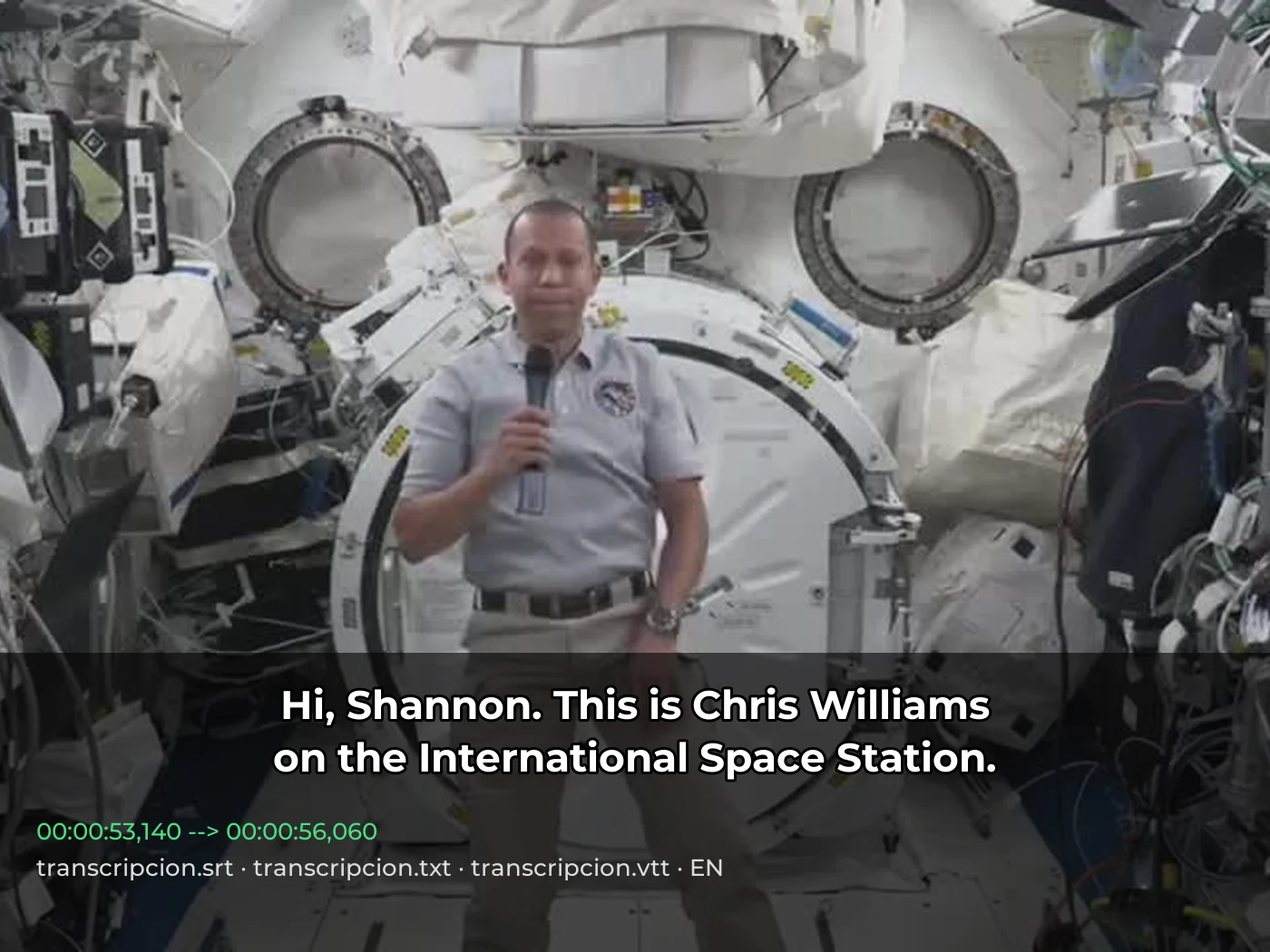 video · 3:00text + SRT · 24 sPress and hold to see the before
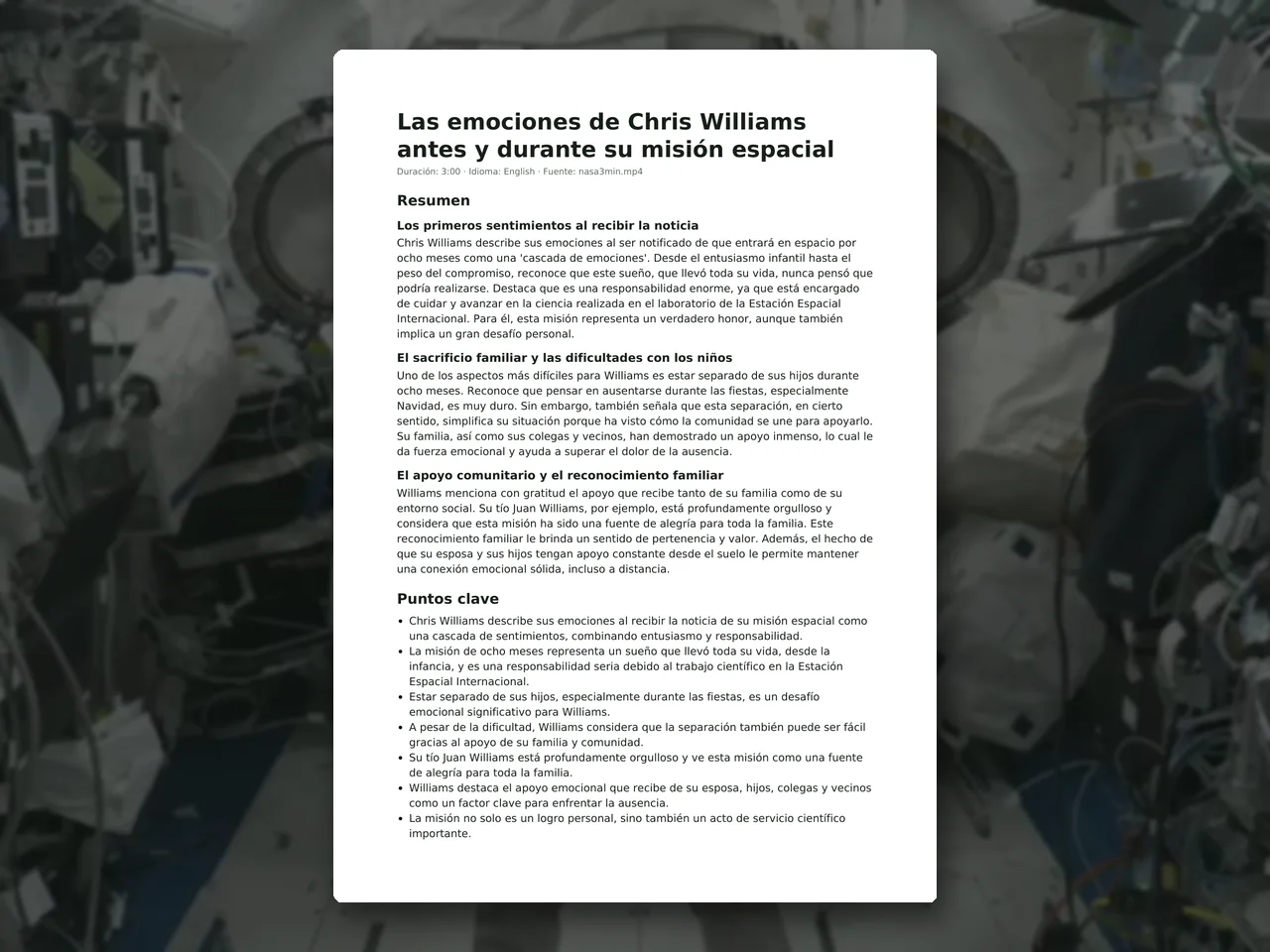 video · 6:38document · 169 sPress and hold to see the before
 long video · 4:009:16 shorts · 2 × 31-33 sPress and hold to see the before
 photo5 s videoPress and hold to see the before
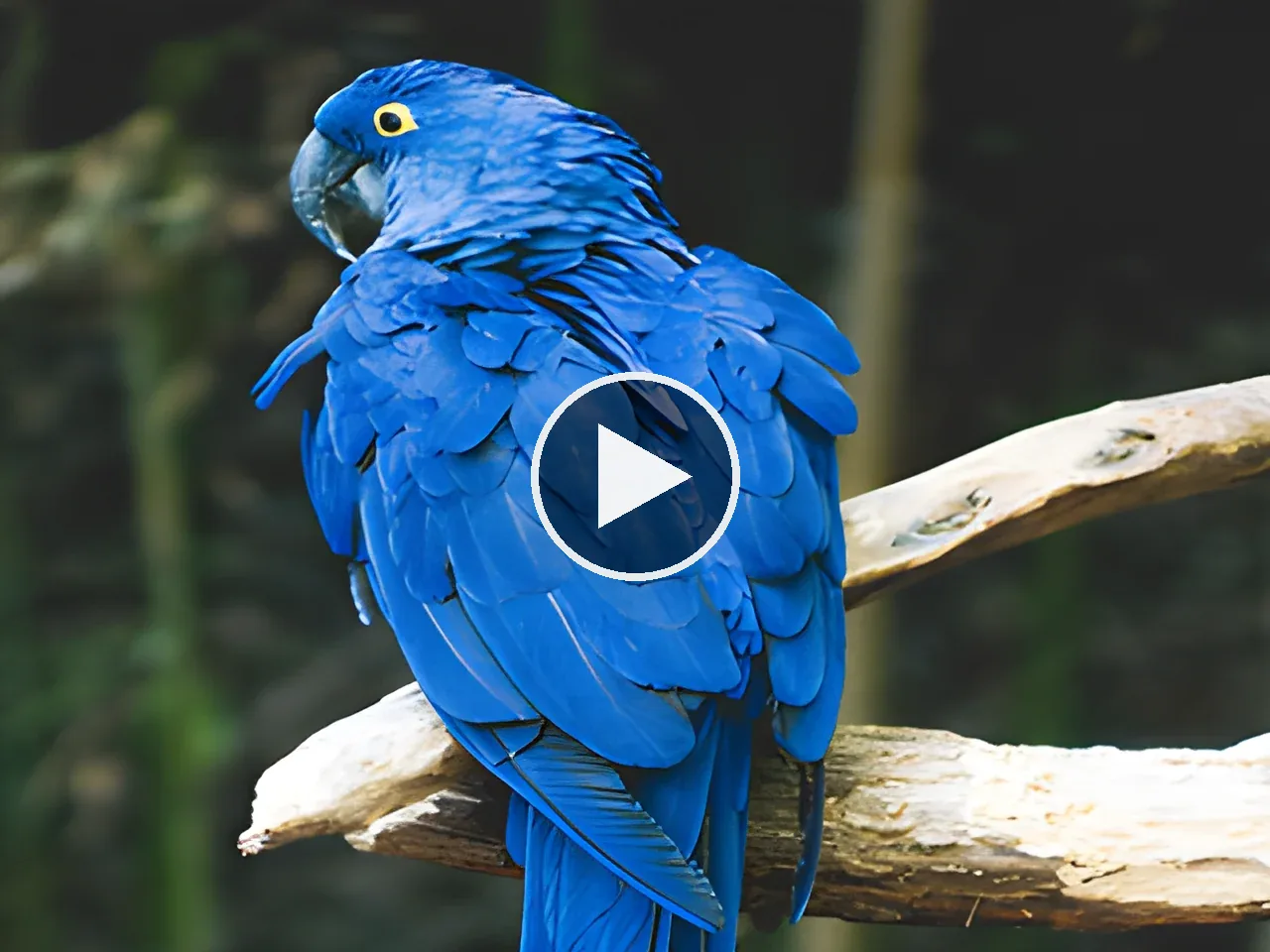 text16:9 video · 5 sPress and hold to see the before
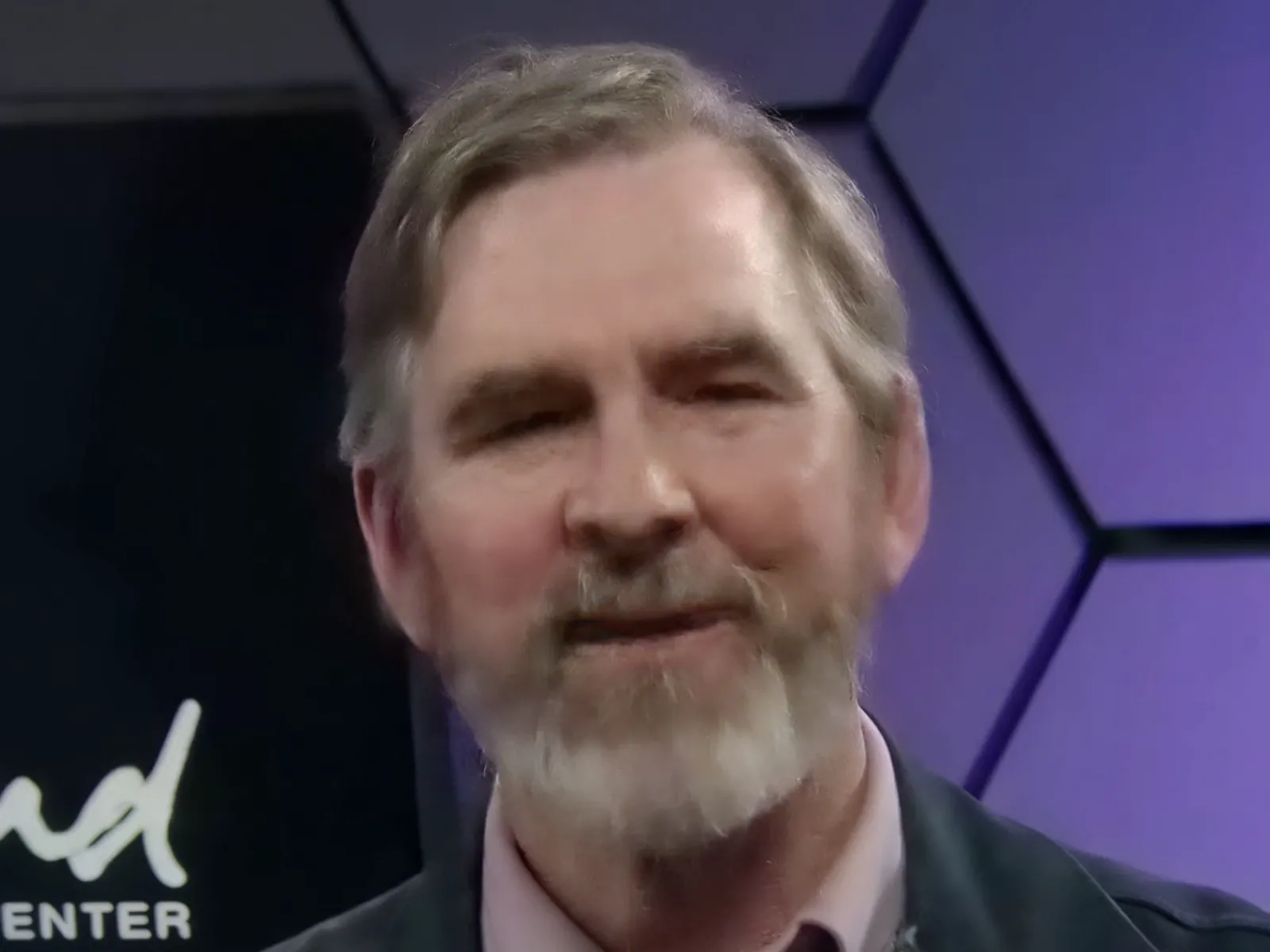 480p clip4K · 2160pPress and hold to see the before
 5 clips9:16 reel · subtitlesPress and hold to see the before
 320×240 px×4 · 1280×960 pxPress and hold to see the before