Restore a family photo archive
Scan the print, upload it and the tool rebuilds the faces, cleans and upscales the background ×2 and, if you ask, adds colour. A fidelity slider decides how much is reconstructed and how much stays as in the original. Add up to three photos of the same person to guide the likeness.
Scan the print, upload it and the tool rebuilds the faces, cleans and upscales the background ×2 and, if you ask, adds colour.
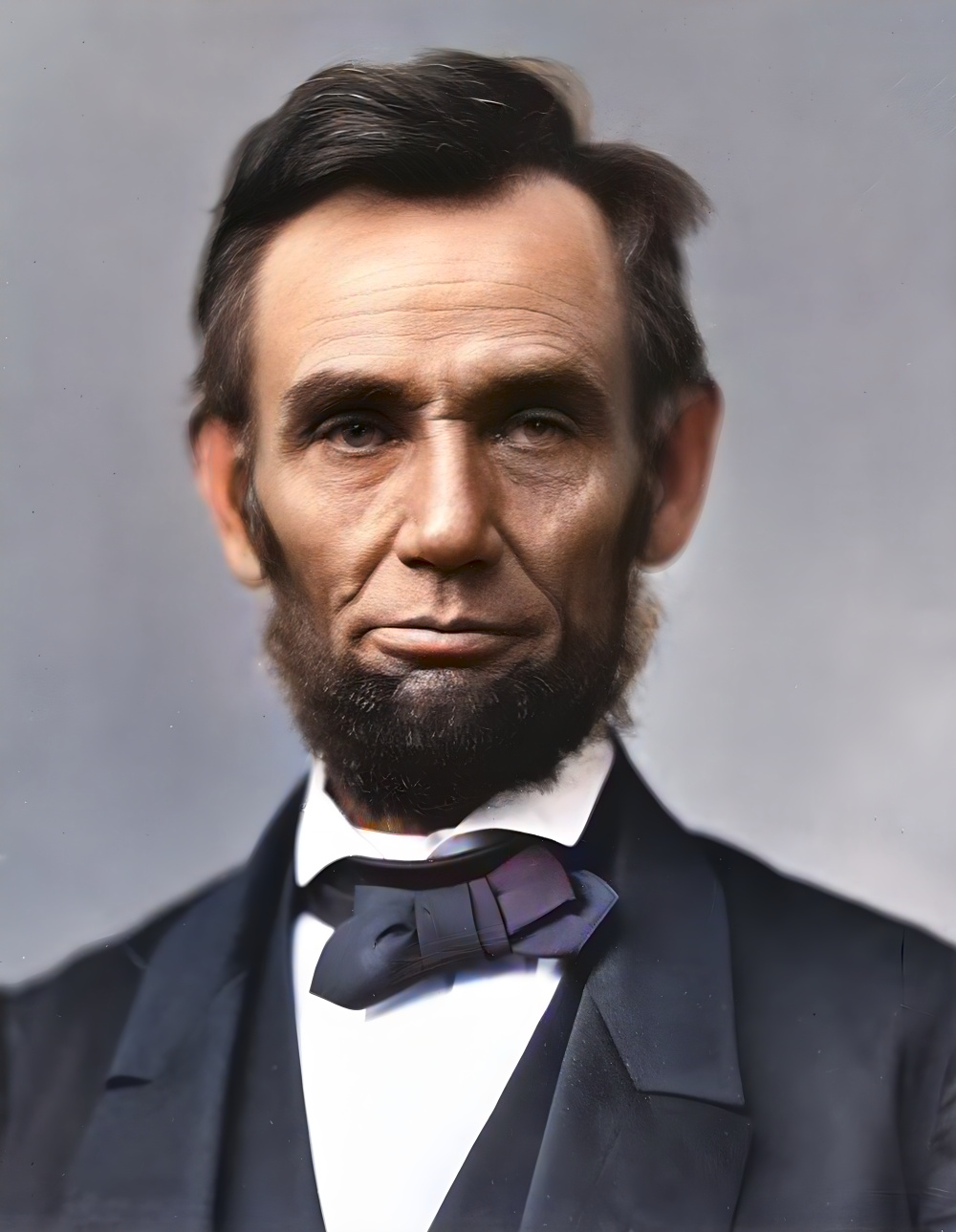
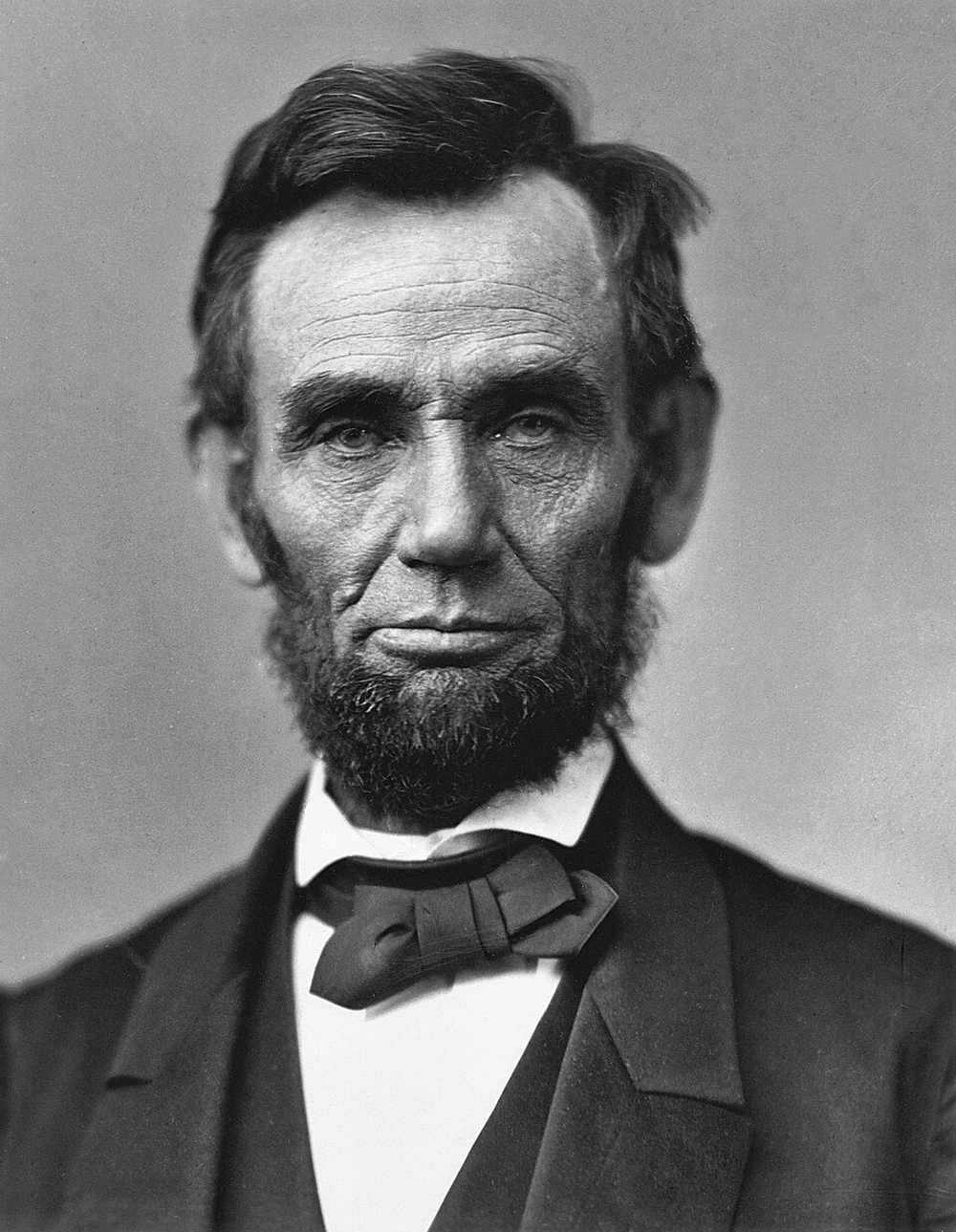
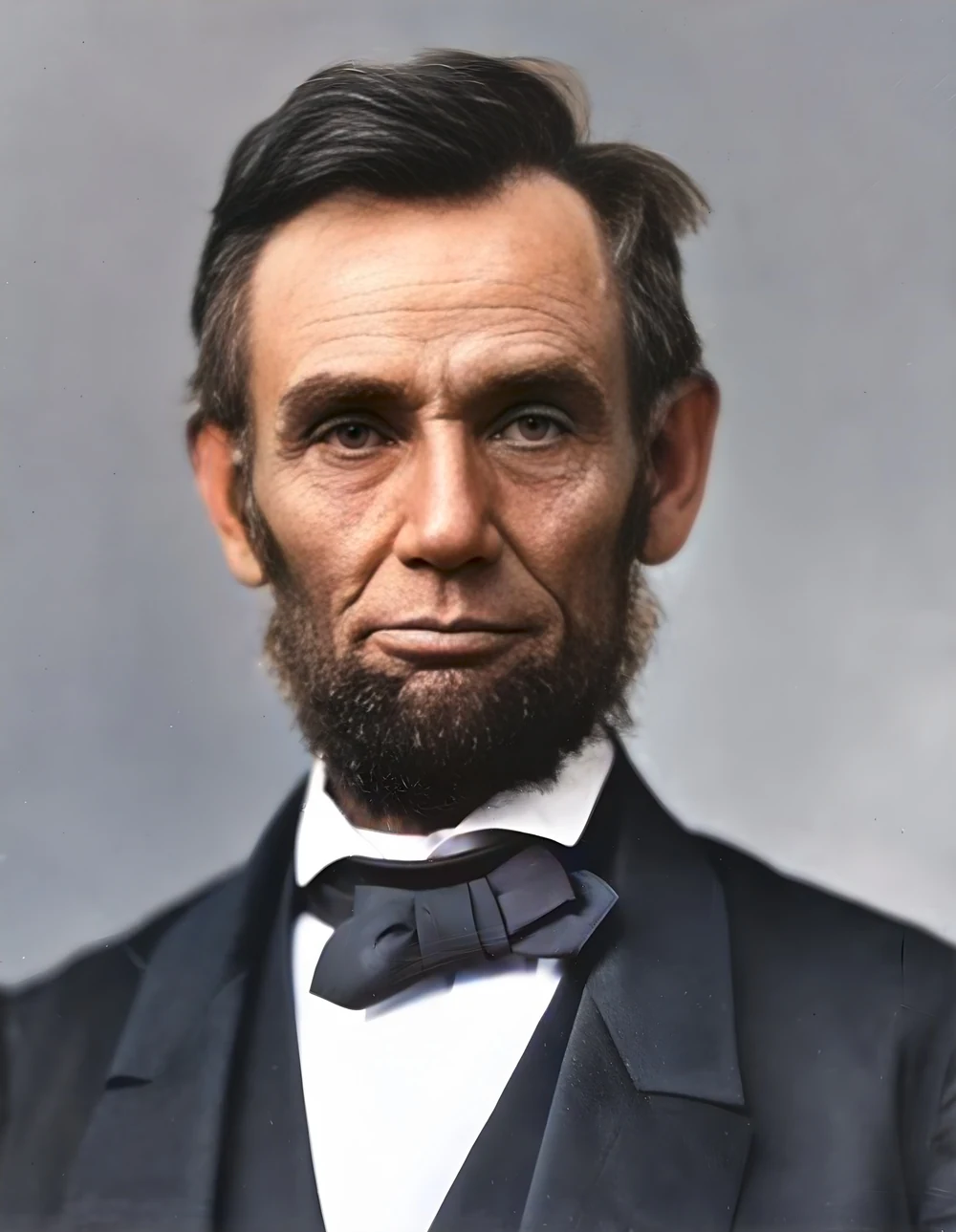
How it works
Scan it properly
Scan small prints at 600 ppi, in colour even if the photo is black and white, and save as TIFF or maximum-quality JPEG. Straight from the scanner, no filters. The tool takes files up to 20 megapixels.
Set fidelity and references
Move the fidelity slider: higher keeps the face closer to the original with less invention, lower reconstructs more. If the faces are small or badly damaged, add one to three sharp photos of the same person, from any period.
Restore, then colour
For heavily grained scans, run Denoise first, then restore, then colour. The full order of steps is in the restoration guide. Compare before and after at full size and download when the likeness is right.
✓ Works best with
- Flat scans at 600 dpi with no reflections
- A frontal face of at least 100-150 px
- Moderate damage such as fading or light scratches
✗ Can't recover
- Album pages photographed at an angle
- Tiny faces and large scratches
- Torn or burnt areas are filled with something plausible, not the truth
Frequently asked questions
can AI restore a badly damaged old photo?
It can rebuild faces that are blurred, faded or grainy and clean the rest of the picture. Areas that are torn, burnt or missing cannot be recovered: the model fills them with something plausible, not with what was there. For those, keep expectations modest and check the result at full size before printing.
why does the restored face not look like my relative?
When a face is under 100 pixels the reconstruction tends towards a generic face, and the tool warns you when that happens. Raise the fidelity so more of the original is kept, or add up to three reference photos of the same person: the main face is then rebuilt guided by them. Scanning at a higher resolution helps more than anything else.
should I denoise, restore or colourise first?
In that order: denoise, restore, colourise. Removing grain first stops the face model from mistaking noise for detail, and colour goes last so it is applied to a clean image. You can chain the three tools without leaving the site, downloading the result of one and uploading it to the next.
what happens to my family photos after uploading?
They are processed on GPUs in the European Union, deleted one hour after you download the result (one day at most) and never used to train models. Reference photos are deleted the same way. No account is needed: processing and previewing are free, and you pay only for the full download, with one free download a month.
Articles about Old Photo Restorer
Restore a family photo archive
Scan the print, upload it and the tool rebuilds the faces, cleans and upscales the background ×2 and, if you ask, adds…
How to restore old photos with AI
Practical guide to restoring old, blurry or damaged photos with AI: scanning, sharpness, faces, colour, reference photos and what to expect from each step.
How to scan slides and negatives at home
How to scan slides at home and digitise negatives: flatbed, film scanner or phone on a light box, the right ppi, and how to fix dust, grain and faded colour.
Restore a scanned photo
Scan at the right dpi, denoise first, rebuild faces, colour last. What AI restoration can really recover from an old print, and when to add reference photos.
More tools in the suite
 320×240 px×4 · 1280×960 pxPress and hold to see the before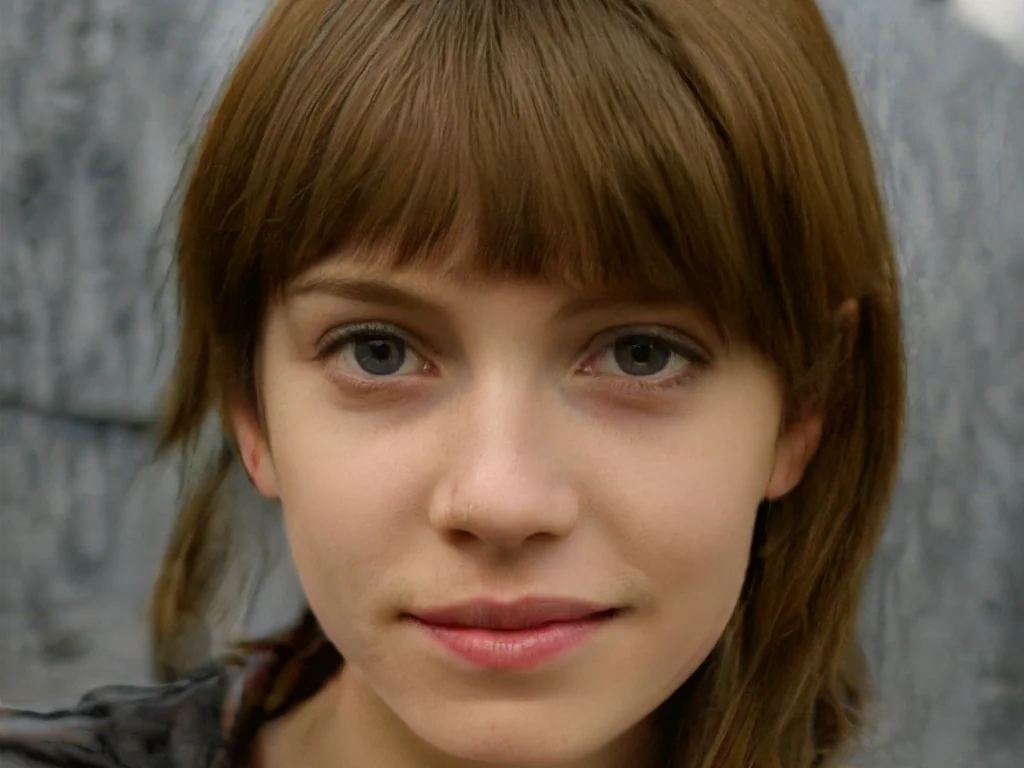
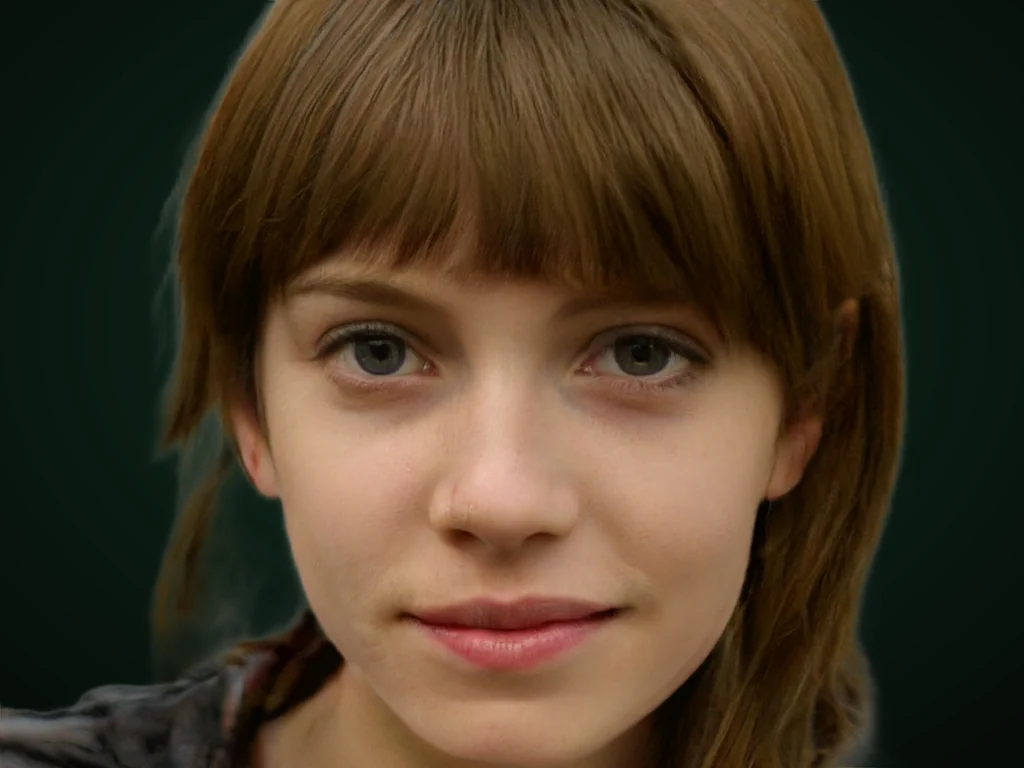 originalno background · 5 sPress and hold to see the before
 1.2 MB208 KB · −83 %Press and hold to see the before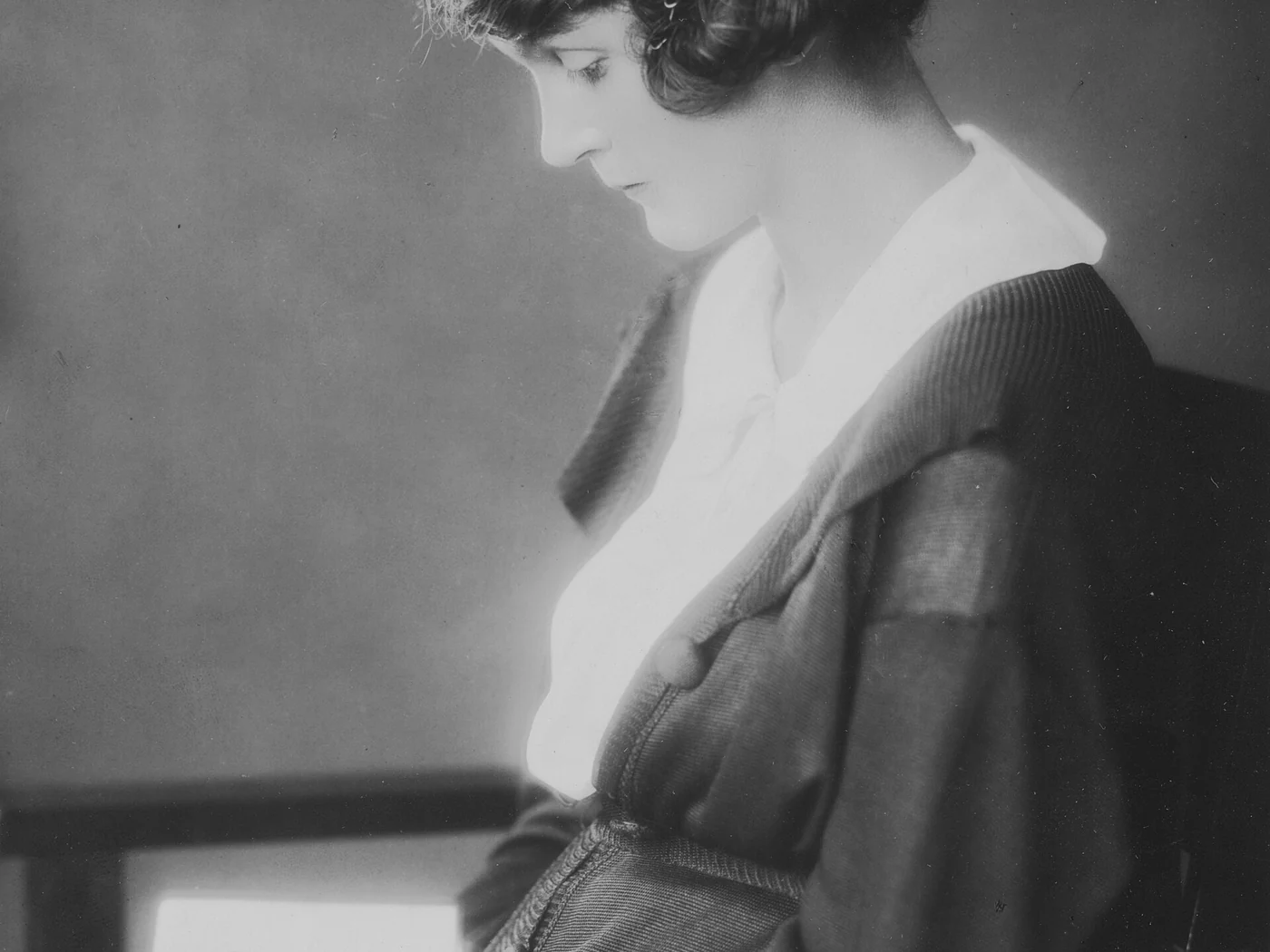
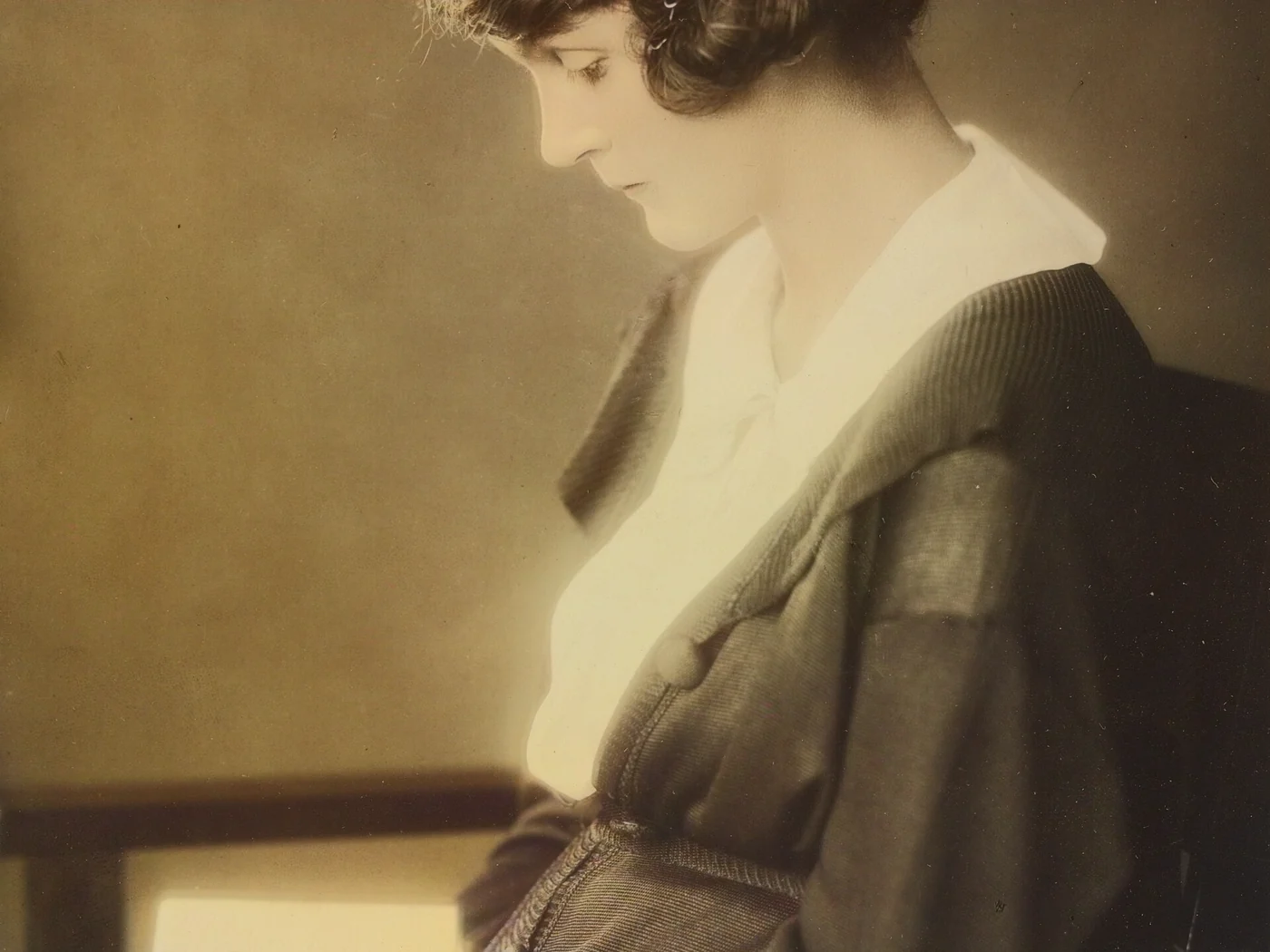 black & whiteAI color · 3 sPress and hold to see the before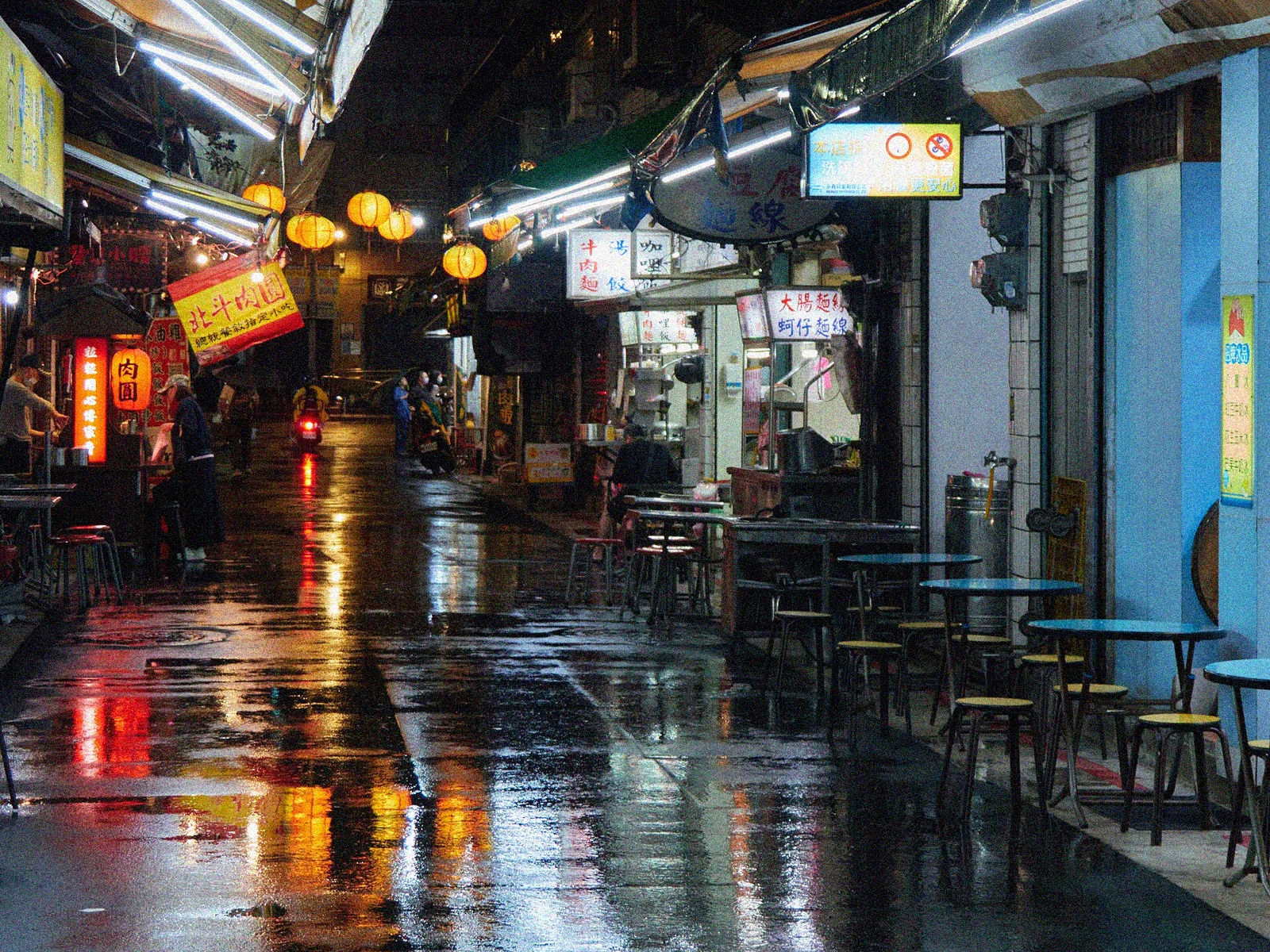
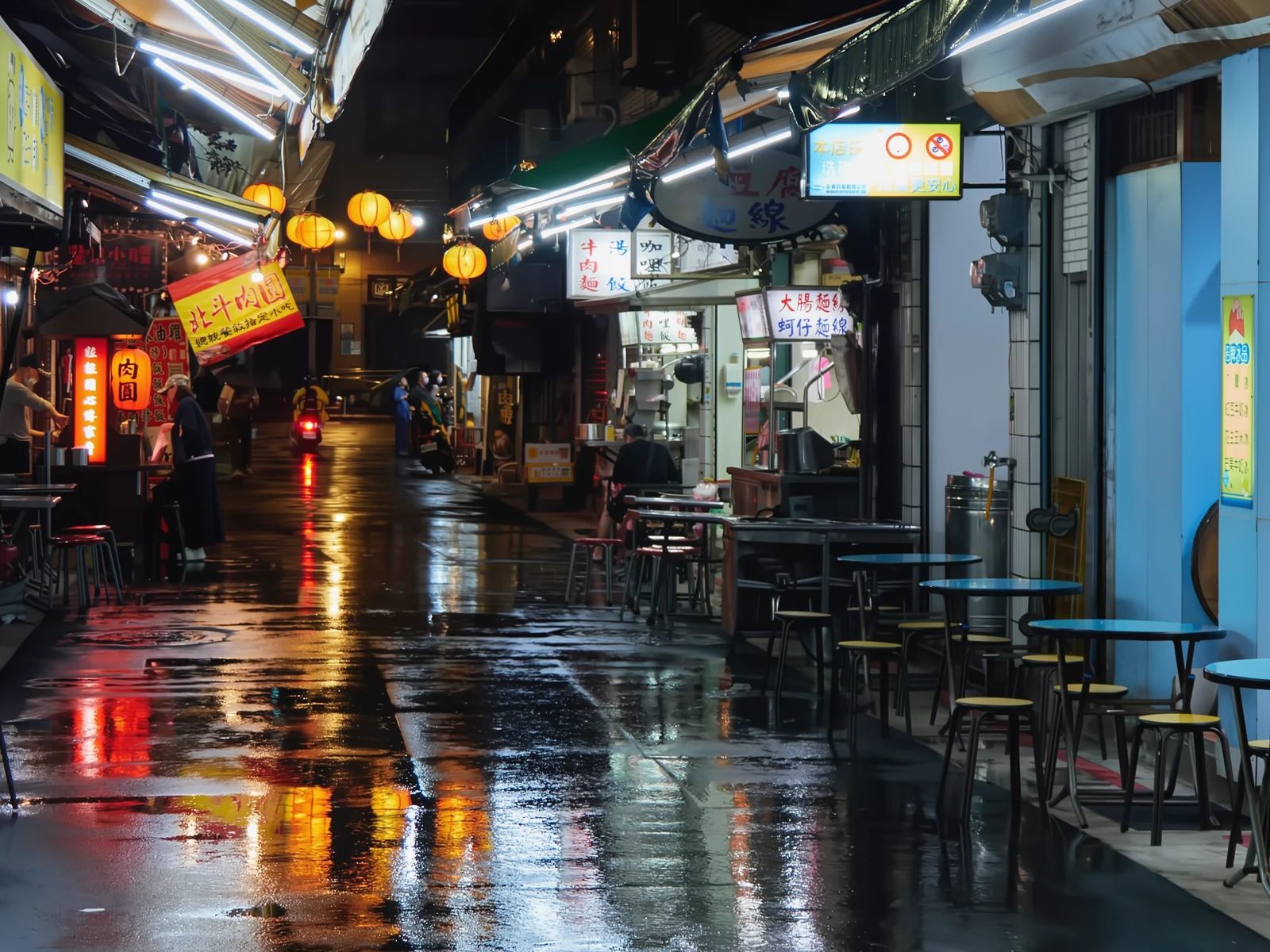 noisyclean · 5 sPress and hold to see the before
 blurry · 29 pxsharp · 7 sPress and hold to see the before
 with objectclean · 3 sPress and hold to see the before
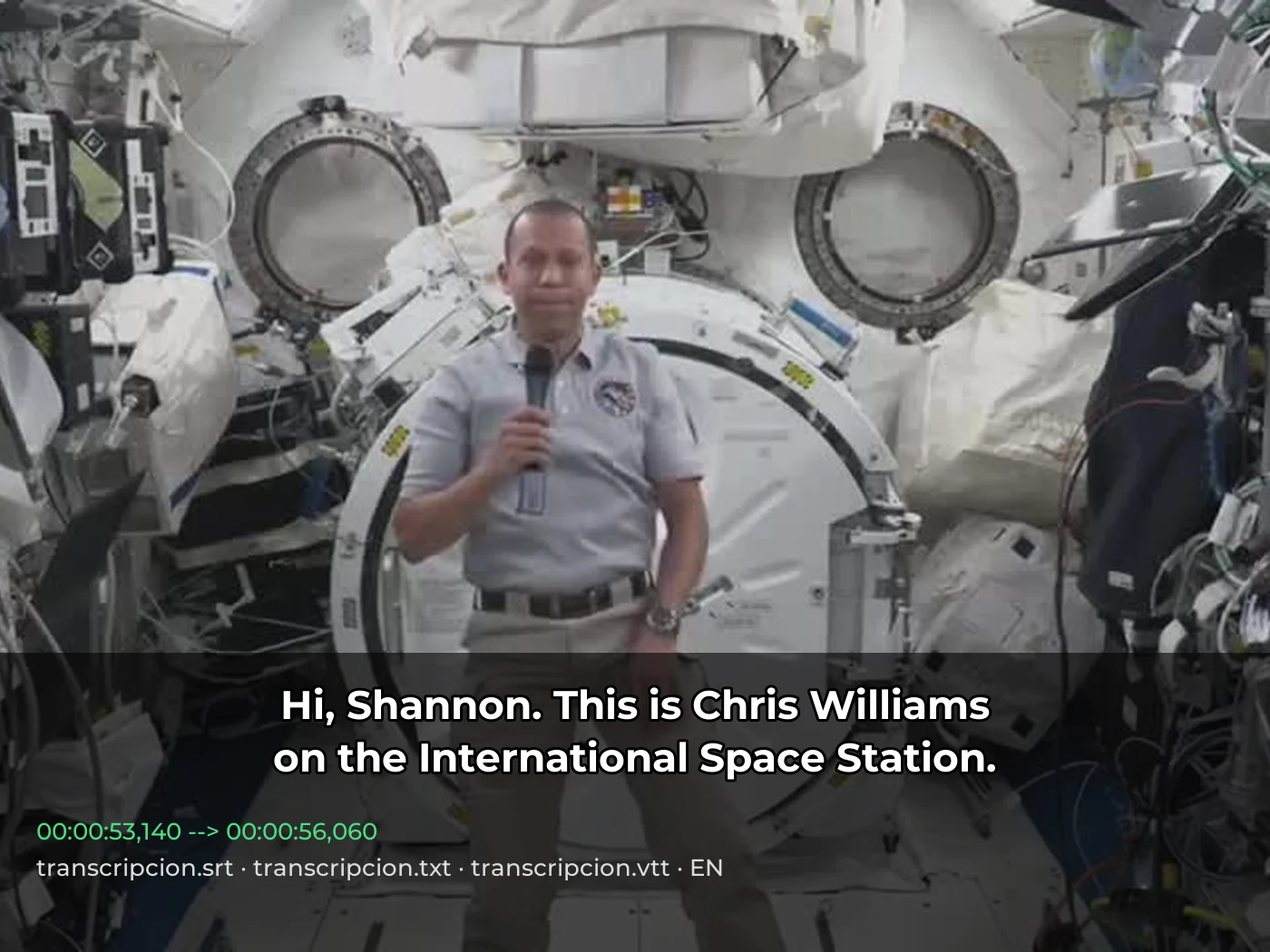 video · 3:00text + SRT · 24 sPress and hold to see the before
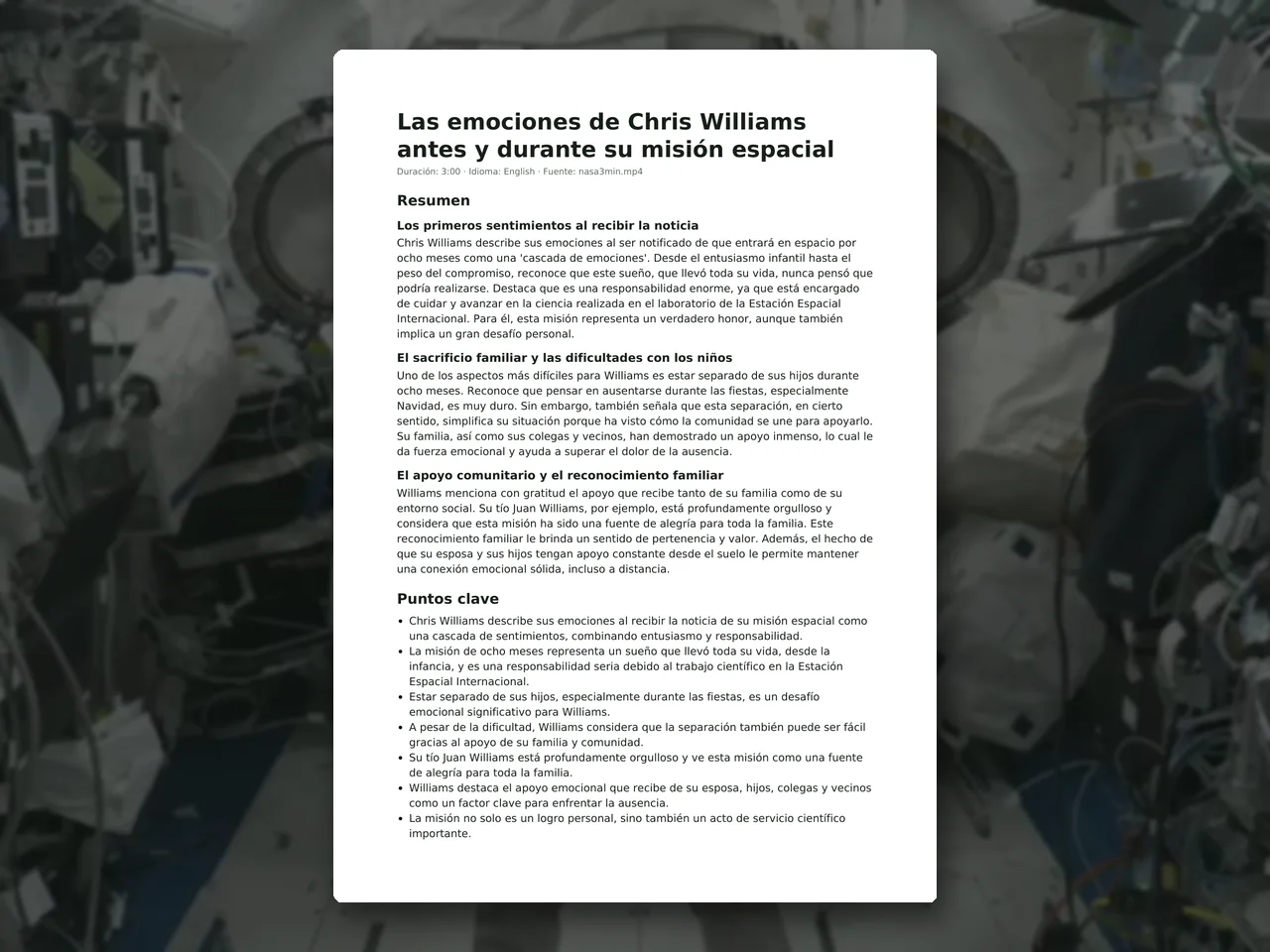 video · 6:38document · 169 sPress and hold to see the before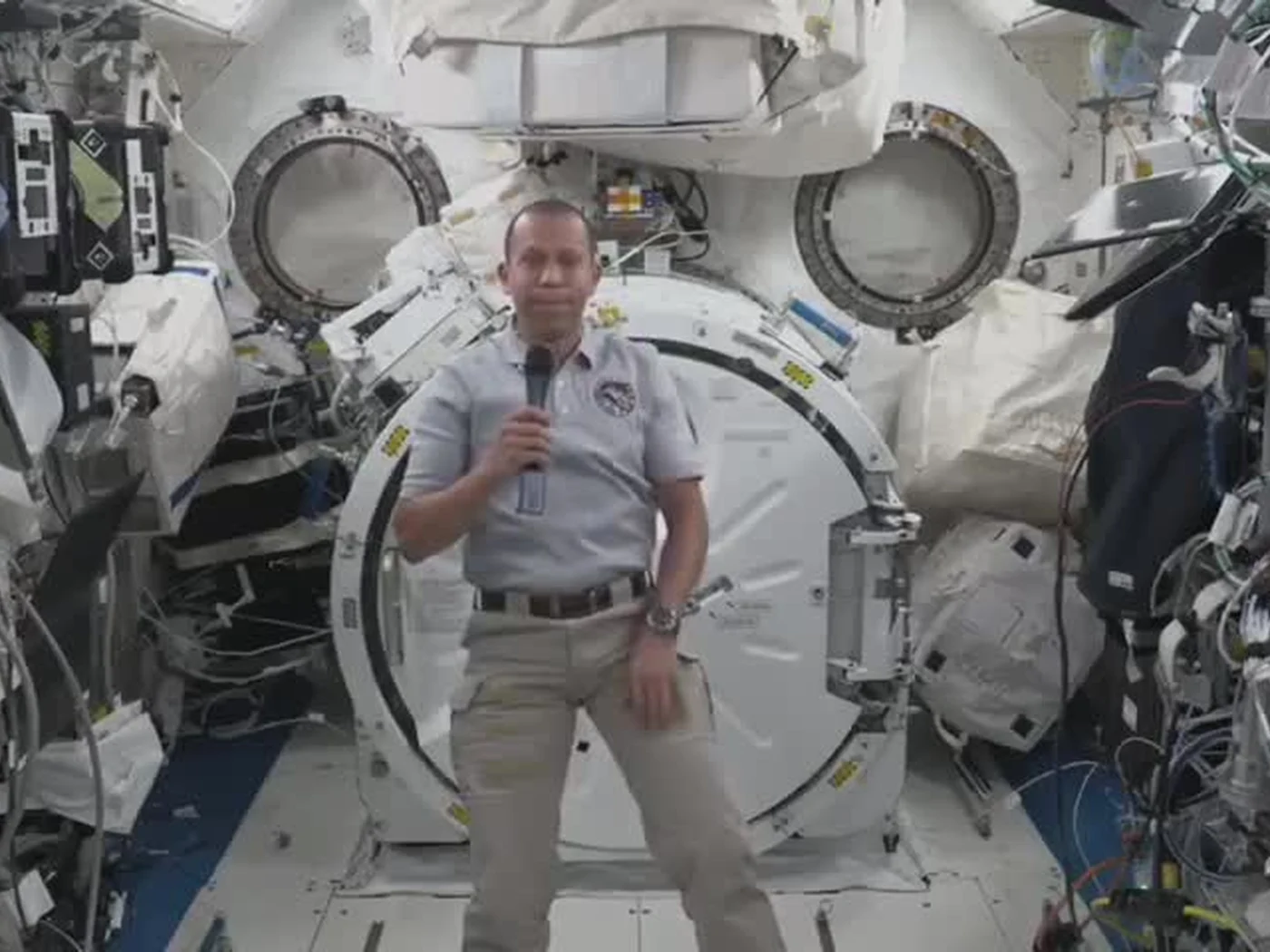
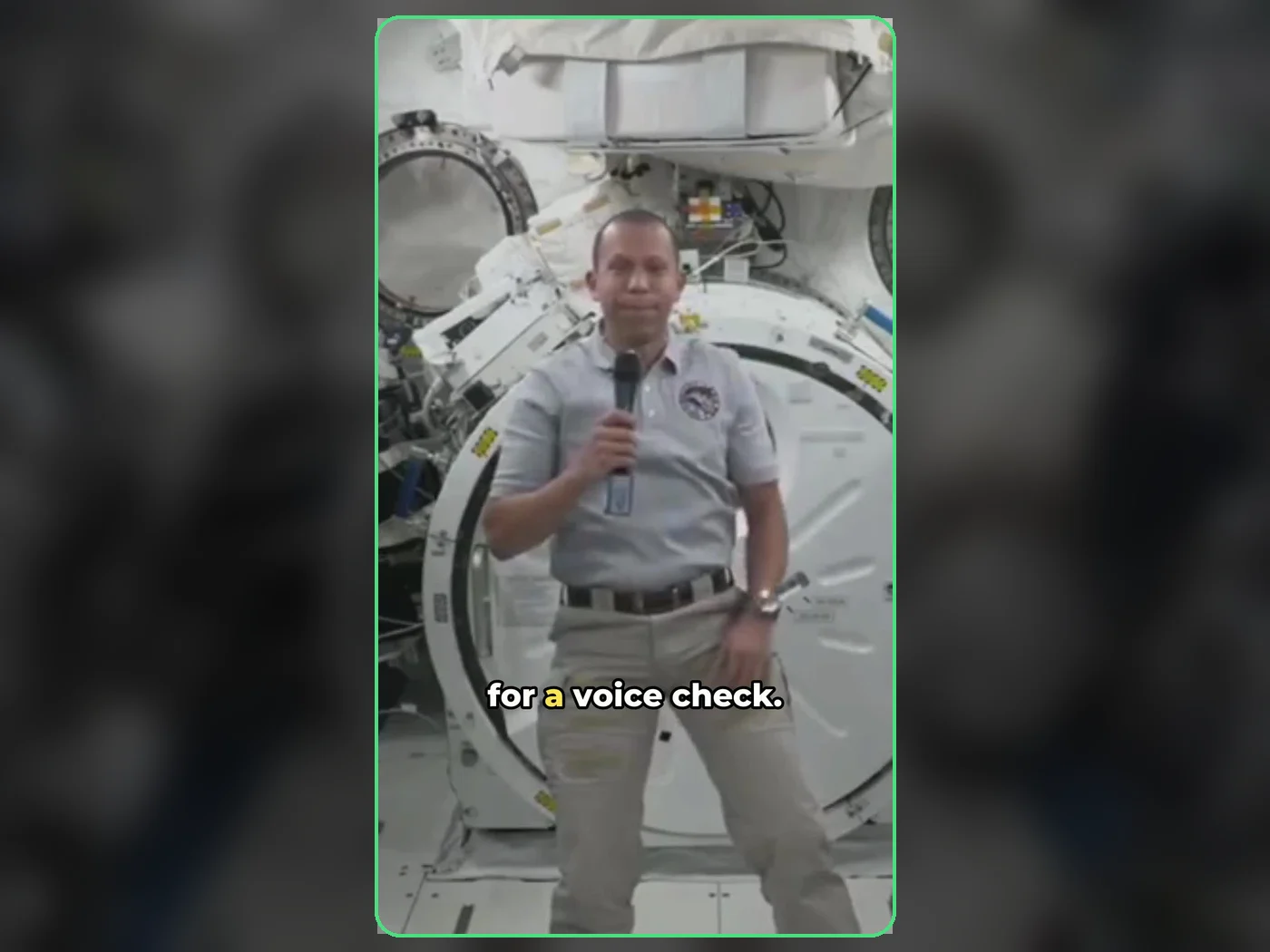 long video · 4:009:16 shorts · 2 × 31-33 sPress and hold to see the before
 photo5 s videoPress and hold to see the before
 text16:9 video · 5 sPress and hold to see the before
 480p clip4K · 2160pPress and hold to see the before
 5 clips9:16 reel · subtitlesPress and hold to see the before
 320×240 px×4 · 1280×960 pxPress and hold to see the before