Upscale a photo to print it large
Type the size of the print in centimetres and how far it will be seen from, and the tool works out the resolution you need and the factor to reach it. ×2 and ×4 run in a single pass; ×8, ×16 or Max by tiling, up to 600 megapixels. Check the ppi on screen before you send anything to the printer.
Type the size of the print in centimetres and how far it will be seen from, and the tool works out the resolution you need and the factor to reach it.
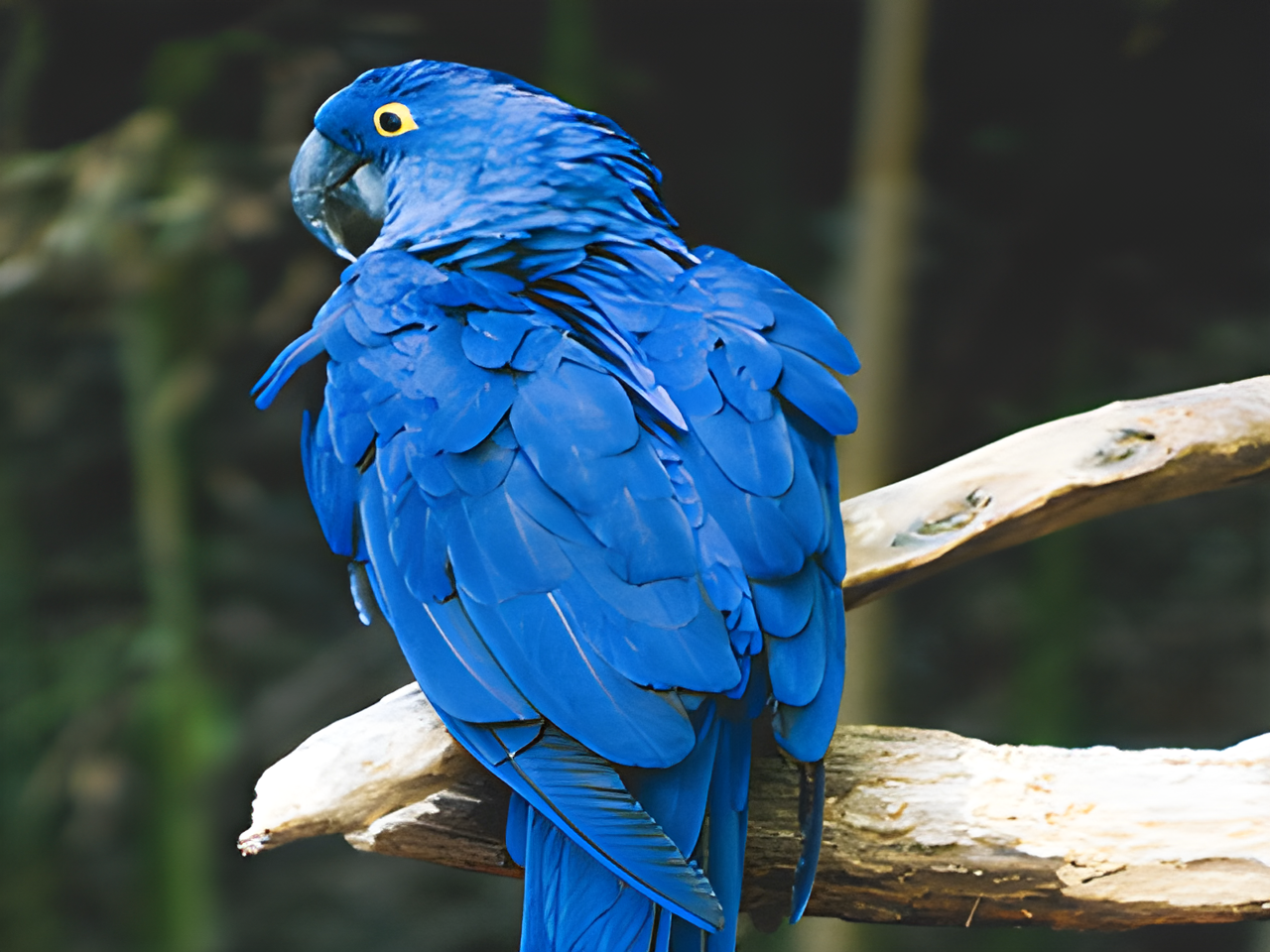
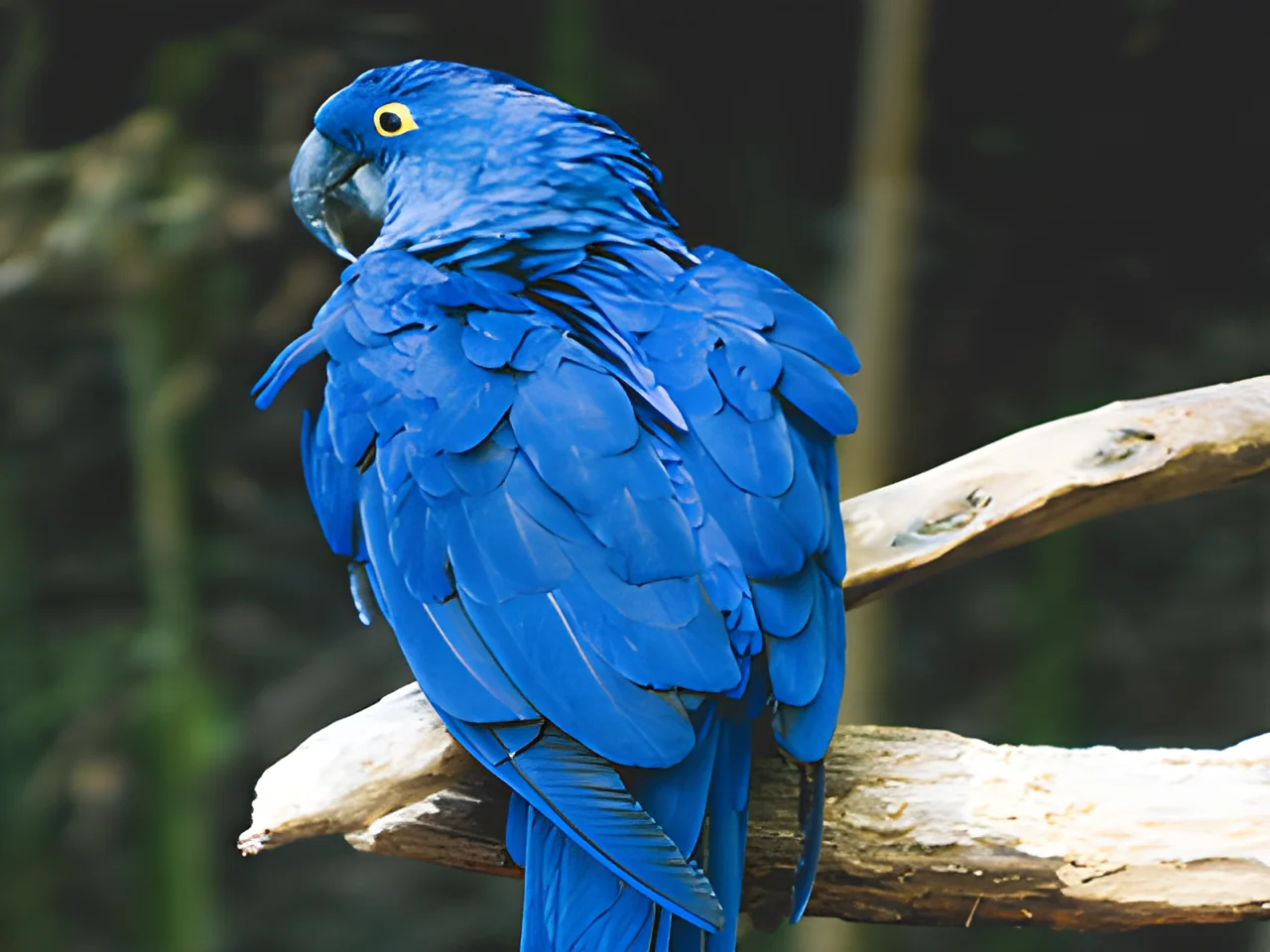
How it works
Pick the print size
Choose a preset (A3, A2, A1, canvas or banner) or type the width and height in centimetres. Then set the viewing distance: 30 cm for something held in the hand, 1 m for a wall, 3 m for a poster.
Check the factor and the ppi
The tool recommends an upscale factor and shows the ppi the print will get: 300 ppi for close viewing, down to 60 ppi for a banner seen from 5 m. Pick Extreme sharpness for photos and text, Painterly fill for illustrations and soft textures.
Compare and download
Inspect the result in the comparator and at full size before you download. If your original is a scan or has grain, the printing guide covers the order of steps to follow.
✓ Works best with
- Sharp or lightly compressed photos between 1 and 20 MP
- Real edges and textures the model can build on
- Shots that simply need more pixels for print or a larger screen
✗ Can't recover
- Tiny thumbnails and minuscule text
- Extreme blur or heavy JPEG block artefacts
- The detail it adds is a plausible reconstruction, not the original
Frequently asked questions
how many pixels do I need to print a photo at A3?
It depends on the viewing distance, not just the paper size. At 30 cm the rule is 300 ppi; at 1 m, 200 ppi is enough; at 2 m, 120; at 3 m, 100. Enter the size in centimetres and the distance in the tool and it tells you the pixels required and the factor to get there.
can I upscale a small image to poster size?
You can, within limits. The tool adds detail that is reconstructed and plausible, not the original detail, so a sharp 1 to 20 megapixel photo enlarges well while a thumbnail, tiny text or an extremely blurred shot will still look soft up close. The ppi readout tells you honestly whether the result is fine for the size you want.
what is the difference between ×4 and ×16?
×2 and ×4 run in a single pass and suit web and regular prints. ×8, ×16 and Max are processed by tiling and can reach 600 megapixels for large-format work. The recommended factor is picked automatically from your print size and viewing distance, so you rarely need to choose by hand.
do you keep my photo after upscaling?
No. Processing runs on GPUs in the European Union, the file is deleted one hour after you download it (one day at most) and it is never used to train anything. There is no account to create: you process and preview for free and pay only when you download the full file, with one free download a month.
Articles about Image Upscaler
Upscale a photo to print it large
Type the size of the print in centimetres and how far it will be seen from, and the tool works out the resolution you…
DPI calculator for printing: how many pixels you need
Enter your print size in cm and the viewing distance to get the exact pixels you need at 300, 200 or 150 DPI, plus a…
How to upscale an image for large-format printing
Pixels needed per print size, how many ppi are enough depending on viewing distance, and how to upscale with AI up to 600 MP for banners, canvases and vinyl.
Enhancing a photo with an AI chatbot: why it changes your picture
Asking an AI chatbot to enhance a photo returns a small, redrawn image with new faces and text. See how restoration differs and when to use each.
Upscale an image without Photoshop
Upscale an image without Photoshop, remove noise, erase objects or cut out the background in your browser. No account or install, and when an editor wins.
Pixelated WhatsApp photo: what can really be recovered
Why WhatsApp photos arrive pixelated, how to get the original, and how to clean and upscale what is left with AI without inventing a different face.
More tools in the suite
 originalno background · 5 sPress and hold to see the before
 1.2 MB208 KB · −83 %Press and hold to see the before
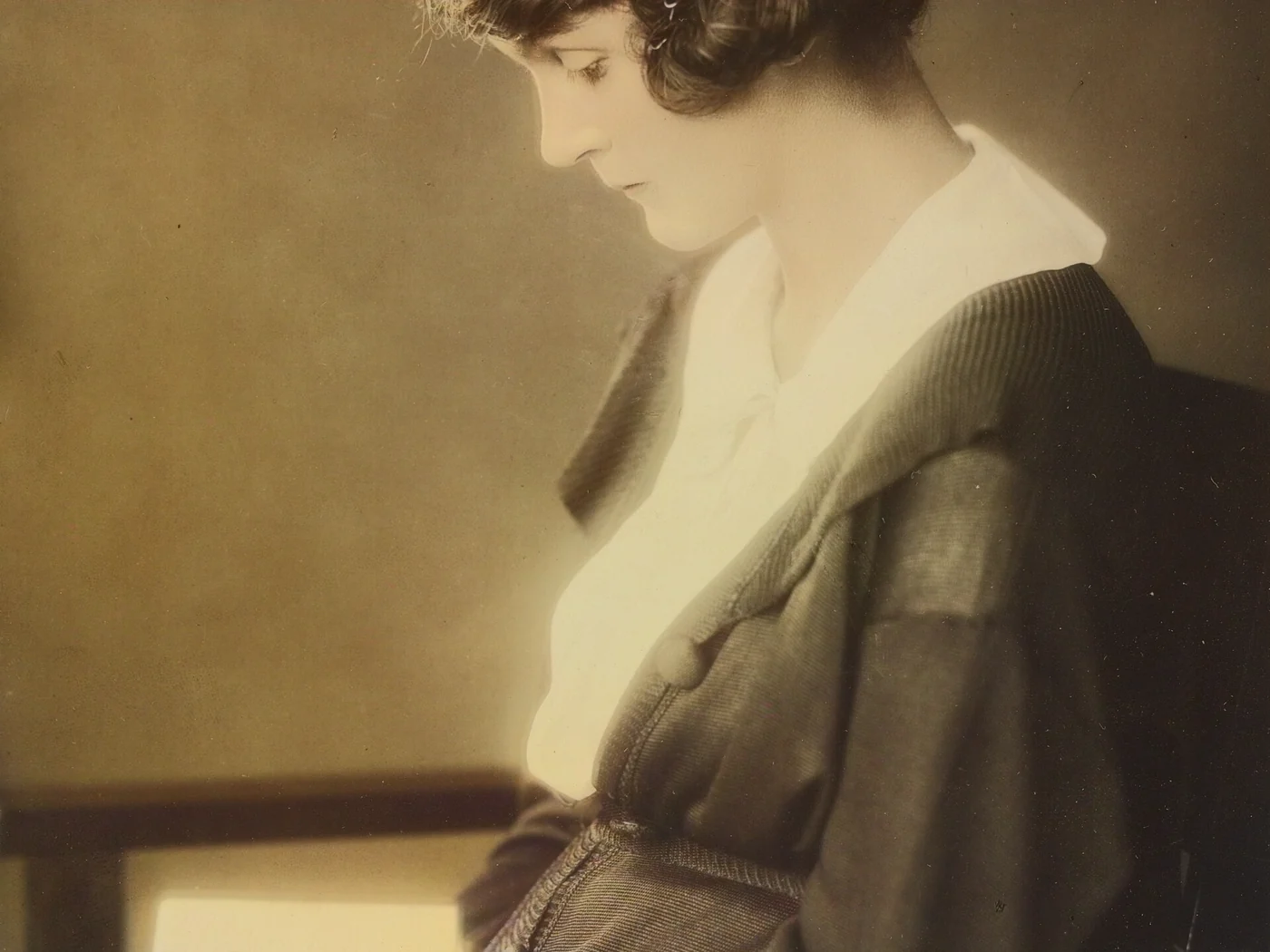 black & whiteAI color · 3 sPress and hold to see the before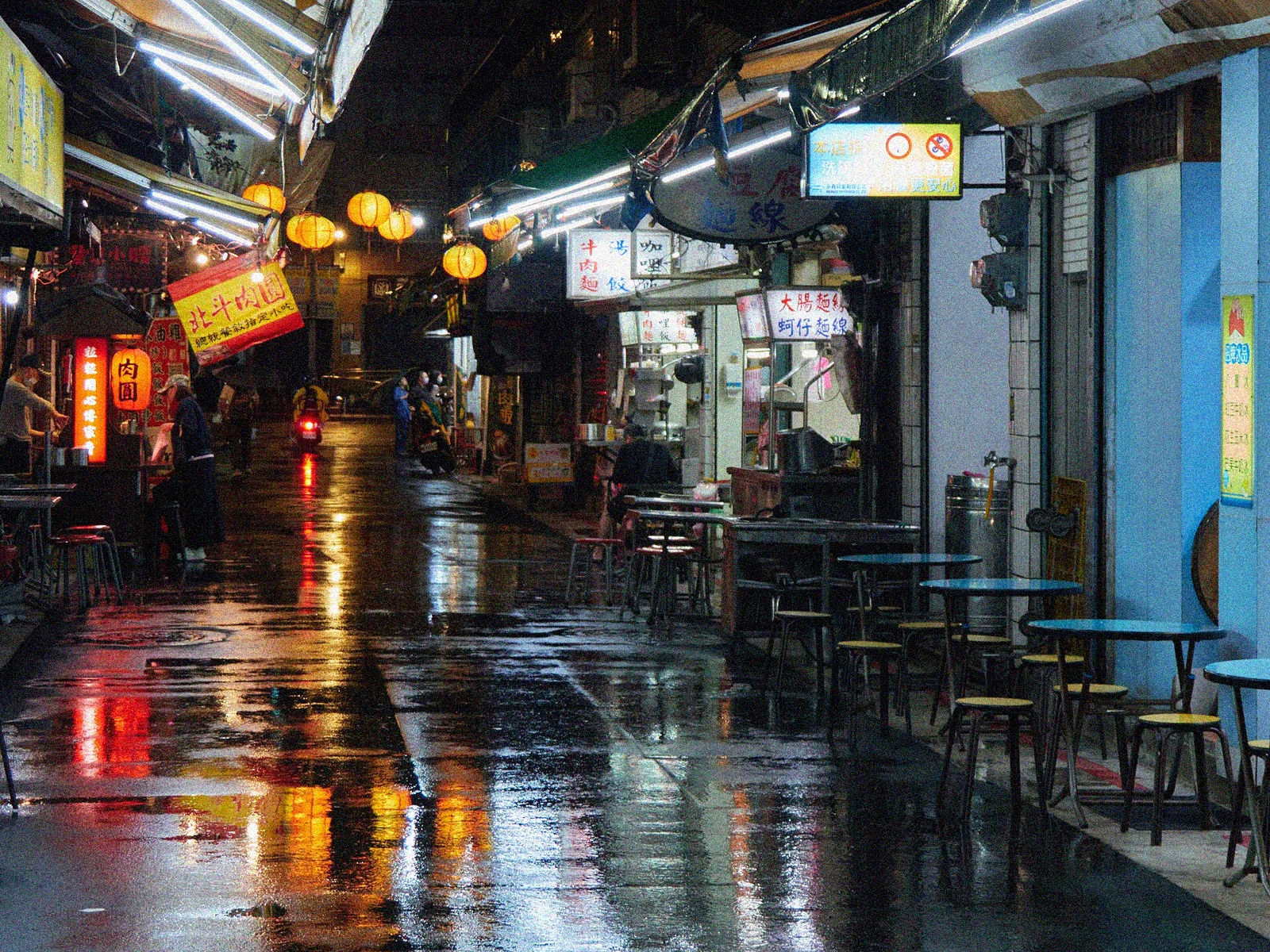
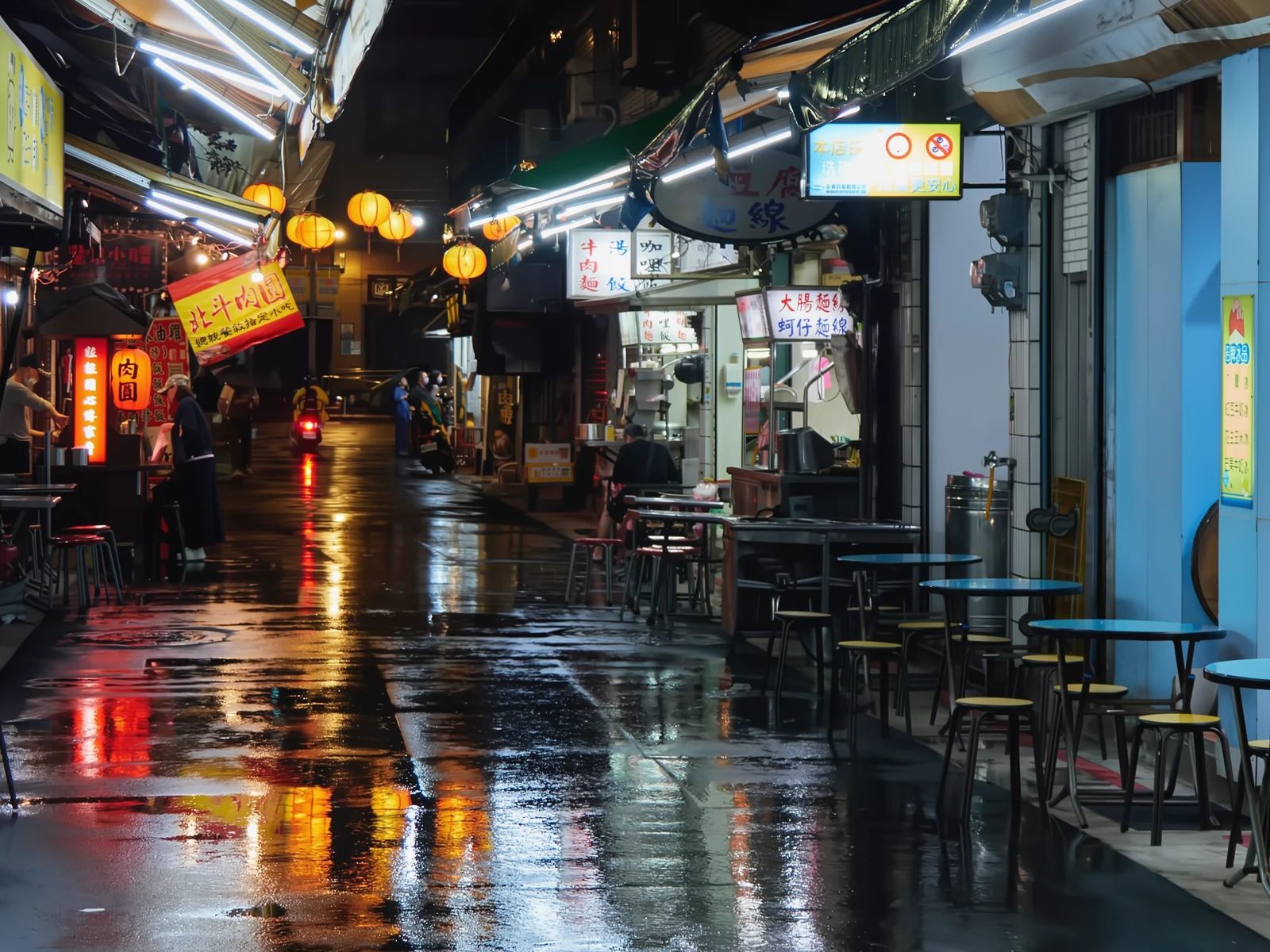 noisyclean · 5 sPress and hold to see the before
 blurry · 29 pxsharp · 7 sPress and hold to see the before
 scan · 1863restored · 9 sPress and hold to see the before
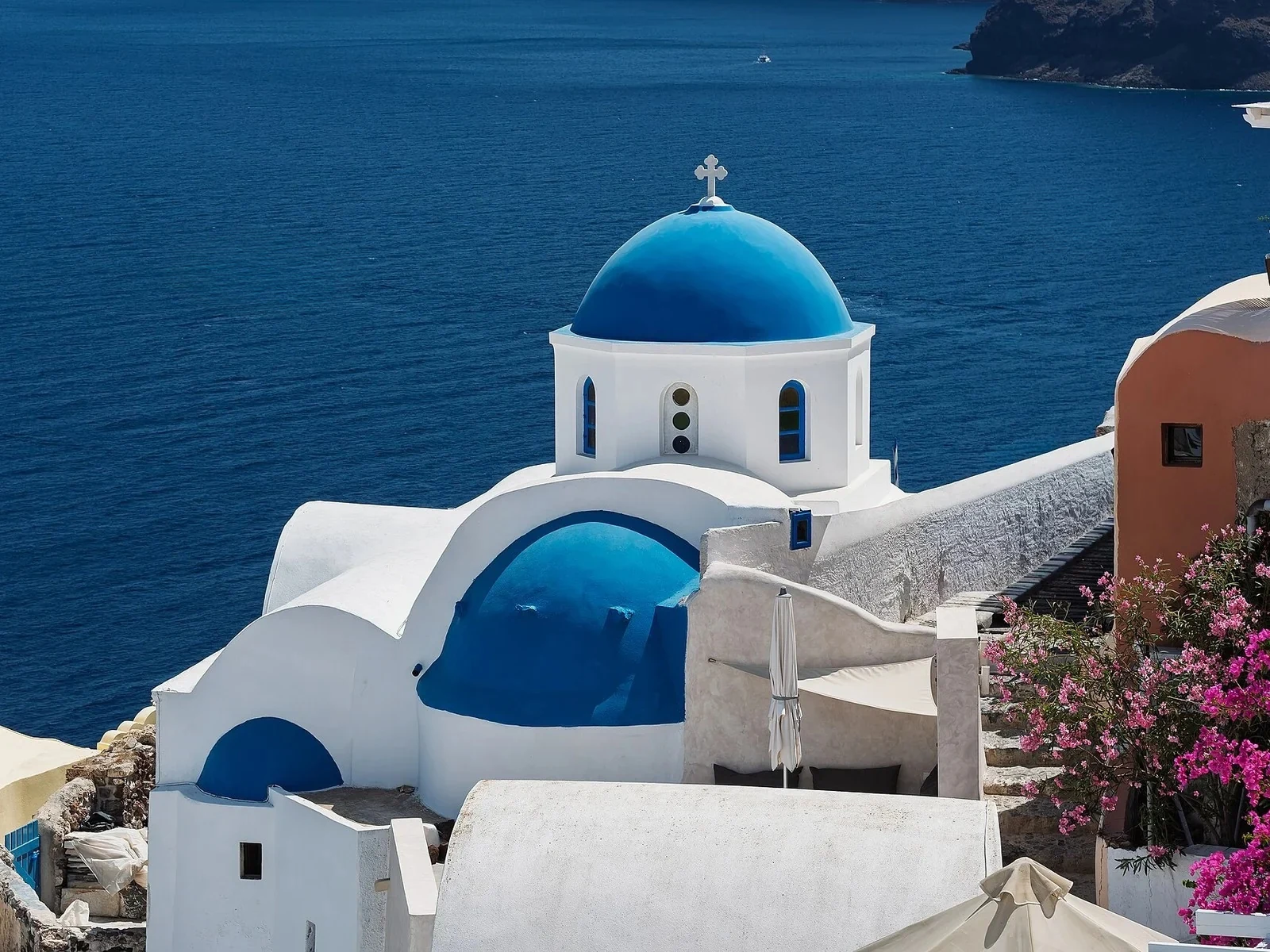 with objectclean · 3 sPress and hold to see the before
 video · 3:00text + SRT · 24 sPress and hold to see the before
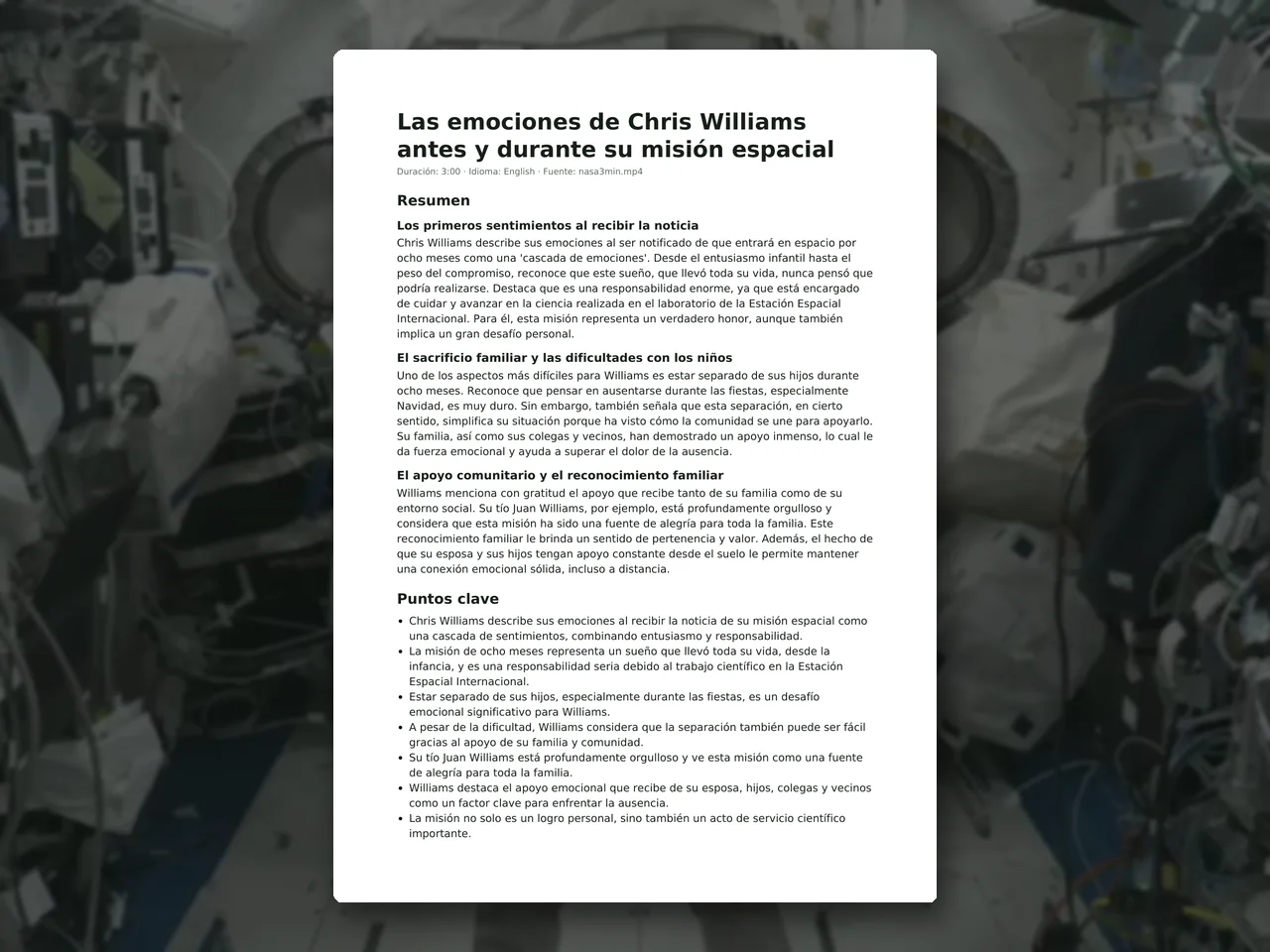 video · 6:38document · 169 sPress and hold to see the before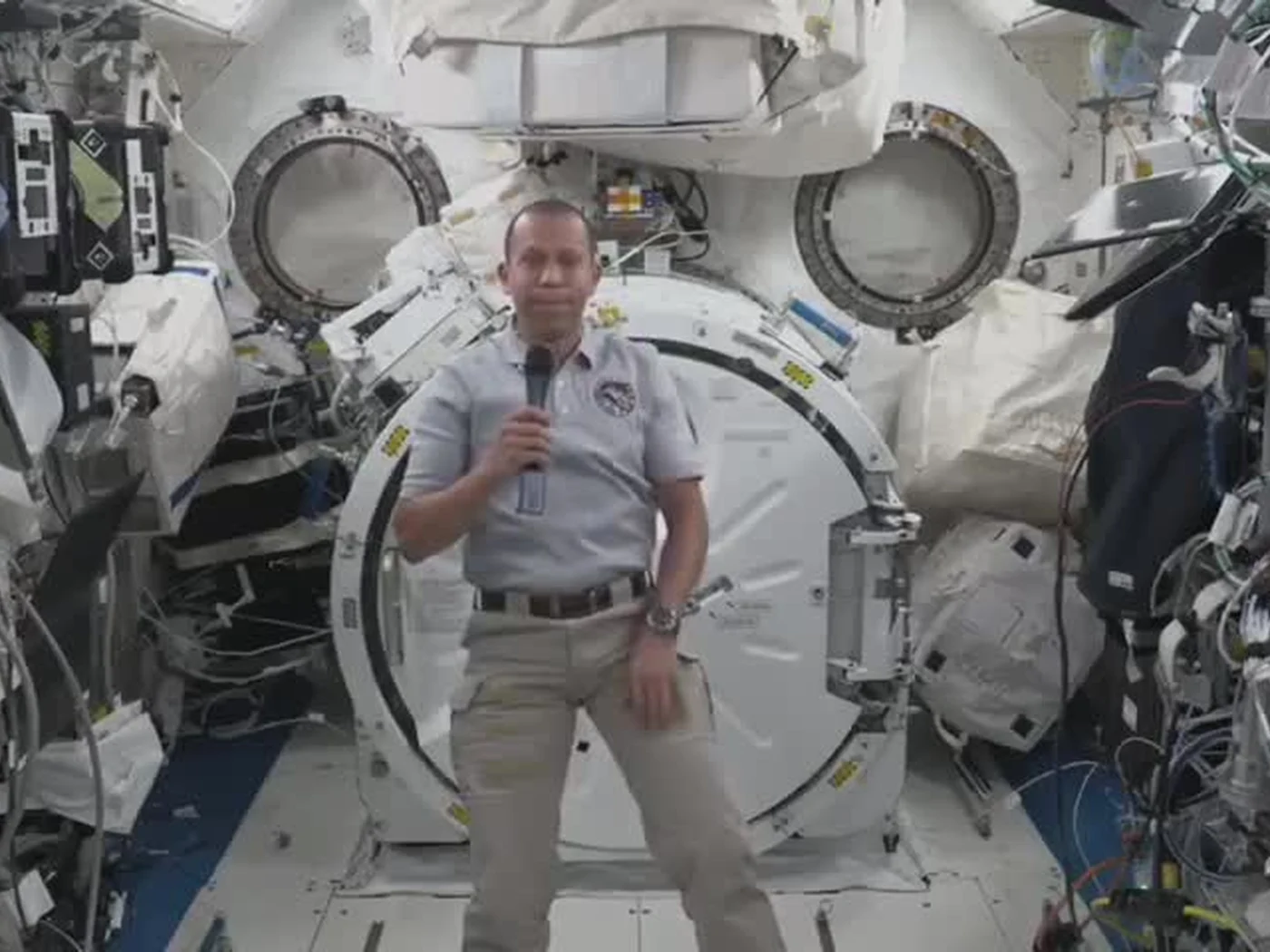
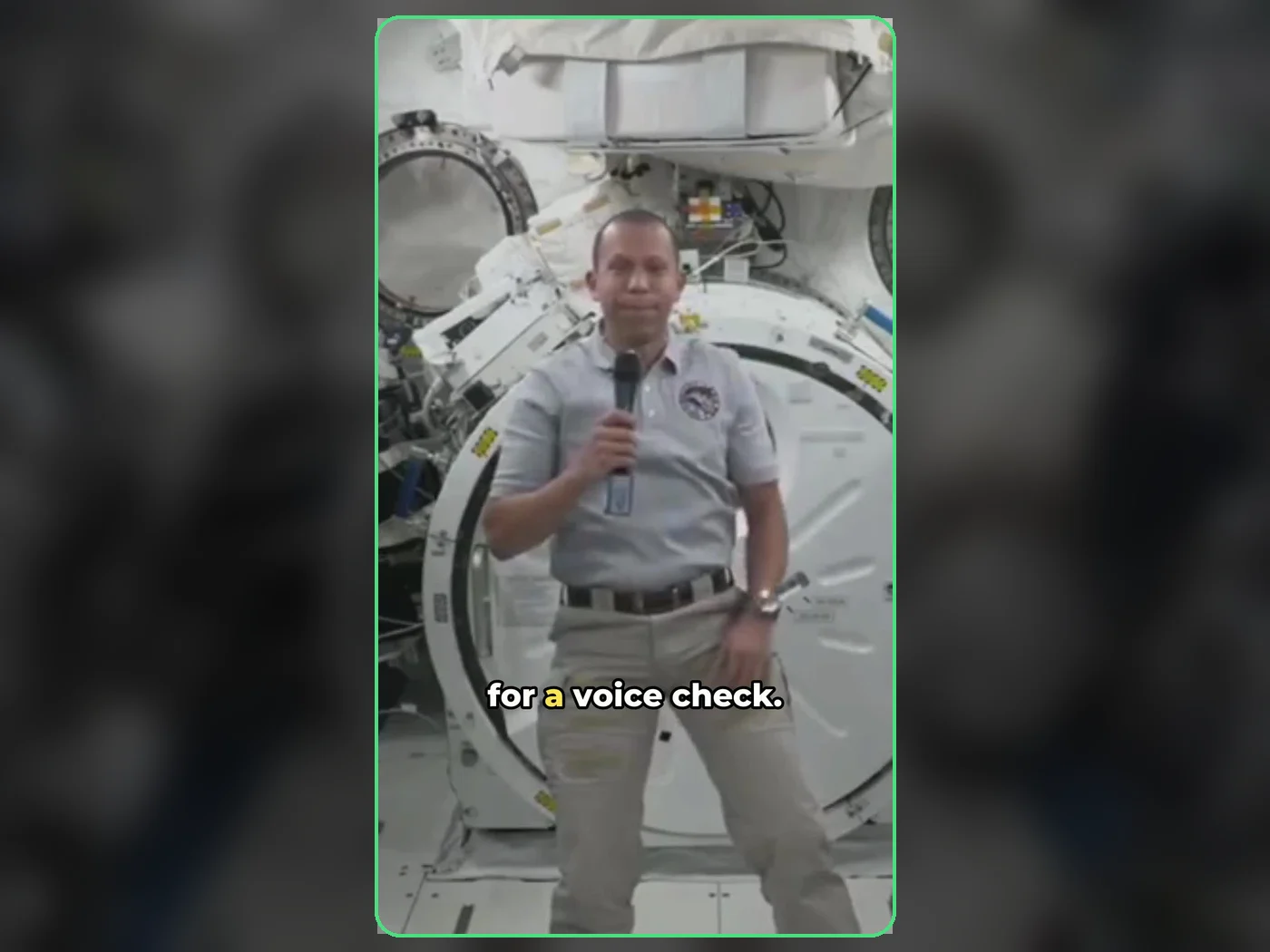 long video · 4:009:16 shorts · 2 × 31-33 sPress and hold to see the before
 photo5 s videoPress and hold to see the before
 text16:9 video · 5 sPress and hold to see the before
 480p clip4K · 2160pPress and hold to see the before
 5 clips9:16 reel · subtitlesPress and hold to see the before
 320×240 px×4 · 1280×960 pxPress and hold to see the before